


Aarklash: Legacy
- Genres
- Adventure · Strategy
- Release
- Sep 12, 2013
- Developer
- Cyanide Studio
- Metacritic
Lowest price across all offers
from $1.23110 ₽
Offers
The price depends on the platform and the activation region.
- WorldwideWorks in Russia$1.23110 ₽1
About the game
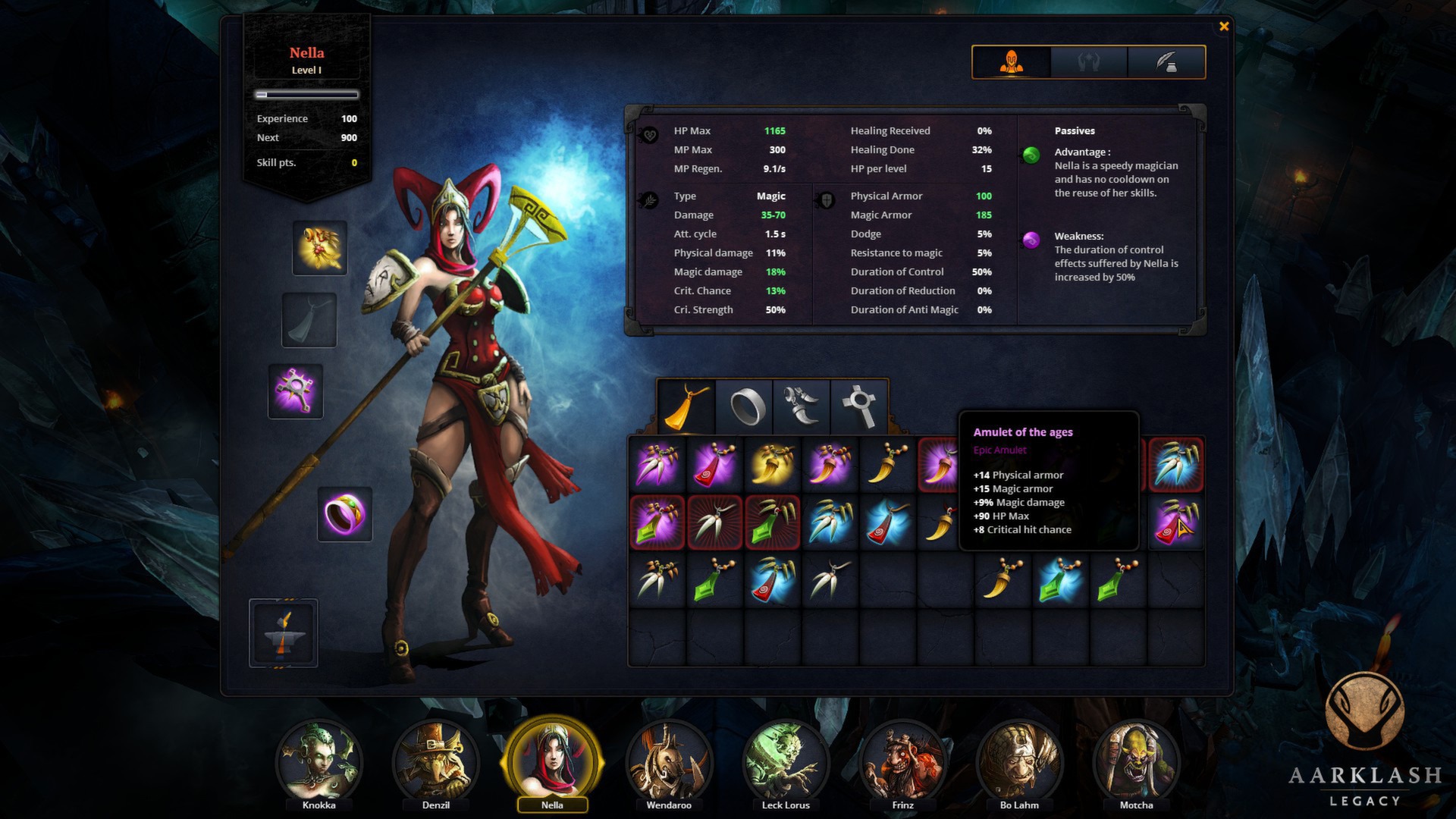
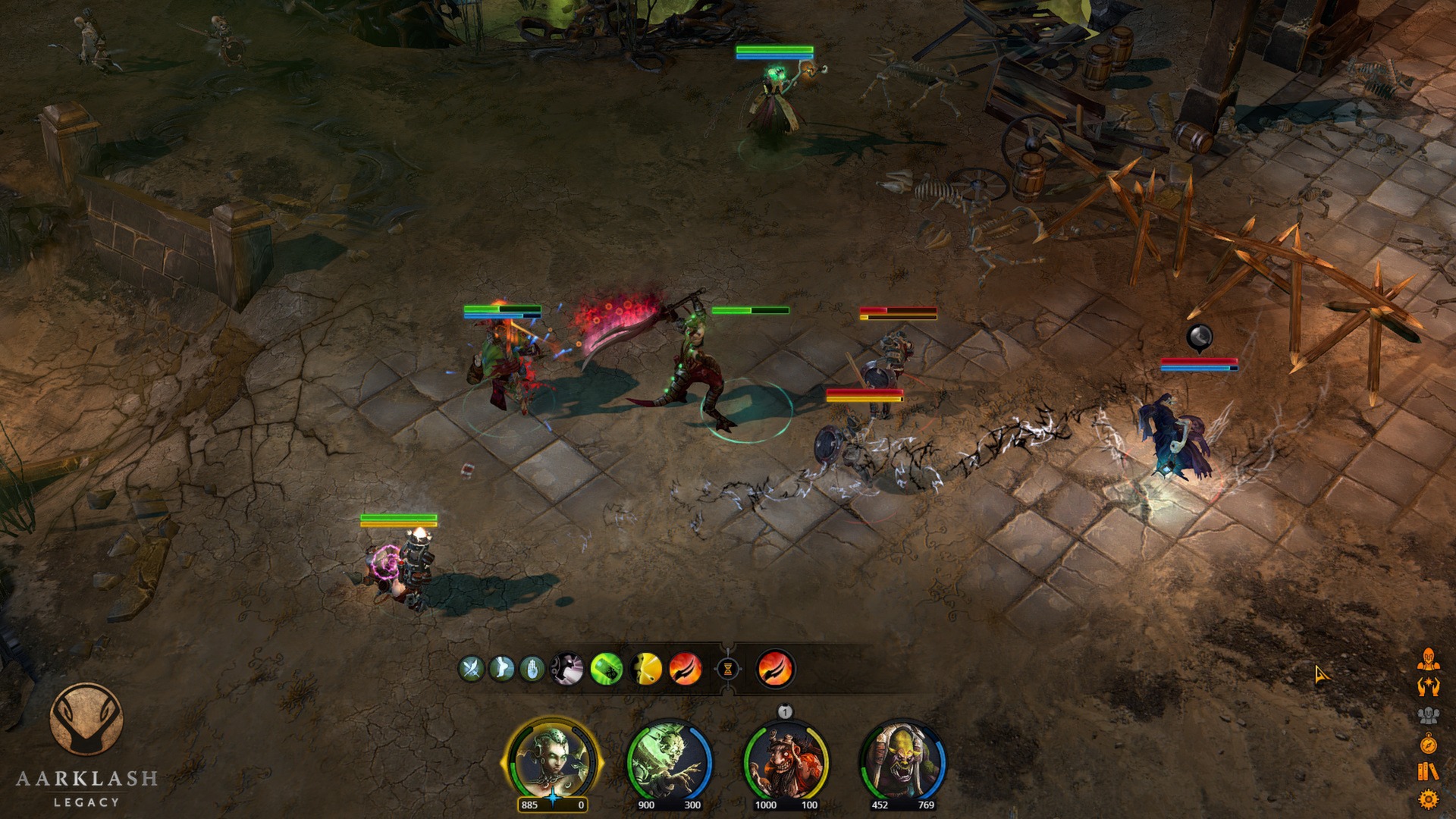
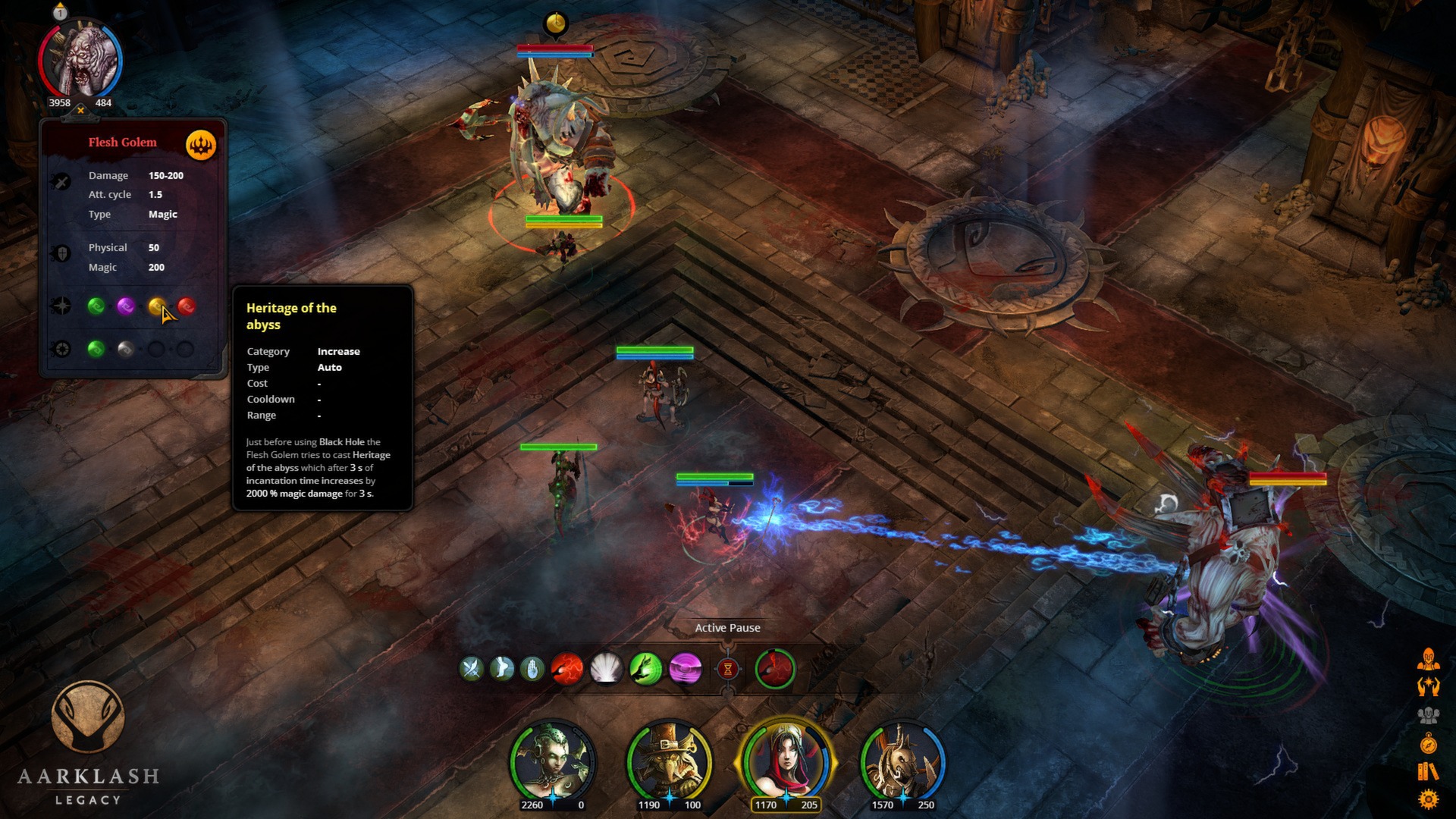
In Aarklash: Legacy take command of a mercenary squad in search of truth and guide it through countless battles.Welcome to Aarklash, a land of chaos where incessant battles between the forces of Light, Destiny and Darkness have lasted since the beginning of time.
Screenshots
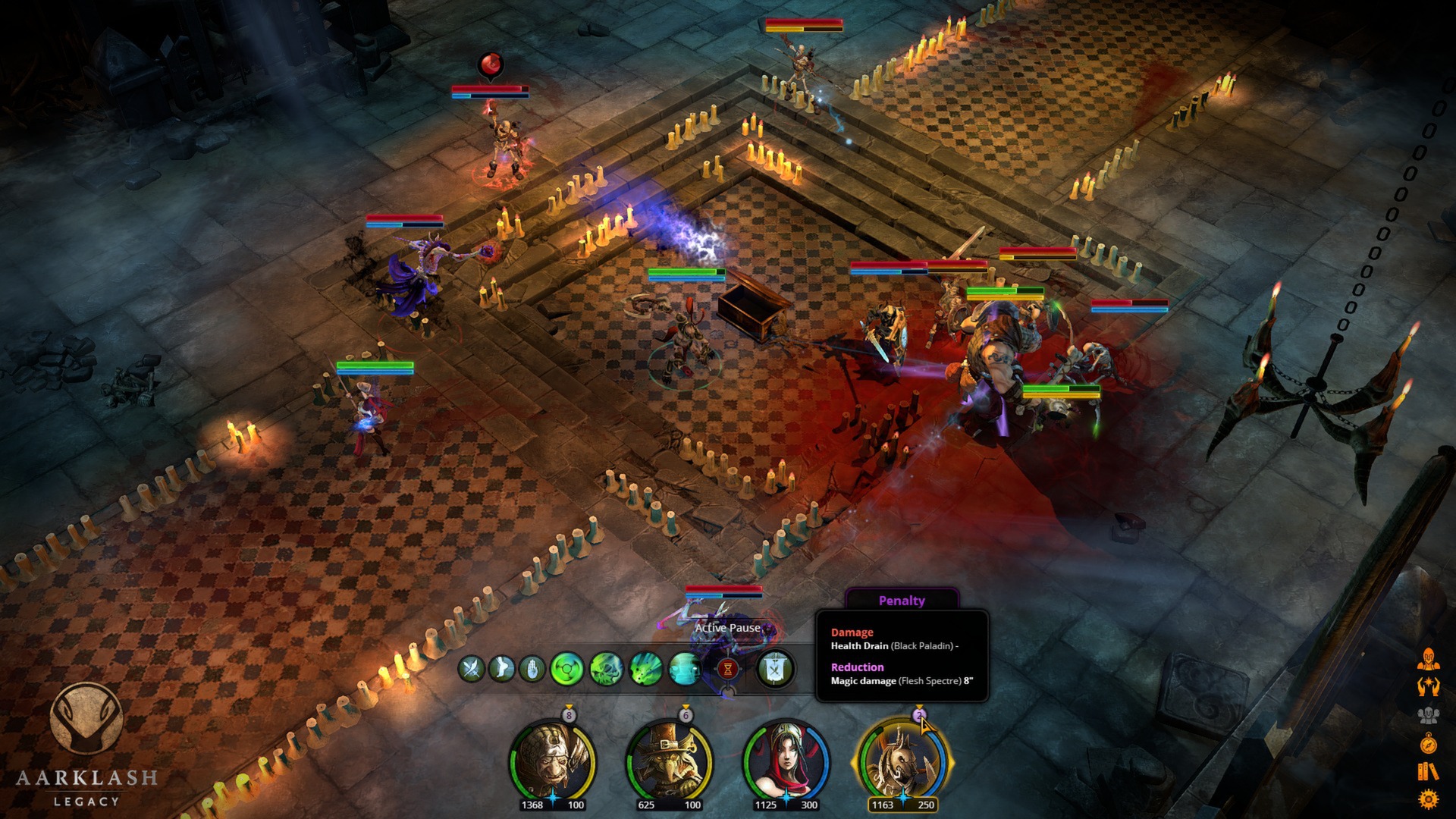
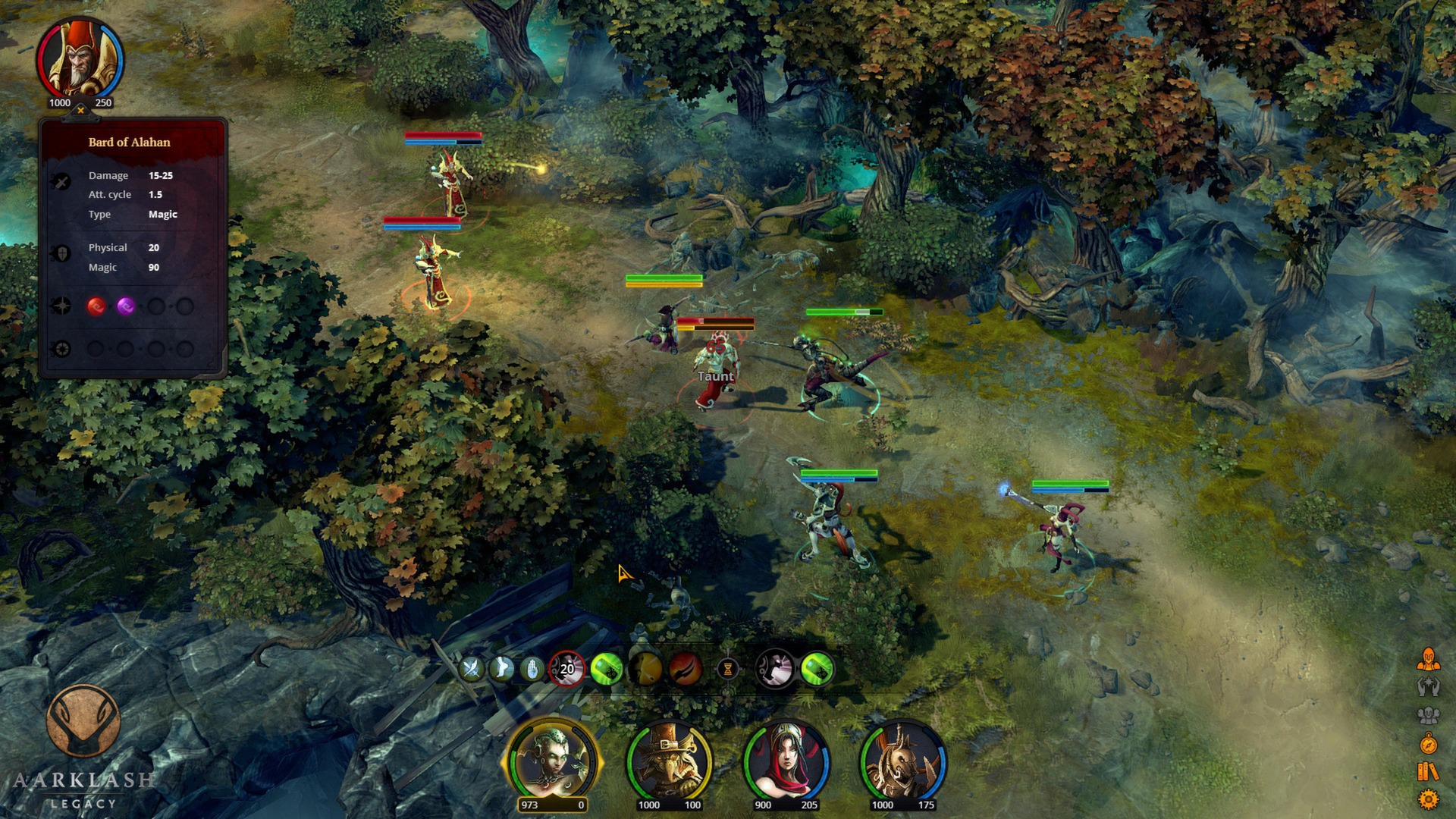
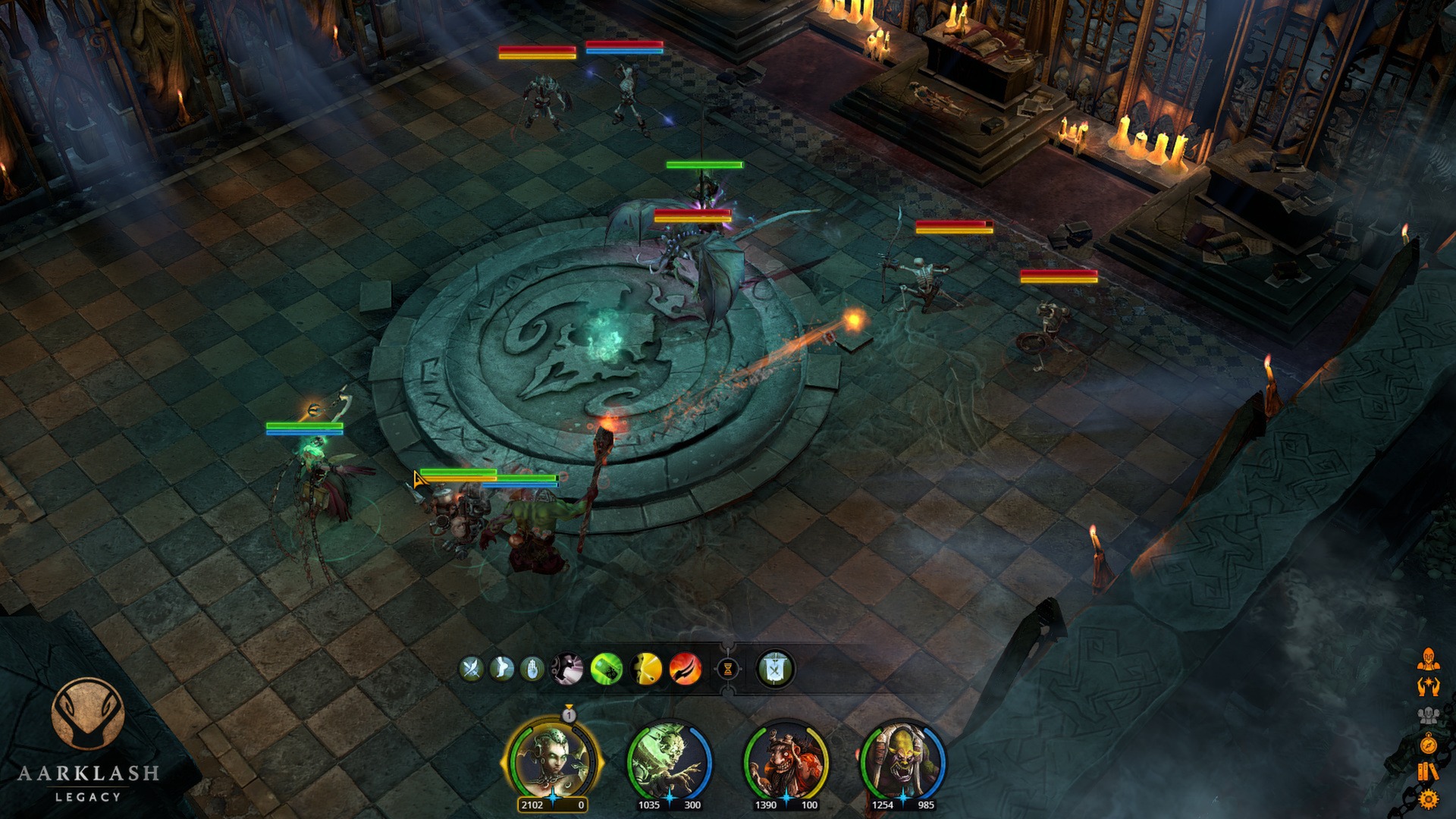
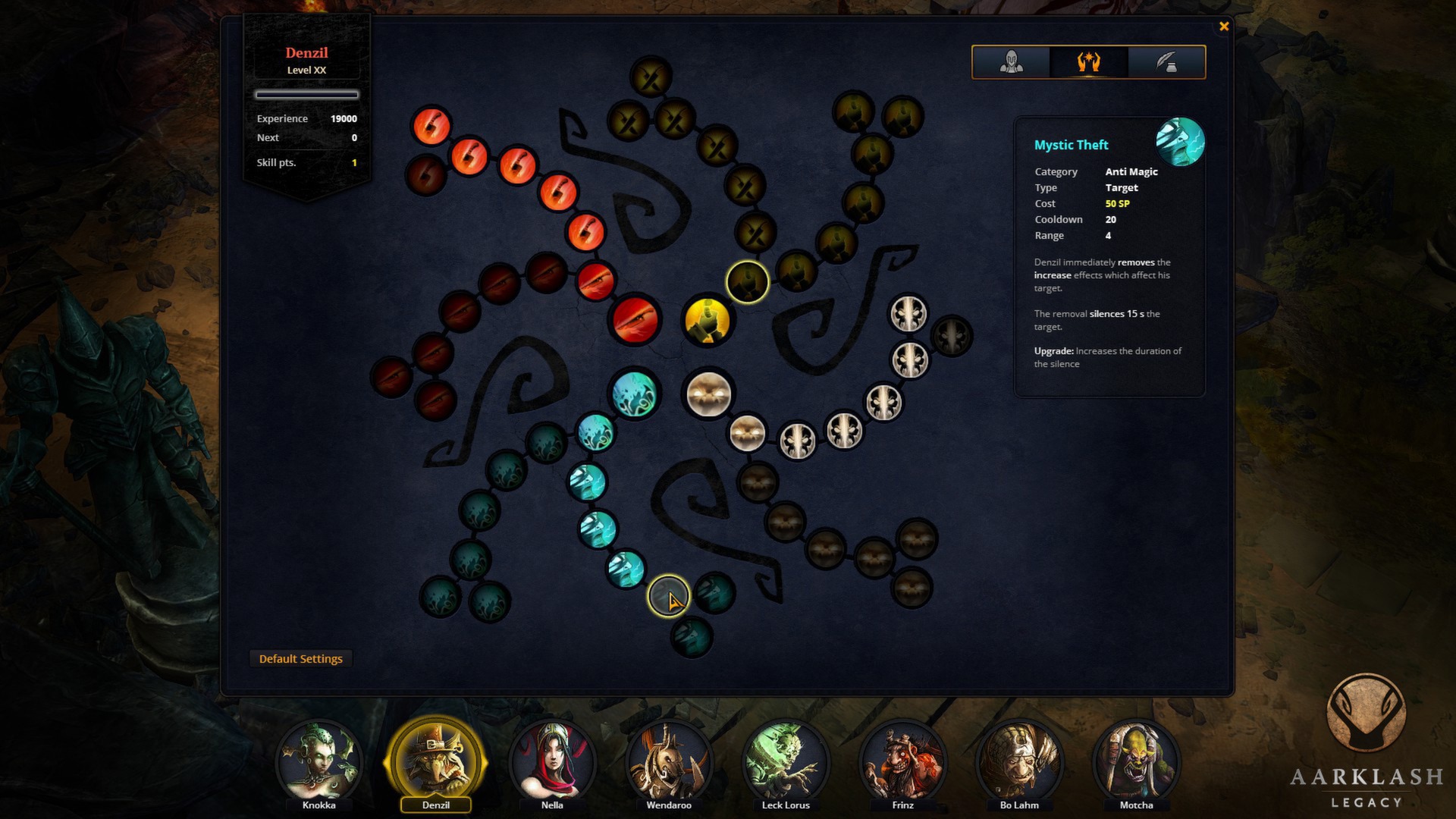
System requirements
Minimum
• OS *: Windows 7 / Vista / XP PC (32 ou 64 bit) • Processor: AMD/intel dual-core running at 1,8 GHz (AMD Athlon II and Intel Core2Duo are the oldest CPU architectures recommended) • Memory: 1,5 Go for windows XP / 2 Go for Vista, Seven or 8 GB RAM • Graphics: Integrated or mobile graphic card, with at least 256MB of dedicated VRAM and with at least DirectX 9.0c and Shader Model 4.0 support. ATI/AMD Radeon 3800 series and above and NVIDIA GeForce 8600 series are minimum required graphic cards • DirectX: Version 9.0c • Storage: 4 GB available space • Sound Card: Integrated or dedicated DirectX 9 compatible soundcard
Recommended
• OS *: Windows 7 / Vista / XP PC (32 ou 64 bit) • Processor: AMD/intel quad-core running at 2,2 GHz (Intel Core I 1st gen or AMD Phenom II x4 or newer architectures are recommended) • Memory: 2 Go for 32 bit windows (XP/Vista/7/8) / 3 Go for 64 bit windows (XP/Vista/7/8) GB RAM • Graphics: ATI/Nvidia dedicated or mobile graphic card with at least 512MB of dedicated VRAM and with at least DirectX 9.0c and Shader Model 4.0 support. ATI/AMD Radeon HD4800 series and NVIDIA GeForce GTX260 and above are recommended graphic cards • DirectX: Version 9.0c • Storage: 4 GB available space • Sound Card: Integrated or dedicated DirectX 9 compatible soundcard
Languages: English*, French, German, Spanish - Spain, Russian, Polish
How to activate
Steam
- Start Steam on your computer and sign in to the account you will play on.
- In the Games menu, choose Activate a Product on Steam. You can also start from Add a Game at the bottom left.
- Go through the introductory screens, review Steam’s terms and paste the complete key without surrounding spaces.
- Finish activation, then find the game in your Library and select Install.
Game details from Steam.