


Abiotic Factor
- Genres
- Action · Adventure · RPG · Simulation
- Release
- Jul 22, 2025
- Developer
- Deep Field Games
Lowest price across all offers
from $10.19870 ₽
Offers
The price depends on the platform and the activation region.
- CISCIS region$10.19870 ₽1
- —Not for Russia$23.382,000 ₽1
- EuropeNot for Russia$28.972,470 ₽1
- WorldwideWorks in Russia$30.772,630 ₽1
- United StatesNot for Russia$30.772,630 ₽1
About the game
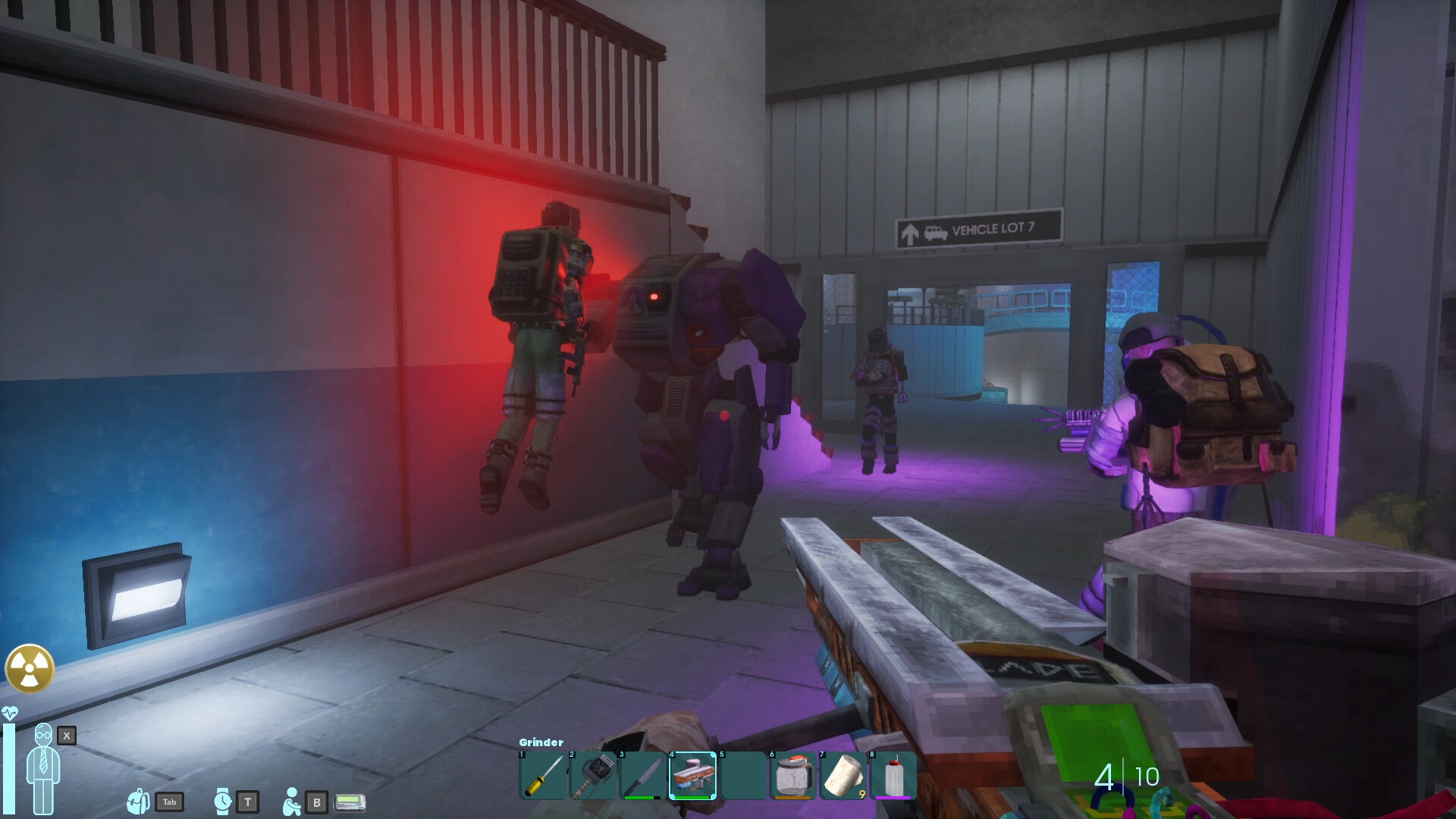
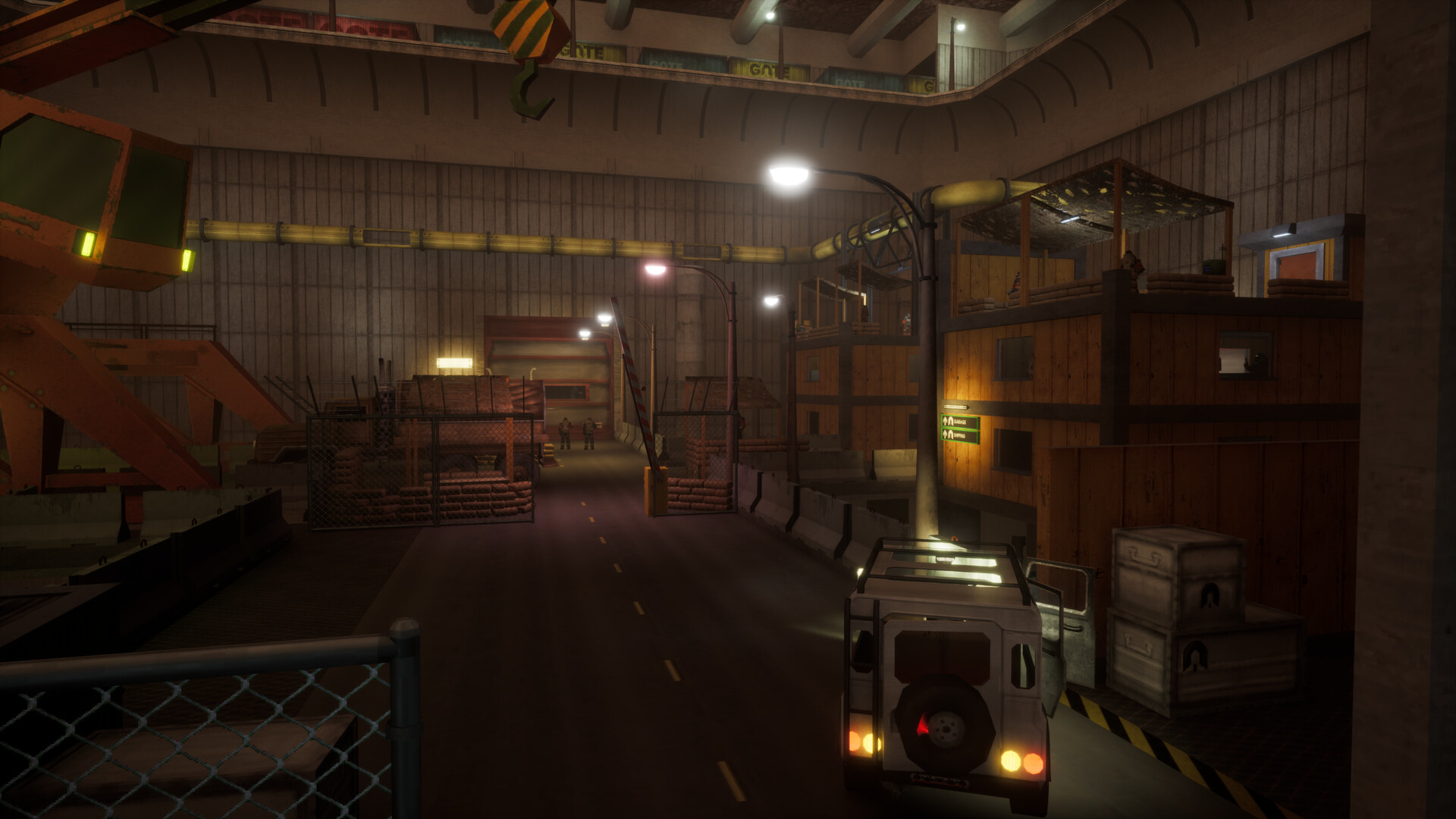
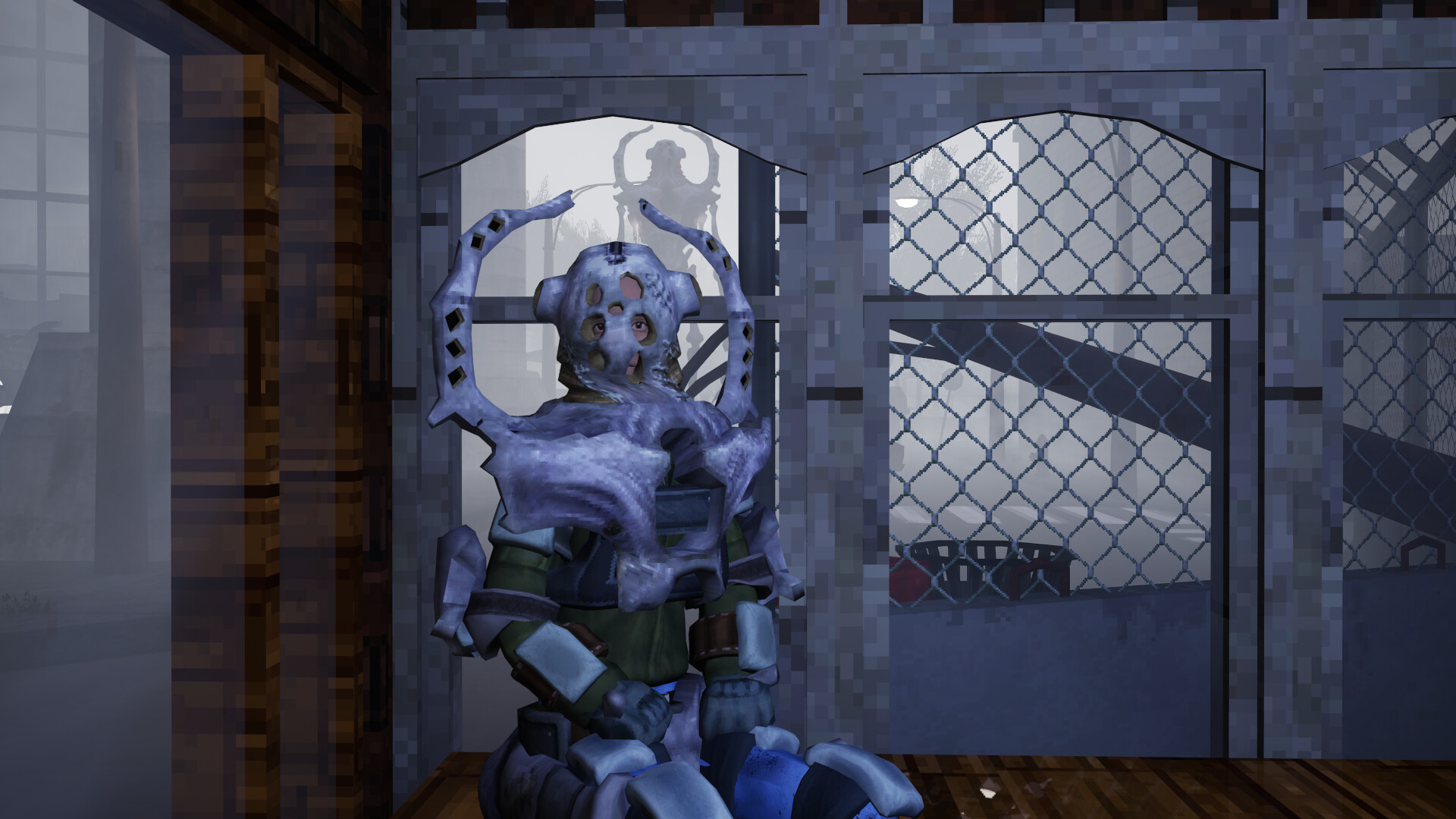
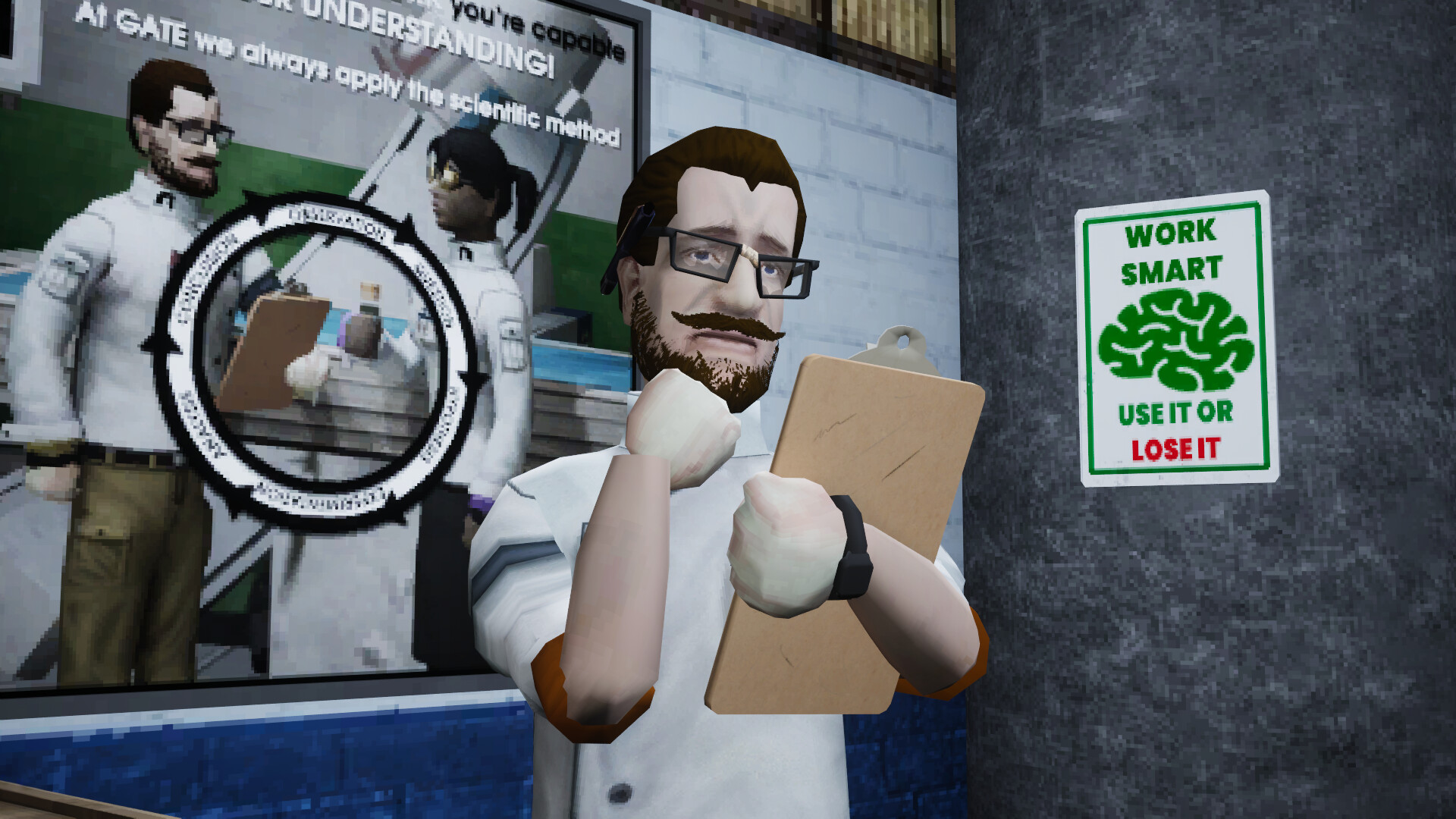
Abiotic Factor is a survival crafting experience for 1-6 players set in the depths of an underground research facility. Caught between paranormal containment failure, a military crusade, and chaos from a dozen realms, the world’s greatest minds must survive against the universe’s biggest threats.
Screenshots
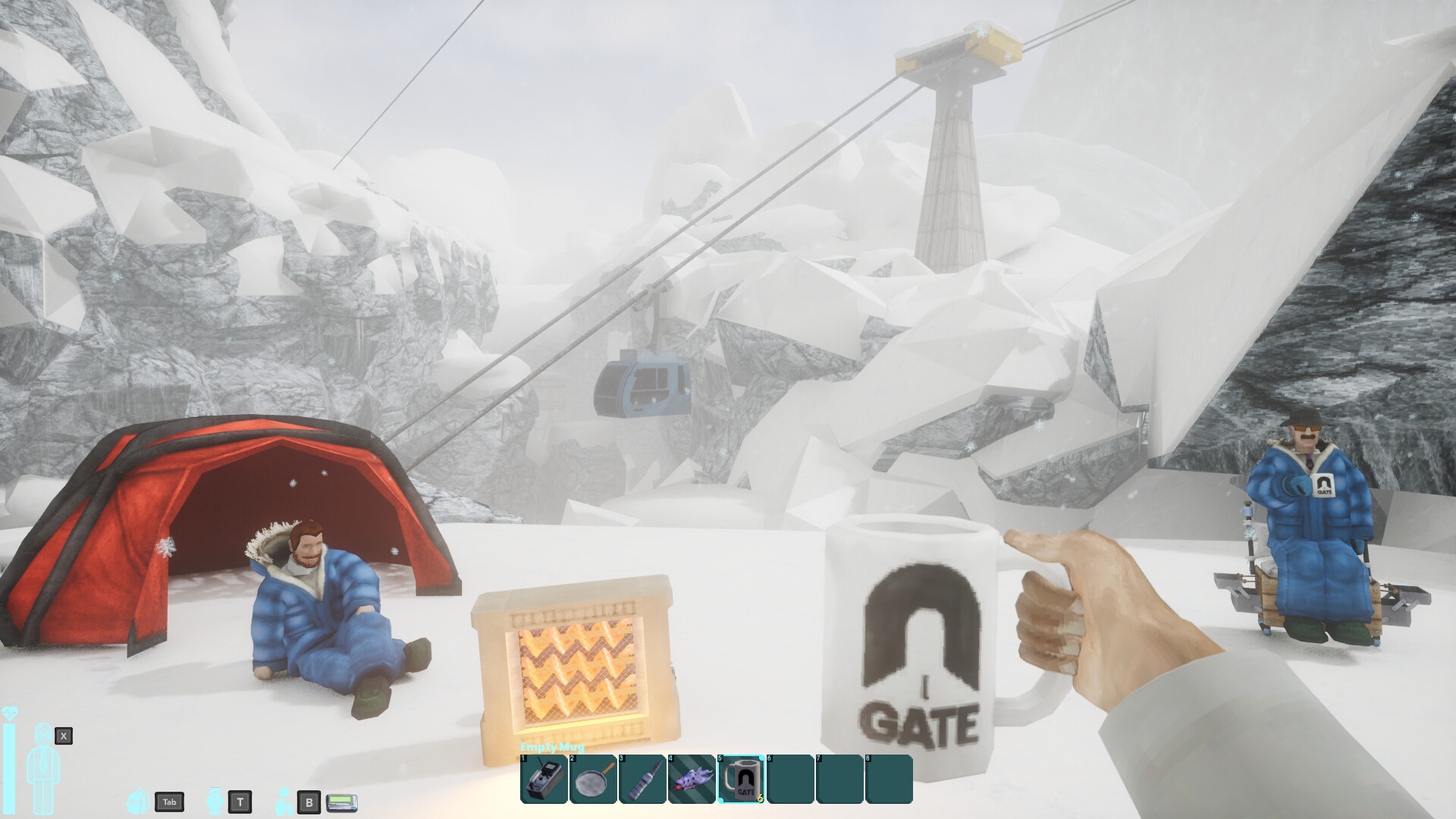
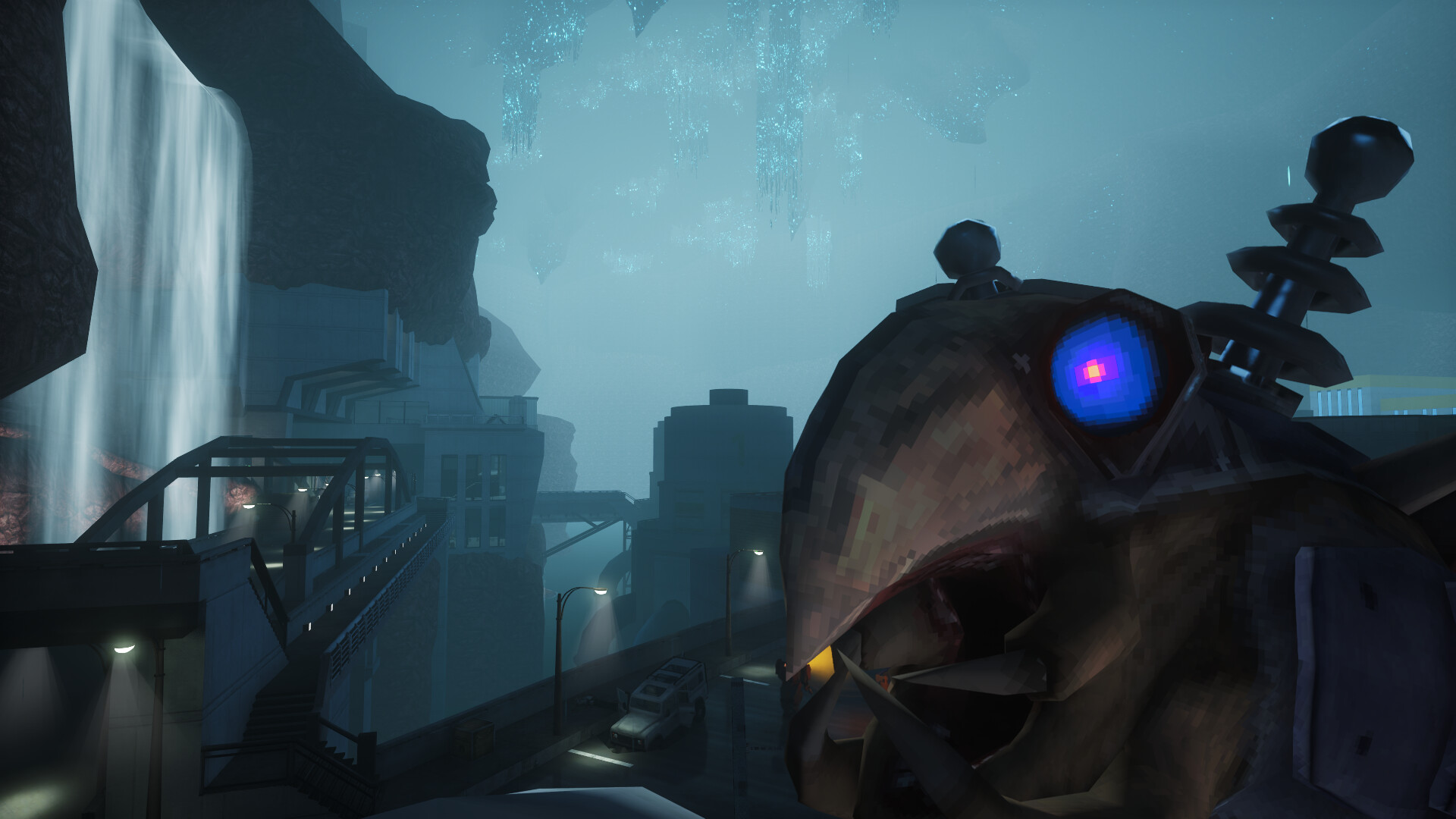
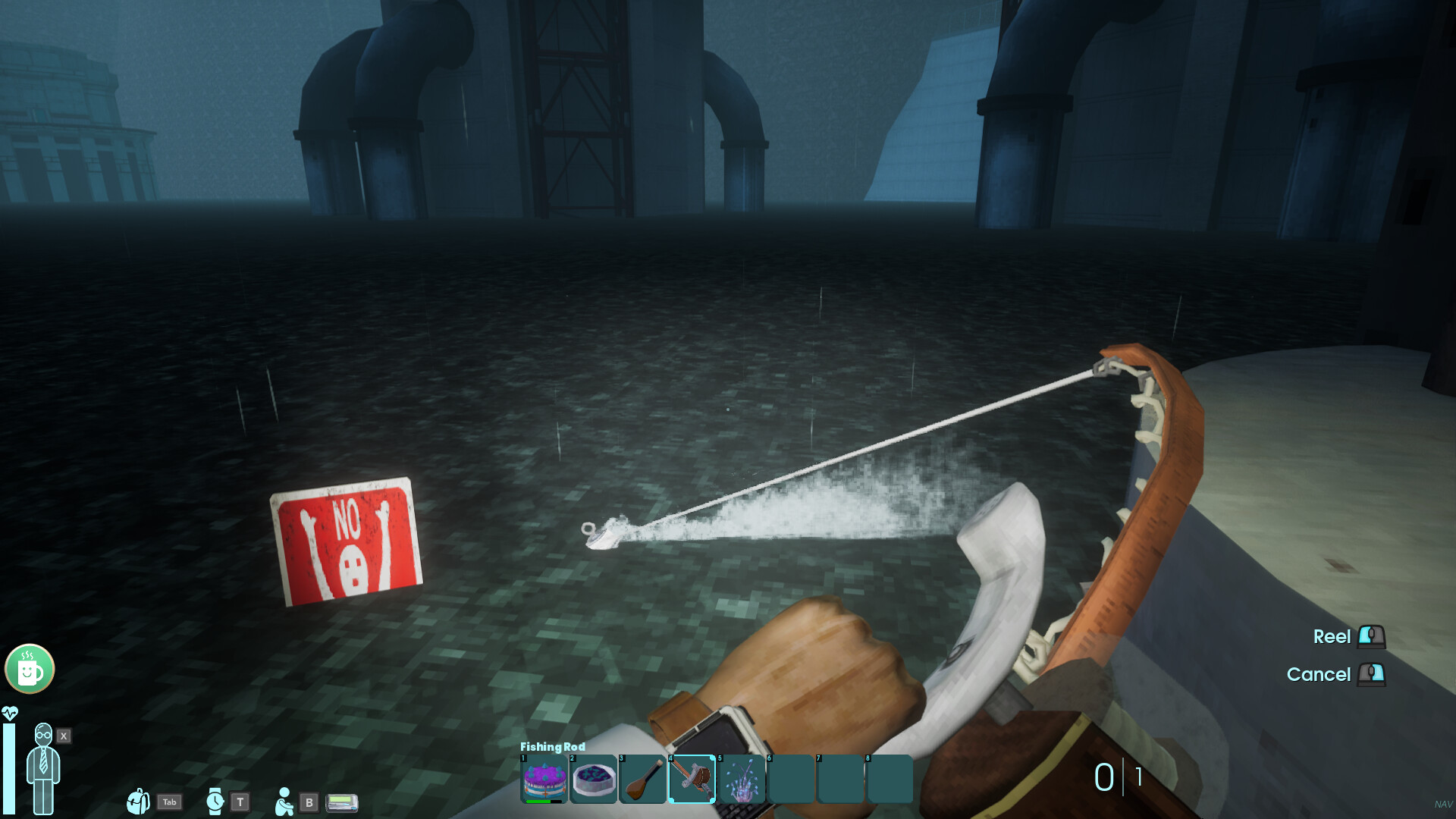
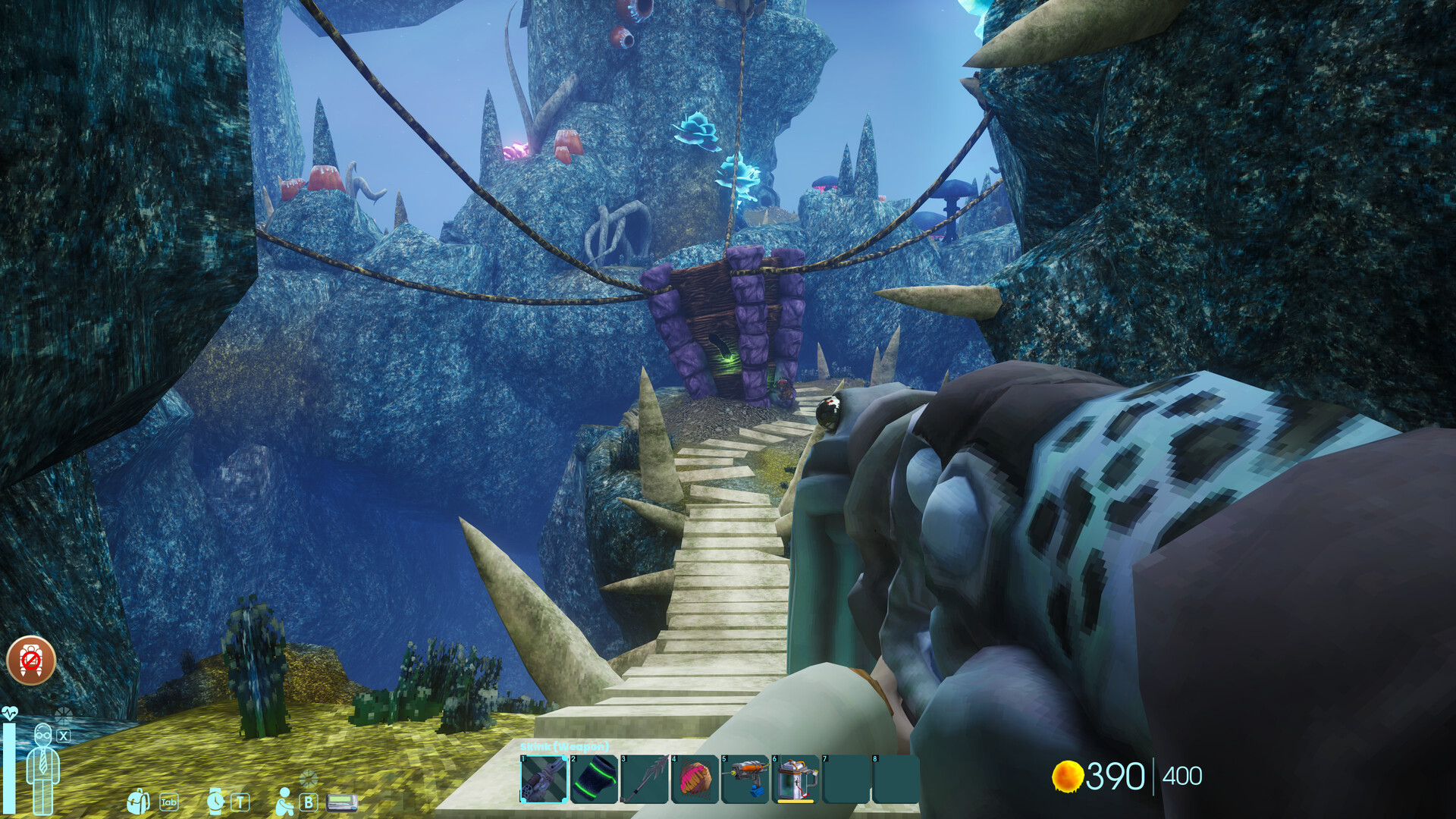
System requirements
Minimum
• Requires a 64-bit processor and operating system • OS: Windows 10 or later • Processor: i5-9th Gen CPU or similar • Memory: 8 GB RAM • Graphics: GeForce GTX 1660 or AMD Radeon RX 5600 XT • DirectX: Version 11 • Network: Broadband Internet connection • Storage: 10 GB available space • Additional Notes: There are slightly higher CPU requirements if you are the Host in a multiplayer session, especially with several players. Abiotic Factor runs on Unreal Engine 5. In spite of the art style, this will probably not run on your PC from 1997.
Recommended
• Requires a 64-bit processor and operating system • OS: Windows 10 or later • Processor: i5-11th Gen CPU or similar • Memory: 16 GB RAM • Graphics: GeForce RTX 3070 or AMD Radeon RX 6700 XT or better • DirectX: Version 12 • Network: Broadband Internet connection • Storage: 10 GB available space • Additional Notes: There are slightly higher CPU requirements if you are the Host in a multiplayer session, especially with several players. Abiotic Factor runs on Unreal Engine 5. In spite of the art style, this will probably not run on your PC from 1997.
Languages: English*, French, German, Portuguese - Brazil, Russian, Japanese, Simplified Chinese, Traditional Chinese, Spanish - Latin America
How to activate
Steam
- Start Steam on your computer and sign in to the account you will play on.
- In the Games menu, choose Activate a Product on Steam. You can also start from Add a Game at the bottom left.
- Go through the introductory screens, review Steam’s terms and paste the complete key without surrounding spaces.
- Finish activation, then find the game in your Library and select Install.
Game details from Steam.