
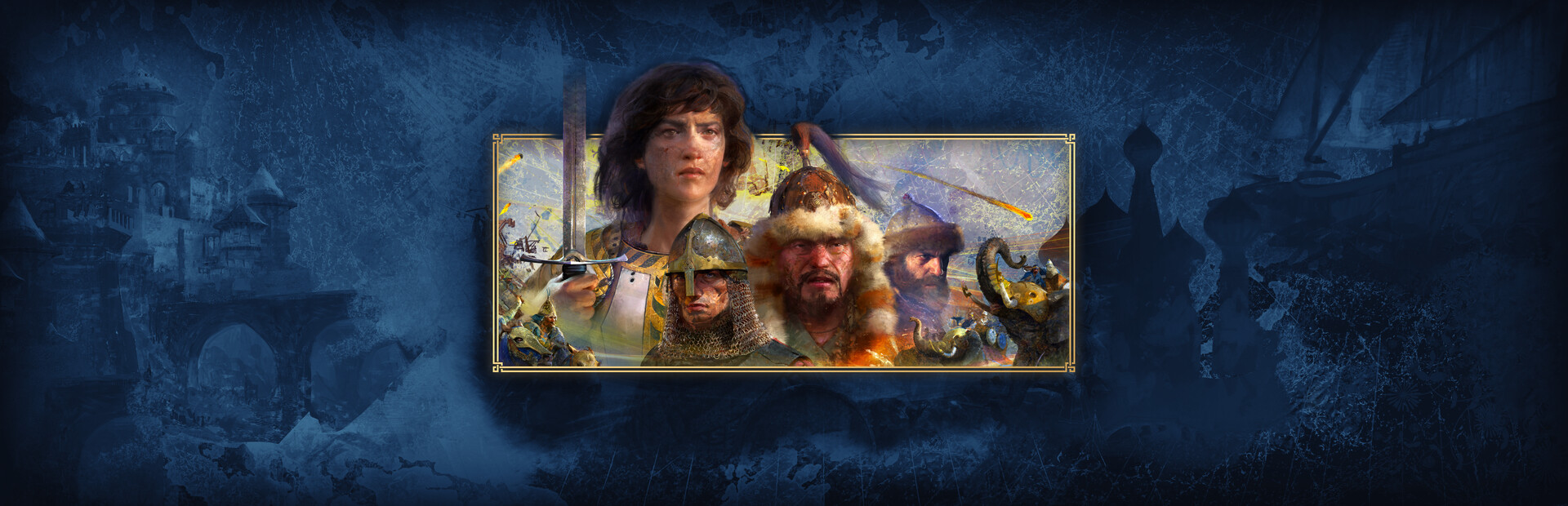
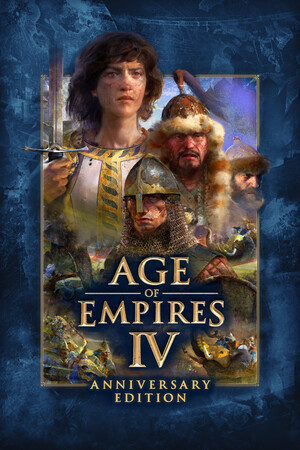
Age of Empires IV: Anniversary Edition
- Genres
- Strategy
- Release
- Oct 28, 2021
- Developer
- World's Edge, Relic Entertainment
- Metacritic
Lowest price across all offers
from $10.84930 ₽
Offers
The price depends on the platform and the activation region.
- WorldwideWorks in Russia$10.84930 ₽1
- EuropeNot for Russia$14.761,260 ₽1
- United StatesNot for Russia$15.091,290 ₽1
- ArgentinaNot for Russia$15.101,290 ₽1
About the game
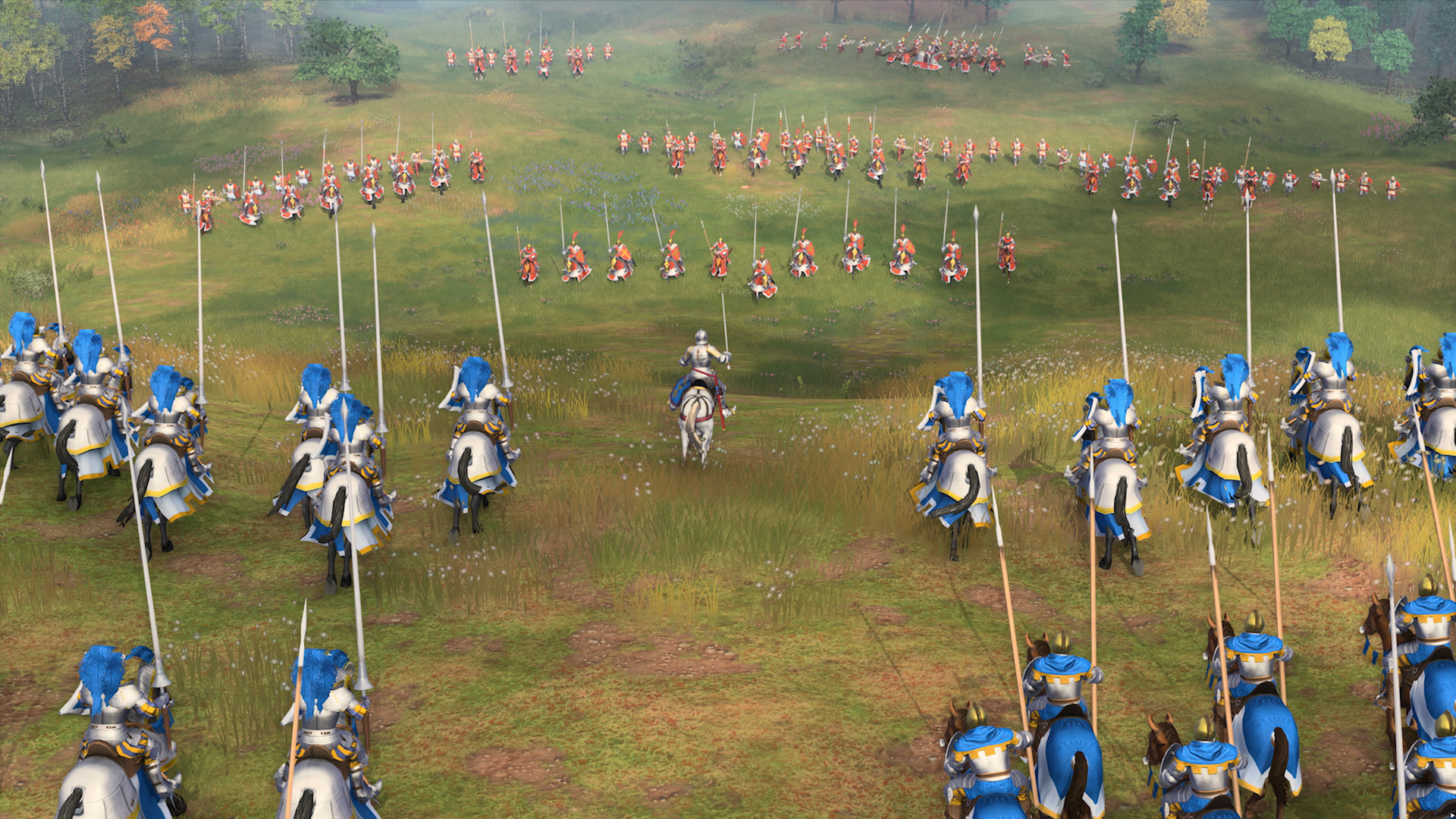
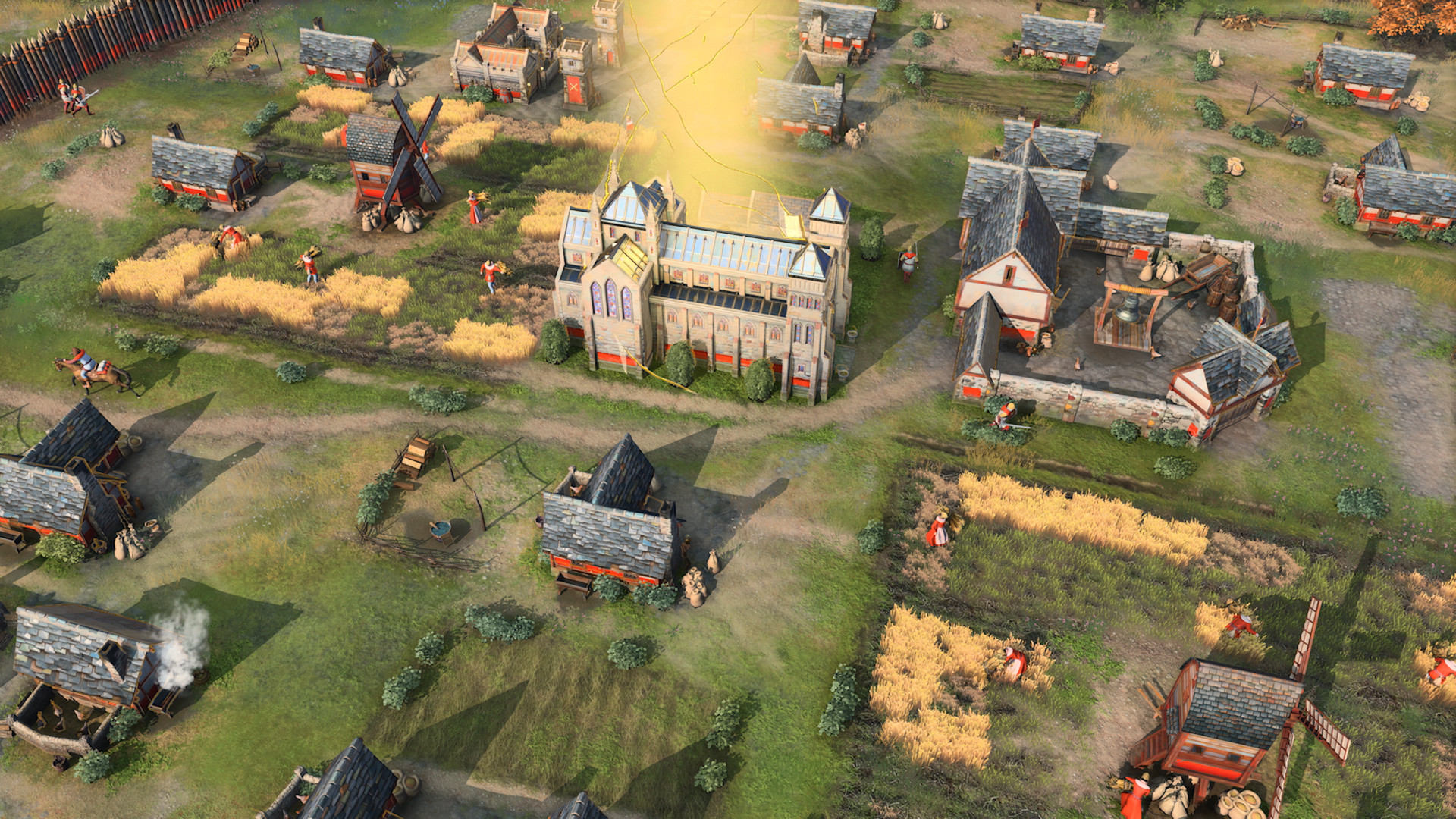
Celebrating its first year of delighting millions of global players, the award-winning and best-selling strategy franchise continues with Age of Empires IV: Anniversary Edition, putting you at the center of even more epic historical battles that shaped the world.
Screenshots


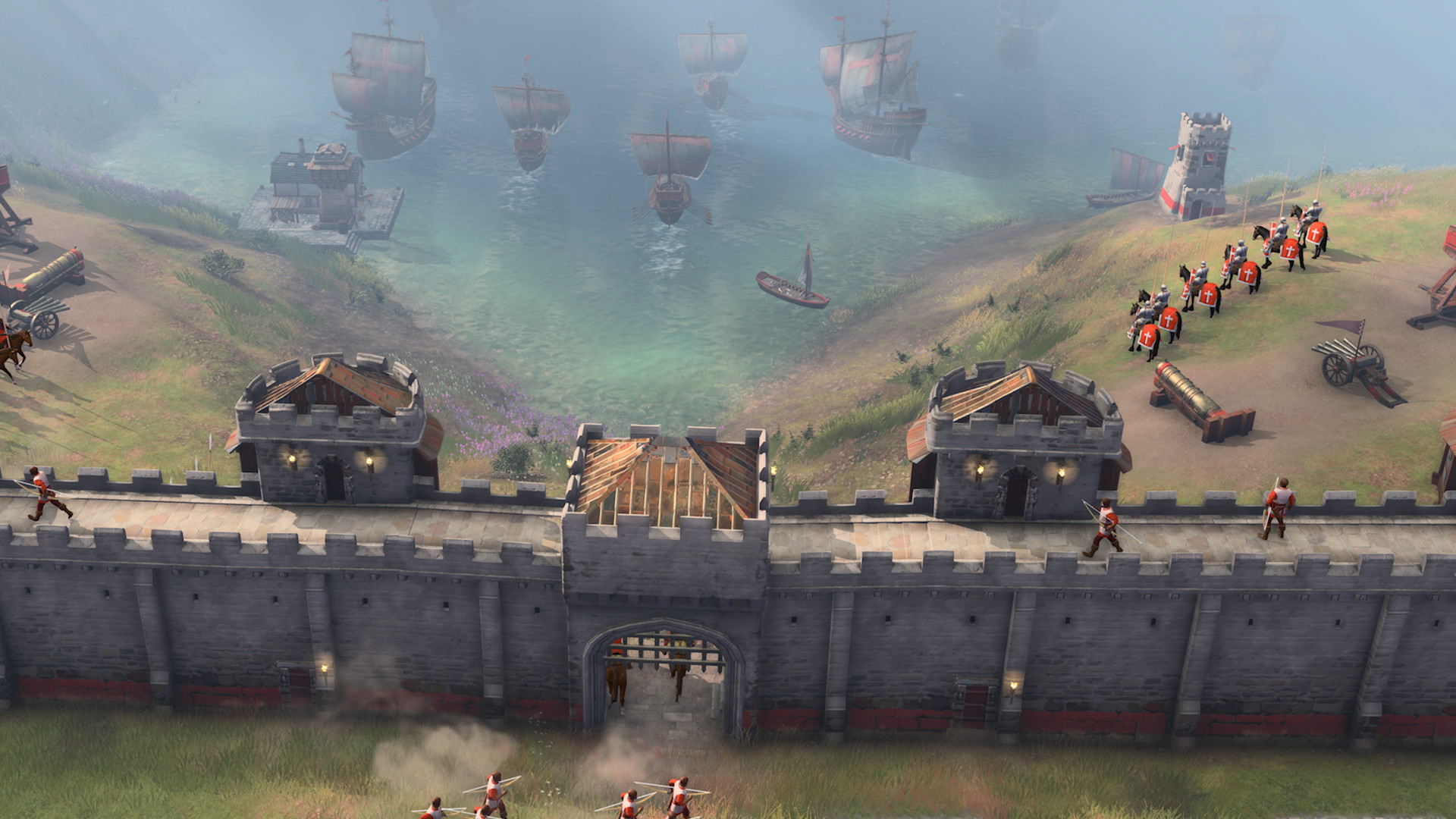
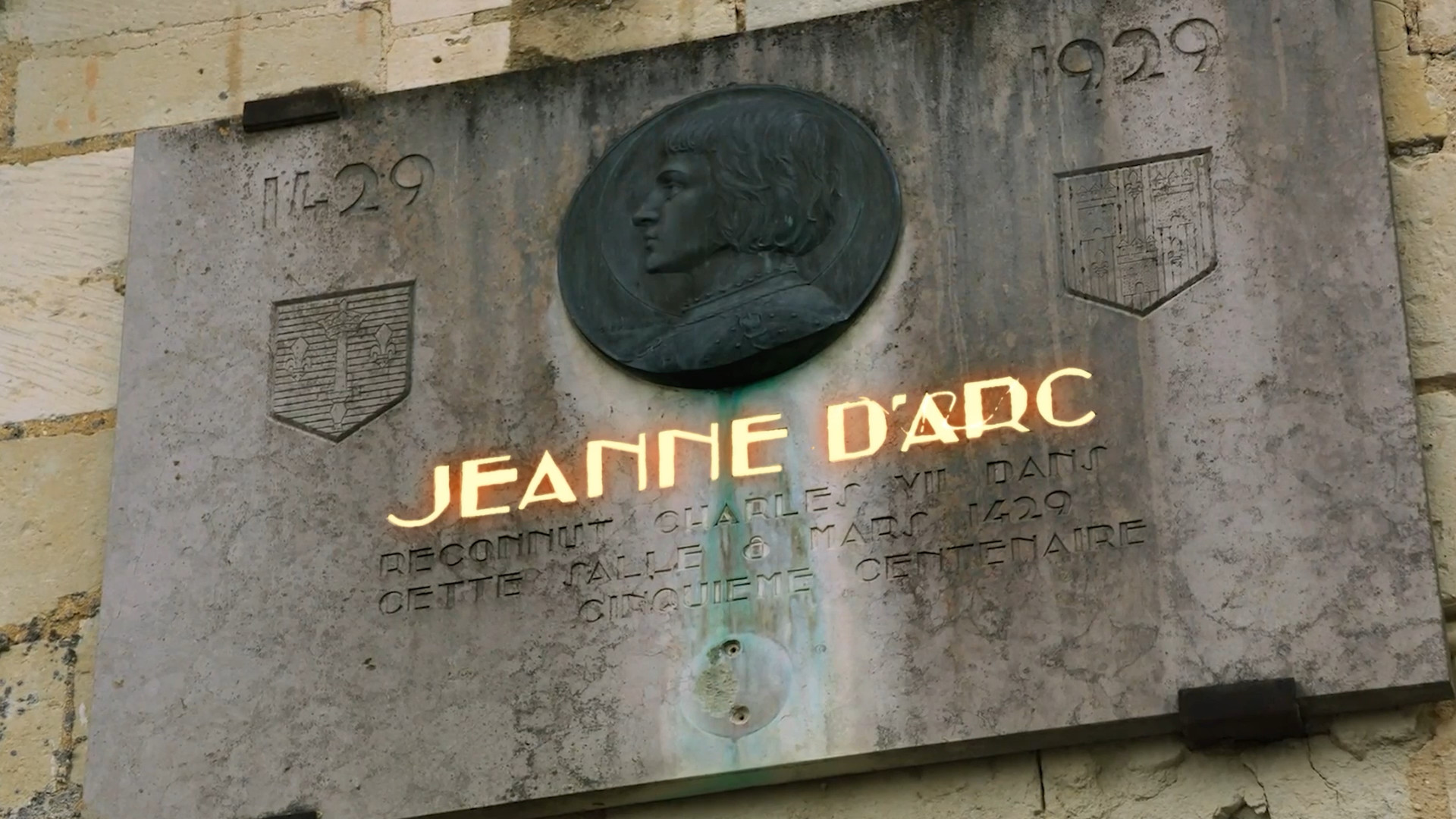

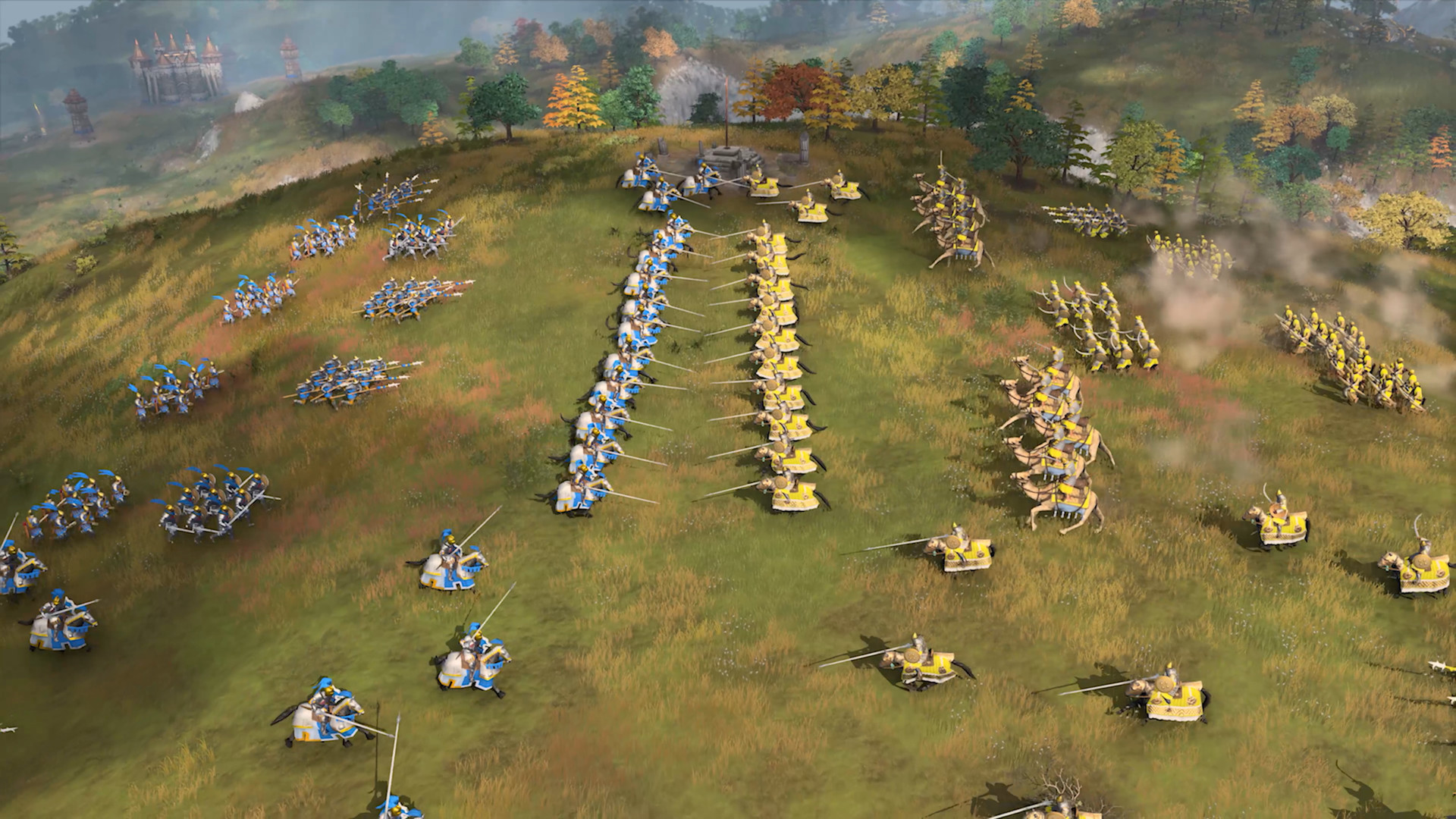
System requirements
Minimum
• Requires a 64-bit processor and operating system • OS: Windows 10 64bit | Windows 11 64bit • Processor: Intel Core i5-6300U or AMD Ryzen 5 2400G | CPU with AVX support required • Memory: 8 GB RAM • Graphics: Intel HD 520 or AMD Radeon RX Vega 11 • DirectX: Version 12 • Storage: 50 GB available space
Recommended
• Requires a 64-bit processor and operating system • OS: Windows 10 64bit | Windows 11 64bit • Processor: 3.6 GHz 6-core (Intel i5) or AMD Ryzen 5 1600 | CPU with AVX support required • Memory: 16 GB RAM • Graphics: Nvidia GeForce 970 GPU or AMD Radeon RX 570 GPU with 4GB of VRAM • DirectX: Version 12 • Storage: 50 GB available space • Additional Notes: 4 GB of video RAM and 16 GB of system RAM
Languages: English*, French*, Italian*, German*, Spanish - Spain*, Japanese, Korean*, Portuguese - Brazil*, Russian, Simplified Chinese*, Spanish - Latin America*, Traditional Chinese, Turkish, Vietnamese, Czech, Danish, Dutch, Finnish, Greek, Hungarian, Norwegian, Polish, Portuguese - Portugal, Swedish, Hindi, Malay
How to activate
Steam
- Start Steam on your computer and sign in to the account you will play on.
- In the Games menu, choose Activate a Product on Steam. You can also start from Add a Game at the bottom left.
- Go through the introductory screens, review Steam’s terms and paste the complete key without surrounding spaces.
- Finish activation, then find the game in your Library and select Install.
Microsoft Store
- Open Microsoft’s redemption page below.
- Use the personal Microsoft account signed into Microsoft Store on your device.
- Submit the code from your order, continue and review the product or credit amount.
- Complete confirmation. Find games in your Microsoft Store library with the same account; gift cards add account credit.
More from the series
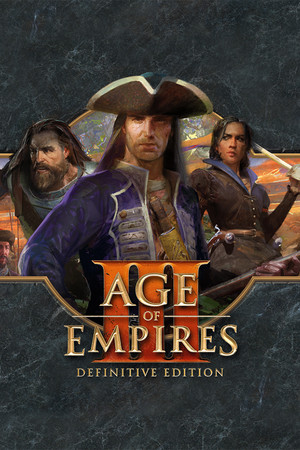 РФ ✓Age of Empires III: Definitive EditionSteamMicrosoft Storefrom $5.37460 ₽5 offers
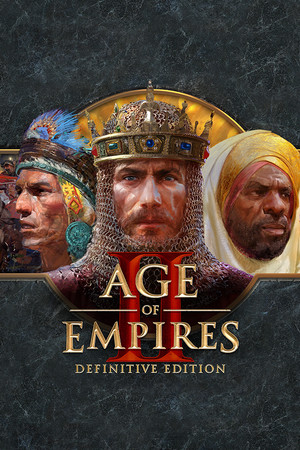 РФ ✓Age of Empires II: Definitive EditionSteamMicrosoft Storefrom $11.18960 ₽4 offers
 РФ ✓Age of Empires IV: Anniversary Edition (Xbox One)Xboxfrom $14.291,220 ₽3 offers
 РФ ✓Age of Empires: Definitive EditionSteamMicrosoft Storefrom $5.83500 ₽3 offersAge of Empires II: Definitive Edition (Xbox Series X|S)Xboxfrom $14.731,260 ₽2 offers
Game details from Steam.