


Age of Wonders 4
- Genres
- RPG · Strategy
- Release
- May 2, 2023
- Developer
- Triumph Studios
Lowest price across all offers
from $17.941,530 ₽
Offers
The price depends on the platform and the activation region.
- CIS, except 1 countryNot for RussiaAge of Wonders 4 (CIS, except RU)
except 1 country
Russia
$17.941,530 ₽1 - Worldwide, except 12 countriesNot for RussiaAge of Wonders 4 (WW, except 12 countries: AM, AZ, BY…)
except 12 countries
Armenia, Azerbaijan, Belarus, Georgia, Kyrgyzstan, Kazakhstan, Moldova, Russia, Tajikistan, Turkmenistan, Ukraine, Uzbekistan
$19.841,700 ₽1 - —Not for Russia$23.382,000 ₽1
- WorldwideWorks in Russia$23.982,050 ₽1
- EuropeNot for Russia$25.052,140 ₽1
- ChinaNot for Russia$32.192,750 ₽1
About the game
Rule a fantasy realm of your own design! Explore new magical realms in Age of Wonders’ signature blend of 4X strategy and turn-based tactical combat. Control a faction that grows and changes as you expand your empire with each turn!
Screenshots
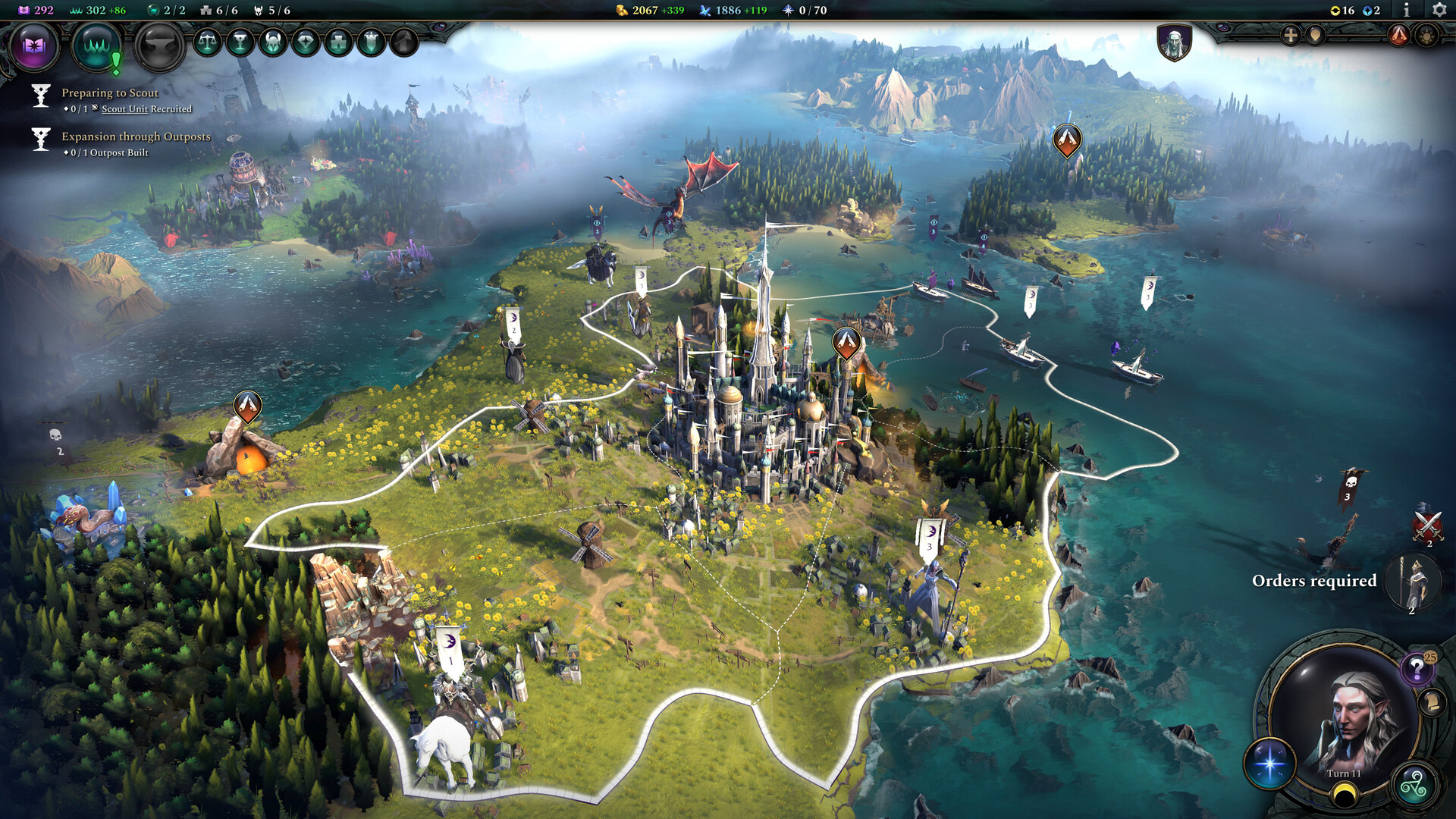
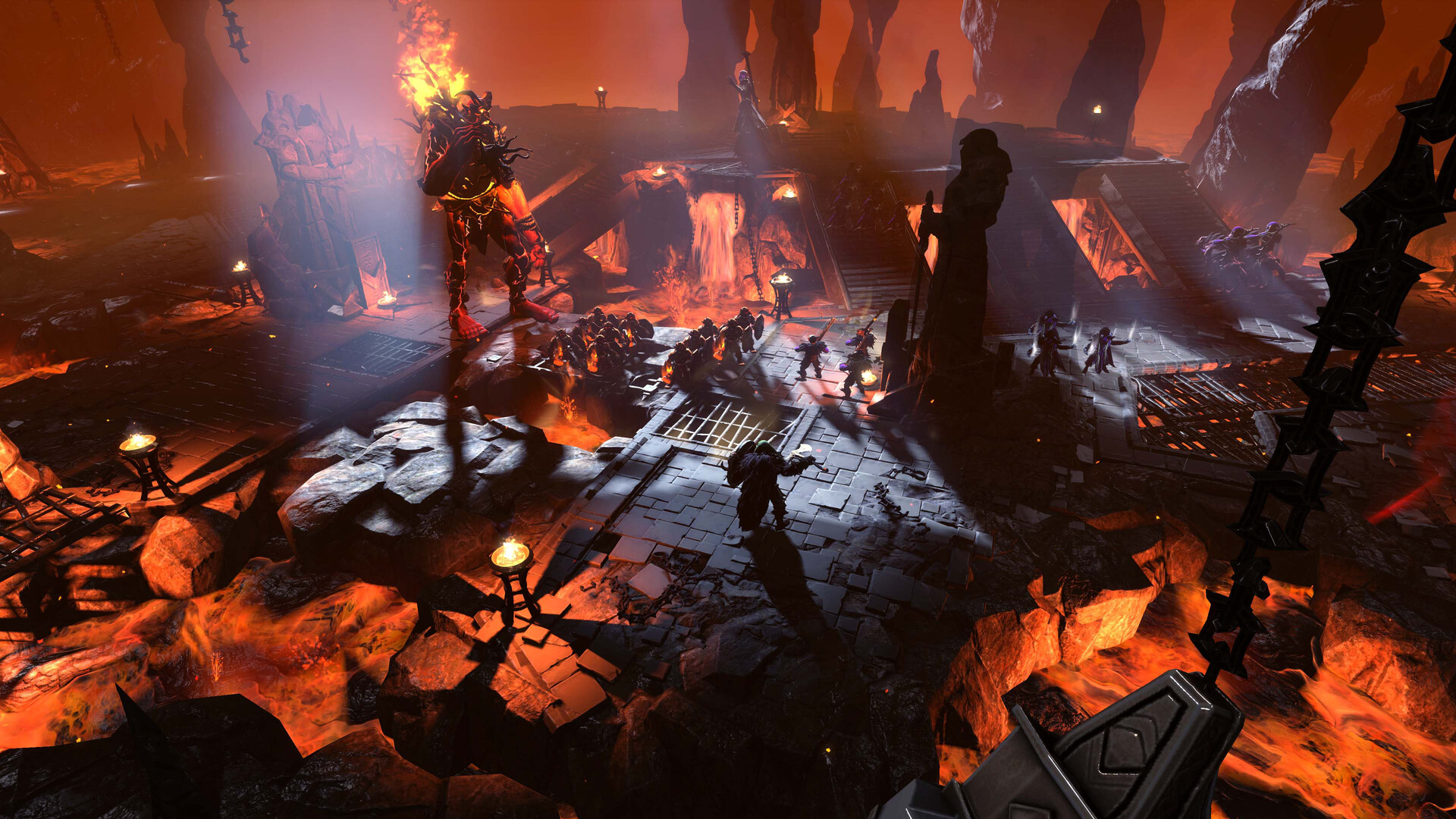
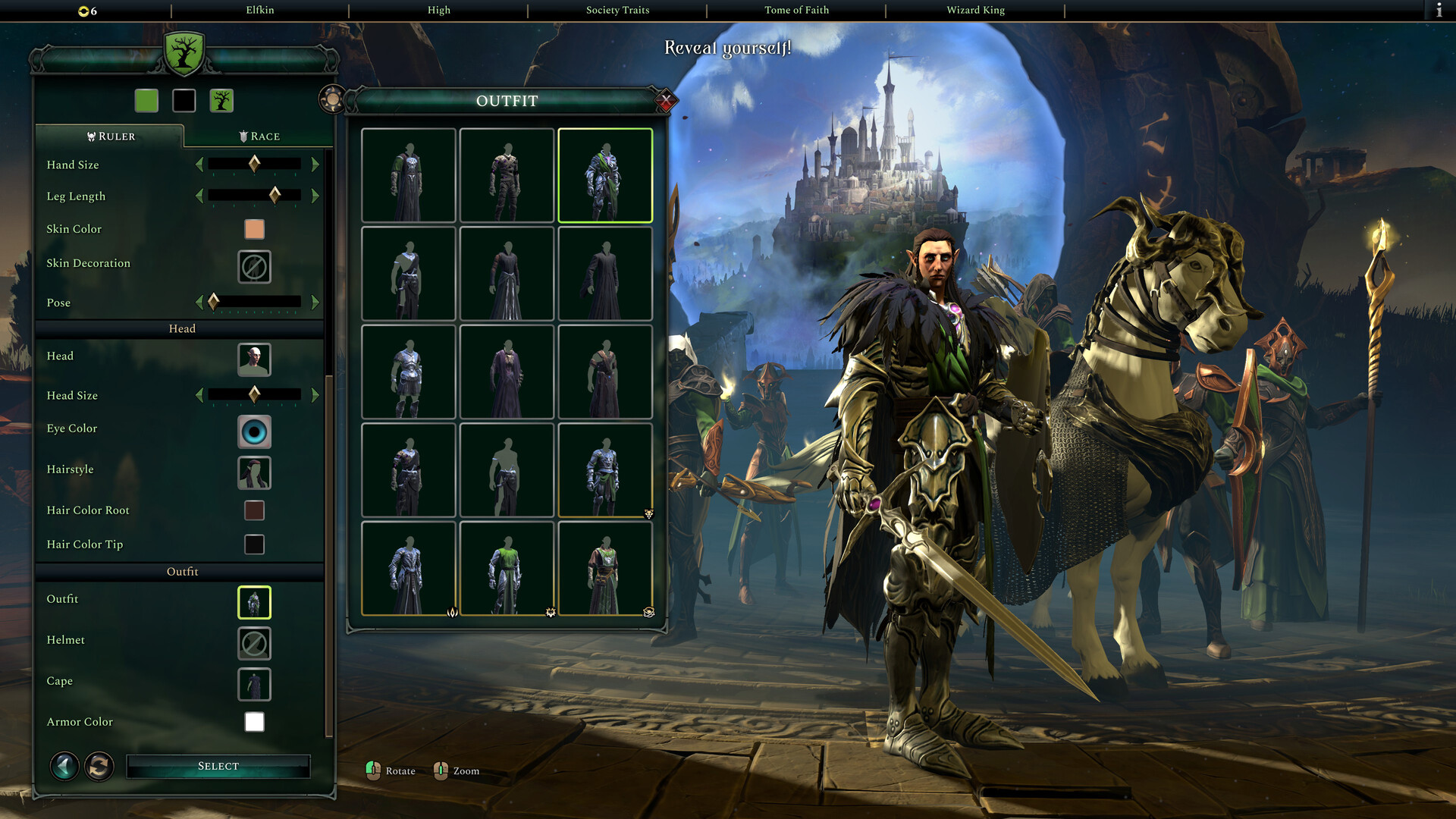

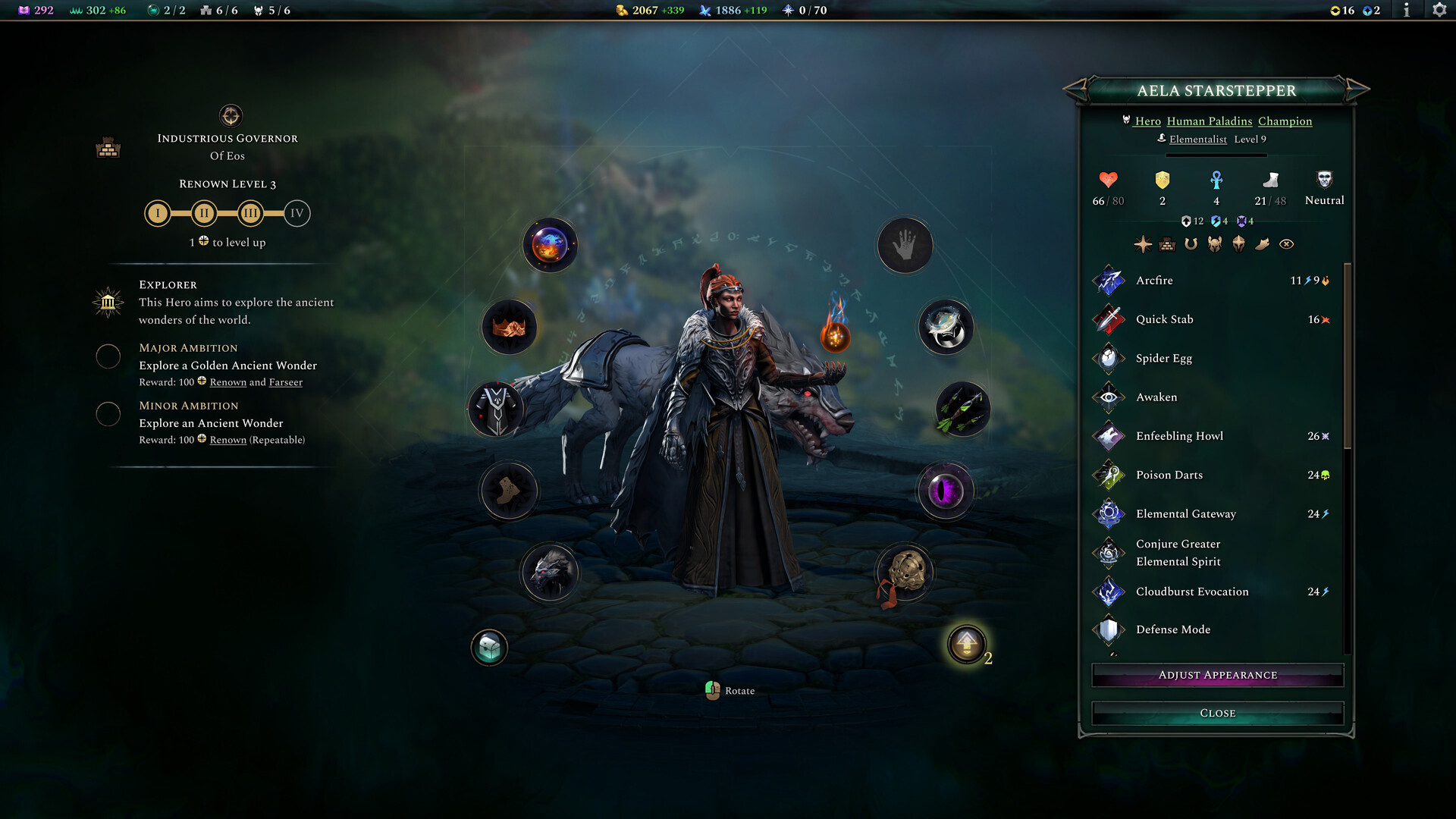
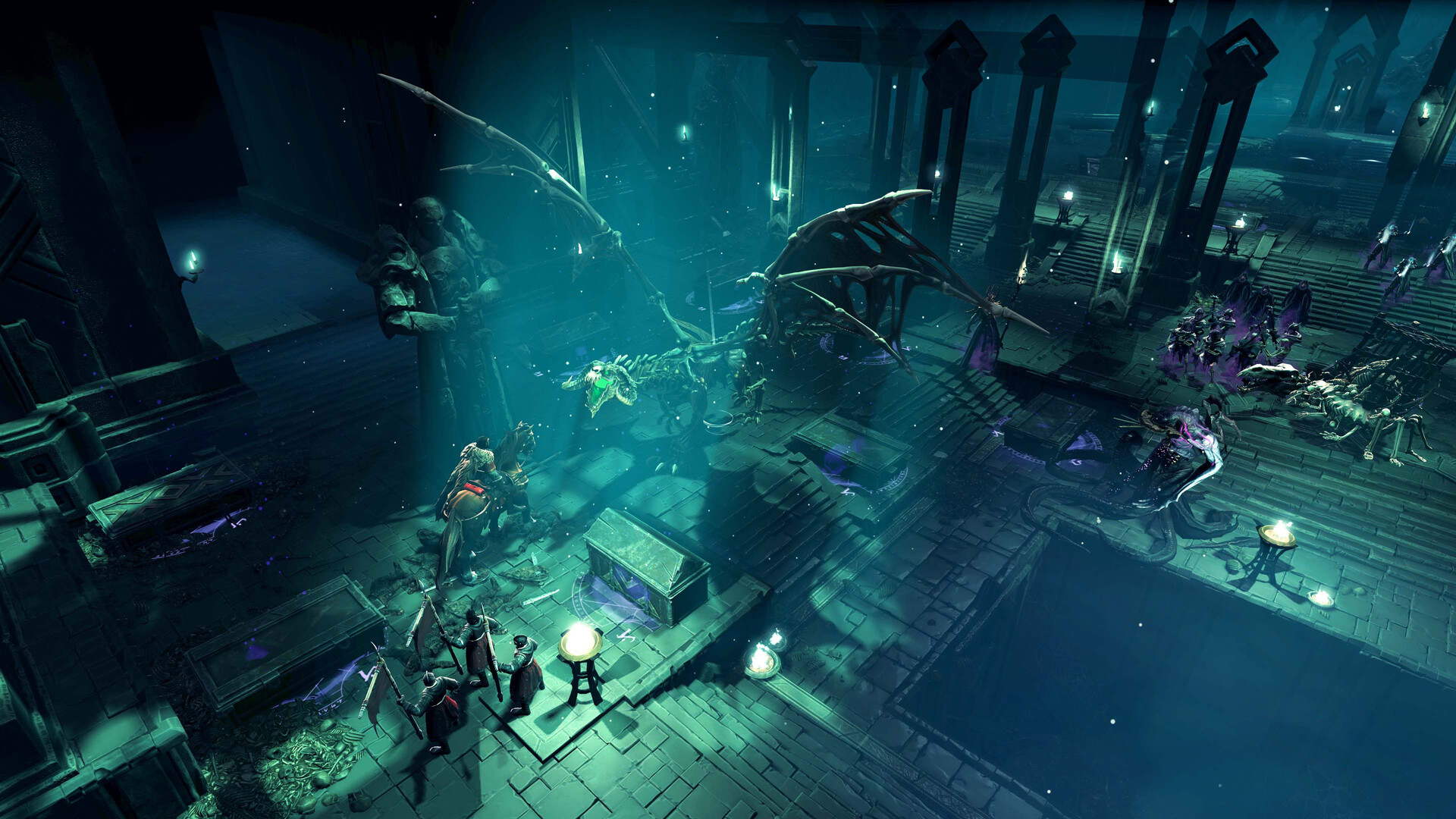
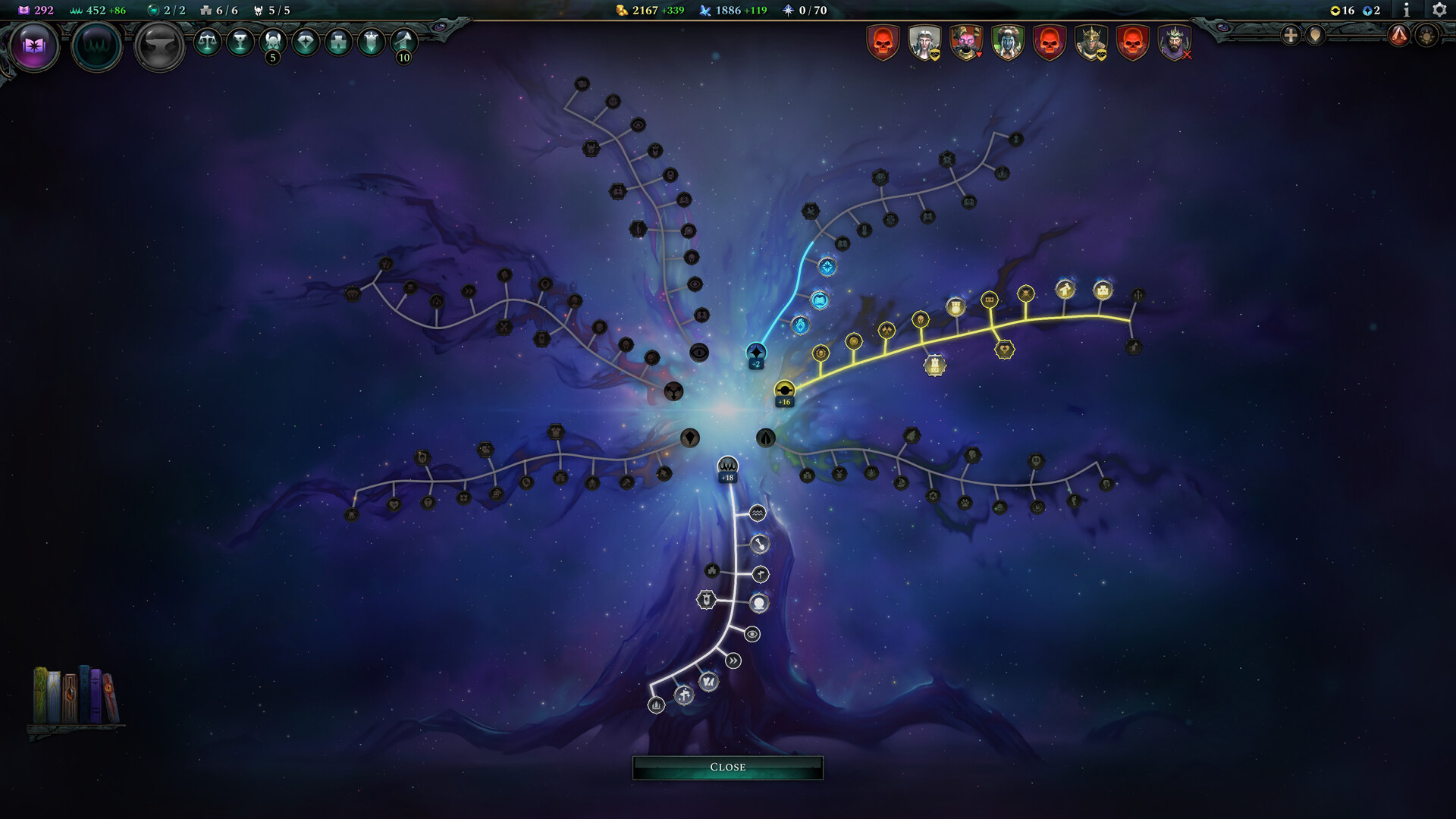
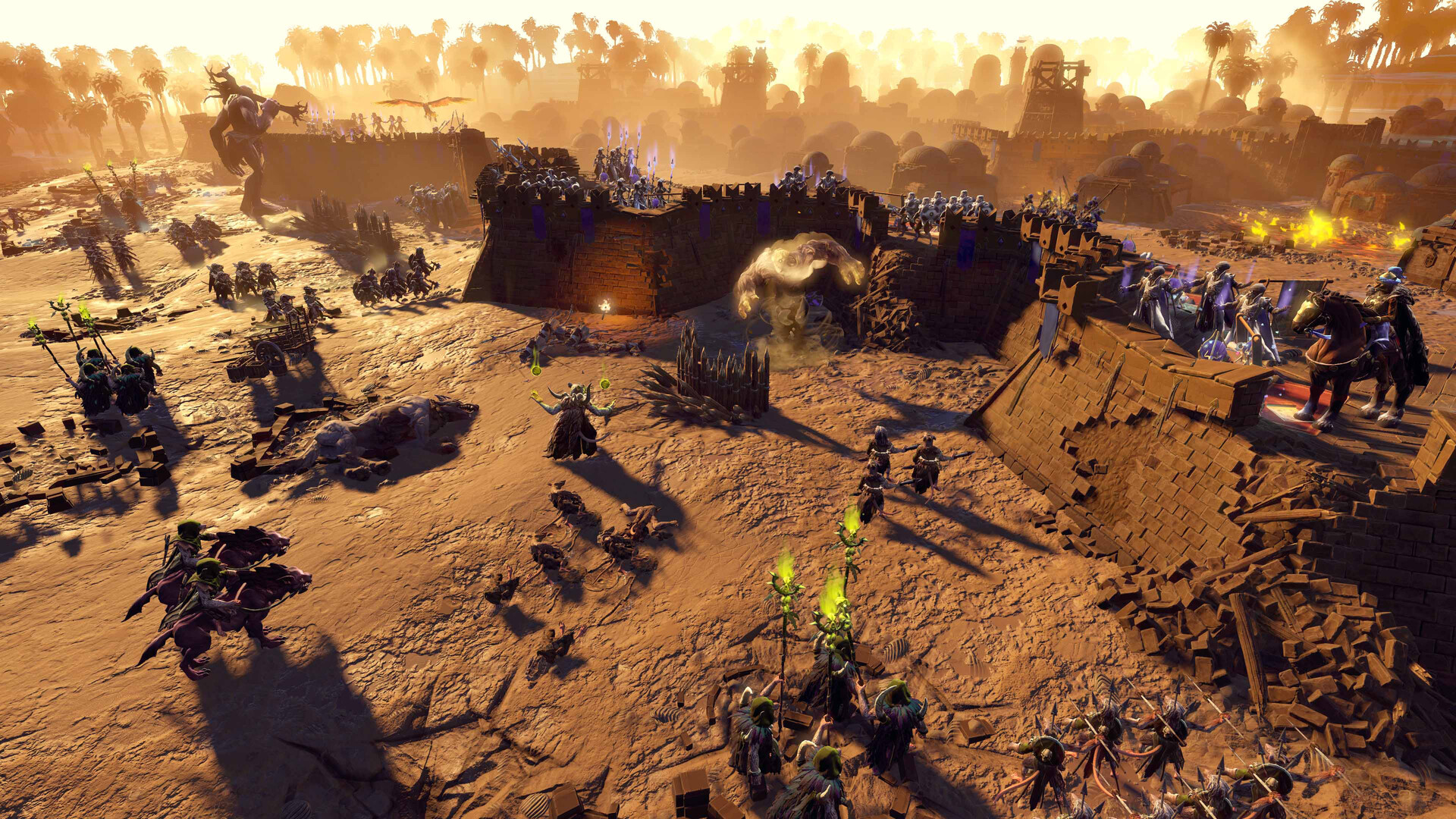
System requirements
Minimum
• Requires a 64-bit processor and operating system • OS: Windows® 10 Home 64 Bit (version 21H1) • Processor: Intel® Core™ i5-2500K or AMD® Ryzen™ 5 1600X • Memory: 8 GB RAM • Graphics: Nvidia® GeForce™ GTX 670 (2GB) or AMD® Radeon™ HD 7870 (2GB) or Intel® Arc™ A380 (6GB) or Intel® Iris™ Xe G7 (Tiger Lake) or AMD® Radeon™ Vega 8 • DirectX: Version 12 • Storage: 35 GB available space • Additional Notes: 1080p (30FPS)
Recommended
• Requires a 64-bit processor and operating system • OS: Windows® 10 Home 64 Bit or Windows® 11 (latest) • Processor: Intel® Core™ i7-9700K or AMD® Ryzen™ 5 5600X • Memory: 16 GB RAM • Graphics: Nvidia® GeForce™ GTX 1070 Ti (8GB) or AMD® Radeon™ RX 5700 XT (8GB) • DirectX: Version 12 • Storage: >35 GB available space • Additional Notes: 1080p (60FPS)
Languages: English*, French, German, Spanish - Spain, Japanese, Korean, Polish, Russian, Simplified Chinese
How to activate
Steam
- Start Steam on your computer and sign in to the account you will play on.
- In the Games menu, choose Activate a Product on Steam. You can also start from Add a Game at the bottom left.
- Go through the introductory screens, review Steam’s terms and paste the complete key without surrounding spaces.
- Finish activation, then find the game in your Library and select Install.
More from the series
 РФ ✓Age of Wonders IIISteamfrom $1.34120 ₽5 offersРФ ✓Age of Wonders 4 (Premium Edition)Steamfrom $45.533,880 ₽3 offersРФ ✓Age of Wonders III - Deluxe EditionSteamfrom $6.53560 ₽3 offersРФ ✓Age of Wonders 4 - Starter EditionSteamfrom $24.032,050 ₽2 offers
 РФ ✓Age of Wonders: Planetfall (Premium Edition)Steamfrom $35.002,990 ₽2 offersРФ ✓Age of Wonders: PlanetfallSteamfrom $5.40470 ₽2 offers
 РФ ✓Age of WondersSteamfrom $3.62310 ₽
 РФ ✓Age of Wonders II: The Wizard's ThroneSteamfrom $2.09180 ₽
Game details from Steam.