
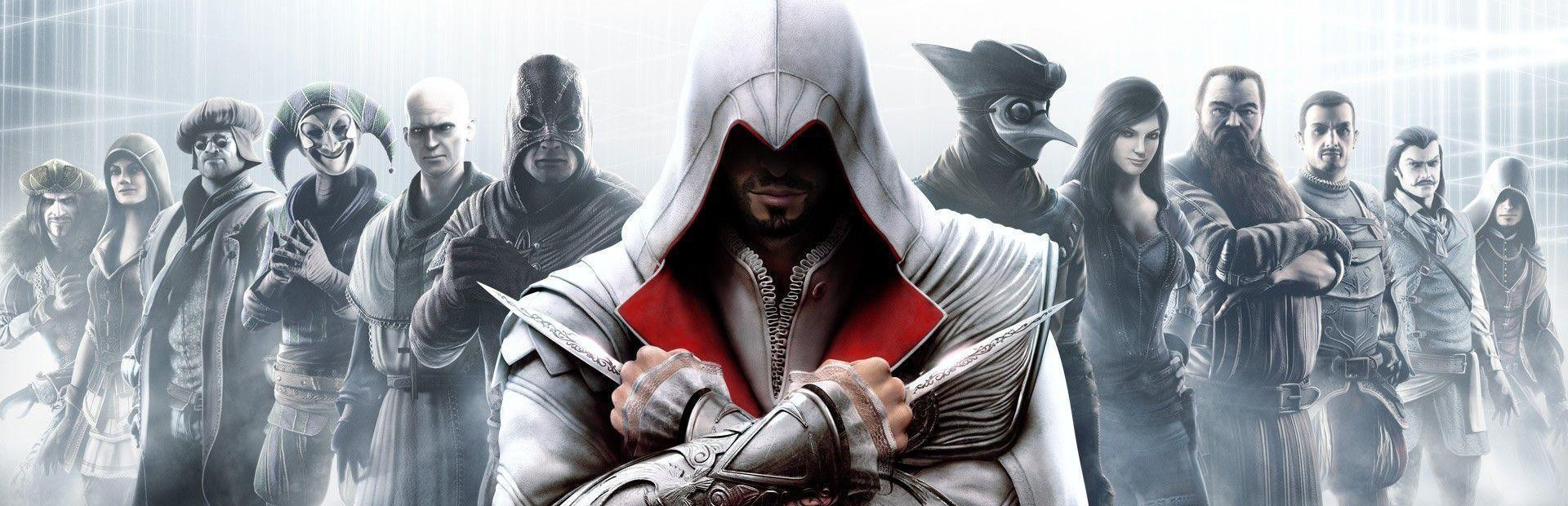
Assassin’s Creed® Brotherhood
- Genres
- Action · Adventure
- Release
- Mar 22, 2011
- Developer
- Ubisoft Montreal
- Metacritic
Lowest price across all offers
from $4.70410 ₽
Offers
The price depends on the platform and the activation region.
- CISCIS regionAssassin's Creed: Brotherhood$4.70410 ₽1
- WorldwideWorks in RussiaAssassin's Creed: Brotherhood$4.73410 ₽1
- United StatesNot for RussiaAssassin's Creed: Brotherhood$7.23620 ₽1
- Latin AmericaNot for RussiaAssassin's Creed: Brotherhood$7.33630 ₽1
- North AmericaNot for RussiaAssassin's Creed: Brotherhood$7.74660 ₽1
About the game
It’s time to join the Brotherhood.
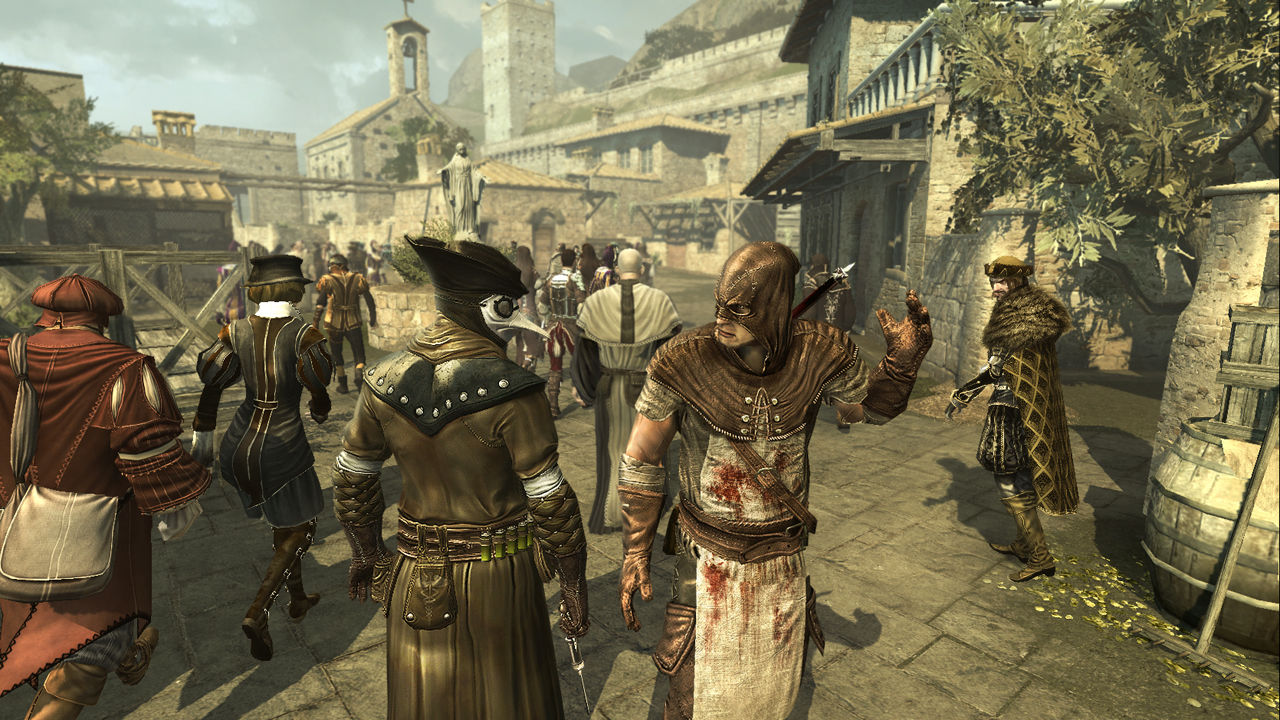
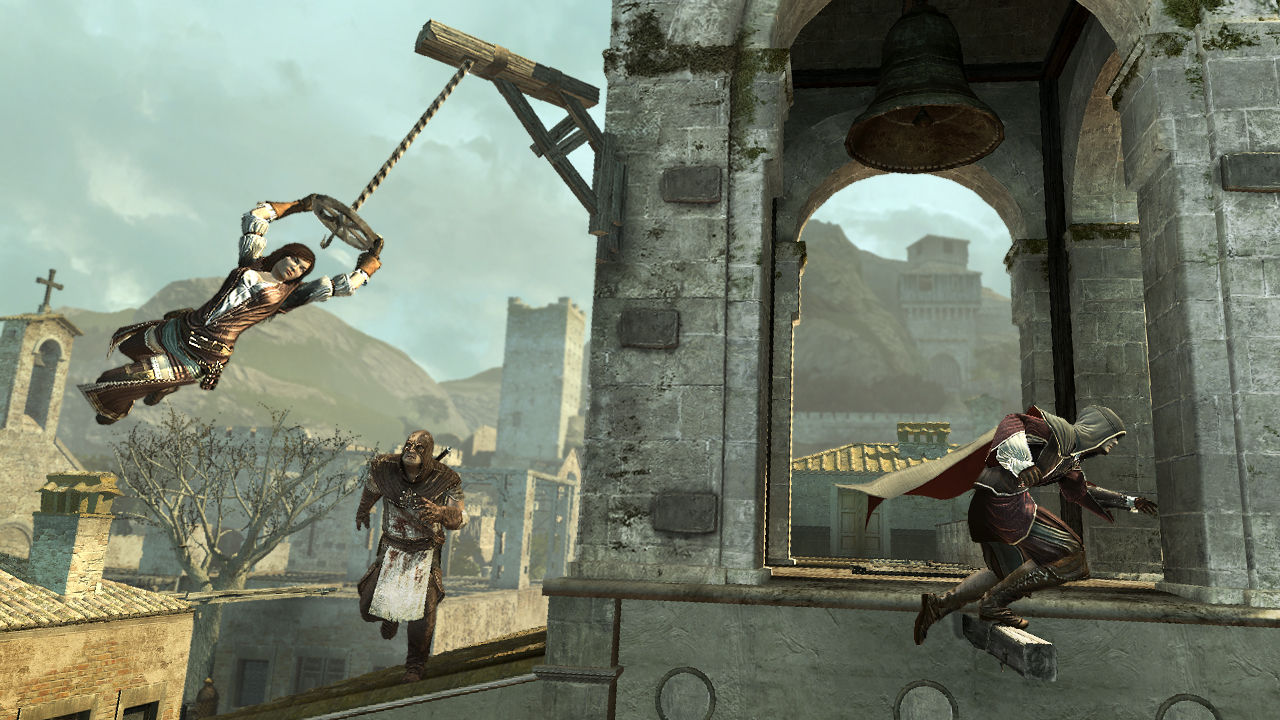
Screenshots
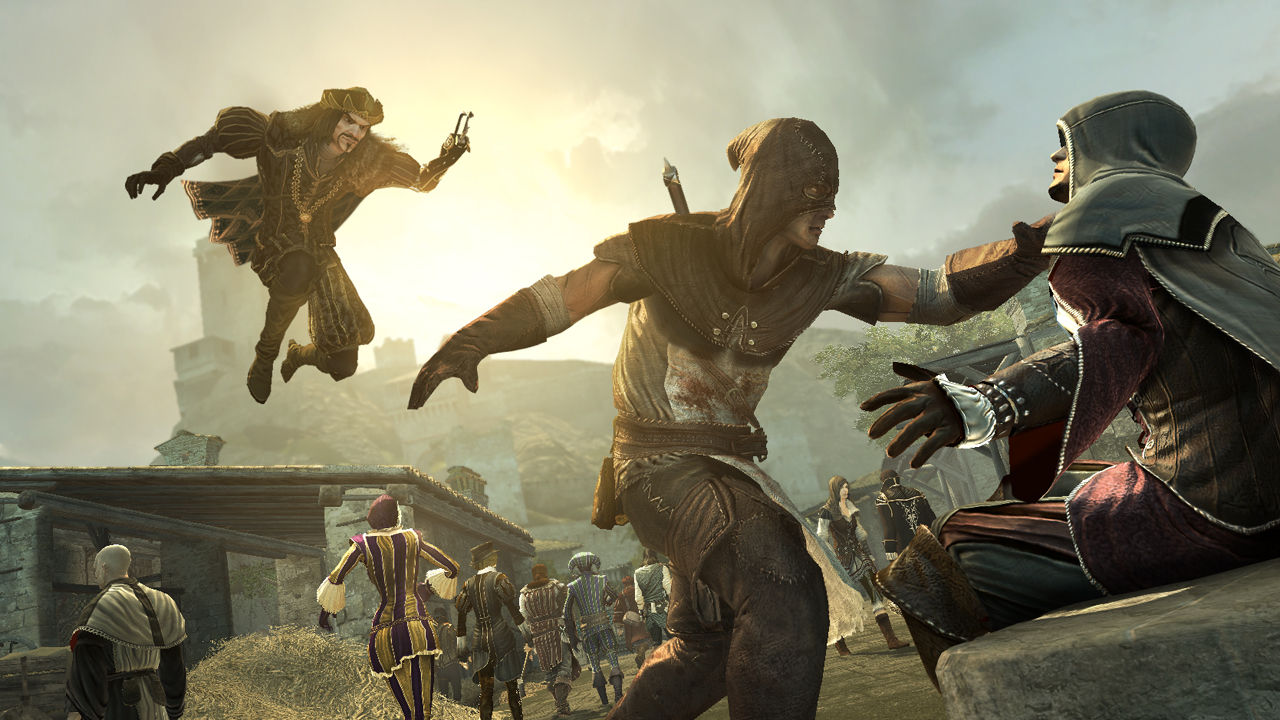
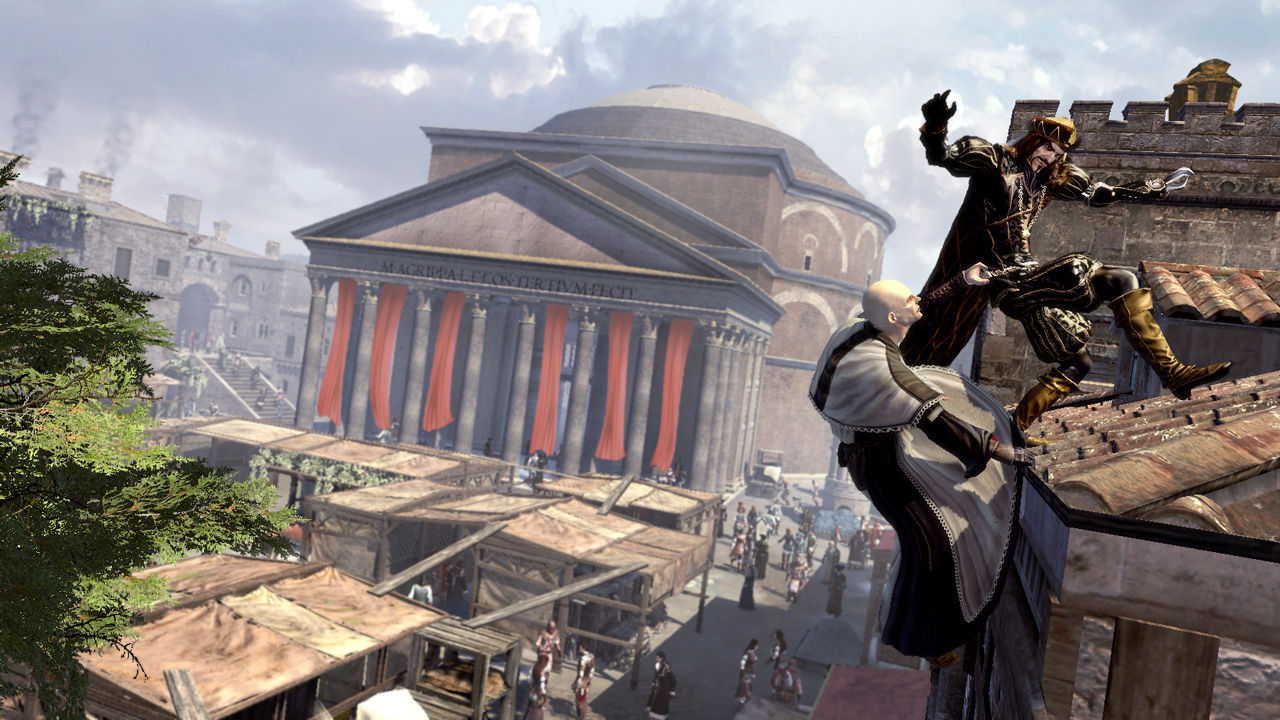
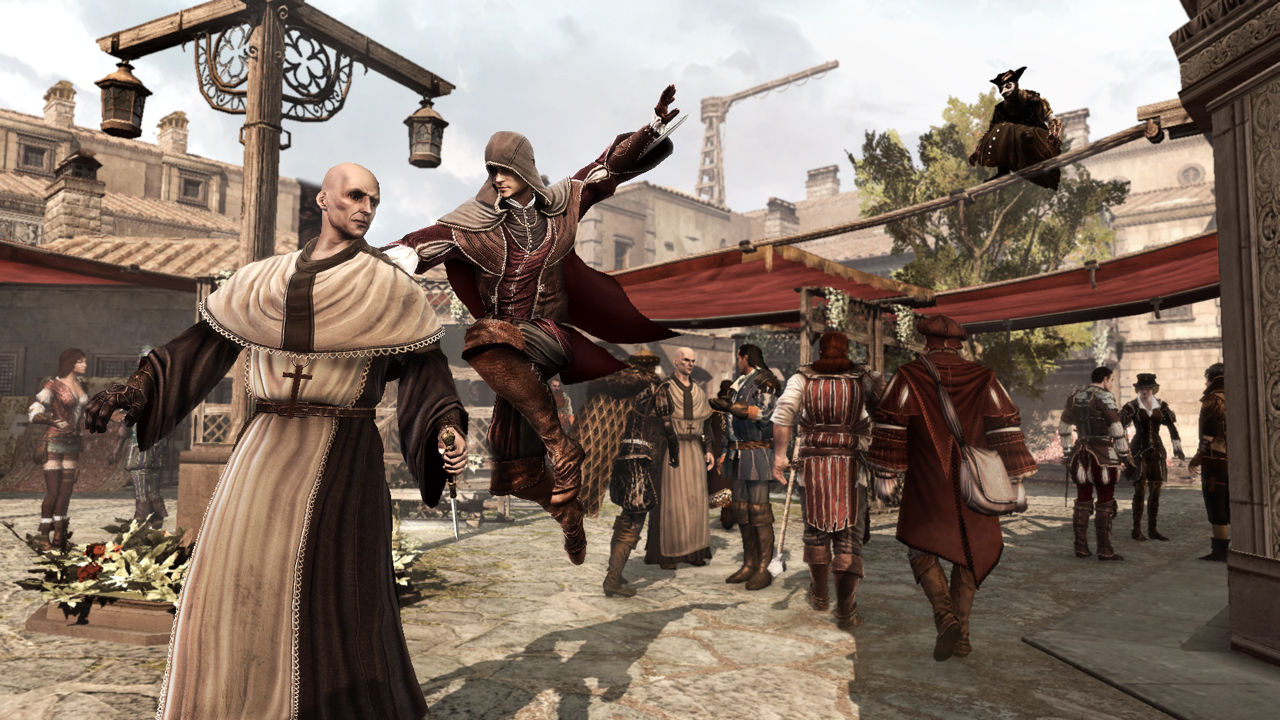
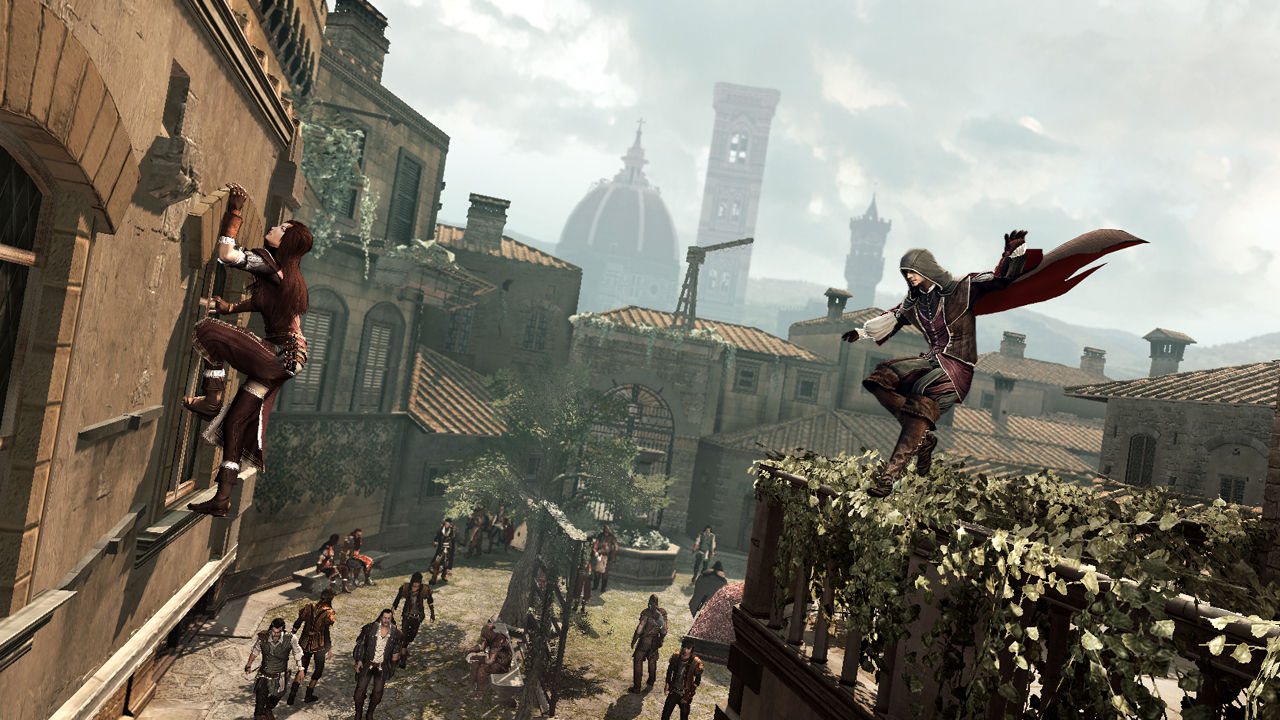
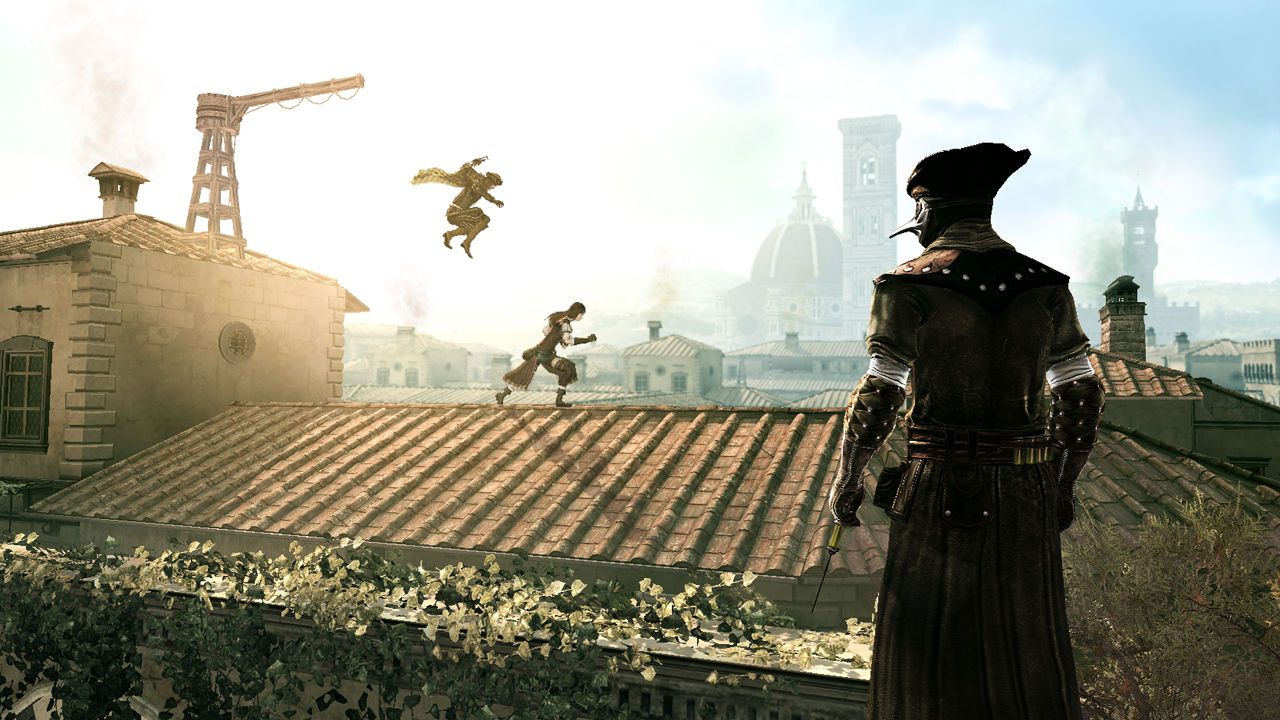
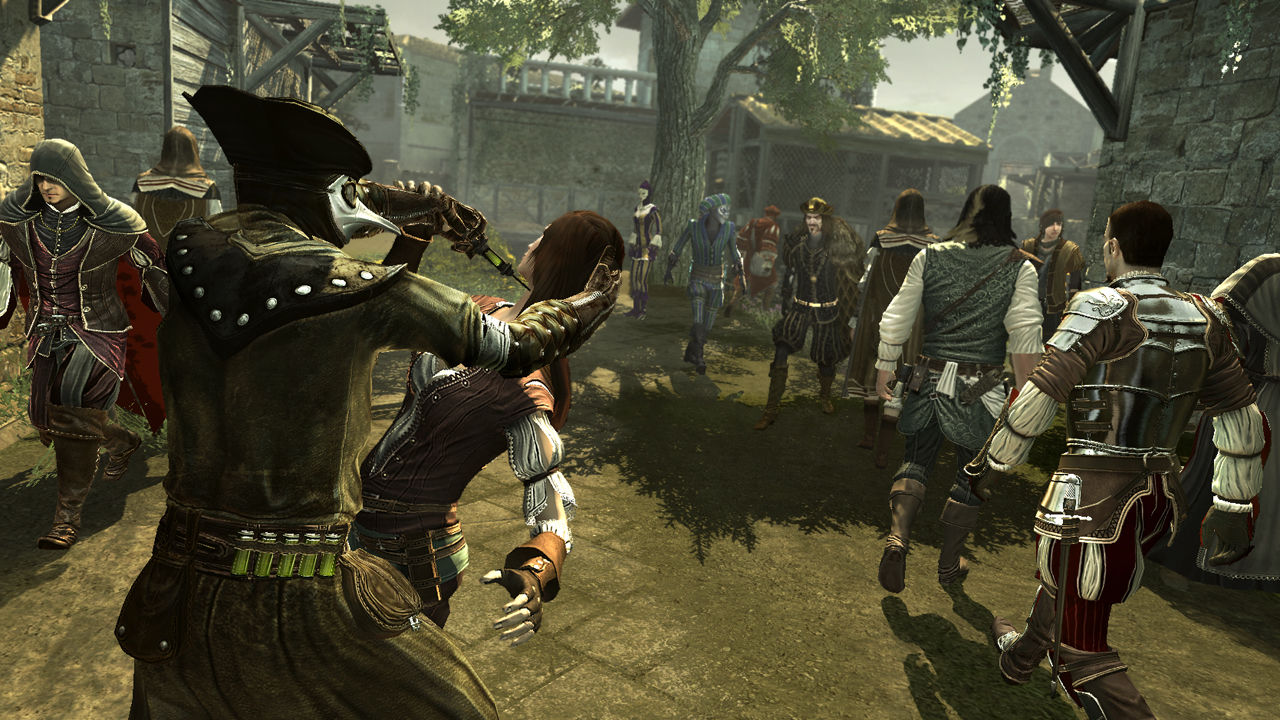
System requirements
Minimum
Minimum • OS *: Windows® XP (32-64 bits) /Windows Vista®(32-64 bits) • Processor: Intel Core® 2 Duo 1.8 GHZ or AMD Athlon X2 64 2.4GHZ • Memory: 1.5 GB Windows® XP / 2 GB Windows Vista® - Windows 7® • Graphics: 256 MB DirectX® 9.0–compliant card with Shader Model 3.0 or higher (see supported list*) • DirectX®: 9.0 • Hard Drive: 8 GB • Sound: DirectX 9.0 –compliant sound card • Peripherals: Keyboard, mouse, optional controller • Supported Video Cards: ATI® RADEON® HD 2000/3000/4000/5000/6000 series, NVIDIA GeForce® 8/9/100/200/300/400/500 series • Note* * This product does not support Windows® 98/ME/2000/NT Requires a Uplay account.
Recommended
Recommended • OS *: Windows® XP (32-64 bits) /Windows Vista®(32-64 bits) • Processor: Intel Core® 2 Duo E6700 2.6 GHz or AMD Athlon 64 X2 6000+ or better • Memory: 1.5 GB Windows® XP / 2 GB Windows Vista® - Windows 7® • Graphics: GeForce 8800 GT or ATI Radeon HD 4700 or better • DirectX®: 9.0 • Hard Drive: 8 GB • Sound: 5.1 sound card • Peripherals: Keyboard, mouse, joystick optional (Xbox 360® Controller for Windows recommended) • Supported Video Cards: ATI® RADEON® HD 2000/3000/4000/5000/6000 series, NVIDIA GeForce® 8/9/100/200/300/400/500 series • Note* * This product does not support Windows® 98/ME/2000/NT Requires a Uplay account.
Languages: Danish, Dutch, English, French, German, Italian, Norwegian, Polish, Portuguese - Portugal, Spanish - Spain, Swedish, Korean, Simplified Chinese, Traditional Chinese
How to activate
Ubisoft Connect
- Launch Ubisoft Connect PC and sign in to your intended Ubisoft account.
- Open the profile in the top-left corner and choose Key/Code Activation.
- Paste the key into Activate Product and select Activate. If asked to choose a product or platform, match it to your order.
- Install the game from your library. Redeemed extra content becomes available within its game.
More from the series
 РФ ✓Assassin's Creed® UnityXboxUbisoft Connectfrom $3.26280 ₽8 offers
 РФ ✓Assassin's Creed® OriginsXboxUbisoft Connectfrom $8.20700 ₽7 offers
 РФ ✓Assassin’s Creed® RogueUbisoft Connectfrom $6.72580 ₽6 offers
 РФ ✓Assassin's Creed Mirage (Xbox Series X|S)Xboxfrom $27.042,310 ₽4 offers
 РФ ✓Assassin's Creed Shadows (Xbox Series X|S)Xboxfrom $43.123,680 ₽3 offers
 РФ ✓Assassin's Creed Valhalla Deluxe Edition (Xbox Series X|S)Xboxfrom $15.661,340 ₽3 offersРФ ✓Assassin's Creed Mirage (Deluxe Edition) (Xbox Series X|S)Xboxfrom $22.531,920 ₽3 offers
 РФ ✓Assassin's Creed® SyndicateUbisoft Connectfrom $9.04780 ₽4 offers
Game details from Steam.