


Assassin’s Creed® Chronicles: India
- Genres
- Action · Adventure
- Release
- Jan 12, 2016
- Developer
- Climax Studios
Lowest price across all offers
from $4.74410 ₽
Offers
The price depends on the platform and the activation region.
- WorldwideWorks in RussiaAssassin’s Creed Chronicles: India$4.74410 ₽1
- EuropeNot for RussiaAssassin’s Creed Chronicles: India$6.07520 ₽1
- United StatesNot for RussiaAssassin’s Creed Chronicles: India$6.49560 ₽1
About the game
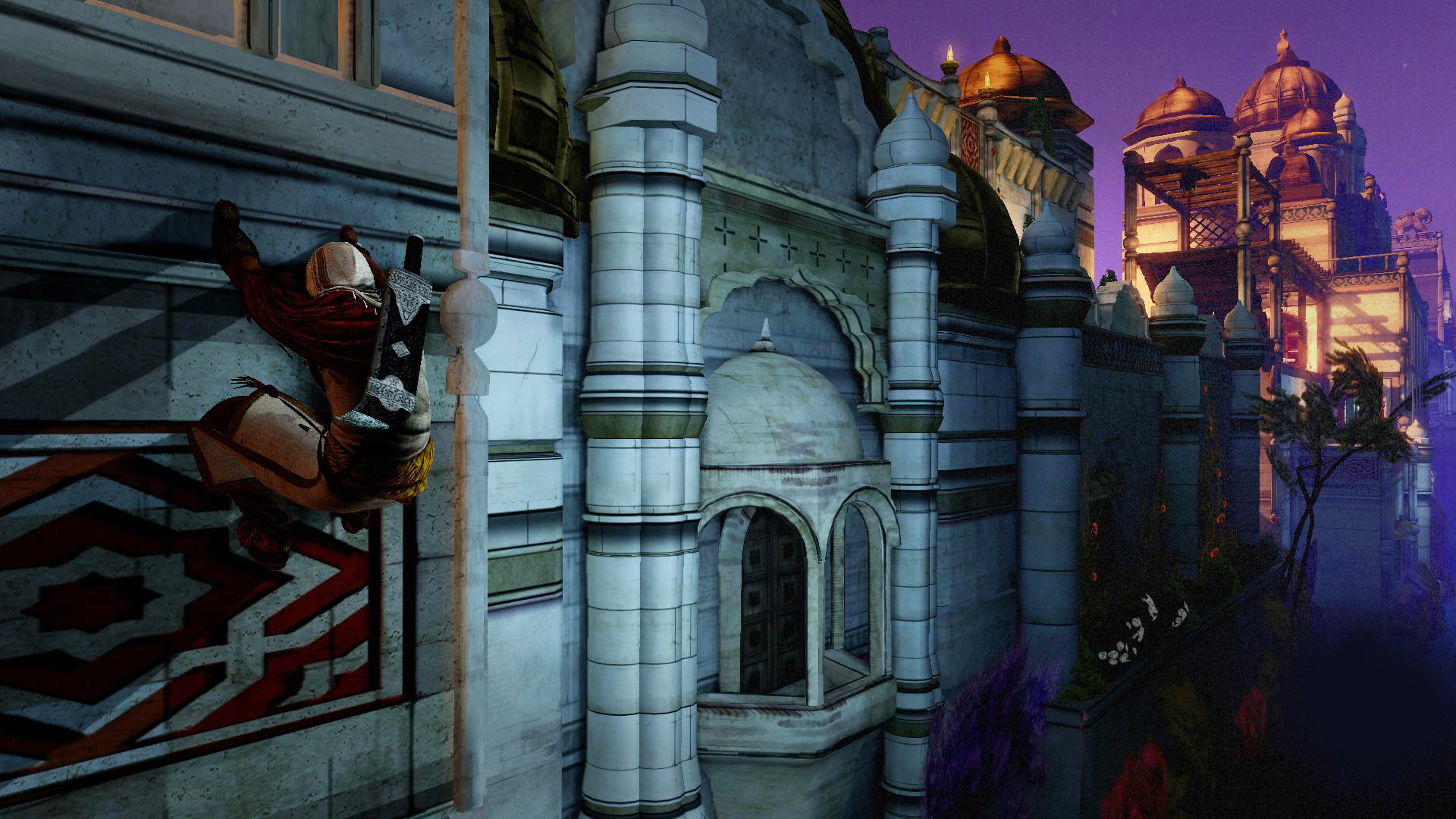
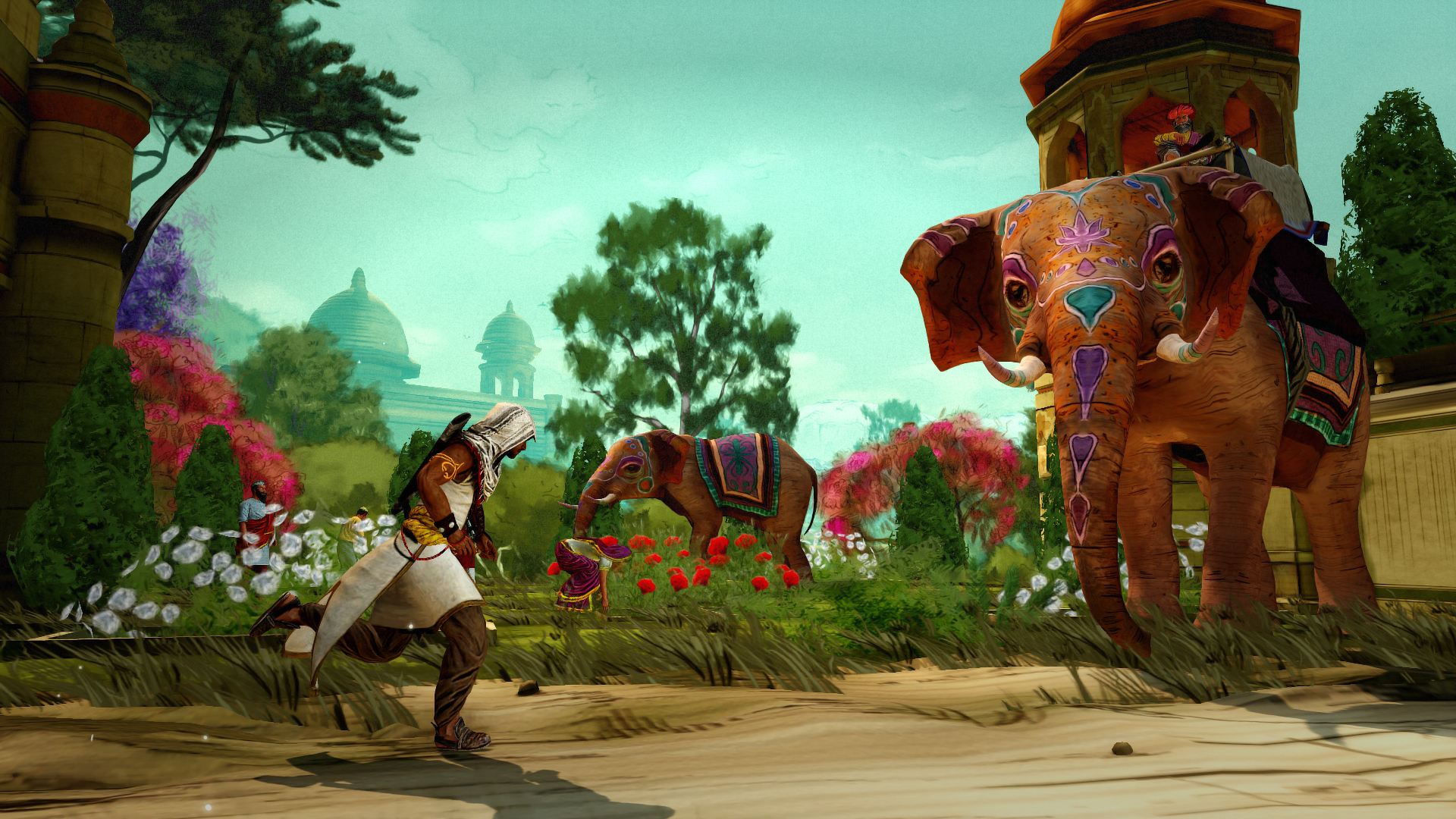
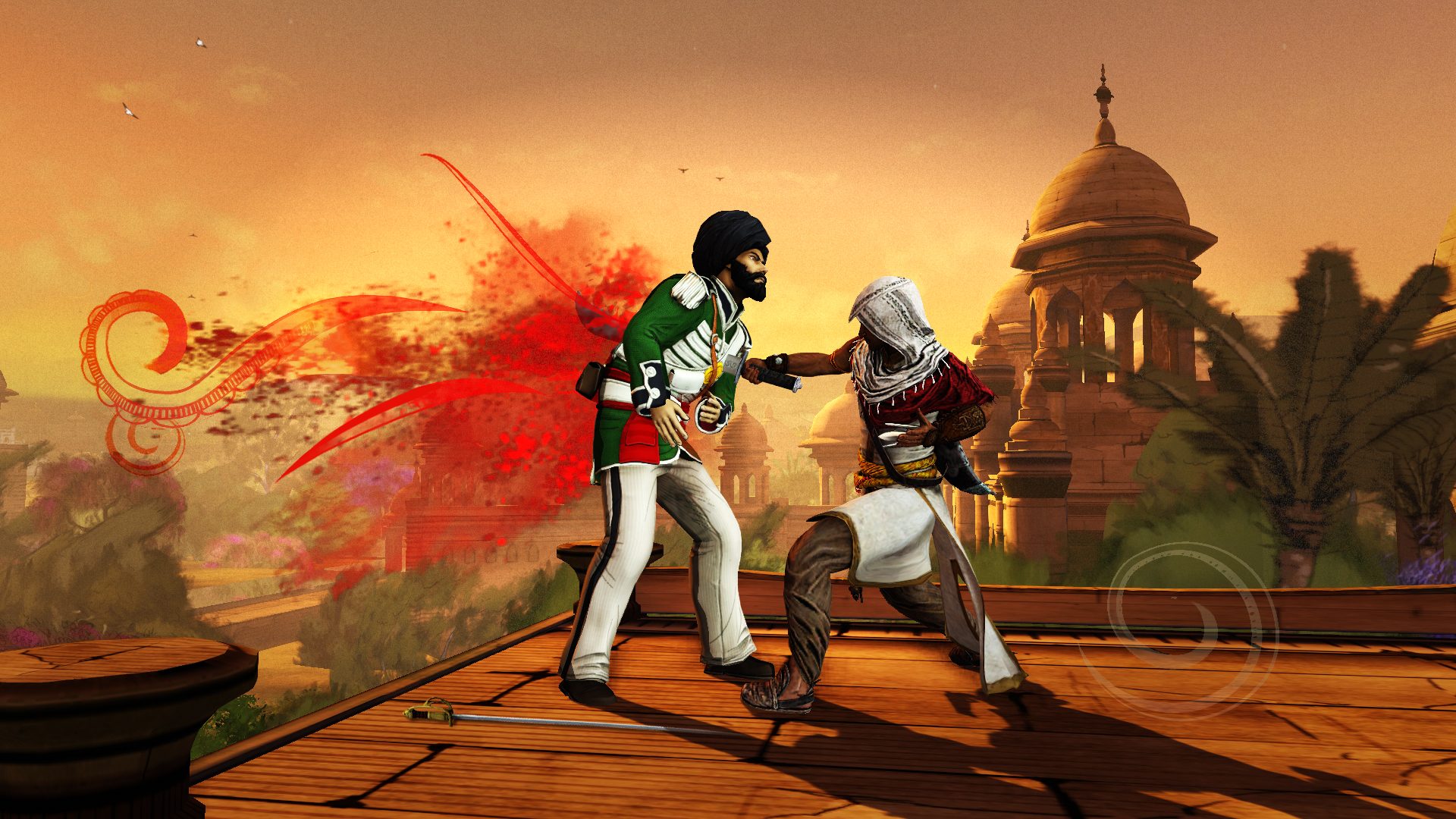
Embody Arbaaz in his quest for retribution through a colourful depiction of Colonial India in 2.5D stealth gameplay. • Travel across an amazing 19th Century India and its legendary landmarks. • Experience the thrill of a stealthy assassin with a unique set of skills and weapons such as the double kill moves and the chakram.
Screenshots





System requirements
Minimum
• OS: Windows 10 (64-bit versions only) • Processor: Intel Core 2 Duo E8200 @ 2.6 GHz or AMD Athlon II X2 240 @ 2.8 GHz • Memory: 2 GB RAM • Graphics: nVidia GeForce GTS450 or AMD Radeon HD5770 (1024MB VRAM with Shader Model 5.0) • DirectX: Version 10 • Storage: 4 GB available space • Sound Card: DirectX Compatible Sound Card with latest drivers • Additional Notes: Video Drivers: nVidia GeForce 347.52 and AMD Catalyst Omega 14.12
Recommended
• OS: Windows 10 (64-bit versions only) • Processor: Intel Core i3 2105 @ 3.1 GHz or AMD Phenom II X4 955 @ 3.2 GHz • Memory: 4 GB RAM • Graphics: nVidia GeForce GTX 470 or AMD Radeon HD5870 or better (1024MB VRAM with Shader Model 5.0) • DirectX: Version 10 • Storage: 4 GB available space • Sound Card: DirectX Compatible Sound Card with latest drivers • Additional Notes: Video Drivers: nVidia GeForce 347.52 and AMD Catalyst Omega 14.12. Supported video cards at the time of release: nVidia GeForce GTS 450 or better, GTX 500, GTX 600, GTX 700 series; AMD Radeon HD5770 or better, Radeon HD6000, HD7000, R7 200, R9 200 series Note: Laptop versions of these cards may work but are NOT officially supported.
Languages: English*, French, Italian, German, Spanish - Spain, Czech, Dutch, Japanese, Korean, Polish, Portuguese - Brazil, Russian, Traditional Chinese
How to activate
Ubisoft Connect
- Launch Ubisoft Connect PC and sign in to your intended Ubisoft account.
- Open the profile in the top-left corner and choose Key/Code Activation.
- Paste the key into Activate Product and select Activate. If asked to choose a product or platform, match it to your order.
- Install the game from your library. Redeemed extra content becomes available within its game.
More from the series
 РФ ✓Assassin's Creed® OriginsXboxUbisoft Connectfrom $8.11700 ₽9 offers
 РФ ✓Assassin's Creed® UnityXboxUbisoft Connectfrom $3.27280 ₽9 offers
 РФ ✓Assassin’s Creed® RogueUbisoft Connectfrom $6.73580 ₽8 offers
 РФ ✓Assassin's Creed® SyndicateXboxUbisoft Connectfrom $7.23620 ₽8 offers
 РФ ✓Assassin's Creed ValhallaSteamXbox+1from $10.61910 ₽7 offers
 РФ ✓Assassin's Creed Black Flag Resynced (Xbox Series X|S)Xboxfrom $57.674,920 ₽5 offers
 РФ ✓Assassin's Creed Mirage (Xbox Series X|S)Xboxfrom $22.211,900 ₽5 offers
 РФ ✓Assassin’s Creed® BrotherhoodUbisoft Connectfrom $4.71410 ₽6 offers
Game details from Steam.