

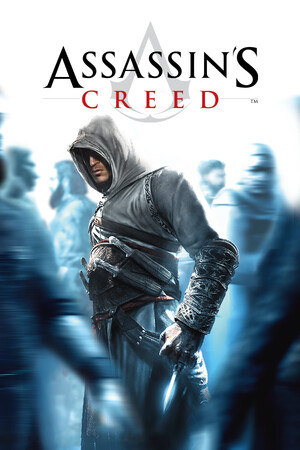
Assassin's Creed (Director's Cut Edition) (en)
- Genres
- Action · Adventure
- Release
- Apr 9, 2008
- Developer
- Ubisoft Montreal
- Metacritic
Lowest price across all offers
from $7.31630 ₽
Offers
The price depends on the platform and the activation region.
- WorldwideWorks in Russia$7.31630 ₽1
About the game
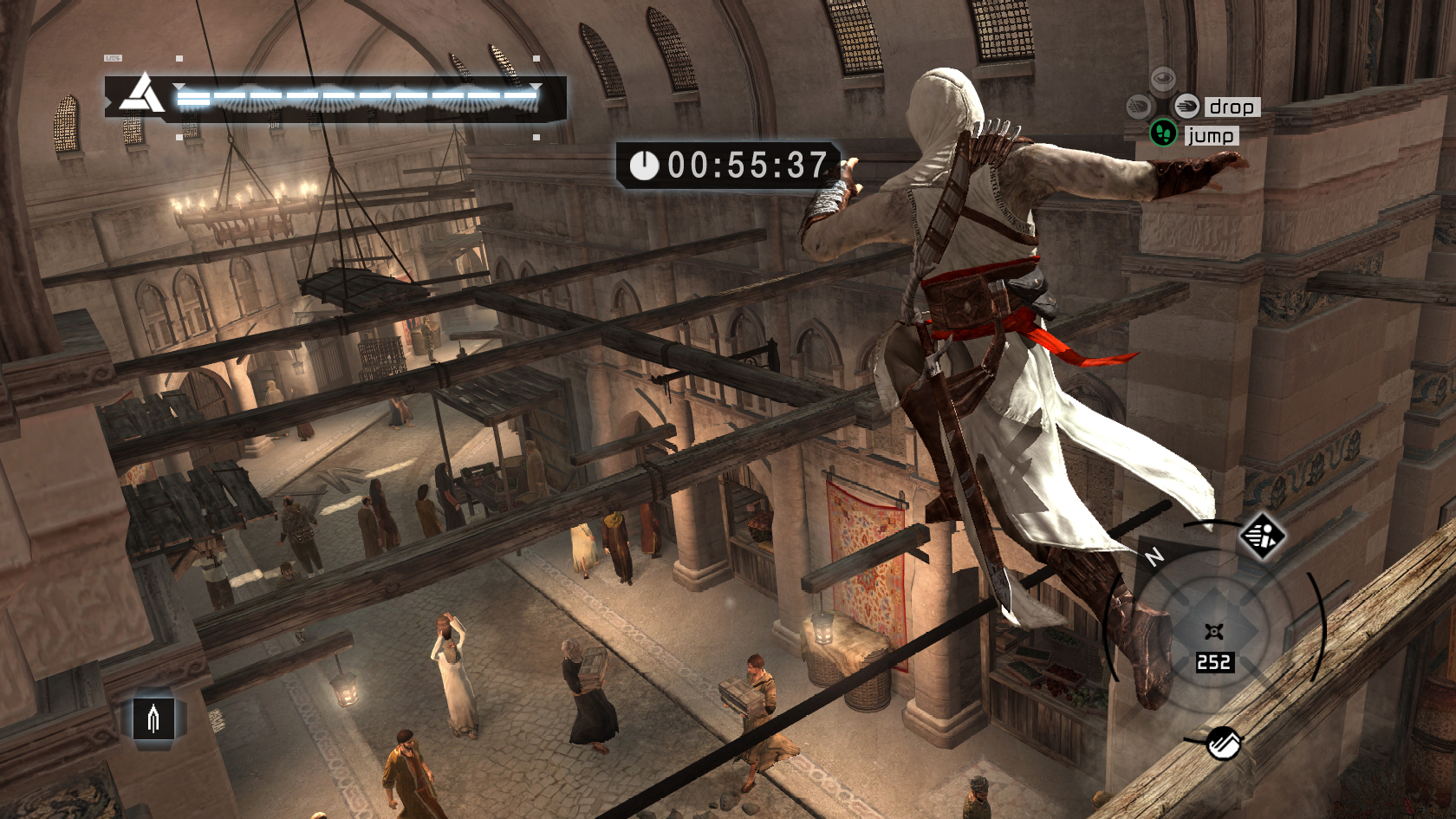
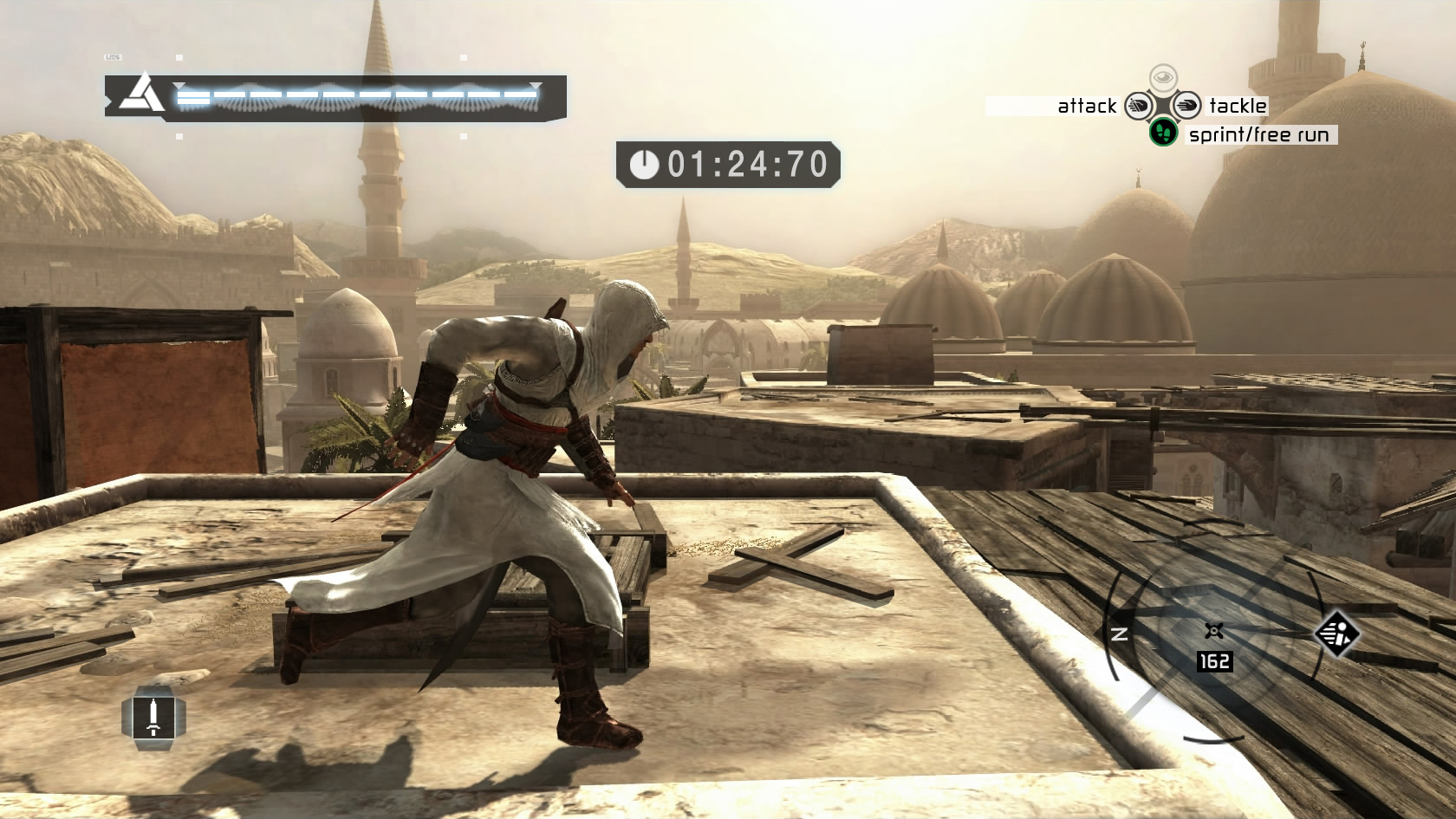
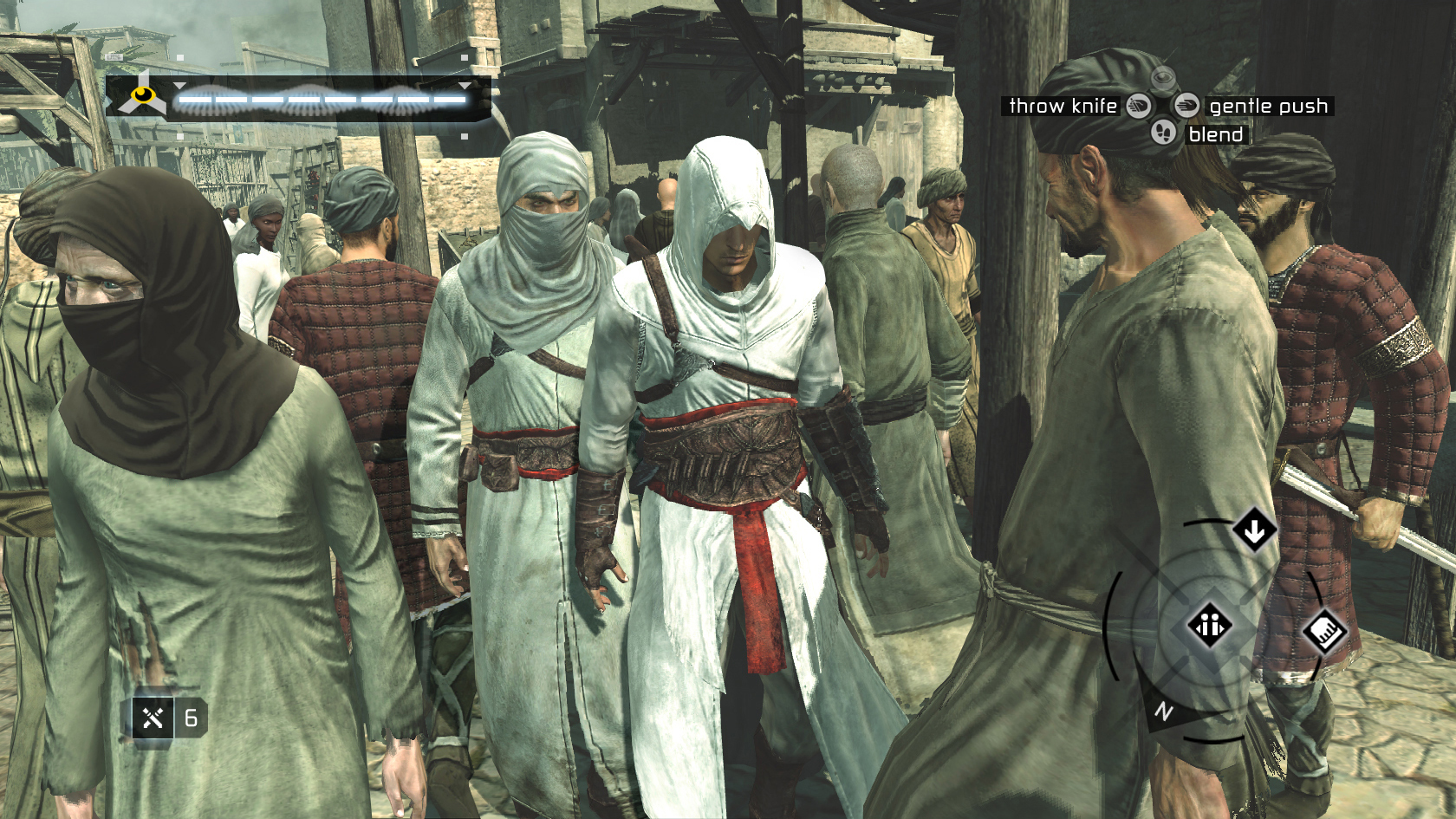
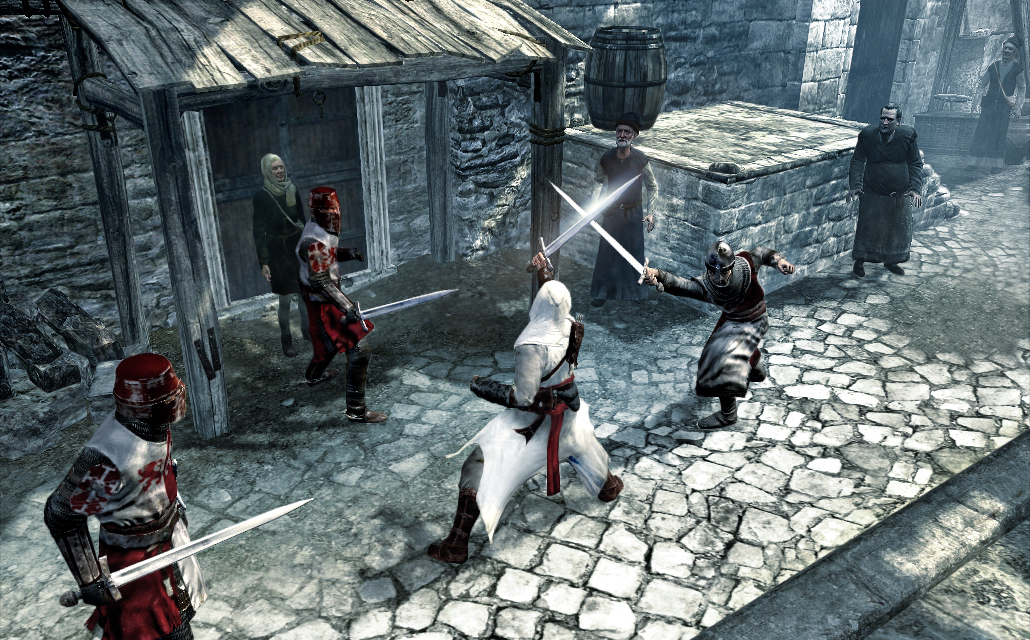
Assassin's Creed™ is the next-gen game developed by Ubisoft Montreal that redefines the action genre. While other games claim to be next-gen with impressive graphics and physics, Assassin's Creed merges technology, game design, theme and emotions into a world where you instigate chaos and become a vulnerable, yet powerful, agent of...
Screenshots
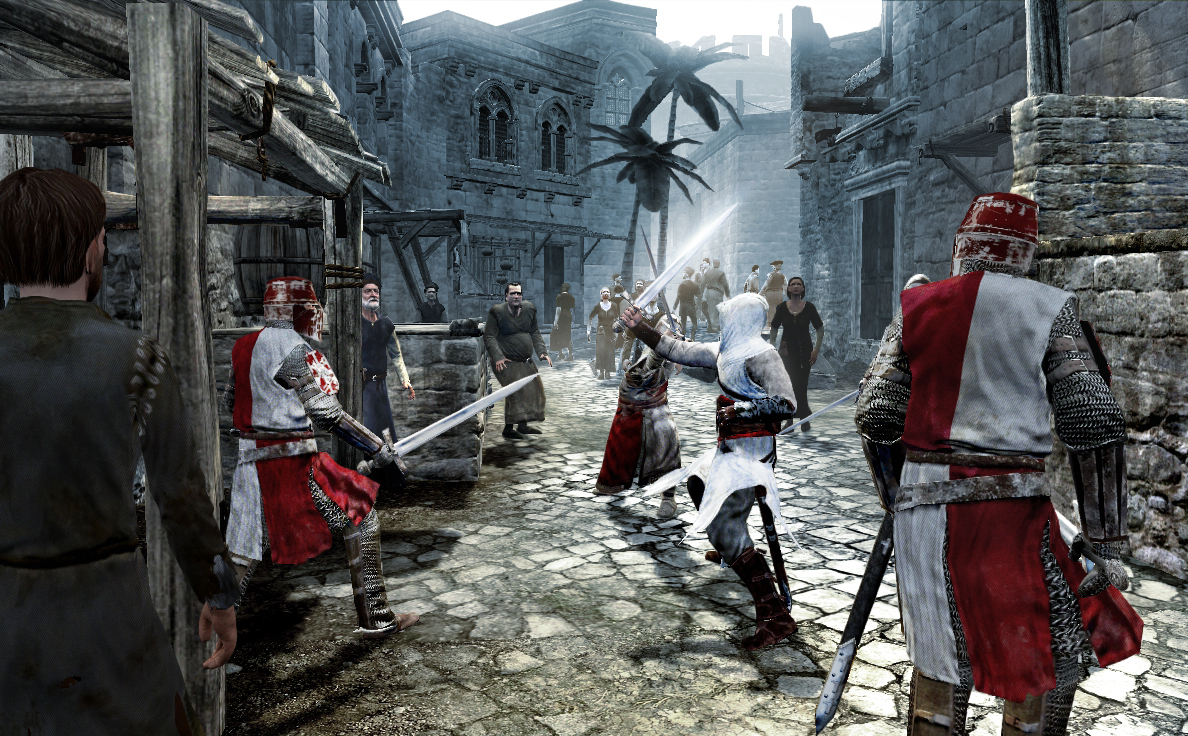
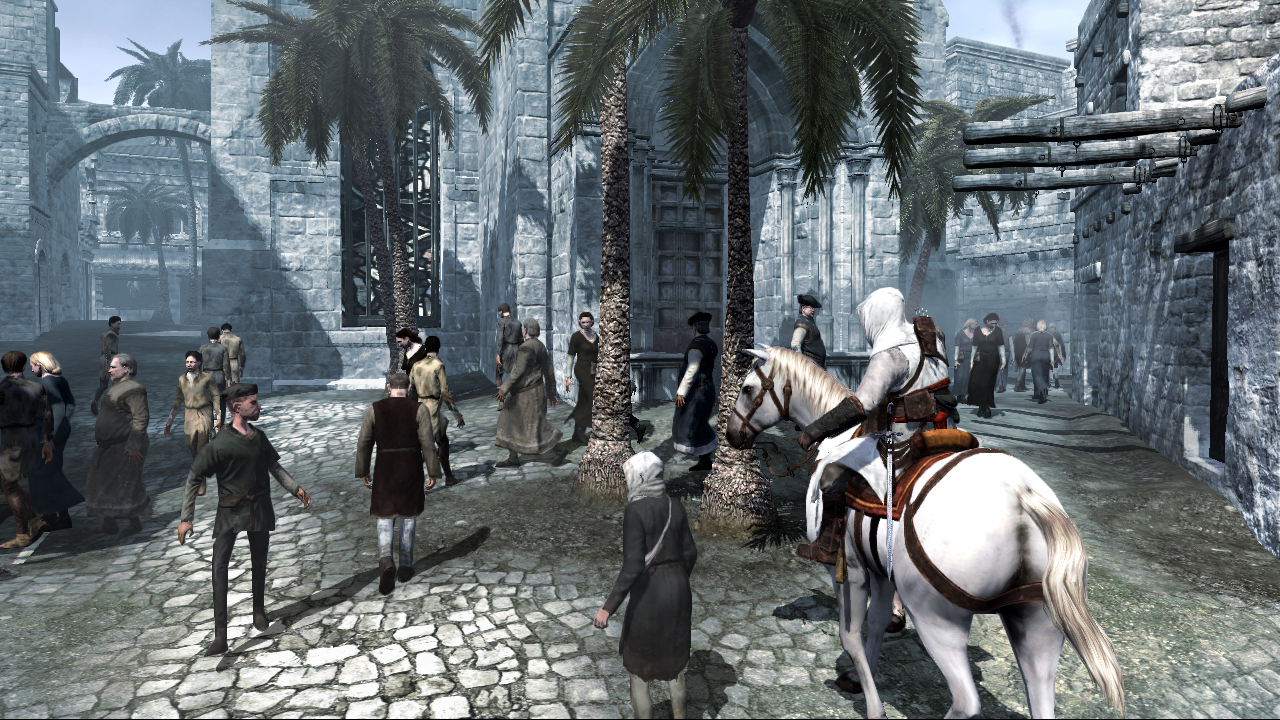
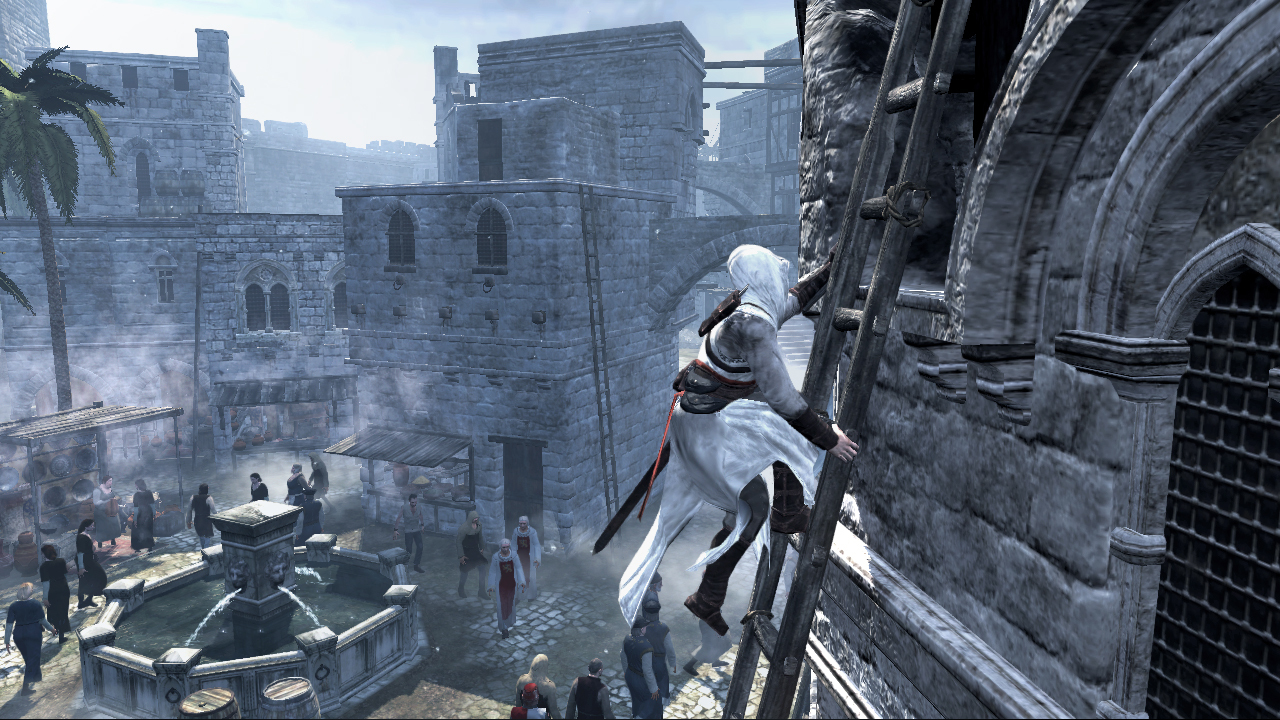
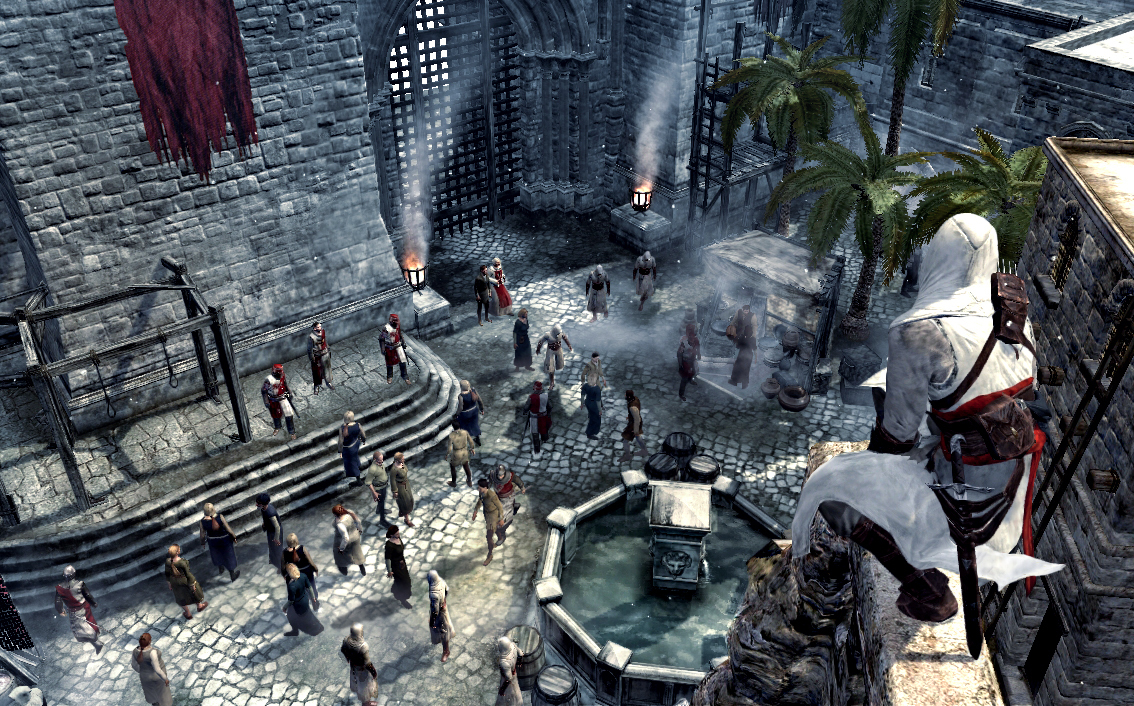
System requirements
Minimum
• Supported OS: Windows® XP/Windows Vista® (only) • Processor: Dual core processor 2.6 GHz Intel® Pentium® D or AMD Athlon™ 64 X2 3800+ (Intel Core® 2 Duo 2.2 GHz or AMD Athlon 64 X2 4400+ or better recommended) • System Memory: Windows XP: 1 GB RAM / Windows Vista: 2 GB RAM • Video Card: 256 MB DirectX® 10.0-compliant video card or DirectX 9.0-compliant card with Shader Model 3.0 or higher (*see supported list) • Sound Card: DirectX 9.0 or 10.0-compliant sound card (5.1 sound card recommended) • DirectX Version: Direct X 9.0 (Windows XP) or 10.0 (Windows Vista) libraries • Hard Disk: 8 GB available hard disk space • Supported Peripherals: Keyboard, mouse, optional controller (Xbox 360® Controller for Windows recommended) • *Supported video cards at time of release: ATI® RADEON® X1600** /1650**- 1950/ HD 2000/3000 series, NVIDIA GeForce® 6800**/7/8/9 series. **PCI Express only supported. Laptop versions of these cards may work but are NOT supported. These chipsets are the only ones that will run this game. For the most up-to-date requirements, please visit the FAQ for this game at: .
Languages: English, French, Italian, German, Spanish - Spain
How to activate
Ubisoft Connect
- Launch Ubisoft Connect PC and sign in to your intended Ubisoft account.
- Open the profile in the top-left corner and choose Key/Code Activation.
- Paste the key into Activate Product and select Activate. If asked to choose a product or platform, match it to your order.
- Install the game from your library. Redeemed extra content becomes available within its game.
More from the series
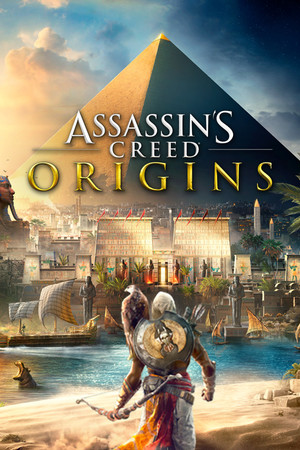 РФ ✓Assassin's Creed® OriginsXboxUbisoft Connectfrom $8.12700 ₽9 offers
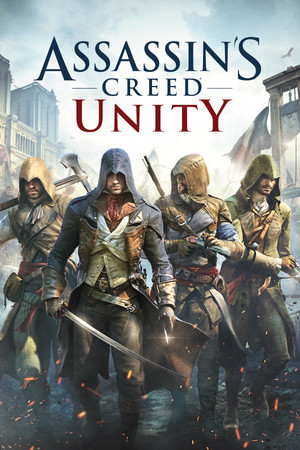 РФ ✓Assassin's Creed® UnityXboxUbisoft Connectfrom $3.27280 ₽9 offers
 РФ ✓Assassin’s Creed® RogueUbisoft Connectfrom $6.74580 ₽8 offers
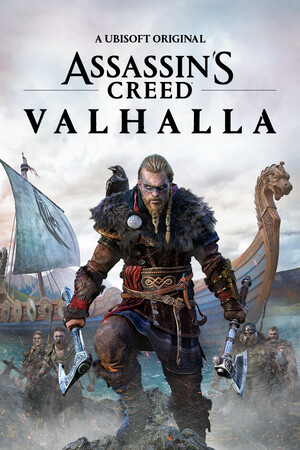 РФ ✓Assassin's Creed ValhallaSteamXbox+1from $10.08860 ₽8 offers
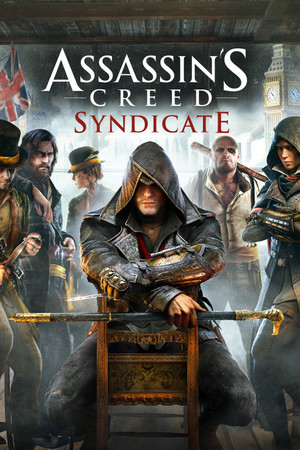 РФ ✓Assassin's Creed® SyndicateUbisoft Connectfrom $9.07780 ₽7 offers
 РФ ✓Assassin's Creed Mirage (Xbox Series X|S)Xboxfrom $22.231,900 ₽5 offers
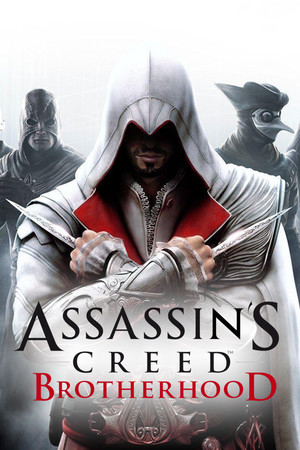 РФ ✓Assassin’s Creed® BrotherhoodUbisoft Connectfrom $4.71410 ₽6 offers
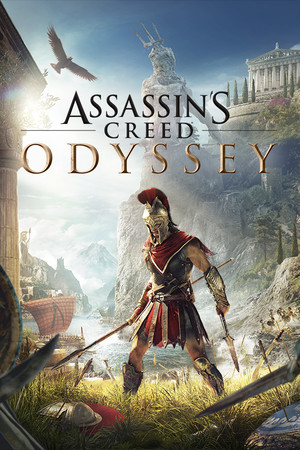 РФ ✓Assassin's Creed: Odyssey (Ultimate Edition)Ubisoft Connectfrom $31.072,650 ₽6 offers
Game details from Steam.