
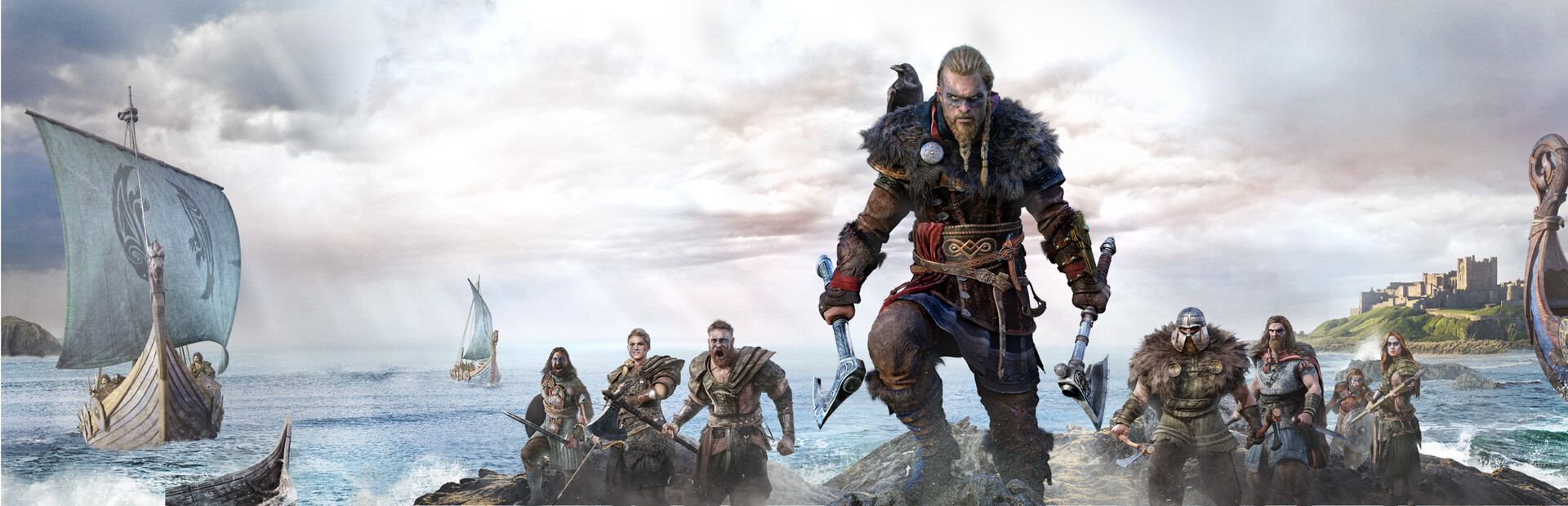
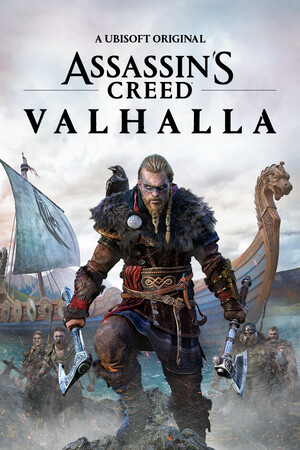
Assassin's Creed Valhalla
- Genres
- Action · Adventure · RPG
- Release
- Dec 6, 2022
- Developer
- Ubisoft Montreal
Lowest price across all offers
from $10.08860 ₽
Offers
The price depends on the platform and the activation region.
- WorldwideWorks in RussiaAssassin's Creed: Valhalla$10.08860 ₽1
- EMEANot for RussiaAssassin's Creed: Valhalla$10.39890 ₽1
About the game
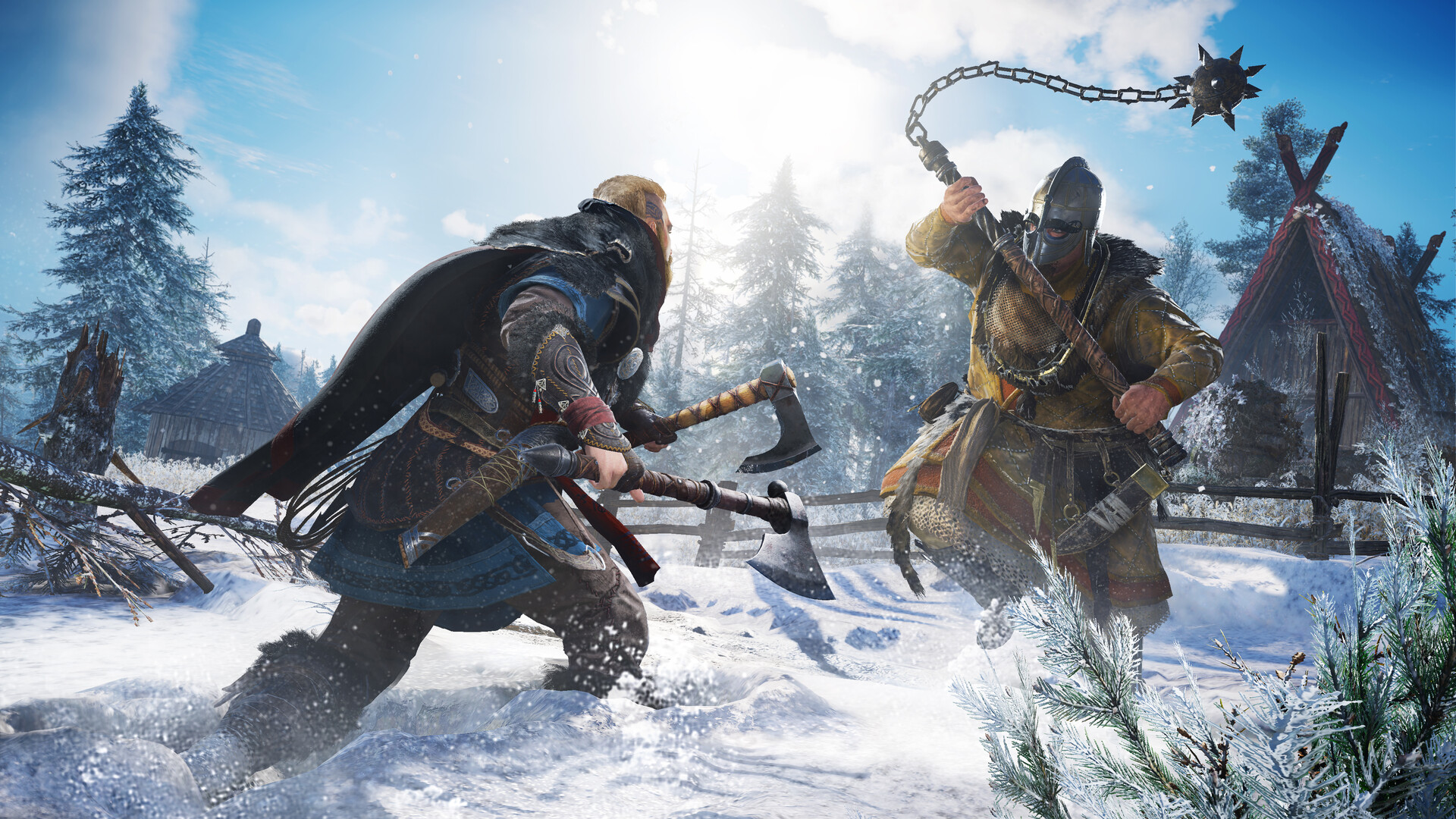
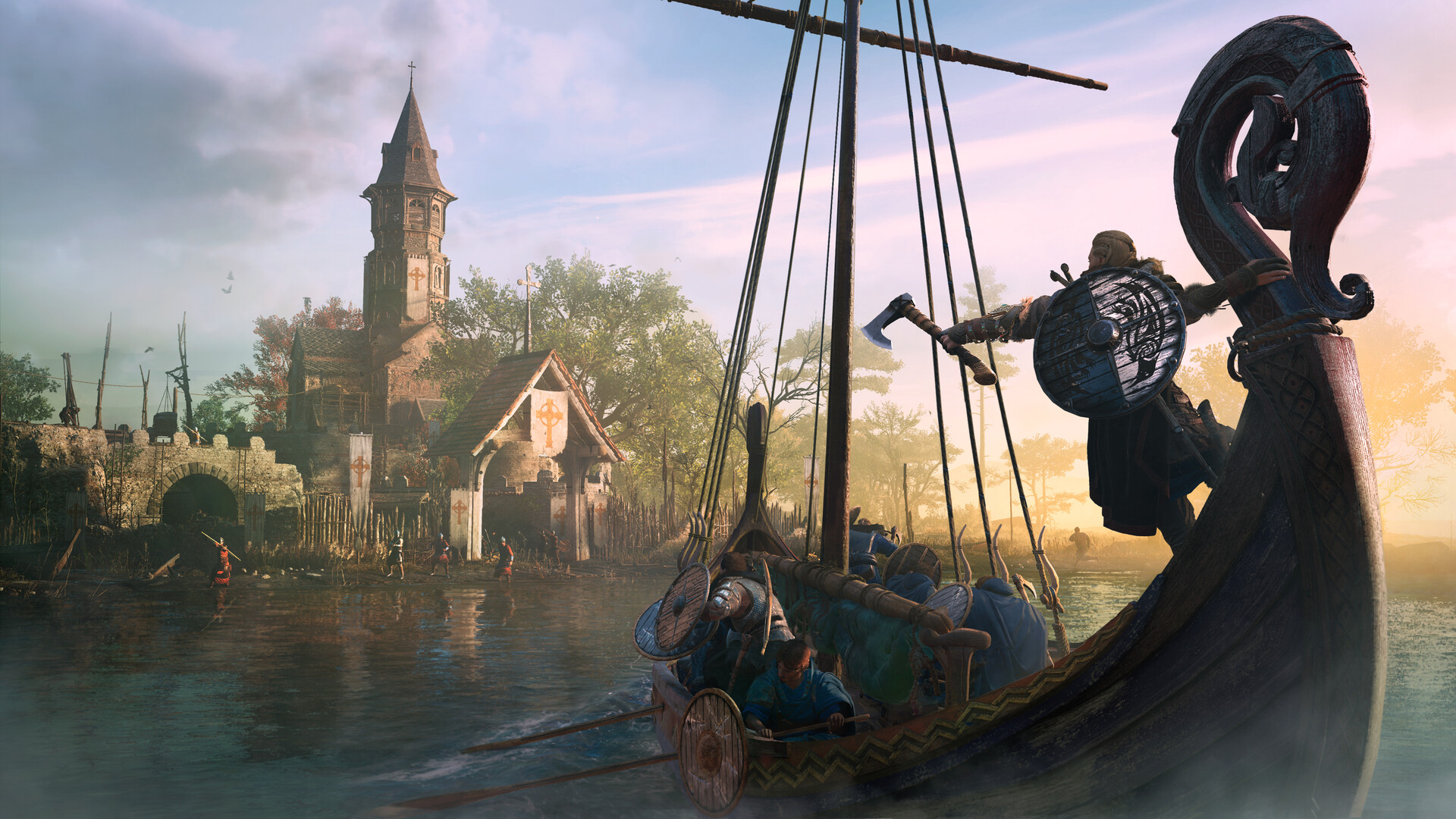
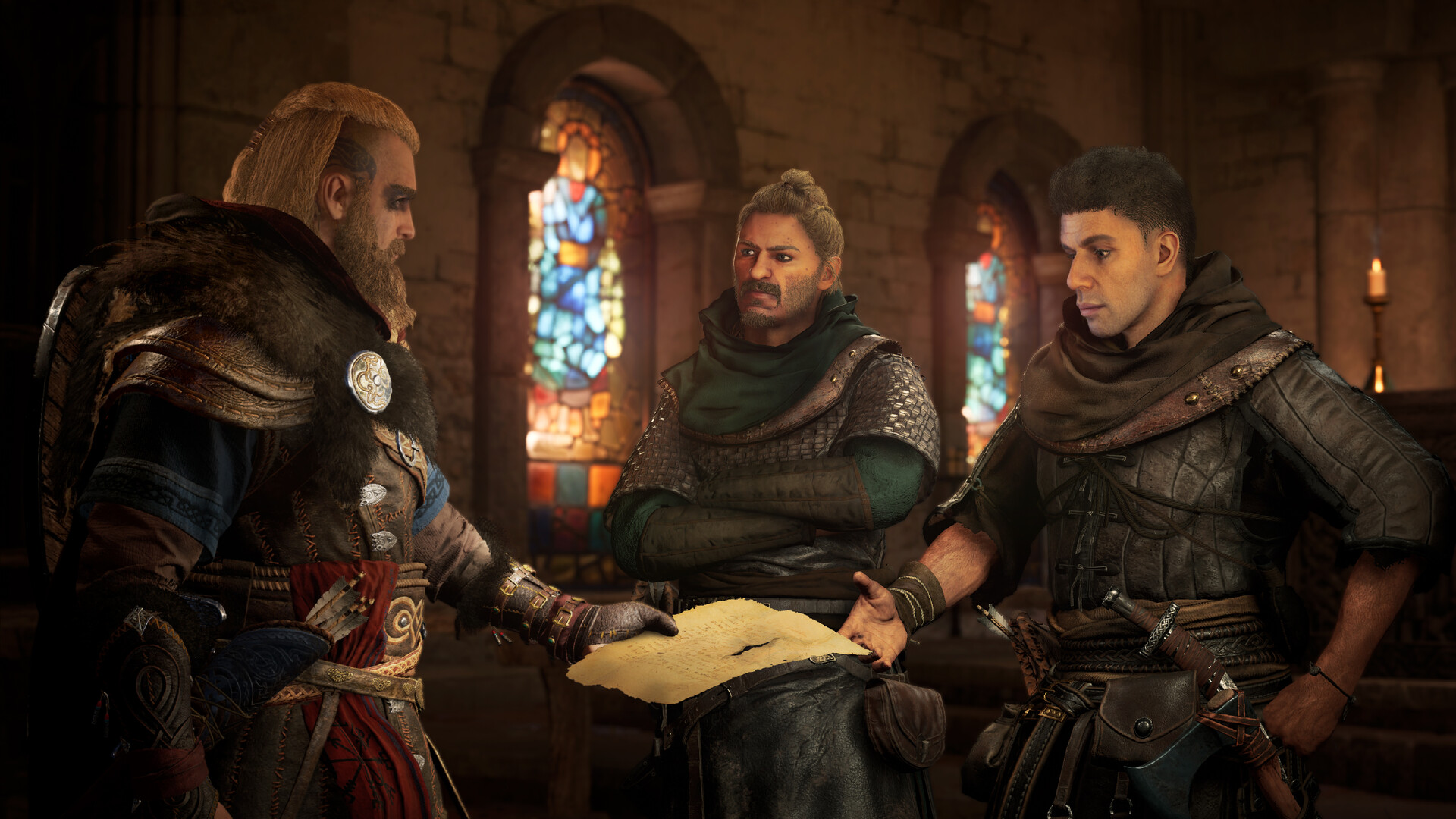
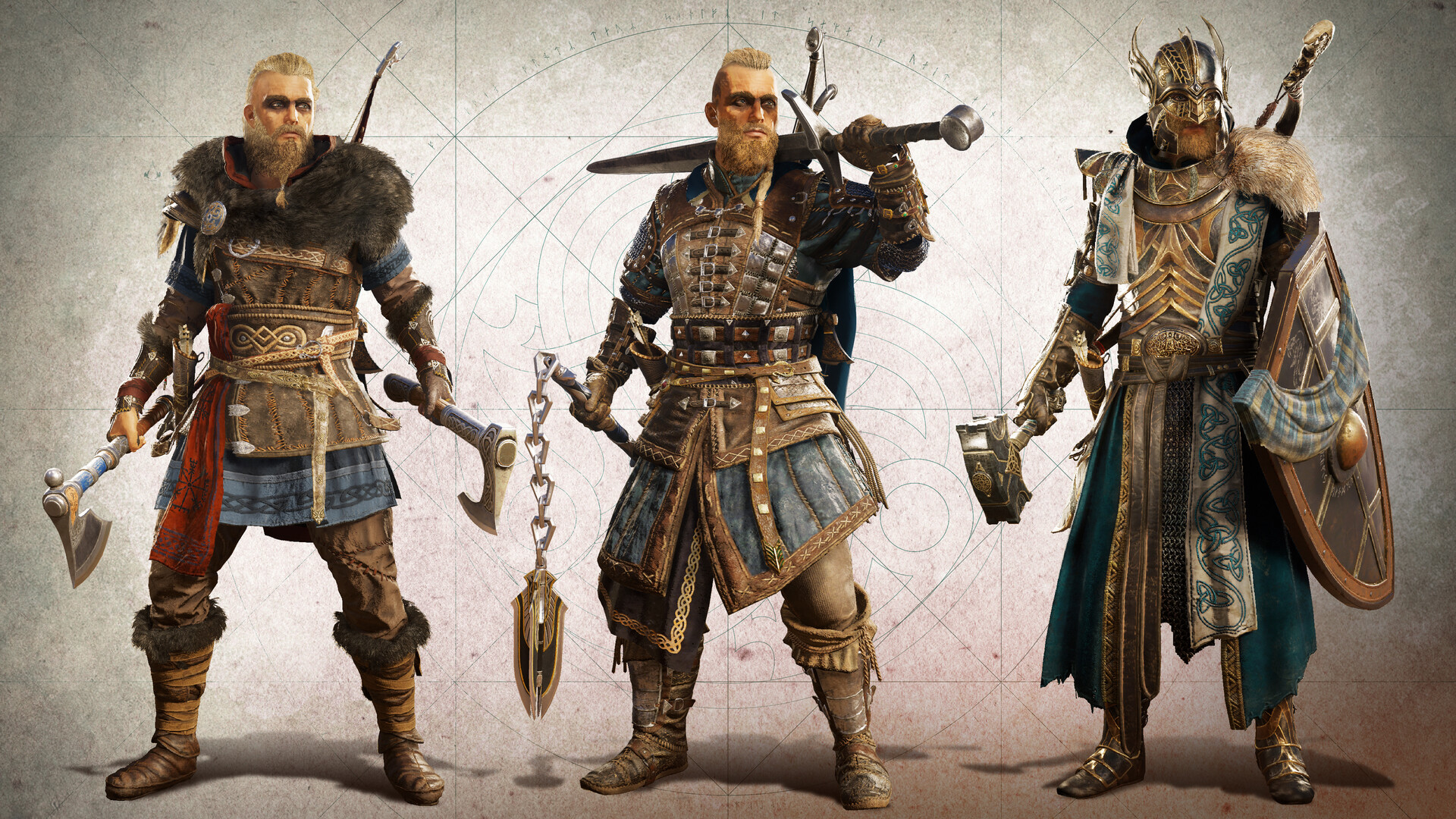
Assassin’s Creed Valhalla is an action-adventure game in which you are a Viking warrior raised on tales of battle and glory. Explore a dynamic open world set in England’s Dark Ages. Raid your enemies and grow your settlement to earn your place among the gods in Valhalla.
Screenshots

System requirements
Minimum
• Requires a 64-bit processor and operating system • OS: Windows 10 (versions 64 bits uniquement) • Processor: AMD Ryzen 3 1200 3.1 GHz / Intel Core i5-4460 3.2 GHz • Memory: 8 GB RAM • Graphics: AMD R9 380 /NVIDIA GeForce GTX 960 • DirectX: Version 12 • Storage: 160 GB available space
Recommended
• Requires a 64-bit processor and operating system • OS: Windows 10 (versions 64 bits uniquement) • Processor: AMD Ryzen 5 1600 3.2 GHz / Intel Core i7-4790 3.6 GHz • Memory: 8 GB RAM • Graphics: AMD R9 380 /NVIDIA GeForce GTX 960 • DirectX: Version 12 • Storage: 160 GB available space
Languages: English*, French*, Italian*, German*, Spanish - Spain*, Arabic, Simplified Chinese, Traditional Chinese, Korean, Spanish - Latin America, Japanese*, Polish, Portuguese - Brazil*, Russian*
How to activate
Steam
- Start Steam on your computer and sign in to the account you will play on.
- In the Games menu, choose Activate a Product on Steam. You can also start from Add a Game at the bottom left.
- Go through the introductory screens, review Steam’s terms and paste the complete key without surrounding spaces.
- Finish activation, then find the game in your Library and select Install.
Xbox
- Open Microsoft’s redemption page using the button below.
- Sign in with the Microsoft account used on your Xbox. Check the email and profile before continuing.
- Paste the 25-character code and select Next. Check the displayed product or amount.
- Complete the confirmation prompts. Look for games in that account’s library and subscriptions under its services and subscriptions.
Ubisoft Connect
- Launch Ubisoft Connect PC and sign in to your intended Ubisoft account.
- Open the profile in the top-left corner and choose Key/Code Activation.
- Paste the key into Activate Product and select Activate. If asked to choose a product or platform, match it to your order.
- Install the game from your library. Redeemed extra content becomes available within its game.
More from the series
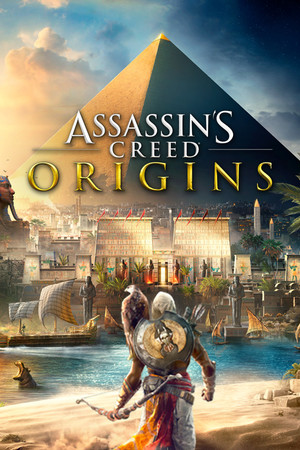 СНГAssassin's Creed® OriginsXboxUbisoft Connectfrom $10.40890 ₽5 offers
 СНГAssassin’s Creed® RogueUbisoft Connectfrom $9.78840 ₽5 offers
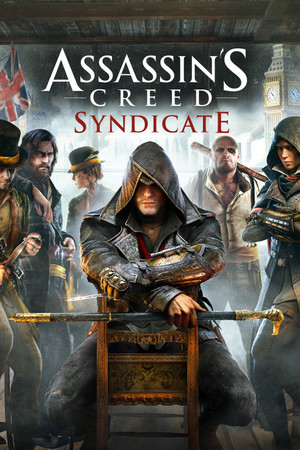 Assassin's Creed® SyndicateUbisoft Connectfrom $10.49900 ₽3 offers
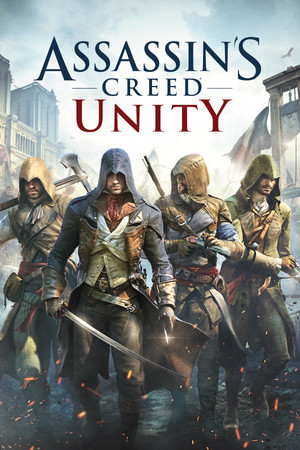 СНГAssassin's Creed® UnityUbisoft Connectfrom $8.39720 ₽3 offers
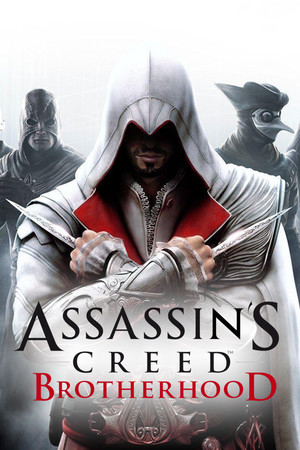 СНГAssassin’s Creed® BrotherhoodUbisoft Connectfrom $4.71410 ₽3 offers
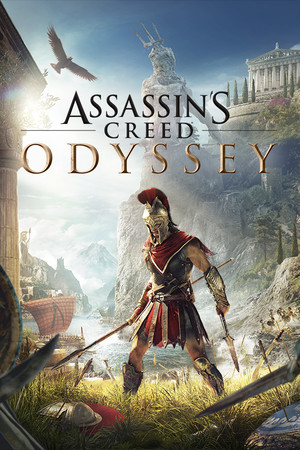 Assassin's Creed: Odyssey (Ultimate Edition)Ubisoft Connectfrom $31.552,690 ₽3 offersAssassin's Creed: Origins (Gold Edition)Ubisoft Connectfrom $14.601,250 ₽3 offers
 Assassin's Creed Shadows (Xbox Series X|S)Xboxfrom $63.595,420 ₽
Game details from Steam.