
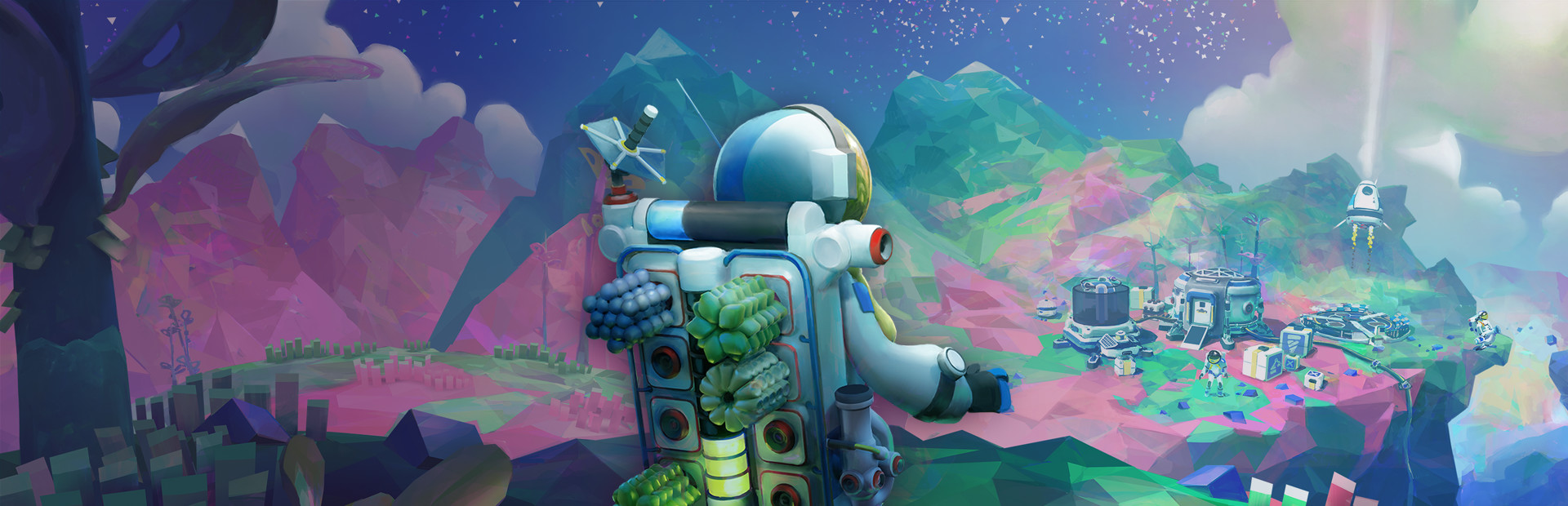

ASTRONEER
- Genres
- Adventure · Indie
- Release
- Feb 5, 2019
- Developer
- System Era Softworks
Lowest price across all offers
from $6.53570 ₽
Offers
The price depends on the platform and the activation region.
- WorldwideWorks in Russia$6.53570 ₽1
- Latin AmericaNot for Russia$6.95600 ₽1
- EuropeNot for Russia$10.23880 ₽1
About the game
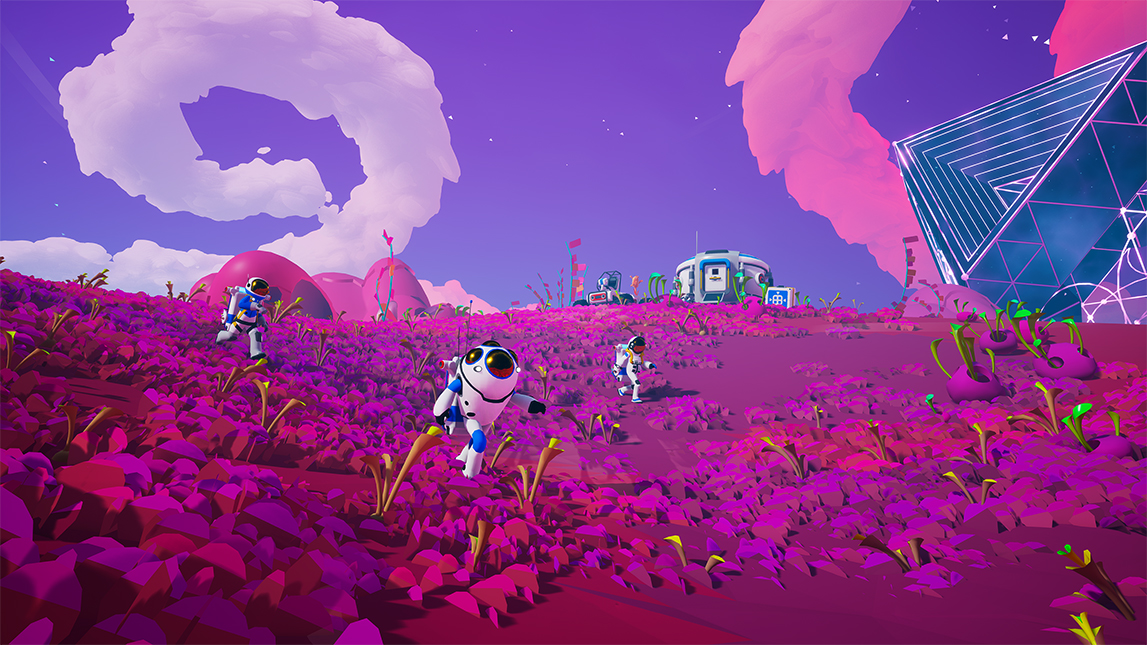
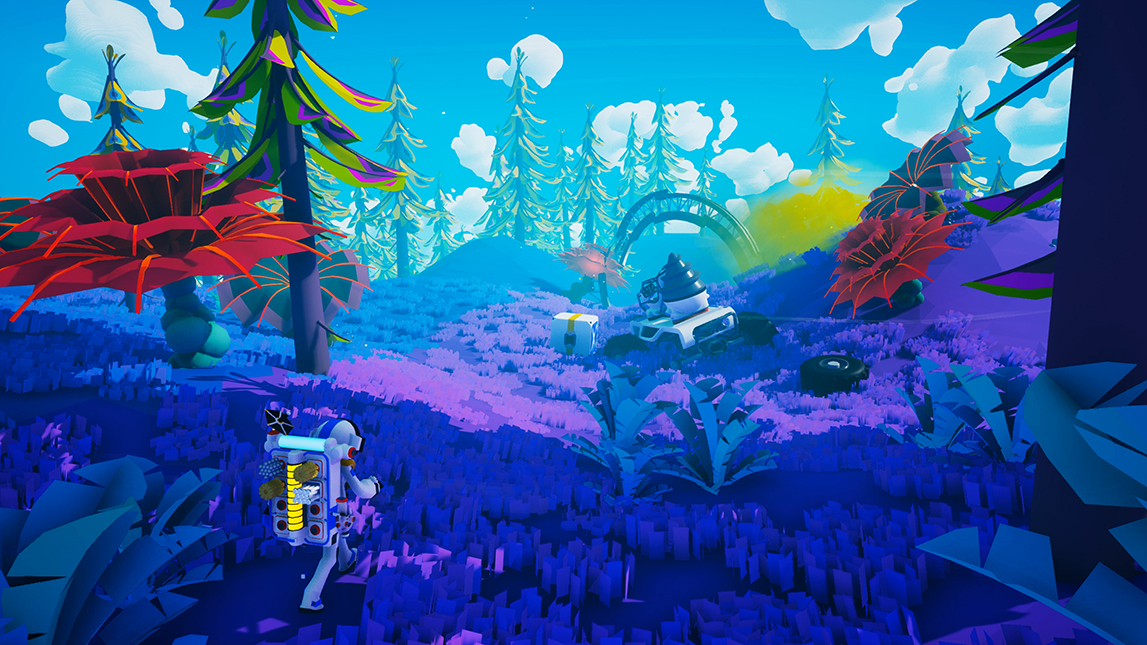
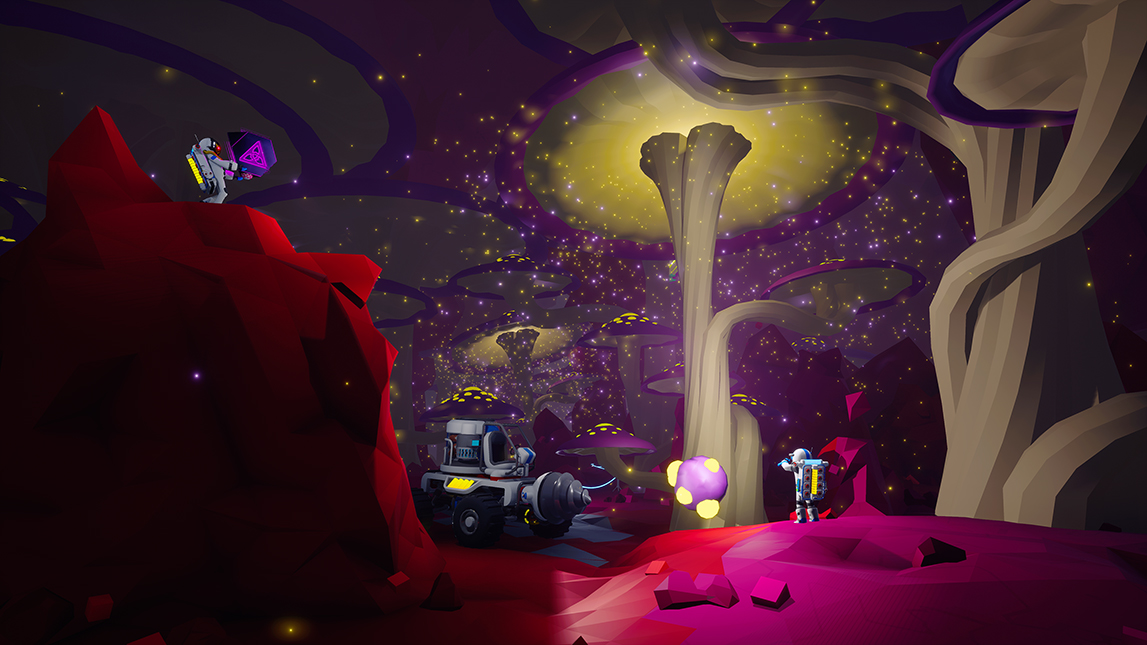
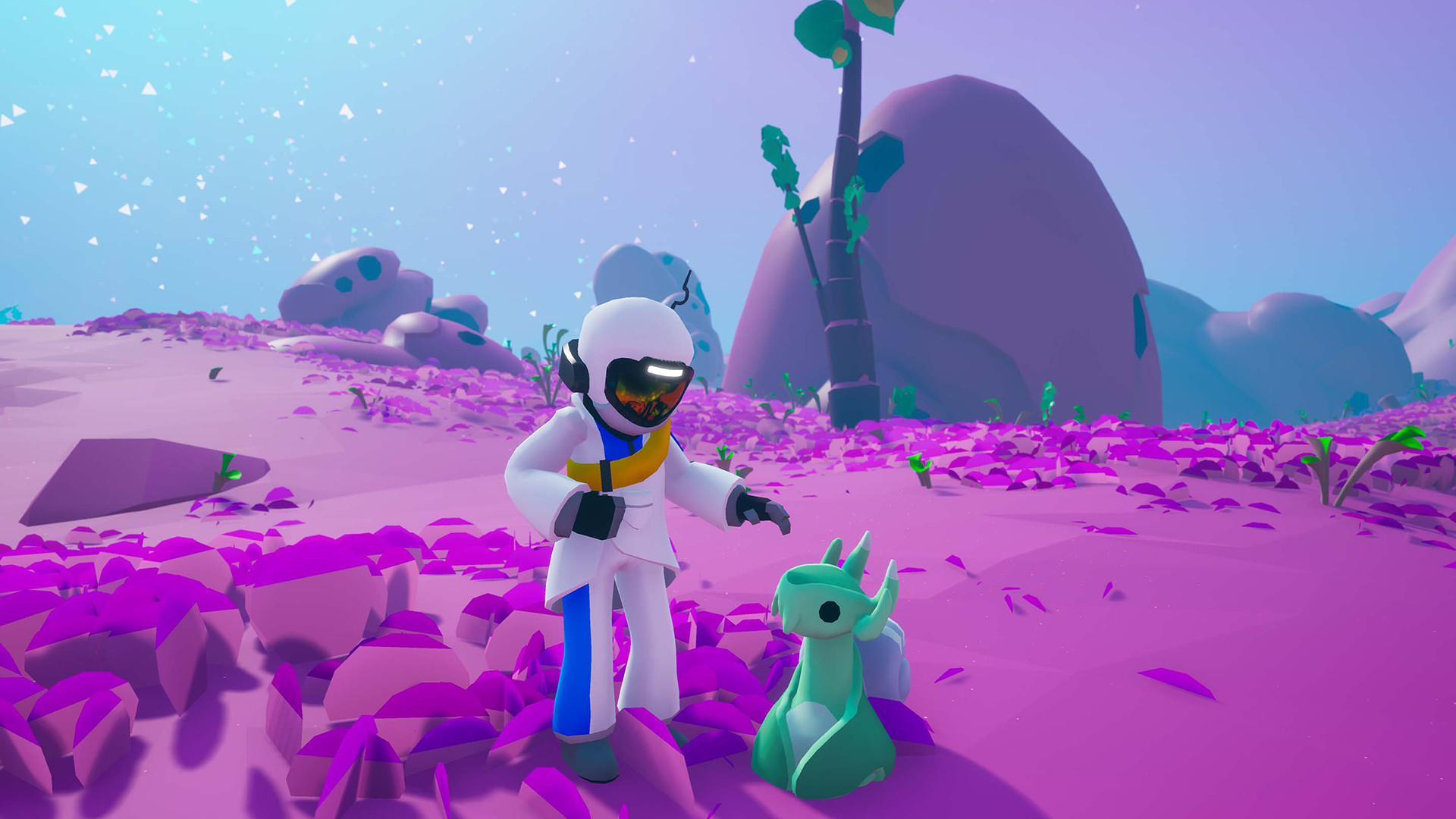
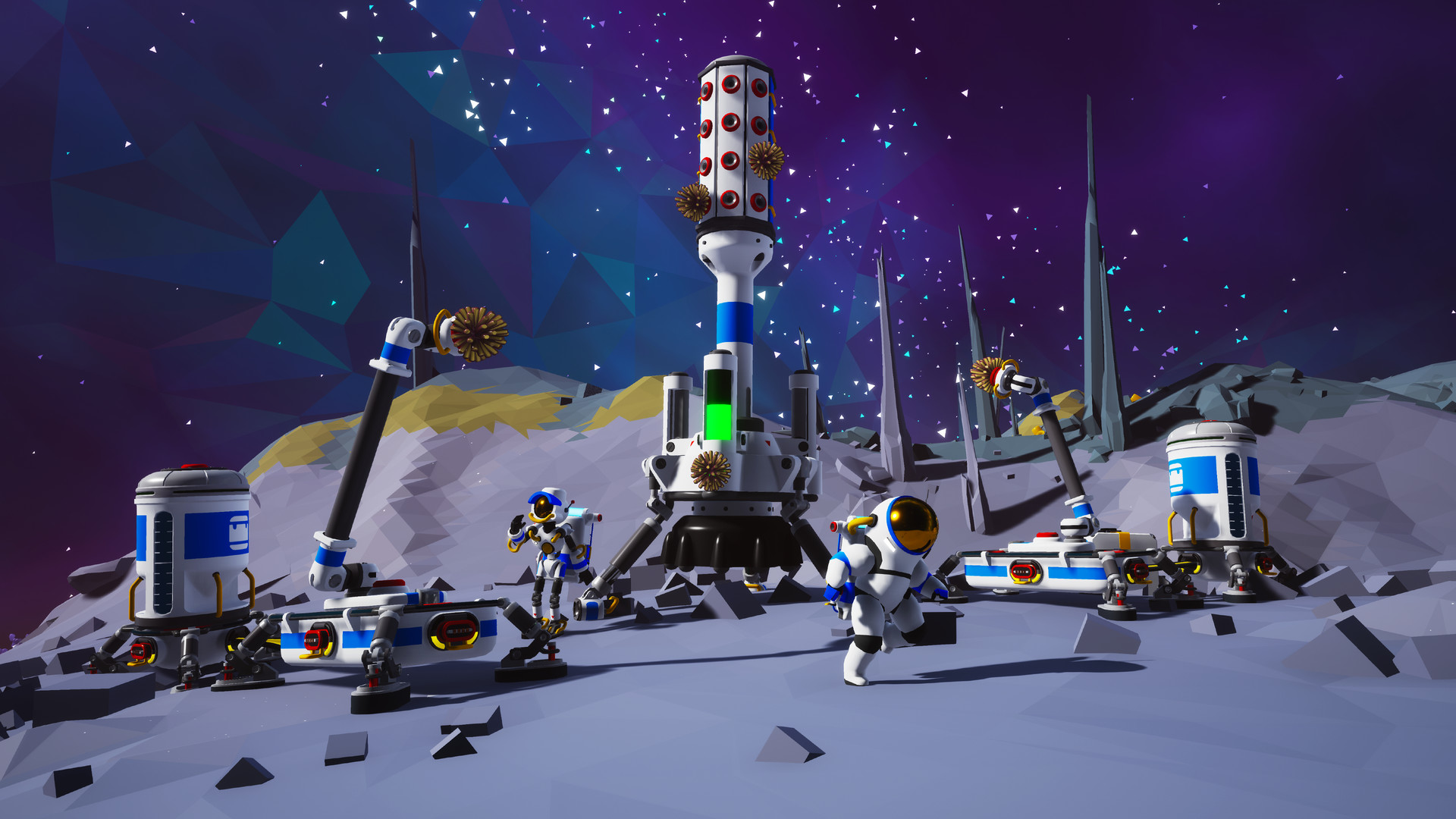
Interact with strange new worlds in a unique and tactile way, molding the environment itself as if it were clay in your hands. Build your base, master resource management, automate your production lines, and more as you unravel the mysteries of the universe, alone or with friends.
Screenshots


System requirements
Minimum
• Requires a 64-bit processor and operating system • OS: Windows 10 (64-bit) • Processor: X64 Dual Core CPU, 2+ GHz • Memory: 4 GB RAM • Graphics: Discrete Non Mobile GPU with 1 GB Ram • DirectX: Version 11 • Storage: 2 GB available space • Sound Card: Any • Additional Notes: Internet connection required for online multiplayer
Recommended
• Requires a 64-bit processor and operating system • OS: Windows 11 (64-bit) • Processor: X64 Quad Core CPU, 3+ GHz • Memory: 8 GB RAM • Graphics: Discrete Non Mobile GPU with 2 GB RAM • DirectX: Version 11 • Network: Broadband Internet connection • Storage: 4 GB available space • Sound Card: Any
Languages: English, French, Italian, German, Spanish - Spain, Dutch, Japanese, Korean, Polish, Russian, Simplified Chinese, Portuguese - Brazil, Turkish
How to activate
Steam
- Start Steam on your computer and sign in to the account you will play on.
- In the Games menu, choose Activate a Product on Steam. You can also start from Add a Game at the bottom left.
- Go through the introductory screens, review Steam’s terms and paste the complete key without surrounding spaces.
- Finish activation, then find the game in your Library and select Install.
More from the series
ASTRONEER (Xbox One)Xboxfrom $14.121,220 ₽ASTRONEER (Evolution Edition) (Xbox One)Xboxfrom $13.411,160 ₽Game details from Steam.