

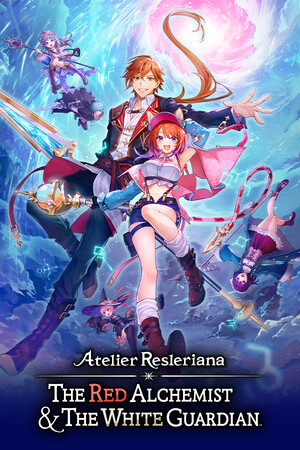
Atelier Resleriana: The Red Alchemist & the White Guardian (Ultimate Edition)
- Genres
- RPG
- Release
- Sep 25, 2025
- Developer
- KOEI TECMO GAMES CO., LTD.
Lowest price across all offers
from $65.055,550 ₽
Offers
The price depends on the platform and the activation region.
- WorldwideWorks in Russia$65.055,550 ₽1
- EuropeNot for Russia$66.095,640 ₽1
About the game
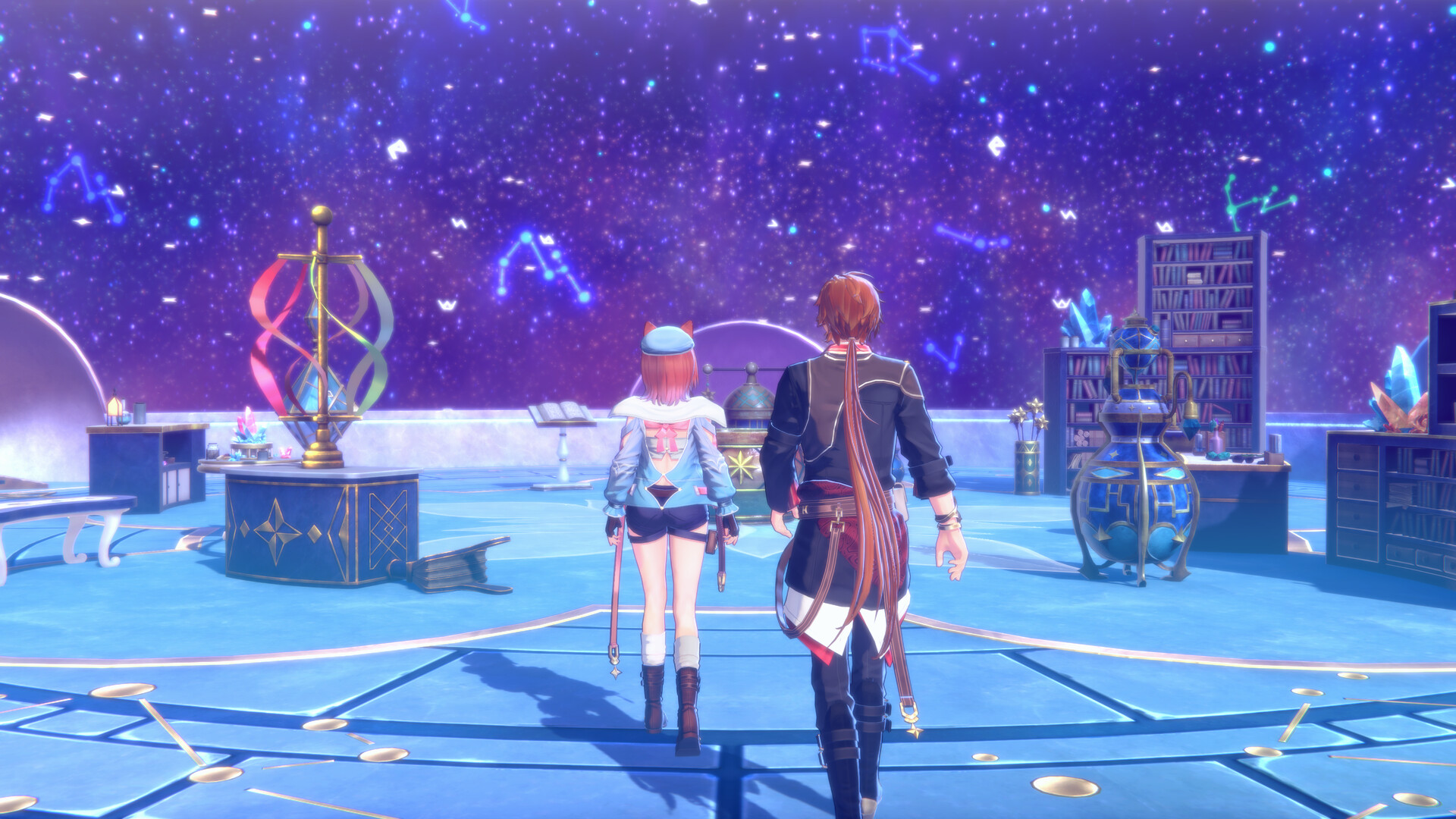
The story of two protagonists as they rebuild their hometown and seek the hidden truth. Engage in timeline-based command battles and enjoy the easy-to-learn yet deeply engaging synthesis. Plus, take on shop management, explore random dungeons, and more!
Pictures and description are of the base game on Steam.
Screenshots


System requirements
Minimum
• Requires a 64-bit processor and operating system • OS: Windows 10 / 11 (64bit) • Processor: Intel Core i3-8100 or better, AMD Ryzen 3 3200G or better • Memory: 8 GB RAM • Graphics: NVIDIA GeForce GTX 1050 Ti 4GB or better, AMD Radeon R9 380X 4GB or better • DirectX: Version 11 • Network: Broadband Internet connection • Storage: 15 GB available space • Sound Card: 16 bit stereo, 48kHz WAVE file can be played • Additional Notes: The above specs are expected to provide 30 fps gameplay using a resolution of 1280 x 720 with graphics quality set to Low. ※If you are using Windows® 11, the system requirements for Windows® 11 apply.
Recommended
• Requires a 64-bit processor and operating system • OS: Windows 10 / 11 (64bit) • Processor: Intel Core i7-8700 or better, AMD Ryzen 3 3100 or better • Memory: 16 GB RAM • Graphics: NVIDIA GeForce GTX 1070 8GB or better, AMD Radeon RX 5600 XT (Rev2) 6GB or better • DirectX: Version 11 • Network: Broadband Internet connection • Storage: 15 GB available space • Sound Card: 16 bit stereo, 48kHz WAVE file can be played • Additional Notes: The above specs are expected to provide 60 fps gameplay using a resolution of 1920 x 1080 with graphics quality set to Standard. ※If you are using Windows® 11, the system requirements for Windows® 11 apply.
Languages: English, Simplified Chinese, Traditional Chinese, Japanese*, Korean
How to activate
Steam
- Start Steam on your computer and sign in to the account you will play on.
- In the Games menu, choose Activate a Product on Steam. You can also start from Add a Game at the bottom left.
- Go through the introductory screens, review Steam’s terms and paste the complete key without surrounding spaces.
- Finish activation, then find the game in your Library and select Install.
More from the series
 РФ ✓Atelier Yumia: The Alchemist of Memories & the Envisioned LandSteamfrom $30.982,640 ₽4 offers
 Atelier Sophie 2: The Alchemist of the Mysterious Dream Digital Deluxe EditionSteamfrom $30.782,630 ₽2 offersРФ ✓Atelier Resleriana: The Red Alchemist & the White Guardian (Digital Deluxe Edition)Steamfrom $35.743,050 ₽3 offersРФ ✓Atelier Resleriana: The Red Alchemist & the White GuardianSteamfrom $31.632,700 ₽3 offersРФ ✓Atelier Sophie 2: The Alchemist of the Mysterious Dream (Ultimate Edition)Steamfrom $45.853,910 ₽3 offersРФ ✓Atelier Sophie 2: The Alchemist of the Mysterious DreamSteamfrom $27.162,320 ₽3 offersРФ ✓Atelier Yumia: The Alchemist of Memories & the Envisioned Land (Ultimate Edition)Steamfrom $52.254,460 ₽3 offers
 Atelier Ryza 2: Lost Legends & the Secret Fairy DXSteamfrom $26.602,270 ₽
Game details from Steam.