

Avorion
- Genres
- Action · Indie · Simulation
- Release
- Mar 9, 2020
- Developer
- Boxelware
Lowest price across all offers
from $12.641,080 ₽
Offers
The price depends on the platform and the activation region.
- WorldwideWorks in Russia$12.641,080 ₽1
- EuropeNot for Russia$15.381,320 ₽1
About the game
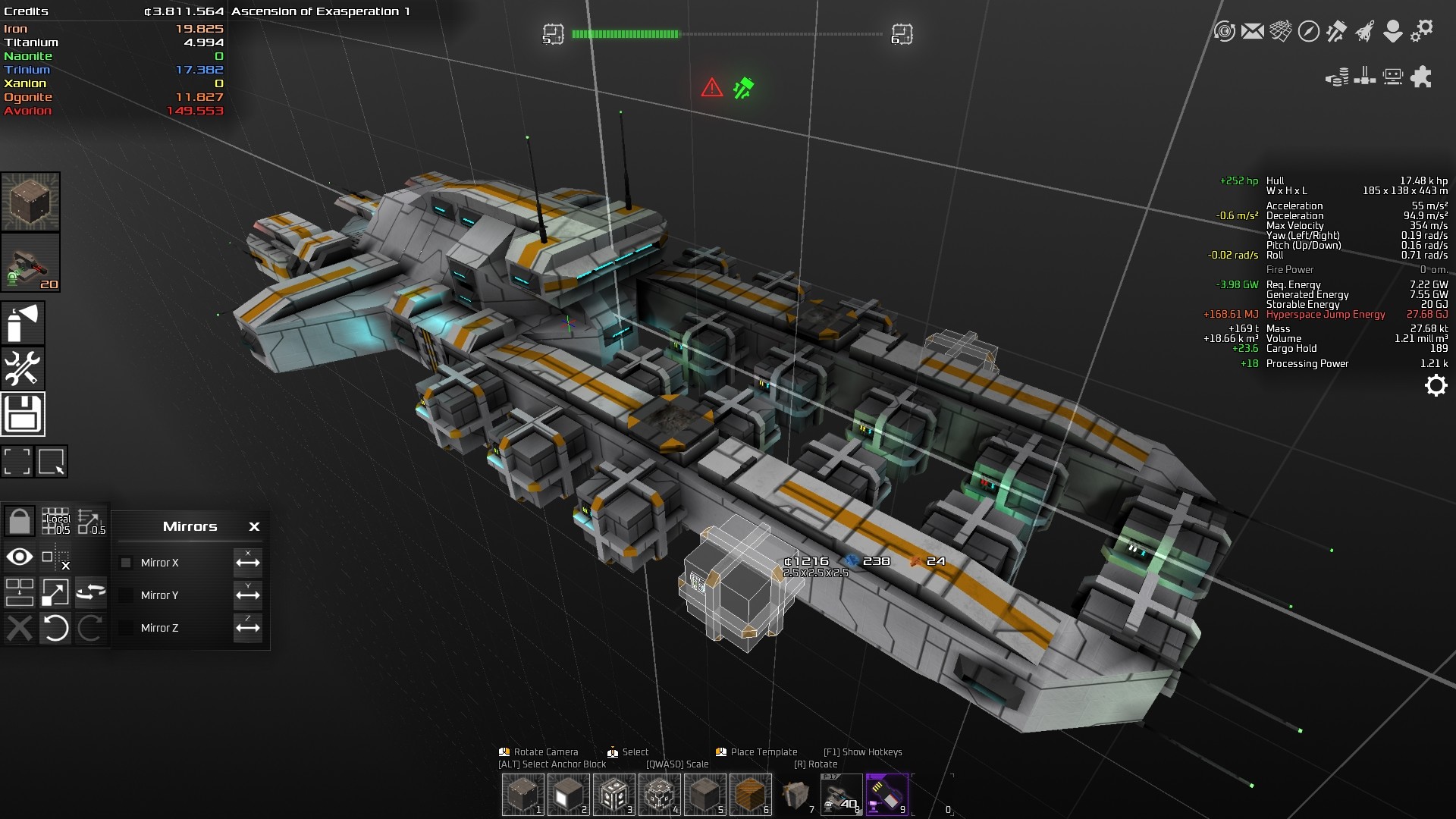
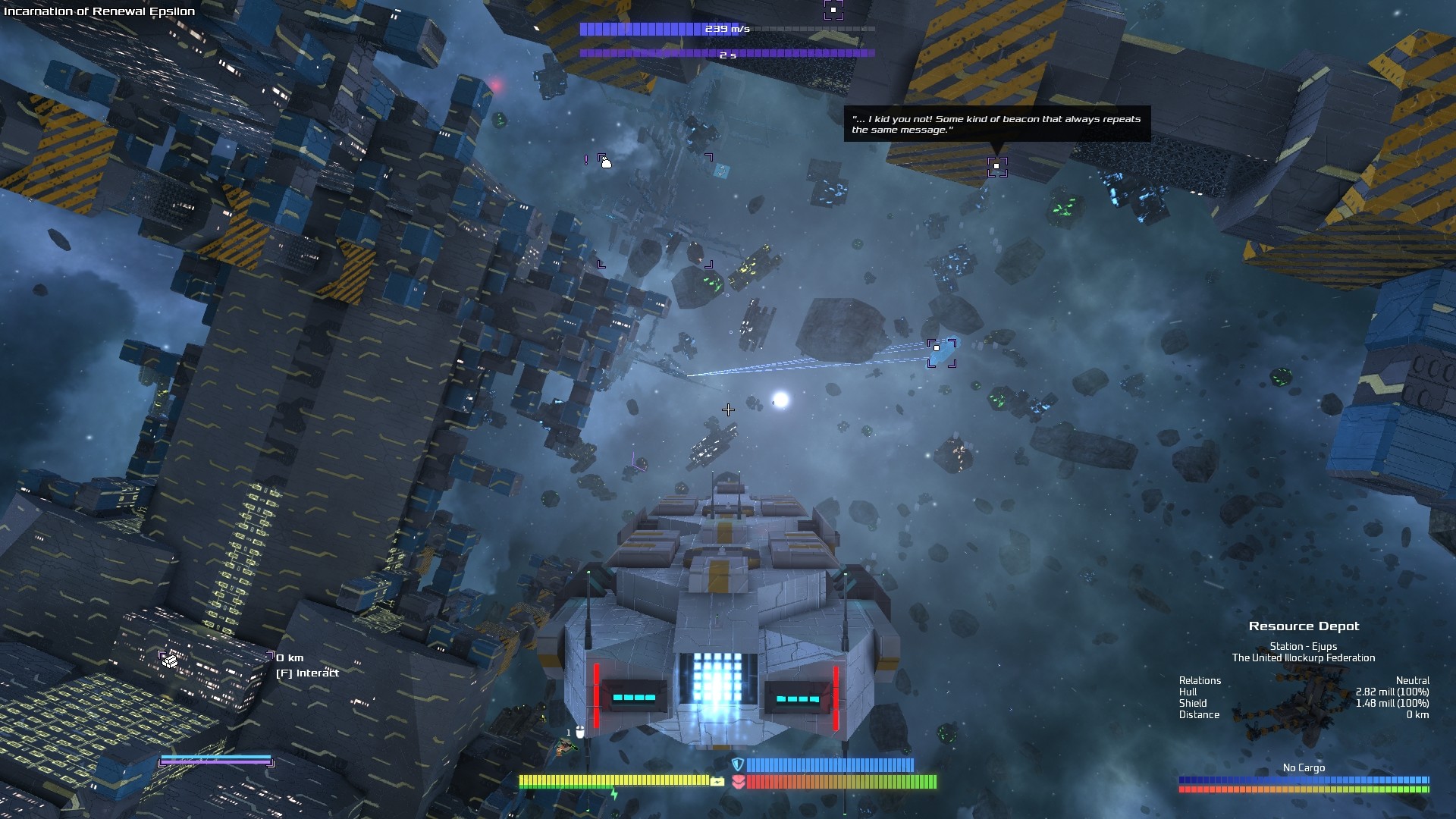
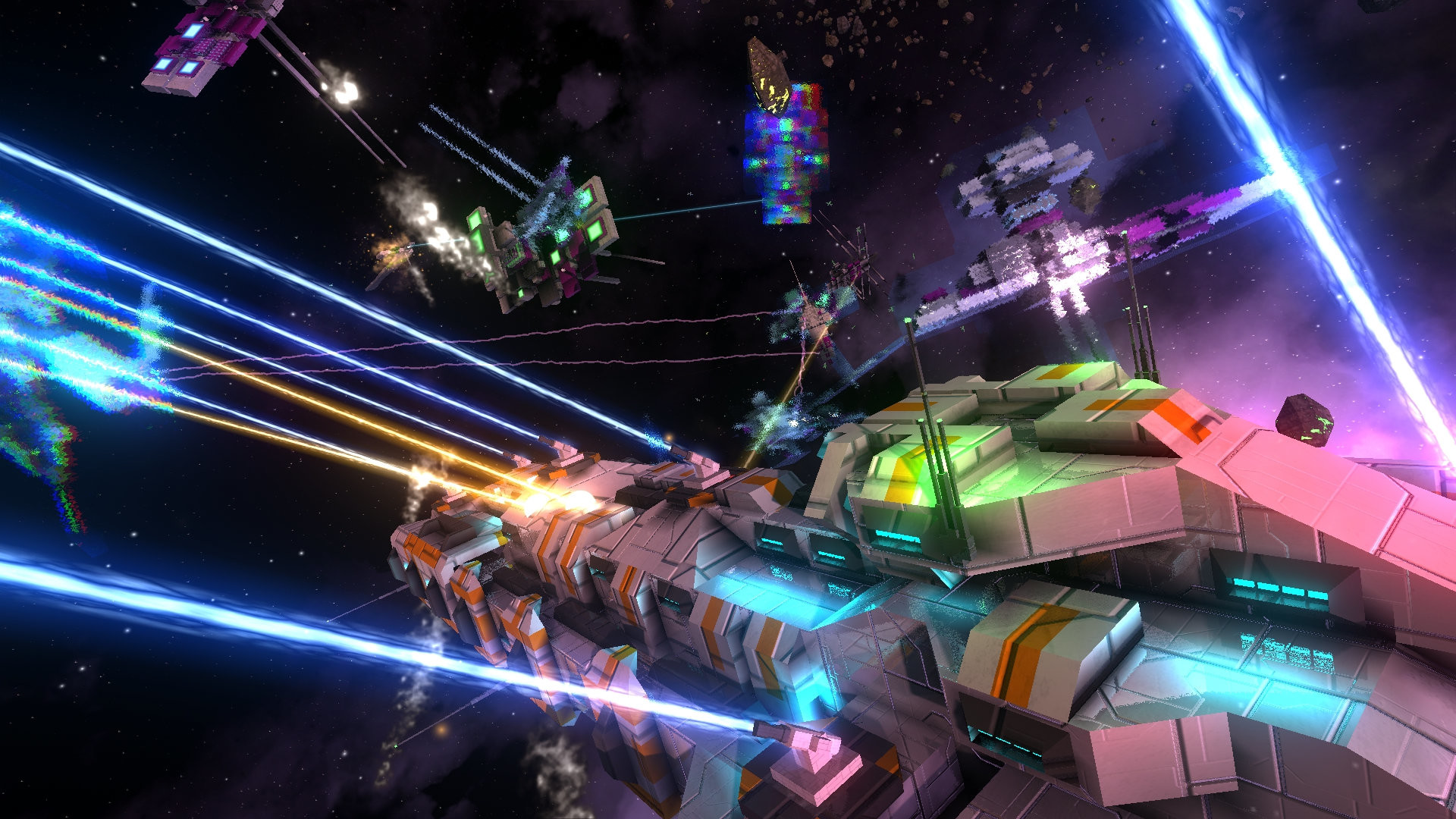
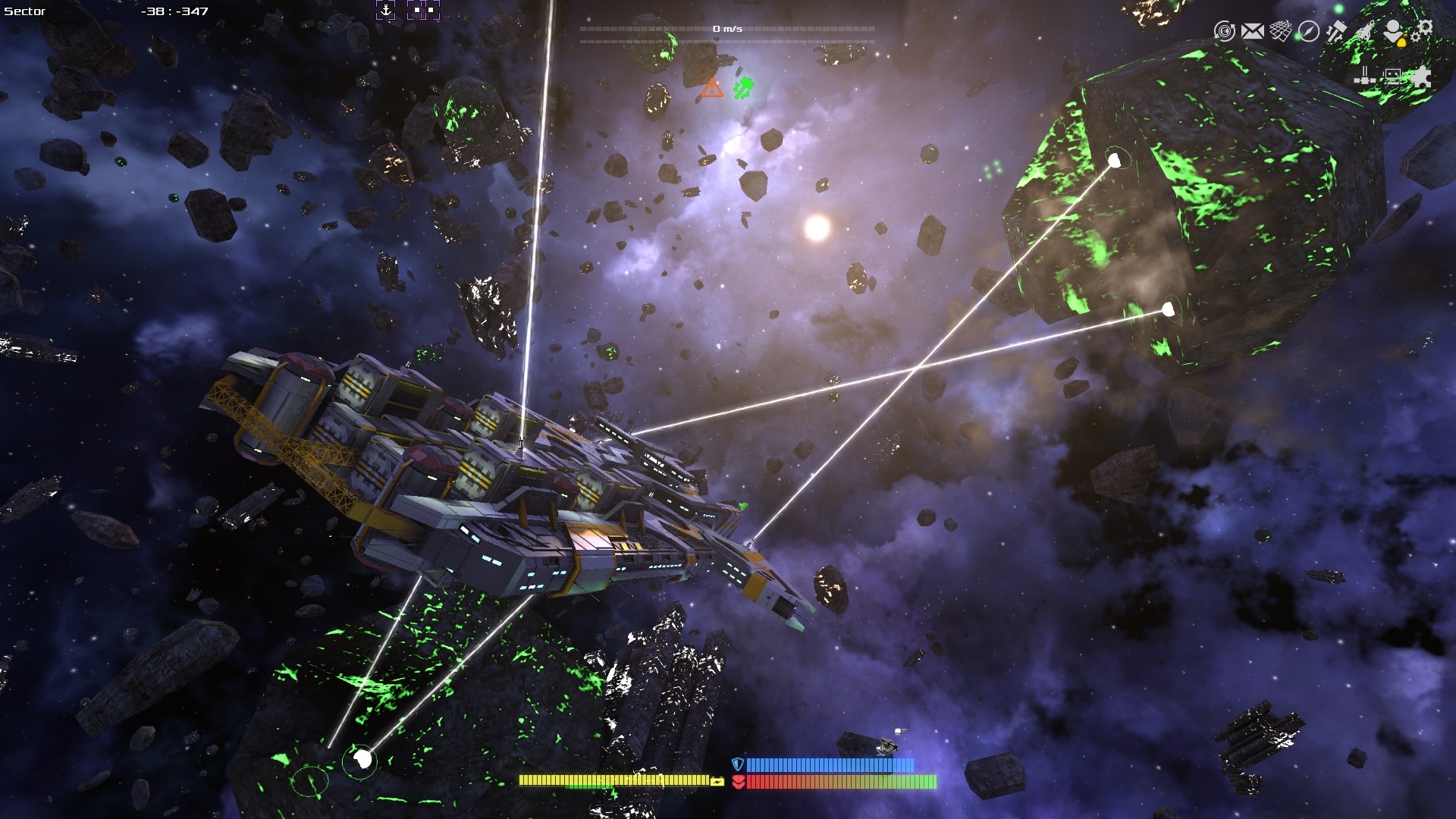
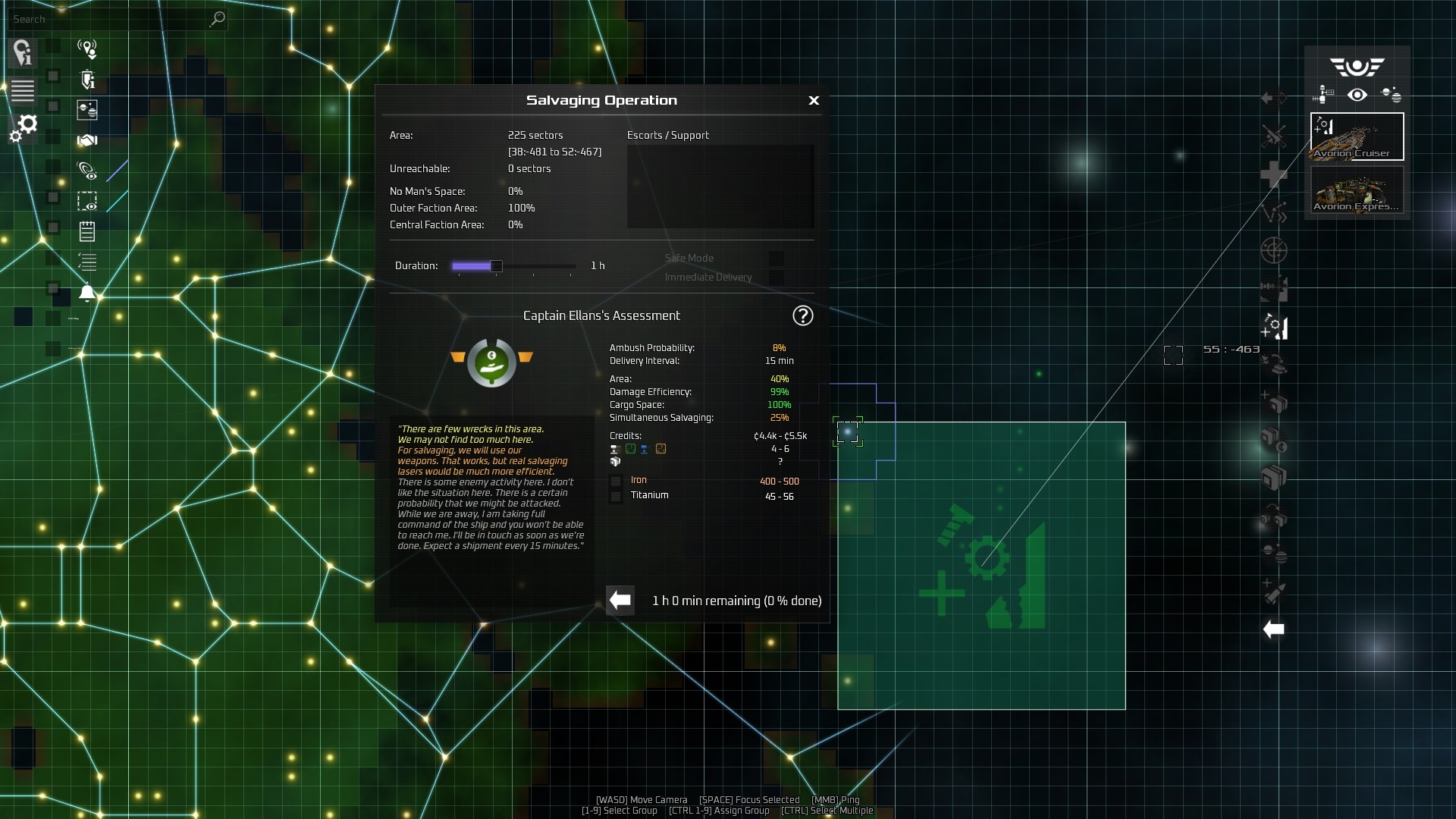
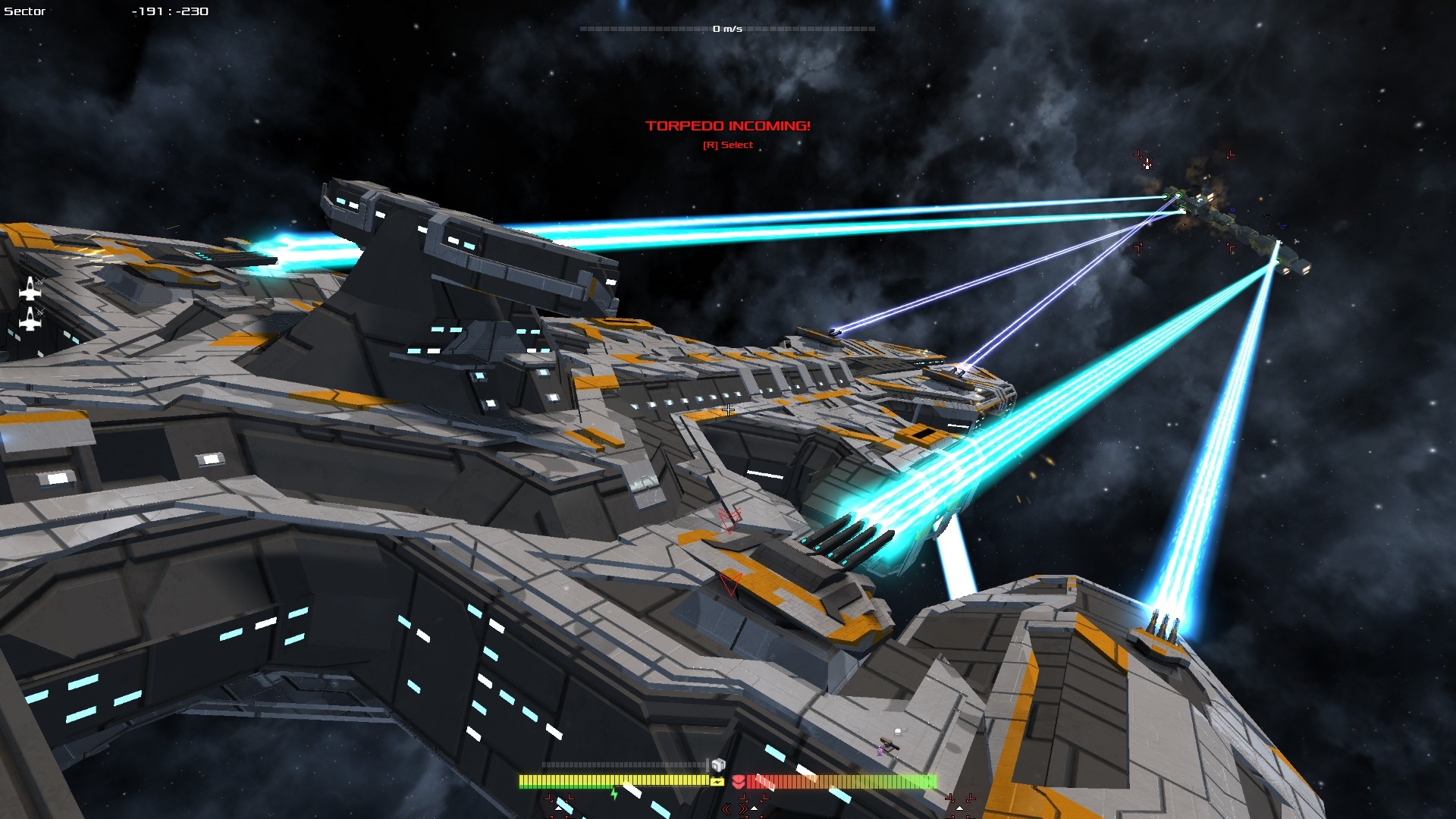
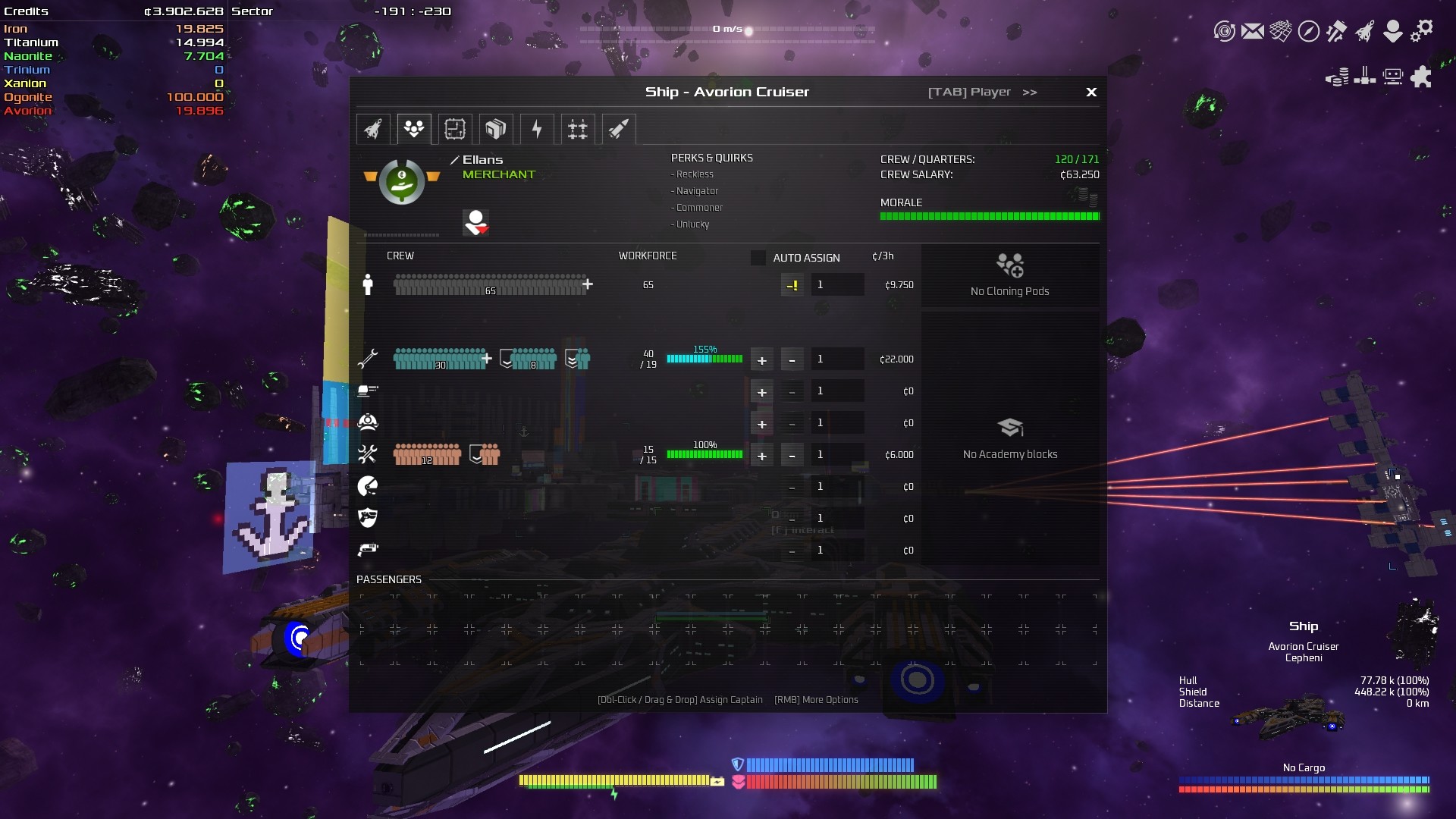
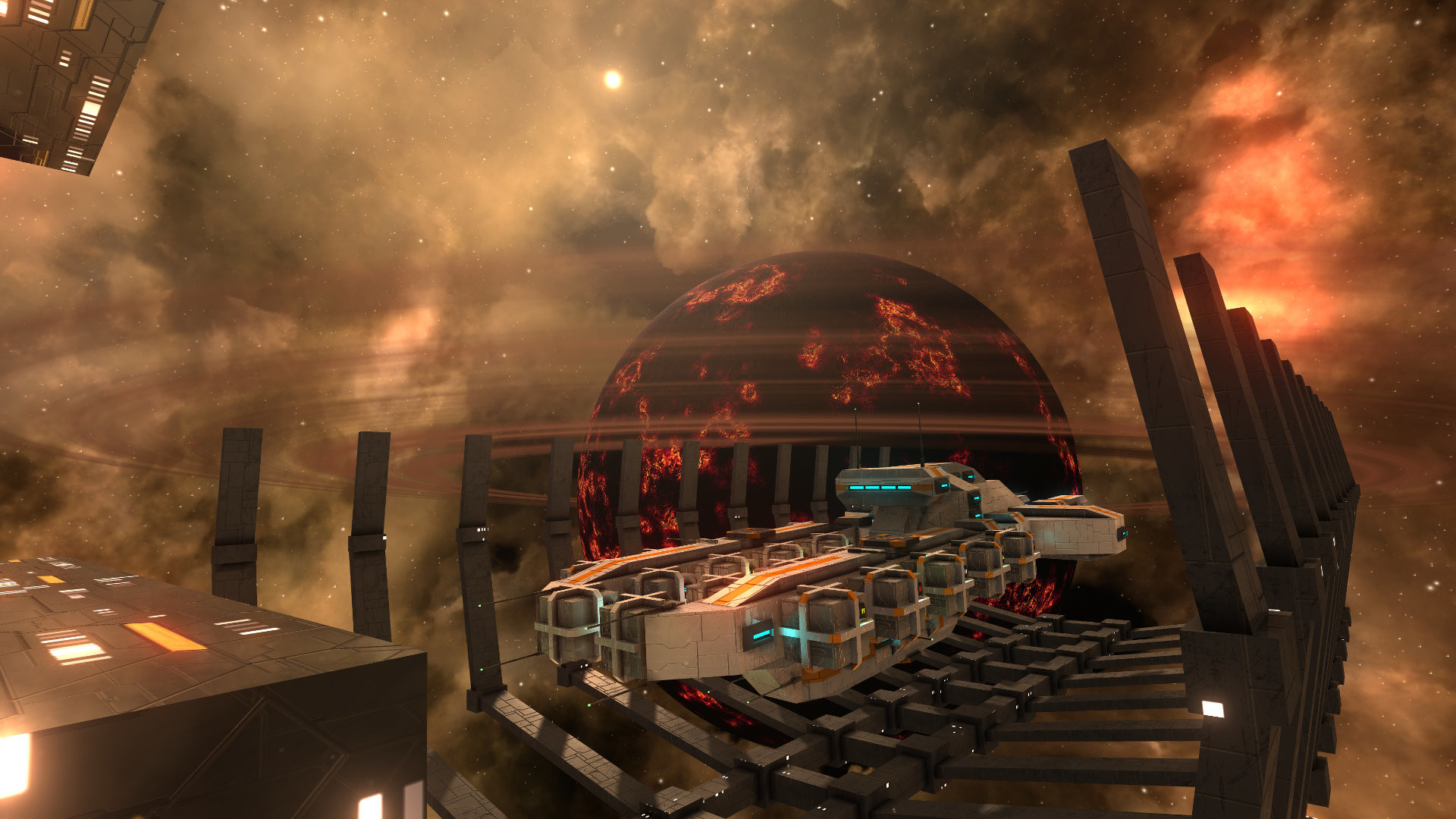
A procedural co-op space sandbox where players can build their own space ships out of dynamically scalable blocks. Fight epic space battles, explore, mine, trade, wage wars and build your own empire to save your galaxy from being torn apart by an unknown enemy.
Screenshots
System requirements
Minimum
• Requires a 64-bit processor and operating system • OS *: Windows 7 or higher • Processor: Intel i5 @ 3.0 GHz or AMD equivalent • Memory: 4 GB RAM • Graphics: Nvidia Geforce 550 or equivalent (full OpenGL 3.0 support required) • Network: Broadband Internet connection • Storage: 1 GB available space • Additional Notes: Middle mouse button, mouse wheel required. No Internet connection required for Singleplayer.
Recommended
• Requires a 64-bit processor and operating system • OS *: Windows 7 or higher • Processor: Intel i7 @ 3.3 GHz or AMD equivalent • Memory: 6 GB RAM • Graphics: NVidia Geforce 1050 / Radeon RX 460 • Network: Broadband Internet connection • Storage: 3 GB available space • Additional Notes: Middle mouse button, mouse wheel required. No Internet connection required for Singleplayer.
Languages: English*, German*, Spanish - Spain, Russian, Simplified Chinese, Spanish - Latin America, French, Japanese, Portuguese - Brazil
How to activate
Steam
- Start Steam on your computer and sign in to the account you will play on.
- In the Games menu, choose Activate a Product on Steam. You can also start from Add a Game at the bottom left.
- Go through the introductory screens, review Steam’s terms and paste the complete key without surrounding spaces.
- Finish activation, then find the game in your Library and select Install.
Game details from Steam.