


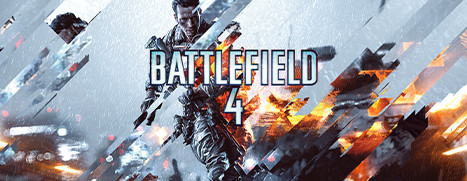
Battlefield 4™ Premium Edition
- Genres
- Action
- Release
- Jun 11, 2020
- Developer
- DICE
Lowest price across all offers
from $4.93420 ₽
Offers
The price depends on the platform and the activation region.
- WorldwideWorks in RussiaBattlefield 4 Premium Edition$4.93420 ₽1
- EuropeNot for RussiaBattlefield 4 (Premium Edition)$5.53480 ₽1
- —Not for RussiaBattlefield 4 Premium Edition$7.59650 ₽1
- United StatesNot for RussiaBattlefield 4 | Premium Edition$10.21870 ₽1
About the game
Embrace unrivaled destruction in Battlefield 4™. Revel in the glorious chaos of all-out war packed with rewarding, tactical challenges in an interactive environment.
Pictures and description are of the base game on Steam.
Screenshots
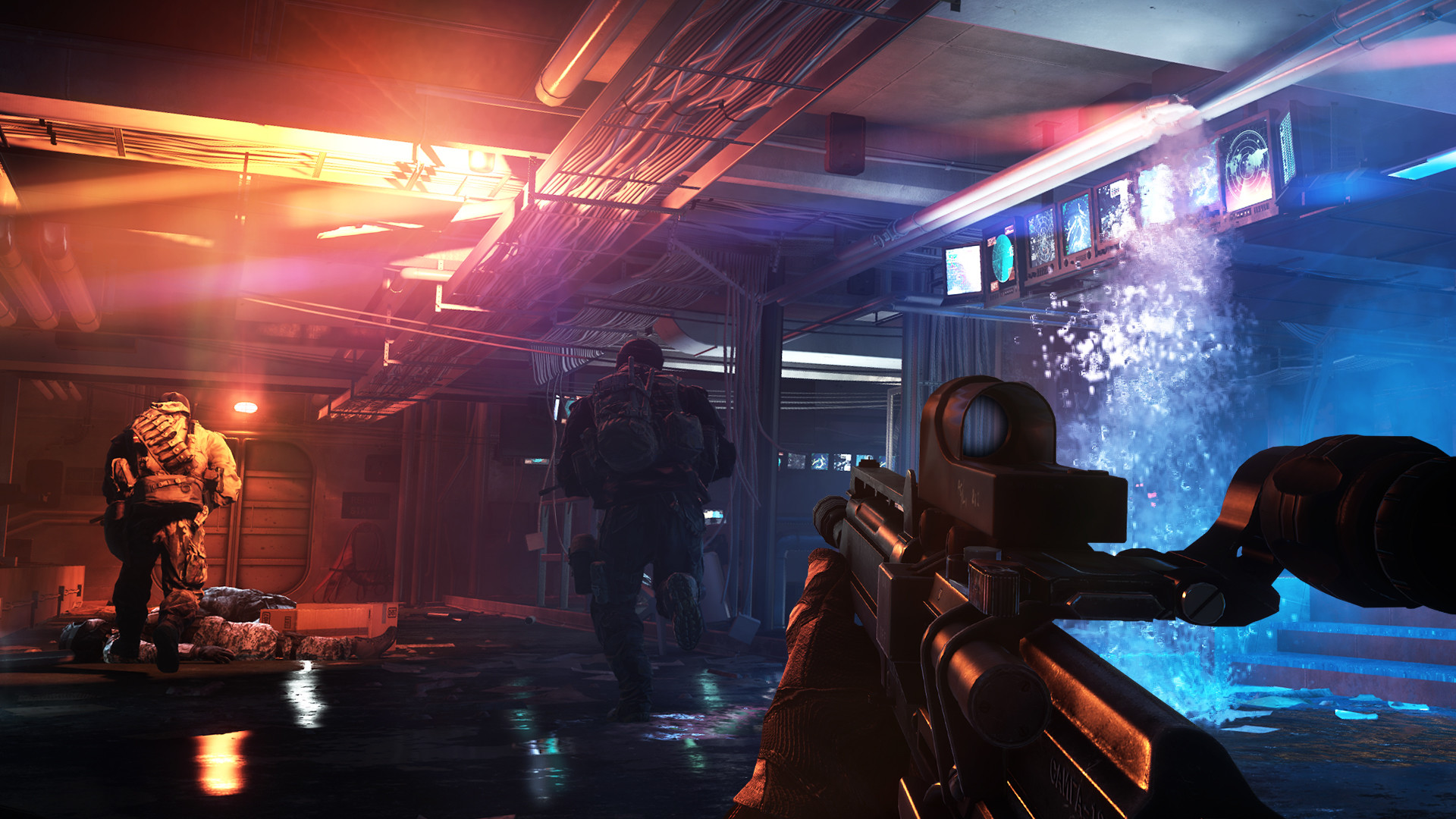

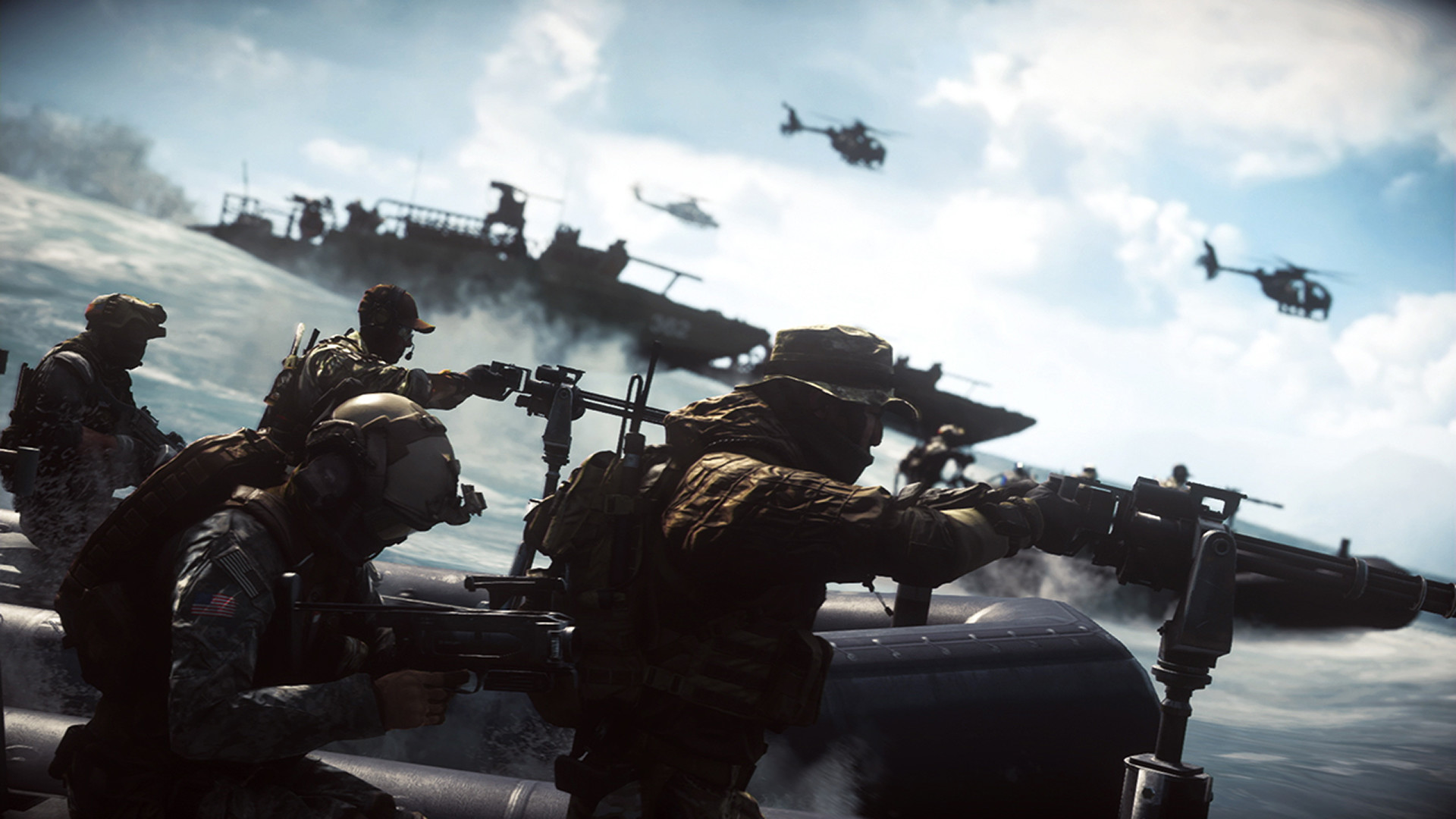
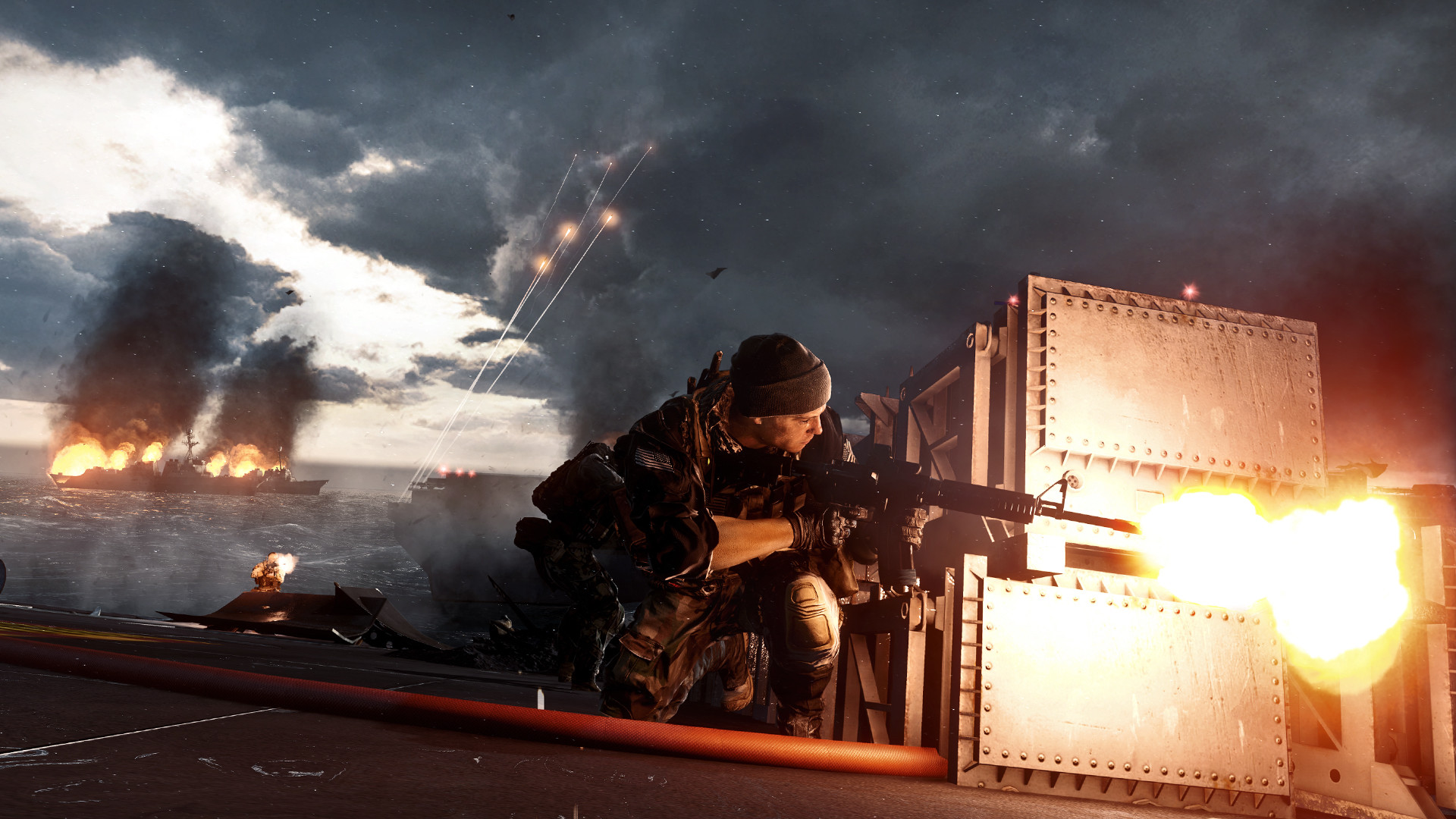
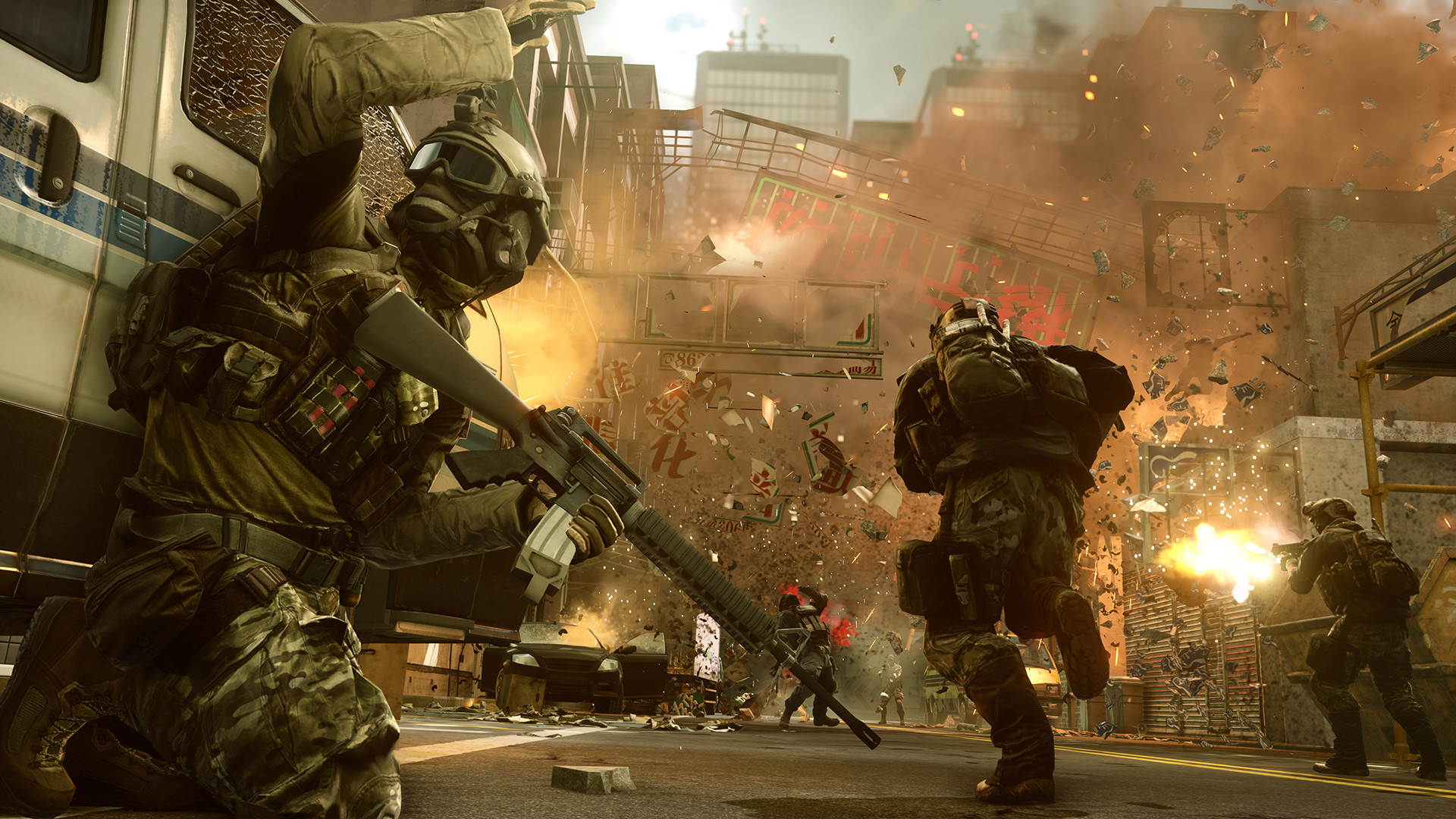
System requirements
Minimum
• OS *: Windows 8 32-bit • Processor: Processor (AMD): Athlon X2 2.8 GHz Processor (Intel): Core 2 Duo 2.4 GHz • Memory: 4 GB RAM • Graphics: Graphics card (AMD): AMD Radeon HD 3870 Graphics card (NVIDIA): Nvidia GeForce 8800 GT • Network: Broadband Internet connection • Storage: 30 GB available space
Recommended
• OS *: Windows 8 64-bit • Processor: Processor (AMD): Six-core CPU Processor (Intel): Quad-core CPU • Memory: 8 GB RAM • Graphics: Graphics card (AMD): AMD Radeon HD 7870 Graphics card (Nvidia): NVIDIA GeForce GTX 660 • Network: Broadband Internet connection • Storage: 30 GB available space
Languages: English*, French*, Italian*, German*, Spanish - Spain*, Czech, Korean, Polish*, Portuguese - Brazil*, Russian*, Traditional Chinese, Japanese*
How to activate
Steam
- Start Steam on your computer and sign in to the account you will play on.
- In the Games menu, choose Activate a Product on Steam. You can also start from Add a Game at the bottom left.
- Go through the introductory screens, review Steam’s terms and paste the complete key without surrounding spaces.
- Finish activation, then find the game in your Library and select Install.
EA App
- Open the EA app and sign in to the account that should own the game.
- Go to My Library and use Redeem Code.
- Submit your key, continue and check the identified product before confirming.
- Complete redemption and download the game from your Library. Look for add-ons under their base game.
More from the series
 РФ ✓Battlefield 6 (Xbox Series X|S)Xboxfrom $25.712,200 ₽7 offers
 РФ ✓Battlefield 2042 (Xbox One)Xboxfrom $4.38380 ₽6 offers
 РФ ✓Battlefield™ 1XboxEA Appfrom $3.58310 ₽5 offersРФ ✓Battlefield 1 (Revolution Edition)XboxEA Appfrom $3.89340 ₽5 offers
 РФ ✓Battlefield V (Xbox One)Xboxfrom $3.33290 ₽5 offersРФ ✓Battlefield 2042 (Xbox Series X|S)Xboxfrom $4.86420 ₽5 offersРФ ✓Battlefield 6 (Phantom Edition) (Xbox Series X|S)Xboxfrom $96.538,230 ₽5 offersРФ ✓Battlefield™ 2042XboxEA Appfrom $4.36380 ₽4 offers
Game details from Steam.