

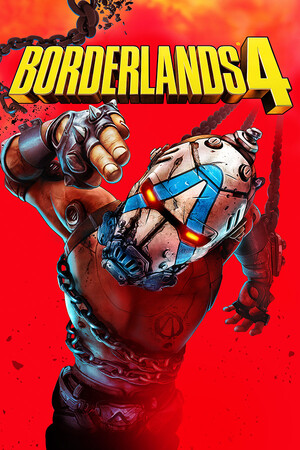
Borderlands 4 (Deluxe Edition)
- Genres
- Action · Adventure · RPG
- Release
- Sep 11, 2025
- Developer
- Gearbox Software
- Metacritic
Lowest price across all offers
from $49.364,210 ₽
Offers
The price depends on the platform and the activation region.
- WorldwideWorks in Russia$49.364,210 ₽1
- Latin AmericaNot for RussiaBorderlands 4 | Deluxe Edition$55.304,720 ₽1
- EuropeNot for RussiaBorderlands 4 Deluxe Edition$59.805,100 ₽1
- —Not for Russia$60.595,170 ₽1
- ChinaNot for RussiaBorderlands 4 - Deluxe Edition$63.645,430 ₽1
- AsiaNot for RussiaBorderlands 4 | Deluxe Edition$69.675,940 ₽1
- CISCIS regionBorderlands 4 - Deluxe Edition$96.328,210 ₽1
About the game
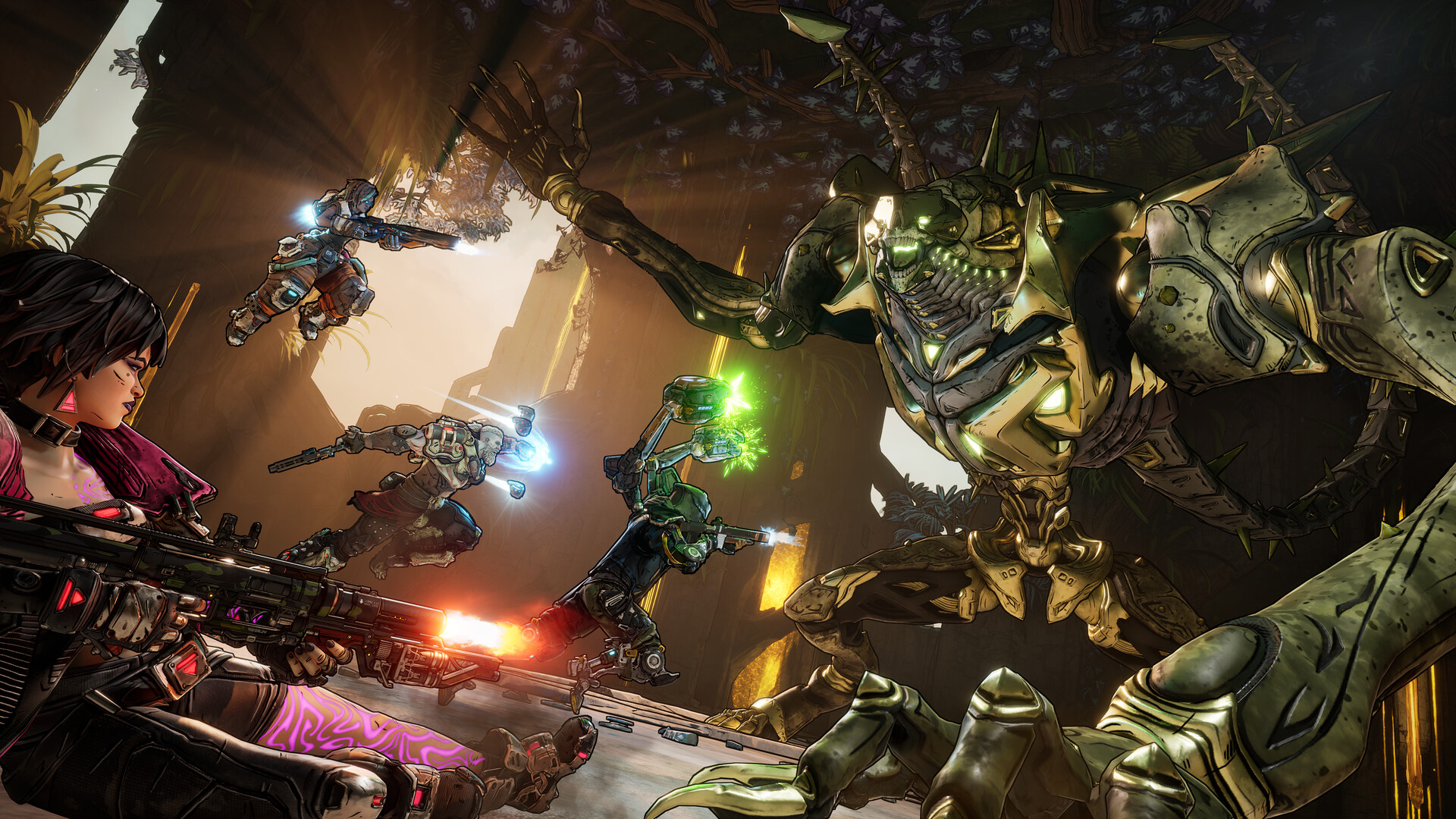
Borderlands 4 is a mayhem-fueled looter shooter, jam-packed with billions of weapons, deadly enemies, and intense co-op action. Break free from a dangerous hidden planet as one of four new badass Vault Hunters.
Pictures and description are of the base game on Steam.
Screenshots
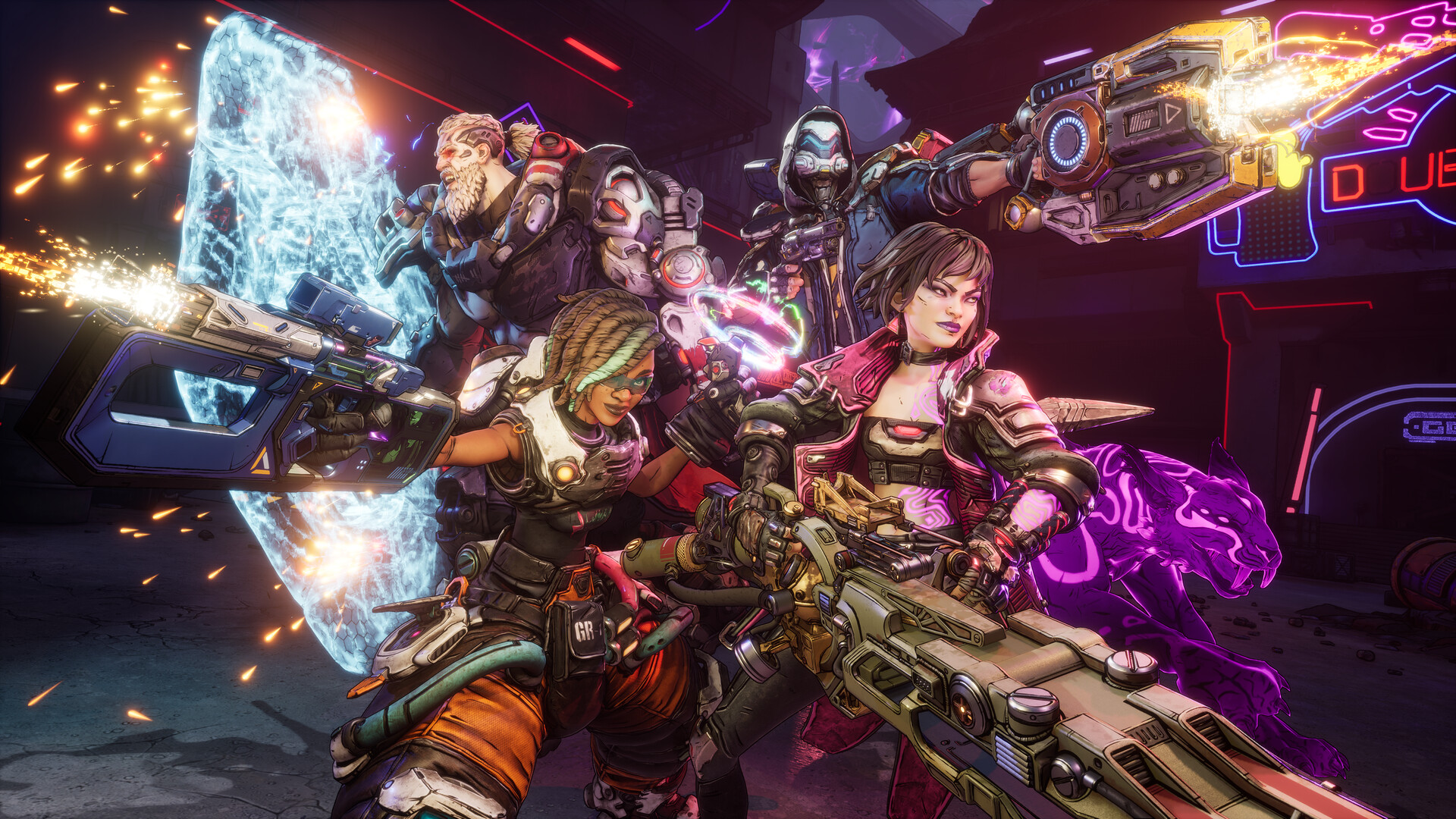
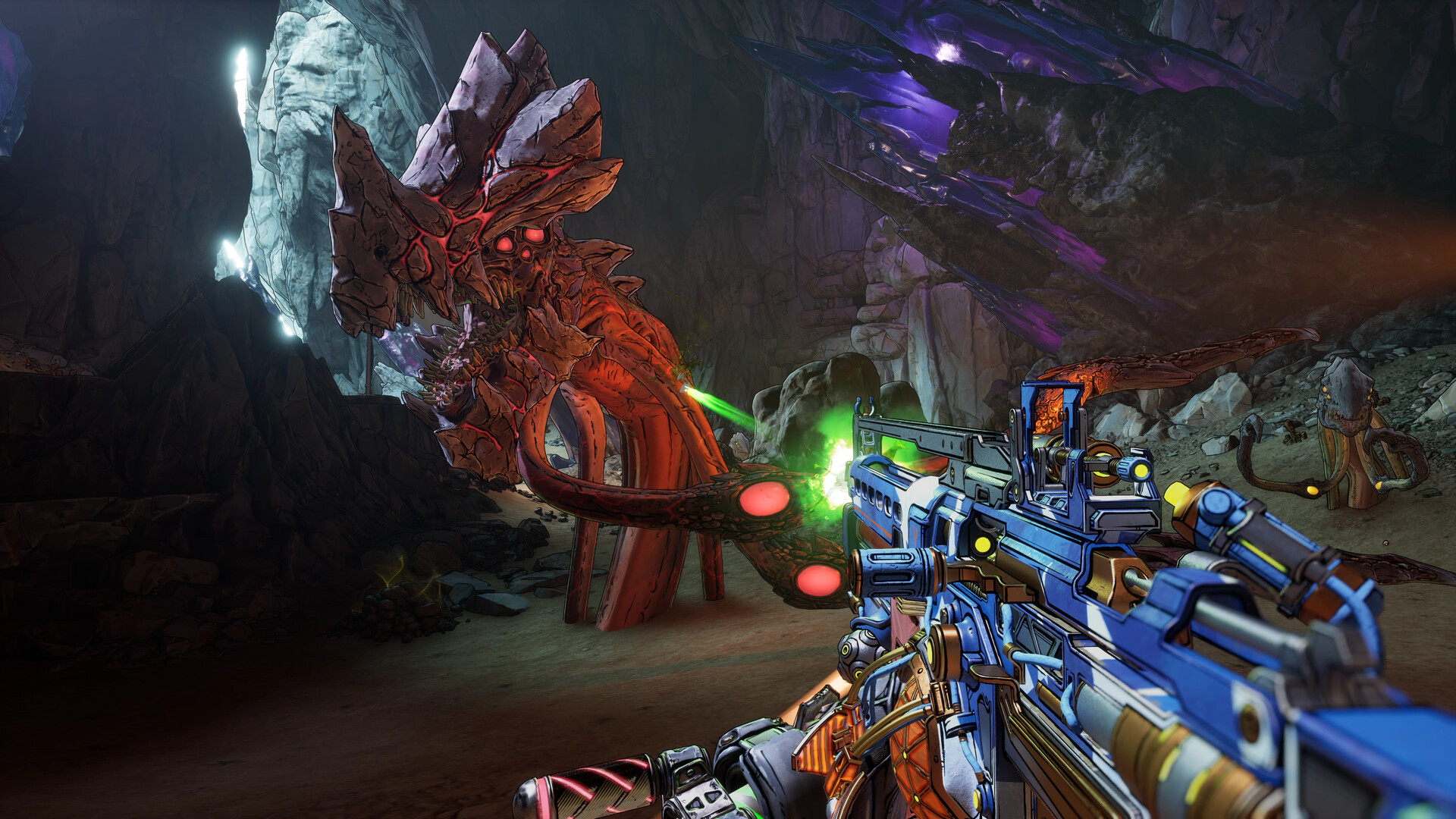
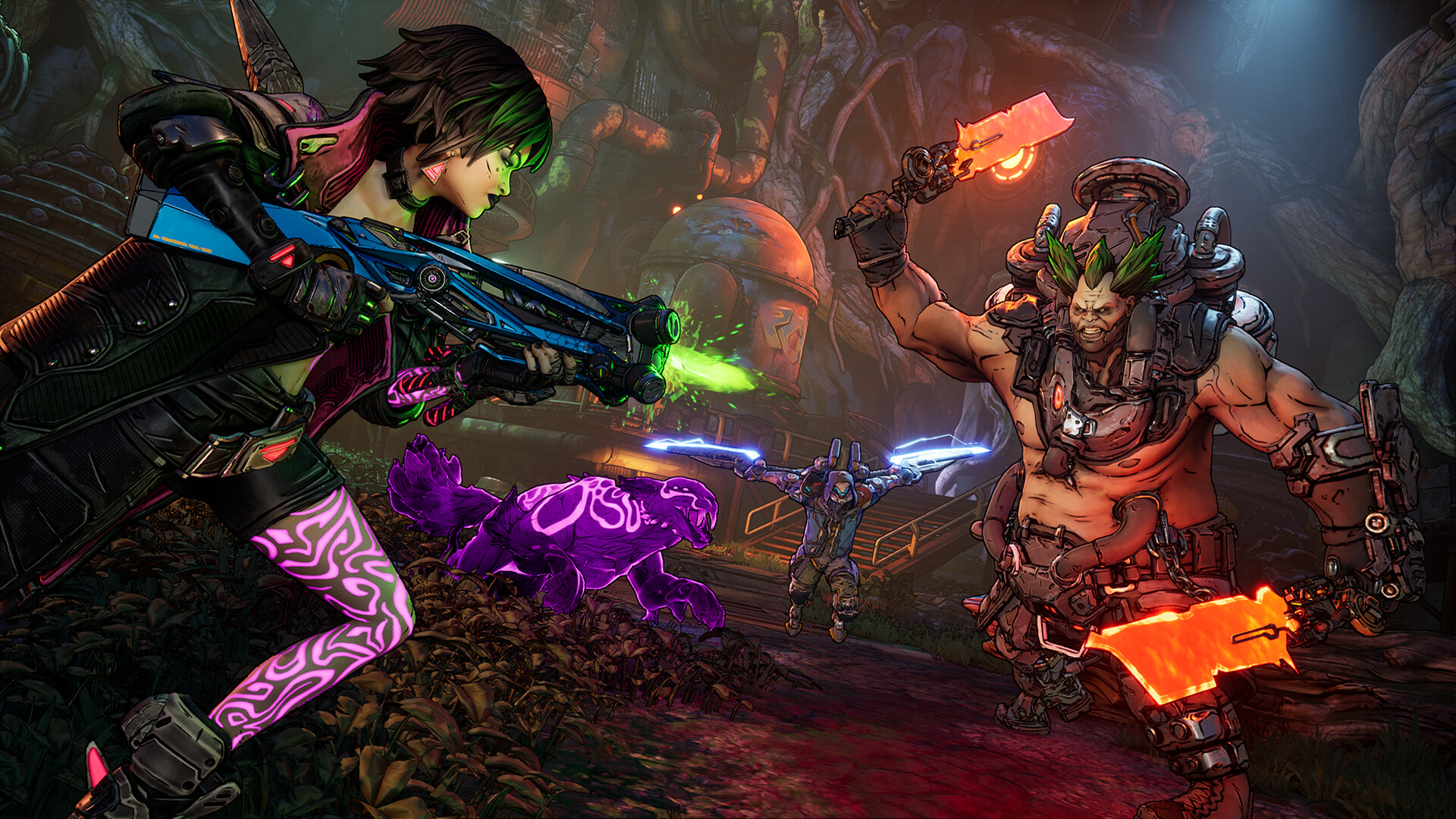
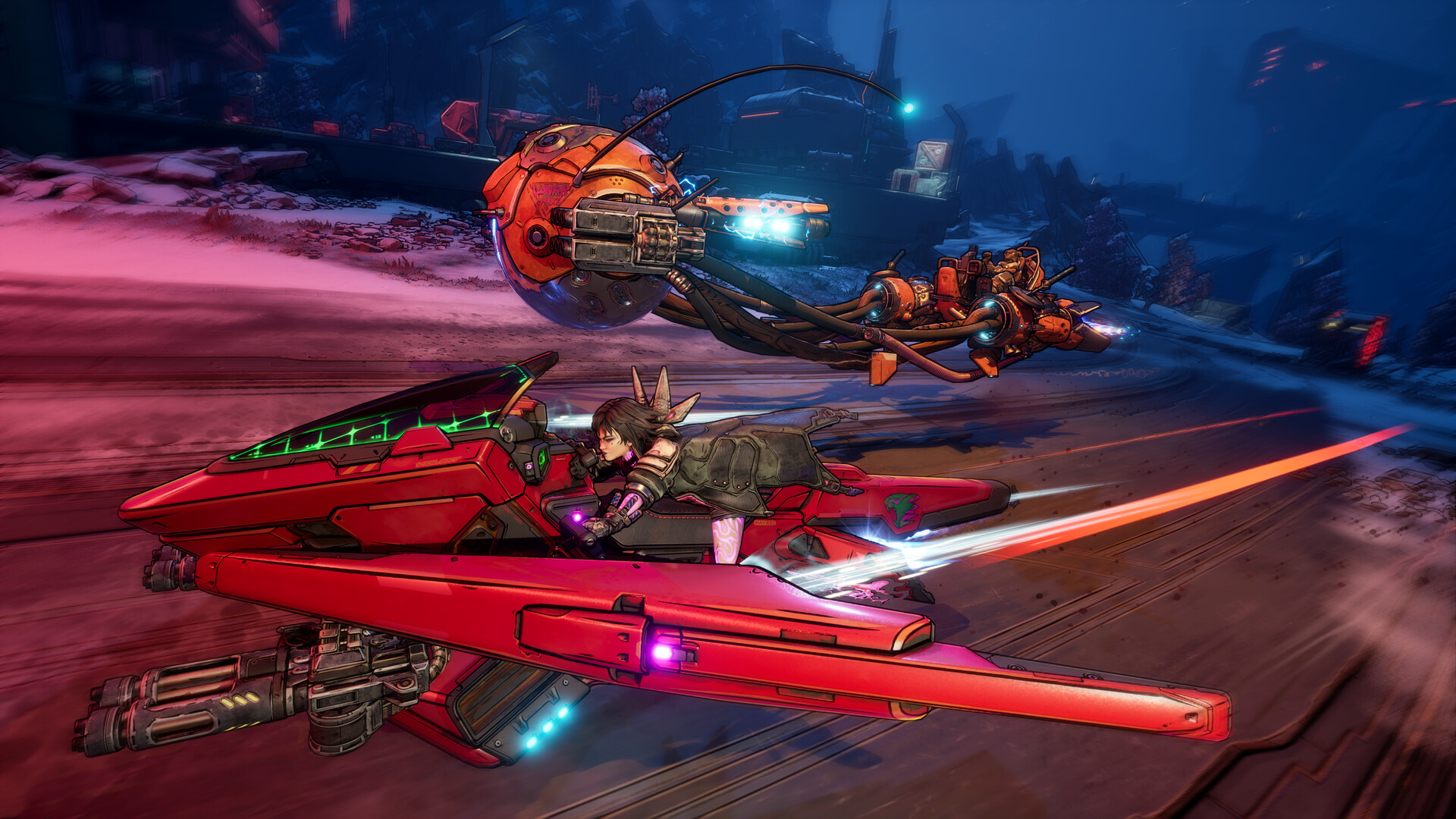
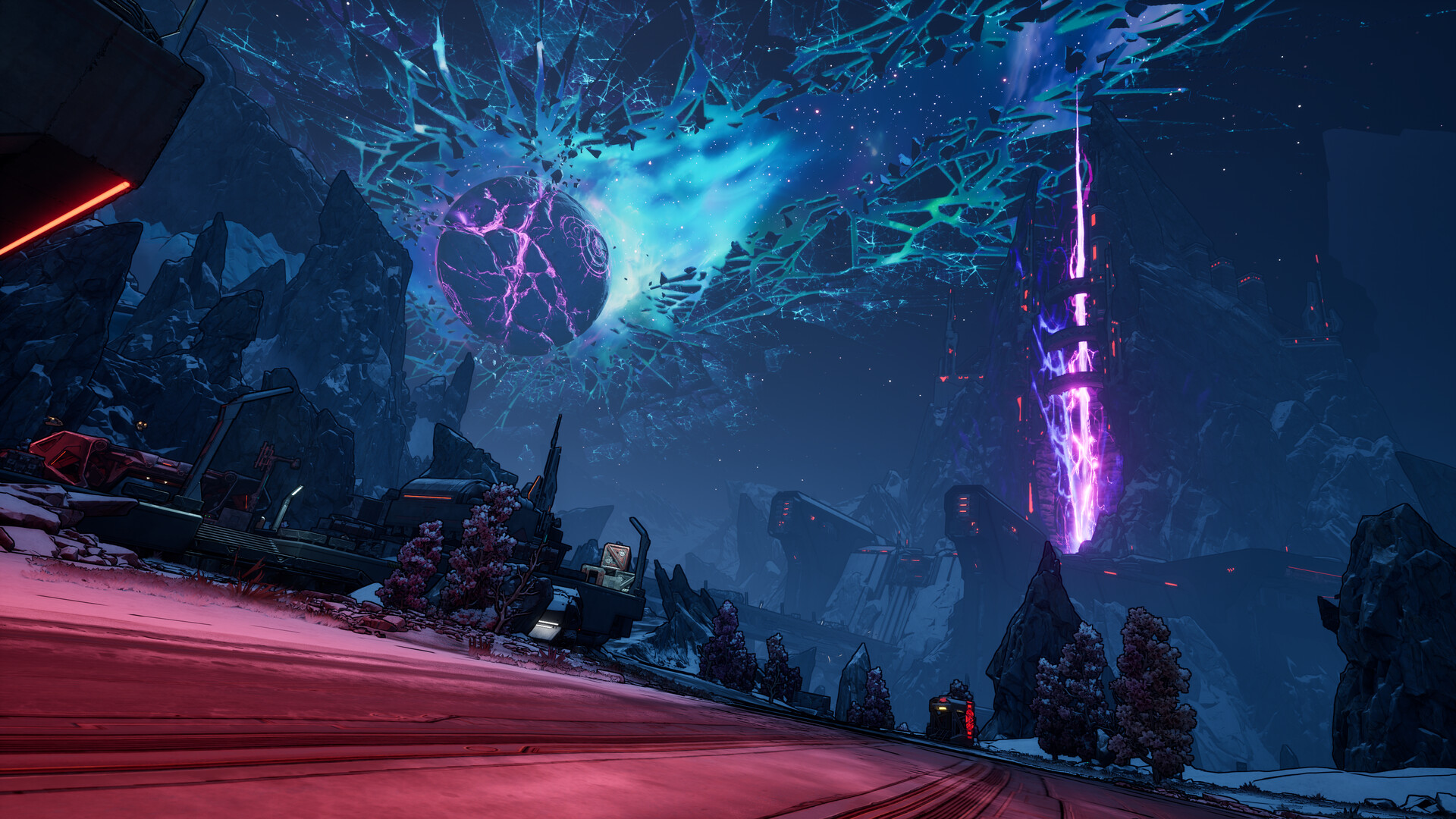
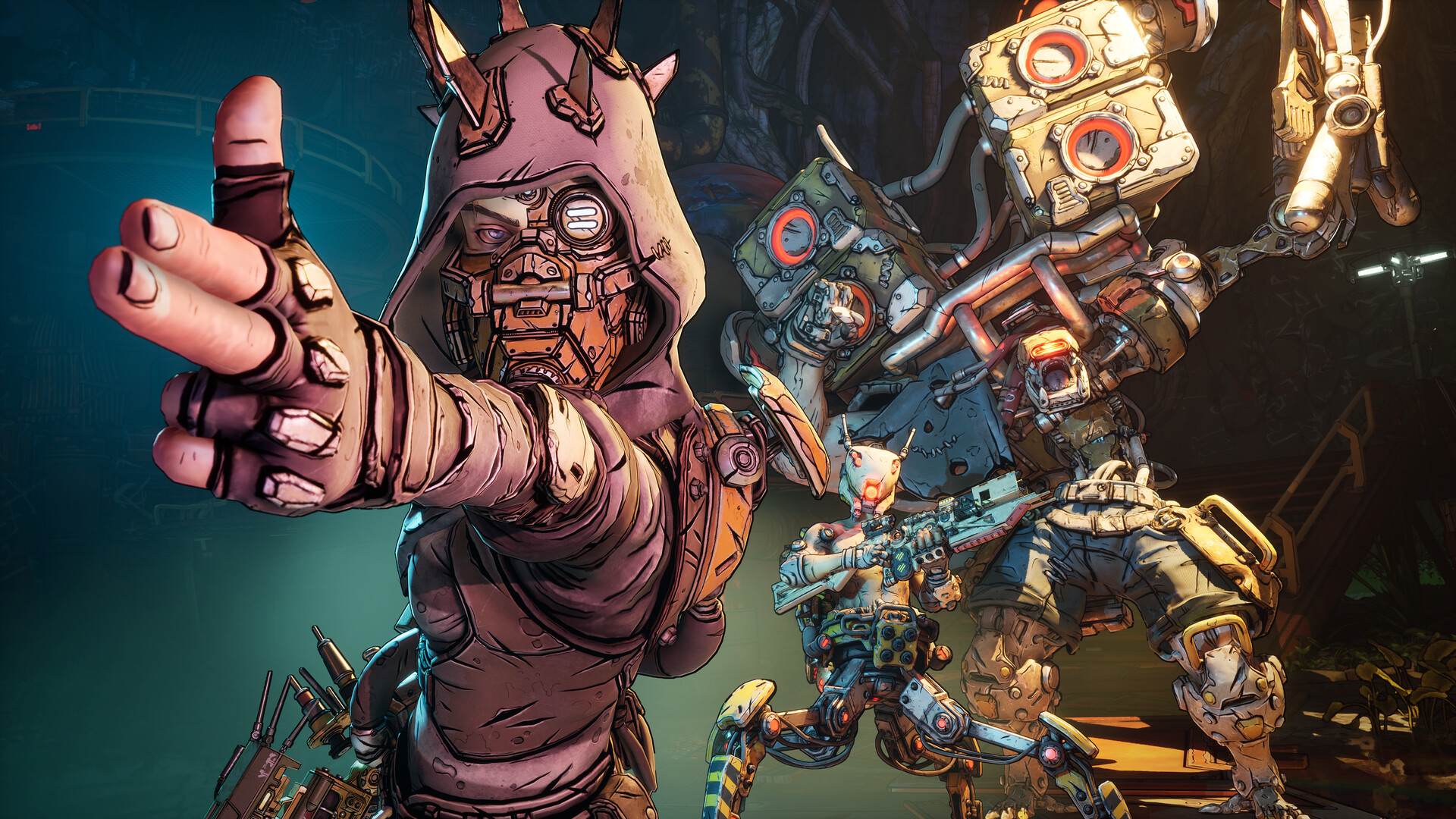
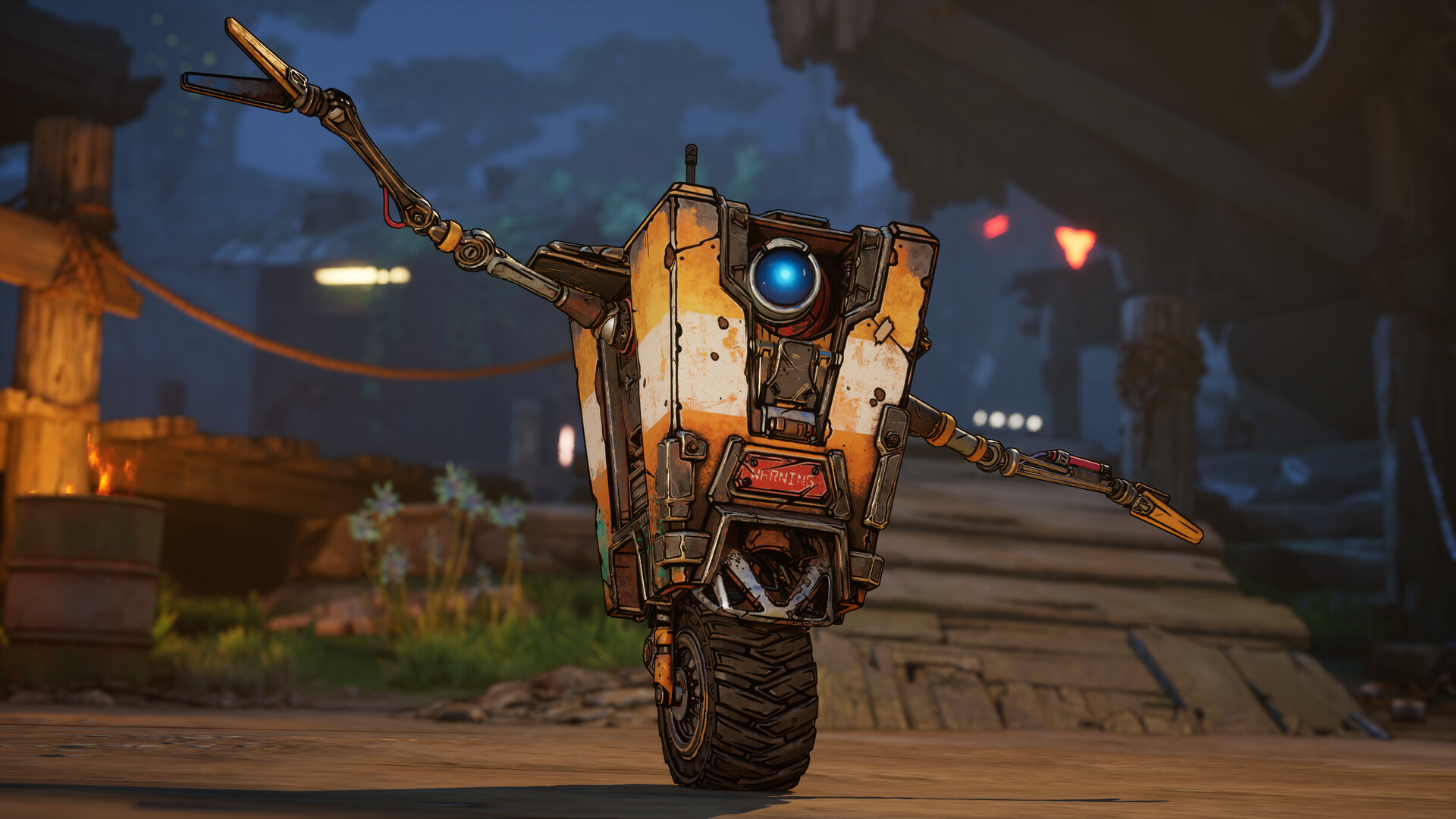
System requirements
Minimum
• Requires a 64-bit processor and operating system • OS: Windows 10 / Windows 11 • Processor: Intel Core i7-9700 / AMD Ryzen 7 2700X • Memory: 16 GB RAM • Graphics: NVIDIA GeForce RTX 2070 / AMD Radeon RX 5700 XT / Intel Arc A580 • Storage: 100 GB available space • Additional Notes: Requires a 64-bit processor and operating system. Requires 8 CPU Cores for processor. Requires 8 GB VRAM for graphics. SSD storage required
Recommended
• Requires a 64-bit processor and operating system • OS: Windows 10 / Windows 11 • Processor: Intel Core i7-12700 / AMD Ryzen 7 5800X • Memory: 32 GB RAM • Graphics: NVIDIA GeForce RTX 3080 / AMD Radeon RX 6800 XT / Intel Arc B580 • Storage: 100 GB available space • Additional Notes: Requires a 64-bit processor and operating system. SSD storage required
Languages: English*, French*, Italian*, German*, Spanish - Spain*, Japanese*, Korean*, Portuguese - Brazil, Russian, Simplified Chinese*, Thai, Traditional Chinese, Polish, Spanish - Latin America
How to activate
Steam
- Start Steam on your computer and sign in to the account you will play on.
- In the Games menu, choose Activate a Product on Steam. You can also start from Add a Game at the bottom left.
- Go through the introductory screens, review Steam’s terms and paste the complete key without surrounding spaces.
- Finish activation, then find the game in your Library and select Install.
More from the series
 РФ ✓Borderlands 3SteamEpic Gamesfrom $5.18450 ₽12 offersРФ ✓Borderlands 3 (Super Deluxe Edition)SteamXbox+1from $11.651,000 ₽12 offersРФ ✓Borderlands 4Steamfrom $33.222,840 ₽10 offersРФ ✓Borderlands 3 (Ultimate Edition)SteamNintendo+1from $16.341,400 ₽9 offersРФ ✓Borderlands 4 (Super Deluxe Edition)Steamfrom $63.925,450 ₽8 offers
 РФ ✓Borderlands 4 (Xbox Series X|S)Xboxfrom $32.202,750 ₽6 offers
 РФ ✓Borderlands 2 VRSteamfrom $1.42130 ₽5 offers
 РФ ✓Borderlands 3 (Xbox One)Xboxfrom $7.97680 ₽4 offers
Game details from Steam.