
Brewmaster: Beer Brewing Simulator
- Genres
- Simulation
- Release
- Sep 29, 2022
- Developer
- Auroch Digital
Lowest price across all offers
from $1.09100 ₽
Offers
The price depends on the platform and the activation region.
- WorldwideWorks in Russia$1.09100 ₽1
- Latin AmericaNot for Russia$11.711,000 ₽1
About the game
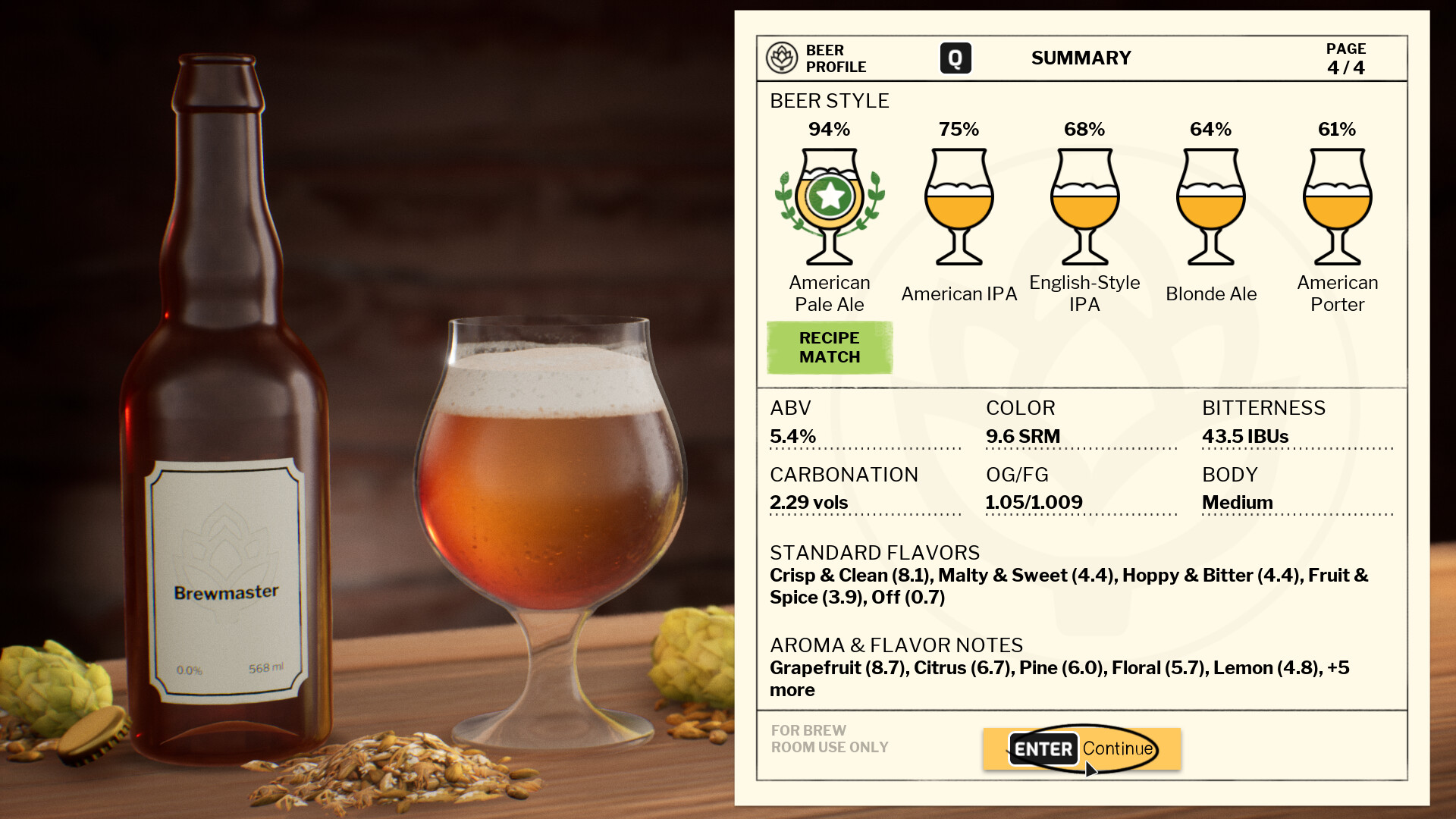
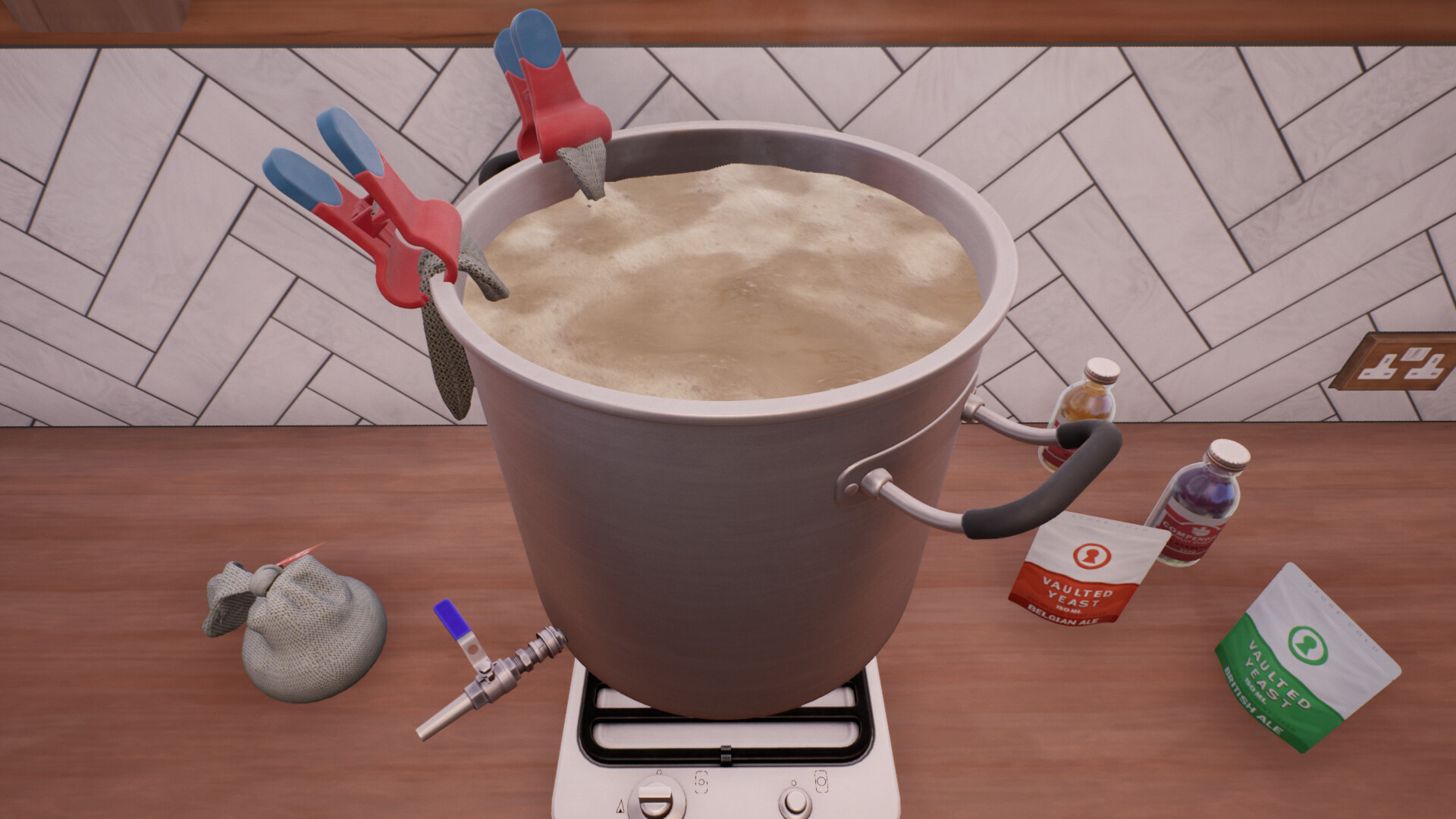
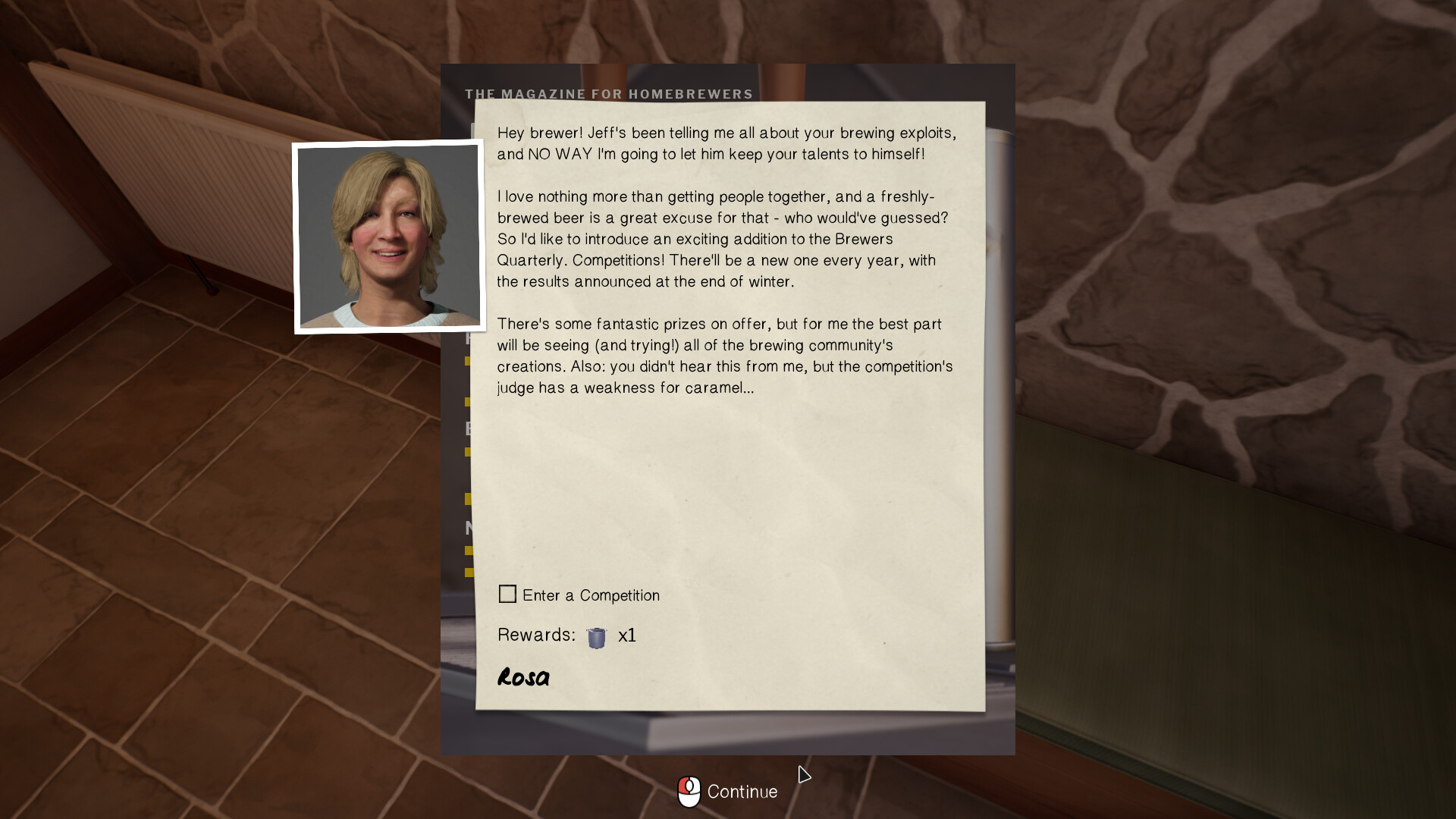
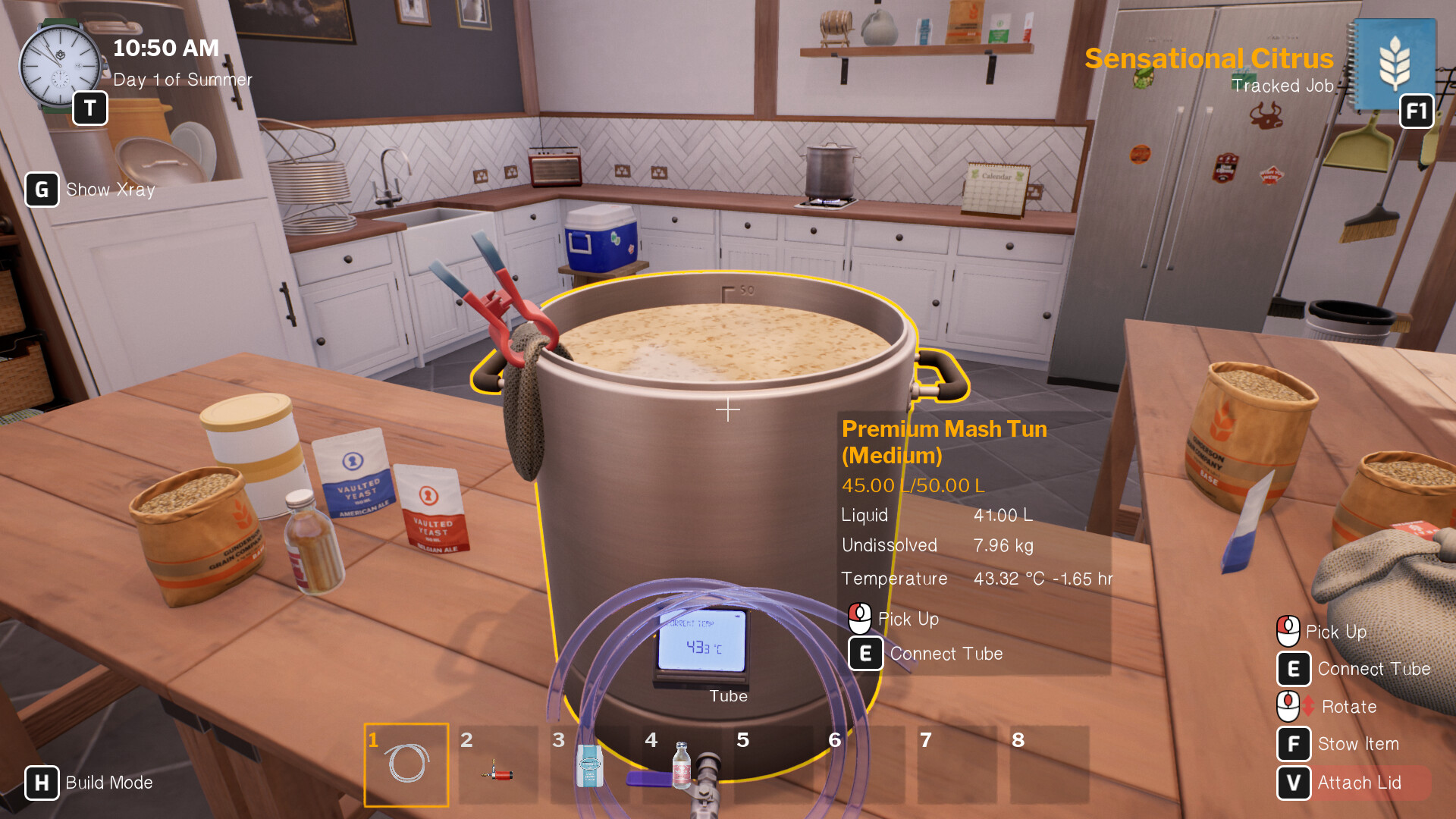
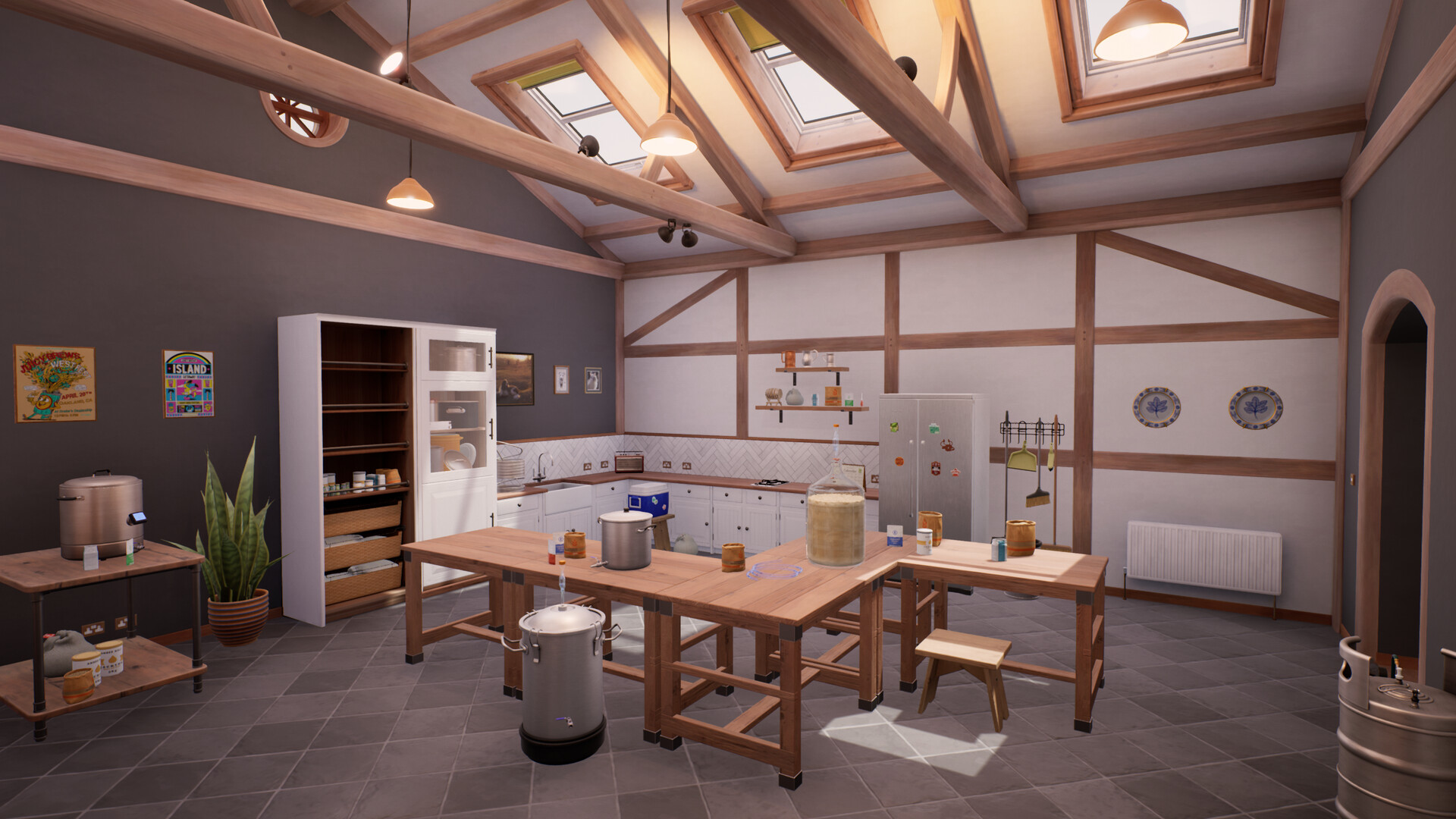
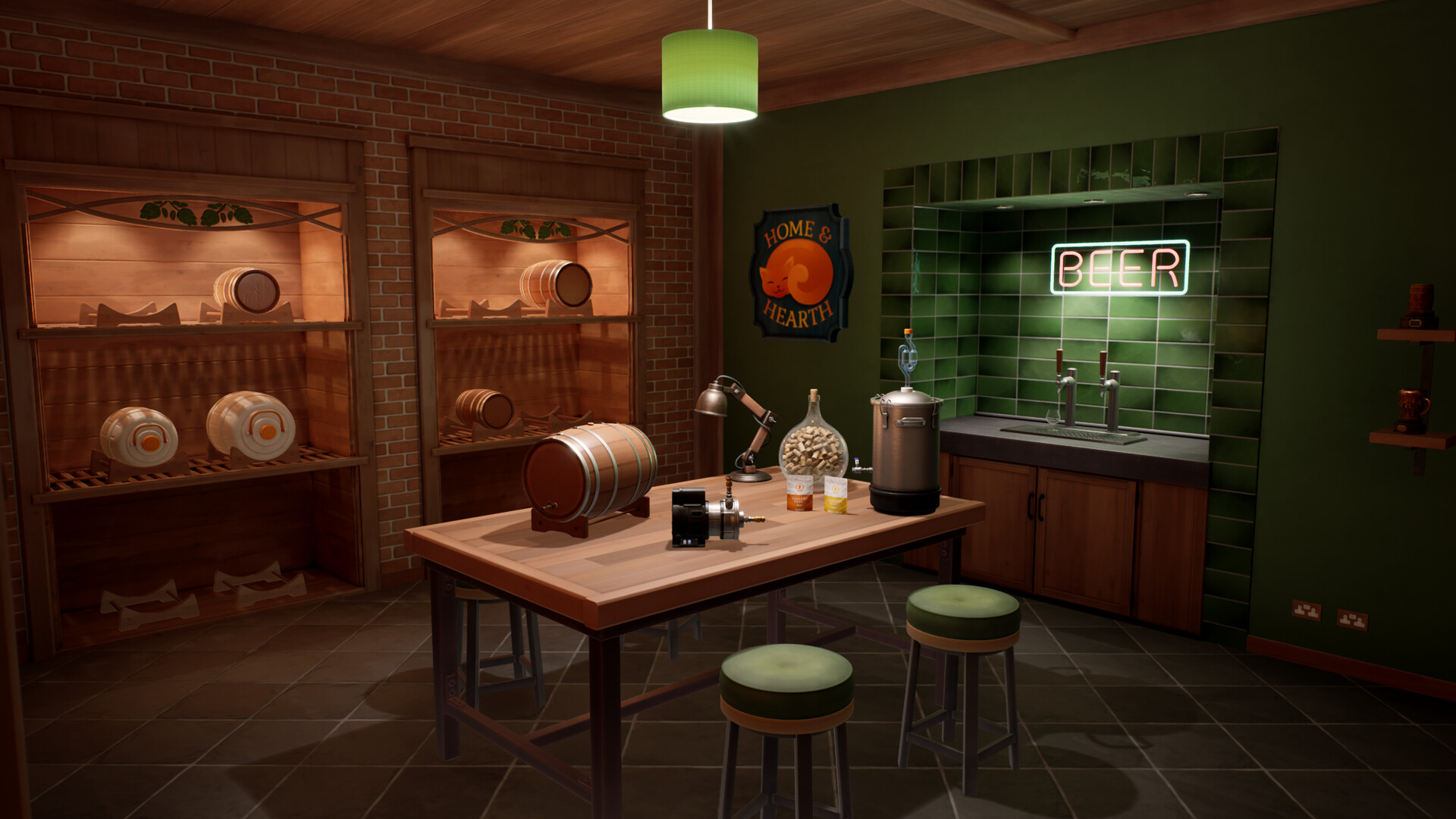
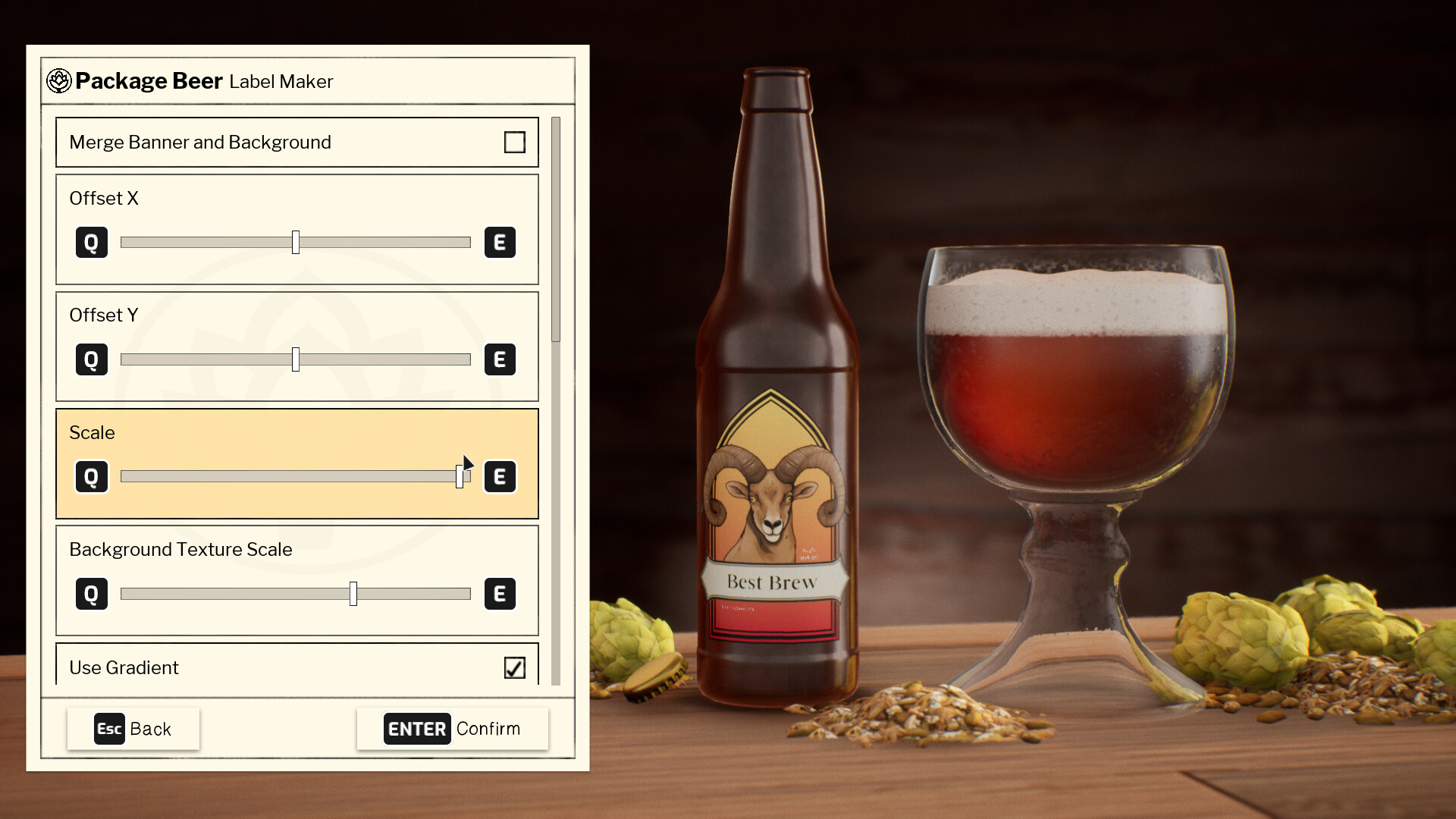
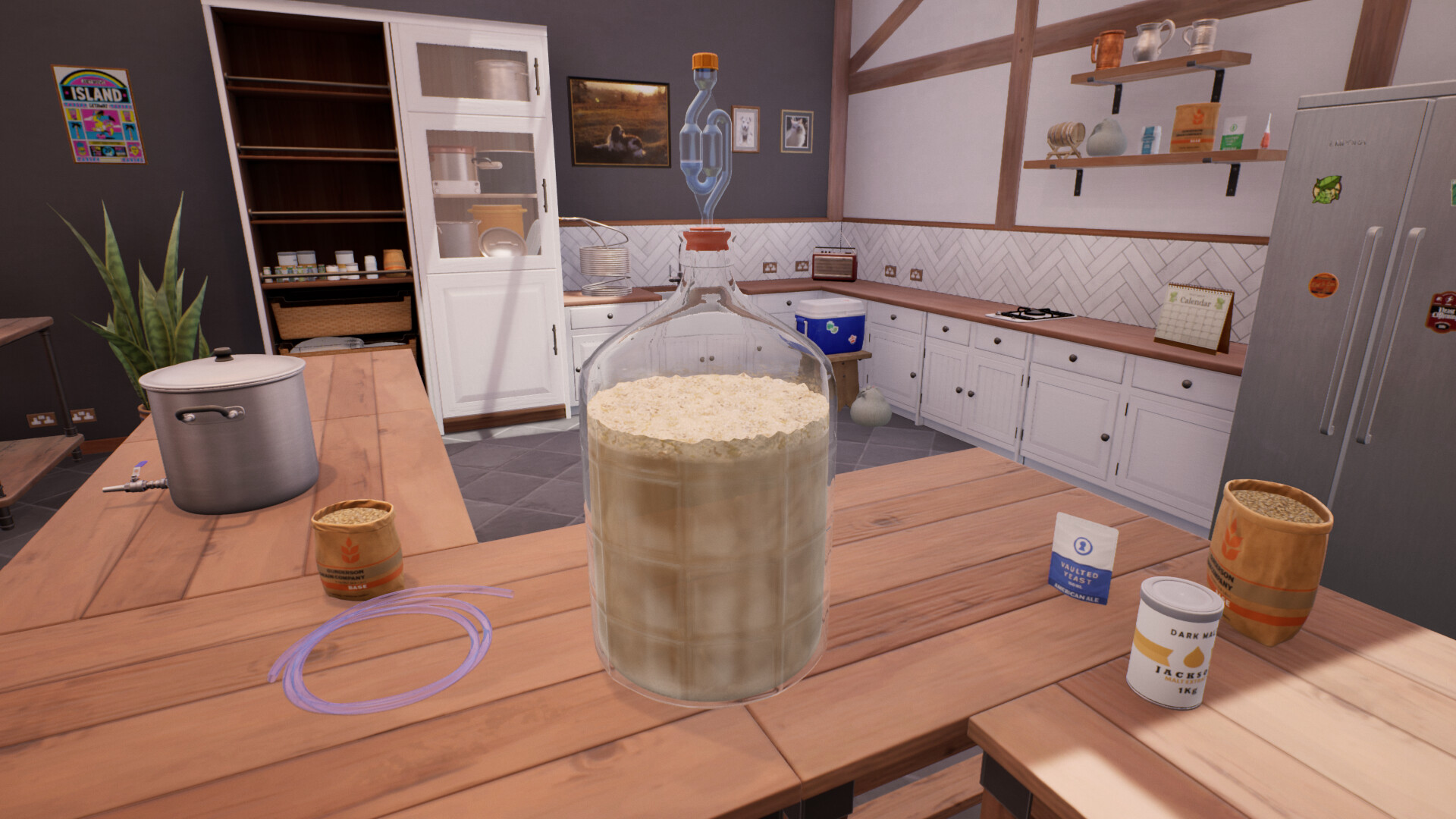
Brew your perfect beer in this relaxing home brewing sim. Use a realistic chemistry simulation to brew hoppy IPAs to creamy stouts. Customise your brewing space, create recipes and label your beer, unlock new equipment and enter competitions. Learn to brew, refine your craft and become a Brewmaster!
Screenshots
System requirements
Minimum
• Requires a 64-bit processor and operating system • OS *: Windows 7 • Processor: Intel(R) Core(TM)2 Quad 2.7 Ghz, AMD Phenom(TM)II X4 3 Ghz • Memory: 4 GB RAM • Graphics: GeForce GTX 260, Radeon HD 5770, 1024 MB, Shader Model 3.0 • DirectX: Version 11 • Storage: 7 GB available space • Sound Card: DirectX compatible
Recommended
• Requires a 64-bit processor and operating system • OS: Windows 10 • Processor: Intel(R) Core(TM) i5 • Memory: 8 GB RAM • Graphics: GeForce GTX 660 • DirectX: Version 12 • Storage: 7 GB available space • Sound Card: DirectX compatible
Languages: English, French, German, Spanish - Spain, Portuguese - Brazil, Simplified Chinese, Russian, Traditional Chinese
How to activate
Steam
- Start Steam on your computer and sign in to the account you will play on.
- In the Games menu, choose Activate a Product on Steam. You can also start from Add a Game at the bottom left.
- Go through the introductory screens, review Steam’s terms and paste the complete key without surrounding spaces.
- Finish activation, then find the game in your Library and select Install.
Game details from Steam.