
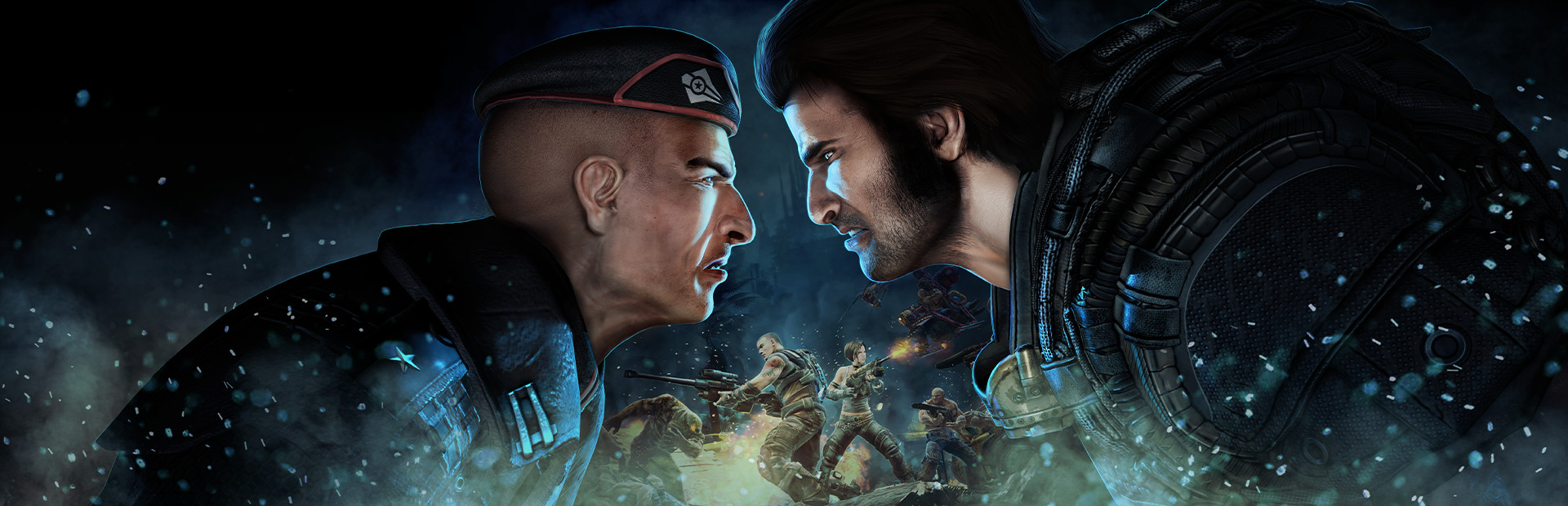
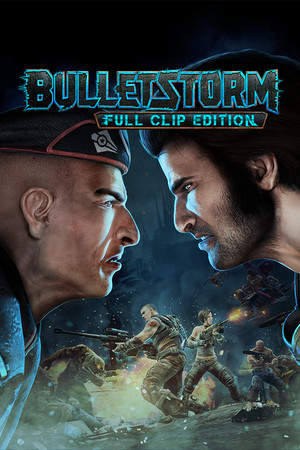
Bulletstorm: Full Clip Edition
- Genres
- Action · Adventure
- Release
- Apr 7, 2017
- Developer
- People Can Fly
- Metacritic
Lowest price across all offers
from $1.19110 ₽
Offers
The price depends on the platform and the activation region.
- Worldwide, except 12 countriesNot for RussiaBulletstorm: Full Clip Edition (WW, except 12 countries: AM, AZ, BY…)
except 12 countries
Armenia, Azerbaijan, Belarus, Georgia, Kyrgyzstan, Kazakhstan, Moldova, Russia, Tajikistan, Turkmenistan, Ukraine, Uzbekistan
$1.19110 ₽1
About the game
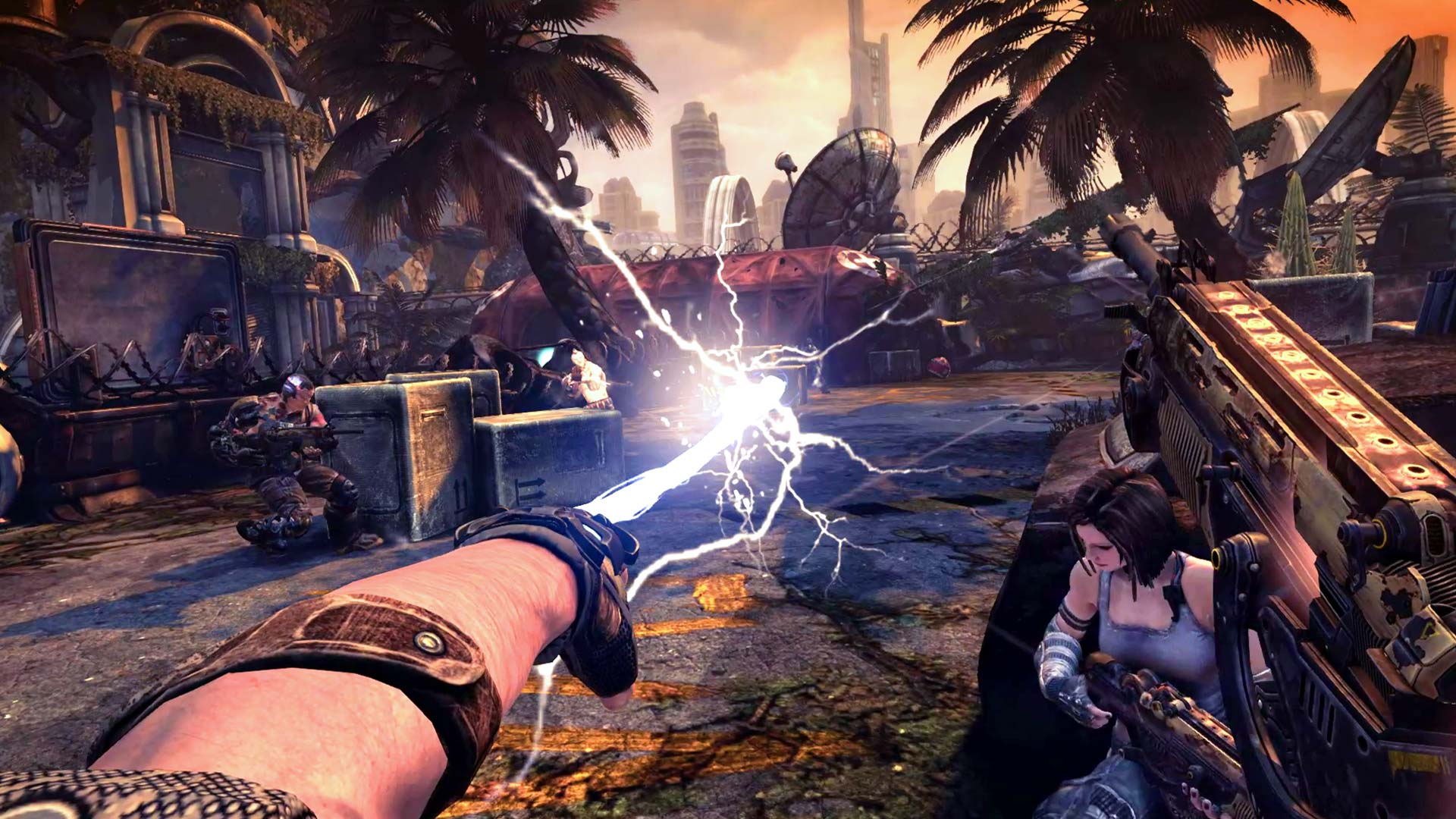
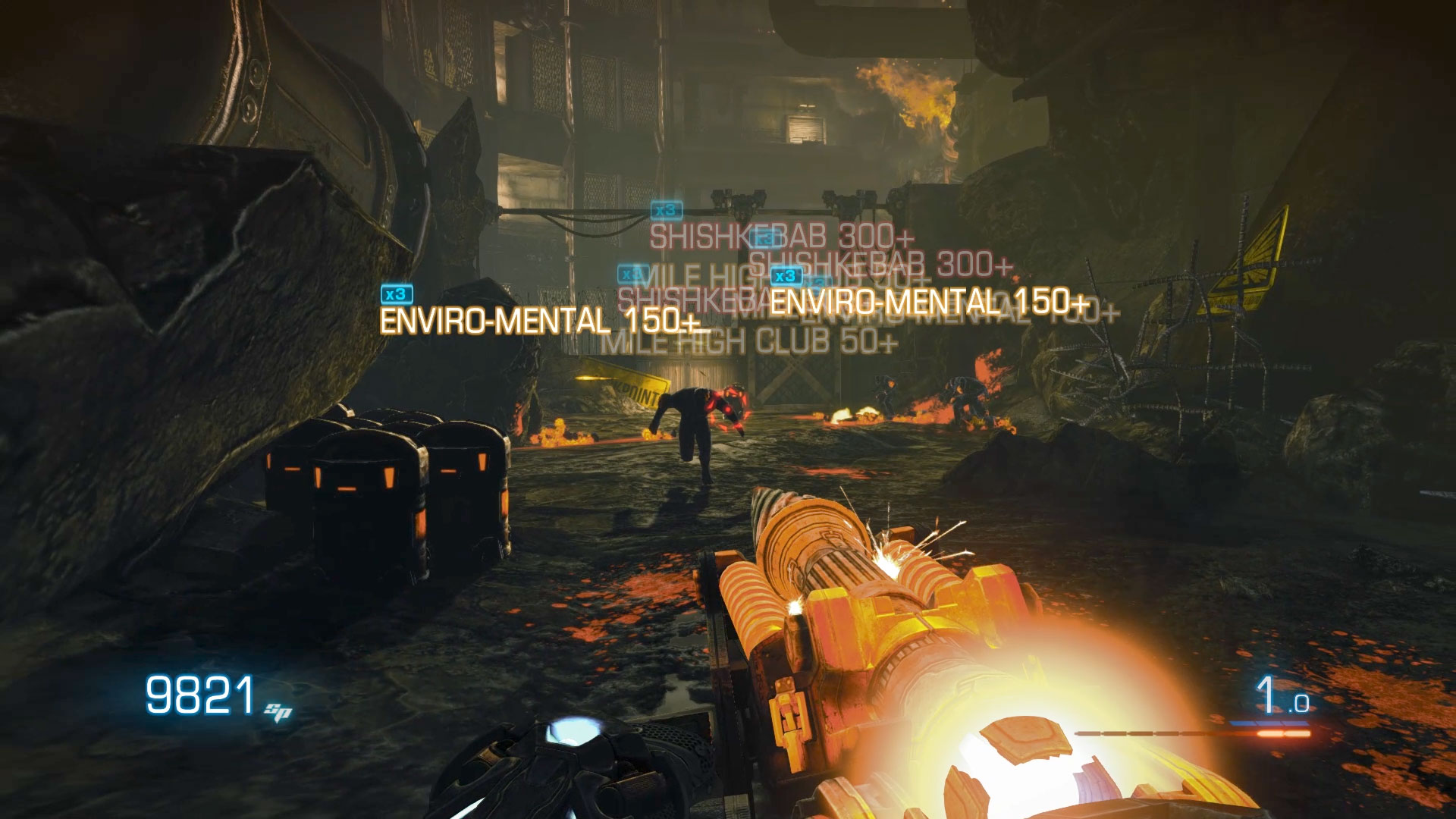
Step into the boots of Grayson Hunt after a crash landing on an old resort planet forces him to make a hard choice: survival or revenge. Execute masterful kills with Bulletstorm: Full Clip Edition’s unique combat system that rewards you for performing the most creative and deadly kills imaginable.
Screenshots
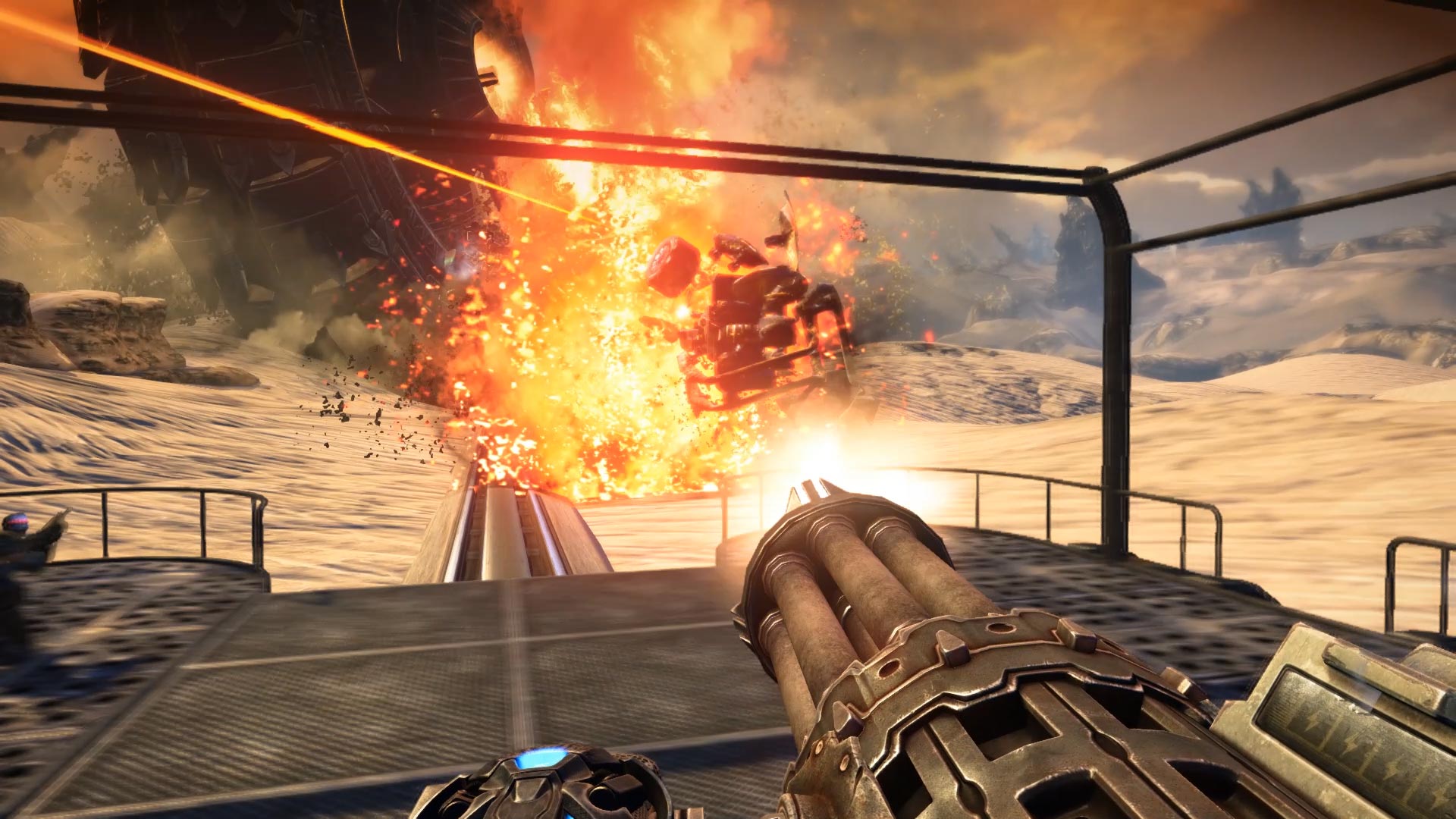
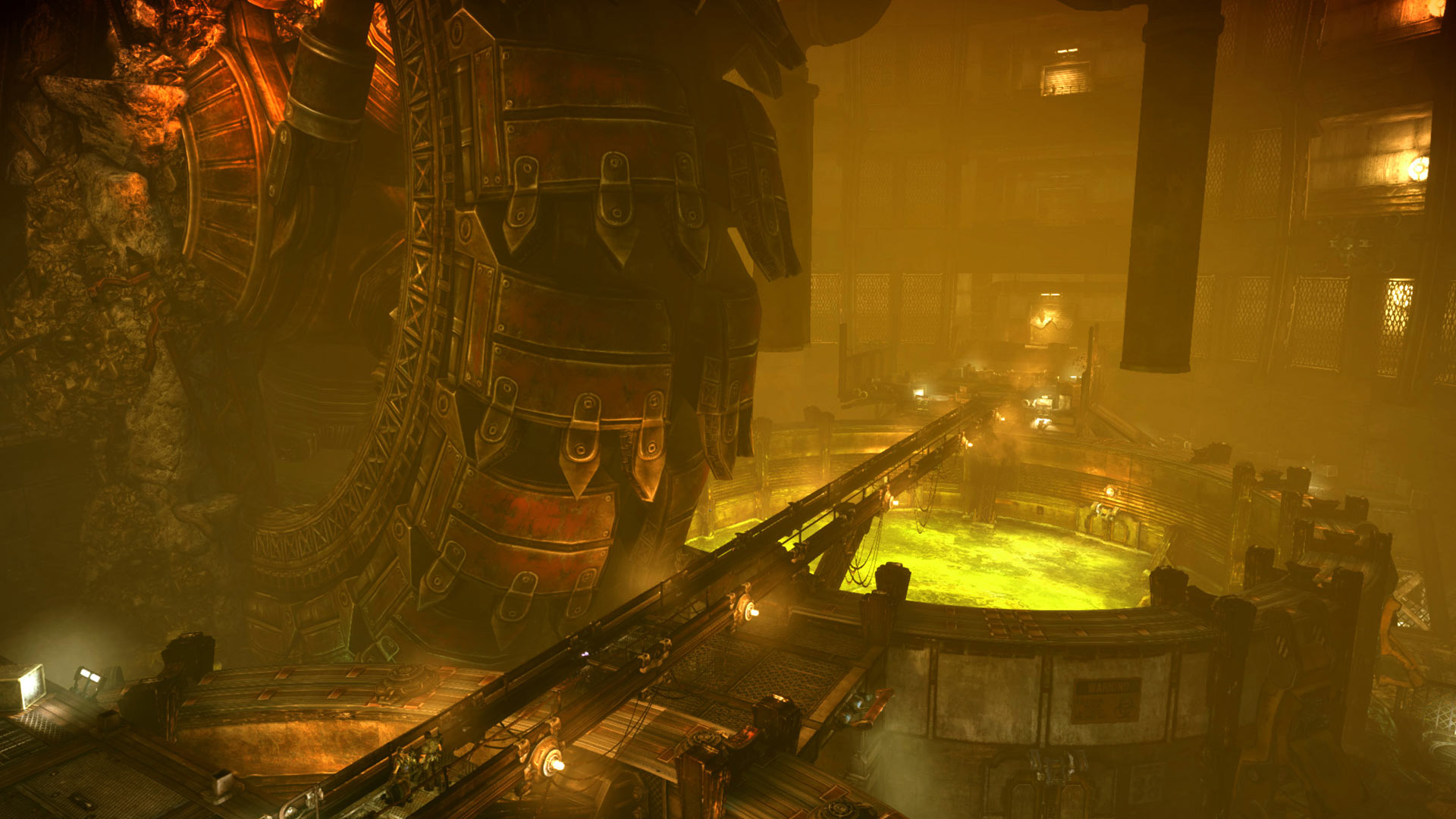
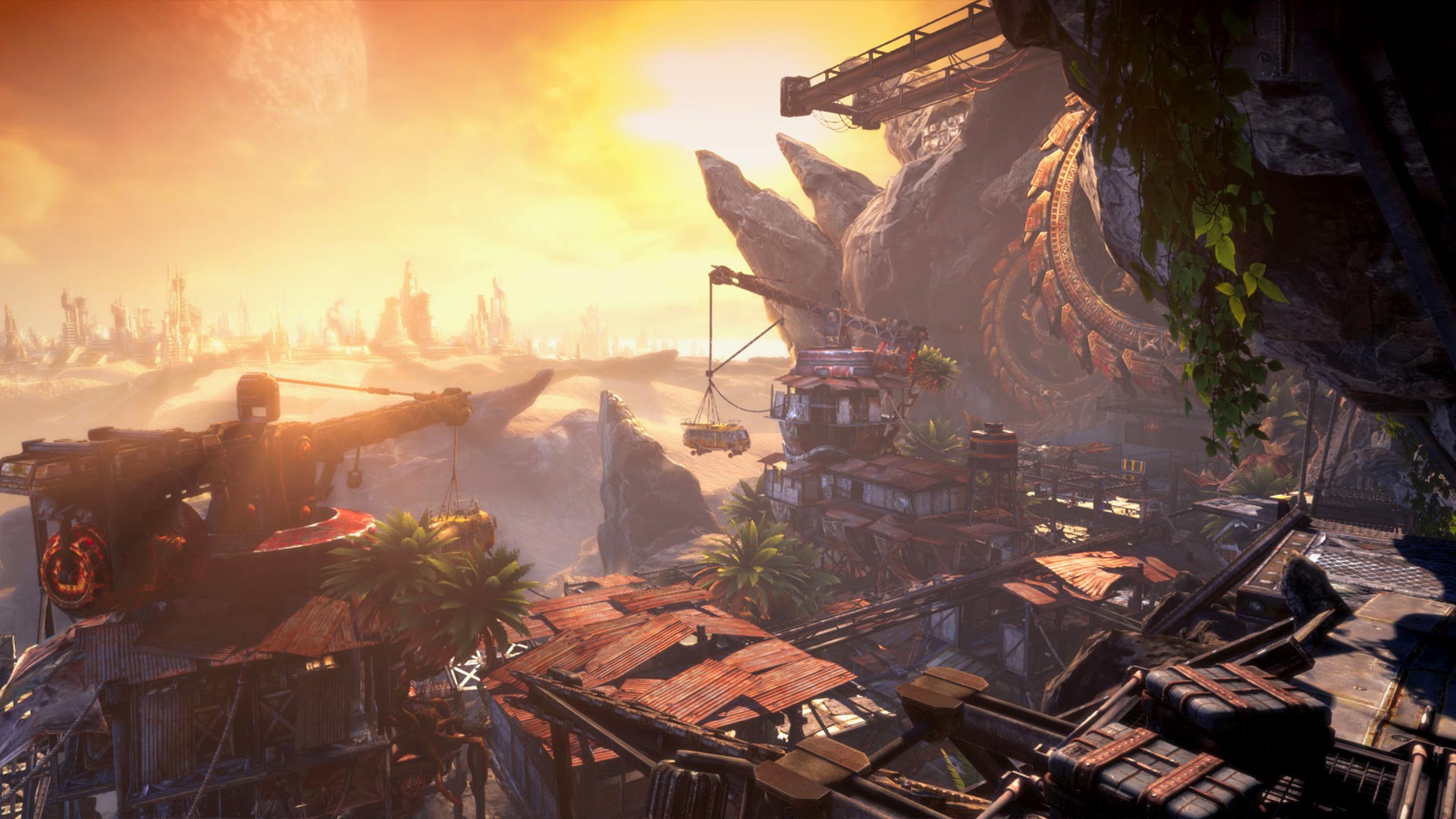
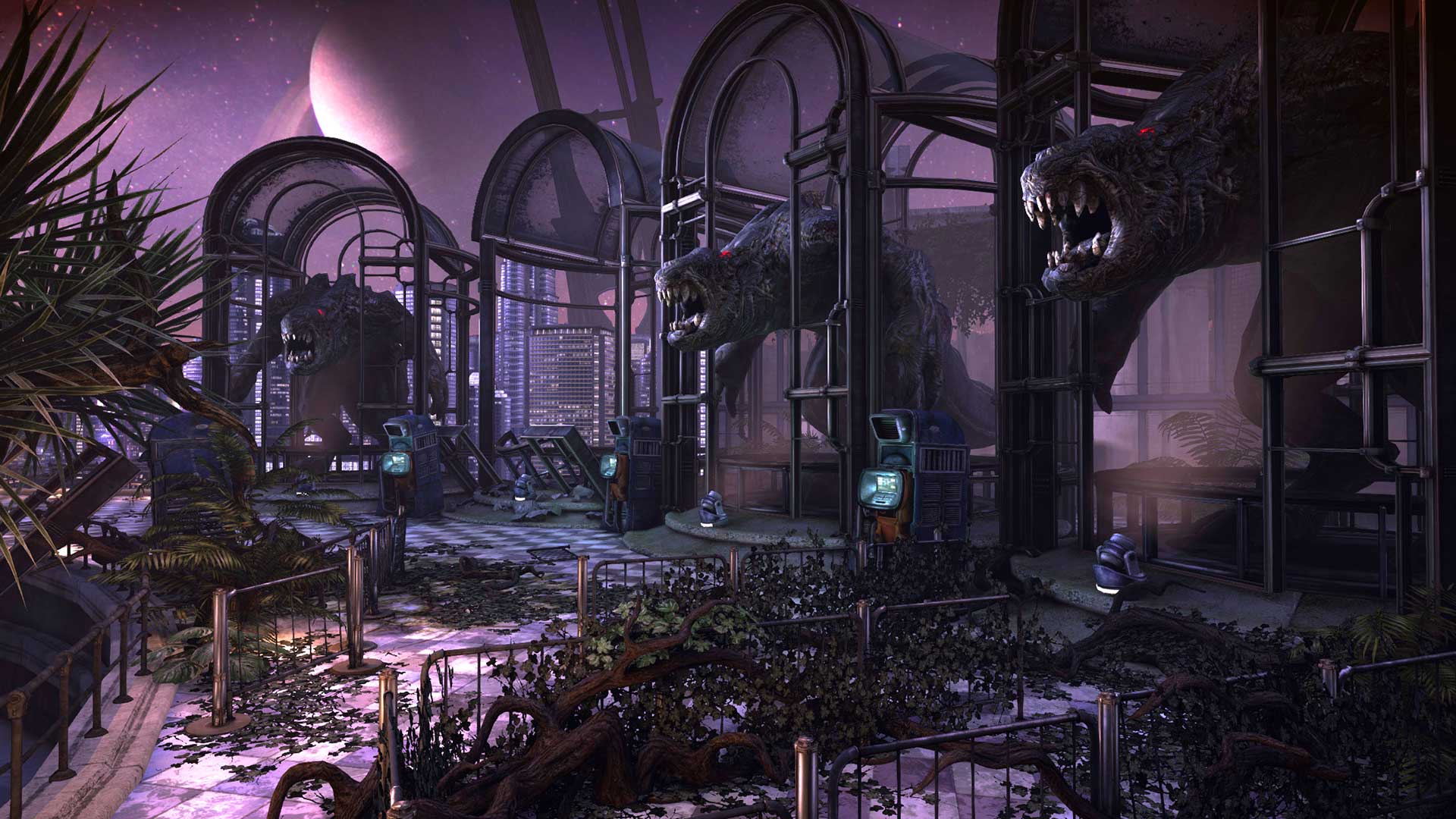
System requirements
Minimum
• Requires a 64-bit processor and operating system • OS *: Windows 7/8/8.1/10 x64 • Processor: AMD A8-3850 • Memory: 6 GB RAM • Graphics: Radeon HD 6850 • DirectX: Version 11 • Network: Broadband Internet connection • Storage: 15 GB available space • Sound Card: DirectX Compatible
Recommended
• Requires a 64-bit processor and operating system • OS *: Windows 7/8/8.1/10 x64 • Processor: Intel Core i5-760 / AMD Athlon II X4 645 AM3 • Memory: 8 GB RAM • Graphics: GeForce GTX 750 Ti / Radeon HD 7770 • DirectX: Version 11 • Network: Broadband Internet connection • Storage: 15 GB available space • Sound Card: DirectX Compatible
Languages: English*, French*, Italian*, German*, Spanish - Spain*, Japanese, Polish, Portuguese - Brazil, Russian
How to activate
Steam
- Start Steam on your computer and sign in to the account you will play on.
- In the Games menu, choose Activate a Product on Steam. You can also start from Add a Game at the bottom left.
- Go through the introductory screens, review Steam’s terms and paste the complete key without surrounding spaces.
- Finish activation, then find the game in your Library and select Install.
Xbox
- Open Microsoft’s redemption page using the button below.
- Sign in with the Microsoft account used on your Xbox. Check the email and profile before continuing.
- Paste the 25-character code and select Next. Check the displayed product or amount.
- Complete the confirmation prompts. Look for games in that account’s library and subscriptions under its services and subscriptions.
More from the series
Game details from Steam.