


Citadels
- Genres
- Action · Adventure · Massively Multiplayer · Simulation
- Release
- Coming soon
- Developer
- Black Ice Studios
Lowest price across all offers
from $8.43730 ₽
Offers
The price depends on the platform and the activation region.
- CISCIS region$8.43730 ₽1
About the game
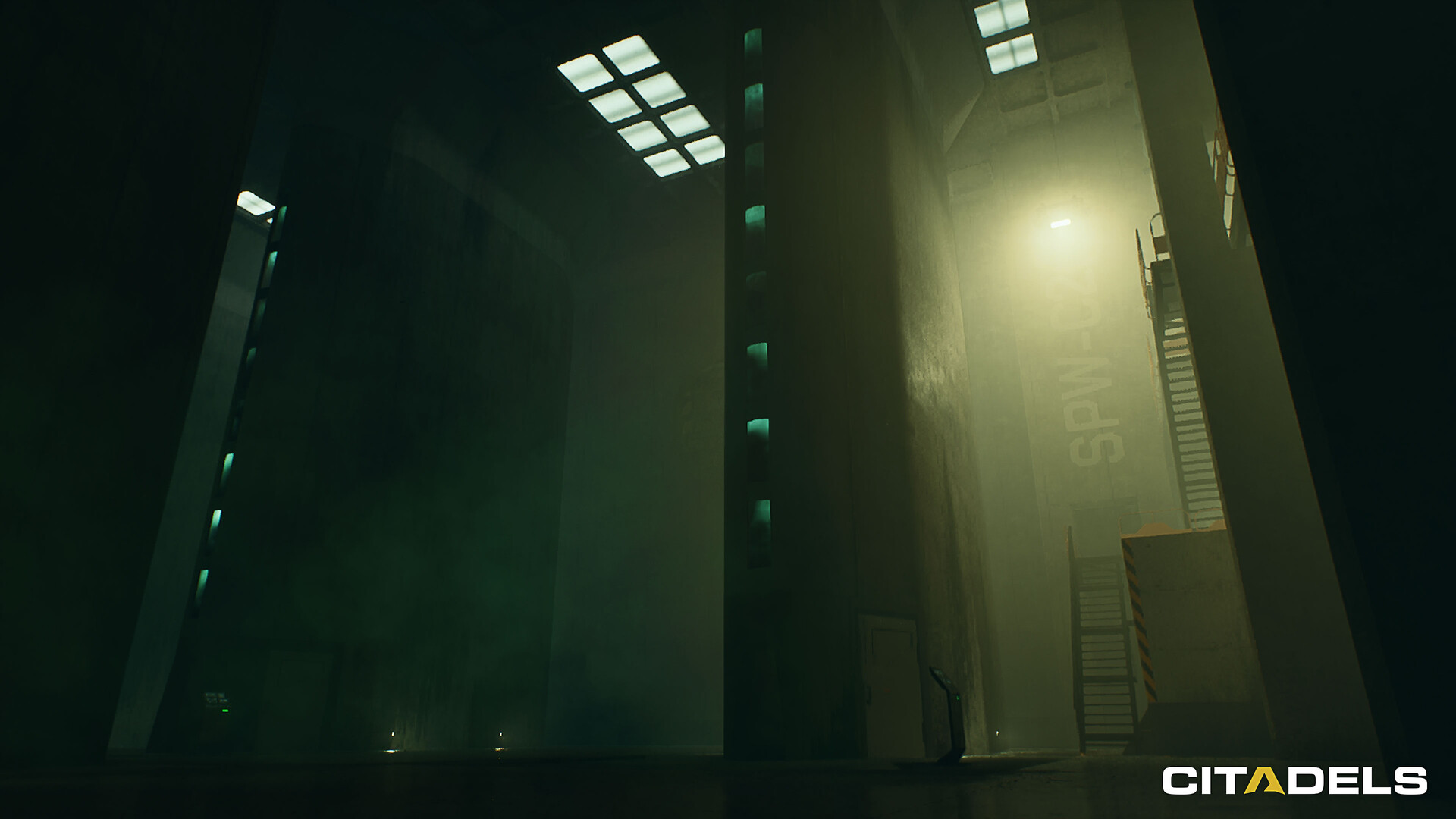
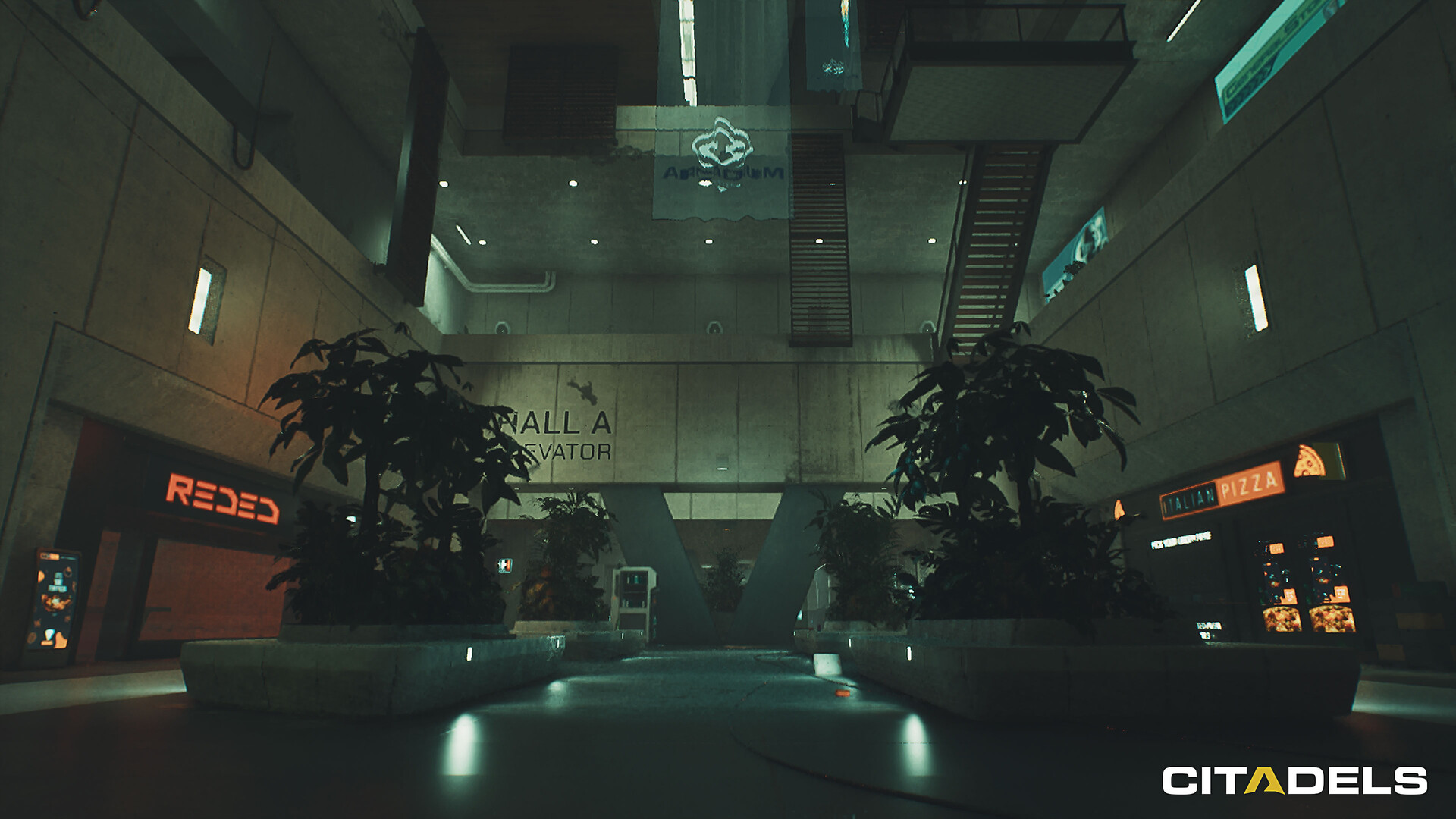
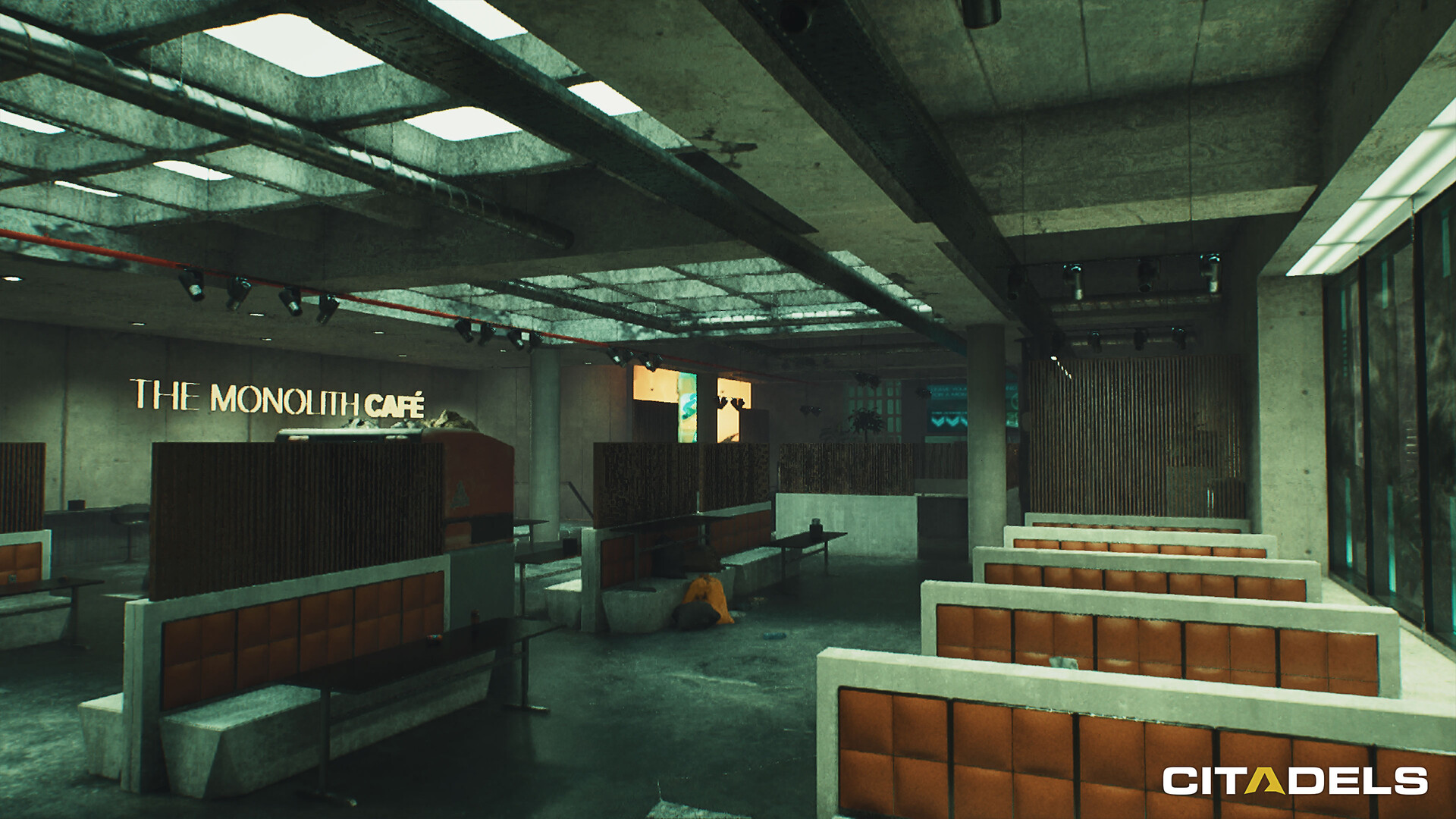
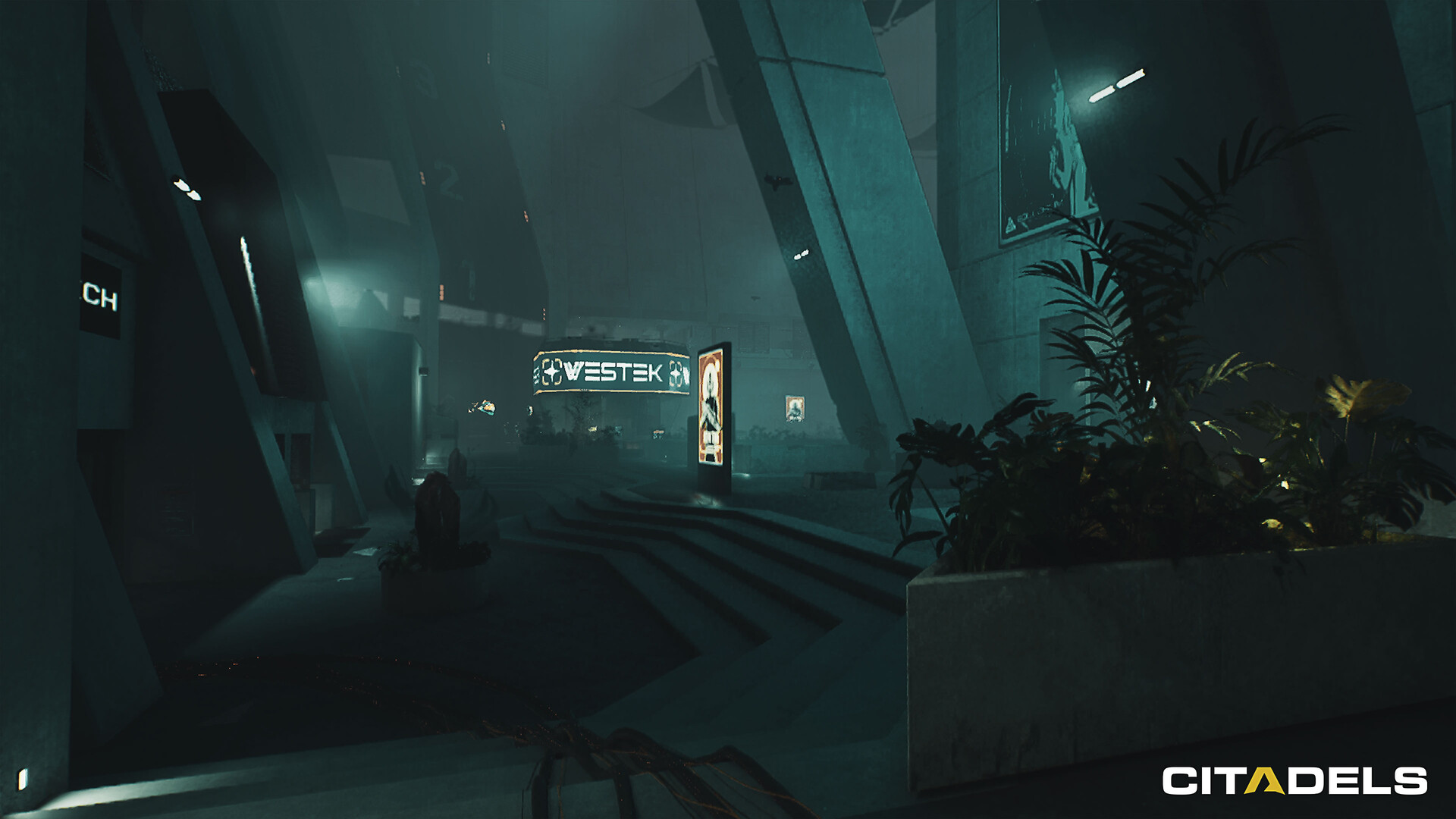
Citadels is a PvPvE tactical extraction FPS for 12 squads of 3. Raid a Citadel on the dead world of Ortus. Climb floor by floor as rival squads hunt what you carry. Get out with your loot, or lose everything to your second death.
Screenshots

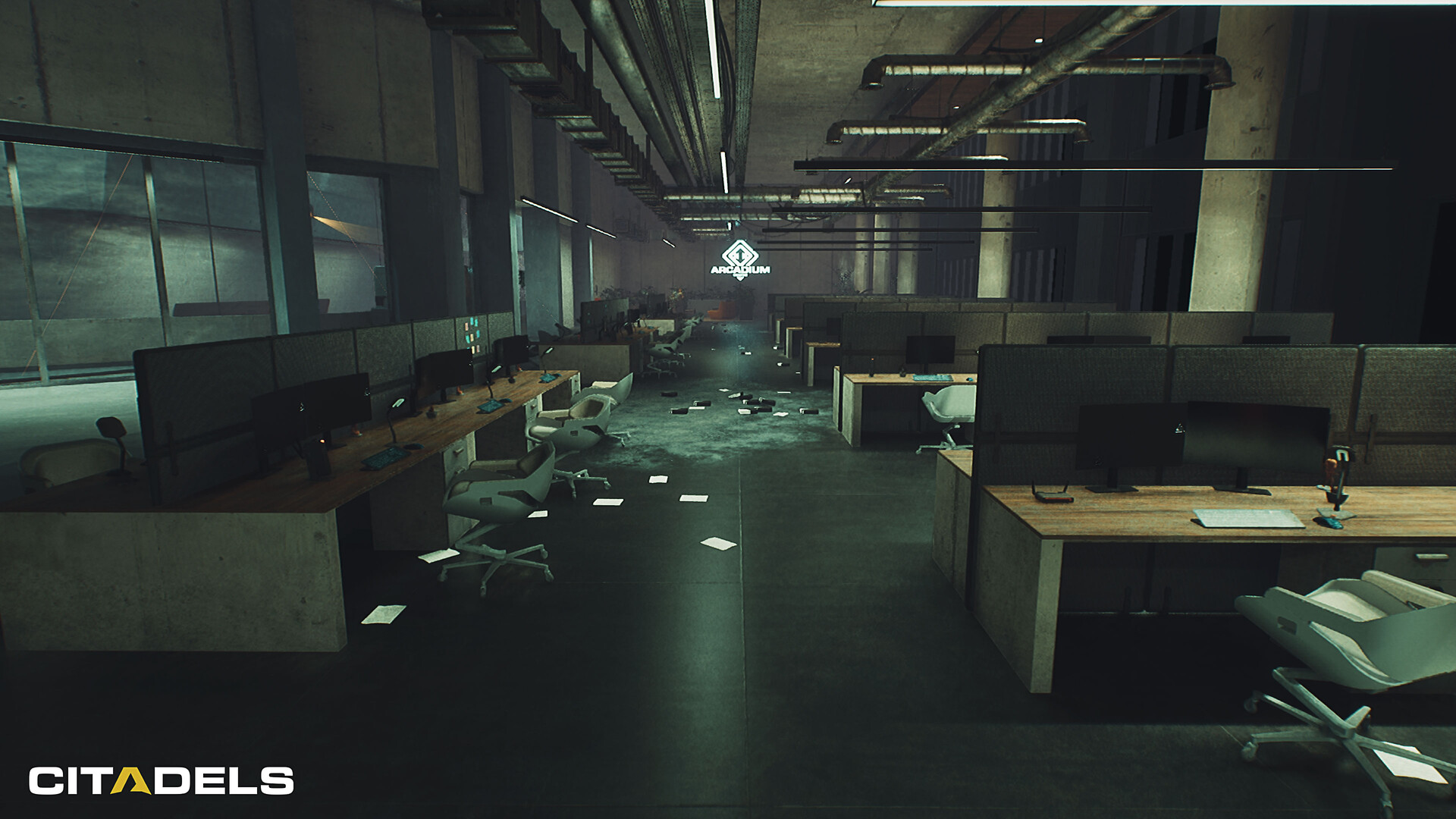
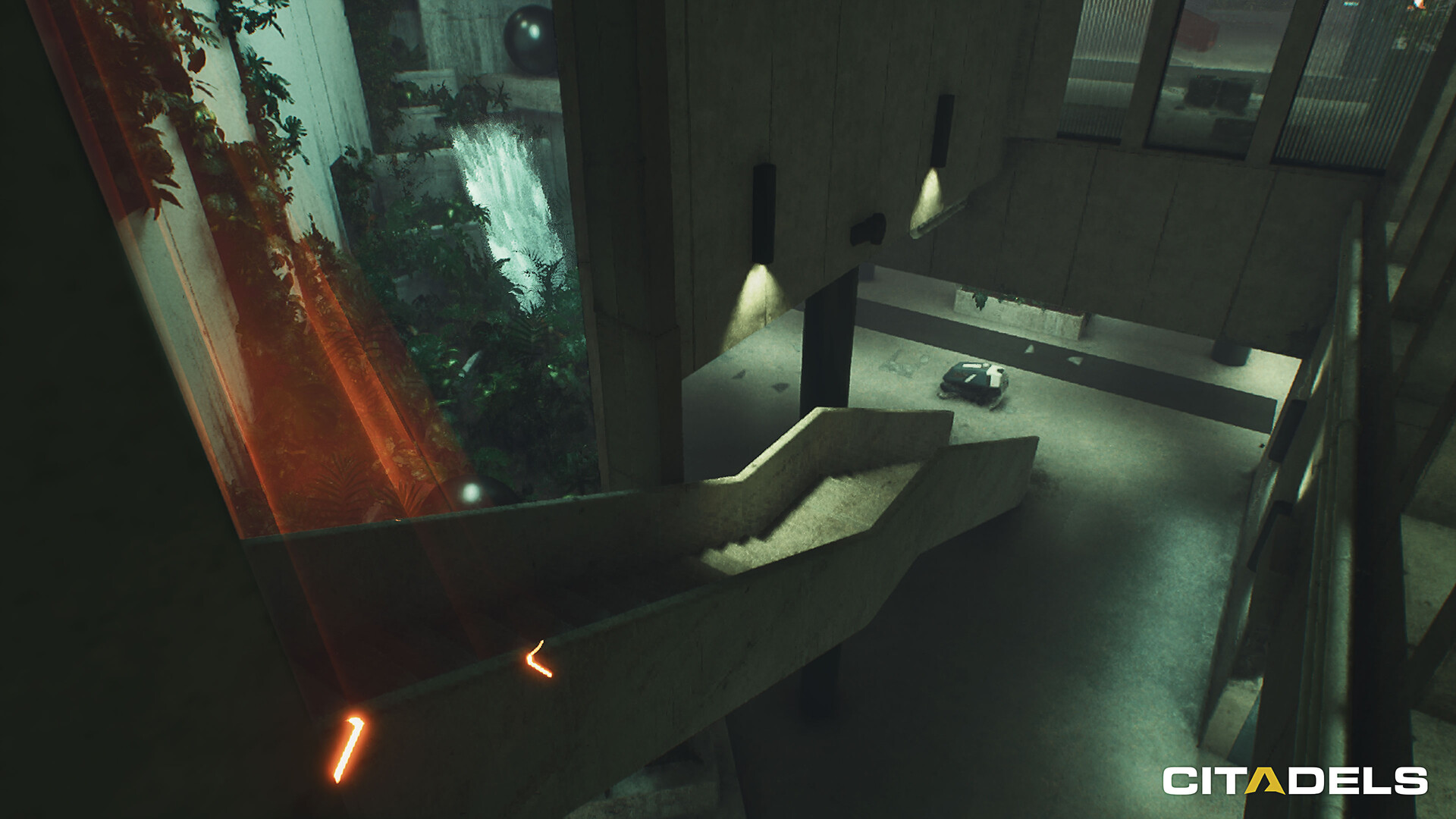
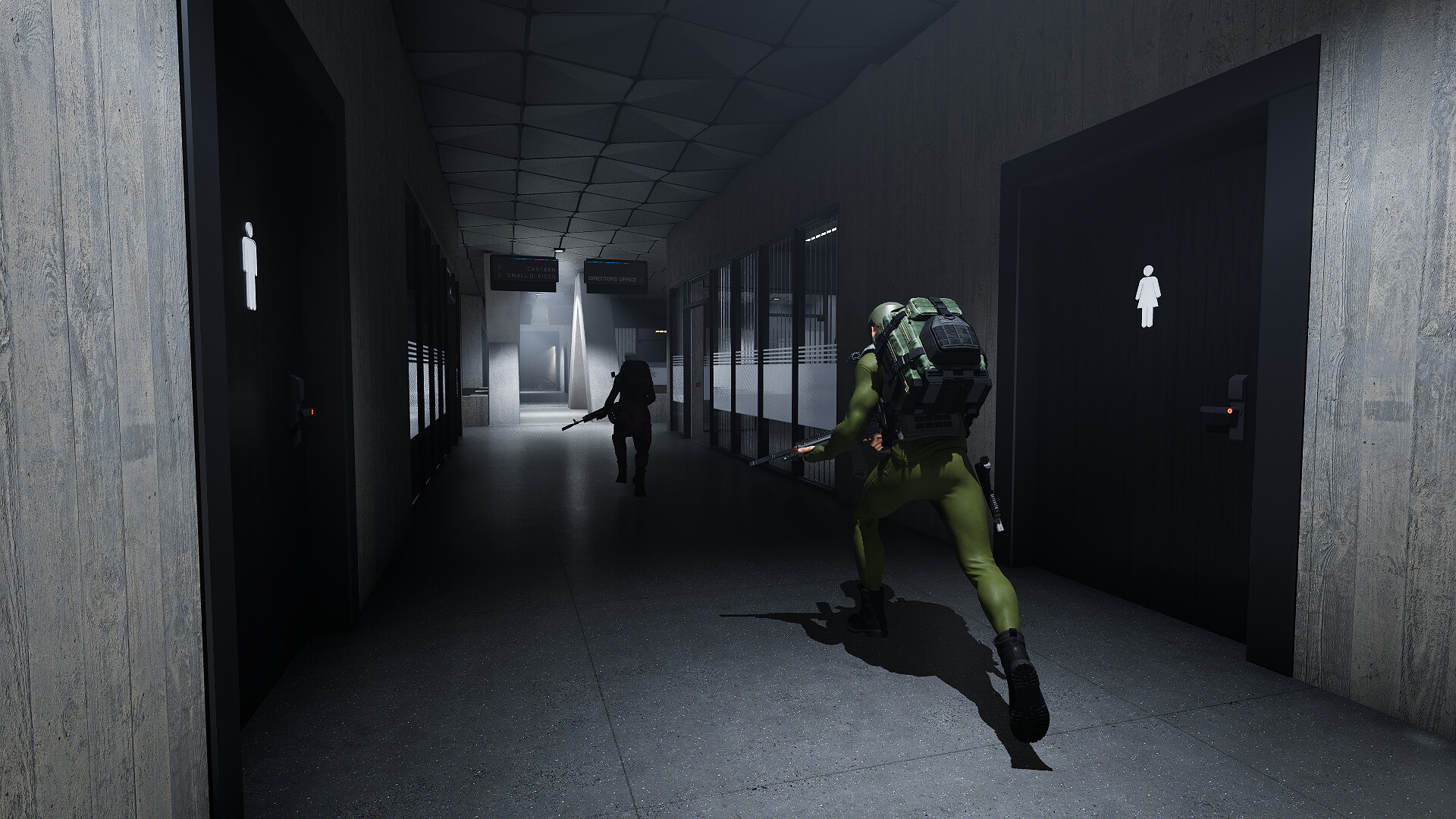
System requirements
Minimum
• Requires a 64-bit processor and operating system • OS: Windows 11 • Processor: Intel 2.9 GHz 6-Core Intel Core 19 • Memory: 8 GB RAM • Graphics: Nvidia RTX 3080ti / Intel B580 • Network: Broadband Internet connection
Recommended
• Requires a 64-bit processor and operating system • OS: Windows 11 • Processor: Intel 2.9 GHz 6-Core Intel Core 19 • Memory: 12 GB RAM • Graphics: Nvidia RTX 4080 / Intel B580 • Network: Broadband Internet connection
Languages: English*, French*, Italian, German, Spanish - Spain, Arabic, Bulgarian, Czech, Danish, Dutch, Finnish, Greek, Hungarian, Indonesian, Japanese, Korean, Norwegian, Polish, Portuguese - Brazil, Portuguese - Portugal, Romanian, Russian, Simplified Chinese, Spanish - Latin America, Swedish, Thai, Traditional Chinese, Turkish, Ukrainian, Vietnamese, Afrikaans, Albanian, Amharic, Armenian, Assamese, Azerbaijani, Bangla, Basque, Belarusian, Bosnian, Catalan, Cherokee, Croatian, Dari, Estonian, Filipino, Galician, Georgian, Gujarati, Hausa, Hebrew, Hindi, Icelandic, Igbo, Irish, K'iche', Kannada, Kazakh, Khmer, Kinyarwanda, Konkani, Kyrgyz, Latvian, Lithuanian, Luxembourgish, Macedonian, Malay, Malayalam, Maltese, Maori, Marathi, Mongolian, Nepali, Odia, Persian, Punjabi (Gurmukhi), Punjabi (Shahmukhi), Quechua, Scots, Serbian, Sindhi, Sinhala, Slovak, Slovenian, Sorani, Sotho, Swahili, Tajik, Tamil, Tatar, Telugu, Tigrinya, Tswana, Turkmen, Urdu, Uyghur, Uzbek, Valencian, Welsh, Wolof, Xhosa, Yoruba, Zulu
How to activate
Steam
- Start Steam on your computer and sign in to the account you will play on.
- In the Games menu, choose Activate a Product on Steam. You can also start from Add a Game at the bottom left.
- Go through the introductory screens, review Steam’s terms and paste the complete key without surrounding spaces.
- Finish activation, then find the game in your Library and select Install.
Game details from Steam.