

Cities: Skylines - Downtown Radio
- Genres
- Simulation · Strategy
- Release
- Nov 7, 2019
- Developer
- Paradox Interactive
Lowest price across all offers
from $1.15100 ₽
Offers
The price depends on the platform and the activation region.
- EuropeNot for Russia$1.15100 ₽1
About the game
Kick back and relax to the smoothest tunes in town on Downtown Radio, your one-stop-shop for modern lounge music in Cities: Skylines. This channel features 16 original songs with a retro twist, created especially for all the late-night city builders out there.
Screenshots
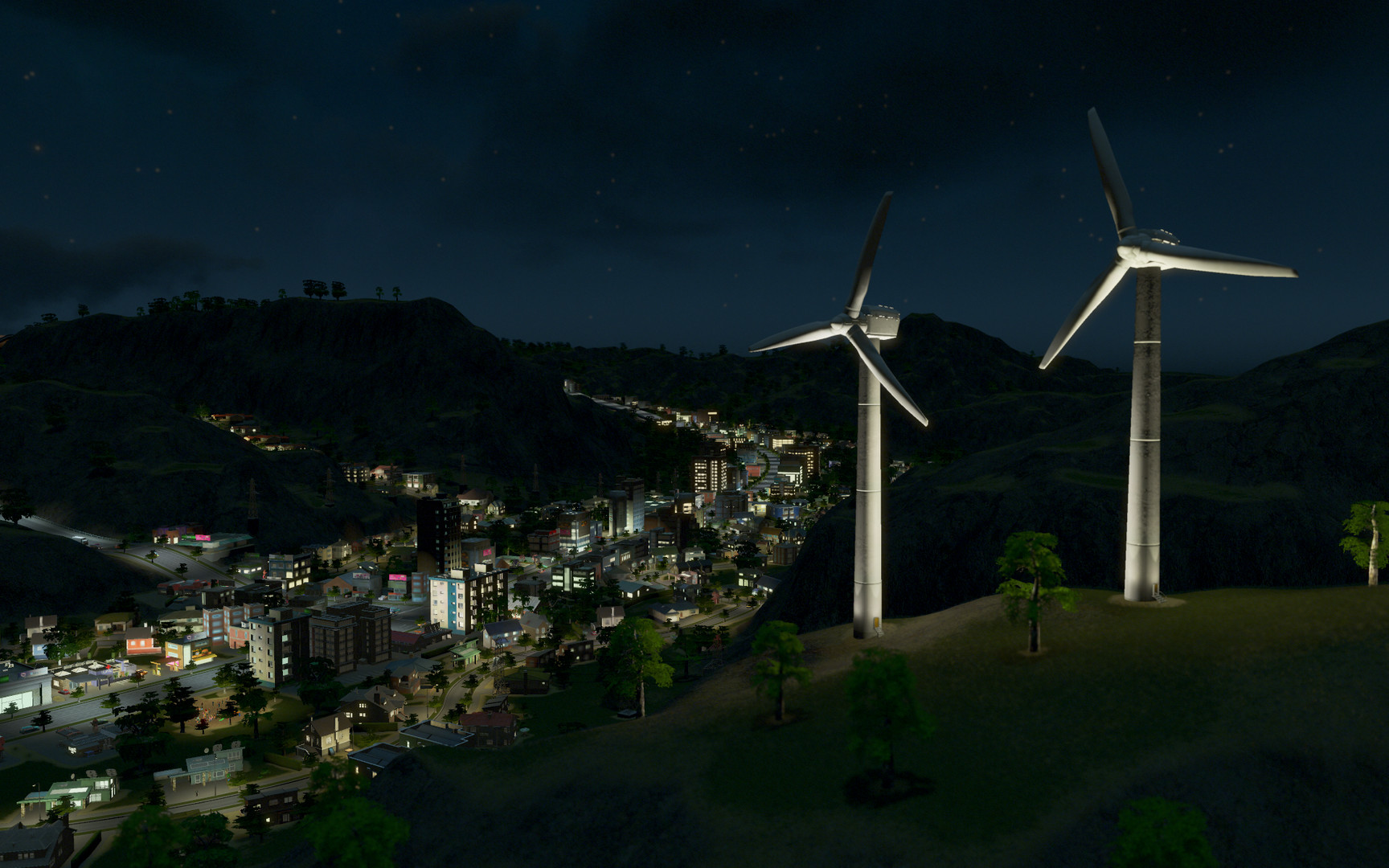
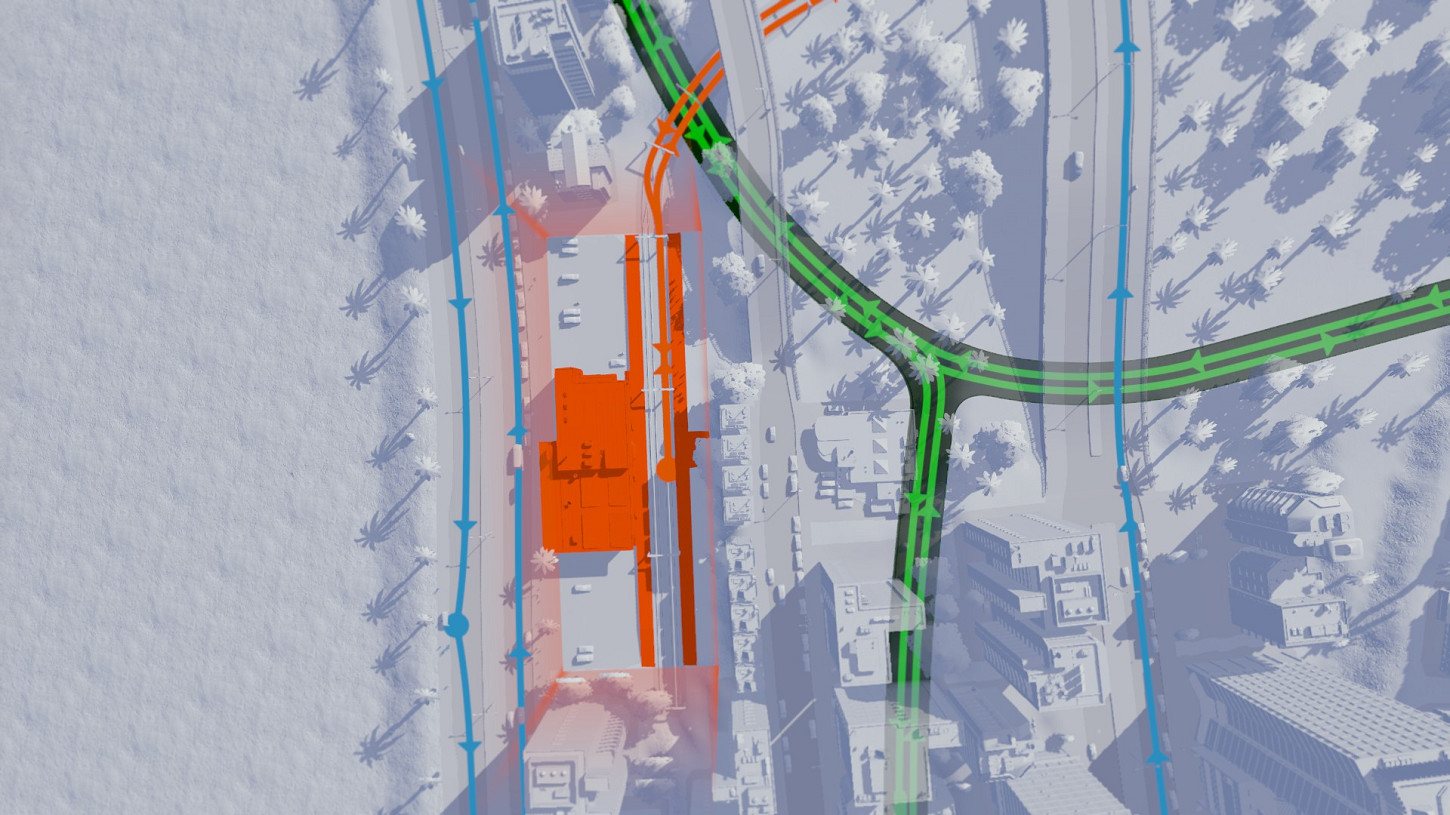
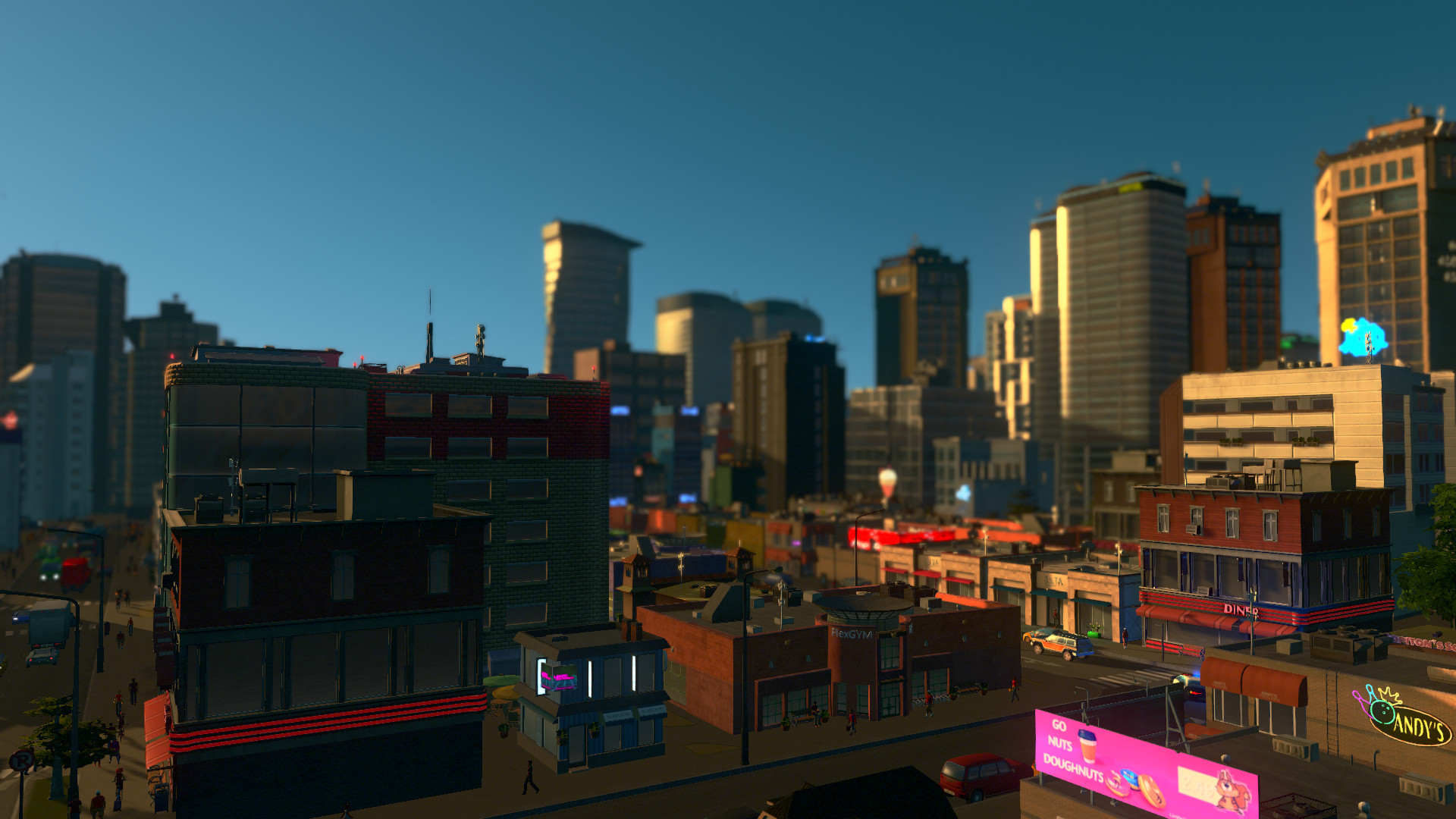
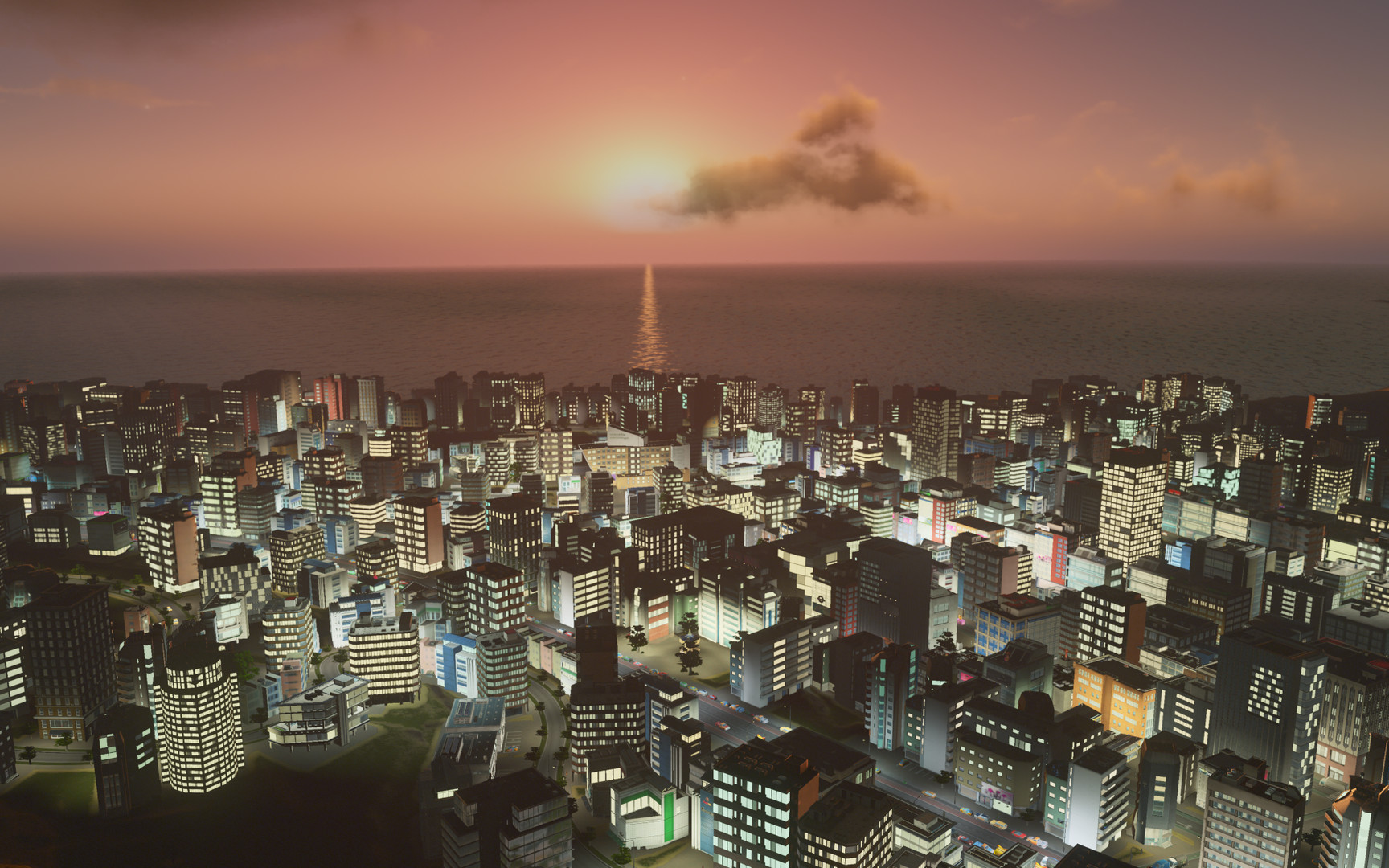
System requirements
Minimum
• Requires a 64-bit processor and operating system • OS *: Windows® 7 64 Bit | Windows® 8.1 64 Bit | Windows® 10 Home 64 Bit • Processor: Intel® Core™ I7 930 | AMD® FX 6350 • Memory: 8 GB RAM • Graphics: Nvidia® GeForce™ GTS 450 (1 GB) | AMD® R7 250 (2 GB) | Intel Iris Xe G7 (Tiger Lake) • DirectX: Version 9.0c • Network: Broadband Internet connection • Storage: 4 GB available space
Recommended
• Requires a 64-bit processor and operating system • OS: Windows® 10 Home 64 bit • Processor: Intel® Core™ I7 2700K | AMD® Ryzen 7 2700X • Memory: 16 GB RAM • Graphics: Nvidia® GeForce™ GTX 580 (1.5 GB) | AMD® Radeon™ RX 560 (4 GB) • DirectX: Version 9.0c • Network: Broadband Internet connection • Storage: 4 GB available space
Languages: English, French, German, Spanish - Spain, Polish, Portuguese - Brazil, Russian, Simplified Chinese, Korean
How to activate
Steam
- Start Steam on your computer and sign in to the account you will play on.
- In the Games menu, choose Activate a Product on Steam. You can also start from Add a Game at the bottom left.
- Go through the introductory screens, review Steam’s terms and paste the complete key without surrounding spaces.
- Finish activation, then find the game in your Library and select Install.
More from the series
 Cities: Skylines IISteamfrom $39.363,360 ₽3 offers
 Cities: SkylinesSteamfrom $24.502,090 ₽
 Cities: Skylines - AirportsSteamfrom $9.98860 ₽
Game details from Steam.