


CODE VEIN (Deluxe Edition)
- Genres
- Action · RPG
- Release
- Sep 26, 2019
- Developer
- Bandai Namco Studios
- Metacritic
Lowest price across all offers
from $8.59740 ₽
Offers
The price depends on the platform and the activation region.
- WorldwideWorks in Russia$8.59740 ₽1
About the game
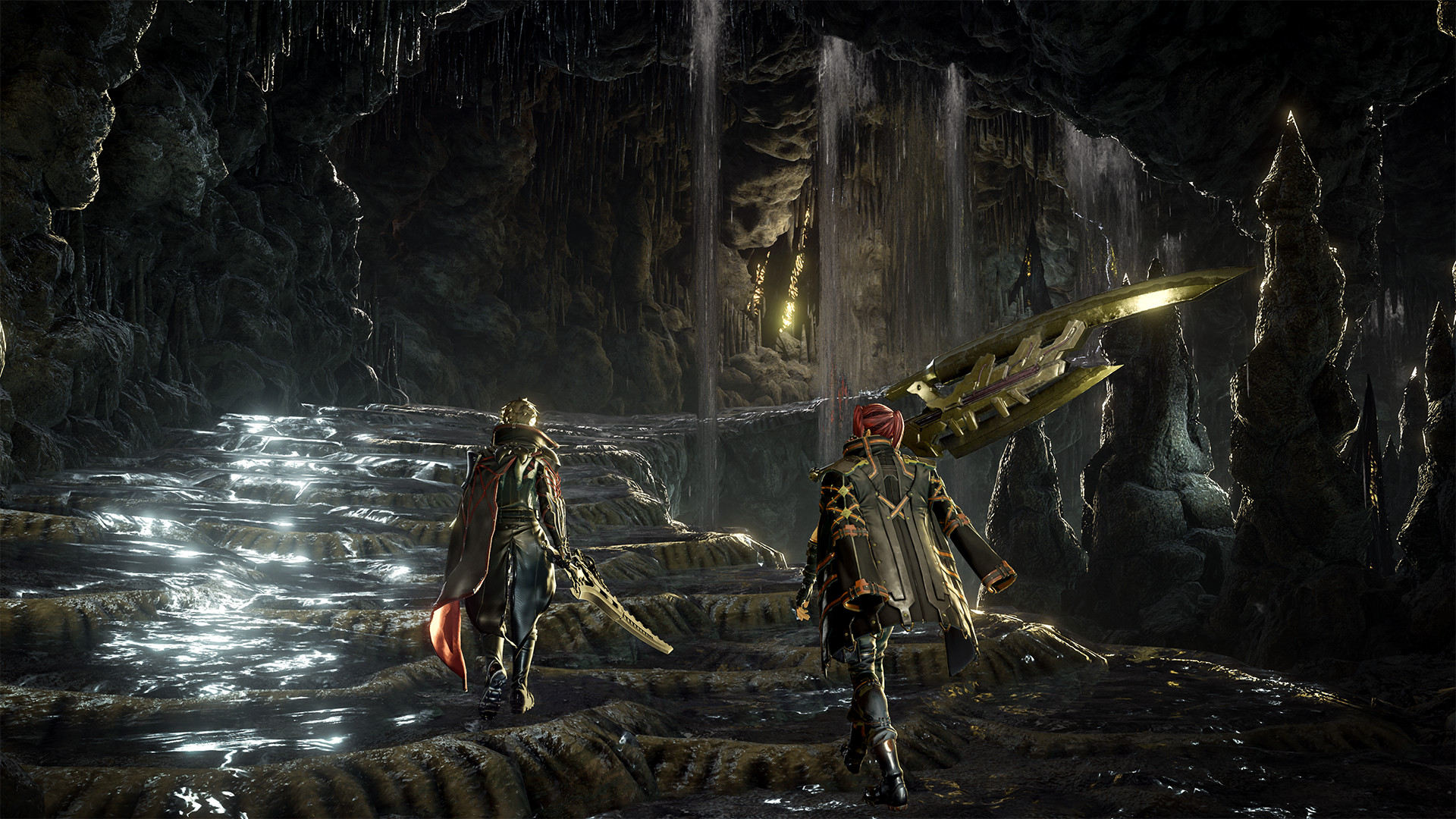
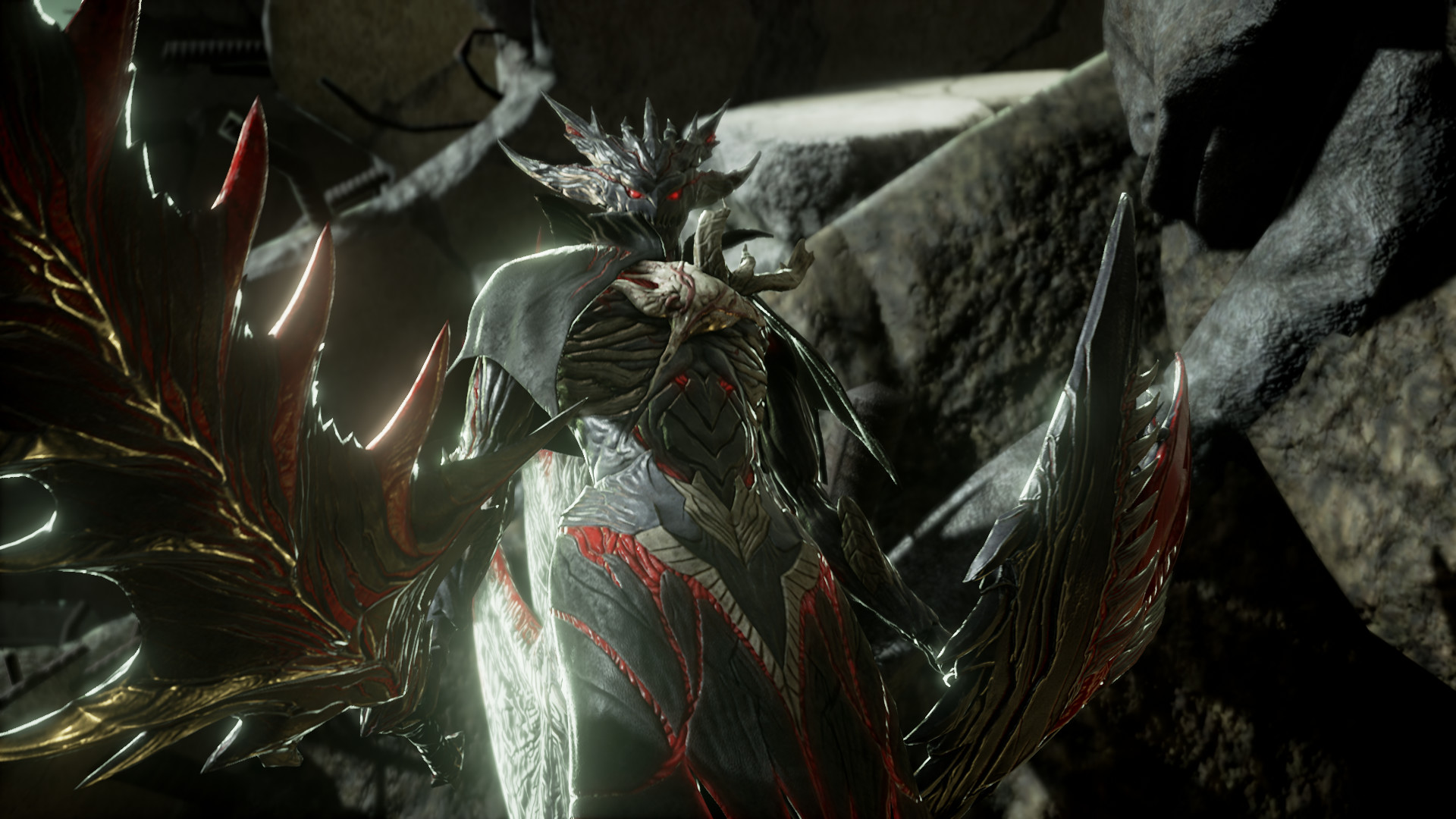
In the face of certain death, we rise. Team up and embark on a journey to the ends of hell to unlock your past and escape your living nightmare in CODE VEIN.
Pictures and description are of the base game on Steam.
Screenshots






System requirements
Minimum
• Requires a 64-bit processor and operating system • OS *: Windows 7 SP1 or Windows 10 (64-bit) • Processor: Intel Core i5-2300 • Memory: 6 GB RAM • Graphics: GeForce GTX 760 or Radeon HD 7850 • DirectX: Version 11 • Network: Broadband Internet connection • Storage: 35 GB available space • Sound Card: DirectX compatible soundcard or onboard chipset • Additional Notes: Estimated performance: 1080p/60fps with graphics settings at "Low". Framerate might drop in graphics-intensive scenes. - 64-bit processor and operating system are required.
Recommended
• Requires a 64-bit processor and operating system • OS *: Windows 7 SP1 or Windows 10 (64-bit) • Processor: Intel Core i5-7400 or AMD Ryzen 3 2200G • Memory: 8 GB RAM • Graphics: GeForce GTX 960 or Radeon R9 380X • DirectX: Version 11 • Network: Broadband Internet connection • Storage: 35 GB available space • Sound Card: DirectX compatible soundcard or onboard chipset • Additional Notes: Estimated performance: 1080p/60fps with graphics settings at "High". Framerate might drop in graphics-intensive scenes. - 64-bit processor and operating system are required. - Windows 10 (Version 1809 or later) and a 4GB VRAM GPU (graphics board or video card) are required for DirectX 12 API.
Languages: French, English*, Italian, German, Spanish - Spain, Japanese*, Korean, Portuguese - Brazil, Russian, Spanish - Latin America, Traditional Chinese
How to activate
Steam
- Start Steam on your computer and sign in to the account you will play on.
- In the Games menu, choose Activate a Product on Steam. You can also start from Add a Game at the bottom left.
- Go through the introductory screens, review Steam’s terms and paste the complete key without surrounding spaces.
- Finish activation, then find the game in your Library and select Install.
More from the series

Game details from Steam.