


Conflict: Denied Ops
- Genres
- Action
- Release
- Feb 8, 2008
- Developer
- Pivotal Games
- Metacritic
Lowest price across all offers
from $1.57140 ₽
Offers
The price depends on the platform and the activation region.
- WorldwideWorks in Russia$1.57140 ₽1
About the game
*This is a single player only title*Venezuela is left in a state of civil war after the government was brutally overthrown by a military coup. With factions fighting to reinstate democracy, the U.S. government has offered their assistance, though the new government regime has threatened to deploy nuclear weapons if the U.S.
Screenshots
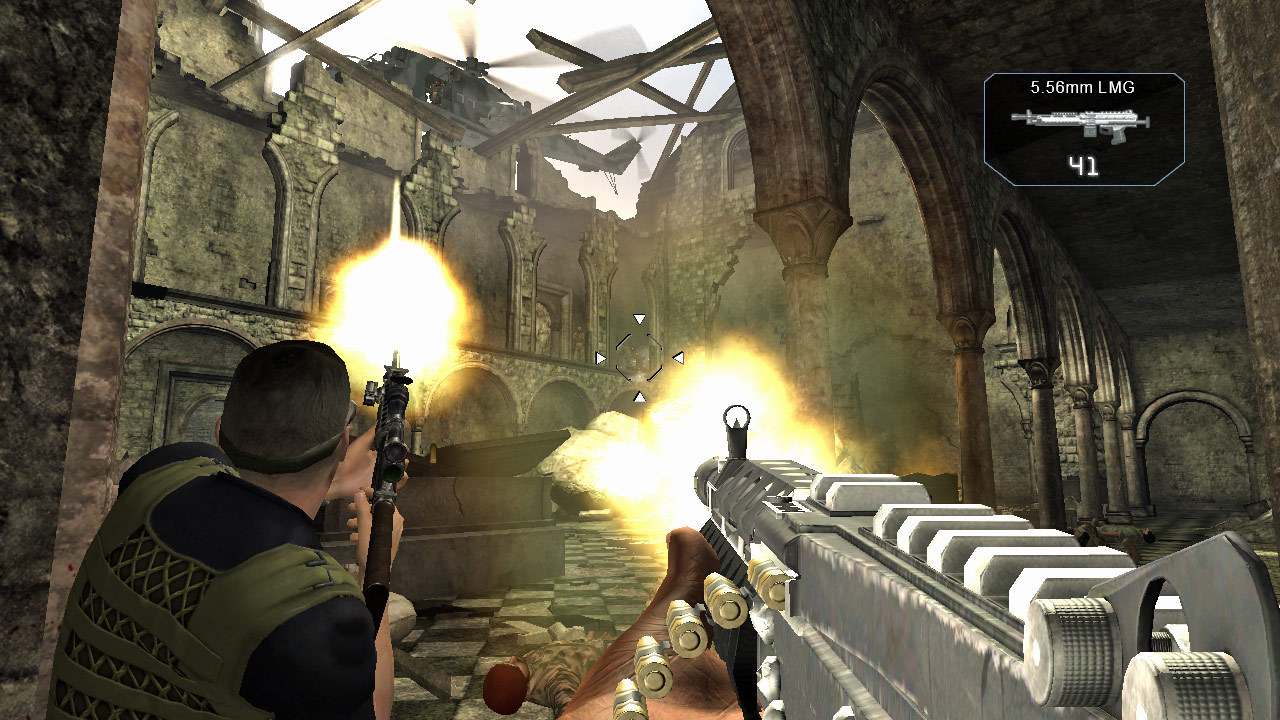
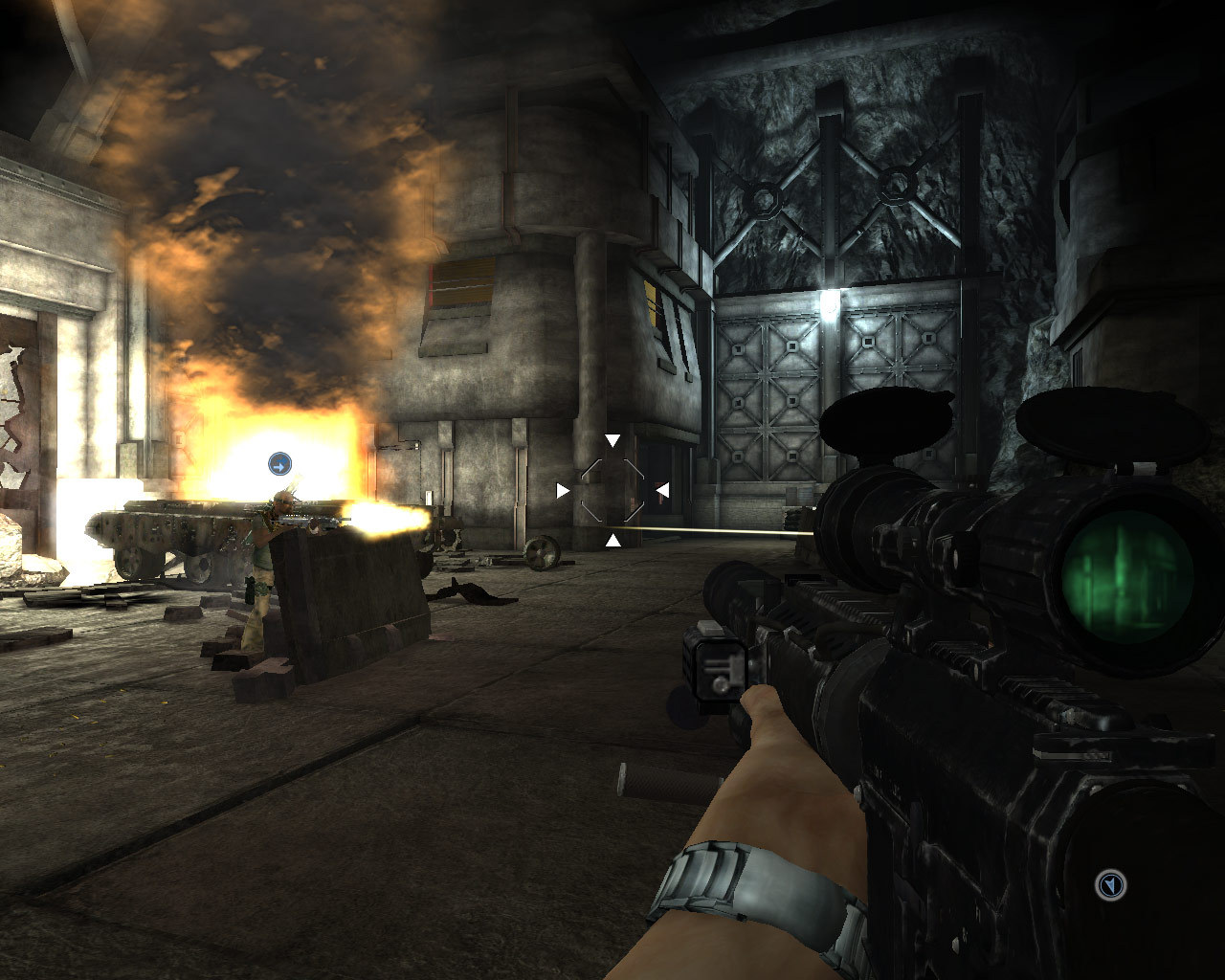
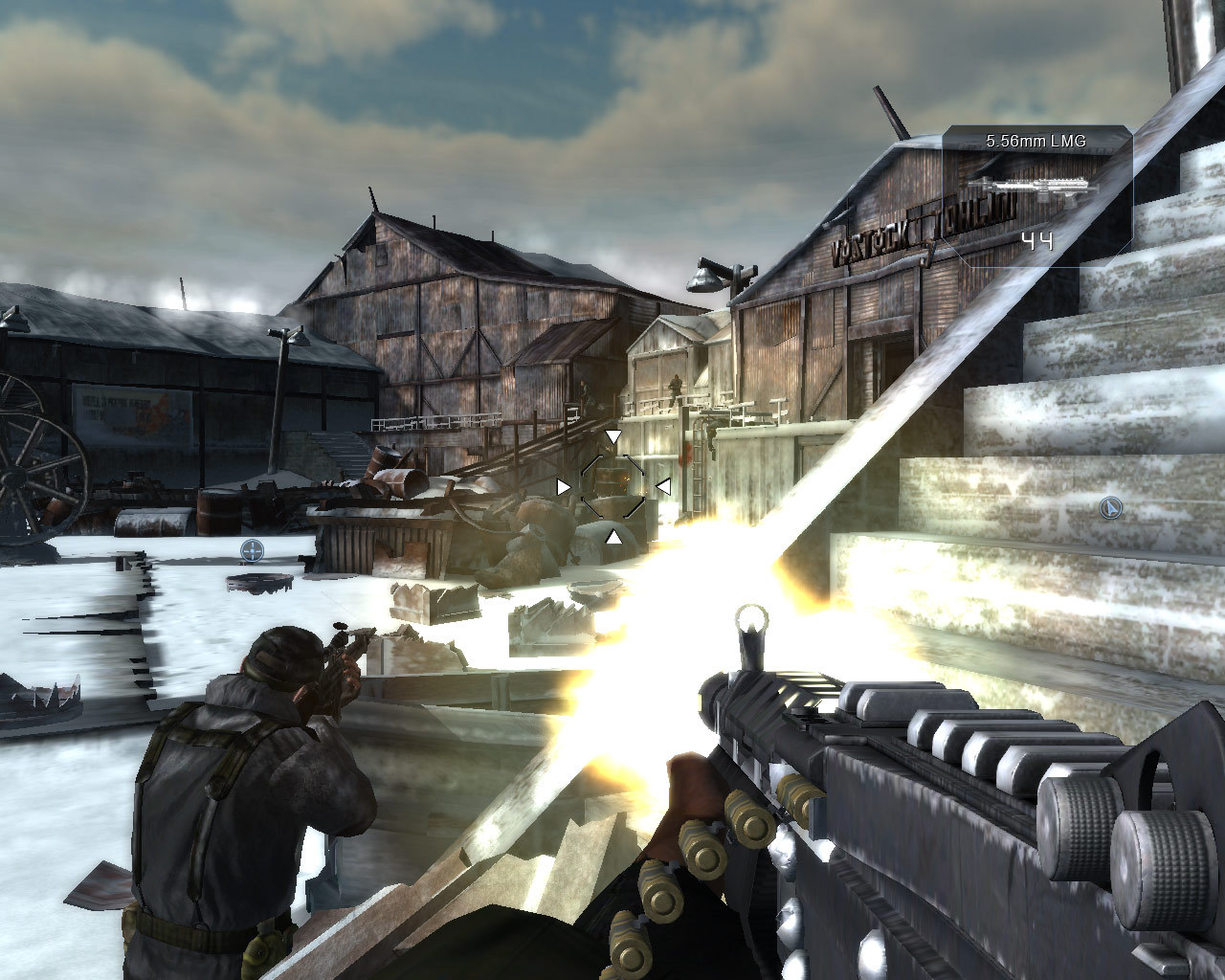
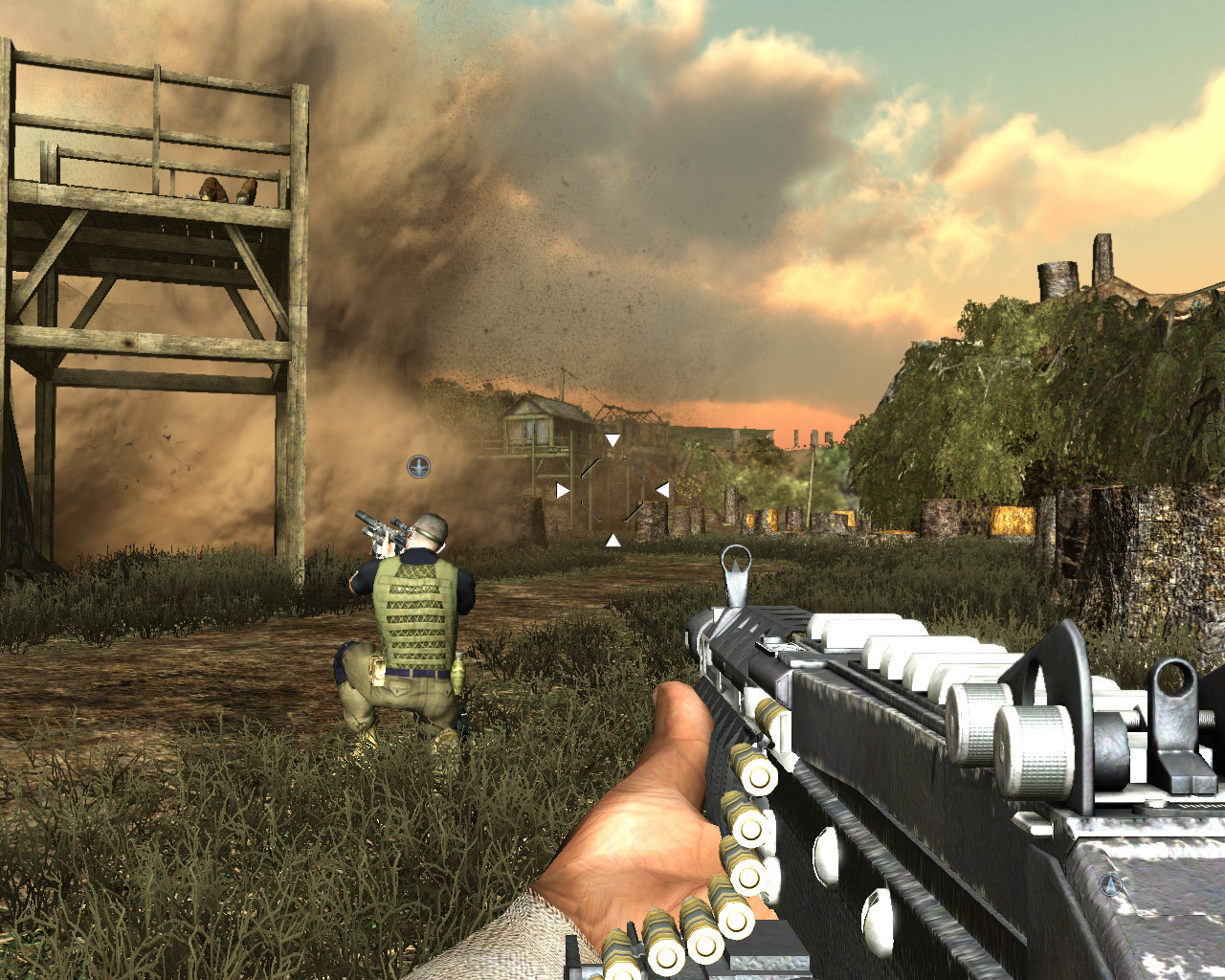
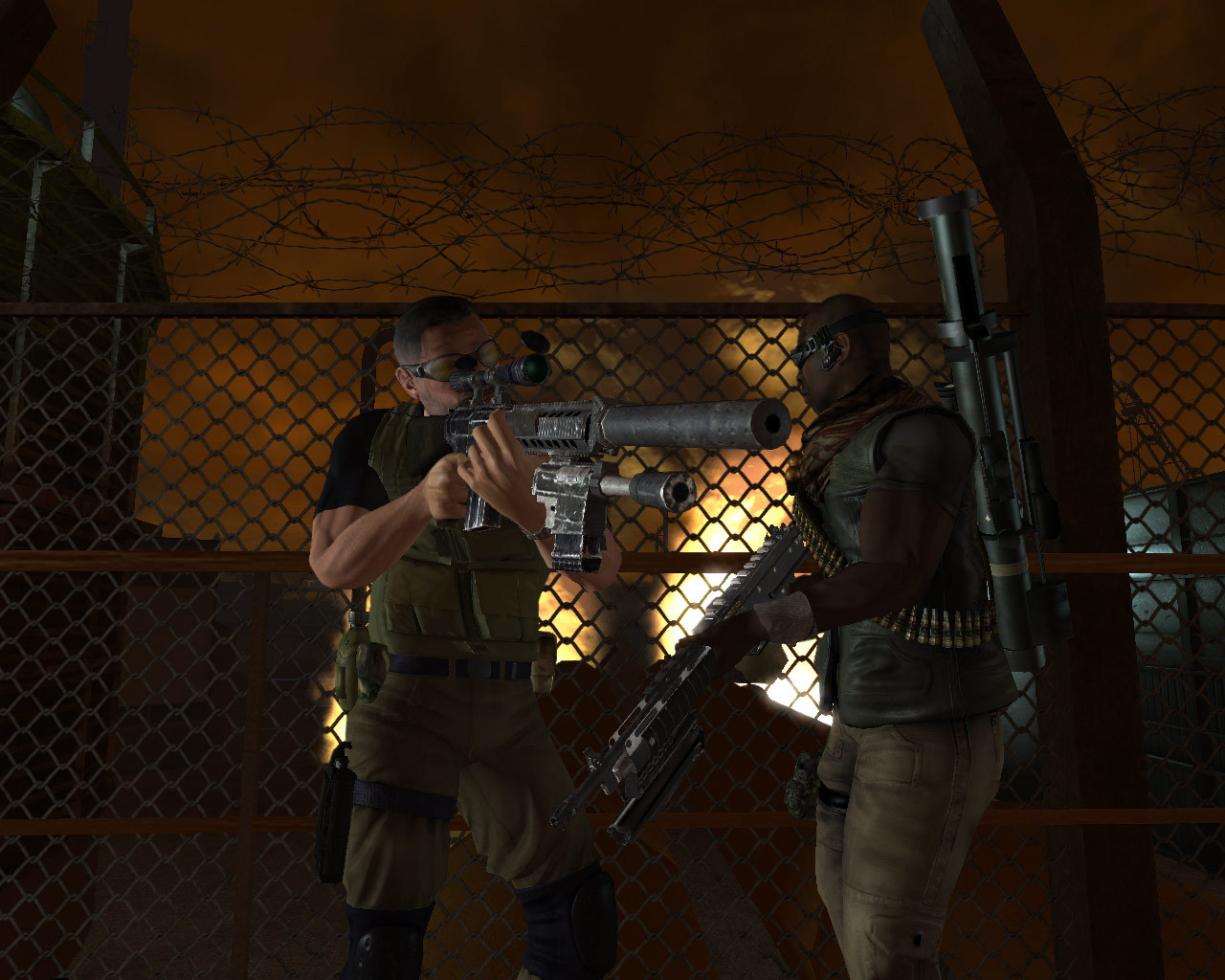
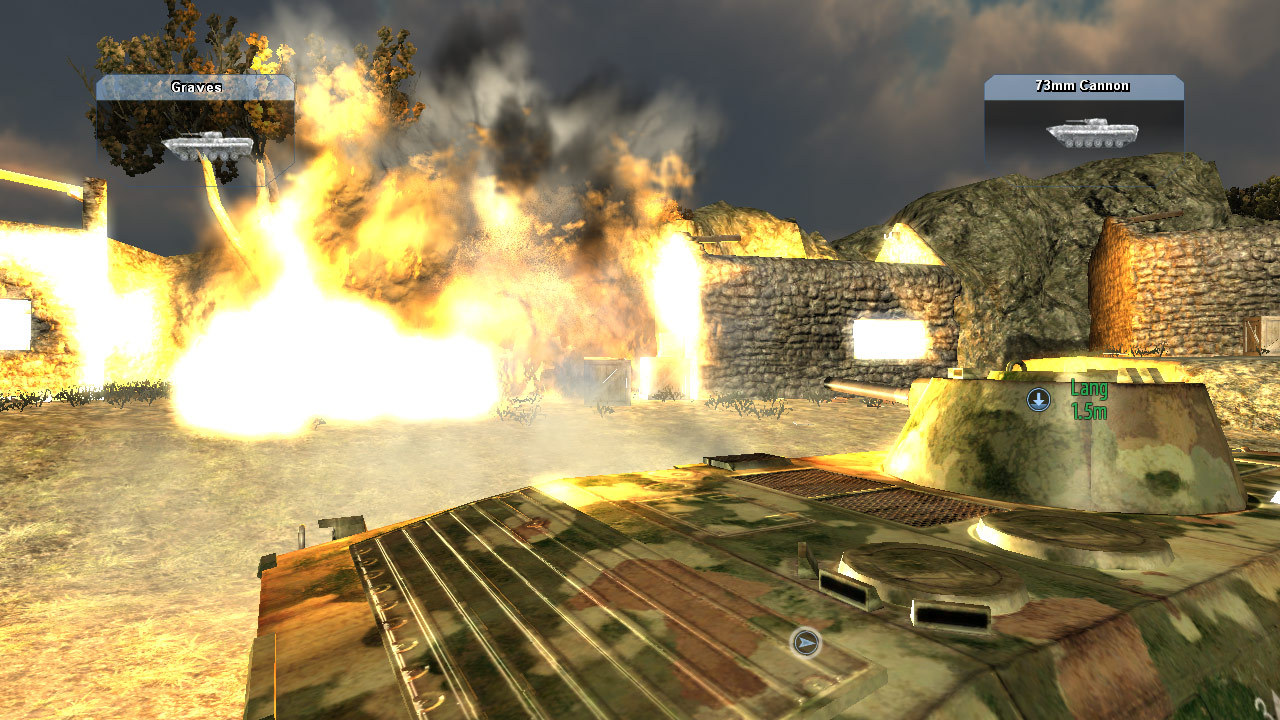
System requirements
Minimum
• Supported OS: Microsoft® Windows® XP, 2000 or Vista (admin rights required) • Processor: 2.0 Ghz Intel Pentium 4, AMD Athlon XP or equivalent processor • Graphics: 128 MB DirectX 9.0c card with full Shader 3.0 support • DirectX Version: DirectX 9.0c • Memory: 1024 MB RAM • Sound: DirectX 9.0c compatible sound card • Hard Drive: 7 GB uncompressed free hard disk space • input Devices: Keyboard and mouse or Xbox 360 Controller Recommended: • Processor: Intel Core 2 Duo / Athlon 64 X2 or Equivalent Multi-core CPU • Memory: 2 GB RAM (required for 8-player multiplayer games) • Graphics: 256mb Direct X 9.0c card with full Shader 3.0 support (NVIDIA 7900GS or better) • Sound: Sound Blaster® X-Fi™ series • Input devices: Keyboard and 3 button mouse or Xbox 360 Controller Graphics Cards supported: • All DirectX 9.0c graphics cards with full Shader Model 3.0 support. • GeForce 6800, 7300, 7600, 7800, 7900, 7950, 8400, 8500, 8600, 8800 • Radeon X1300, X1600, X1800, X1900, X2400, X2600, X2900 Graphics Cards not supported: • Any graphics card which does not support DirectX 9.0c or Shader Model 3.0 fully.
Languages: English, Spanish - Spain, French, Italian
How to activate
Steam
- Start Steam on your computer and sign in to the account you will play on.
- In the Games menu, choose Activate a Product on Steam. You can also start from Add a Game at the bottom left.
- Go through the introductory screens, review Steam’s terms and paste the complete key without surrounding spaces.
- Finish activation, then find the game in your Library and select Install.
More from the series

Game details from Steam.