


Cronos: The New Dawn
- Genres
- Action
- Release
- Sep 5, 2025
- Developer
- Bloober Team
Lowest price across all offers
from $26.782,290 ₽
Offers
The price depends on the platform and the activation region.
- WorldwideWorks in Russia$26.782,290 ₽1
- North AmericaNot for Russia$27.662,360 ₽1
- —Not for Russia$37.983,240 ₽1
About the game
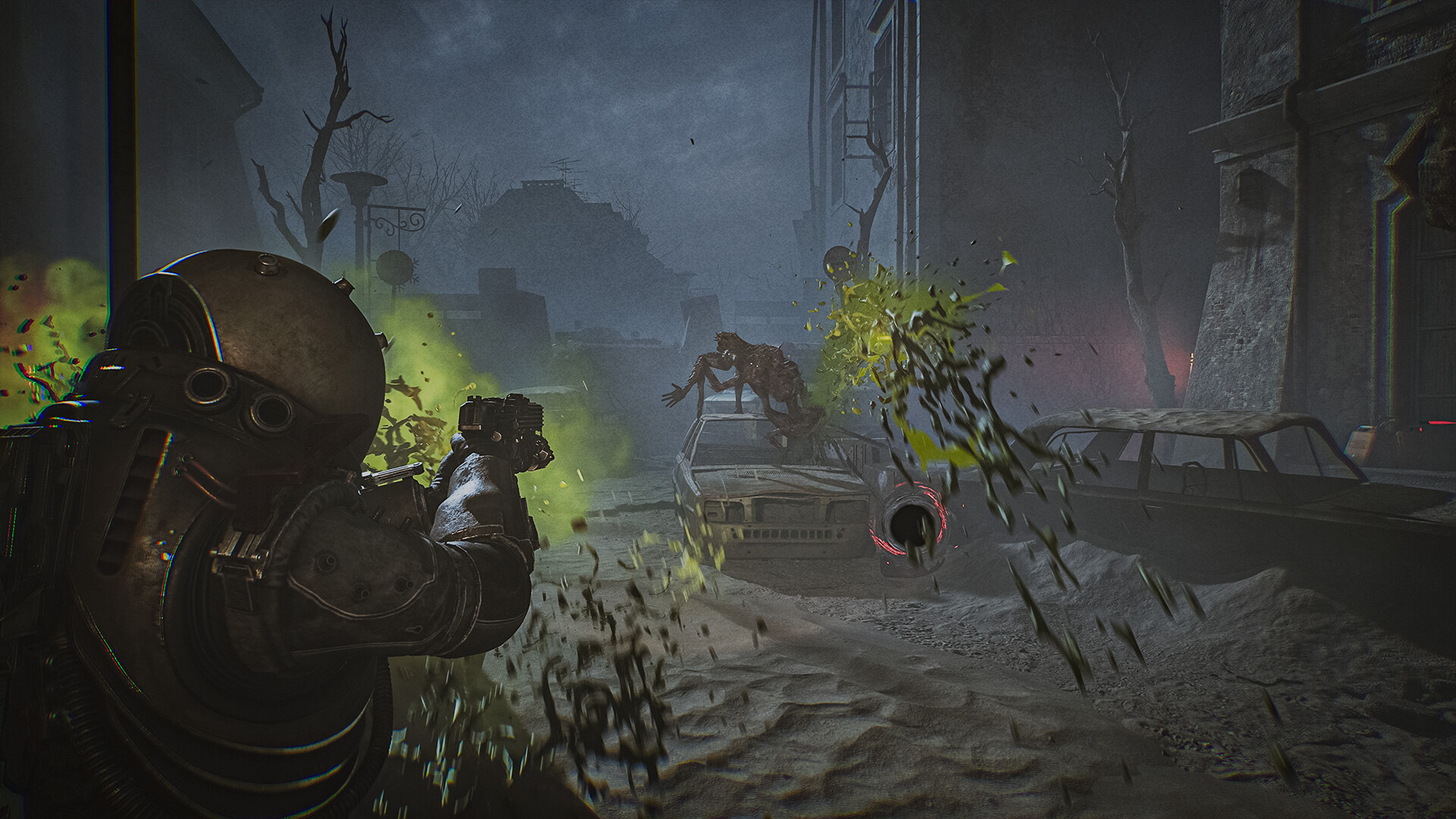
A whole new breed of survival horror emerges with Cronos: The New Dawn. Survive the brutal wastelands of the future, fight nightmarish merging creatures and jump back in time to harvest souls as you seek to uncover the origins of the apocalypse that wiped out humanity.
Screenshots


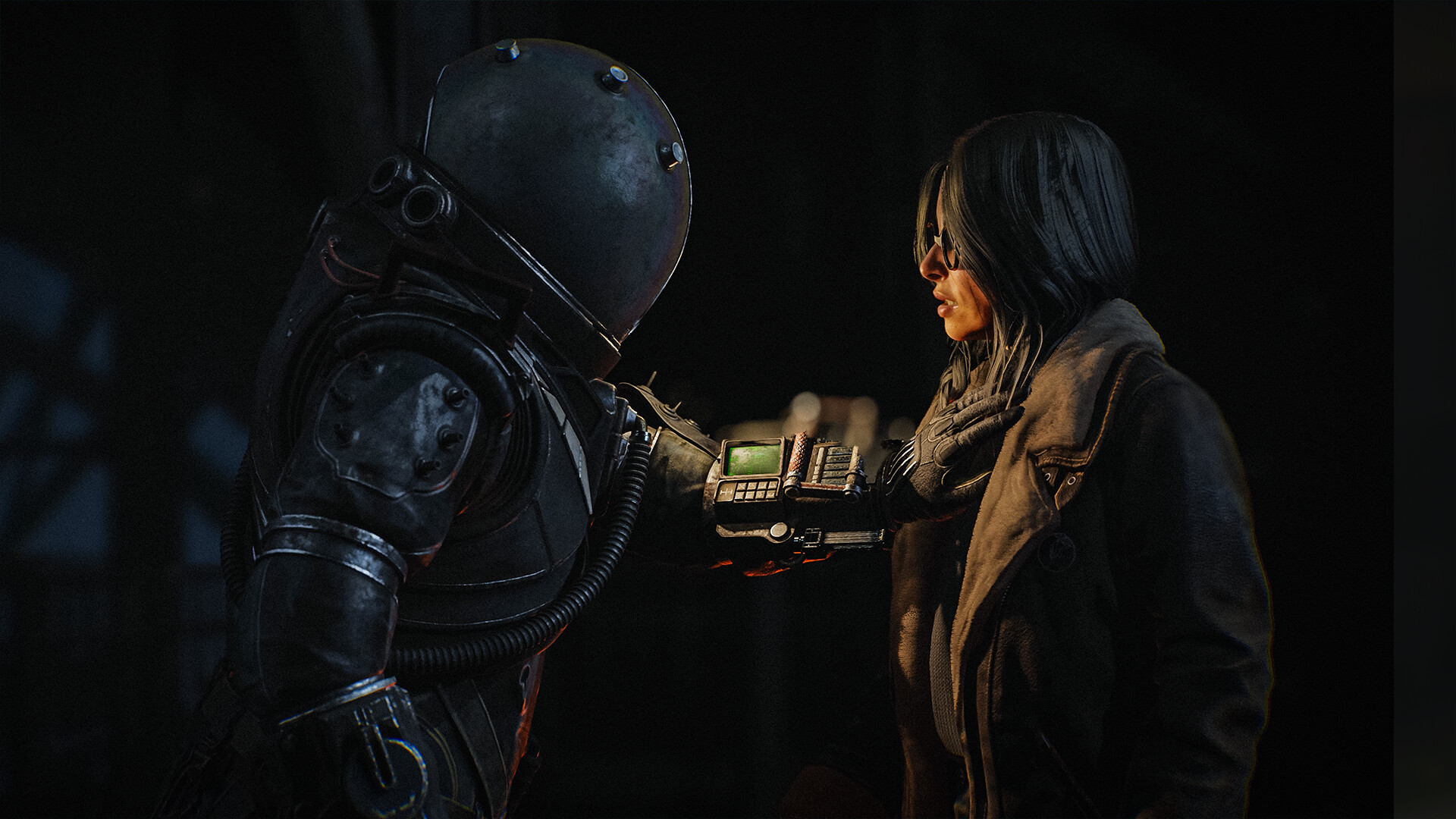
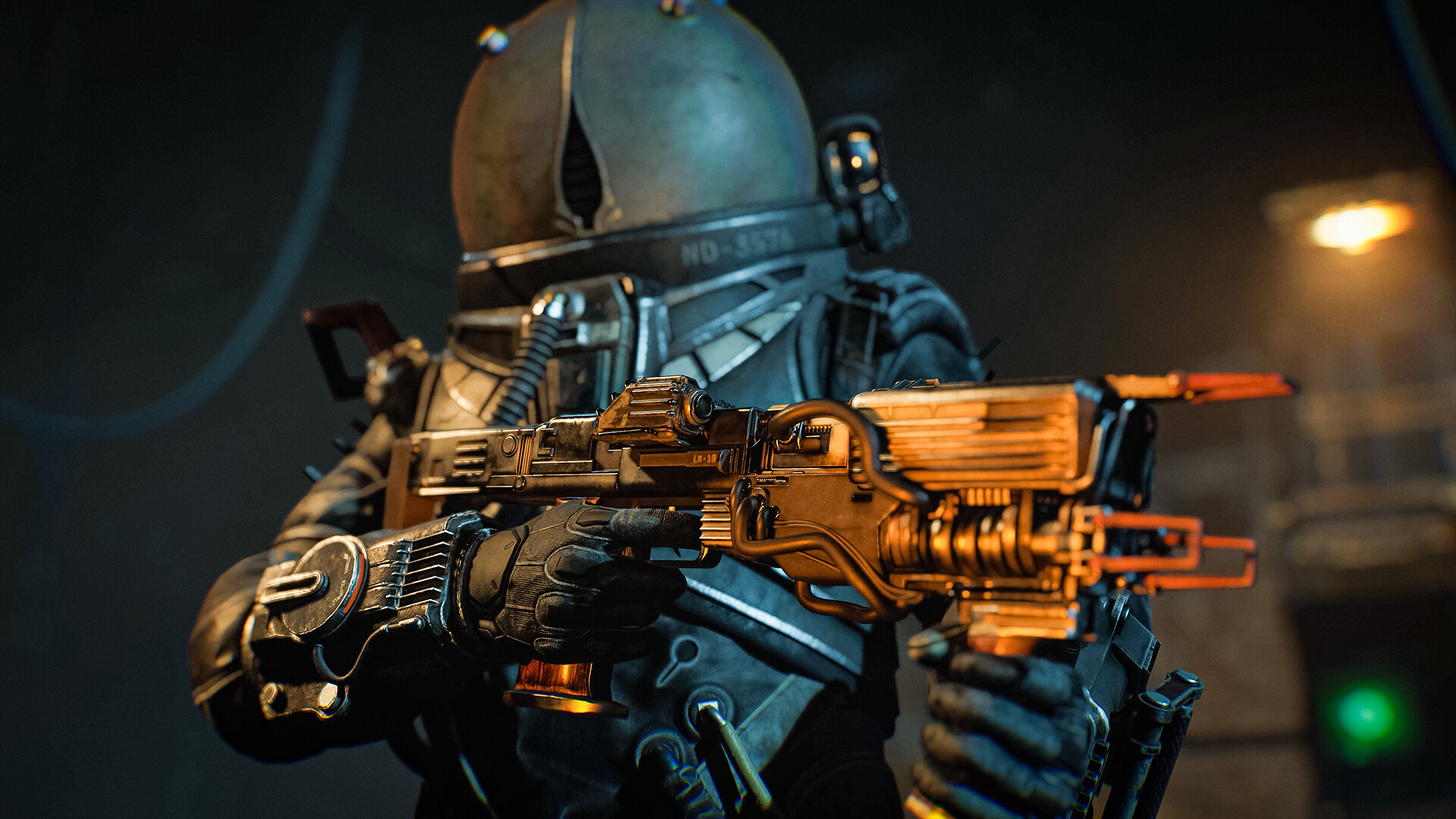
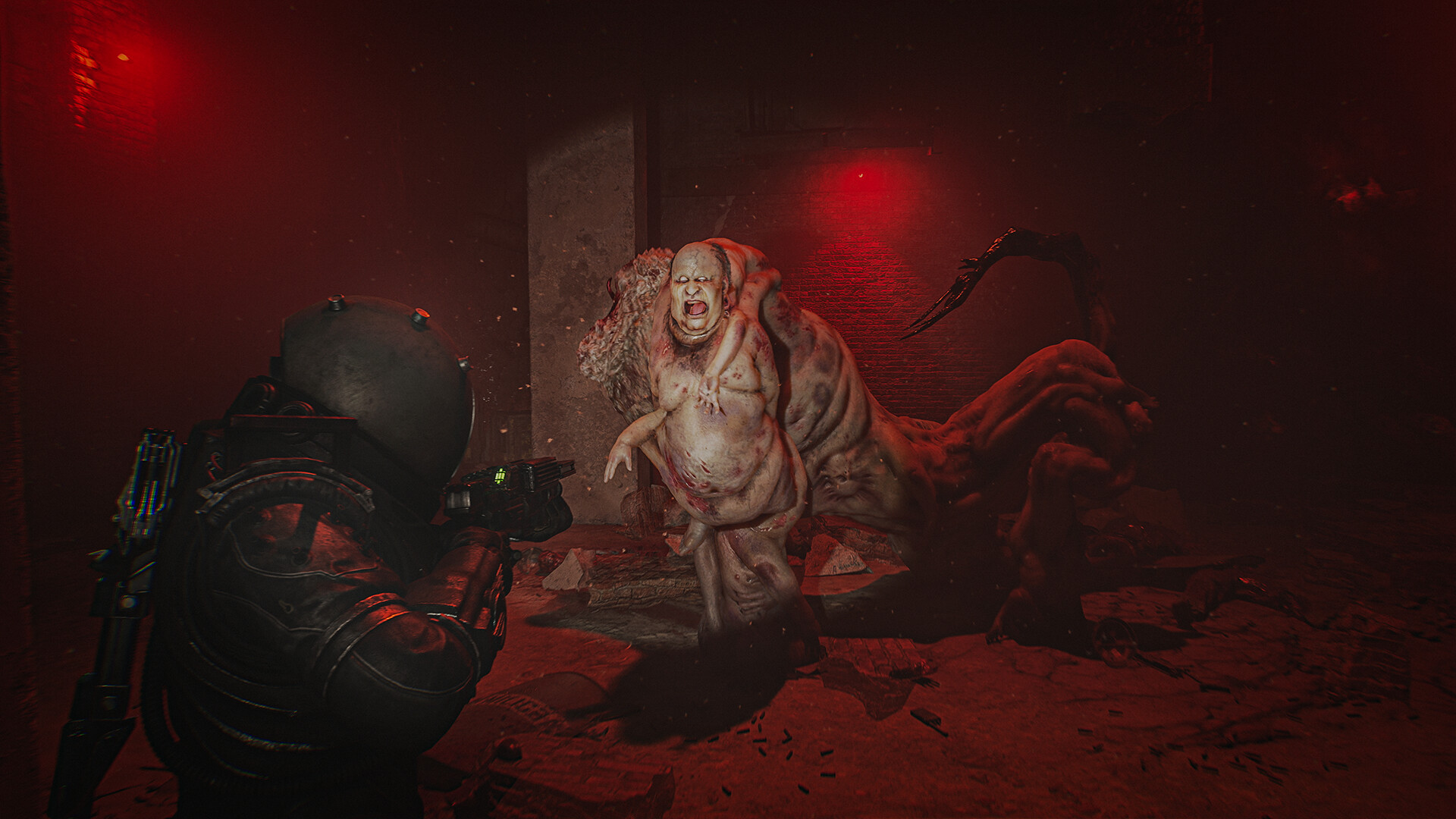
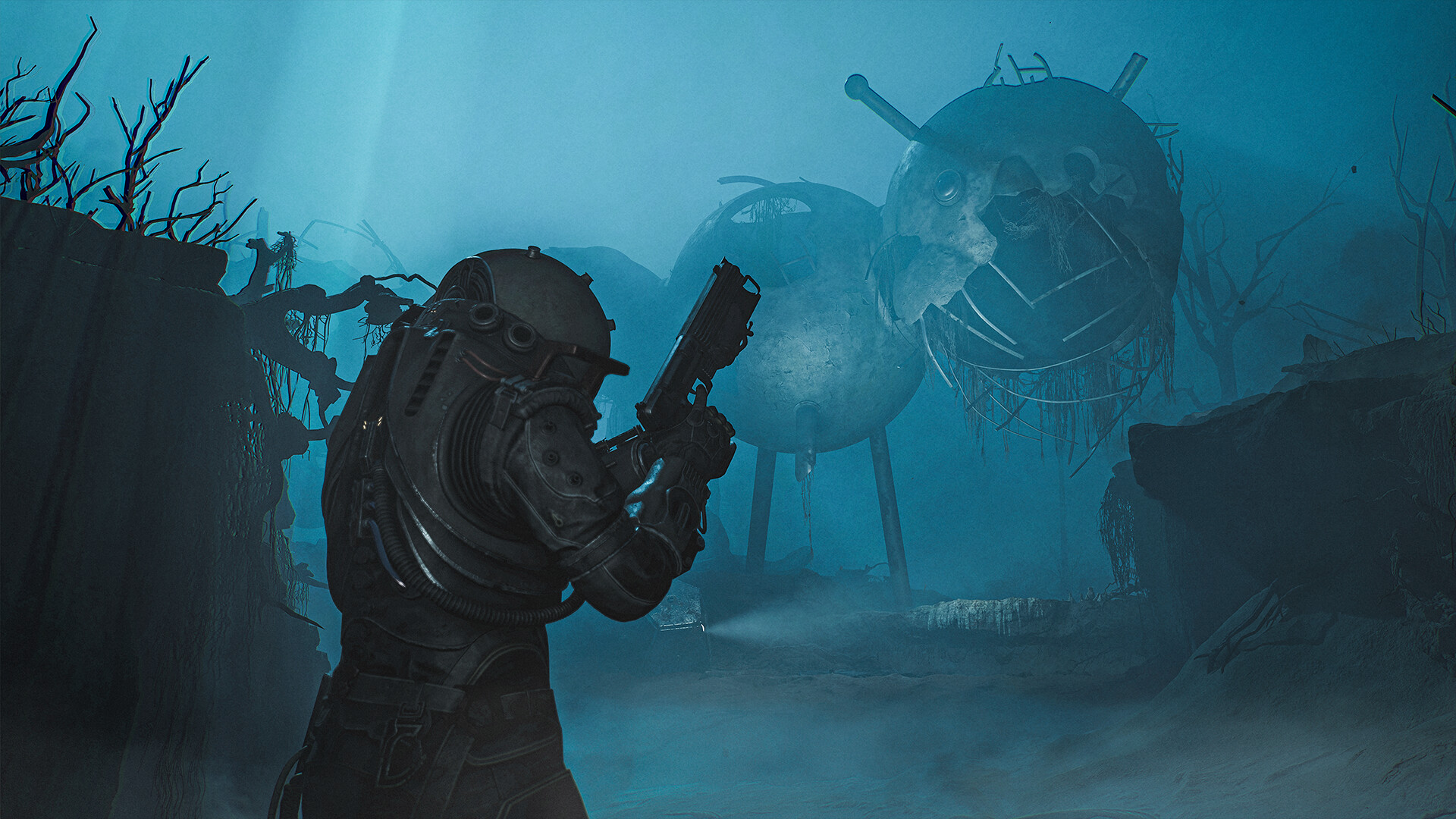

System requirements
Minimum
• Requires a 64-bit processor and operating system • OS: Windows 10 x64 • Processor: Intel Core i5-8400F, Intel Core I5-8600K | Amd Ryzen 5 3600 • Memory: 16 GB RAM • Graphics: NVIDIA® GeForce® GTX 1080, or AMD Radeon™ RX 5700-XT, or Intel® Arc™ A770 • DirectX: Version 12 • Storage: 30 GB available space • Sound Card: Windows compatible Audio Device
Recommended
• Requires a 64-bit processor and operating system • OS: Windows 10 x64 • Processor: Intel Core i7-10700K | Amd Ryzen 5 3600X • Memory: 16 GB RAM • Graphics: NVIDIA® GeForce®RTX 3080, or AMD Radeon™ RX6800 -XT, or Intel® Arc™ B580 (allows for gameplay in 1080p) • DirectX: Version 12 • Storage: 30 GB available space • Sound Card: Windows compatible Audio Device
Languages: English*, French, Italian, German, Spanish - Spain, Japanese, Korean, Polish, Portuguese - Brazil, Russian, Simplified Chinese, Spanish - Latin America, Traditional Chinese*, Turkish, Ukrainian
How to activate
Steam
- Start Steam on your computer and sign in to the account you will play on.
- In the Games menu, choose Activate a Product on Steam. You can also start from Add a Game at the bottom left.
- Go through the introductory screens, review Steam’s terms and paste the complete key without surrounding spaces.
- Finish activation, then find the game in your Library and select Install.
Xbox
- Open Microsoft’s redemption page using the button below.
- Sign in with the Microsoft account used on your Xbox. Check the email and profile before continuing.
- Paste the 25-character code and select Next. Check the displayed product or amount.
- Complete the confirmation prompts. Look for games in that account’s library and subscriptions under its services and subscriptions.
More from the series
Game details from Steam.