


DARK SOULS™ II: Scholar of the First Sin
- Genres
- Action · RPG
- Release
- Apr 1, 2015
- Developer
- FromSoftware, Inc.
- Metacritic
Lowest price across all offers
from $16.341,400 ₽
Offers
The price depends on the platform and the activation region.
- WorldwideWorks in RussiaDark Souls II: Scholar of the First Sin$16.341,400 ₽1
- EuropeNot for RussiaDark Souls II: Scholar of the First Sin$18.121,550 ₽1
- —Not for RussiaDark Souls II: Scholar of the First Sin$19.371,660 ₽1
- United StatesNot for RussiaDark Souls II: Scholar of the First Sin$19.551,670 ₽1
- Latin AmericaNot for RussiaDark Souls II: Scholar of the First Sin$20.611,760 ₽1
- CISCIS regionDark Souls II: Scholar of the First Sin$22.891,960 ₽1
- AsiaNot for RussiaDark Souls II: Scholar of the First Sin$24.992,130 ₽1
About the game
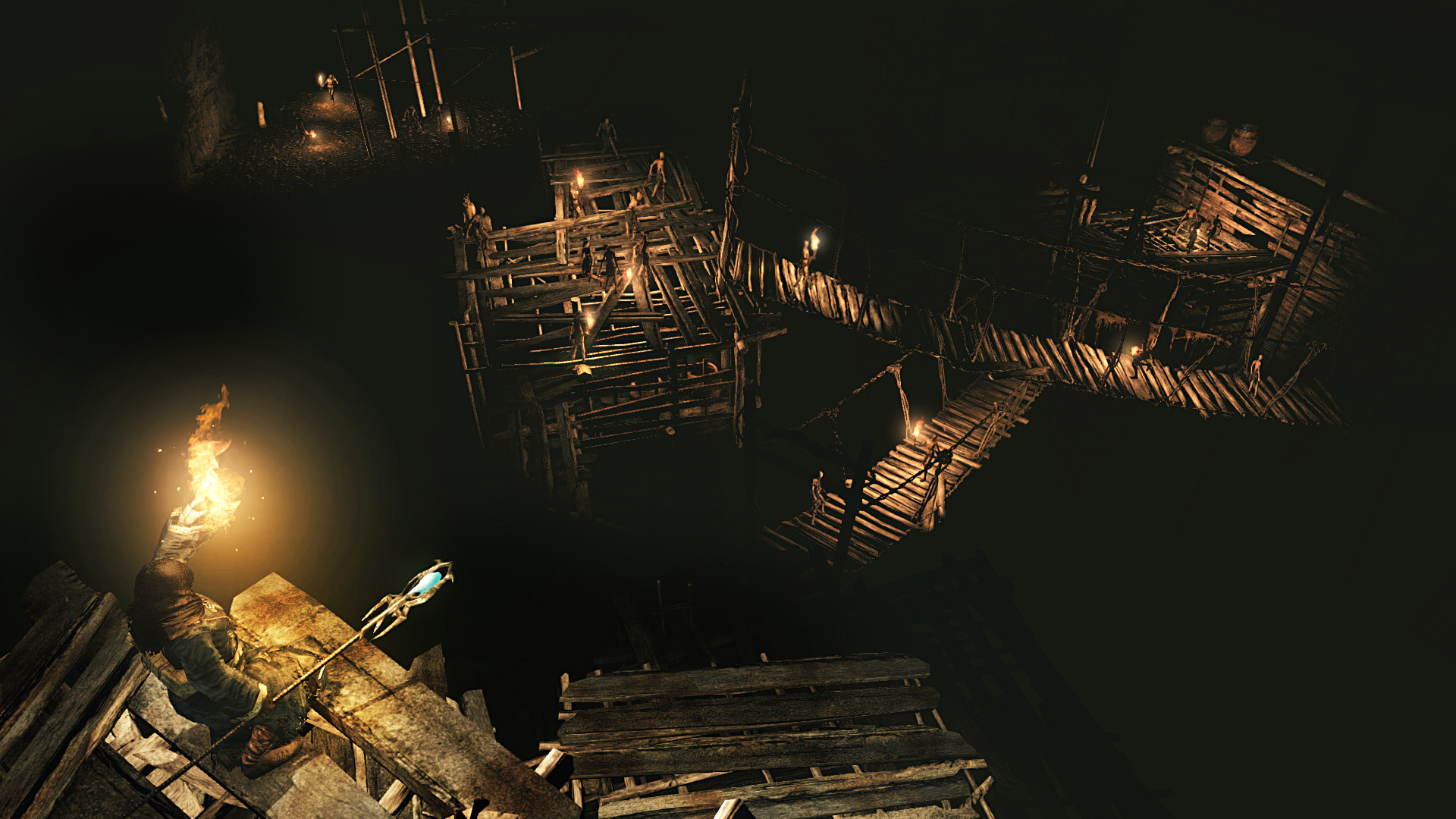
DARK SOULS™ II: Scholar of the First Sin brings the franchise’s renowned obscurity & gripping gameplay to a new level. Join the dark journey and experience overwhelming enemy encounters, diabolical hazards, and unrelenting challenge.
Screenshots
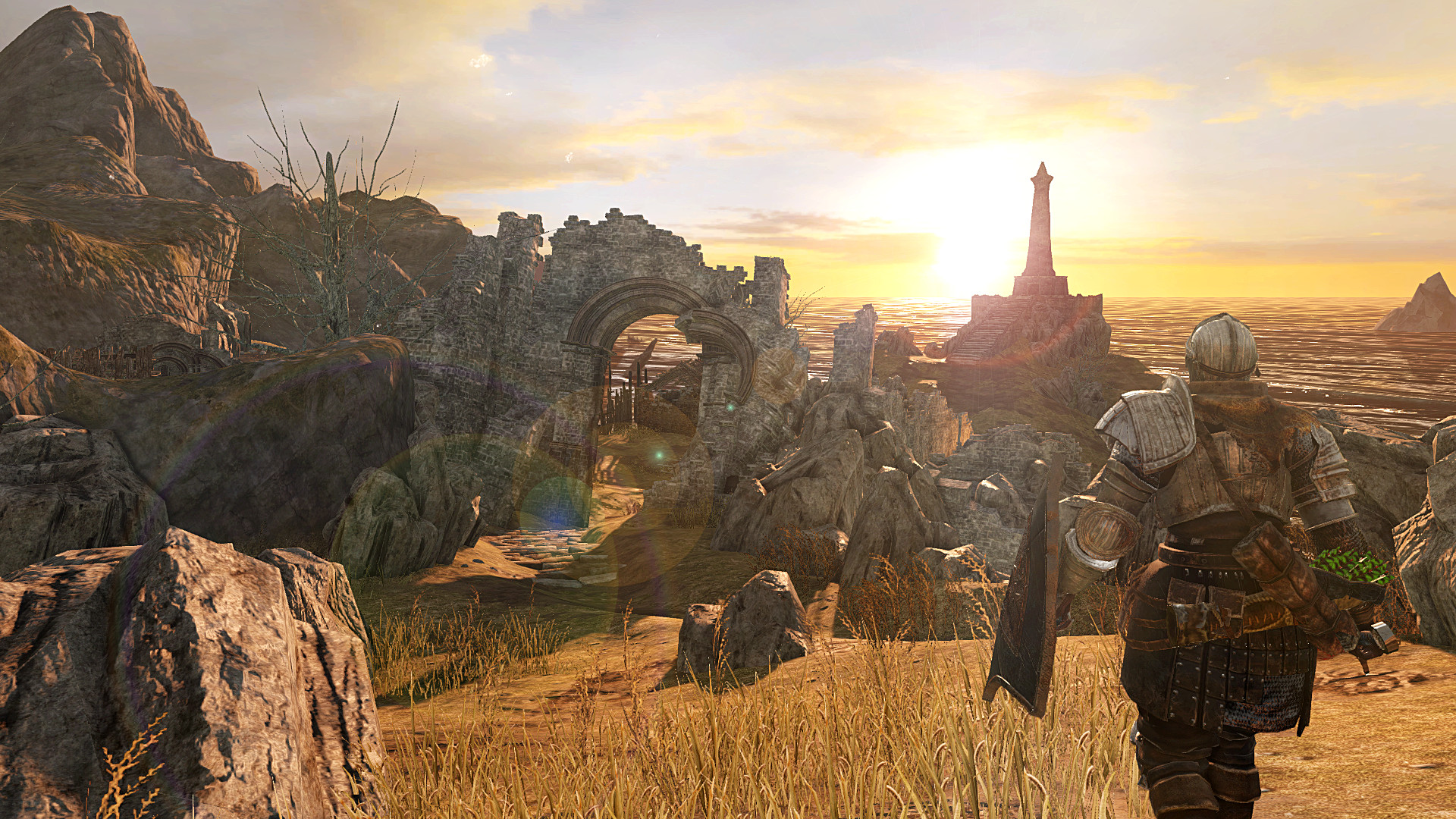
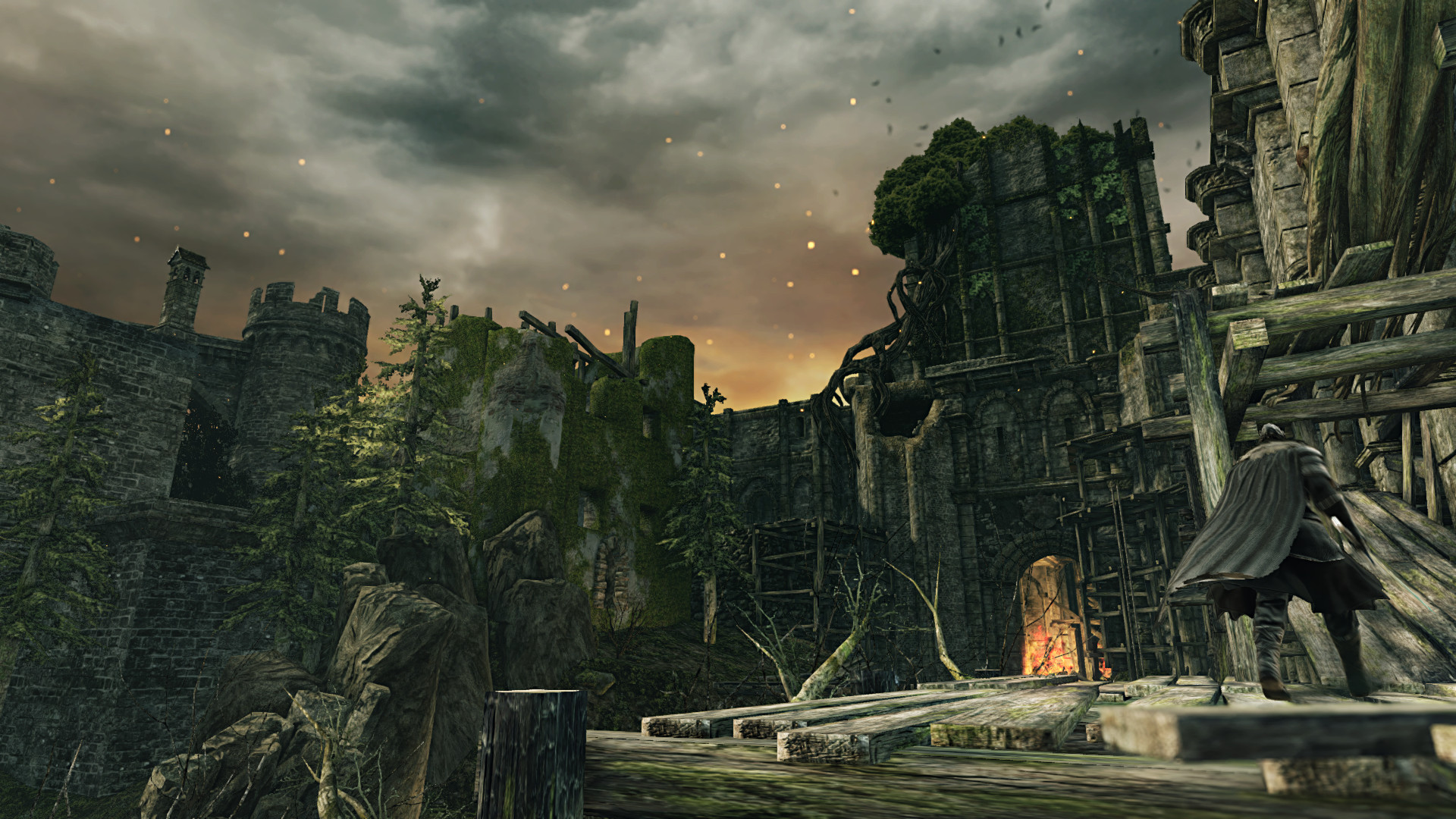
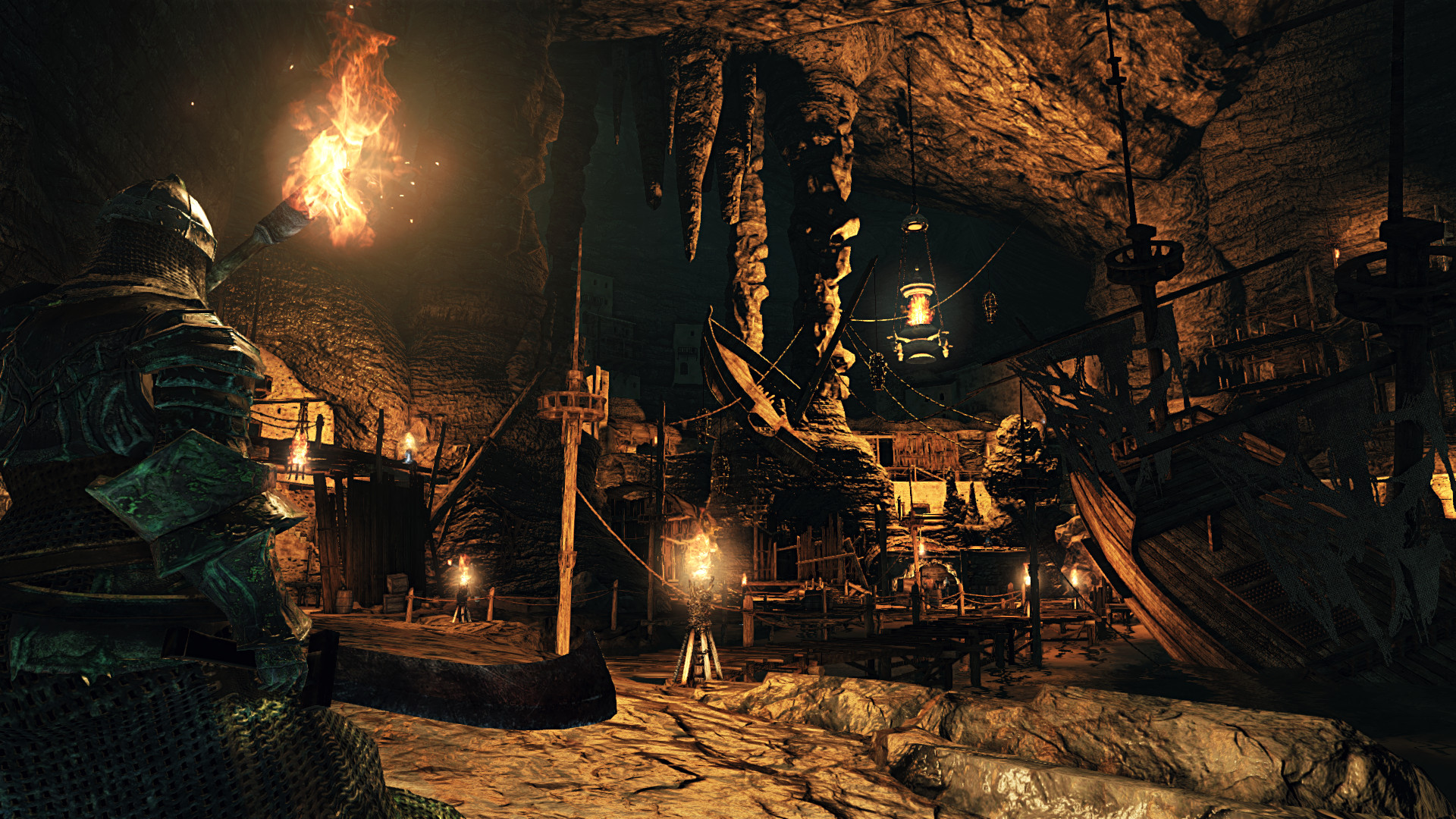
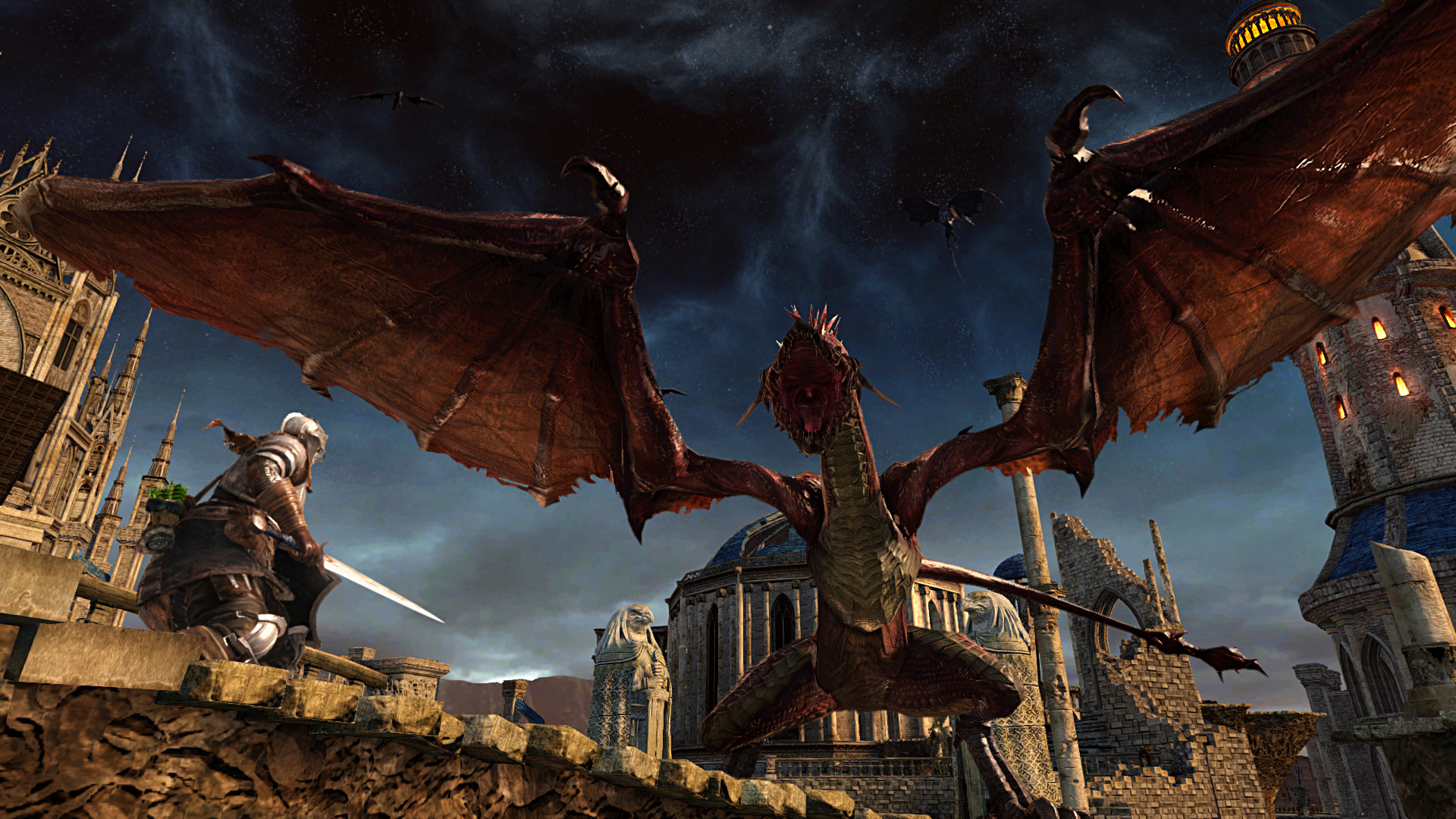


System requirements
Minimum
• OS *: Windows 7 SP1 64bit, Windows 8.1 64bit • Processor: AMD® A8 3870 3,6 Ghz or Intel® Core ™ i3 2100 3.1Ghz • Memory: 4 GB RAM • Graphics: NVIDIA® GeForce GTX 465 / ATI Radeon TM HD 6870 • DirectX: Version 11 • Network: Broadband Internet connection • Storage: 23 GB available space • Sound Card: DirectX 11 sound device
Recommended
• OS *: Windows 7 SP1 64bit, Windows 8.1 64bit • Processor: AMD® FX 8150 3.6 GHz or Intel® Core™ i7 2600 3.4 GHz • Memory: 8 GB RAM • Graphics: NVIDIA® GeForce® GTX 750, ATI Radeon™ HD 7850 • DirectX: Version 11 • Network: Broadband Internet connection • Storage: 23 GB available space • Sound Card: DirectX 11 sound device
Languages: English*, French, Italian, German, Spanish - Spain, Polish, Portuguese - Brazil, Russian, Korean, Traditional Chinese
How to activate
Steam
- Start Steam on your computer and sign in to the account you will play on.
- In the Games menu, choose Activate a Product on Steam. You can also start from Add a Game at the bottom left.
- Go through the introductory screens, review Steam’s terms and paste the complete key without surrounding spaces.
- Finish activation, then find the game in your Library and select Install.
More from the series
 РФ ✓DARK SOULS™ IIISteamfrom $26.492,260 ₽8 offers
 РФ ✓DARK SOULS™: REMASTEREDSteamfrom $20.761,770 ₽7 offersСНГDARK SOULS III (Deluxe Edition)Steamfrom $38.653,300 ₽4 offersРФ ✓Dark Souls 3 (Deluxe Edition)Steamfrom $43.783,730 ₽3 offers
 РФ ✓DARK SOULS™ IISteamfrom $248.5821,180 ₽
Game details from Steam.