
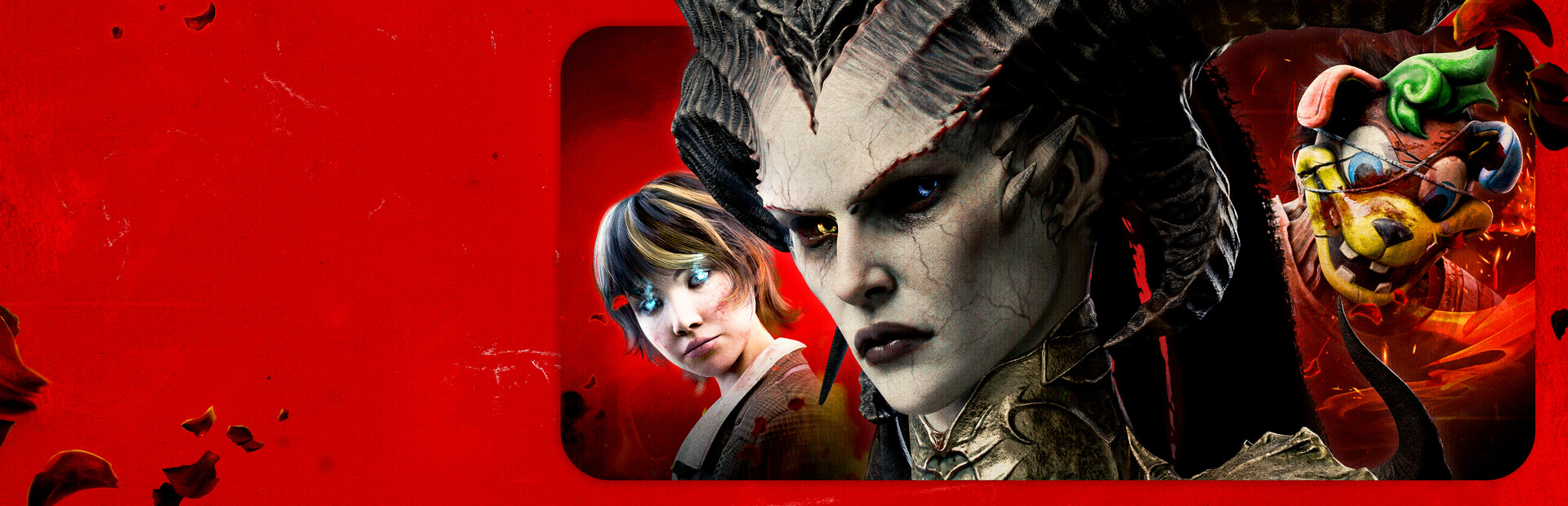

Dead by Daylight
- Genres
- Action
- Release
- Jun 14, 2016
- Developer
- Behaviour Interactive Inc.
Lowest price across all offers
from $8.16700 ₽
Offers
The price depends on the platform and the activation region.
- EuropeNot for Russia$13.391,150 ₽1
About the game
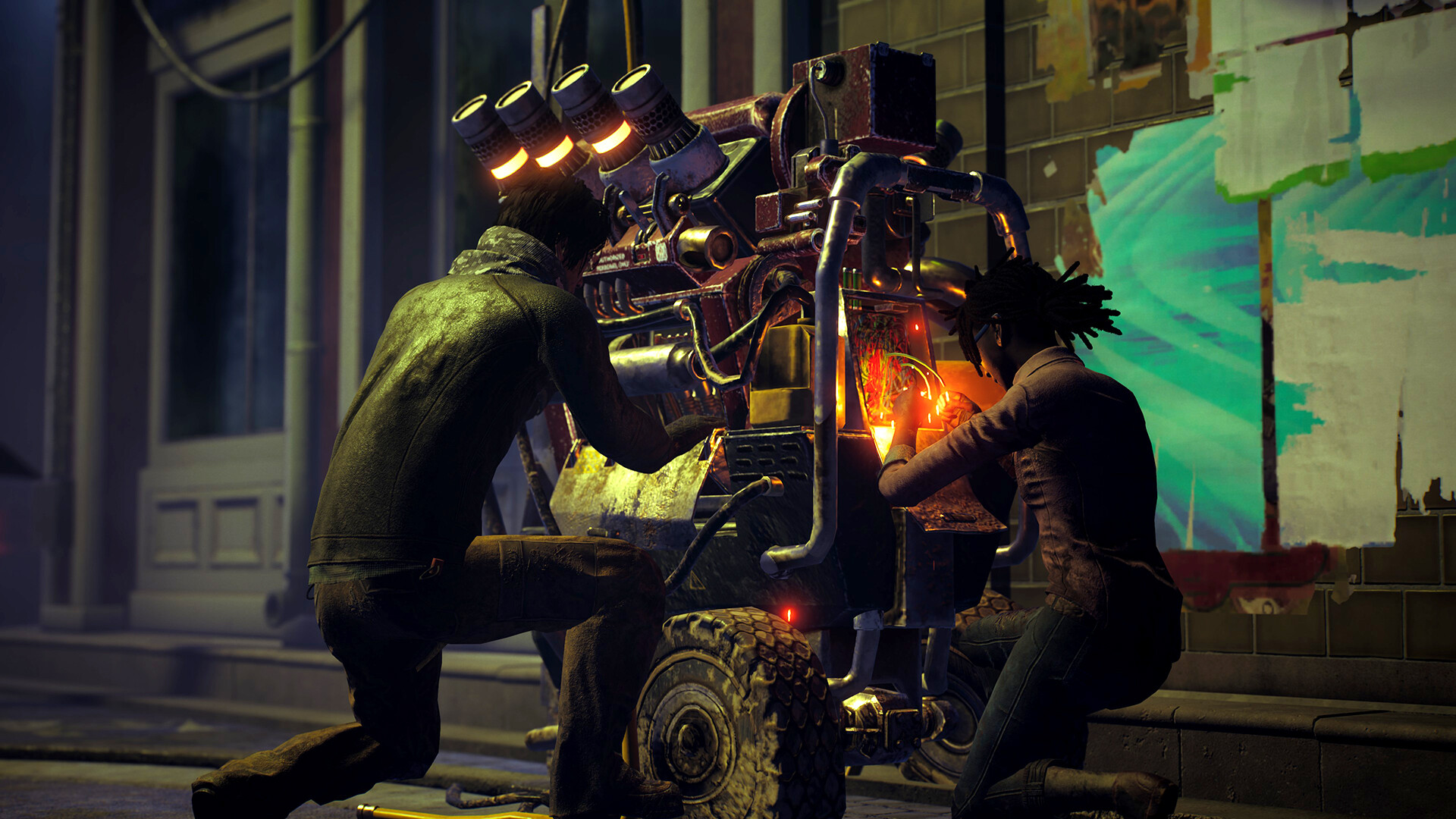
10 years of horror. 10 years of jump scares and close calls. 10 years of brutal sacrifices and thrilling escapes. Trapped forever in a realm of eldritch evil where even death is not an escape, four determined Survivors face a bloodthirsty Killer in a vicious game of nerve and wits.
Screenshots
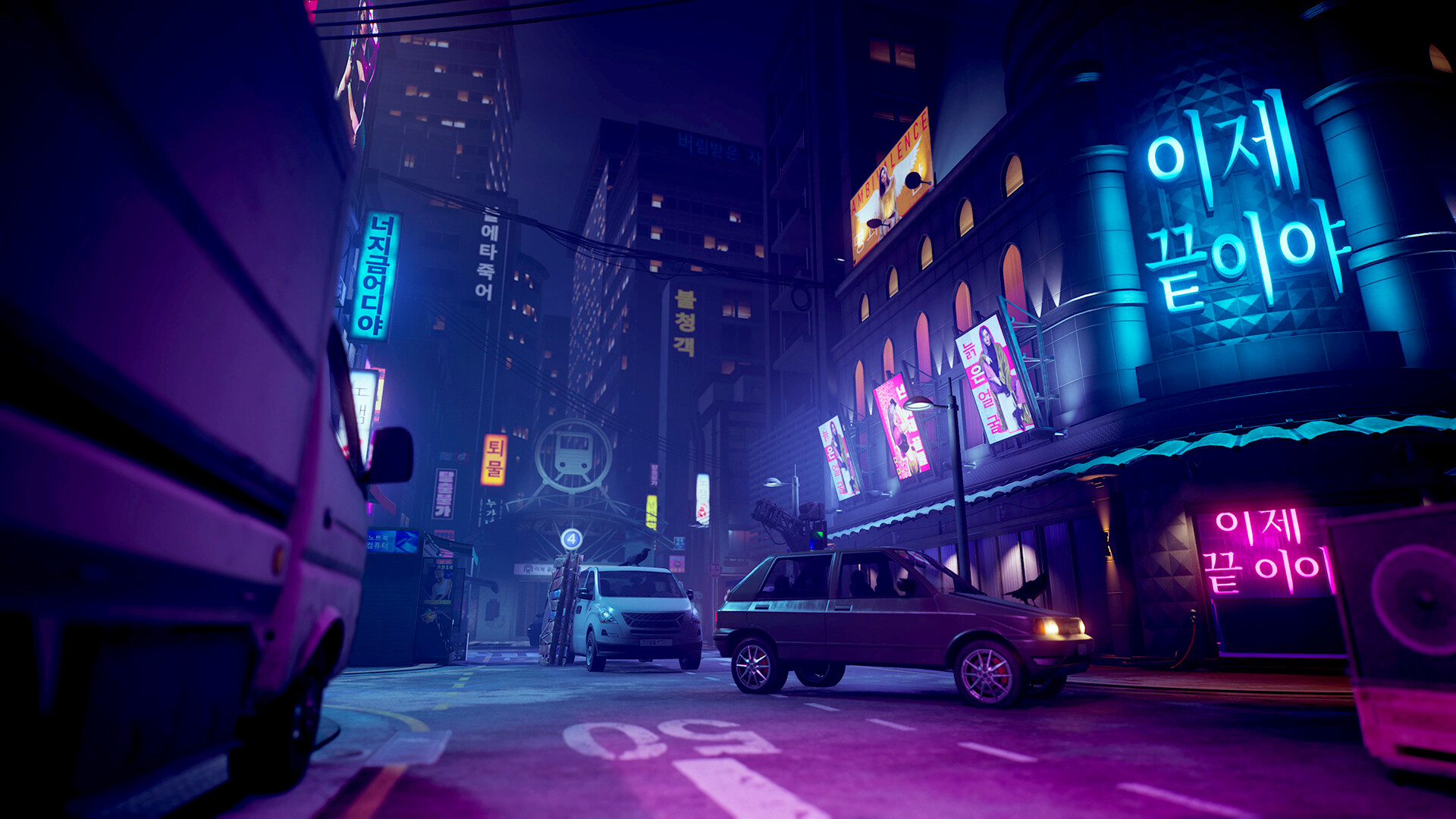


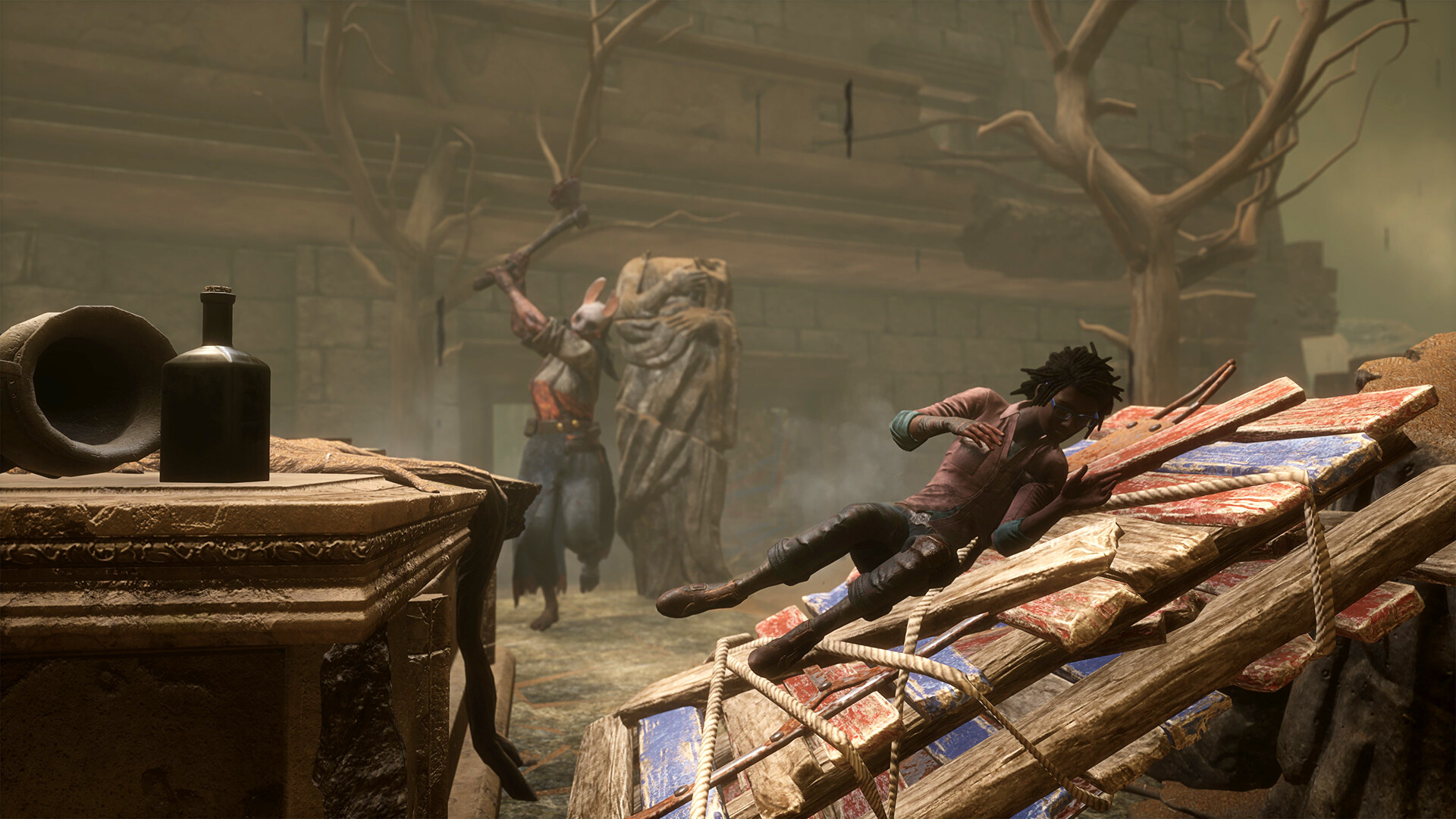
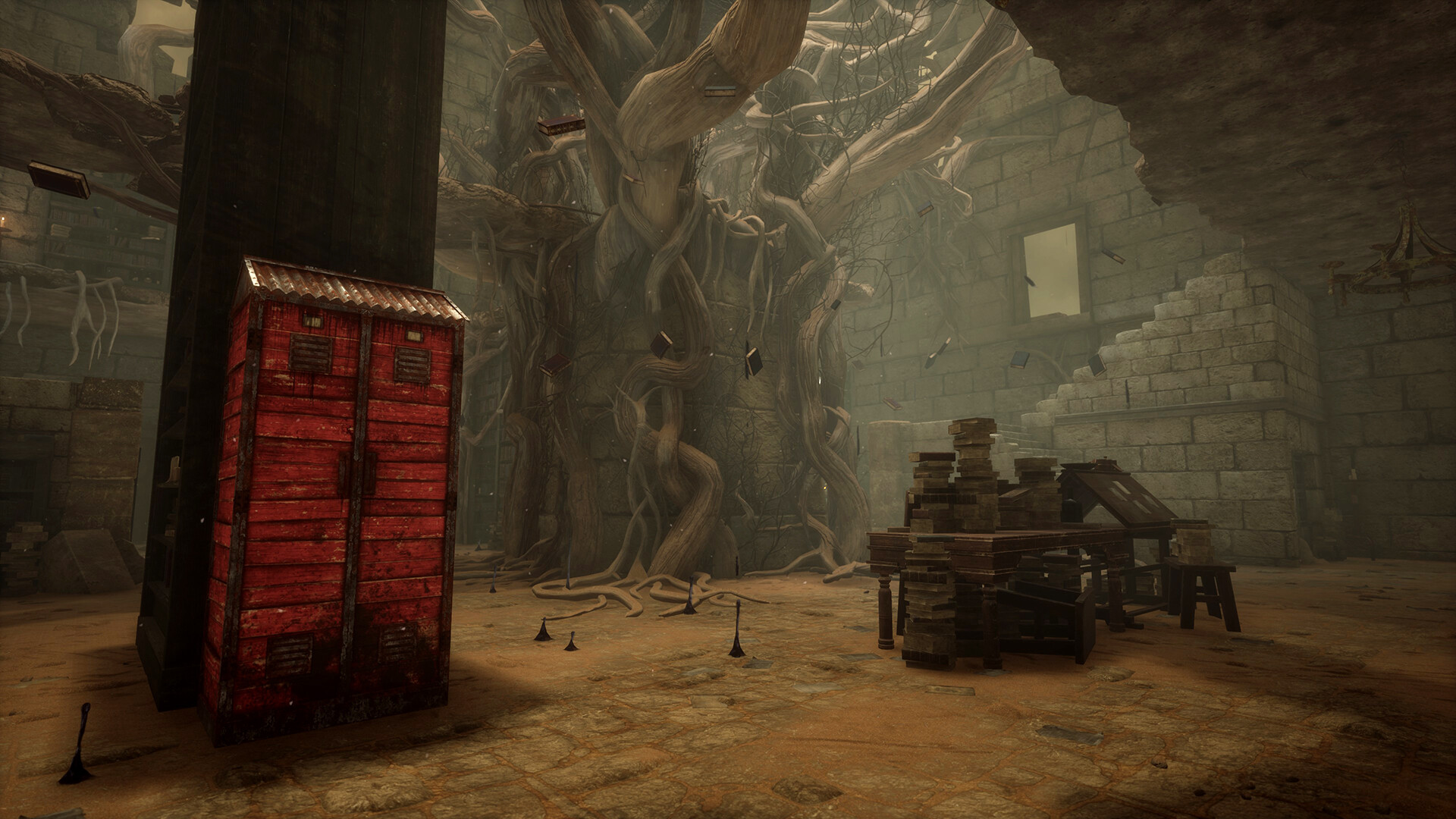
System requirements
Minimum
• Requires a 64-bit processor and operating system • OS: Windows 10 64-bit Operating System • Processor: Intel Core i3-4170 or AMD FX-8120 • Memory: 8 GB RAM • Graphics: DX11 Compatible GeForce GTX 460 1GB or AMD HD 6850 1GB • DirectX: Version 11 • Network: Broadband Internet connection • Storage: 50 GB available space • Sound Card: DX11 compatible • Additional Notes: With these requirements, it is recommended that the game is played on Low quality settings.
Recommended
• Requires a 64-bit processor and operating system • OS: Windows 10 64-bit Operating System • Processor: Intel Core i3-4170 or AMD FX-8300 or higher • Memory: 8 GB RAM • Graphics: DX11 Compatible GeForce 760 or AMD HD 8800 or higher with 4GB of RAM • DirectX: Version 11 • Network: Broadband Internet connection • Storage: 50 GB available space • Sound Card: DX11 compatible
Languages: English*, French*, Italian, German, Spanish - Spain, Russian, Simplified Chinese, Portuguese - Brazil, Thai, Traditional Chinese, Japanese*, Korean, Polish, Spanish - Latin America, Turkish
How to activate
Steam
- Start Steam on your computer and sign in to the account you will play on.
- In the Games menu, choose Activate a Product on Steam. You can also start from Add a Game at the bottom left.
- Go through the introductory screens, review Steam’s terms and paste the complete key without surrounding spaces.
- Finish activation, then find the game in your Library and select Install.
Xbox
- Open Microsoft’s redemption page using the button below.
- Sign in with the Microsoft account used on your Xbox. Check the email and profile before continuing.
- Paste the 25-character code and select Next. Check the displayed product or amount.
- Complete the confirmation prompts. Look for games in that account’s library and subscriptions under its services and subscriptions.
Microsoft Store
- Open Microsoft’s redemption page below.
- Use the personal Microsoft account signed into Microsoft Store on your device.
- Submit the code from your order, continue and review the product or credit amount.
- Complete confirmation. Find games in your Microsoft Store library with the same account; gift cards add account credit.
More from the series
Dead by Daylight (Xbox Series X|S)Xboxfrom $18.191,550 ₽Dead by Daylight | Gold EditionSteamfrom $34.592,950 ₽2 offersРФ ✓Dead by Daylight (Deluxe Edition)Steamfrom $83.007,080 ₽РФ ✓Dead by Daylight (Stranger Things Edition)Steamfrom $41.033,500 ₽ Dead by Daylight: Chorus of SinSteamfrom $8.59740 ₽2 offers
Game details from Steam.