


Death Note: Killer Within (Special Edition)
- Genres
- Casual · Strategy
- Release
- Nov 5, 2024
- Developer
- Grounding Inc.
Lowest price across all offers
from $15.291,320 ₽
Offers
The price depends on the platform and the activation region.
- WorldwideWorks in Russia$15.291,320 ₽1
- EuropeNot for RussiaDEATH NOTE Killer Within (Special Edition)$15.331,320 ₽1
- CISCIS regionDEATH NOTE Killer Within - Special Edition$15.841,370 ₽1
- —Not for Russia$18.911,630 ₽1
About the game
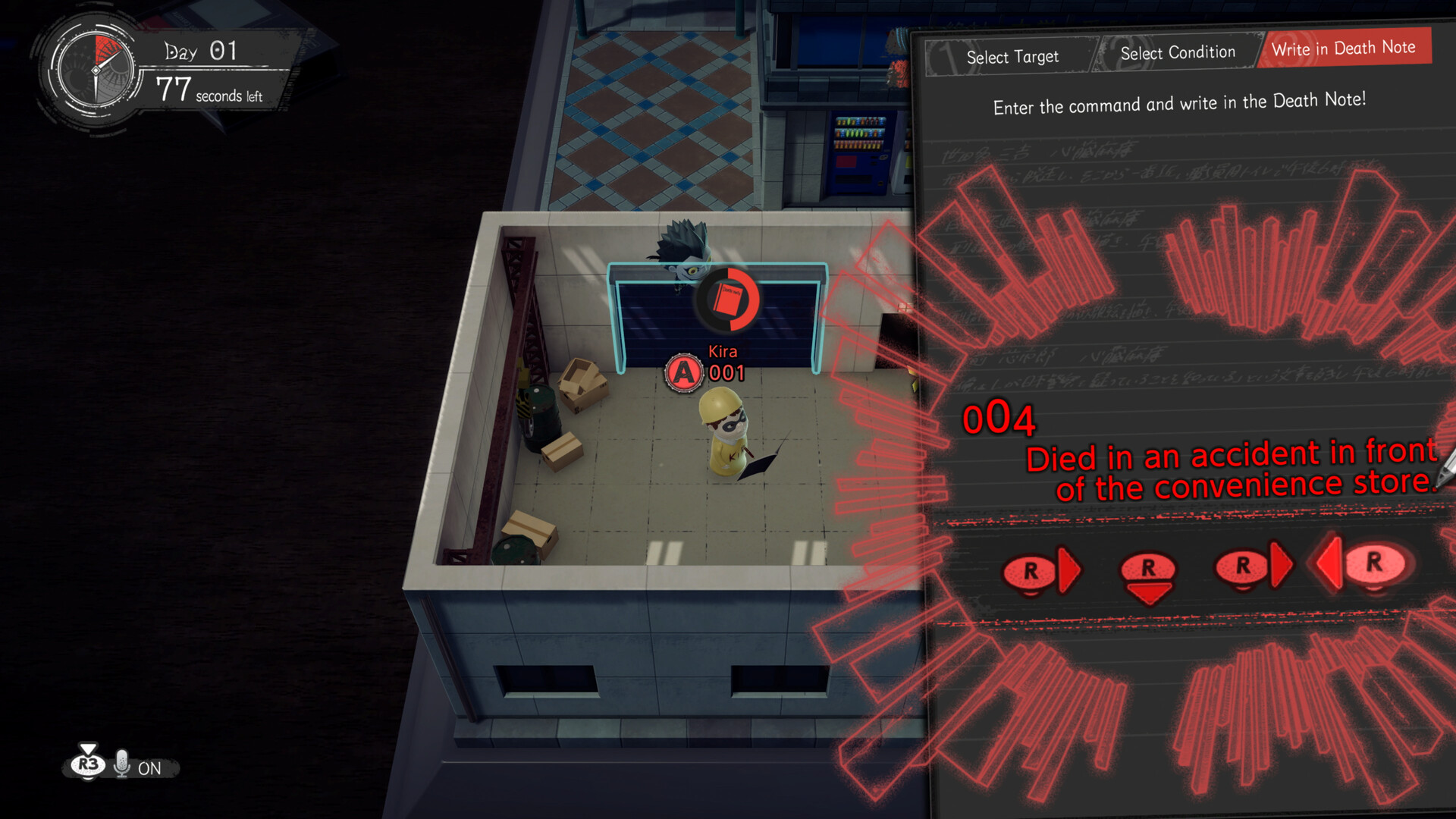
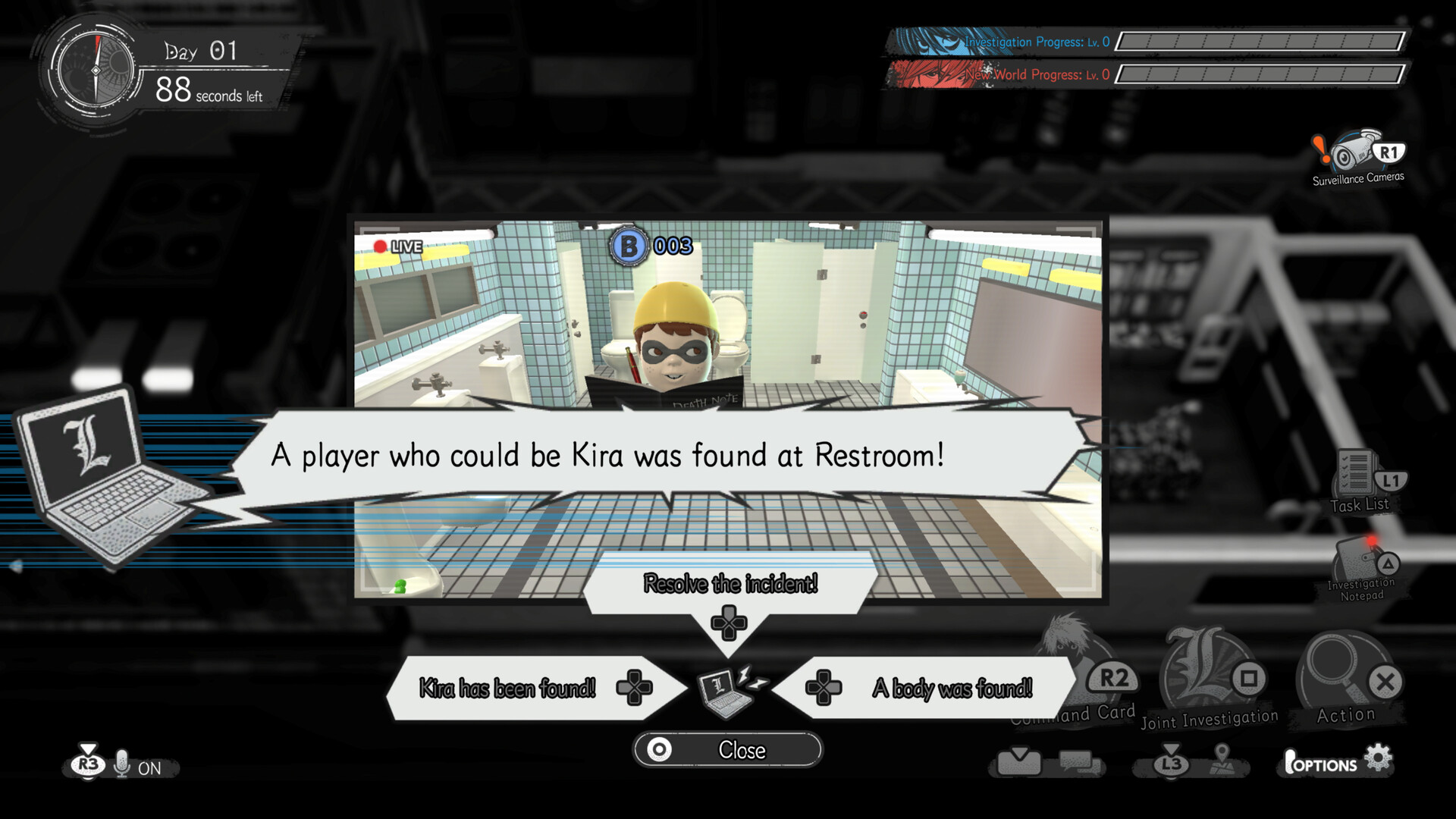
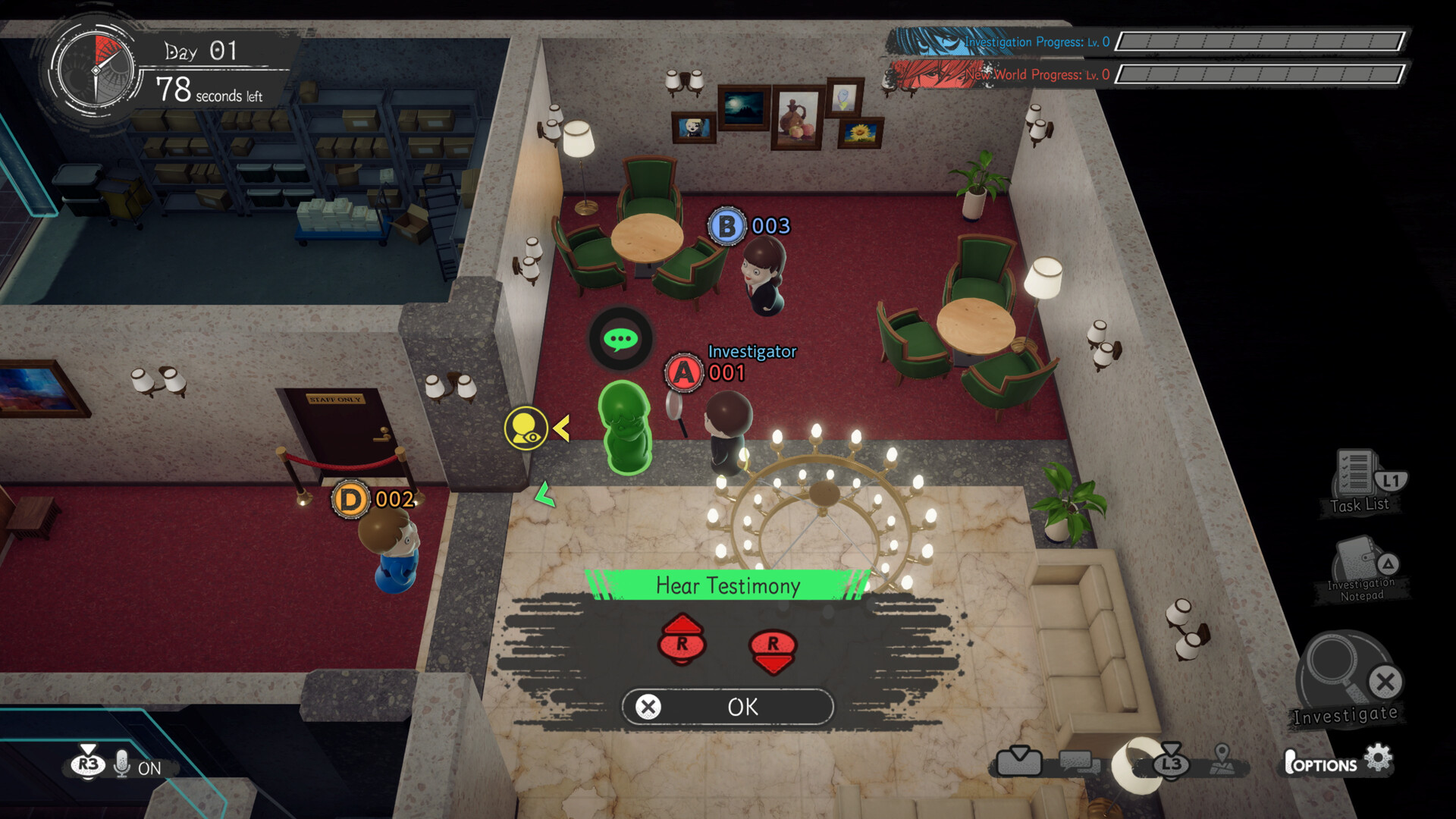
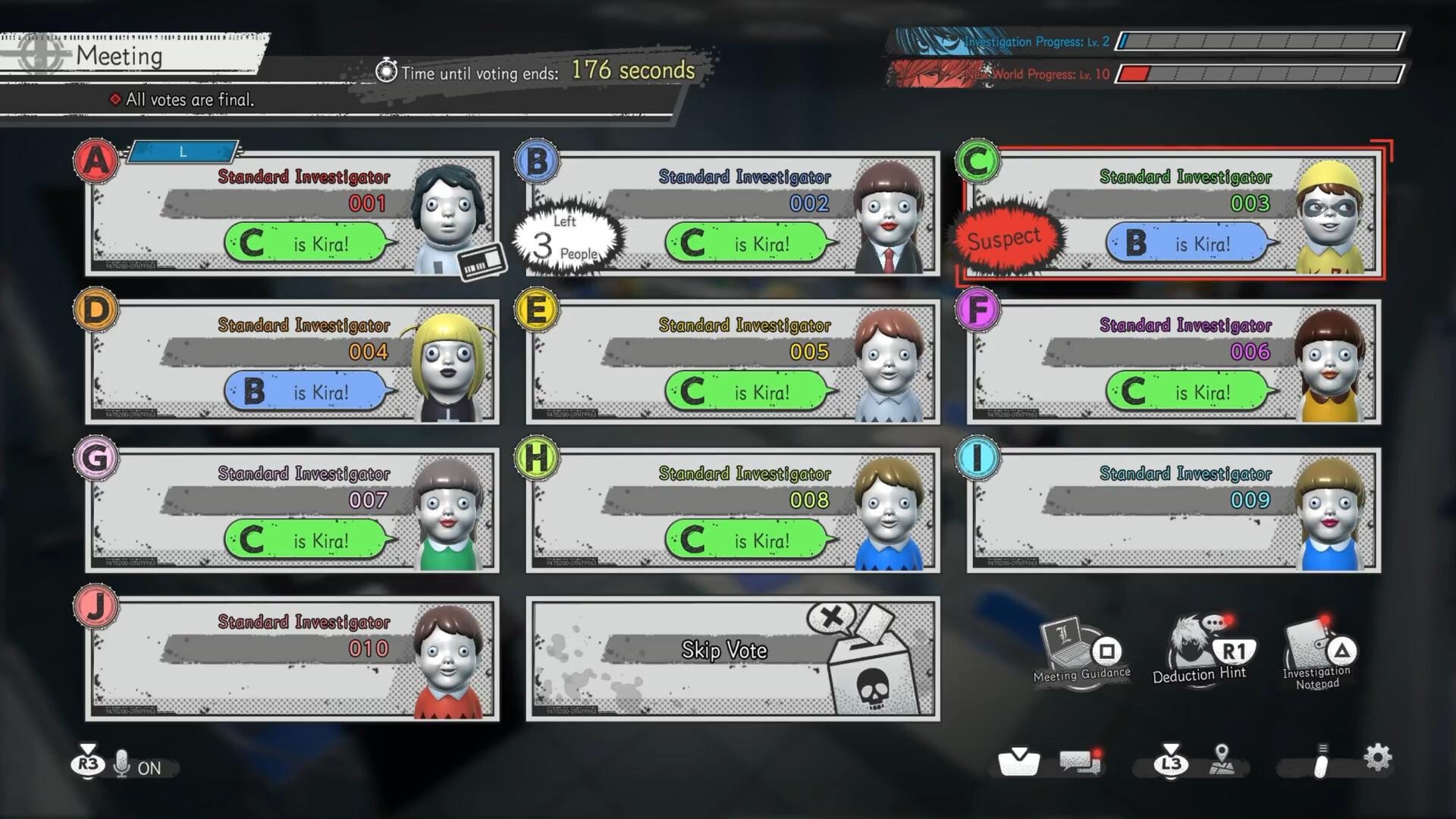
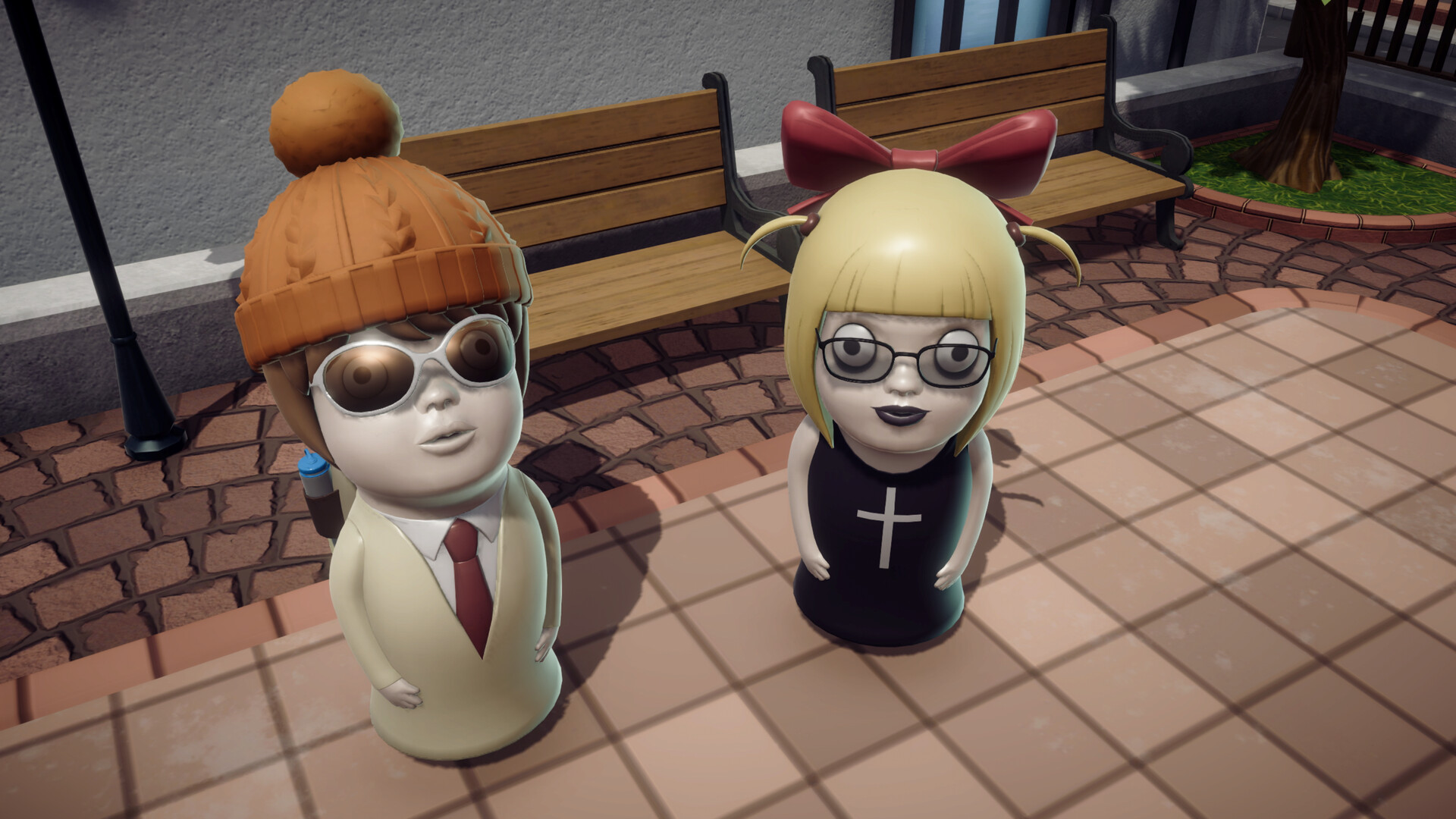
DEATH NOTE Killer Within is an online social deduction game for up to 10 players. Players will be split into two teams with different objectives. To win the game, players will need to figure out each other’s identities and either eliminate L who threatens Kira's power or seize the Death Note.
Pictures and description are of the base game on Steam.
Screenshots



System requirements
Minimum
• Requires a 64-bit processor and operating system • OS: Windows 10 • Processor: Intel Core i5-6400 / AMD Ryzen 3 1200 • Memory: 8 GB RAM • Graphics: Nvidia GeForce GTX 1050 / AMD Radeon R9 280X • DirectX: Version 11 • Storage: 3 GB available space • Additional Notes: Estimated performance: 1080p/60fps with graphics settings at "Low". Framerate might drop in graphics-intensive scenes. - 64-bit processor and operating system are required.
Recommended
• Requires a 64-bit processor and operating system • OS: Windows 10 / Windows 11 • Processor: Intel Core i5-8400 / AMD Ryzen 5 2600 • Memory: 16 GB RAM • Graphics: Nvidia GeForce GTX 960 / AMD Radeon R9 380X / Intel Arc A750 • DirectX: Version 11 • Storage: 3 GB available space • Additional Notes: Estimated performance: 1080p/60fps with graphics settings at "High". Framerate might drop in graphics-intensive scenes. - 64-bit processor and operating system are required. - Windows 10 (Version 1809 or later) and a 4GB VRAM GPU (graphics board or video card) are required for DirectX 12 API.
Languages: English, French, Italian, German, Spanish - Spain, Traditional Chinese, Japanese*, Korean
How to activate
Steam
- Start Steam on your computer and sign in to the account you will play on.
- In the Games menu, choose Activate a Product on Steam. You can also start from Add a Game at the bottom left.
- Go through the introductory screens, review Steam’s terms and paste the complete key without surrounding spaces.
- Finish activation, then find the game in your Library and select Install.
More from the series
Game details from Steam.