
Destiny 2: The Witch Queen
- Genres
- Action · Adventure · Free To Play
- Release
- Feb 22, 2022
- Developer
- Bungie
Lowest price across all offers
from $2.54220 ₽
Offers
The price depends on the platform and the activation region.
- WorldwideWorks in RussiaDestiny 2 - The Witch Queen$2.54220 ₽1
About the game
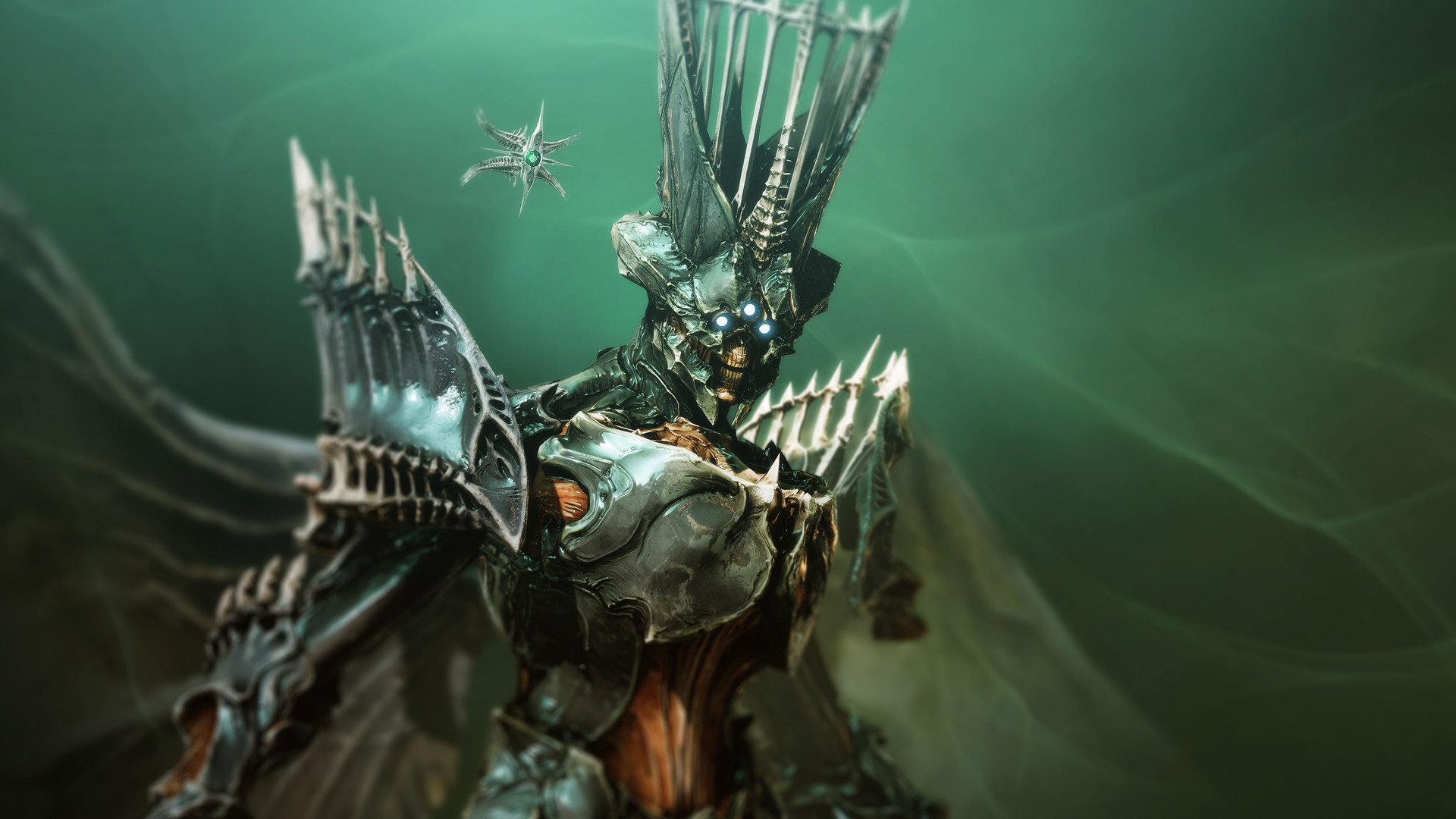
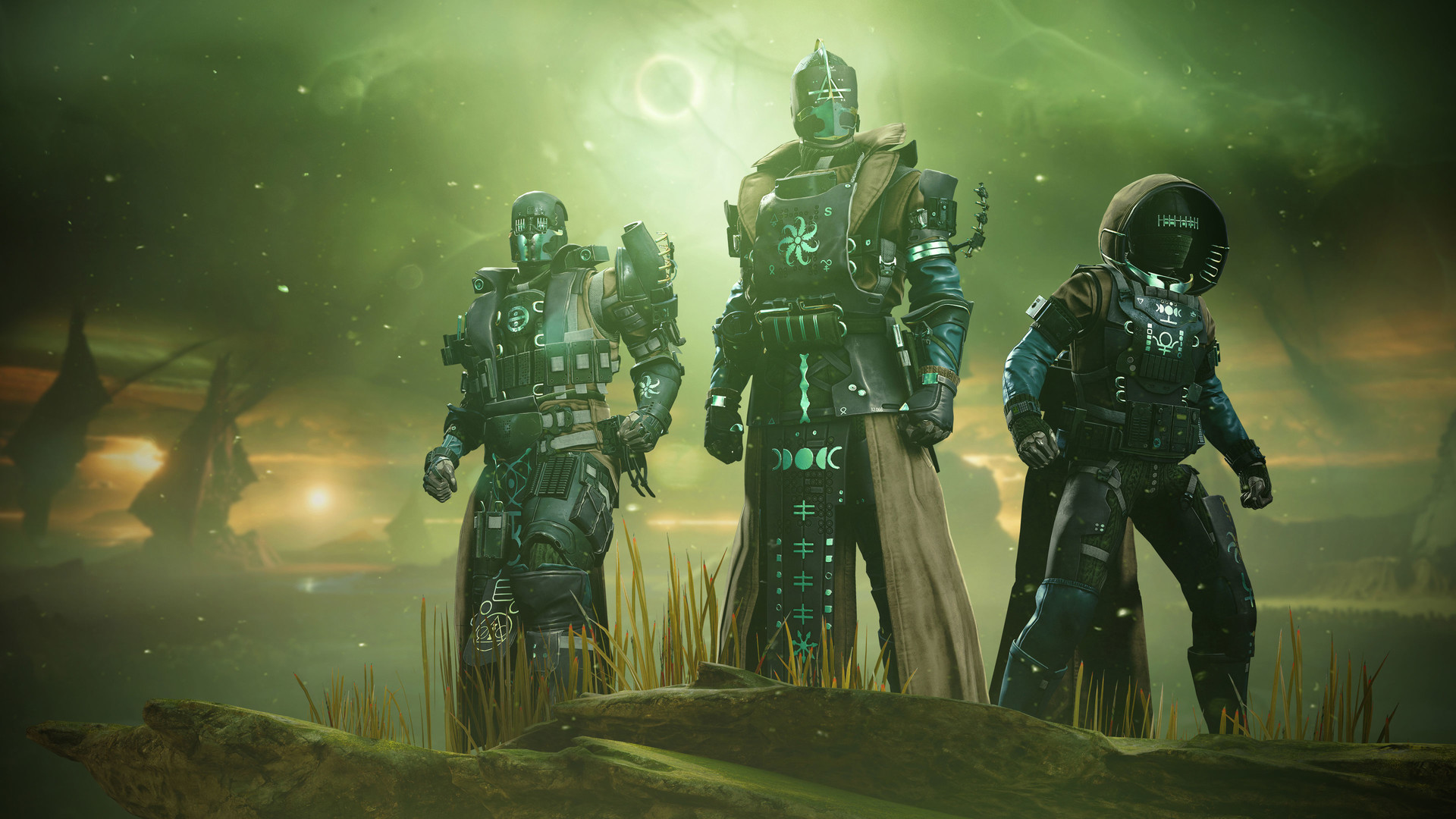
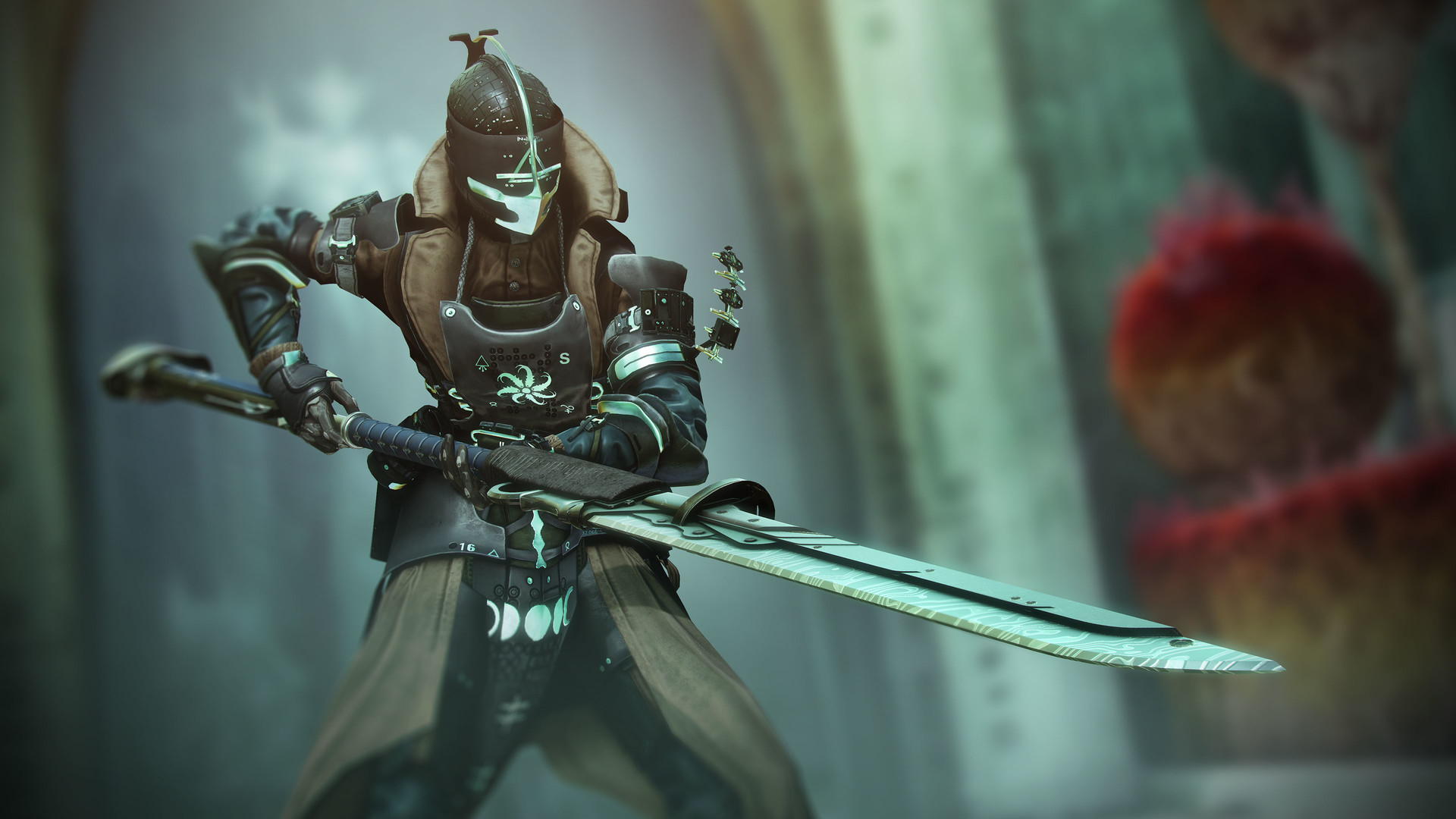
Delve into Savathûn’s Throne World to uncover the mystery of how she stole the Light.
Screenshots
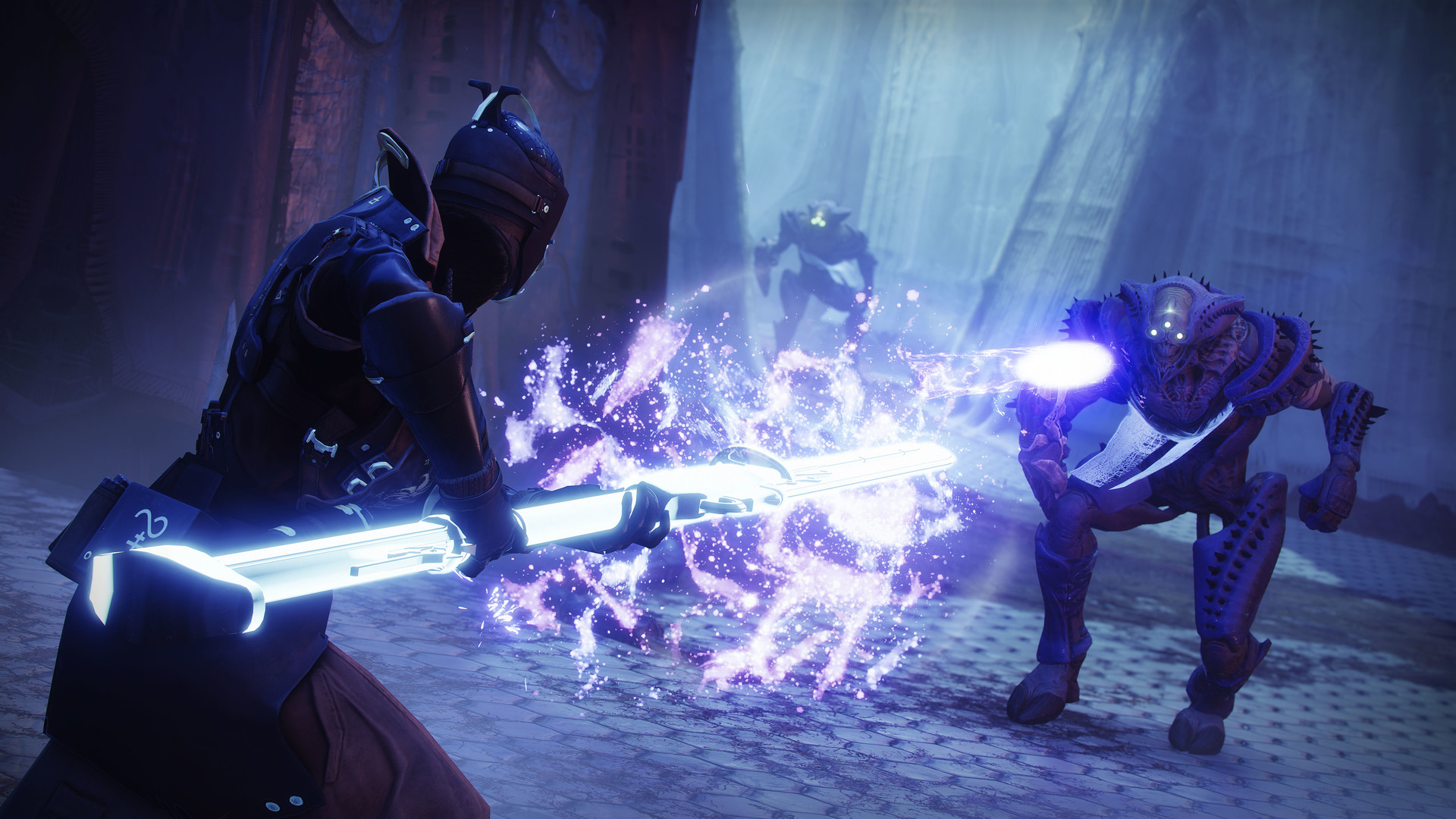
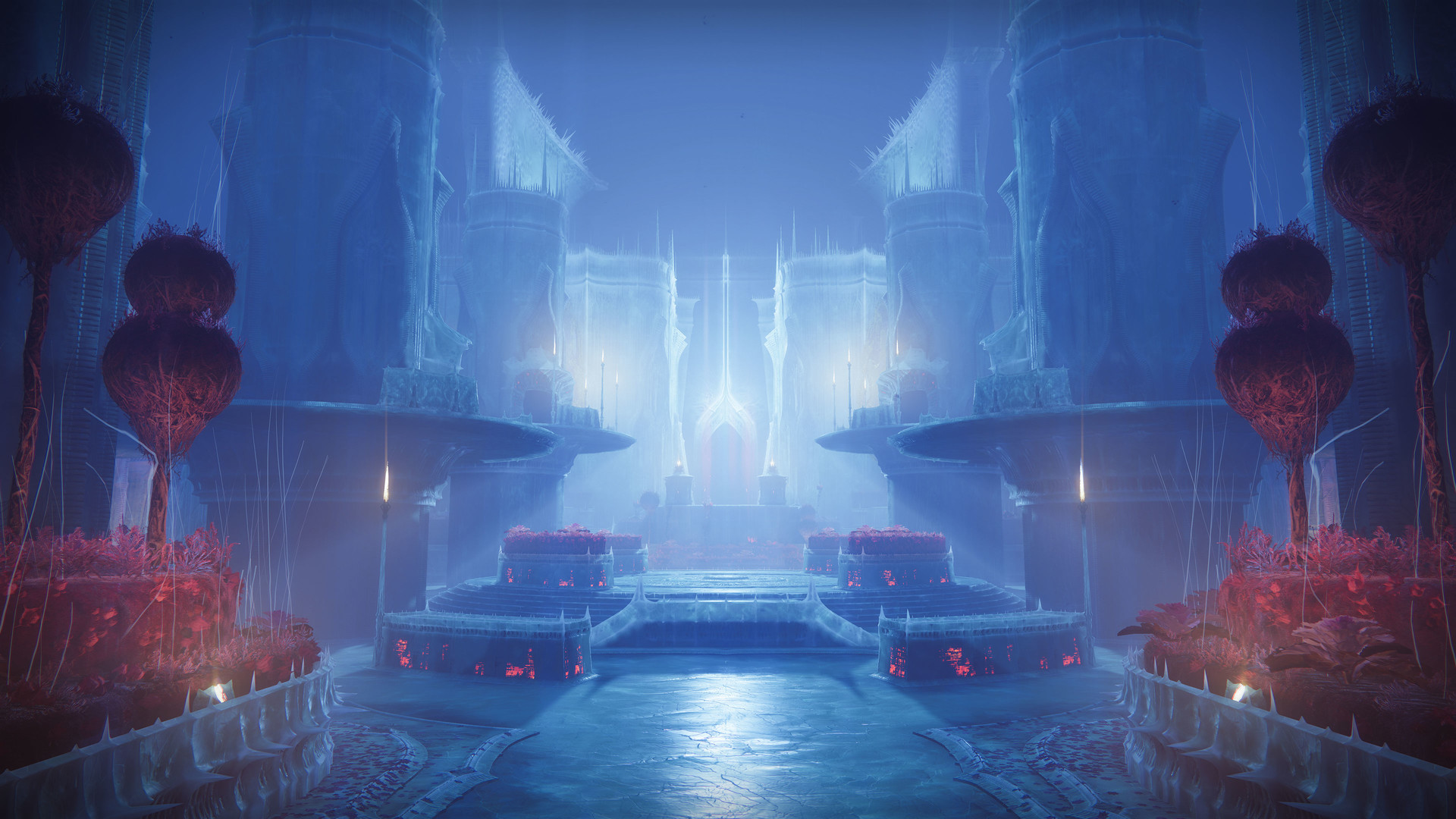
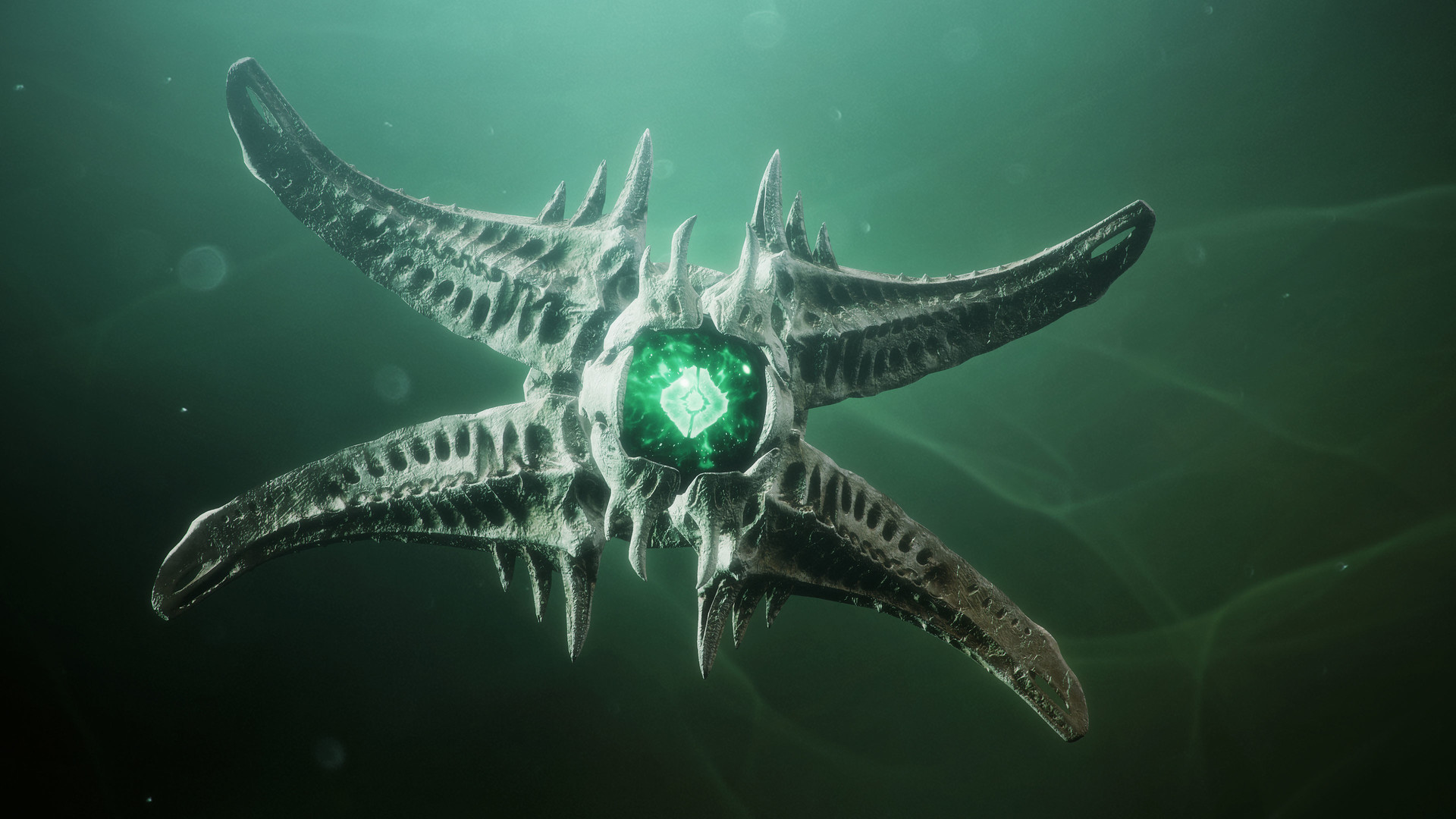
System requirements
Minimum
• Requires a 64-bit processor and operating system • OS *: Windows® 7 / Windows® 8.1 / Windows® 10 64-bit (latest Service Pack) • Processor: Intel® Core™ i3 3250 3.5 GHz or Intel Pentium G4560 3.5 GHz / AMD FX-4350 4.2 GHz • Memory: 6 GB RAM • Graphics: NVIDIA® GeForce® GTX 660 2GB or GTX 1050 2GB / AMD Radeon HD 7850 2GB • Network: Broadband Internet connection • Storage: 105 GB available space
Recommended
• Requires a 64-bit processor and operating system • OS *: System Windows® 7 / Windows® 8.1 / Windows® 10 64-bit (latest Service Pack) • Processor: Processor Intel® Core™ i5 2400 3.4 GHz or i5 7400 3.5 GHz / AMD Ryzen R5 1600X 3.6 GHz • Memory: 8 GB RAM • Graphics: NVIDIA® GeForce® GTX 970 4GB or GTX 1060 6GB / AMD R9 390 8GB Memory 8 GB RAM • Network: Broadband Internet connection • Storage: 105 GB available space
Languages: English*, French*, Italian*, German*, Spanish - Spain*, Japanese*, Korean*, Polish*, Portuguese - Brazil*, Russian*, Simplified Chinese*, Spanish - Latin America*, Traditional Chinese
How to activate
Steam
- Start Steam on your computer and sign in to the account you will play on.
- In the Games menu, choose Activate a Product on Steam. You can also start from Add a Game at the bottom left.
- Go through the introductory screens, review Steam’s terms and paste the complete key without surrounding spaces.
- Finish activation, then find the game in your Library and select Install.
Xbox
- Open Microsoft’s redemption page using the button below.
- Sign in with the Microsoft account used on your Xbox. Check the email and profile before continuing.
- Paste the 25-character code and select Next. Check the displayed product or amount.
- Complete the confirmation prompts. Look for games in that account’s library and subscriptions under its services and subscriptions.
More from the series
Game details from Steam.