
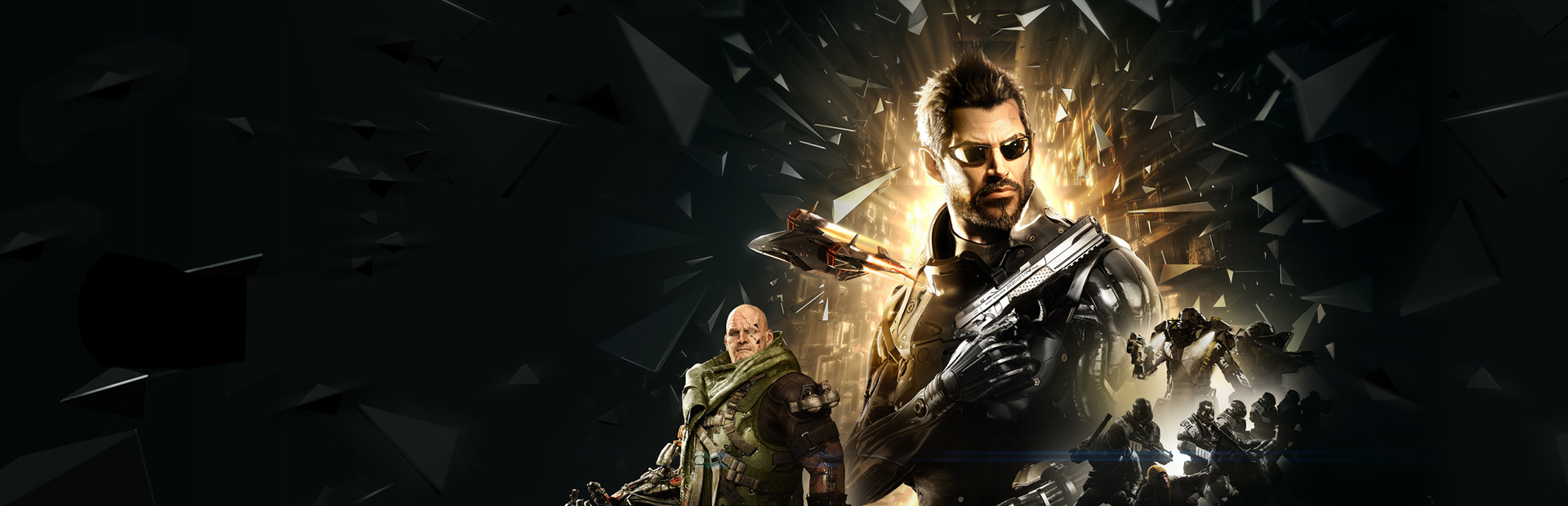

Deus Ex: Mankind Divided
- Genres
- Action · RPG
- Release
- Aug 23, 2016
- Developer
- Eidos Montreal, Feral Interactive (Linux/Mac)
- Metacritic
Lowest price across all offers
from $3.27280 ₽
Offers
The price depends on the platform and the activation region.
- WorldwideWorks in Russia$10.78920 ₽1
About the game
You play as Adam Jensen, an experienced covert operative operating in a world that despises his kind: augmented humans. Choose from an arsenal of state-of-the-art weapons and augmentations to build your playstyle, and decide who you'll trust, to unravel a vast worldwide conspiracy.
Screenshots
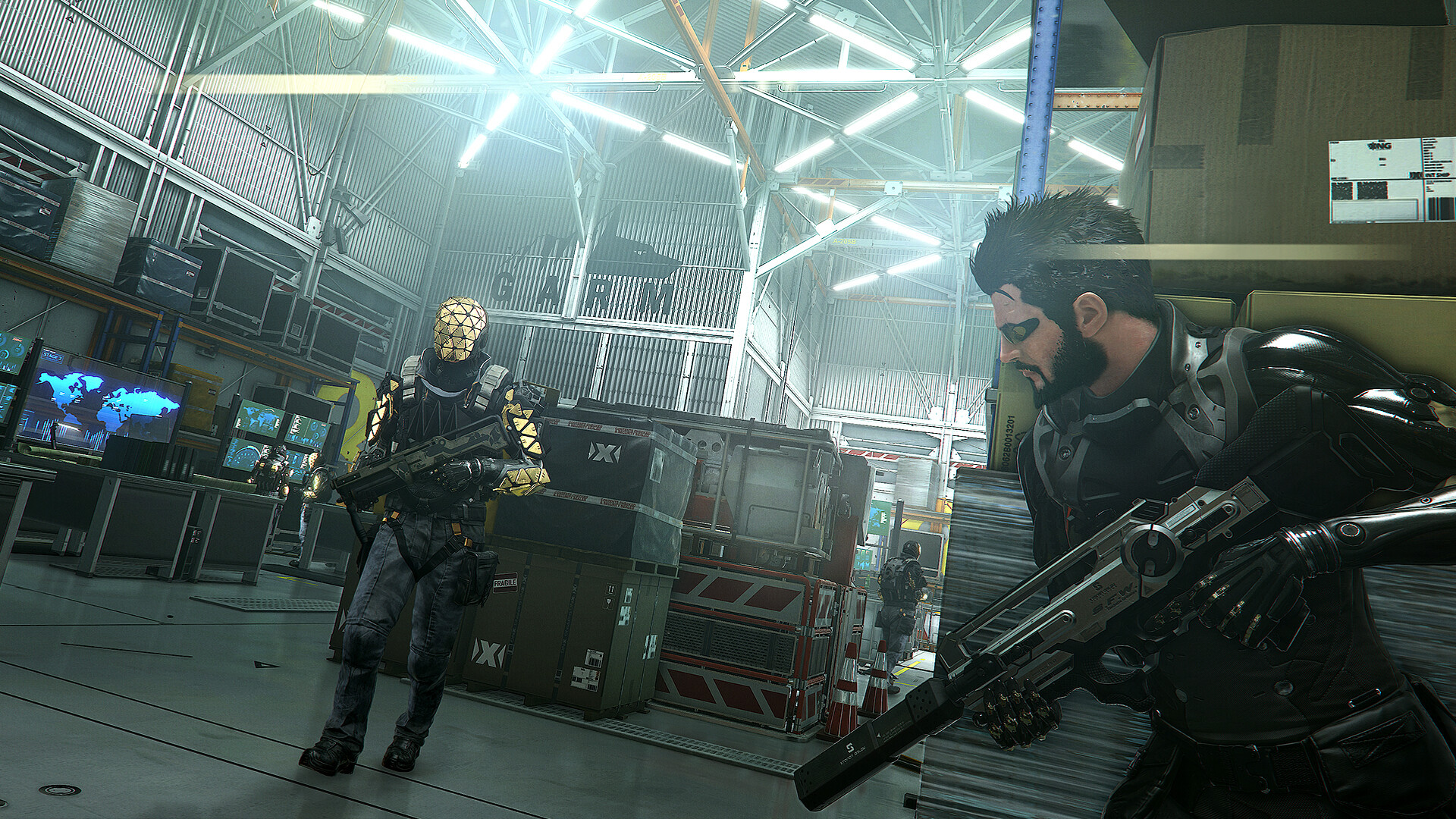
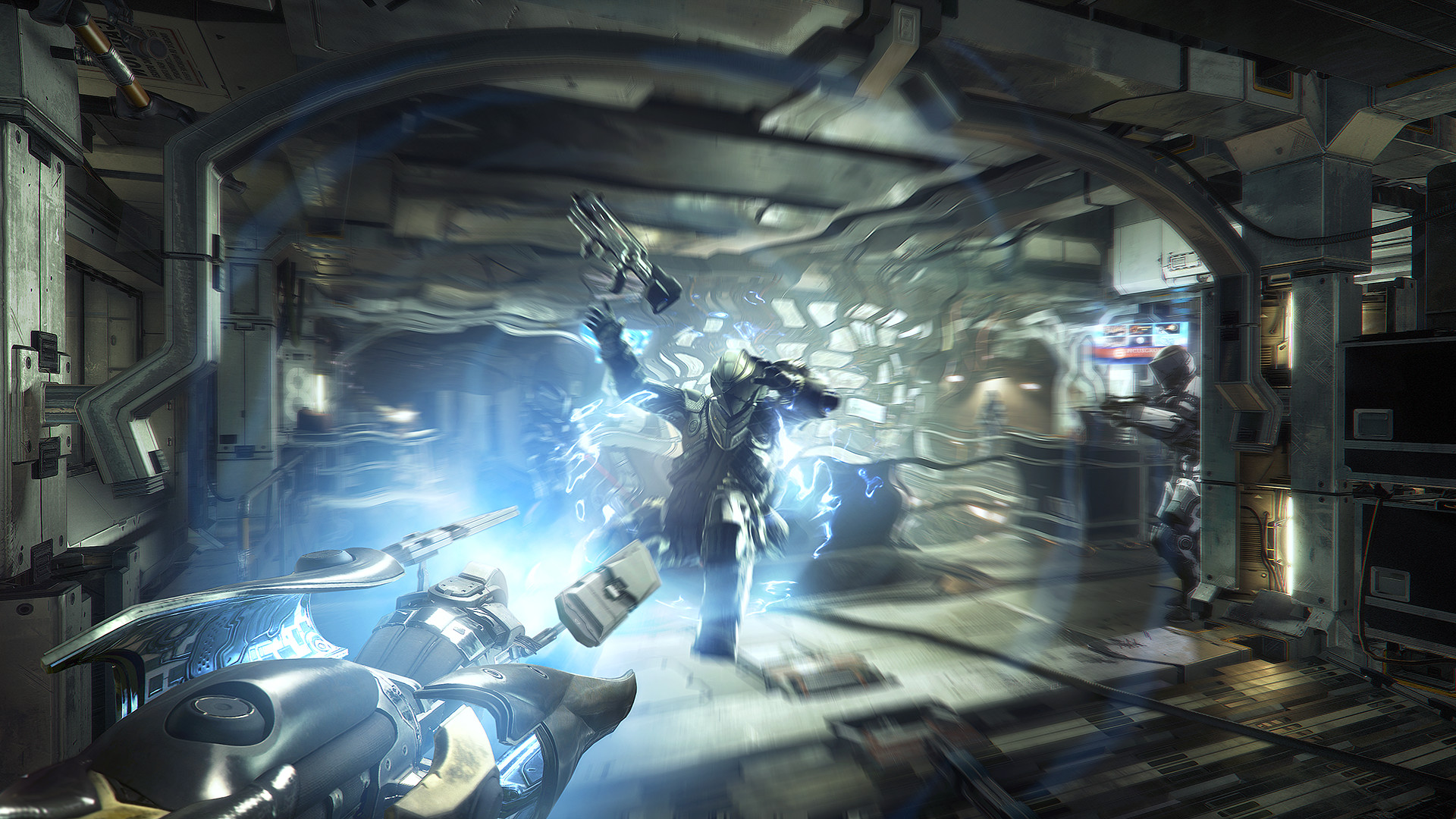




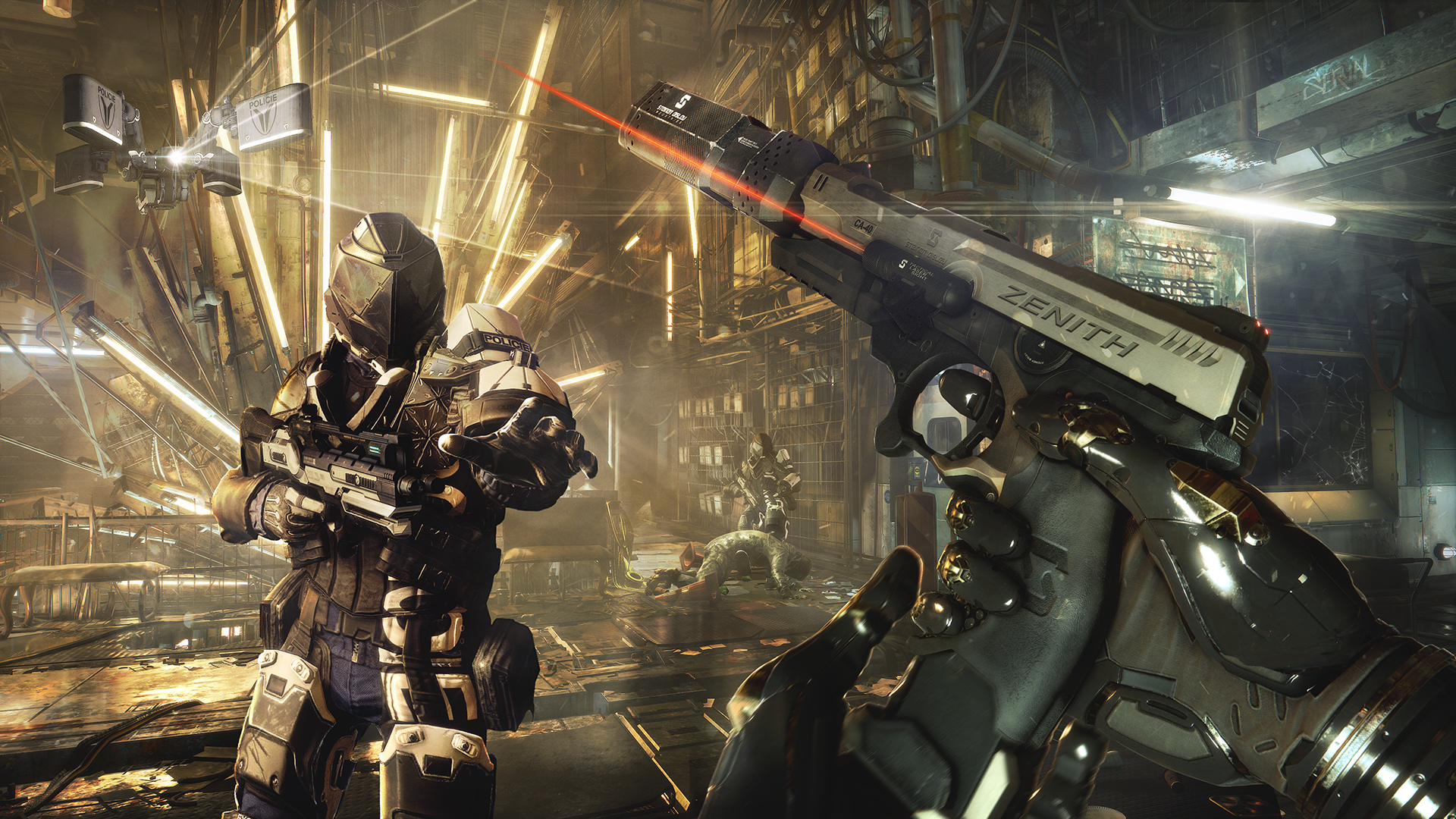

System requirements
Minimum
• OS *: Windows 7.1SP1 or above (64-bit Operating System Required) • Processor: Intel Core i3-2100 or AMD equivalent • Memory: 8 GB RAM • Graphics: AMD Radeon HD 7870 (2GB) or NVIDIA GeForce GTX 660 (2GB) • Storage: 45 GB available space
Recommended
• OS: Windows 10 64-bit • Processor: Intel Core i7-3770K or AMD FX 8350 Wraith • Memory: 16 GB RAM • Graphics: AMD Radeon RX 480 - 1920 x 1080 or NVIDIA GTX 970 - 1920 x 1080 • Storage: 55 GB available space • Additional Notes: 55GB HD space includes DLC
Languages: English*, French*, Italian*, German*, Spanish - Spain*, Polish, Portuguese - Brazil*, Russian*
How to activate
Steam
- Start Steam on your computer and sign in to the account you will play on.
- In the Games menu, choose Activate a Product on Steam. You can also start from Add a Game at the bottom left.
- Go through the introductory screens, review Steam’s terms and paste the complete key without surrounding spaces.
- Finish activation, then find the game in your Library and select Install.
Xbox
- Open Microsoft’s redemption page using the button below.
- Sign in with the Microsoft account used on your Xbox. Check the email and profile before continuing.
- Paste the 25-character code and select Next. Check the displayed product or amount.
- Complete the confirmation prompts. Look for games in that account’s library and subscriptions under its services and subscriptions.
GOG
- Follow the GOG Redeem link below and sign in.
- Copy the key from your order into the redemption field, without extra spaces.
- Continue, check the displayed game and confirm adding it to your account.
- Download it from your GOG library or GOG GALAXY using the same account.
More from the series
РФ ✓Deus Ex: Mankind Divided (Digital Deluxe Edition)SteamXbox+1from $5.53480 ₽4 offers РФ ✓Deus Ex: Human RevolutionSteamfrom $4.27370 ₽3 offersРФ ✓Deus Ex: Human Revolution - Director's CutSteamfrom $2.52220 ₽3 offersРФ ✓Deus Ex: Mankind Divided Digital Deluxe Edition (Xbox One)Xboxfrom $10.99940 ₽3 offersDeus Ex: Mankind Divided (Xbox One)Xboxfrom $3.88340 ₽2 offers
 РФ ✓Deus Ex: Invisible WarSteamfrom $4.06350 ₽
 РФ ✓Deus Ex: The FallSteamfrom $3.42300 ₽РФ ✓Deus Ex: Mankind Divided - Season PassSteamGOGfrom $2.76240 ₽4 offers
Game details from Steam.