

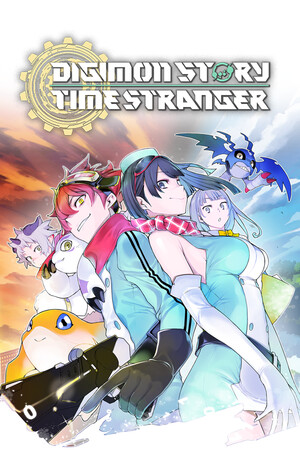
Digimon Story Time Stranger
- Genres
- RPG
- Release
- Oct 2, 2025
- Developer
- Media.Vision Inc.
Lowest price across all offers
from $31.472,690 ₽
Offers
The price depends on the platform and the activation region.
- CISCIS regionDigimon Story: Time Stranger$31.472,690 ₽1
- —Not for RussiaDigimon Story: Time Stranger$37.783,220 ₽1
- WorldwideWorks in RussiaDigimon Story: Time Stranger$39.403,360 ₽1
- EuropeNot for RussiaDigimon Story: Time Stranger$43.643,720 ₽1
- AsiaNot for RussiaDigimon Story: Time Stranger$70.776,030 ₽1
About the game
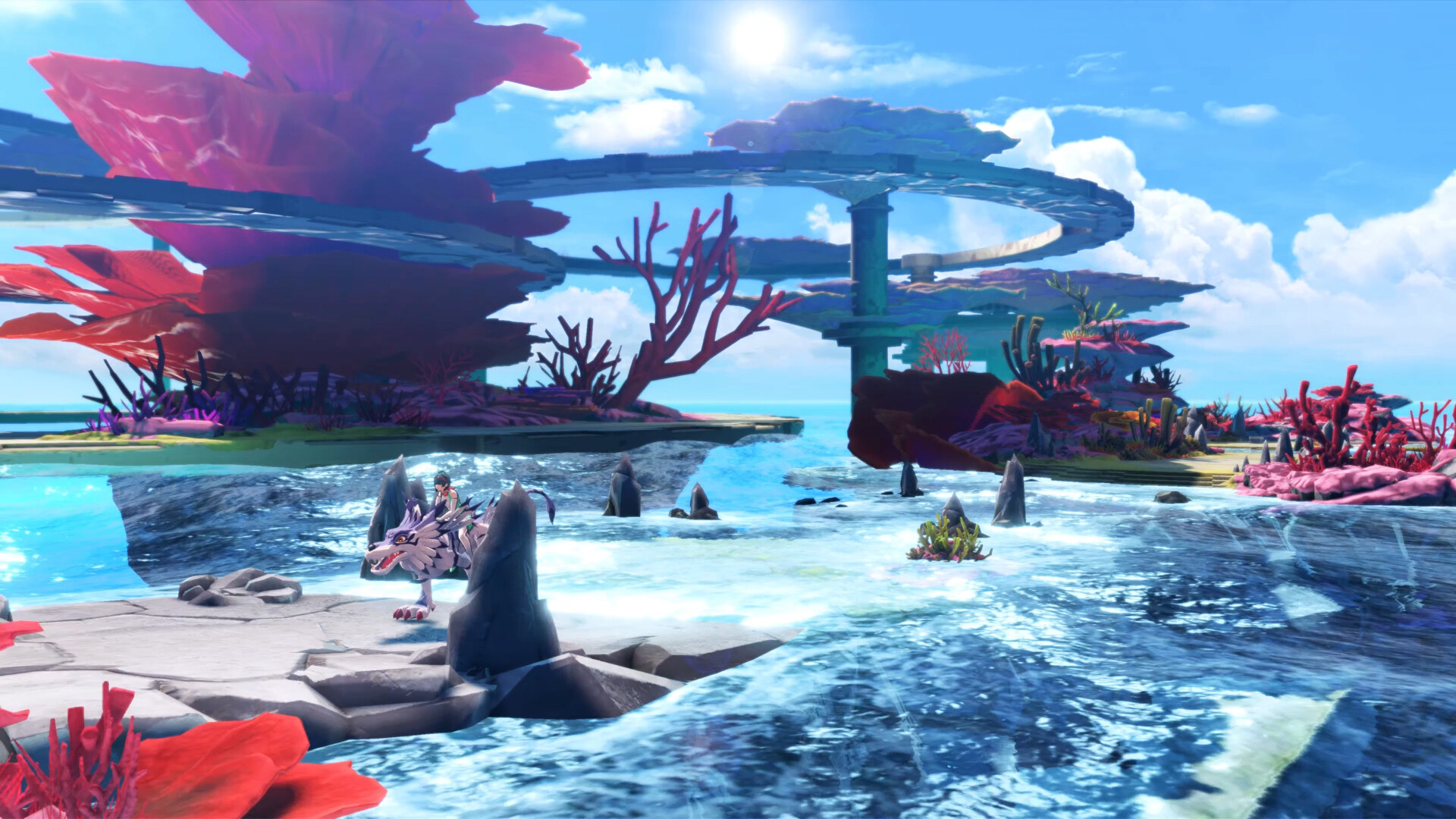
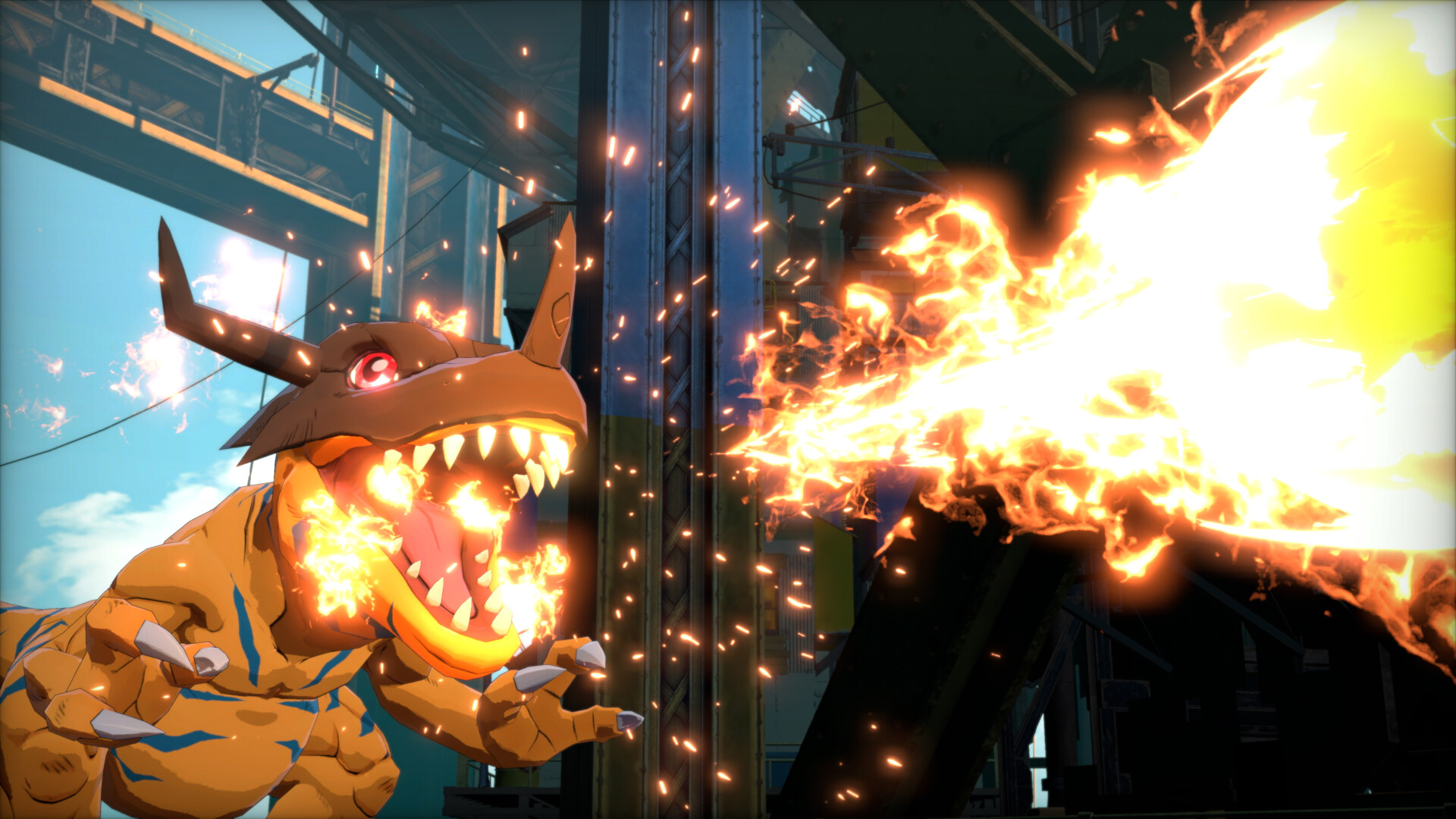
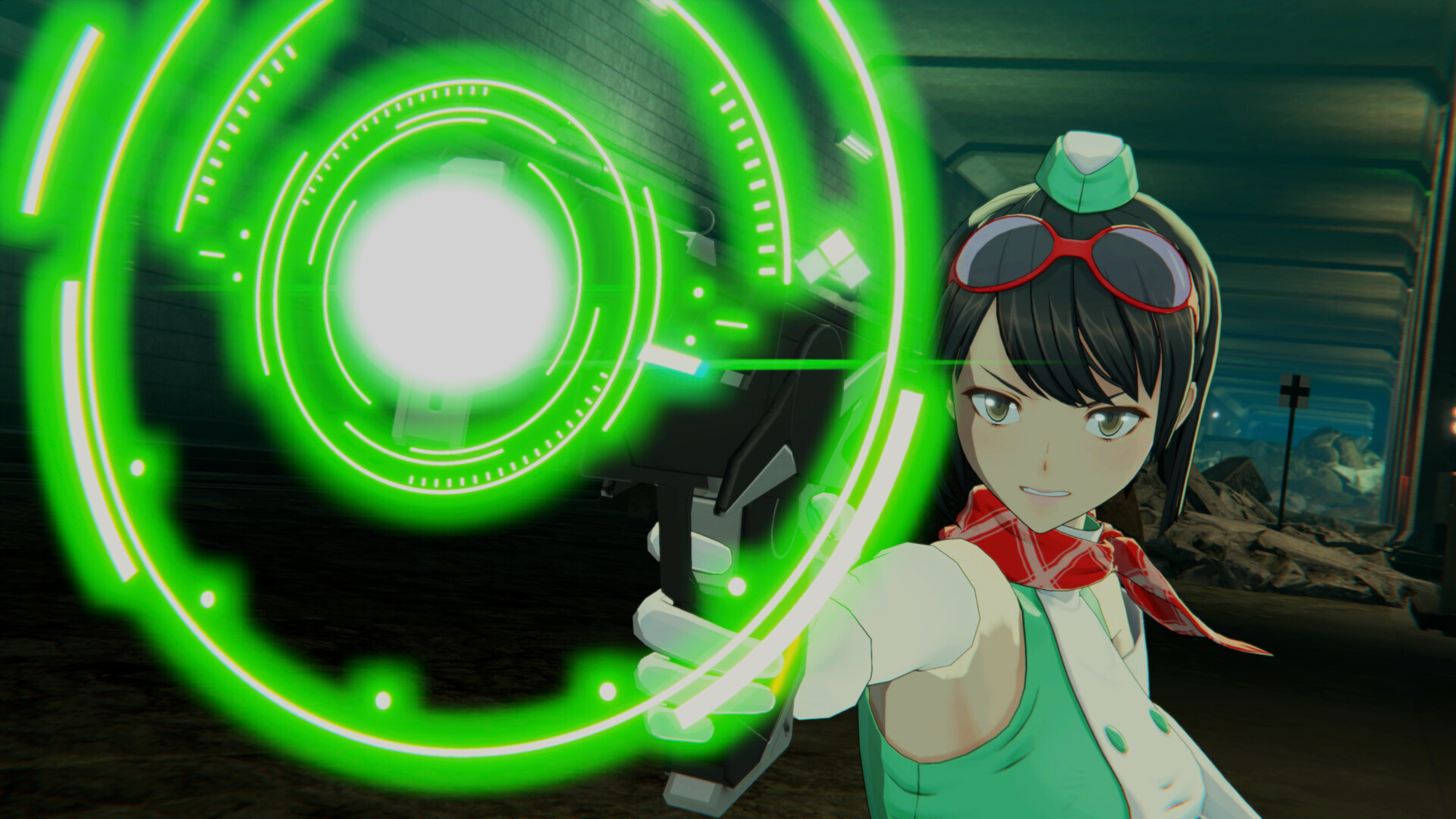
The latest in the Digimon Story series is finally here! In this RPG, unravel a mystery that spans across the human world and the Digital World, collecting and raising a wide variety of Digimon to save the world.
Screenshots

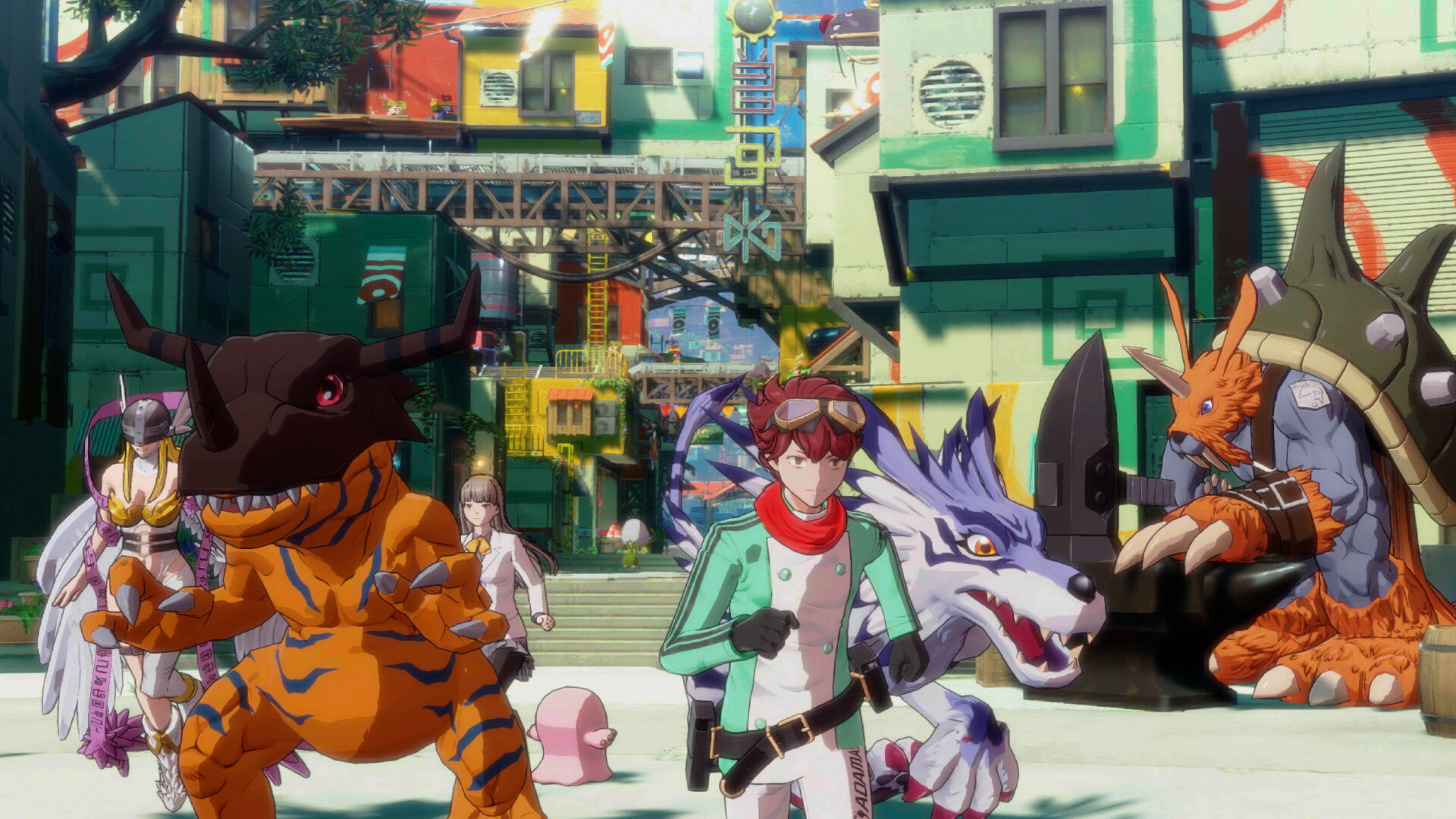
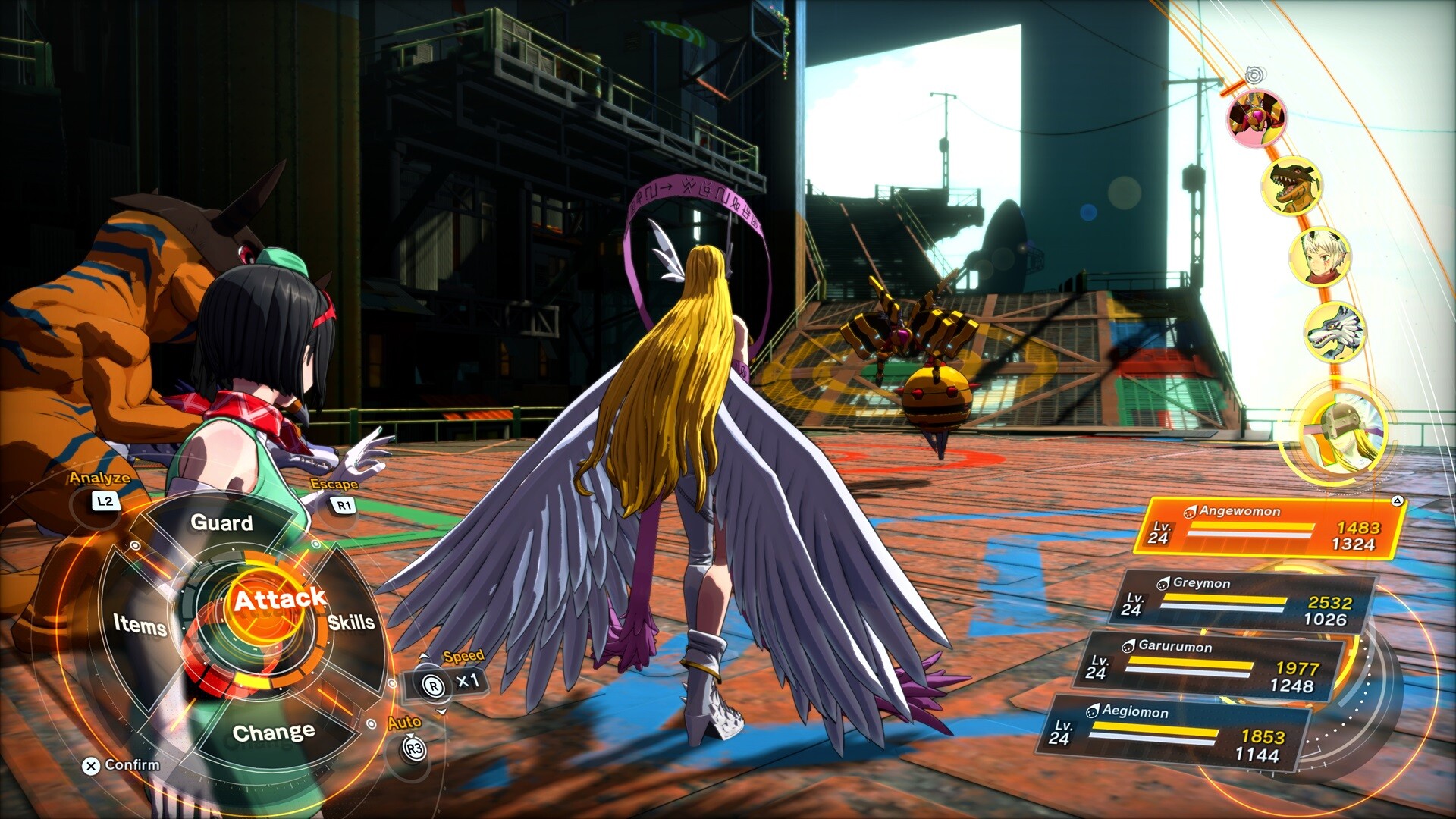
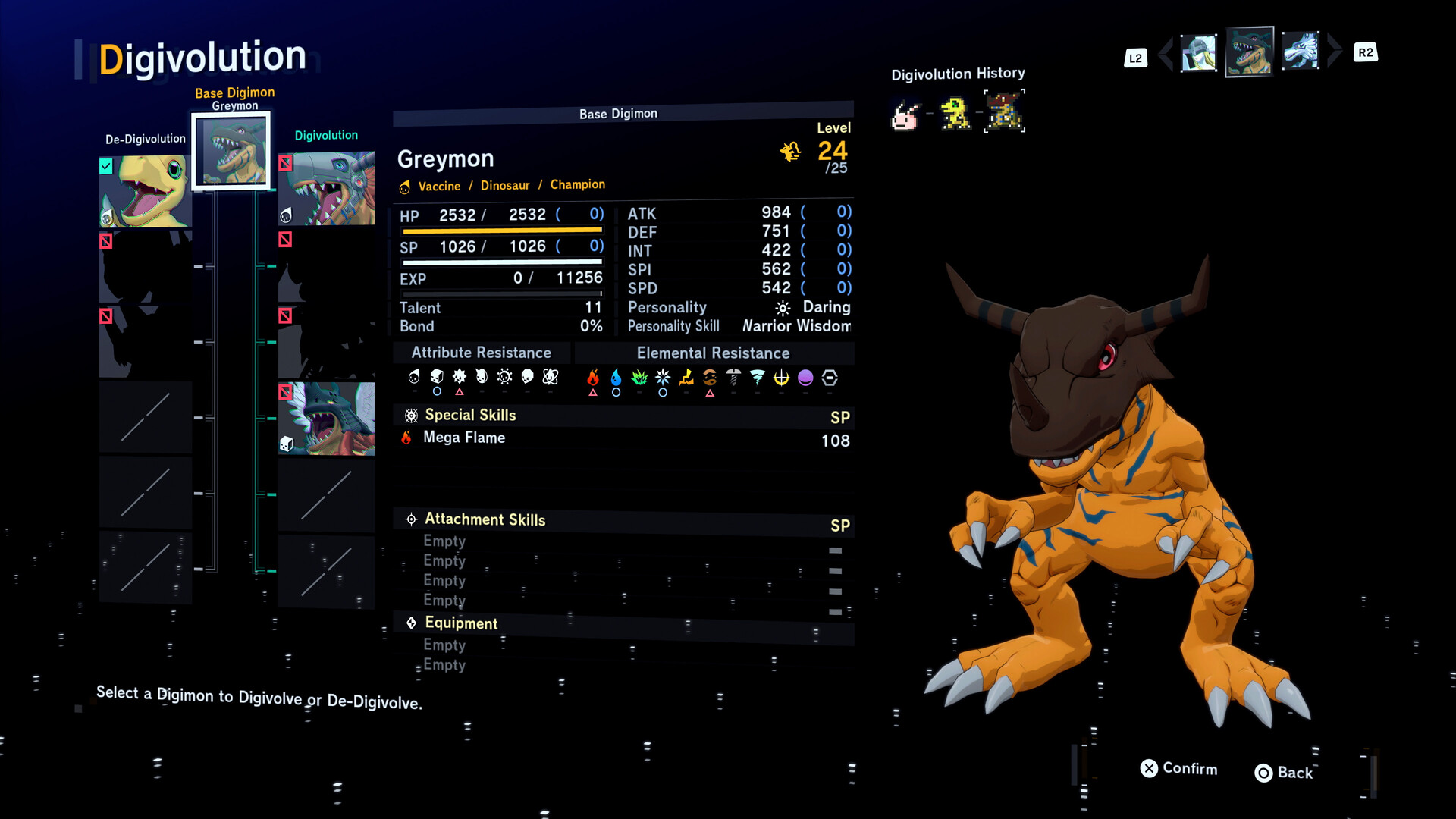
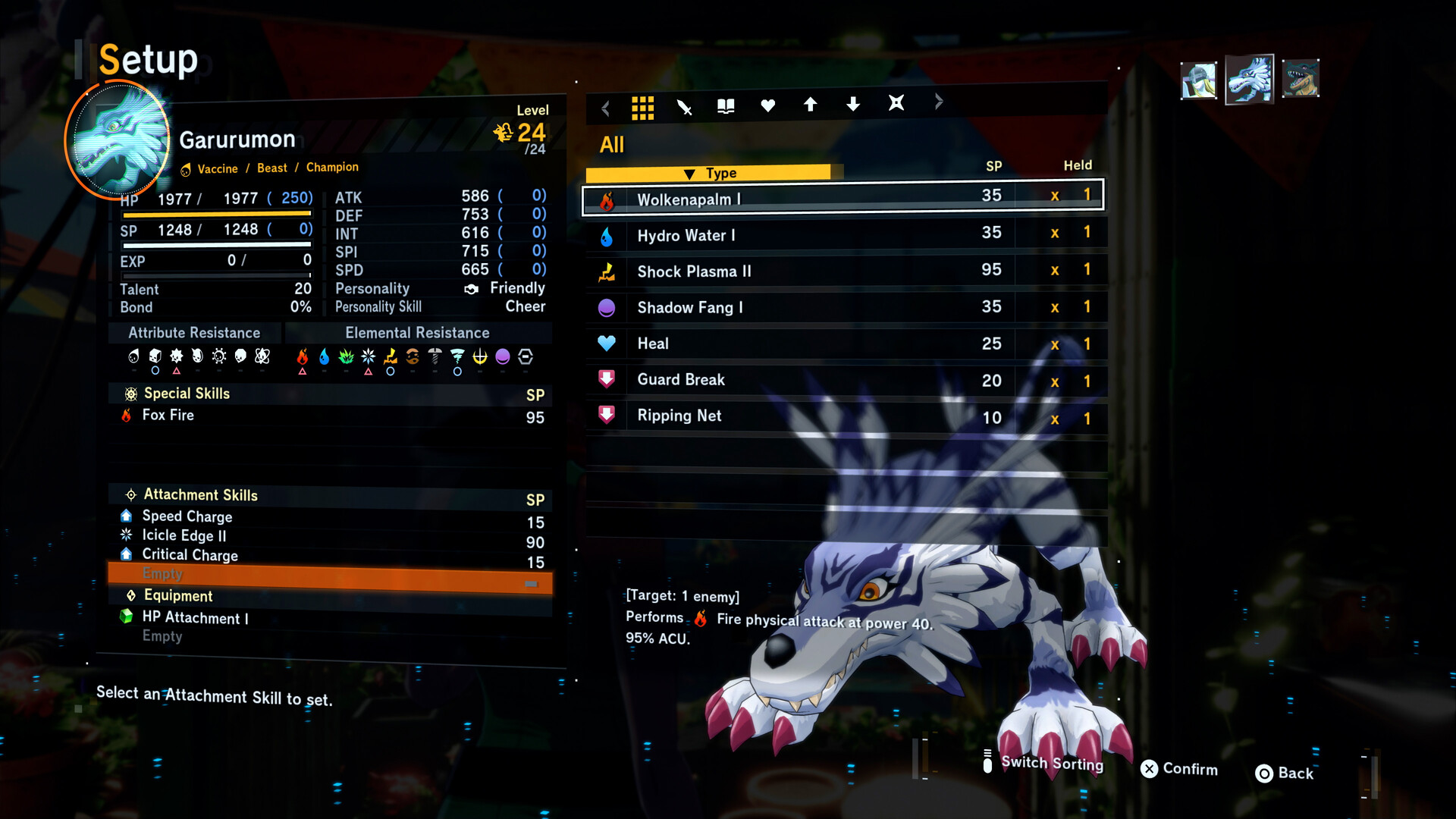
System requirements
Minimum
• Requires a 64-bit processor and operating system • OS: Windows 10 / Windows 11 • Processor: Intel Core i5-8400 /AMD Ryzen5 3600 • Memory: 8 GB RAM • Graphics: Nvidia GeForce GTX 970 [4 GB] / AMD Radeon RX 580 [8 GB] /Intel Arc A580 [8 GB] • DirectX: Version 12 • Storage: 27 GB available space • Additional Notes: Estimated performance: 1080p/60fps with graphics settings at "Low". Framerate might drop in graphics-intensive scenes.
Recommended
• Requires a 64-bit processor and operating system • OS: Windows 10 / Windows 11 • Processor: Intel Core i7-11700K /AMD Ryzen7 3700X • Memory: 16 GB RAM • Graphics: Nvidia GeForce GTX 980 [4 GB] / AMD Radeon RX Vega 56 [8 GB] / Intel Arc A770 [16 GB] • DirectX: Version 12 • Storage: 27 GB available space • Additional Notes: Estimated performance: 1080p/60fps with graphics settings at "High". Framerate might drop in graphics-intensive scenes. Windows 10 (Version 1809 or later) and a 4GB VRAM GPU (graphics board or video card) are required for DirectX 12 API.
Languages: English*, French, Italian, German, Spanish - Spain, Spanish - Latin America, Portuguese - Brazil, Simplified Chinese, Traditional Chinese, Japanese*, Korean
How to activate
Steam
- Start Steam on your computer and sign in to the account you will play on.
- In the Games menu, choose Activate a Product on Steam. You can also start from Add a Game at the bottom left.
- Go through the introductory screens, review Steam’s terms and paste the complete key without surrounding spaces.
- Finish activation, then find the game in your Library and select Install.
More from the series
РФ ✓Digimon: Story Time Stranger (Deluxe Edition)Steamfrom $70.446,010 ₽4 offersРФ ✓Digimon: Story Time Stranger (Ultimate Edition)Steamfrom $61.505,240 ₽4 offers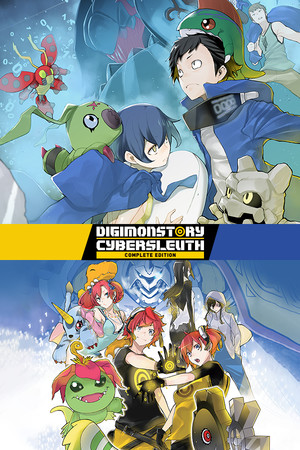 СНГDigimon Story Cyber Sleuth: Complete EditionSteamfrom $4.76410 ₽3 offersDigimon Story: Time Stranger (Xbox Series X|S)Xboxfrom $87.937,500 ₽
Game details from Steam.