
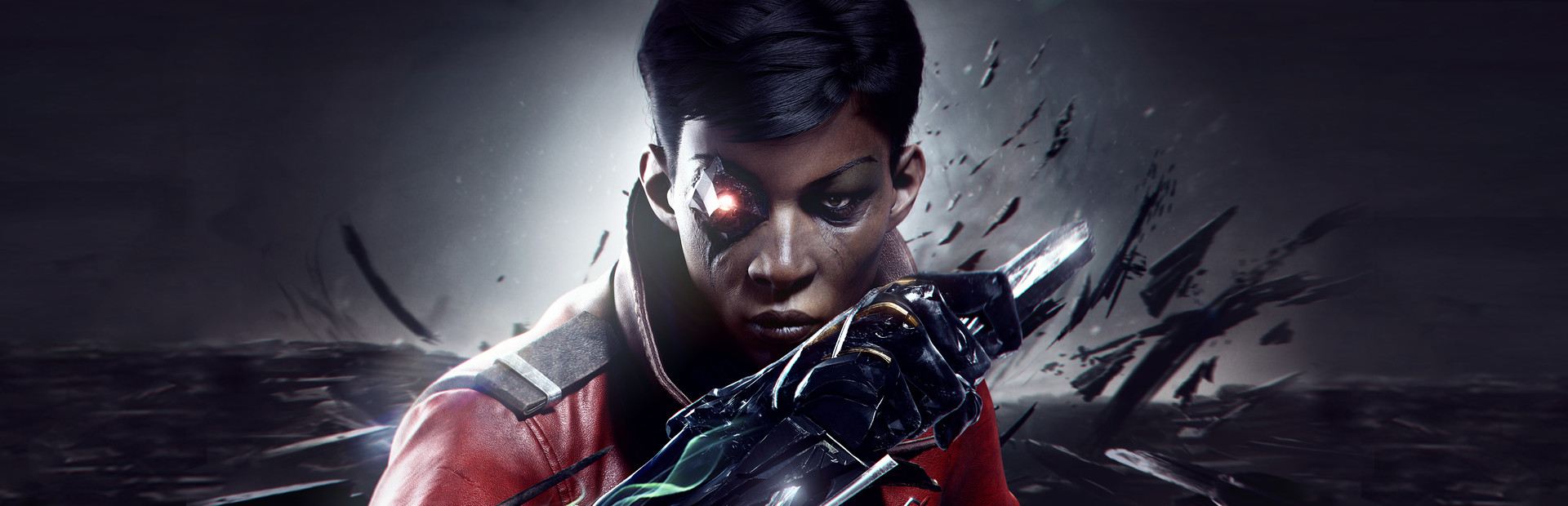
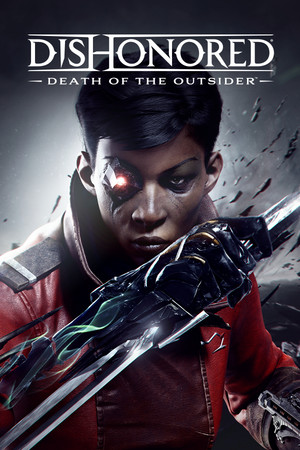
Dishonored®: Death of the Outsider™
- Genres
- Action
- Release
- Sep 14, 2017
- Developer
- Arkane Studios
- Metacritic
Lowest price across all offers
from $4.49390 ₽
Offers
The price depends on the platform and the activation region.
- AsiaNot for RussiaDishonored: Death of the Outsider$4.49390 ₽1
- WorldwideWorks in RussiaDishonored: Death of the Outsider$7.20620 ₽1
- CISCIS regionDishonored: Death of the Outsider$12.051,030 ₽1
About the game
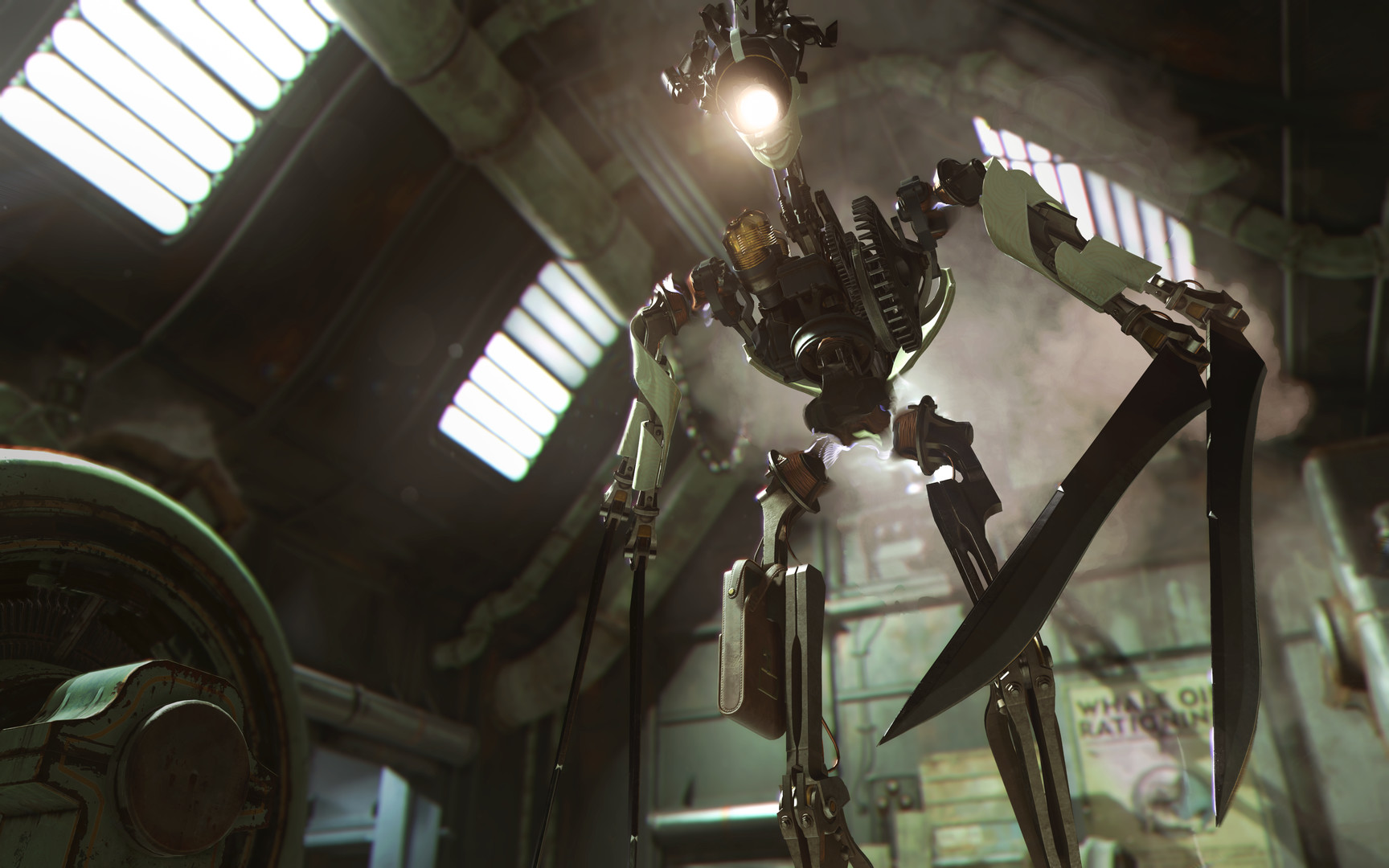
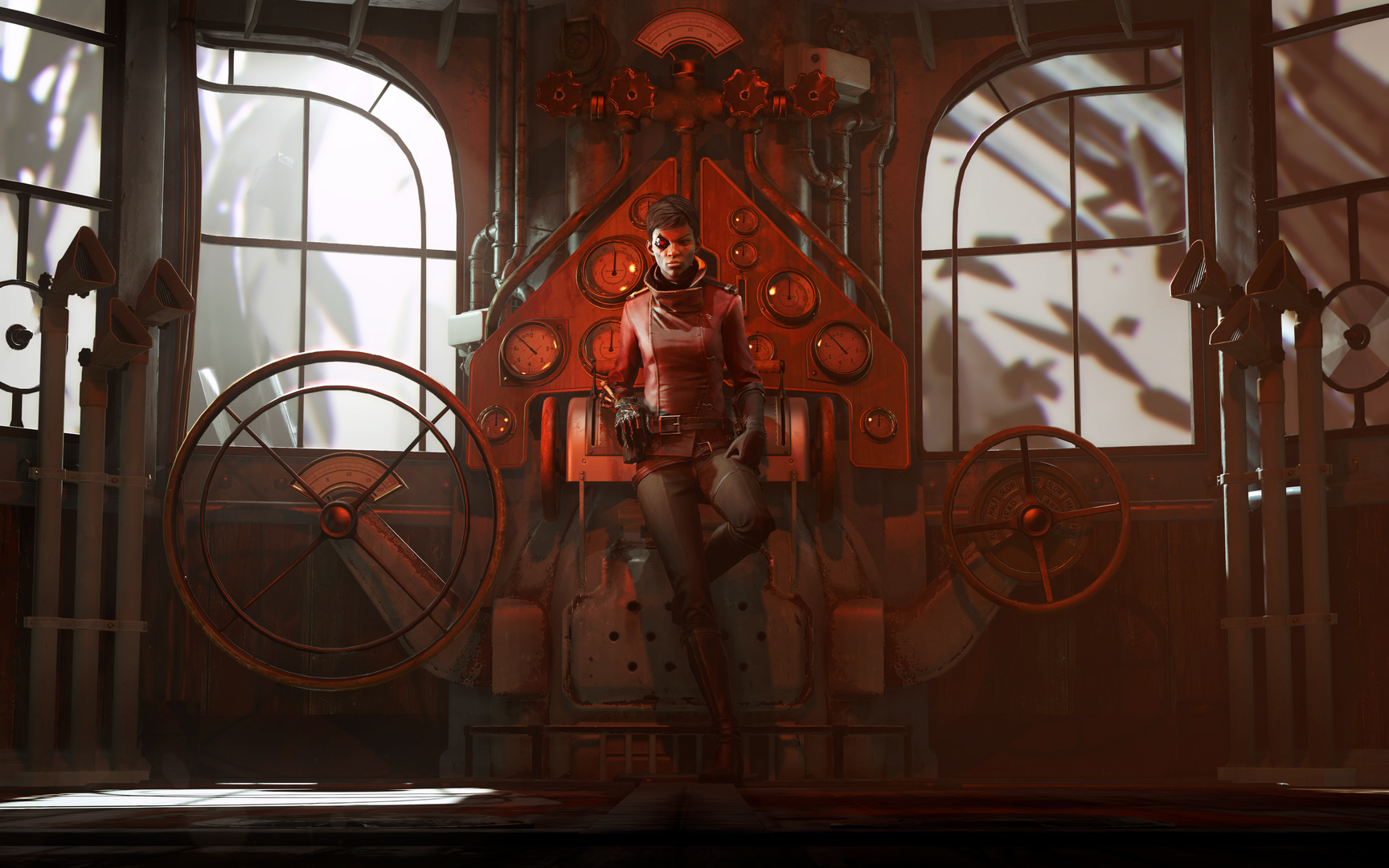
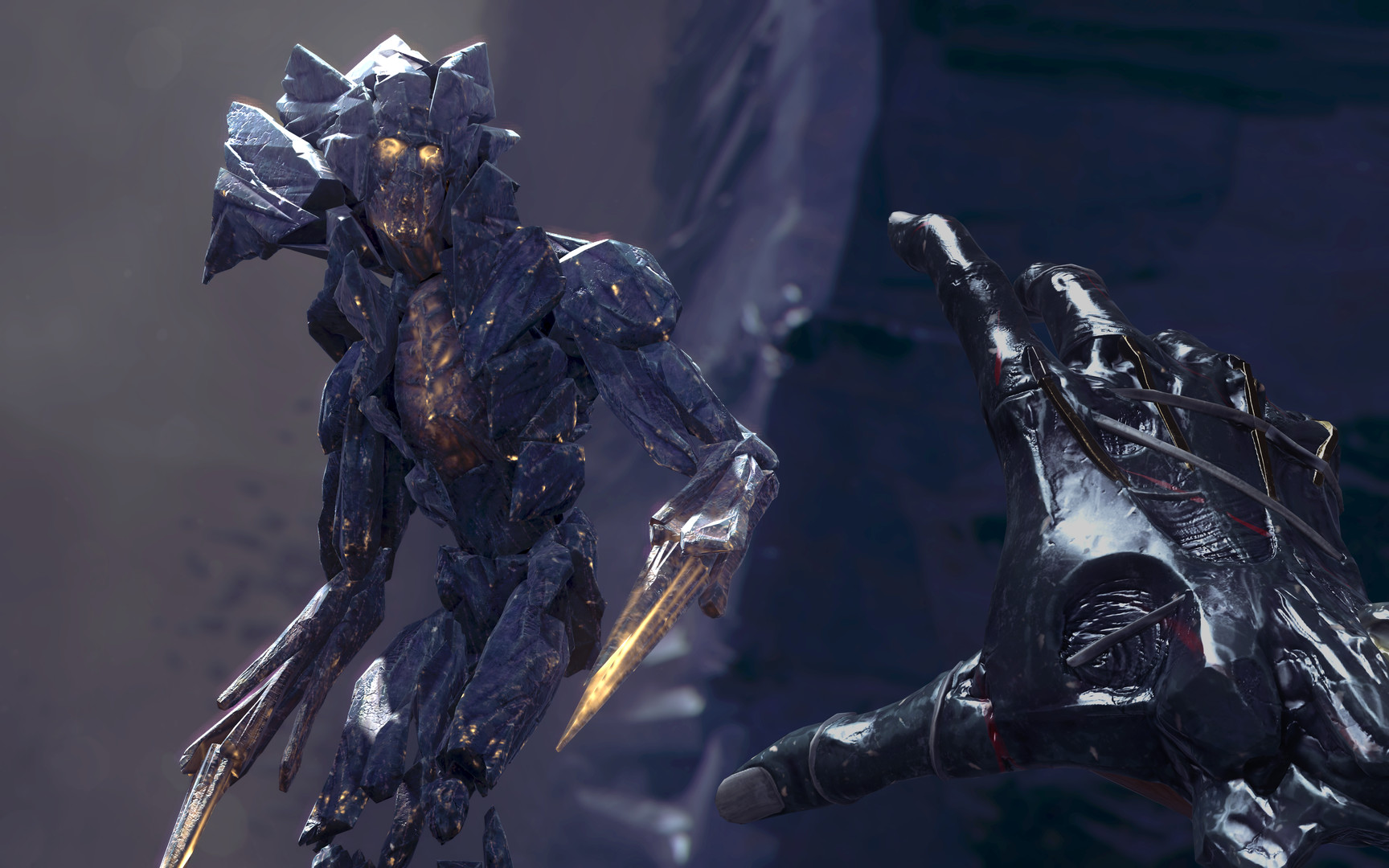
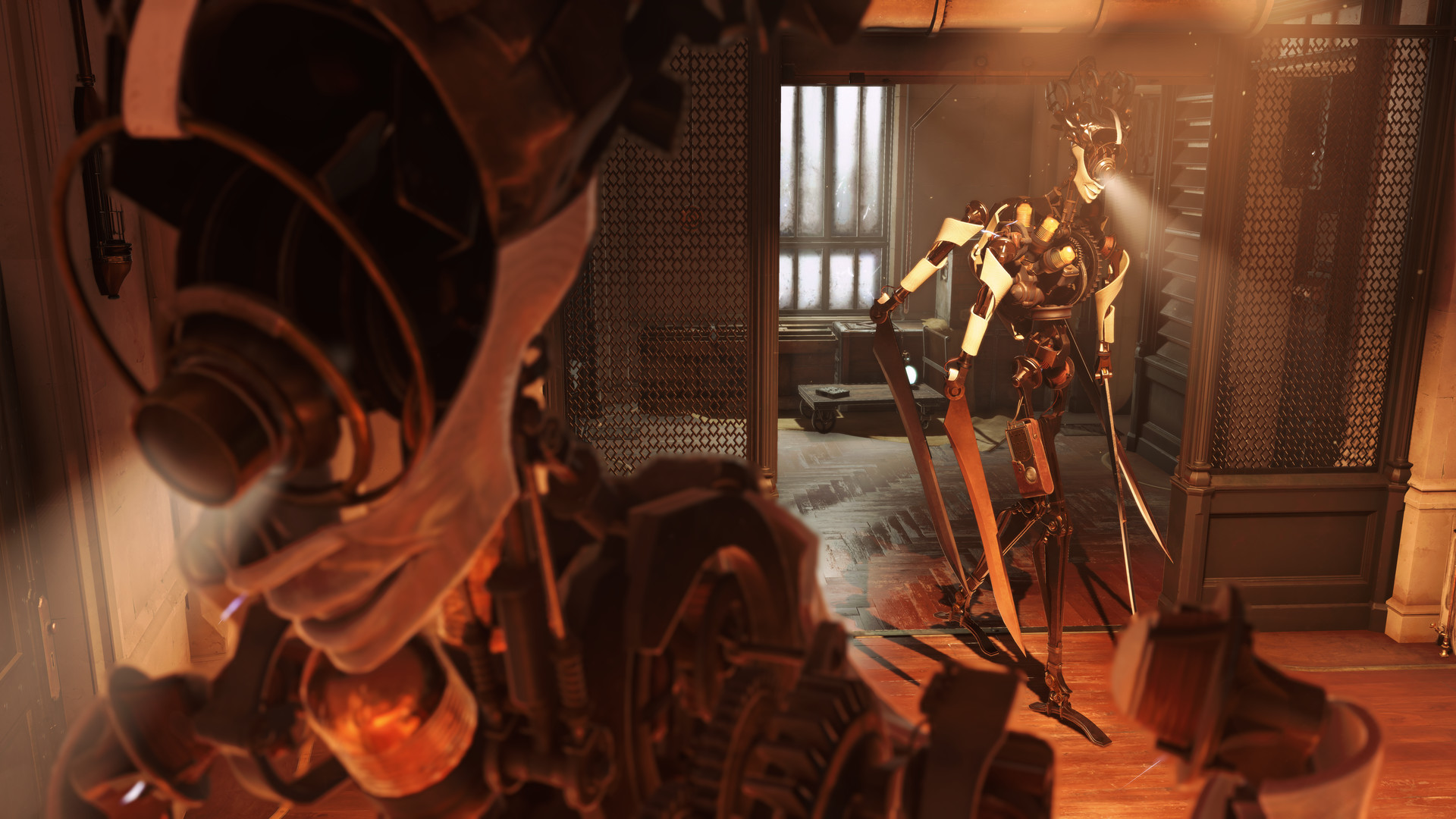
From the award-winning developers at Arkane® Studios comes Dishonored®: Death of the Outsider, the next standalone adventure in the critically-acclaimed Dishonored® series.
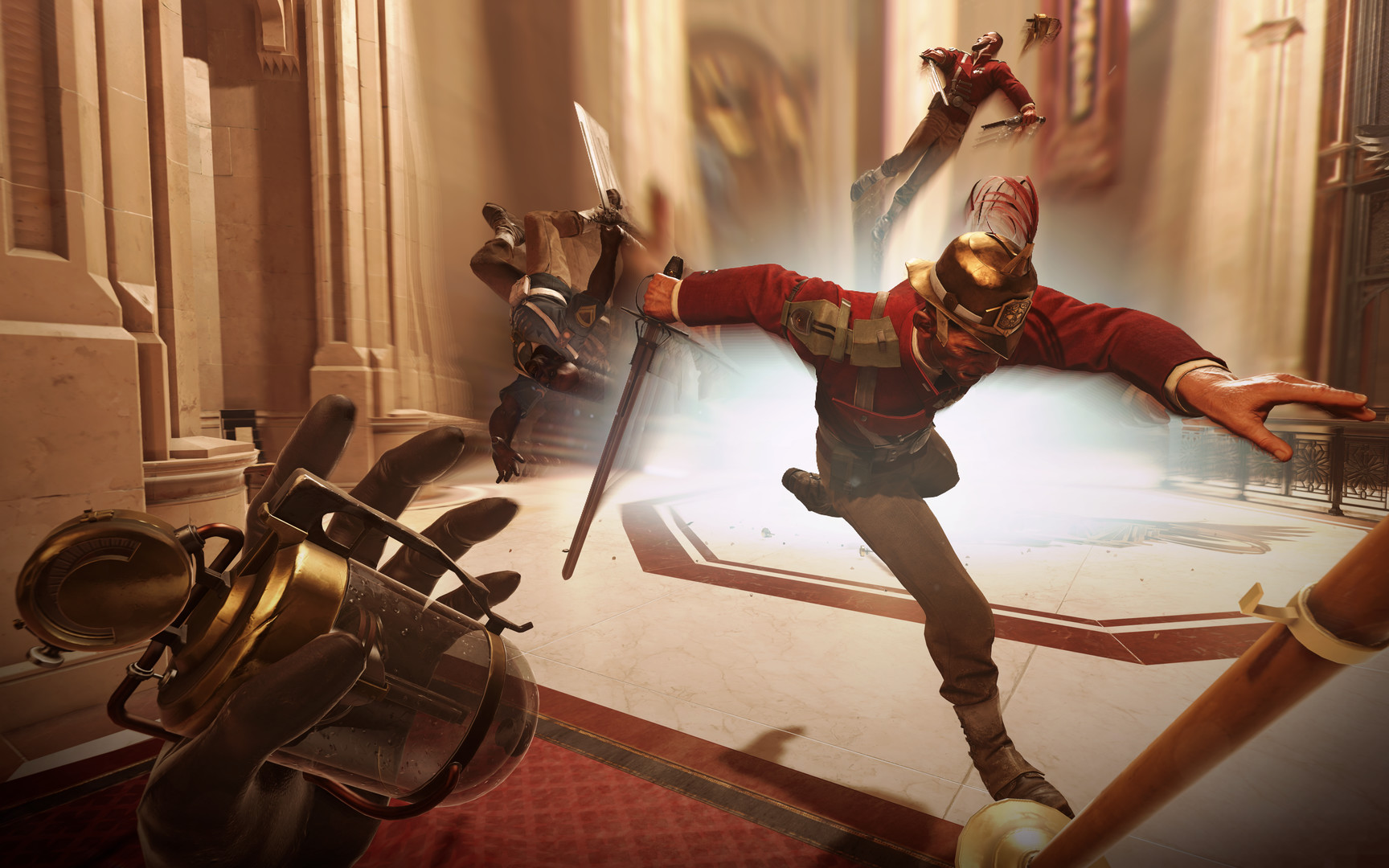
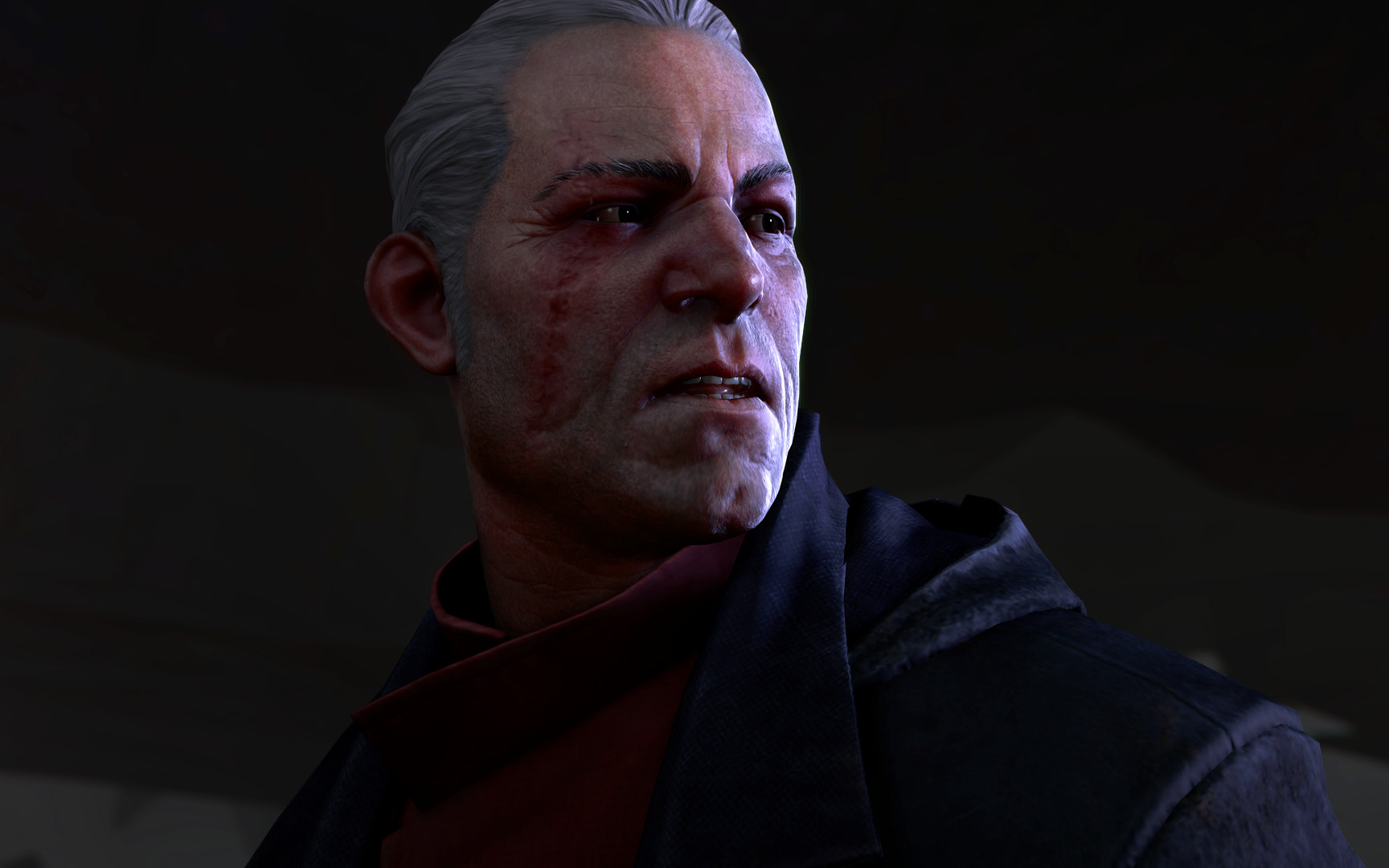
Screenshots


System requirements
Minimum
• Requires a 64-bit processor and operating system • OS *: Windows 7/8/10 (64 bit version) • Processor: Intel i5-2400 (4 core)/AMD FX-8320 (8 core) • Memory: 8 GB RAM • Graphics: NVidia GTX 660 2GB/AMD Radeon 7970 3GB • Storage: 32 GB available space
Recommended
• Requires a 64-bit processor and operating system • OS: Windows 10 (64 bit version) • Processor: Intel i7-4770 (4 core)/AMD FX-8350 (8 core) • Memory: 16 GB RAM • Graphics: NVidia GTX 1060 6GB/ AMD Radeon RX 480 8GB • Storage: 32 GB available space
Languages: English*, French*, Italian*, German*, Spanish - Spain*, Japanese*, Polish*, Russian*, Portuguese - Brazil*, Traditional Chinese
How to activate
Steam
- Start Steam on your computer and sign in to the account you will play on.
- In the Games menu, choose Activate a Product on Steam. You can also start from Add a Game at the bottom left.
- Go through the introductory screens, review Steam’s terms and paste the complete key without surrounding spaces.
- Finish activation, then find the game in your Library and select Install.
Xbox
- Open Microsoft’s redemption page using the button below.
- Sign in with the Microsoft account used on your Xbox. Check the email and profile before continuing.
- Paste the 25-character code and select Next. Check the displayed product or amount.
- Complete the confirmation prompts. Look for games in that account’s library and subscriptions under its services and subscriptions.
More from the series
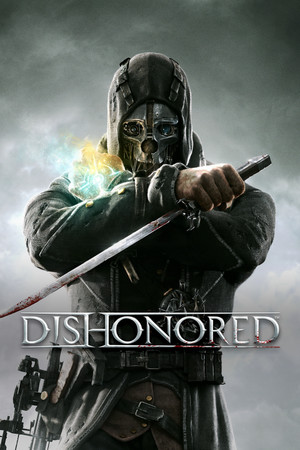 РФ ✓DishonoredSteamfrom $1.78160 ₽3 offers
 Dishonored 2 (Xbox One)Xboxfrom $5.98510 ₽2 offersDishonored Definitive Edition (Xbox One)Xboxfrom $8.60740 ₽2 offersРФ ✓Dishonored (Complete Collection)Steamfrom $14.611,250 ₽2 offersРФ ✓Dishonored (Definitive Edition)Steamfrom $6.84590 ₽2 offersРФ ✓Dishonored 2Steamfrom $4.28370 ₽2 offersРФ ✓Dishonored - Game of the Year EditionUbisoft Connectfrom $31.382,680 ₽
Game details from Steam.