
DOOM Eternal (The Rip and Tear Pack)
- Genres
- Action
- Release
- Mar 19, 2020
- Developer
- id Software
- Metacritic
Lowest price across all offers
from $2.65230 ₽
Offers
The price depends on the platform and the activation region.
- WorldwideWorks in RussiaDOOM Eternal - The Rip and Tear Pack$2.65230 ₽1
- EuropeNot for RussiaDoom Eternal: The Rip and Tear Pack$4.70410 ₽1
About the game
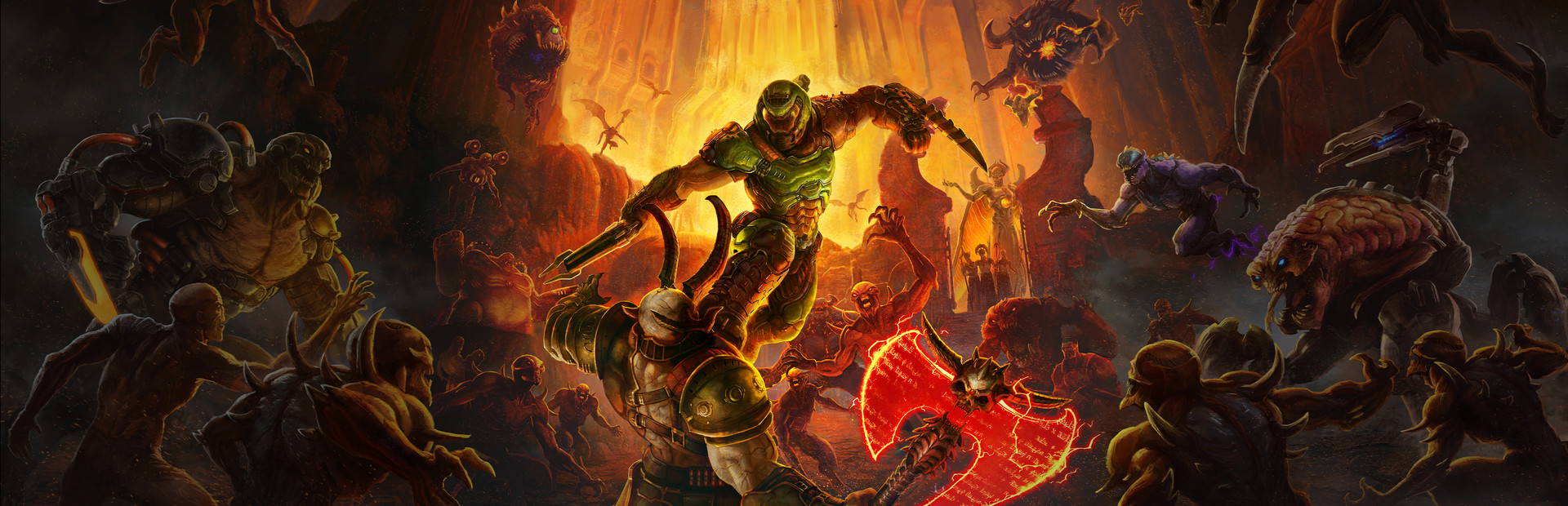
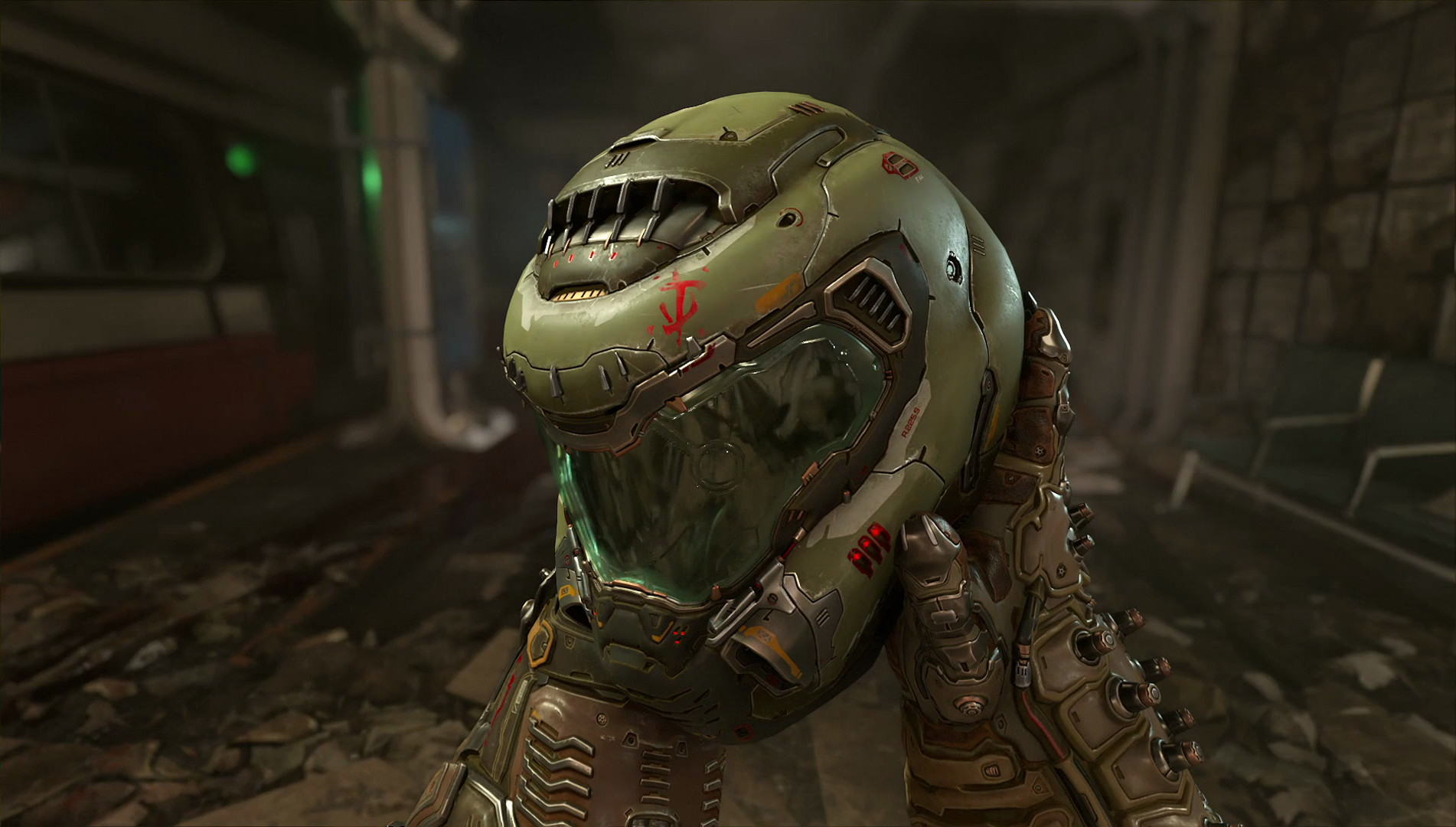
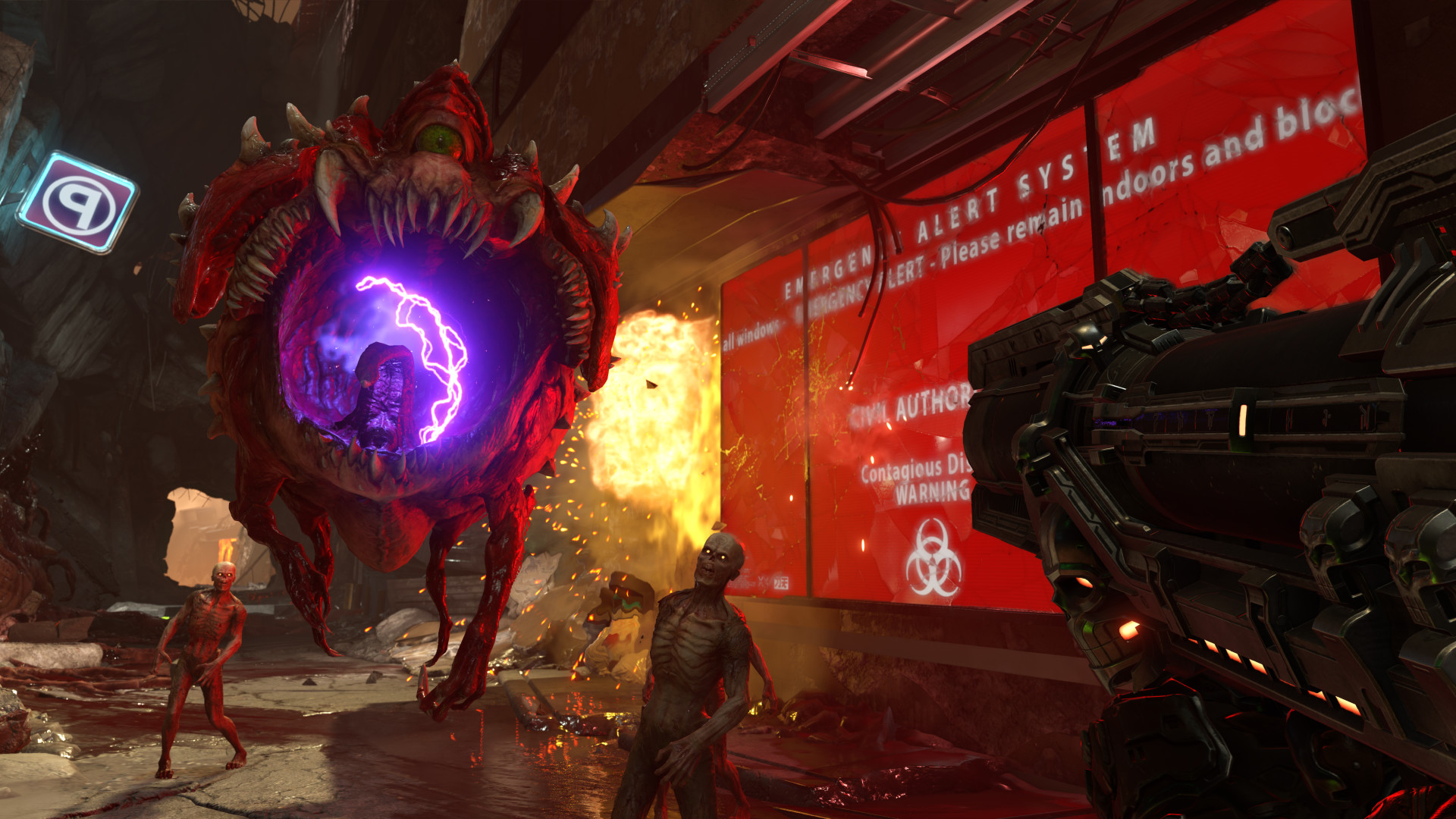
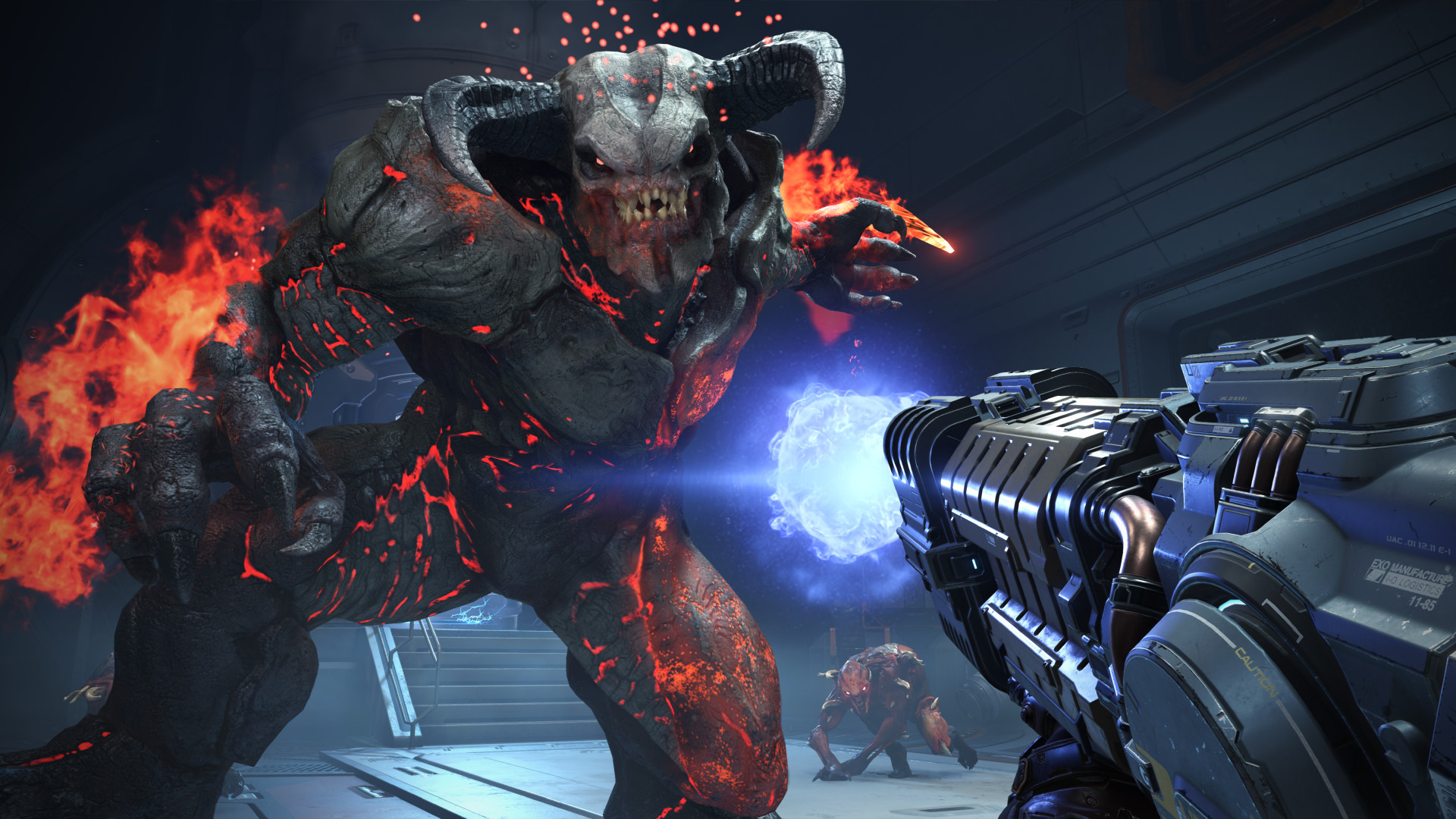
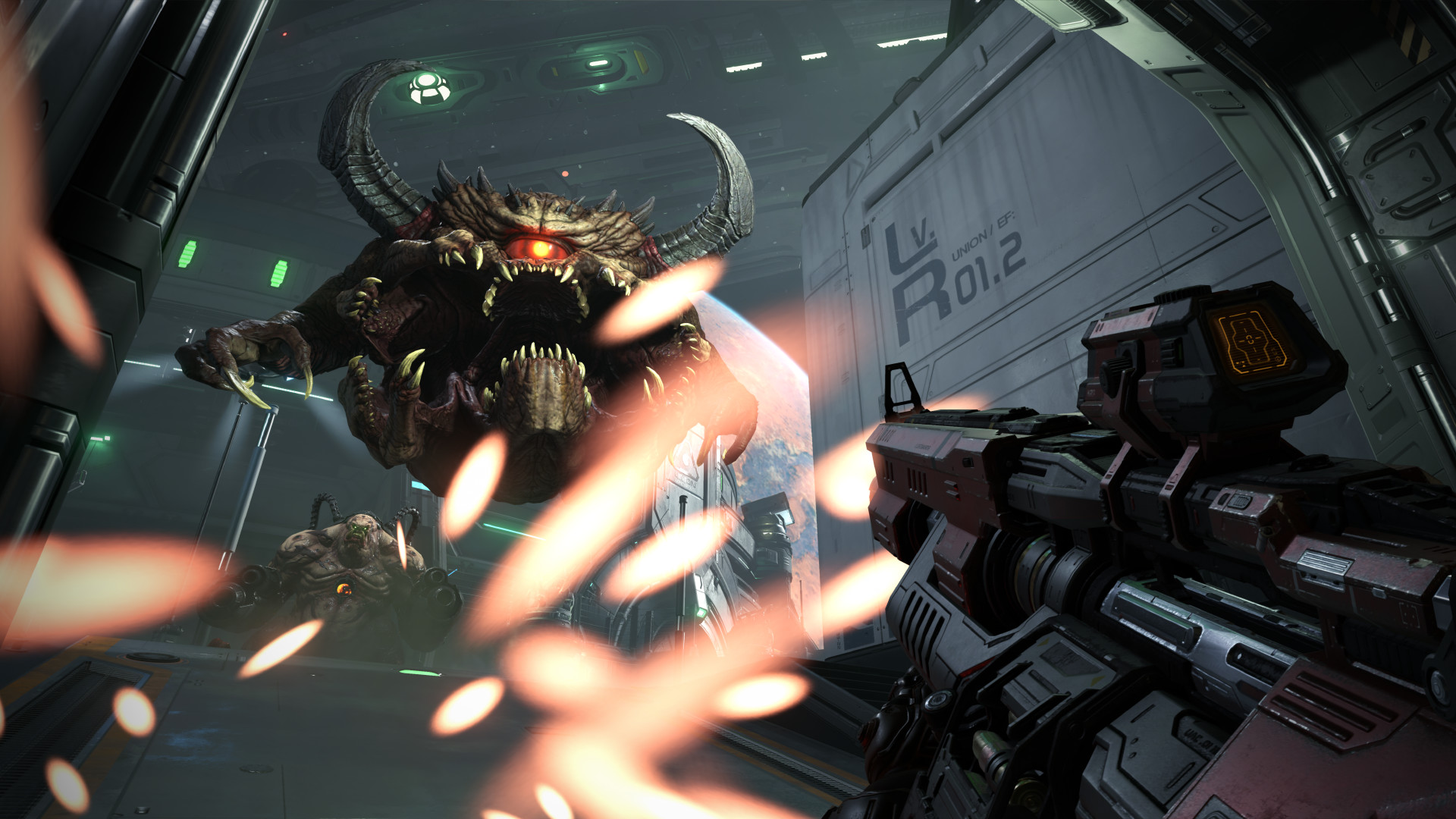
Hell’s armies have invaded Earth. Become the Slayer in an epic single-player campaign to conquer demons across dimensions and stop the final destruction of humanity. The only thing they fear... is you.
Pictures and description are of the base game on Steam.
Screenshots
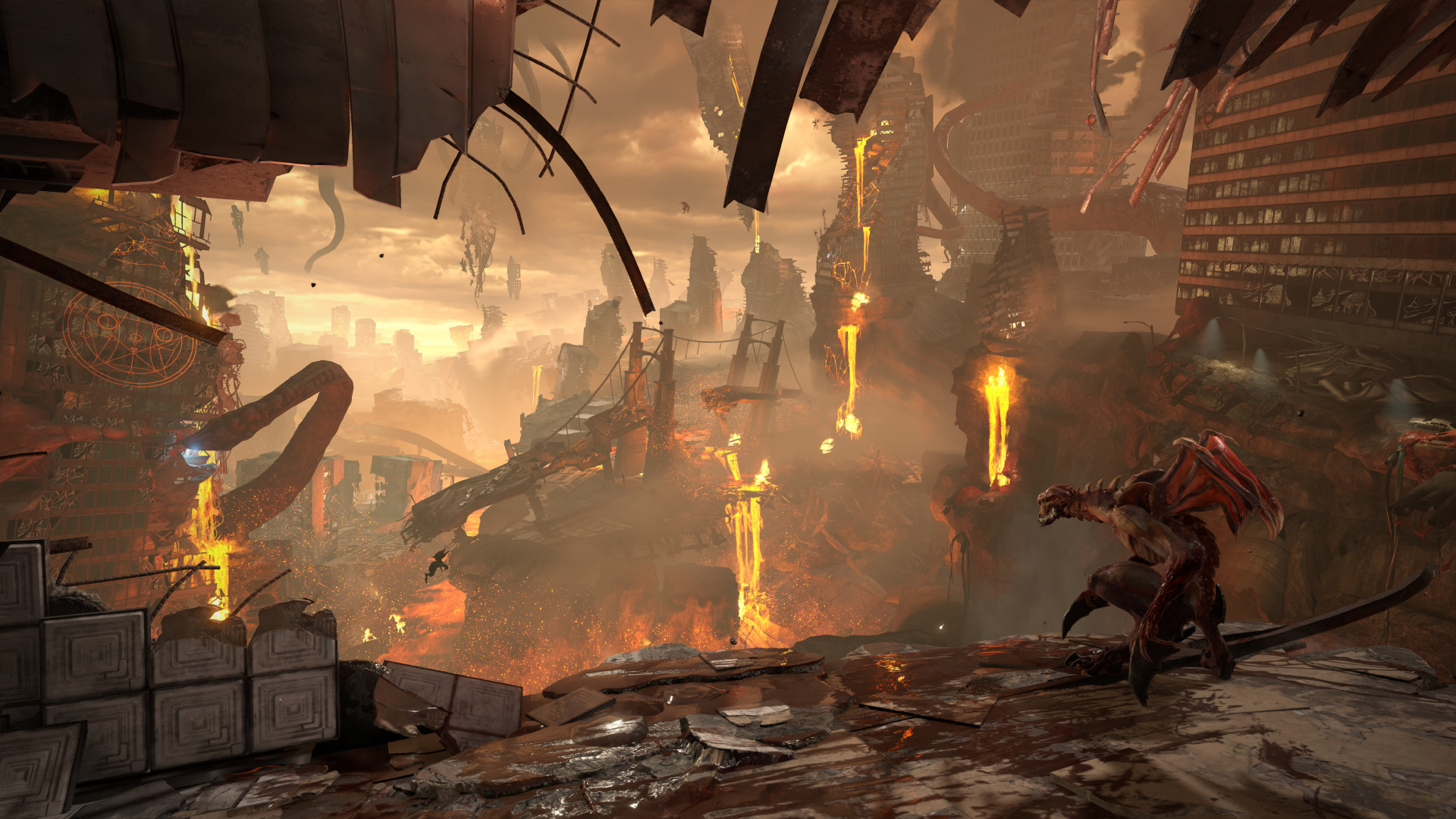
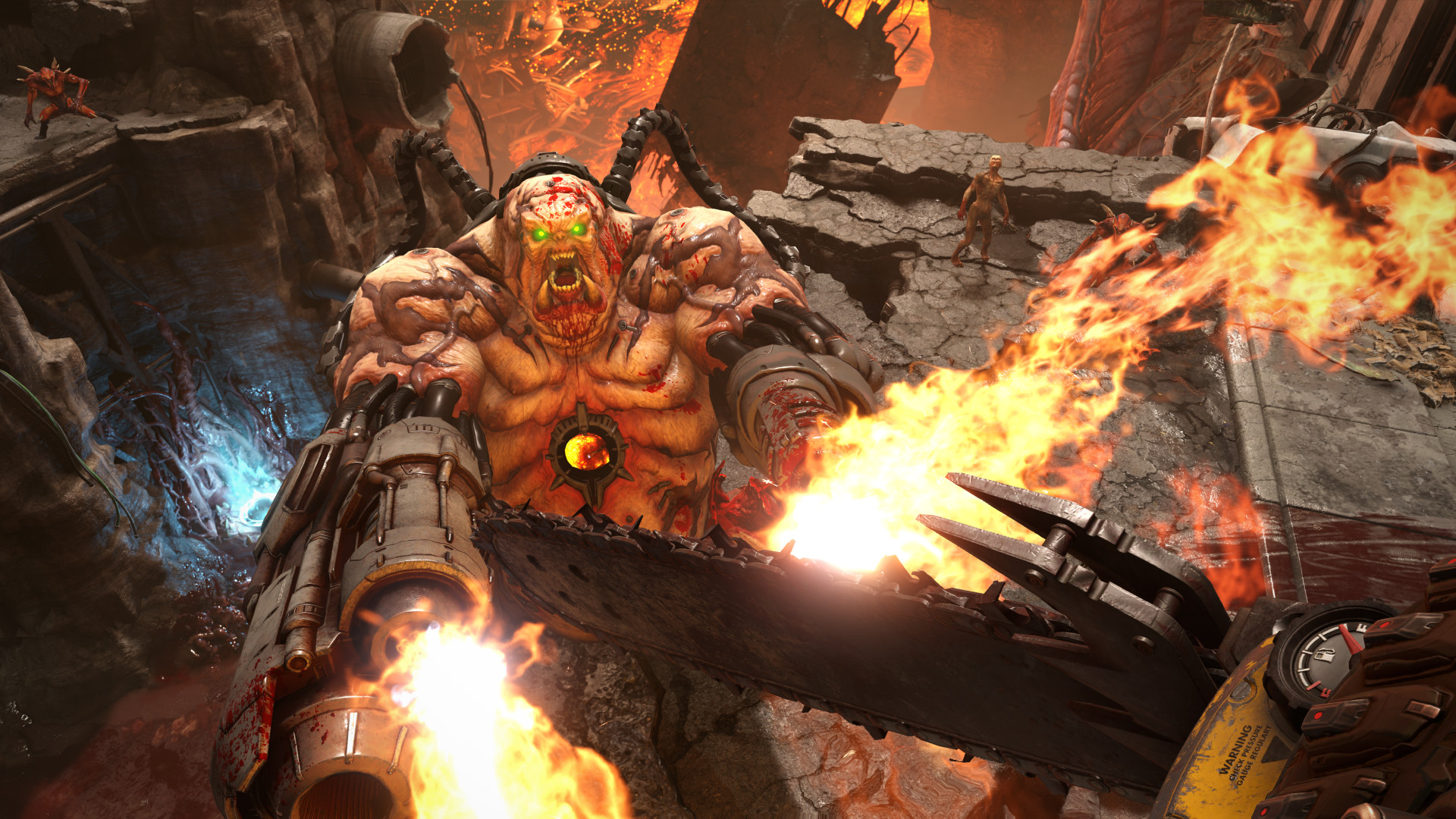
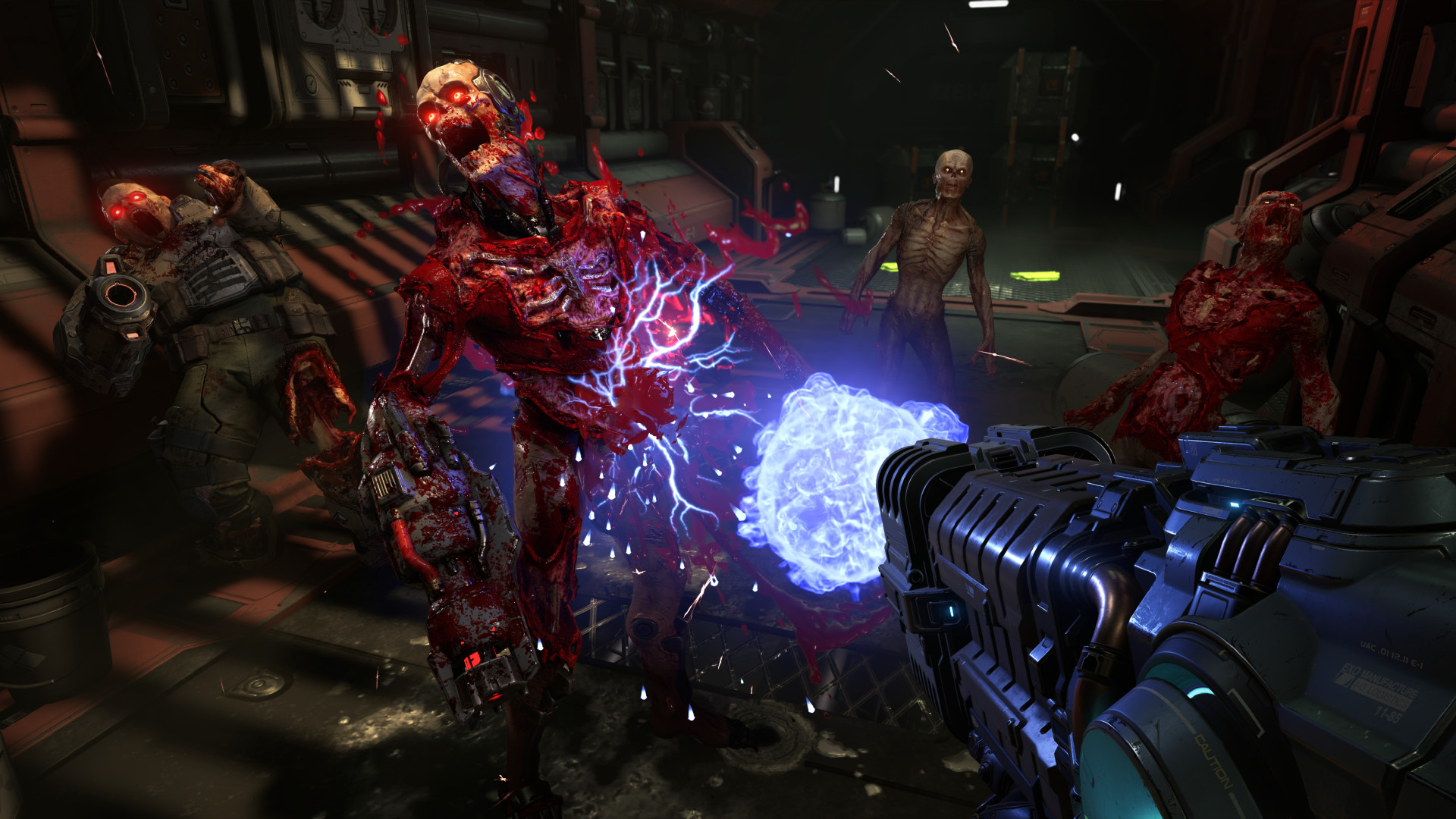
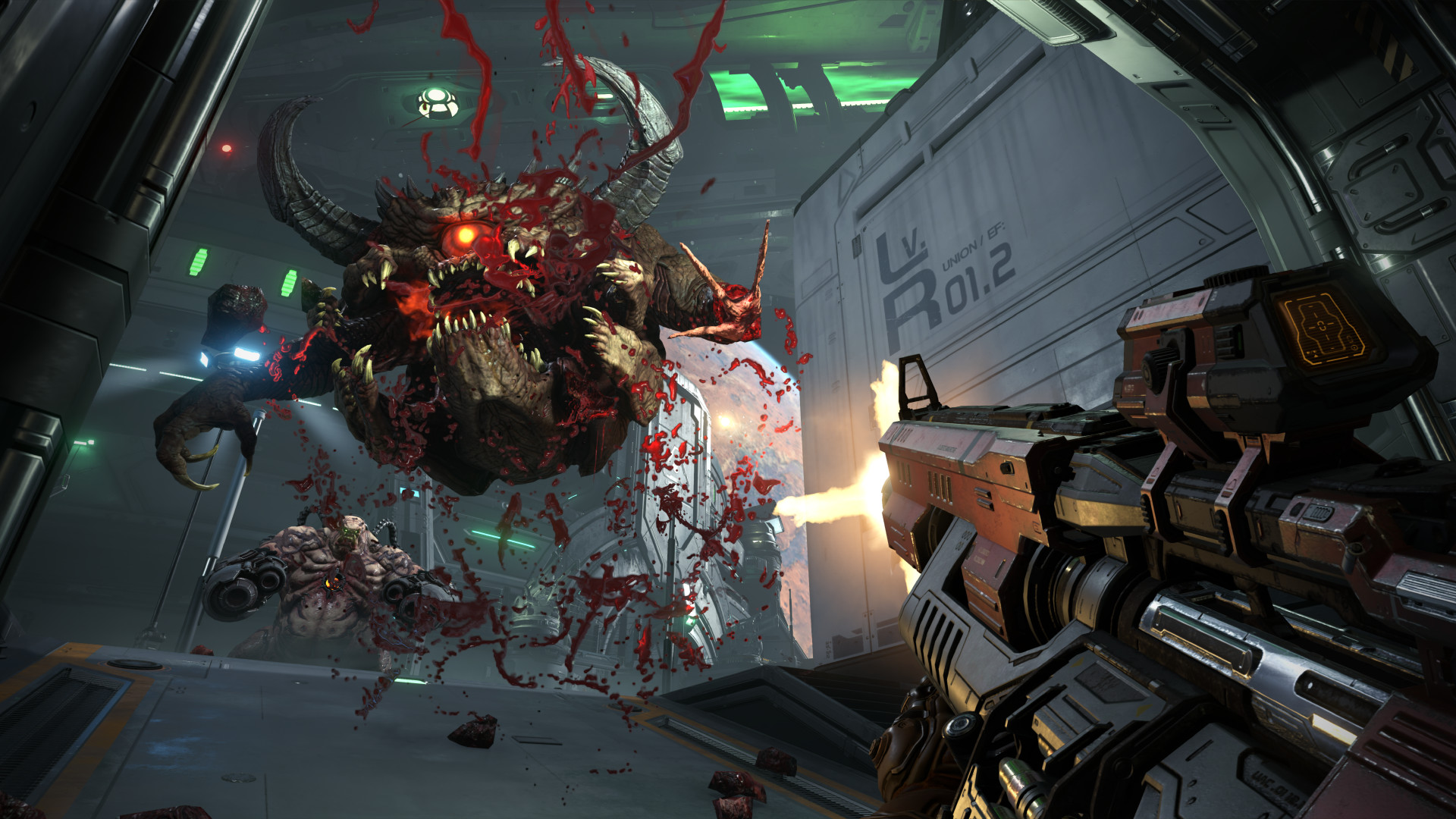
System requirements
Minimum
• Requires a 64-bit processor and operating system • OS *: 64-bit Windows 7 / 64-Bit Windows 10 • Processor: Intel Core i5 @ 3.3 GHz or better, or AMD Ryzen 3 @ 3.1 GHz or better • Memory: 8 GB RAM • Graphics: NVIDIA GeForce GTX 1050Ti (4GB), GTX 1060 (3GB), GTX 1650 (4GB) or AMD Radeon R9 280(3GB), AMD Radeon R9 290 (4GB), RX 470 (4GB) • Network: Broadband Internet connection • Storage: 80 GB available space • Additional Notes: ( 1080p / 60 FPS / Low Quality Settings )
Recommended
• Requires a 64-bit processor and operating system • OS: 64-bit Windows 10 • Processor: Intel Core i7-6700K or better, or AMD Ryzen 7 1800X or better • Memory: 8 GB RAM • Graphics: NVIDIA GeForce GTX 1060 (6GB), NVIDIA GeForce 970 (4GB), AMD RX 480 (8GB) • Network: Broadband Internet connection • Storage: 80 GB available space • Additional Notes: ( 1080p / 60 FPS / High Quality Settings ) - *On NVIDIA GTX 970 cards Texture Quality should be set to Medium
Languages: English*, French*, Italian*, German*, Spanish - Spain*, Japanese*, Korean, Portuguese - Brazil*, Simplified Chinese, Spanish - Latin America*, Traditional Chinese, Polish*, Russian*
How to activate
Steam
- Start Steam on your computer and sign in to the account you will play on.
- In the Games menu, choose Activate a Product on Steam. You can also start from Add a Game at the bottom left.
- Go through the introductory screens, review Steam’s terms and paste the complete key without surrounding spaces.
- Finish activation, then find the game in your Library and select Install.
More from the series
РФ ✓DOOM EternalSteamMicrosoft Storefrom $0.8070 ₽9 offers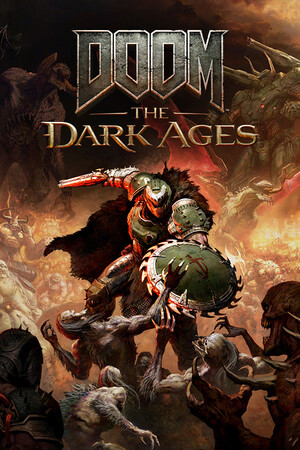 РФ ✓DOOM: The Dark AgesSteamfrom $17.551,500 ₽8 offersРФ ✓DOOM Eternal (Deluxe Edition)Steamfrom $15.711,340 ₽7 offers
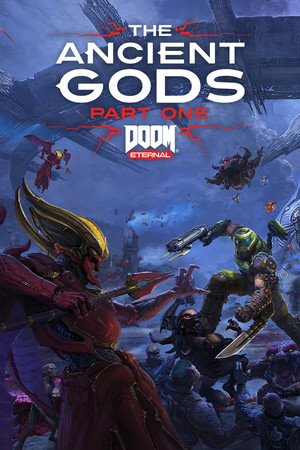 РФ ✓DOOM Eternal: The Ancient Gods - Part One (Xbox One)Xboxfrom $9.83840 ₽3 offersРФ ✓DOOM: The Dark Ages (Xbox Series X|S)Xboxfrom $32.162,740 ₽3 offersРФ ✓Doom: The Dark Ages (Premium Edition) (Xbox Series X|S)Xboxfrom $65.565,590 ₽3 offers
 РФ ✓DOOM 64 (Xbox One)Xboxfrom $2.37210 ₽2 offers
 Doom 3 (Xbox One)Xboxfrom $5.84500 ₽2 offers
Game details from Steam.