


Dragon's Dogma: Dark Arisen
- Genres
- Action · Adventure · RPG
- Release
- Jan 15, 2016
- Developer
- Capcom
- Metacritic
Lowest price across all offers
from $5.44470 ₽
Offers
The price depends on the platform and the activation region.
- EuropeNot for Russia$13.201,130 ₽1
About the game
Set in a huge open world, Dragon’s Dogma: Dark Arisen presents a rewarding action combat experience.
Screenshots
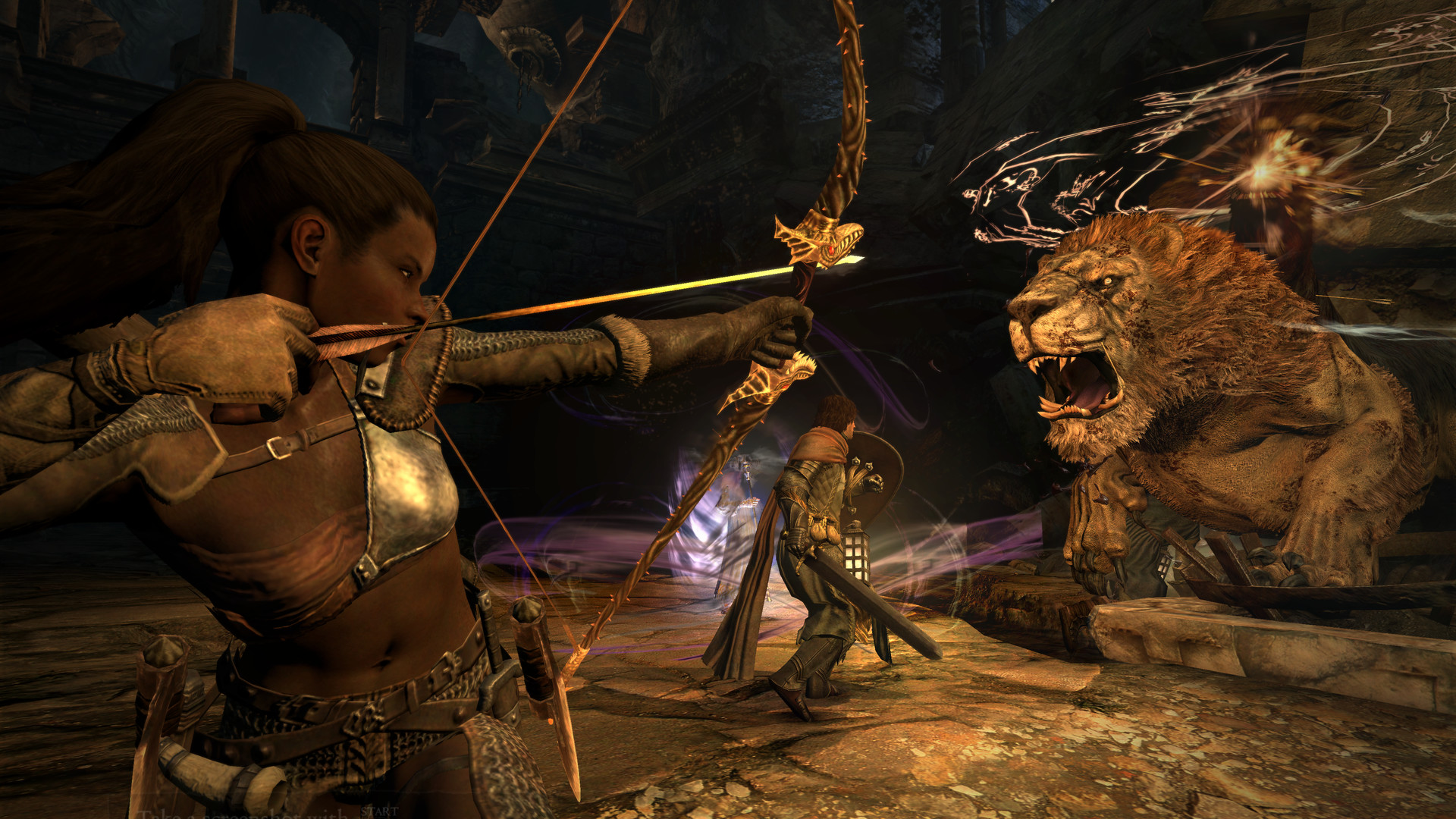
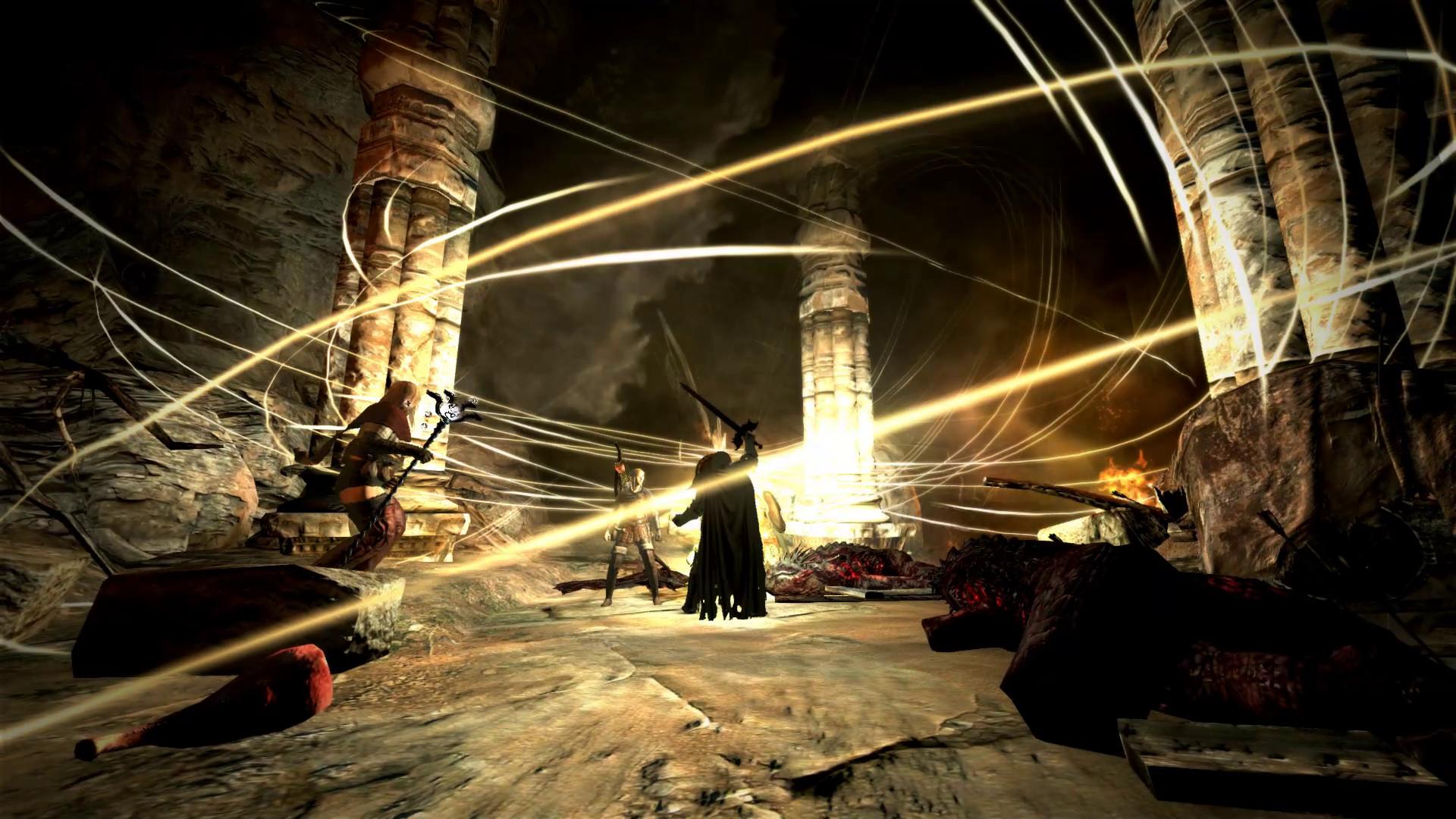
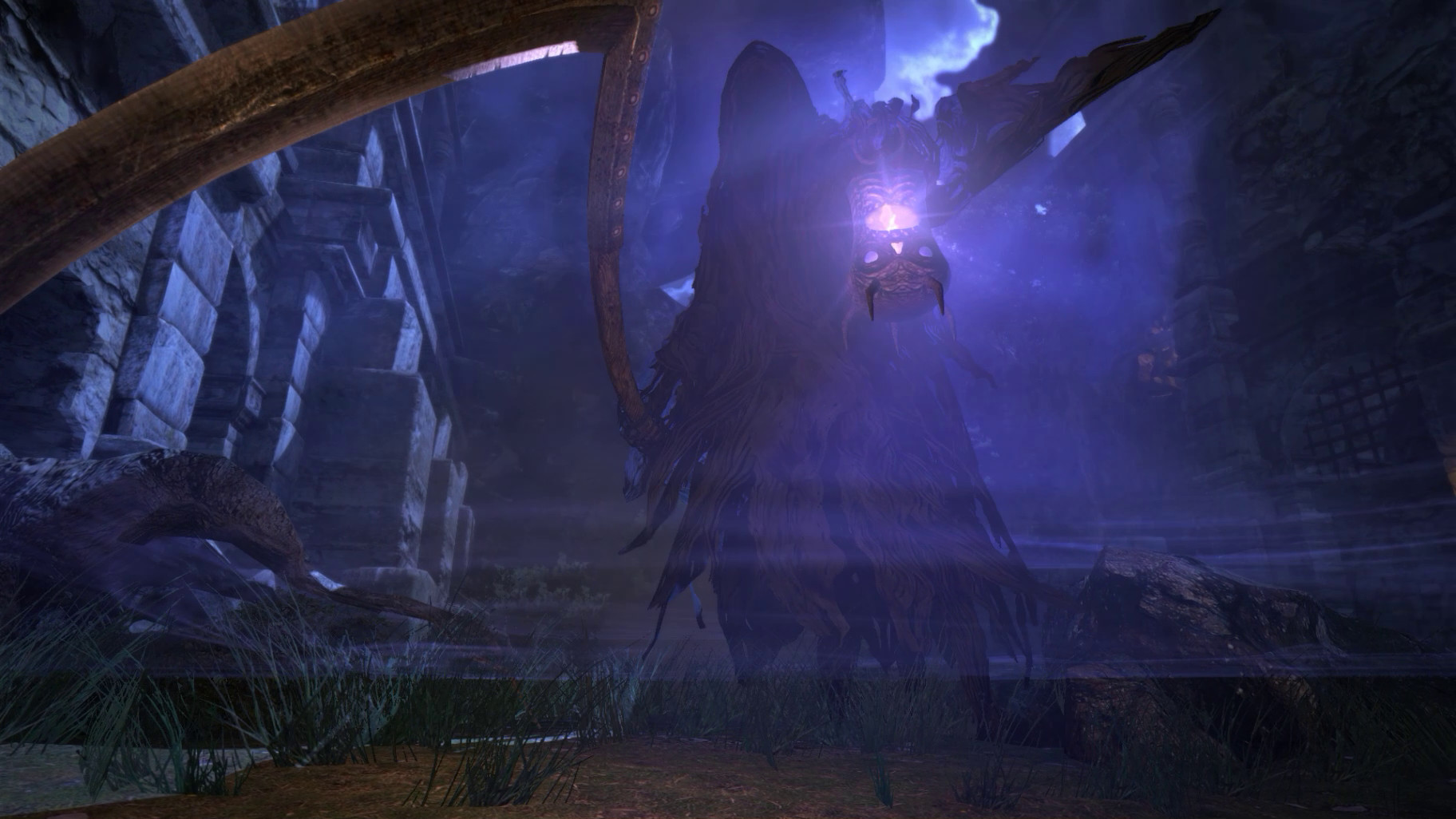
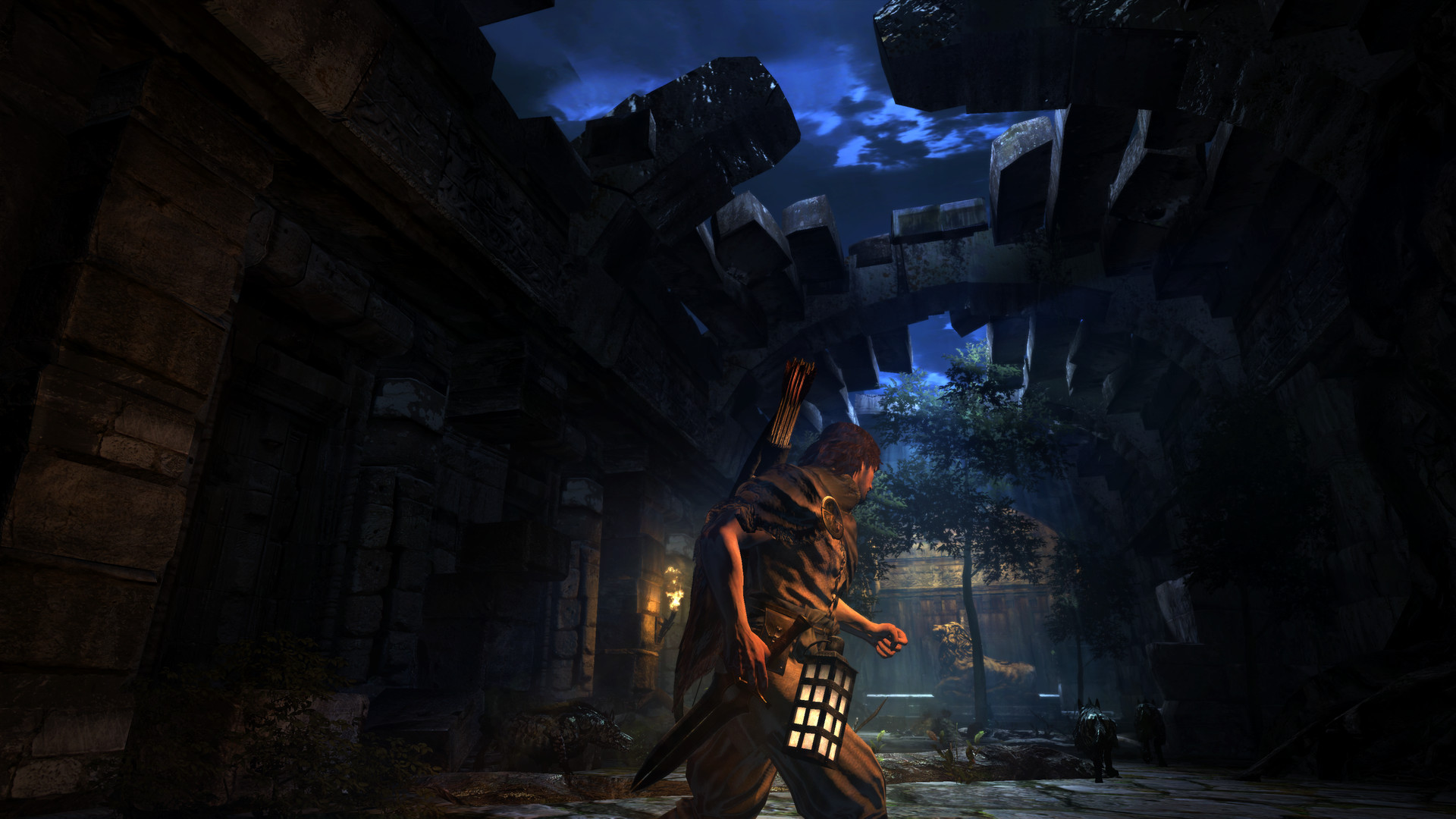
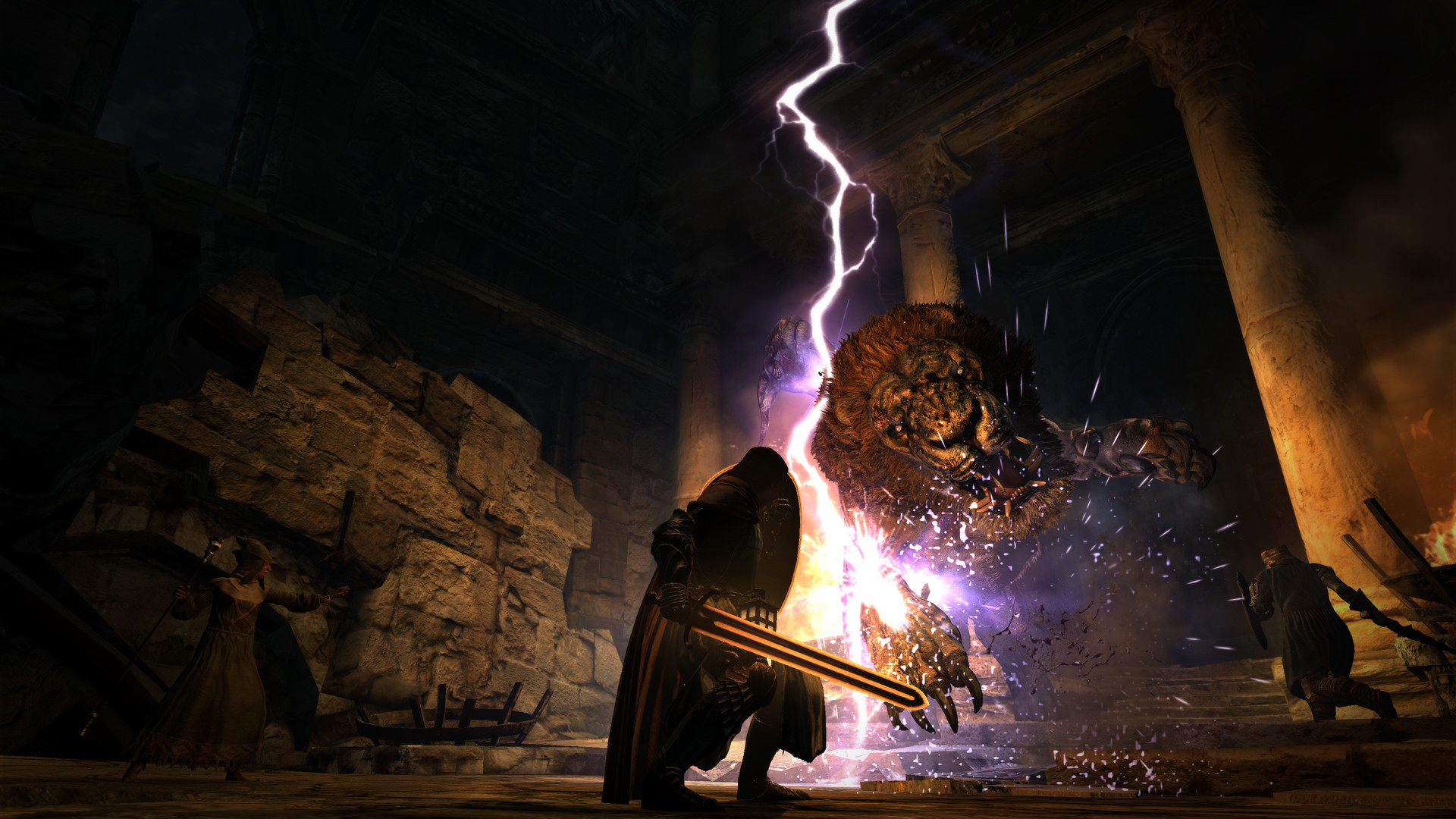
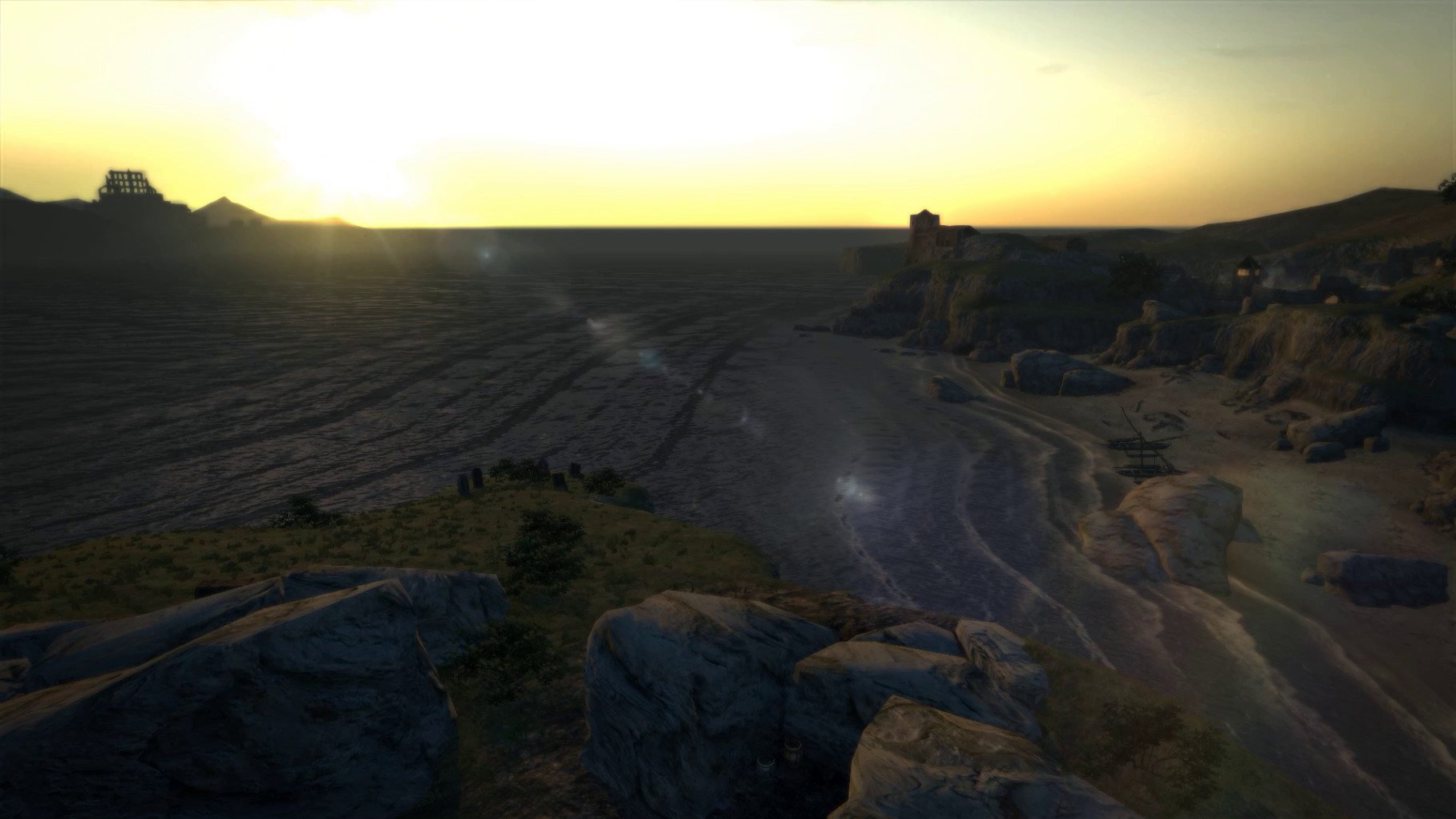


System requirements
Minimum
• OS *: Windows Vista or newer (32 or 64 bit) • Processor: Intel Core i5 660 CPU or equivalent • Memory: 4 GB RAM • Graphics: Radeon HD 5870 or equivalent • DirectX: Version 9.0c • Network: Broadband Internet connection • Storage: 20 GB available space • Sound Card: DirectX-compatible sound card or onboard audio chip • Additional Notes: 1) Supports Keyboard+Mouse and XInput/DirectInput devices including Xbox 360, Xbox One, DualShock4 and Steam Controller. 2) Some high end integrated graphics chips and modern gaming laptops with a discrete GPU may work but have not been tested, nor are they officially supported by Capcom.
Recommended
• OS *: Windows 7/8/10 • Processor: Intel Core i7-4770K or equivalent • Memory: 8 GB RAM • Graphics: NVIDIA GeForce GTX 760 or equivalent • DirectX: Version 9.0c • Network: Broadband Internet connection • Storage: 20 GB available space • Sound Card: DirectX-compatible sound card or onboard audio chip • Additional Notes: 1) Supports Keyboard+Mouse and XInput/DirectInput devices including Xbox 360, Xbox One, DualShock4 and Steam Controller. 2) Some high end integrated graphics chips and modern gaming laptops with a discrete GPU may work but have not been tested, nor are they officially supported by Capcom.
Languages: English*, French, Italian, German, Spanish - Spain, Japanese, Traditional Chinese
How to activate
Steam
- Start Steam on your computer and sign in to the account you will play on.
- In the Games menu, choose Activate a Product on Steam. You can also start from Add a Game at the bottom left.
- Go through the introductory screens, review Steam’s terms and paste the complete key without surrounding spaces.
- Finish activation, then find the game in your Library and select Install.
Xbox
- Open Microsoft’s redemption page using the button below.
- Sign in with the Microsoft account used on your Xbox. Check the email and profile before continuing.
- Paste the 25-character code and select Next. Check the displayed product or amount.
- Complete the confirmation prompts. Look for games in that account’s library and subscriptions under its services and subscriptions.
Nintendo
- Connect your console to the internet and launch Nintendo eShop from HOME.
- Choose the user linked to the intended Nintendo Account. Check the account country and code region.
- Choose Enter Code / Redeem Code in the left menu and enter the 16-character download code.
- Confirm redemption. Games begin downloading and appear on HOME. eShop cards and Nintendo Switch Online codes use this route too.
More from the series
 РФ ✓Dragon's Dogma 2 (Xbox Series X|S)Xboxfrom $65.955,620 ₽7 offersРФ ✓Dragon's Dogma 2Steamfrom $15.251,300 ₽6 offersРФ ✓Dragon's Dogma 2 (Deluxe Edition)Steamfrom $35.633,040 ₽2 offersDragon's Dogma: Dark Arisen (Xbox One)Xboxfrom $8.89760 ₽Dragon's Dogma II | Deluxe EditionSteamfrom $45.813,910 ₽
 СНГDragon's Dogma 2: Dark ArisenSteamfrom $33.862,890 ₽3 offers
Game details from Steam.