

Duke Nukem Forever: The Doctor Who Cloned Me
- Genres
- Action
- Developer
- Gearbox Software
- Metacritic
Lowest price across all offers
from $0.4750 ₽
Offers
The price depends on the platform and the activation region.
- EuropeNot for RussiaDuke Nukem Forever - The Doctor Who Cloned Me$0.4750 ₽1
About the game
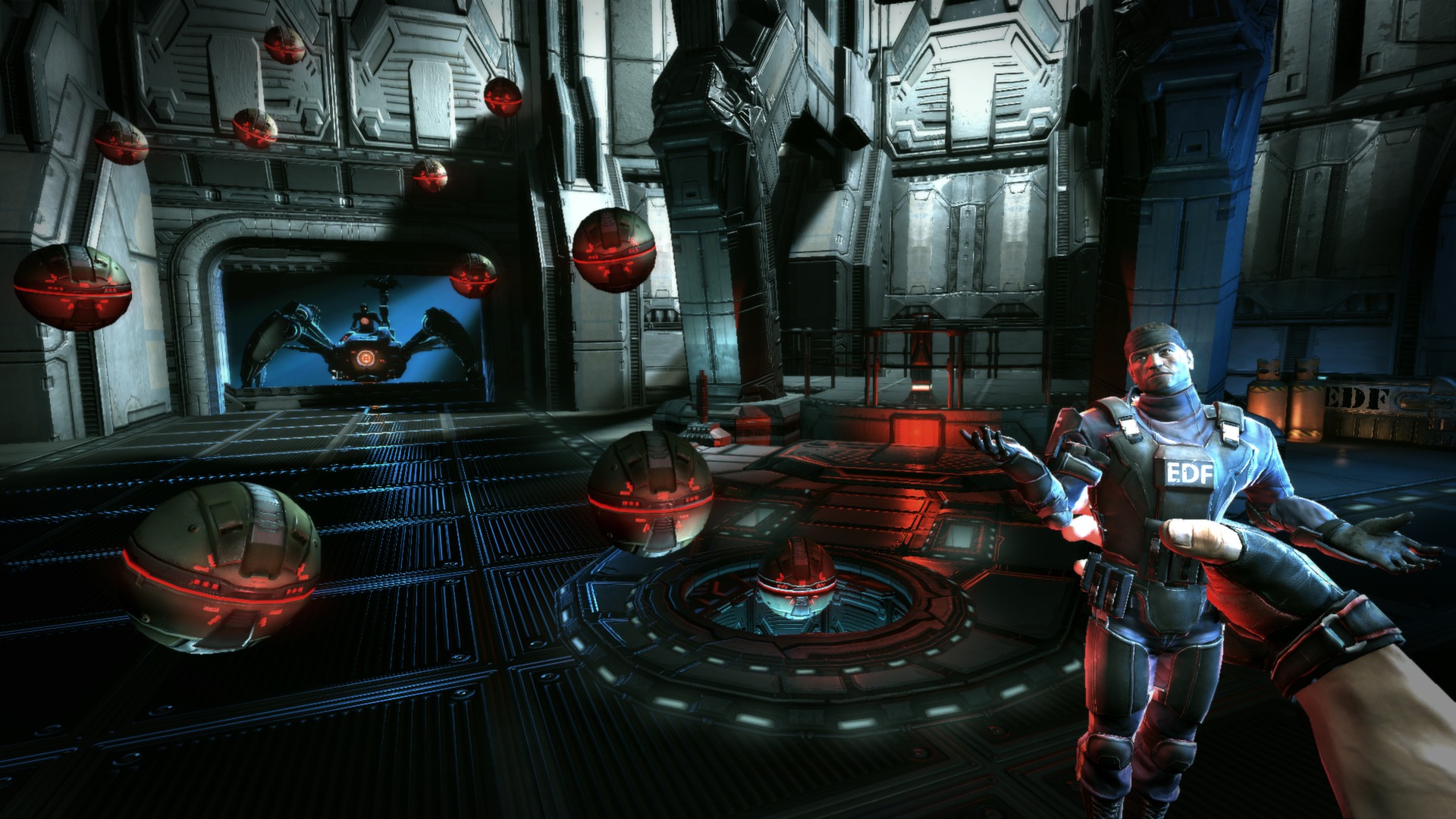
Duke Nukem Forever’s new Add-On Content, Duke Nukem: The Doctor Who Cloned Me is bursting with all of the over-the-top Duke goodness fans love. Deep in the heart of Area 51, Dr Proton has been hatching his evil plan.
Screenshots



System requirements
Minimum
• OS *: Windows XP/Vista/7 • Processor: Intel Core 2 Duo @ 2.0 Ghz / AMD Athlon 64 X2 @ 2.0 Ghz • Memory: 1 Gb • Hard Disk Space: 10 Gb free • Video Memory: 256 MB • Video Card: nVidia GeForce 7600 / ATI Radeon HD 2600 • Sound Card: DirectX Compatible • OTHER REQUIREMENTS & SUPPORTS: Initial installations required (included with the game) are Microsoft DirectX, Visual C++ 2005 Redistributable (ATL), Visual C++ 2008 Redistributable, and AMD Dual Core Optimizer. (AMD optimizer required only for specific AMD processors to run the game correctly, but installs for all of them.) • OTHER REQUIREMENTS & SUPPORTS: Does not support Windows XP 64
Recommended
• OS *: Windows XP/Vista/7 • Processor: Intel Core 2 Duo @ 2.4 Ghz / AMD Athlon 64 X2 @ 2.6 Ghz • Memory: 2GB • Hard Disk Space: 10 Gb free • Video Memory: 512 MB • Video Card: nVidia GeForce 8800 GTS / ATI Radeon HD 3850 • Sound Card: DirectX Compatible • OTHER REQUIREMENTS & SUPPORTS: Initial installations required (included with the game) are Microsoft DirectX, Visual C++ 2005 Redistributable (ATL), Visual C++ 2008 Redistributable, and AMD Dual Core Optimizer. (AMD optimizer required only for specific AMD processors to run the game correctly, but installs for all of them.)
Languages: English, French, German, Italian, Spanish - Spain
How to activate
Steam
- Start Steam on your computer and sign in to the account you will play on.
- In the Games menu, choose Activate a Product on Steam. You can also start from Add a Game at the bottom left.
- Go through the introductory screens, review Steam’s terms and paste the complete key without surrounding spaces.
- Finish activation, then find the game in your Library and select Install.
More from the series


Game details from Steam.