
Dying Light - Retrowave Bundle
- Genres
- Action · RPG
- Release
- Dec 19, 2019
- Developer
- Techland
Lowest price across all offers
from $1.45130 ₽
Offers
The price depends on the platform and the activation region.
- EuropeNot for Russia$1.45130 ₽1
About the game
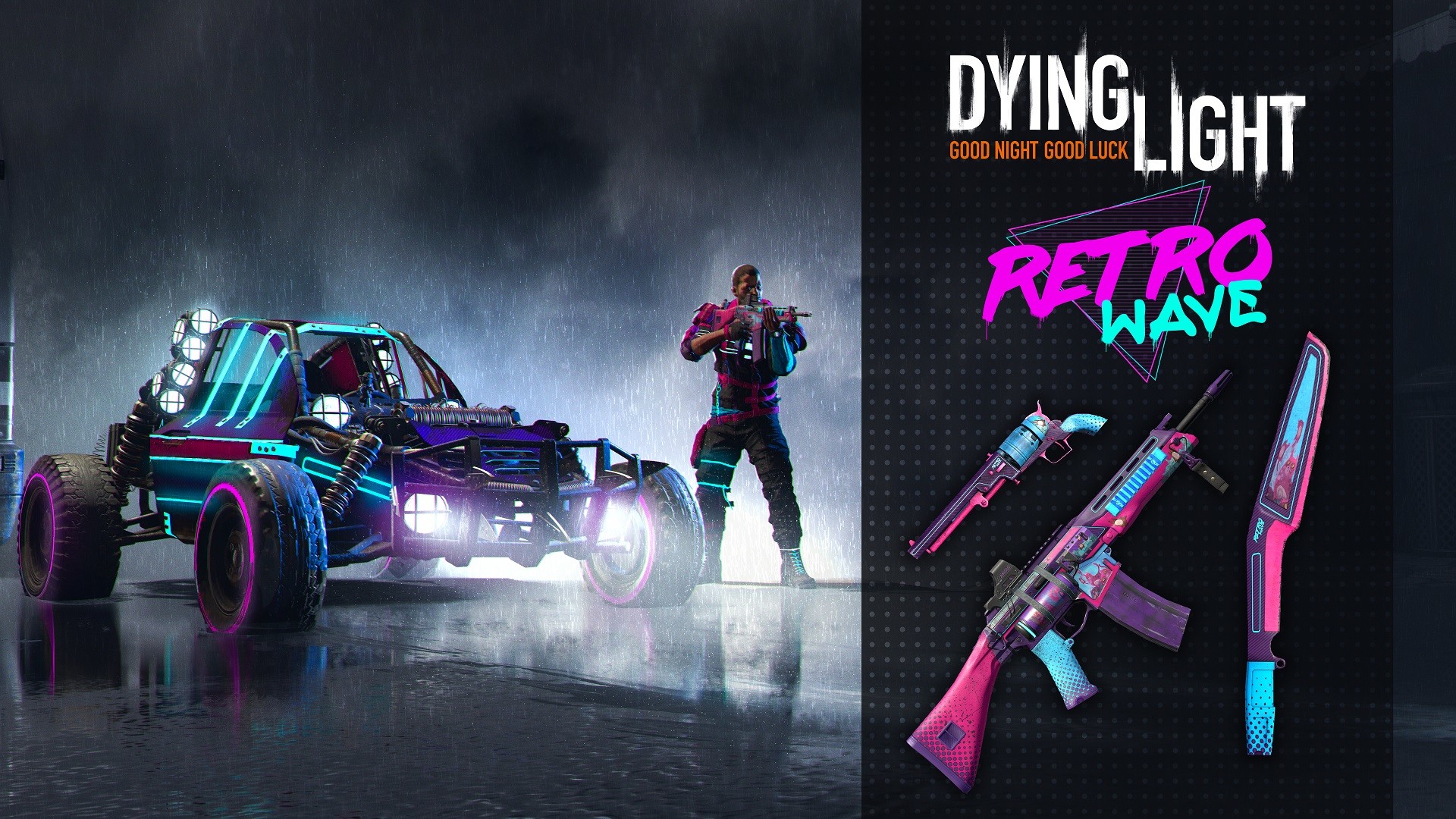
Surf the retrowave with this bold retrofuturistic gear. This bundle includes a new outfit (Night Rider), a new buggy paint job (Speedmaster Turbo), and three new weapon blueprints (Blademaxx machete, Vindicator 2000 revolver, and Volkatronix rifle that shoots electric bullets).
Screenshots
System requirements
Minimum
• OS *: Windows® 7 64-bit / Windows® 8 64-bit / Windows® 8.1 64-bit • Processor: Intel® Core™ i5-2500 @3.3 GHz / AMD FX-8320 @3.5 GHz • Memory: 4 GB RAM DDR3 • Hard Drive: 40 GB free space • Graphics: NVIDIA® GeForce® GTX 560 / AMD Radeon™ HD 6870 (1GB VRAM) • DirectX®: Version 11 • Sound: DirectX® compatible • Additional Notes: Laptop versions of graphics cards may work but are NOT officially supported. Windows-compatible keyboard, mouse, optional controller (Xbox 360 Controller for Windows recommended)
Recommended
• OS *: Windows® 7 64-bit / Windows® 8 64-bit / Windows® 8.1 64-bit • Processor: Intel® Core™ i5-4670K @3.4 GHz / AMD FX-8350 @4.0 GHz • Memory: 8 GB RAM DDR3 • Hard Drive: 40 GB free space • Graphics: NVIDIA® GeForce® GTX 780 / AMD Radeon™ R9 290 (2GB VRAM) • DirectX®: Version 11 • Sound: DirectX® compatible • Additional Notes: Laptop versions of graphics cards may work but are NOT officially supported. Windows-compatible keyboard, mouse, optional controller (Xbox 360 Controller for Windows recommended)
Languages: English*, French*, Italian*, German*, Spanish - Spain*, Dutch, Polish*, Portuguese - Brazil*, Russian, Korean, Simplified Chinese, Spanish - Latin America, Japanese, Thai, Traditional Chinese, Turkish, Czech
How to activate
Steam
- Start Steam on your computer and sign in to the account you will play on.
- In the Games menu, choose Activate a Product on Steam. You can also start from Add a Game at the bottom left.
- Go through the introductory screens, review Steam’s terms and paste the complete key without surrounding spaces.
- Finish activation, then find the game in your Library and select Install.
More from the series
 РФ ✓Dying Light 2 Stay Human: Reloaded EditionSteamfrom $9.65830 ₽3 offers
 Dying LightSteamfrom $3.74320 ₽2 offersРФ ✓Dying Light (Definitive 10th Anniversary Edition)Steamfrom $6.75580 ₽2 offersDying Light (Platinum Edition)Steamfrom $11.861,020 ₽2 offersDying Light (Definitive Edition)Steamfrom $9.81840 ₽2 offers
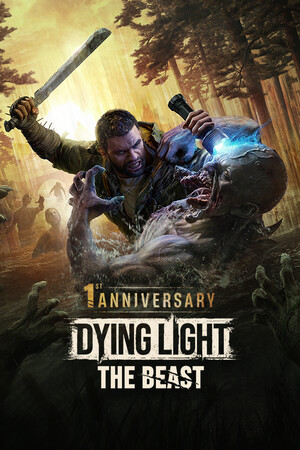 Dying Light: The BeastSteamfrom $25.702,190 ₽2 offersDying Light: The Beast Deluxe EditionSteamfrom $30.162,570 ₽2 offersDying Light: The Following Enhanced EditionSteamfrom $11.981,030 ₽
Game details from Steam.