


EA SPORTS FC™ 27 Ultimate Edition
- Genres
- Simulation · Sports
- Release
- Sep 24, 2026
- Developer
- EA CANADA, EA Romania
Lowest price across all offers
from $105.368,980 ₽
Offers
The price depends on the platform and the activation region.
- WorldwideWorks in RussiaEA Sports FC 27 | Ultimate Edition$106.519,080 ₽1
- EuropeNot for RussiaEA Sports FC 27 | Ultimate Edition$110.299,400 ₽1
- United StatesNot for RussiaEA Sports FC 27 (Ultimate Edition)$141.0912,020 ₽1
About the game
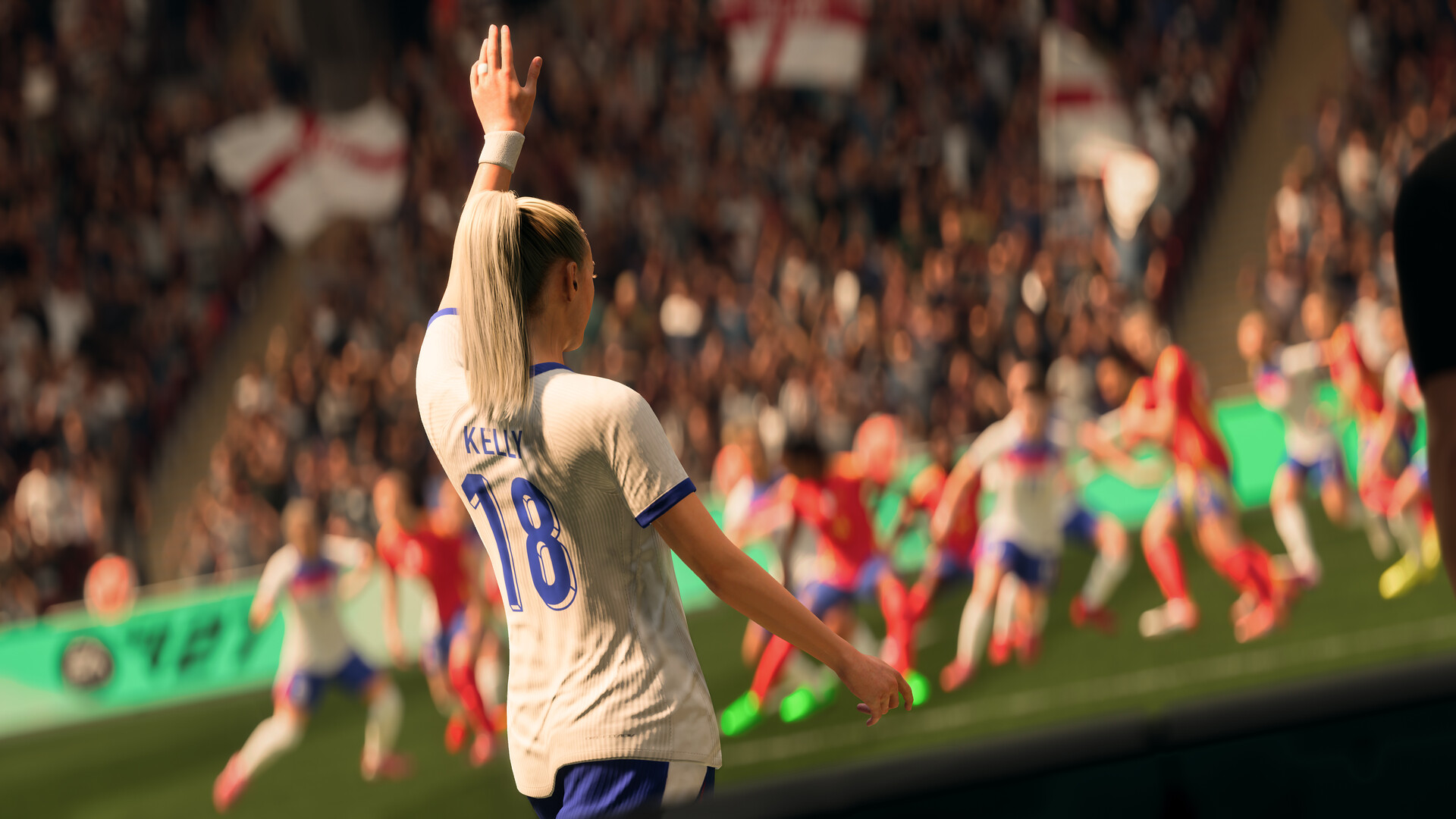
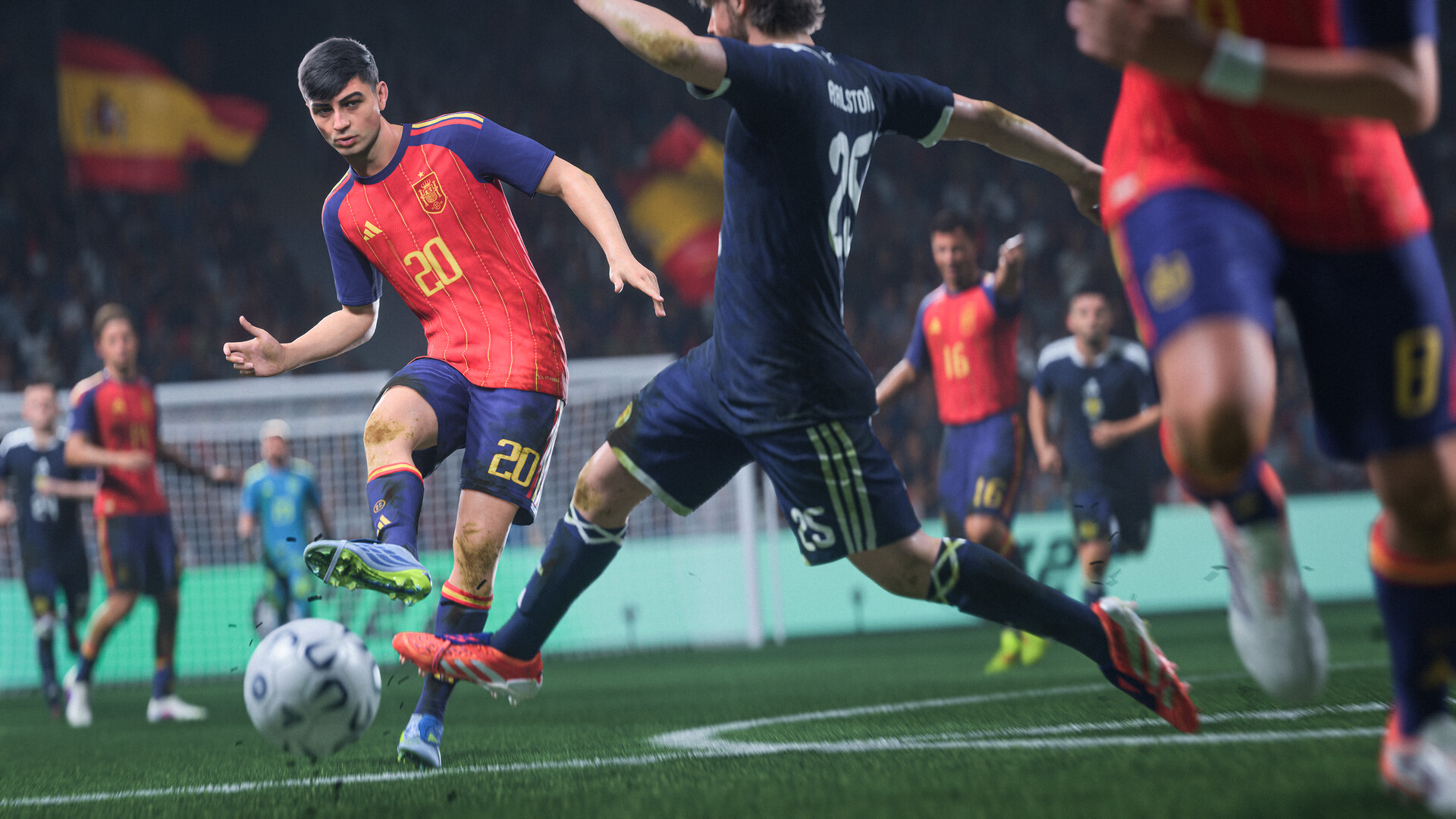
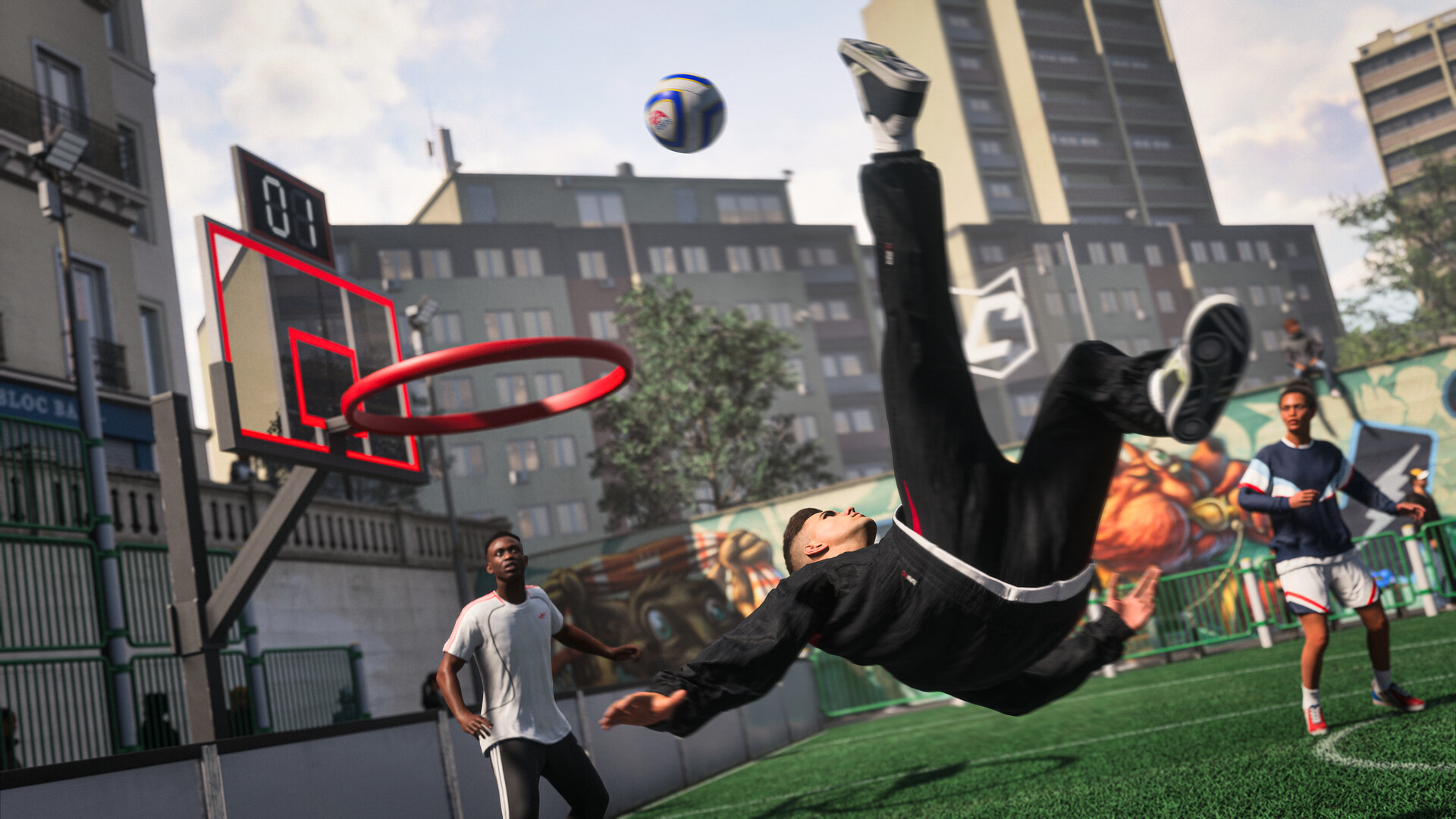
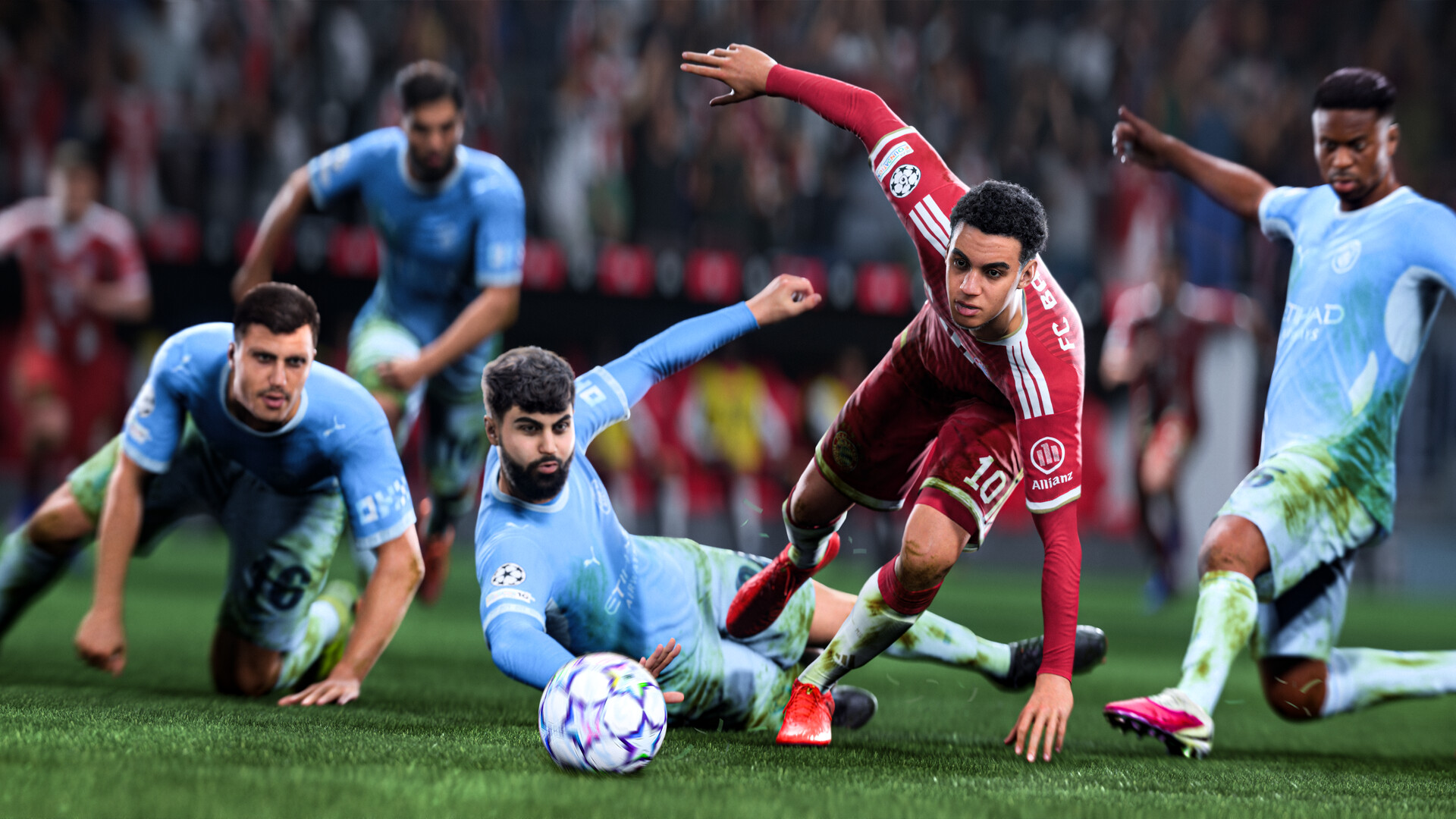
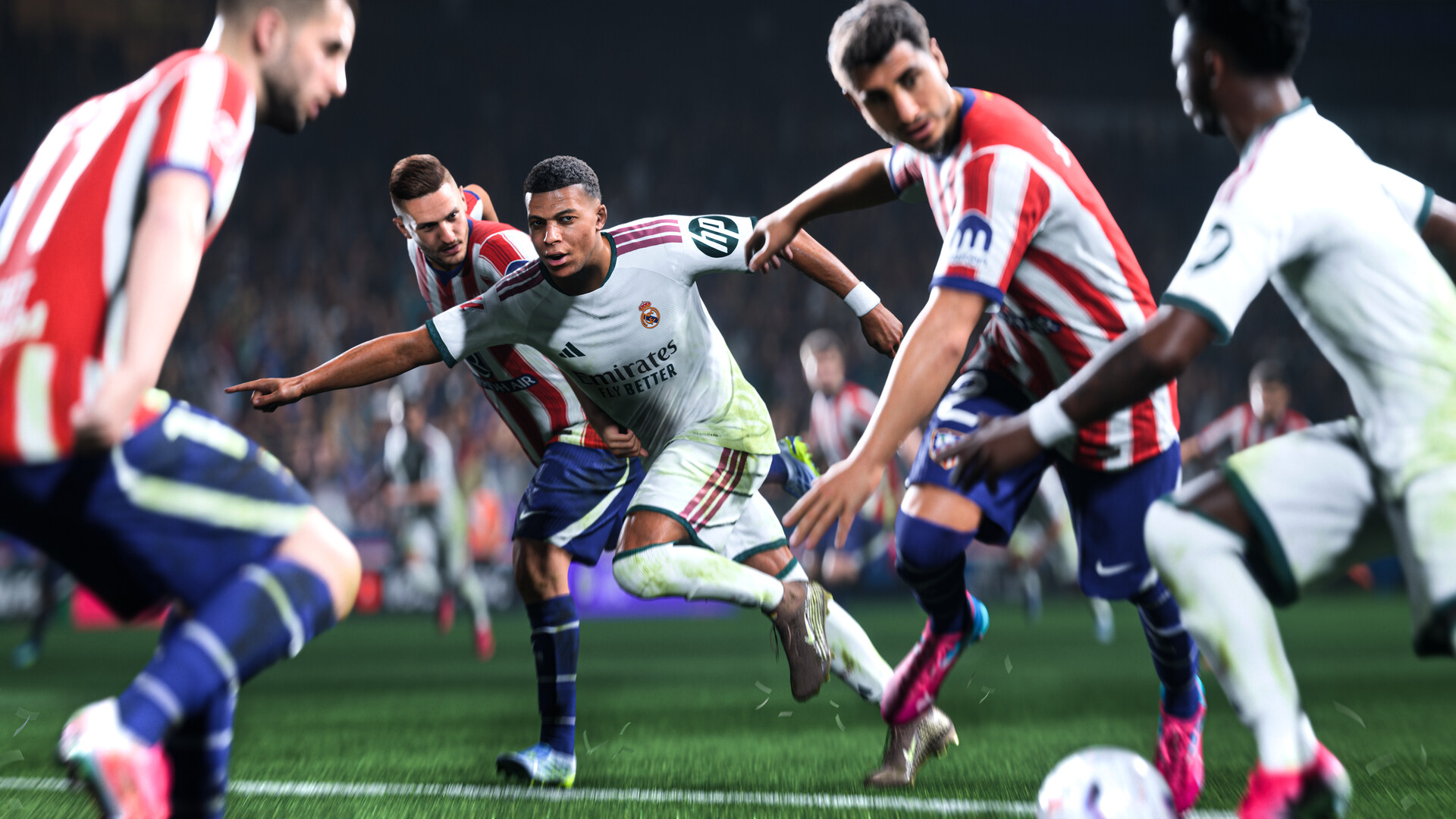
Welcome to The World’s Game in EA SPORTS FC™ 27. Step into The Grounds to experience a football playground where the streets meet the stadium, and feel greater control in every mode as community-driven innovations deliver more true-to-football gameplay.
Pictures and description are of the base game on Steam.
Screenshots


System requirements
Minimum
• OS: Windows 10/11 - 64-Bit (Latest Update). • Processor: AMD Ryzen 5 1600 or Intel Core i5 6600k • Memory: DDR4 Dual Channel 8 GB RAM • Graphics: AMD RX 570 or Nvidia GTX 1050 Ti • DirectX: Version 12 • Network: Broadband Internet connection • Storage: 100 GB available space • Additional Notes: Estimated performance when set to ""Low"" preset: 1280x720 @ 60 FPS SSD Recommended
Recommended
• OS: Windows 10/11 - 64-Bit (Latest Update). • Processor: AMD Ryzen 7 2700X or Intel Core i7 6700 • Memory: Dual Channel 12 GB RAM • Graphics: AMD RX 5600 XT or Nvidia GTX 1660 • DirectX: Version 12 • Network: Broadband Internet connection • Storage: 100 GB available space • Additional Notes: Estimated performance when set to ""Medium"" preset: 1920x1080 @ 60 FPS SSD Required
Languages: English*, French*, Italian*, German*, Spanish - Spain*, Arabic*, Czech, Danish, Dutch*, Japanese*, Korean*, Norwegian, Polish*, Portuguese - Brazil*, Portuguese - Portugal, Russian, Simplified Chinese*, Spanish - Latin America*, Swedish, Traditional Chinese, Turkish*
How to activate
Xbox
- Open Microsoft’s redemption page using the button below.
- Sign in with the Microsoft account used on your Xbox. Check the email and profile before continuing.
- Paste the 25-character code and select Next. Check the displayed product or amount.
- Complete the confirmation prompts. Look for games in that account’s library and subscriptions under its services and subscriptions.
Nintendo
- Connect your console to the internet and launch Nintendo eShop from HOME.
- Choose the user linked to the intended Nintendo Account. Check the account country and code region.
- Choose Enter Code / Redeem Code in the left menu and enter the 16-character download code.
- Confirm redemption. Games begin downloading and appear on HOME. eShop cards and Nintendo Switch Online codes use this route too.
EA App
- Open the EA app and sign in to the account that should own the game.
- Go to My Library and use Redeem Code.
- Submit your key, continue and check the identified product before confirming.
- Complete redemption and download the game from your Library. Look for add-ons under their base game.
More from the series
 РФ ✓EA SPORTS FC 26 (Ultimate Edition) (Xbox Series X|S)Xboxfrom $36.593,120 ₽9 offersРФ ✓EA Sports FC 27 (Xbox Series X|S)Xboxfrom $63.585,420 ₽8 offers
 РФ ✓EA SPORTS FC 25 (Xbox Series X|S)Xboxfrom $22.811,950 ₽7 offersРФ ✓EA SPORTS FC 25 (Ultimate Edition) (Xbox Series X|S)Xboxfrom $26.192,240 ₽7 offersРФ ✓EA SPORTS FC 26 (Xbox Series X|S)Xboxfrom $22.851,950 ₽6 offersРФ ✓EA SPORTS FC 26 (TOTY Edition) (Xbox Series X|S)Xboxfrom $29.932,550 ₽4 offersРФ ✓EA SPORTS FC™ 27SteamXbox+1from $69.395,920 ₽4 offersРФ ✓EA Sports FC 27 (Ultimate Edition) (Xbox Series X|S)Xboxfrom $88.387,530 ₽3 offers
Game details from Steam.