


Far Cry 3
- Genres
- Action · Adventure
- Release
- Dec 4, 2012
- Developer
- Ubisoft Montreal, Massive Entertainment, and Ubisoft Shanghai
- Metacritic
Lowest price across all offers
from $4.37380 ₽
Offers
The price depends on the platform and the activation region.
- WorldwideWorks in Russia$4.37380 ₽1
About the game
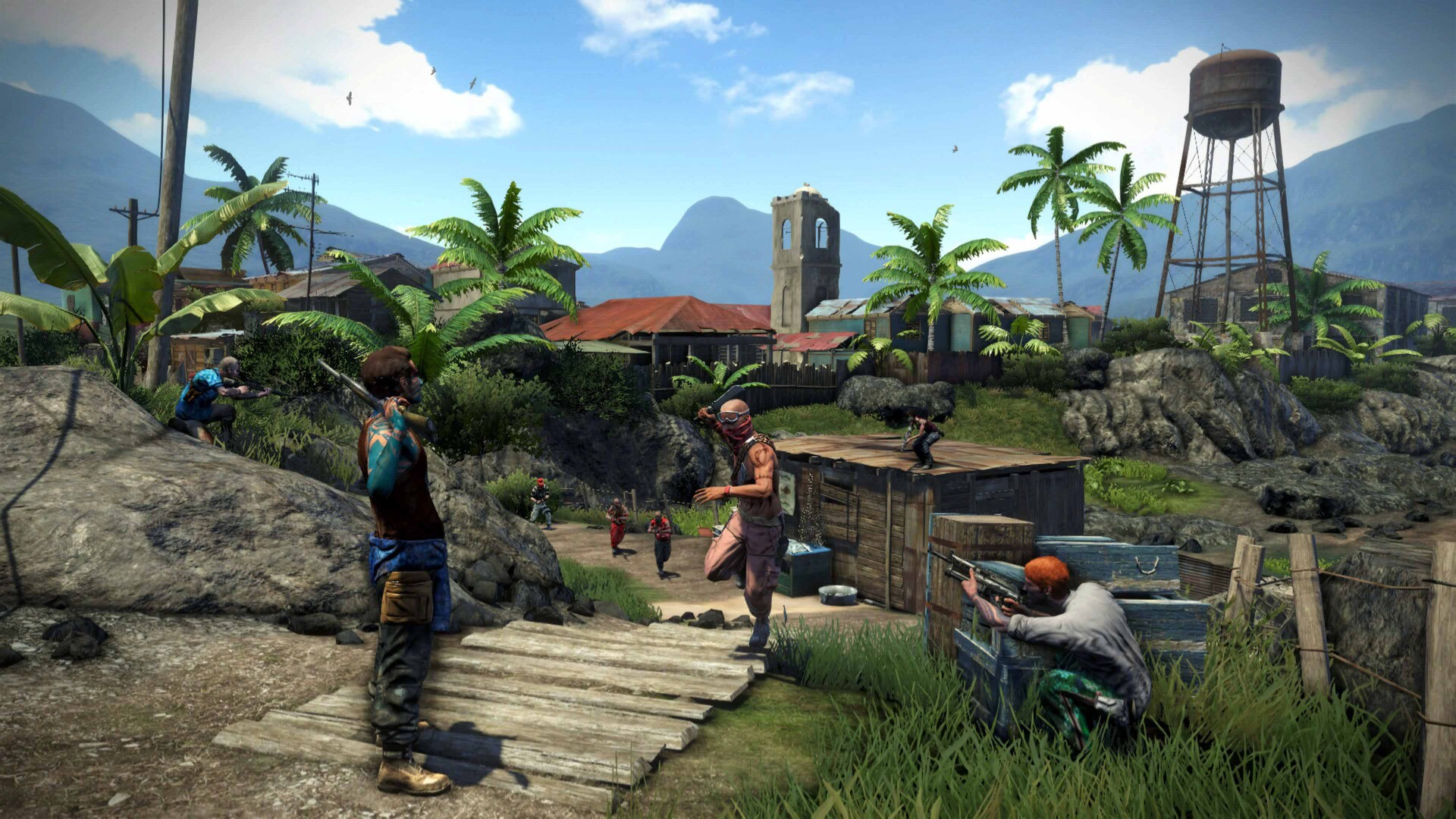
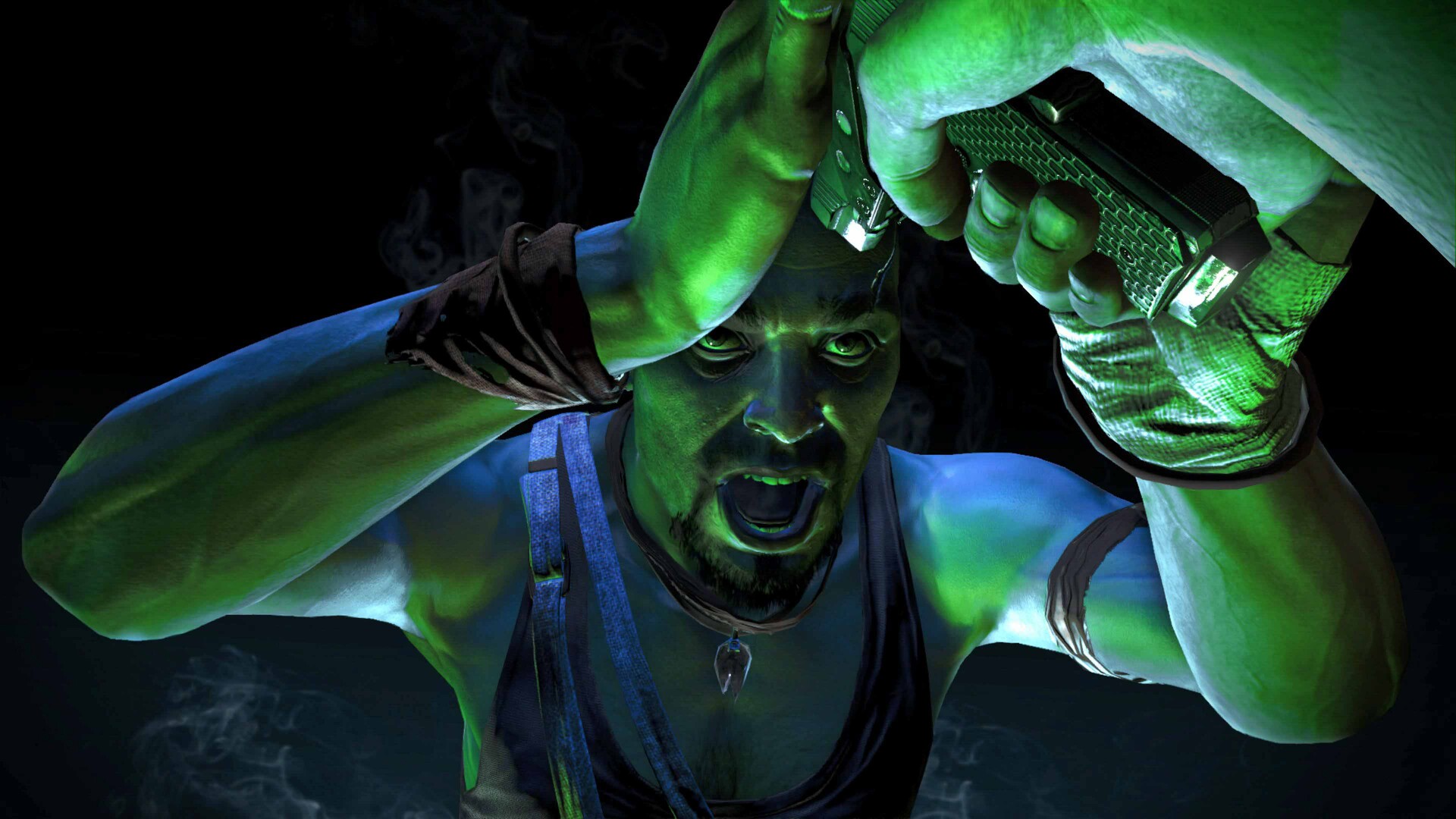
Stranded on the Rook Islands as Jason Brody, fight your way through a lawless tropical open world using a powerful arsenal to save your friends and escape the madness of this acclaimed visceral FPS.
Screenshots






System requirements
Minimum
• OS *:Windows XP, Windows Vista • Processor:Intel Core®2 Duo E6700 @ 2.6 GHz or AMD Athlon64 X2 6000+ @ 3.0Ghz or better • Memory:4 GB RAM • Graphics:512MB Video RAM (1GB Video RAM), DirectX9c (DirectX11) Shader Model 3.0 (Shader Model 5.0) • DirectX®:9.0c • Hard Drive:15 GB HD space • Sound:DirectX Compatible (Recommended Surround Sound 5.1 capable) • Other Requirements:Broadband Internet connection • Additional:*Supported Video Cards at Time of Release: AMD Radeon™ HD 2900 / 3000 / 4000 / 5000 / 6000 / 7000 series, NVIDIA® GeForce® 8800 GTX / 9 / 200 / 400 / 500 / 600 series. Laptop versions of these cards may work, but are not supported. These chipsets are the only ones that will run this game. For the most up-to-date minimum requirement listings, please visit the FAQ on our support website at . Requires a UPlay account
Recommended
• Memory:4 GB RAM • Graphics:512MB Video RAM (1GB Video RAM), DirectX9c (DirectX11) Shader Model 3.0 (Shader Model 5.0) • DirectX®:11 • Hard Drive:15 GB HD space • Sound:DirectX Compatible (Recommended Surround Sound 5.1 capable) • Other Requirements:Broadband Internet connection • Additional:*Supported Video Cards at Time of Release: AMD Radeon™ HD 2900 / 3000 / 4000 / 5000 / 6000 / 7000 series, NVIDIA® GeForce® 8800 GTX / 9 / 200 / 400 / 500 / 600 series. Laptop versions of these cards may work, but are not supported. These chipsets are the only ones that will run this game. For the most up-to-date minimum requirement listings, please visit the FAQ on our support website at . Requires a UPlay account
Languages: English*, German*, French*, Italian*, Spanish - Spain*, Portuguese - Portugal, Polish, Danish, Dutch, Norwegian, Swedish, Czech, Russian*, Japanese*, Korean, Simplified Chinese, Traditional Chinese
How to activate
Ubisoft Connect
- Launch Ubisoft Connect PC and sign in to your intended Ubisoft account.
- Open the profile in the top-left corner and choose Key/Code Activation.
- Paste the key into Activate Product and select Activate. If asked to choose a product or platform, match it to your order.
- Install the game from your library. Redeemed extra content becomes available within its game.
More from the series
 РФ ✓Far Cry® 4Ubisoft Connectfrom $5.75490 ₽3 offers
 Far Cry: New Dawn (Xbox One)Xboxfrom $12.521,070 ₽
 Far Cry 5 (Xbox One)Xboxfrom $11.801,010 ₽Far Cry 3 (Classic Edition) (Xbox One)Xboxfrom $10.42890 ₽Far Cry 4 (Xbox One)Xboxfrom $5.69490 ₽
 Far Cry 6 (Gold Edition) (Xbox Series X|S)Xboxfrom $28.452,430 ₽Far Cry 4 (Gold Edition) (Xbox One)Xboxfrom $15.921,360 ₽
 Far Cry Primal (Xbox One)Xboxfrom $9.44810 ₽
Game details from Steam.