
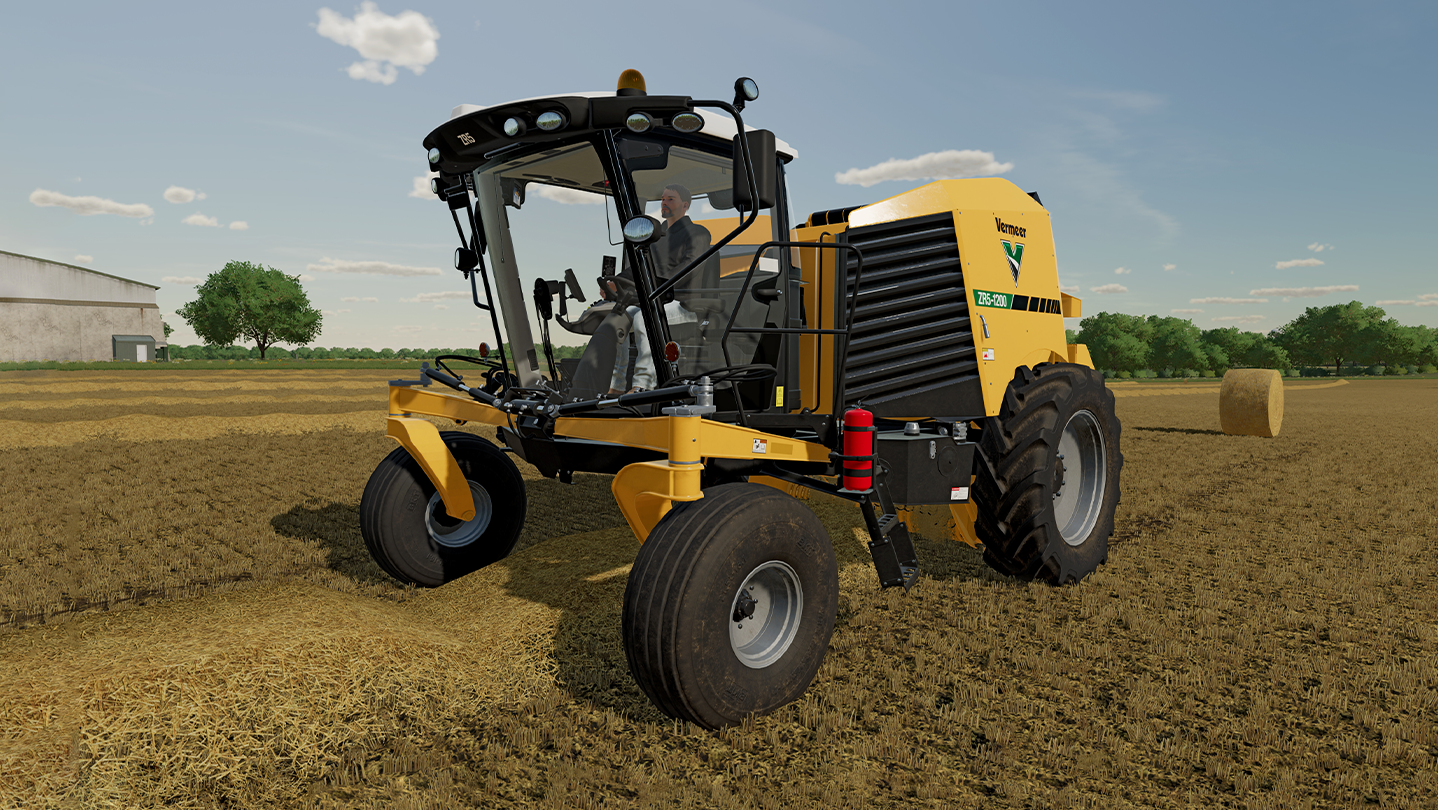
Farming Simulator 22: Vermeer Pack
- Genres
- Simulation
- Release
- Aug 22, 2022
- Developer
- GIANTS Software
Lowest price across all offers
from $5.58480 ₽
Offers
The price depends on the platform and the activation region.
- WorldwideWorks in RussiaFarming Simulator 22 - Vermeer Pack$5.58480 ₽1
About the game
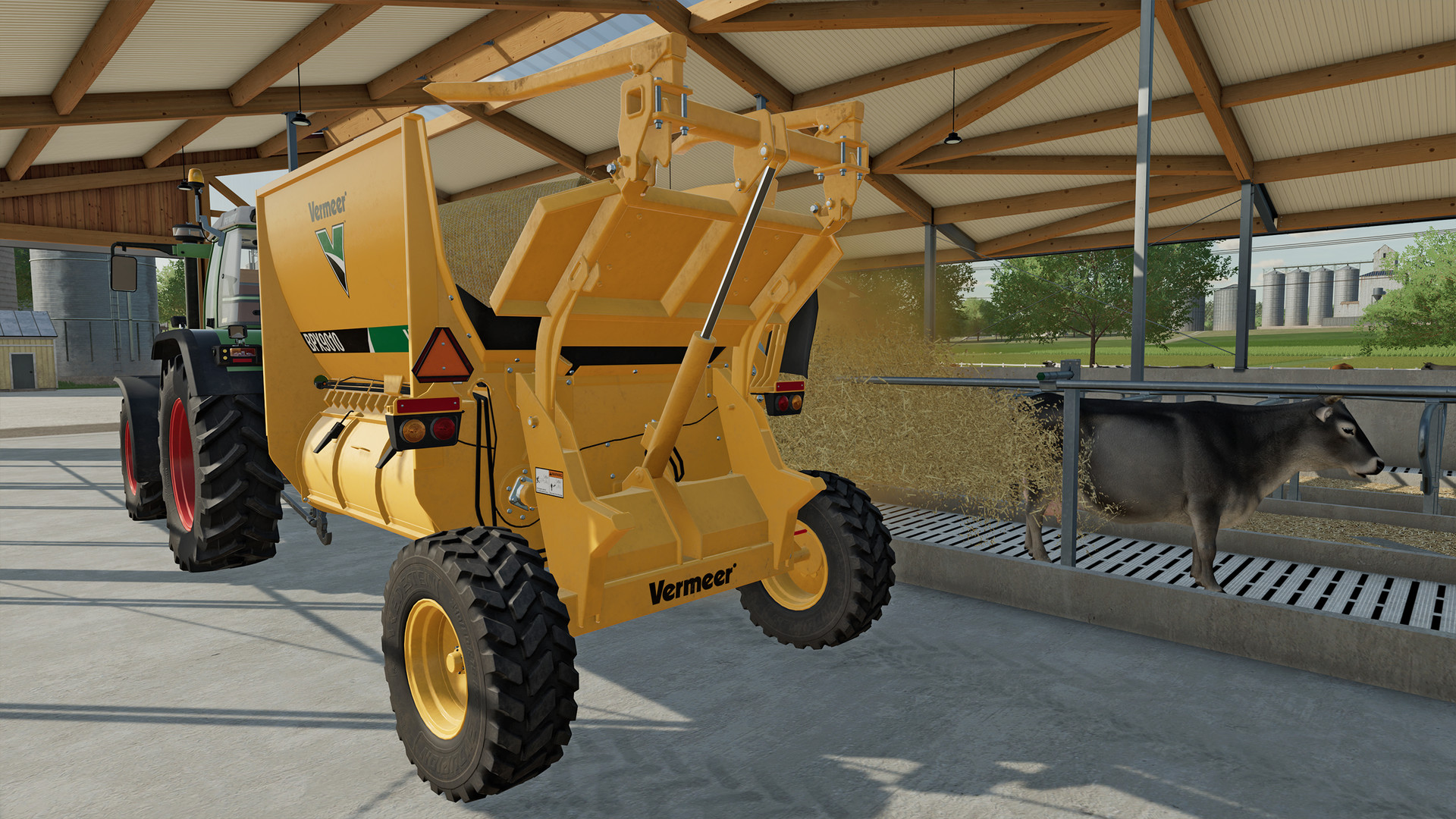
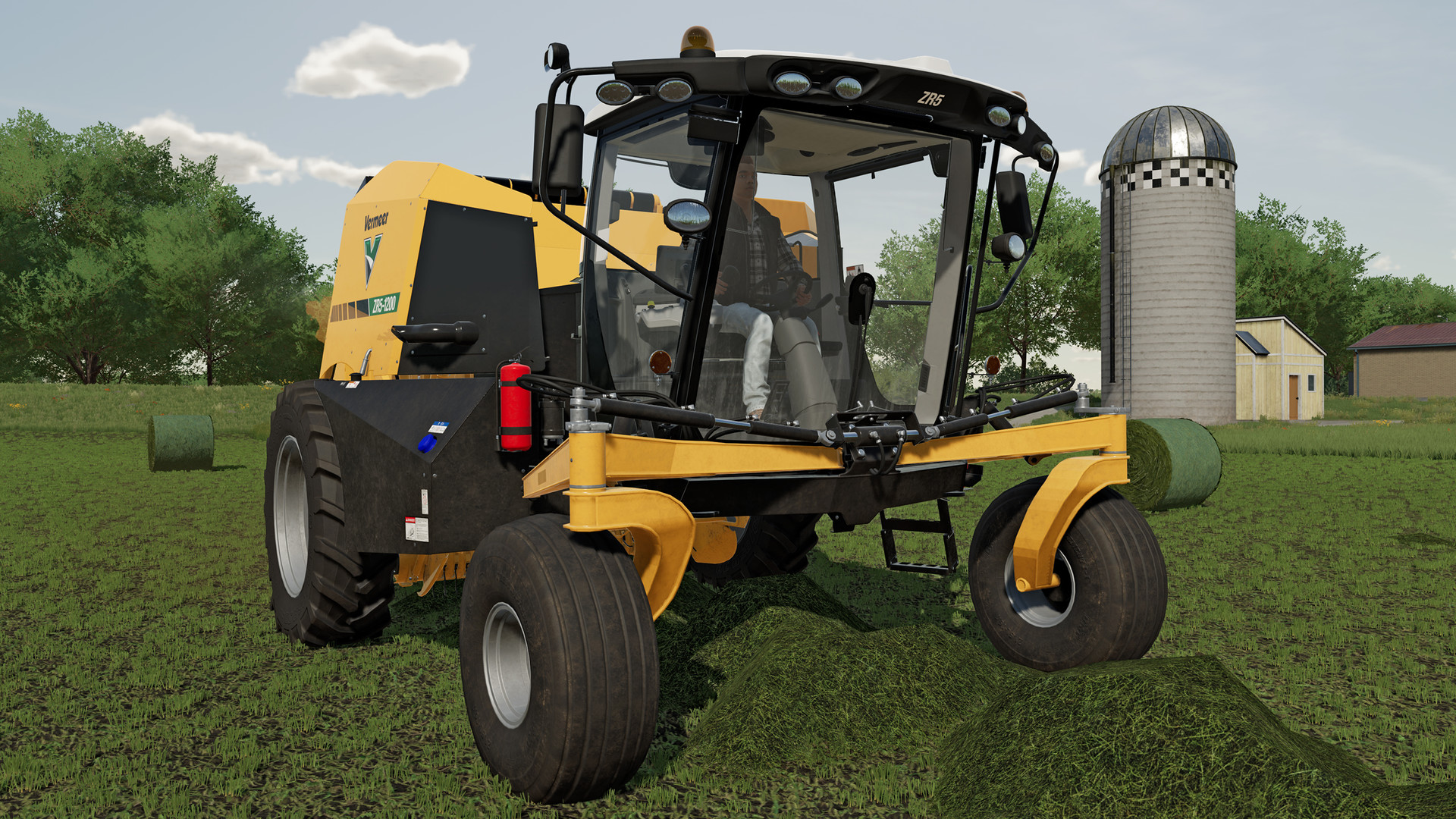
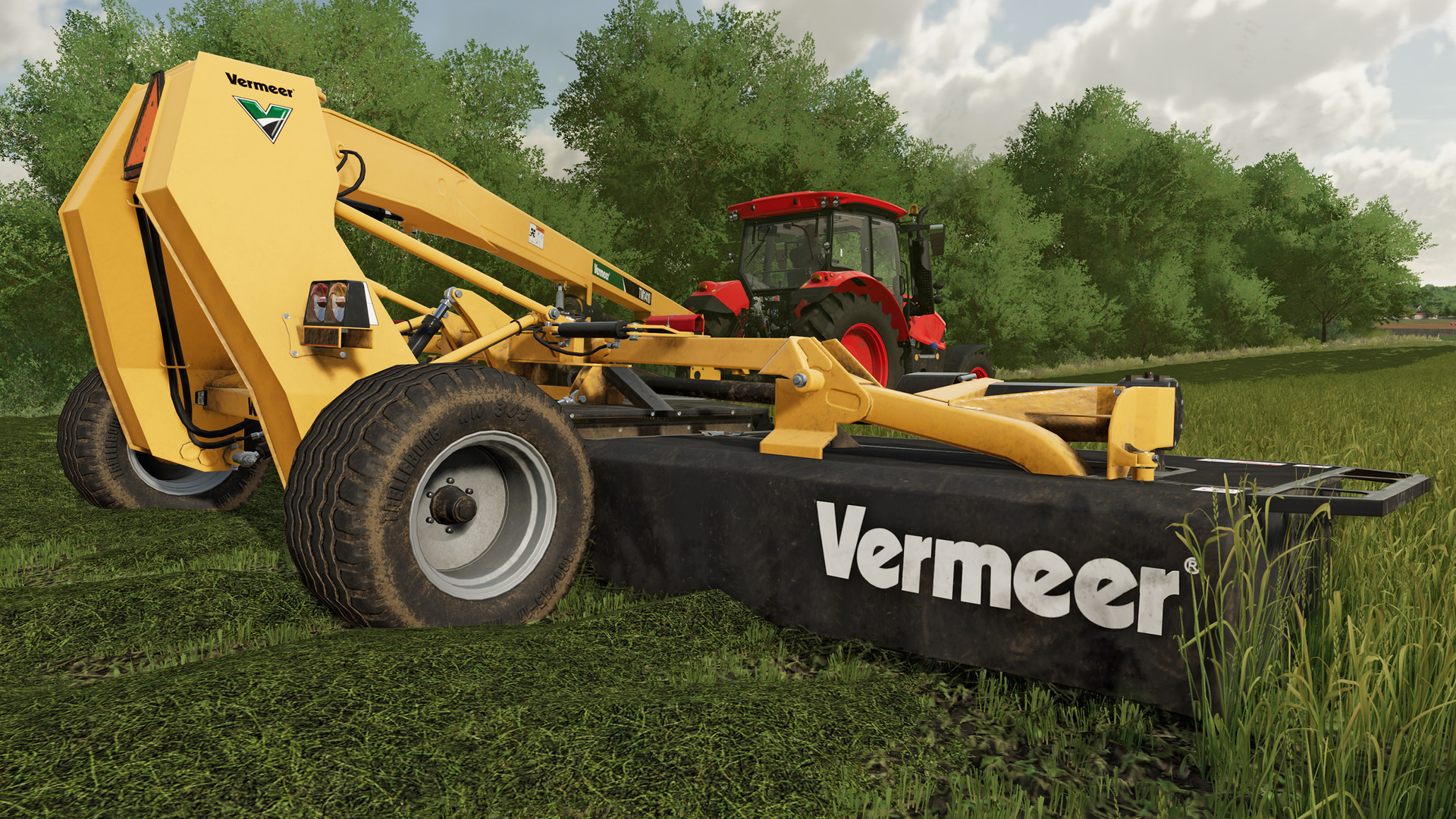
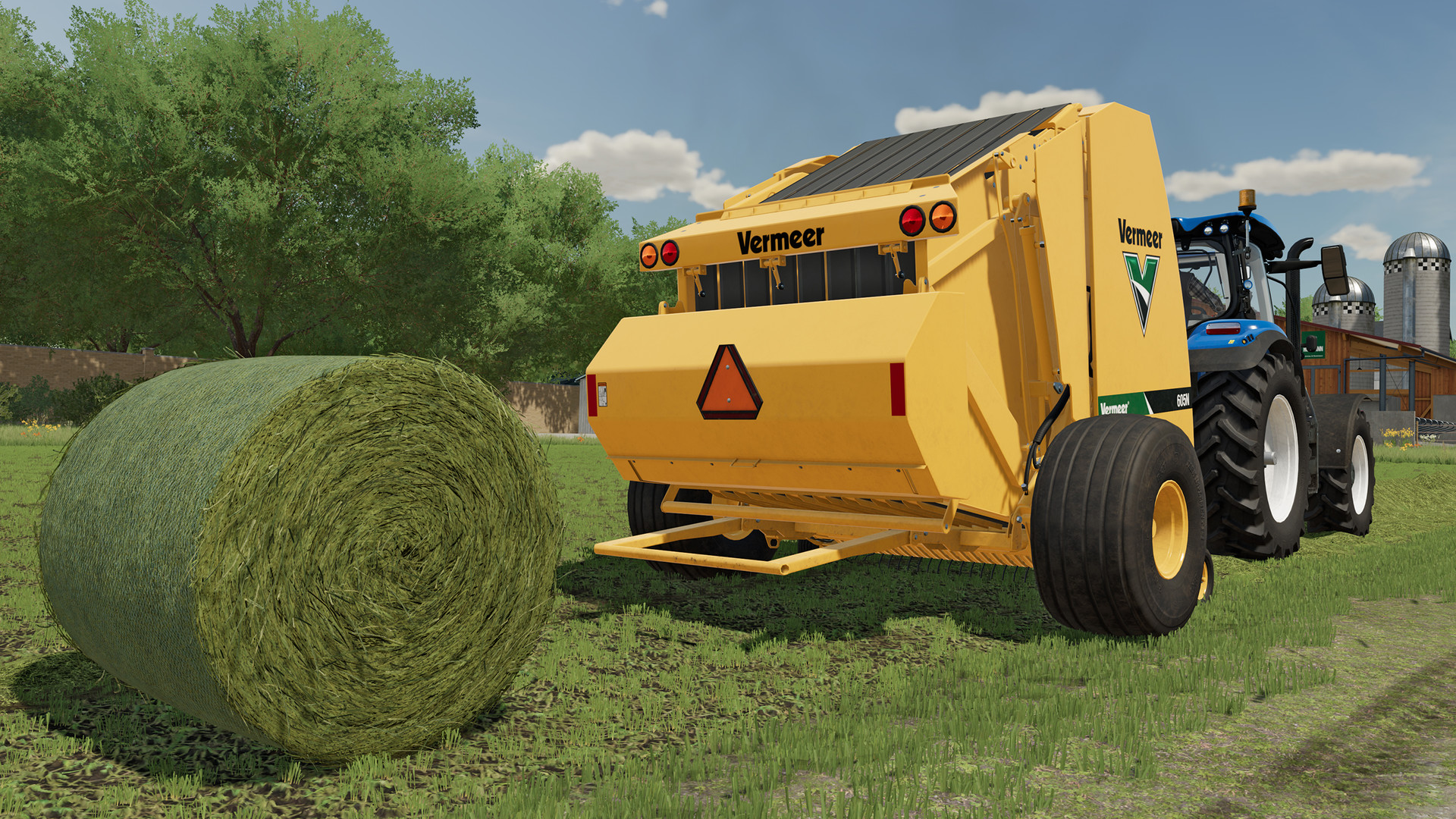
From the inventors of the round baler comes a set of innovative machines for Farming Simulator 22: In addition to the world’s first self-propelled baler, the Vermeer pack includes five unique machines by the international manufacturer to make your grassland operation more efficient.
Screenshots

System requirements
Minimum
• Requires a 64-bit processor and operating system • OS: Windows 10 Home (x64) • Processor: Intel Core i5-3330 / AMD FX-8350 or equivalent • Memory: 8 MB RAM • Graphics: GeForce GTX 660 (2 GB) / Radeon R9 390X (8 GB) • Storage: 7 MB available space • Sound Card: Sound card • Additional Notes: These system requirements can´t cover all possible system configurations so issues could occur that influence the functionality in some cases.
Recommended
• Requires a 64-bit processor and operating system • OS: Windows 10 Home (x64) • Processor: Intel Core i5-5675C / AMD Ryzen 5 1600 or equivalent • Memory: 8 MB RAM • Graphics: GeForce GT 1060 (6 GB) / Radeon RX 570 (8 GB) • Storage: 7 MB available space • Sound Card: Sound card • Additional Notes: These system requirements can´t cover all possible system configurations so issues could occur that influence the functionality in some cases.
Languages: English, French, Italian, German, Spanish - Spain, Czech, Danish, Dutch, Finnish, Hungarian, Japanese, Korean, Polish, Portuguese - Portugal, Portuguese - Brazil, Romanian, Russian, Simplified Chinese, Swedish, Traditional Chinese, Turkish, Norwegian, Spanish - Latin America
How to activate
Steam
- Start Steam on your computer and sign in to the account you will play on.
- In the Games menu, choose Activate a Product on Steam. You can also start from Add a Game at the bottom left.
- Go through the introductory screens, review Steam’s terms and paste the complete key without surrounding spaces.
- Finish activation, then find the game in your Library and select Install.
More from the series
 РФ ✓Farming Simulator 2013 TitaniumOtherfrom $19.551,670 ₽
 СНГFarming Simulator 25 - Beans & Alpacas EditionSteamfrom $31.032,650 ₽
 Farming Simulator 22 (Xbox Series X|S)Xboxfrom $38.103,250 ₽2 offersРФ ✓Farming Simulator 25 (Year 1 Bundle)Steamfrom $32.512,770 ₽3 offersFarming Simulator 25 (Xbox Series X|S)Xboxfrom $38.643,300 ₽
 Farming Simulator 19 (Xbox One)Xboxfrom $51.424,390 ₽
 РФ ✓Farming Simulator 17Steamfrom $6.83590 ₽2 offersРФ ✓Farming Simulator 19Steamfrom $8.23710 ₽2 offers
Game details from Steam.