


FINAL FANTASY XVI (Xbox Series X|S)
- Genres
- Action · RPG
- Release
- Sep 17, 2024
- Developer
- Square Enix
Lowest price across all offers
from $30.762,630 ₽
Offers
The price depends on the platform and the activation region.
- EuropeNot for Russia$30.762,630 ₽1
- United KingdomNot for Russia$38.963,320 ₽1
- United StatesNot for Russia$55.064,700 ₽1
- WorldwideWorks in Russia$68.955,880 ₽1
- AustraliaNot for Russia$92.747,910 ₽1
- SwitzerlandNot for Russia$92.747,910 ₽1
About the game
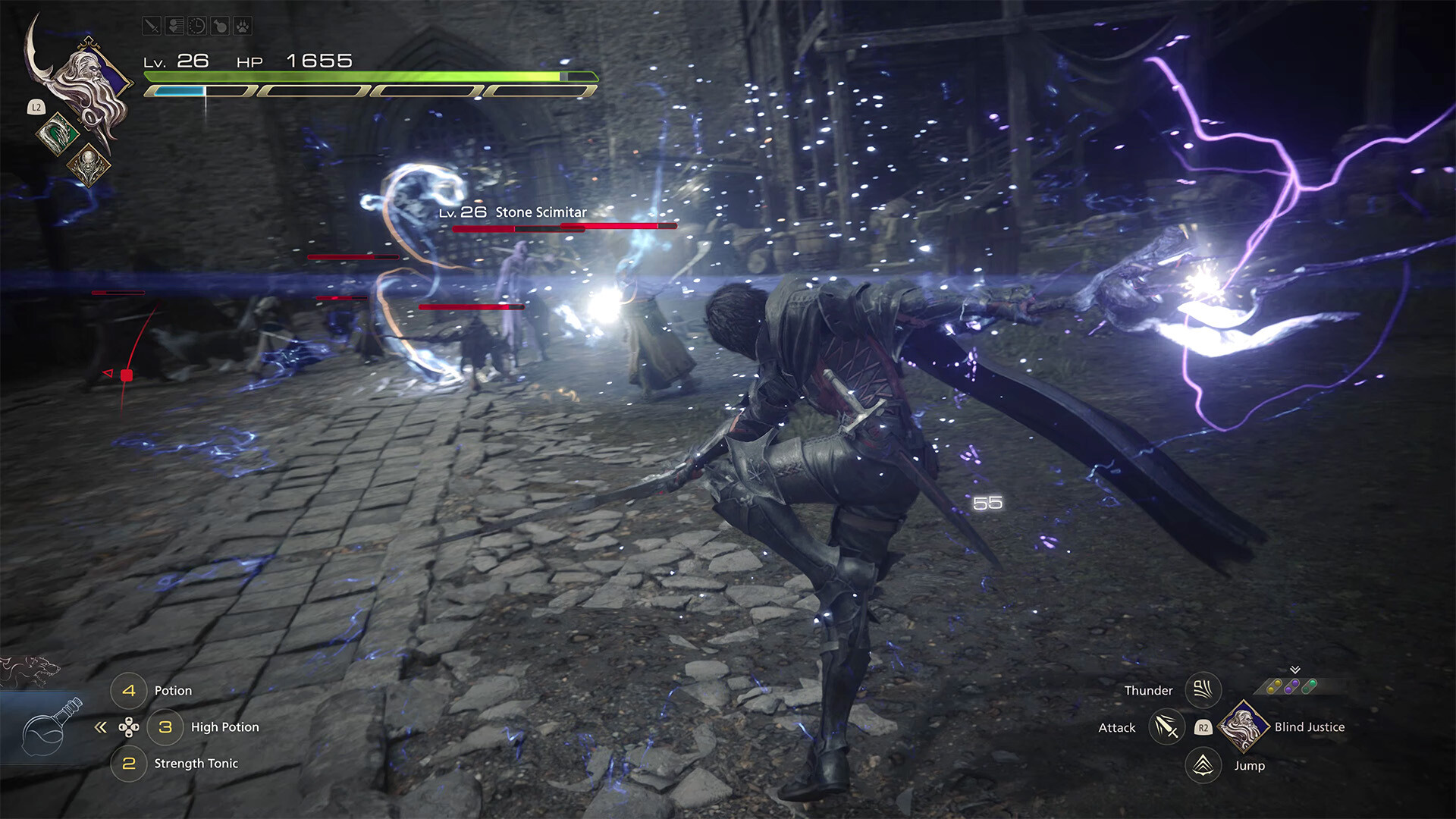
An epic dark fantasy where fates are decided by mighty Eikons and the Dominants who wield them. This is the tale of Clive Rosfield, a tragic warrior who swears revenge on the Dark Eikon Ifrit, a mysterious entity that leaves naught but calamity in its wake.
Screenshots

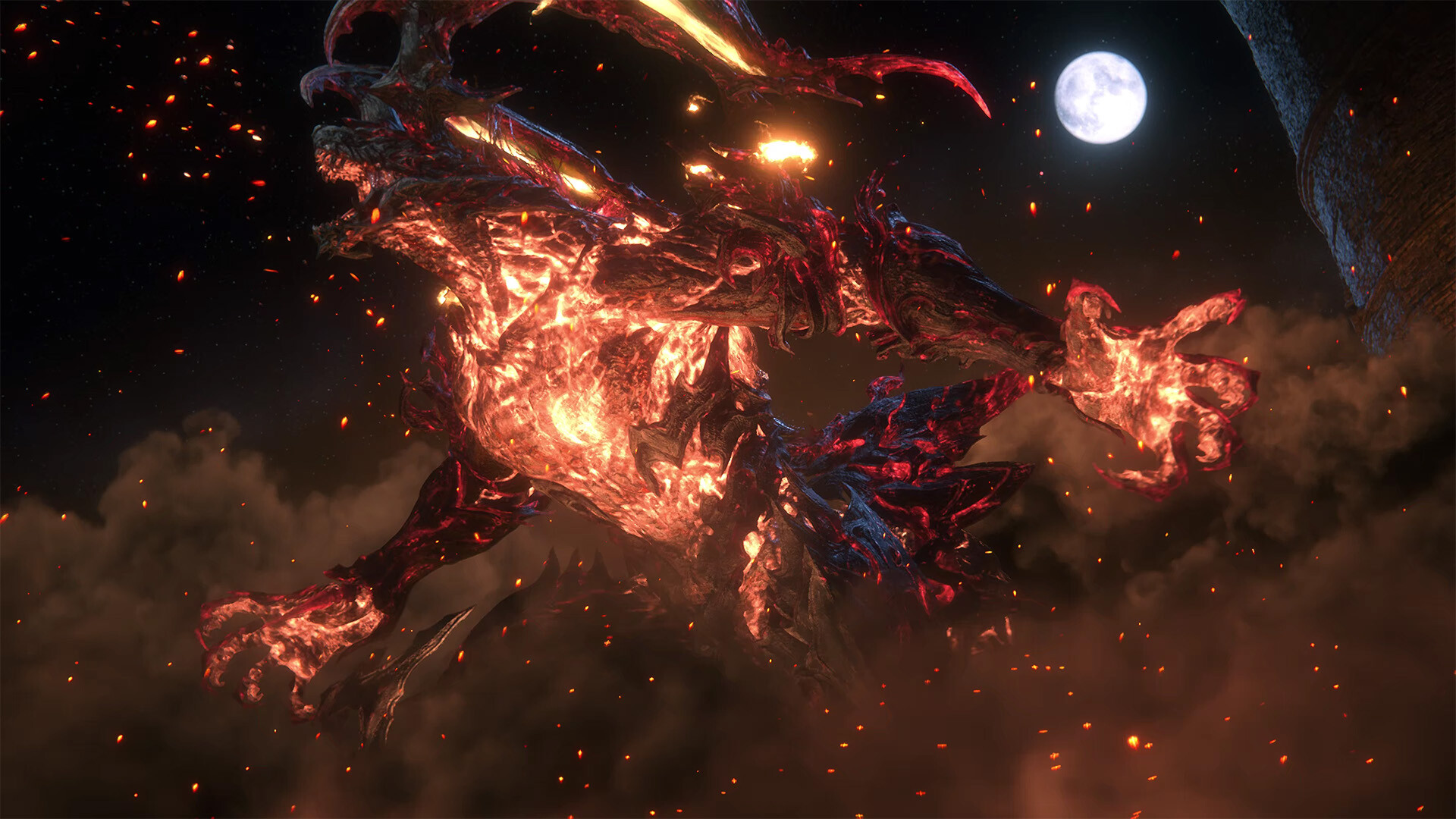
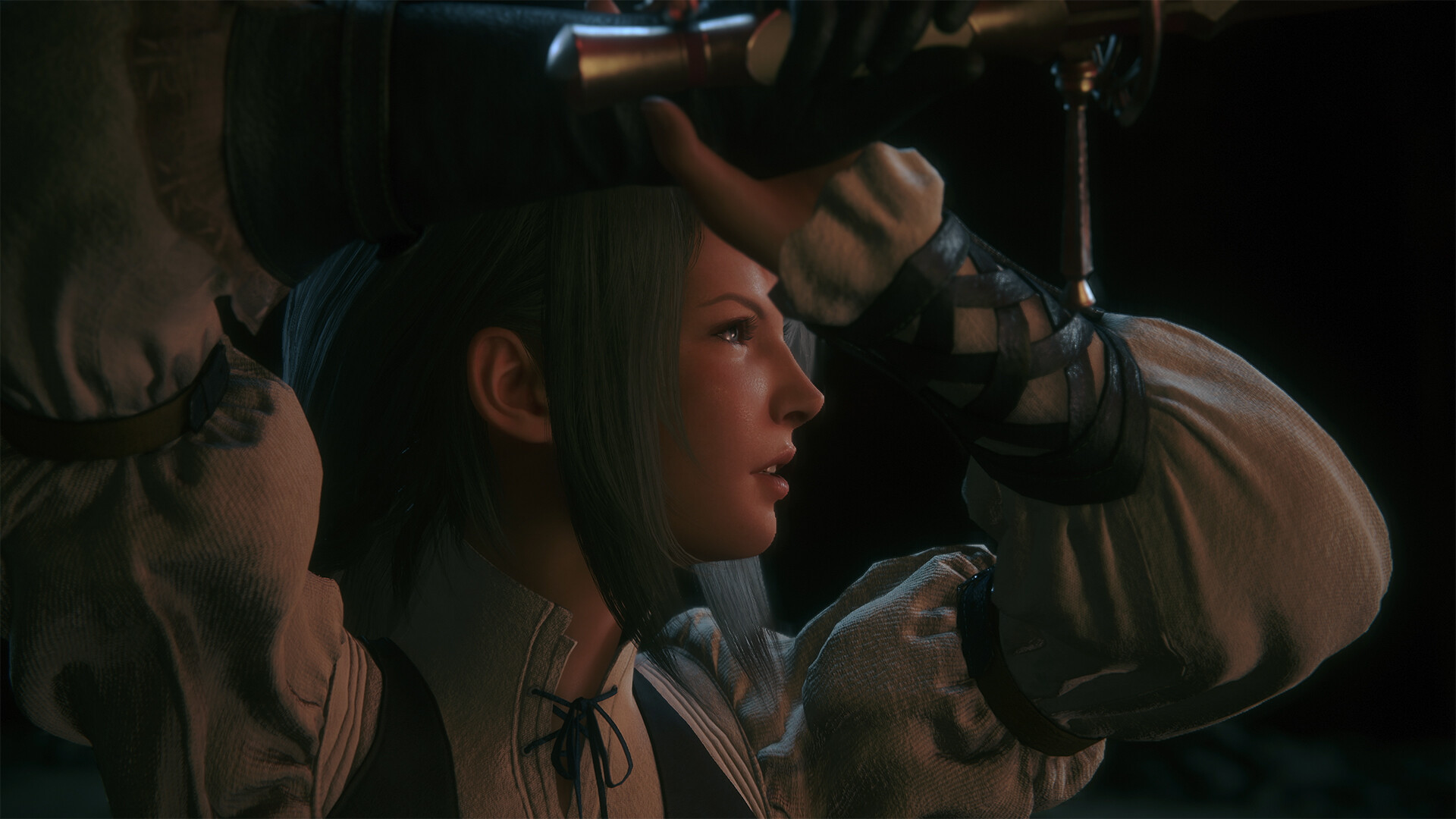
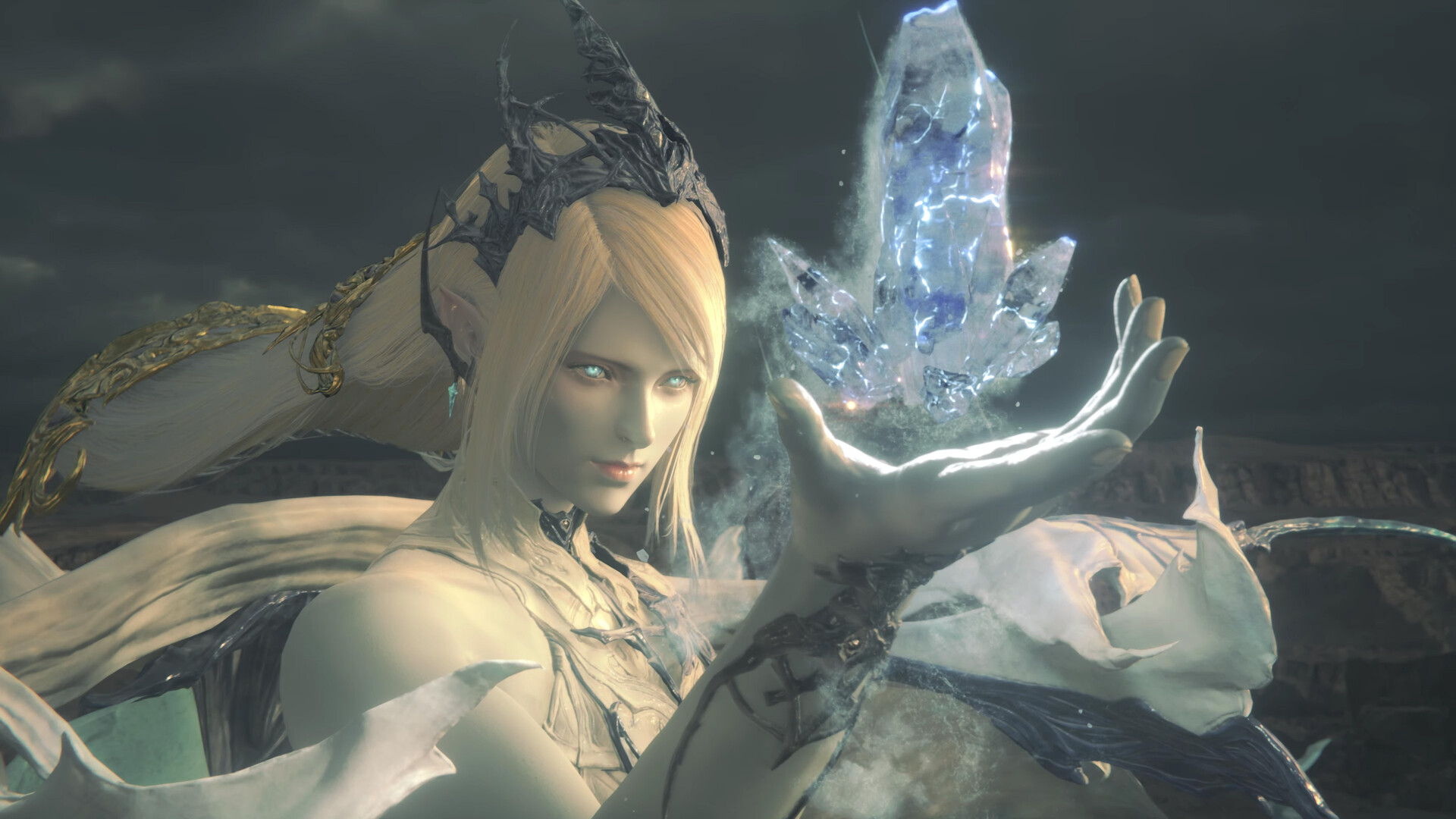
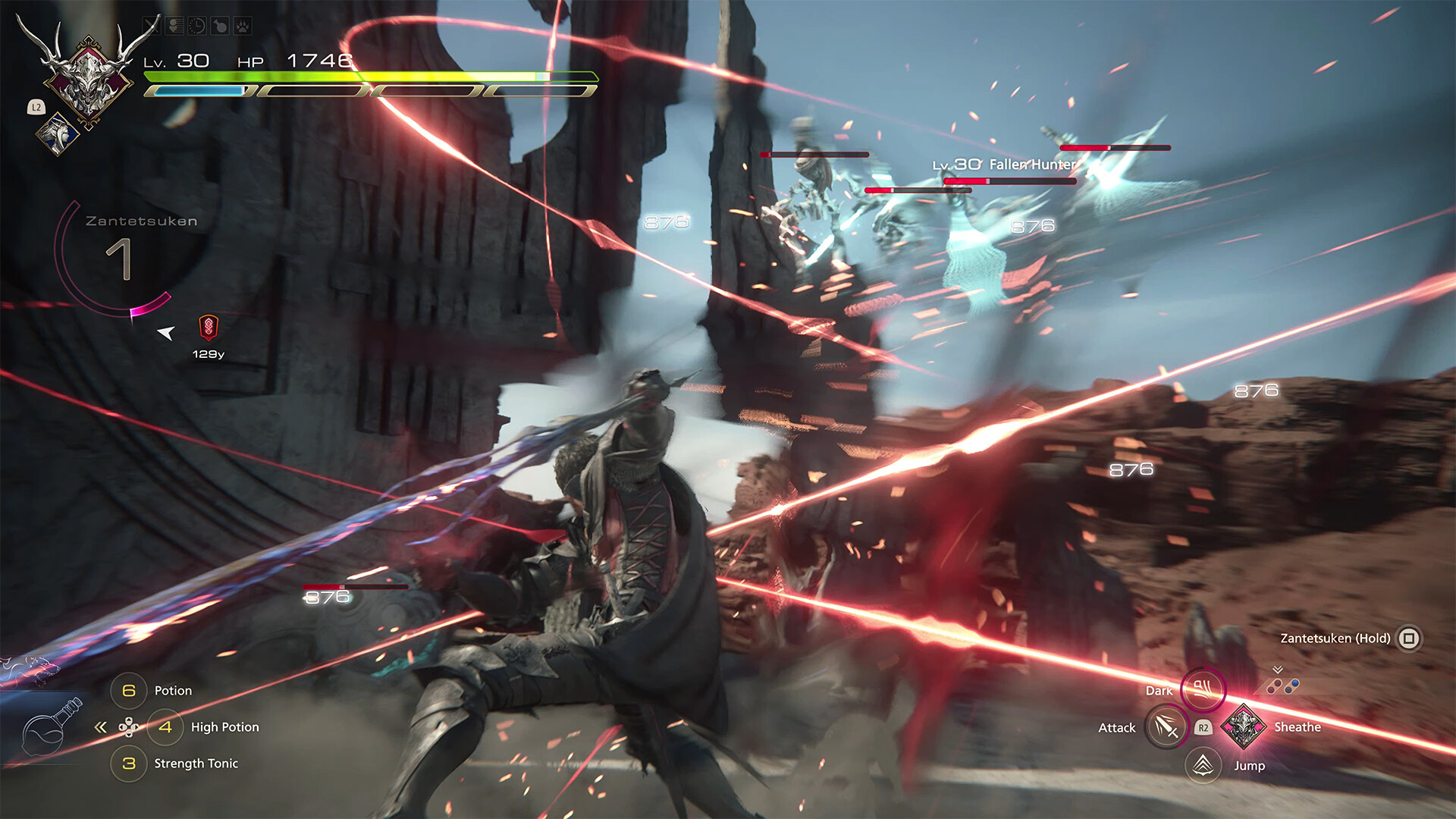


System requirements
Minimum
• Requires a 64-bit processor and operating system • OS: Windows® 10 / 11 64-bit • Processor: AMD Ryzen™ 5 1600 / Intel® Core™ i5-8400 • Memory: 16 GB RAM • Graphics: AMD Radeon™ RX 5700 / Intel® Arc™ A580 / NVIDIA® GeForce® GTX 1070 • DirectX: Version 12 • Storage: 170 GB available space • Additional Notes: 30FPS at 720p expected. SSD required. VRAM 8GB or above.
Recommended
• Requires a 64-bit processor and operating system • OS: Windows® 10 / 11 64-bit • Processor: AMD Ryzen™ 7 5700X / Intel® Core™ i7-10700 • Memory: 16 GB RAM • Graphics: AMD Radeon™ RX 6700 XT / NVIDIA® GeForce® RTX 2080 • DirectX: Version 12 • Storage: 170 GB available space • Additional Notes: 60FPS at 1080p expected. SSD required. VRAM 8GB or above.
Languages: English*, French*, Italian*, German*, Spanish - Spain, Arabic, Spanish - Latin America*, Portuguese - Brazil, Polish, Russian, Simplified Chinese, Traditional Chinese, Japanese*, Korean
How to activate
Xbox
- Open Microsoft’s redemption page using the button below.
- Sign in with the Microsoft account used on your Xbox. Check the email and profile before continuing.
- Paste the 25-character code and select Next. Check the displayed product or amount.
- Complete the confirmation prompts. Look for games in that account’s library and subscriptions under its services and subscriptions.
More from the series
РФ ✓FINAL FANTASY XVI (Complete Edition) (Xbox Series X|S)Xboxfrom $39.703,390 ₽6 offers РФ ✓Final Fantasy Tactics: The Ivalice Chronicles (Xbox Series X|S)Xboxfrom $38.993,330 ₽5 offers
 FINAL FANTASY XII THE ZODIAC AGE (Xbox One)Xboxfrom $19.061,630 ₽3 offersРФ ✓Final Fantasy Tactics: The Ivalice Chronicles (Deluxe Edition) (Xbox Series X|S)Xboxfrom $70.856,040 ₽3 offers
 РФ ✓FINAL FANTASY IXSteamNintendofrom $7.11610 ₽5 offers
 РФ ✓FINAL FANTASY X/X-2 HD RemasterSteamNintendofrom $12.651,080 ₽5 offers
 FINAL FANTASY VII (Xbox One)Xboxfrom $9.91850 ₽2 offers
 Final Fantasy VIII Remastered (Xbox One)Xboxfrom $13.711,170 ₽2 offers
Game details from Steam.