


Gears of War: E-Day | Premium Edition
- Genres
- Action · Adventure
- Release
- Oct 6, 2026
- Developer
- The Coalition
Lowest price across all offers
from $117.8010,130 ₽
Offers
The price depends on the platform and the activation region.
- WorldwideWorks in RussiaGears of War: E-Day (Premium Edition)$117.8010,130 ₽1
About the game
Experience Emergence Day – the brutal origin story of one of gaming’s most acclaimed third-person shooter franchises.
Pictures and description are of the base game on Steam.
Screenshots

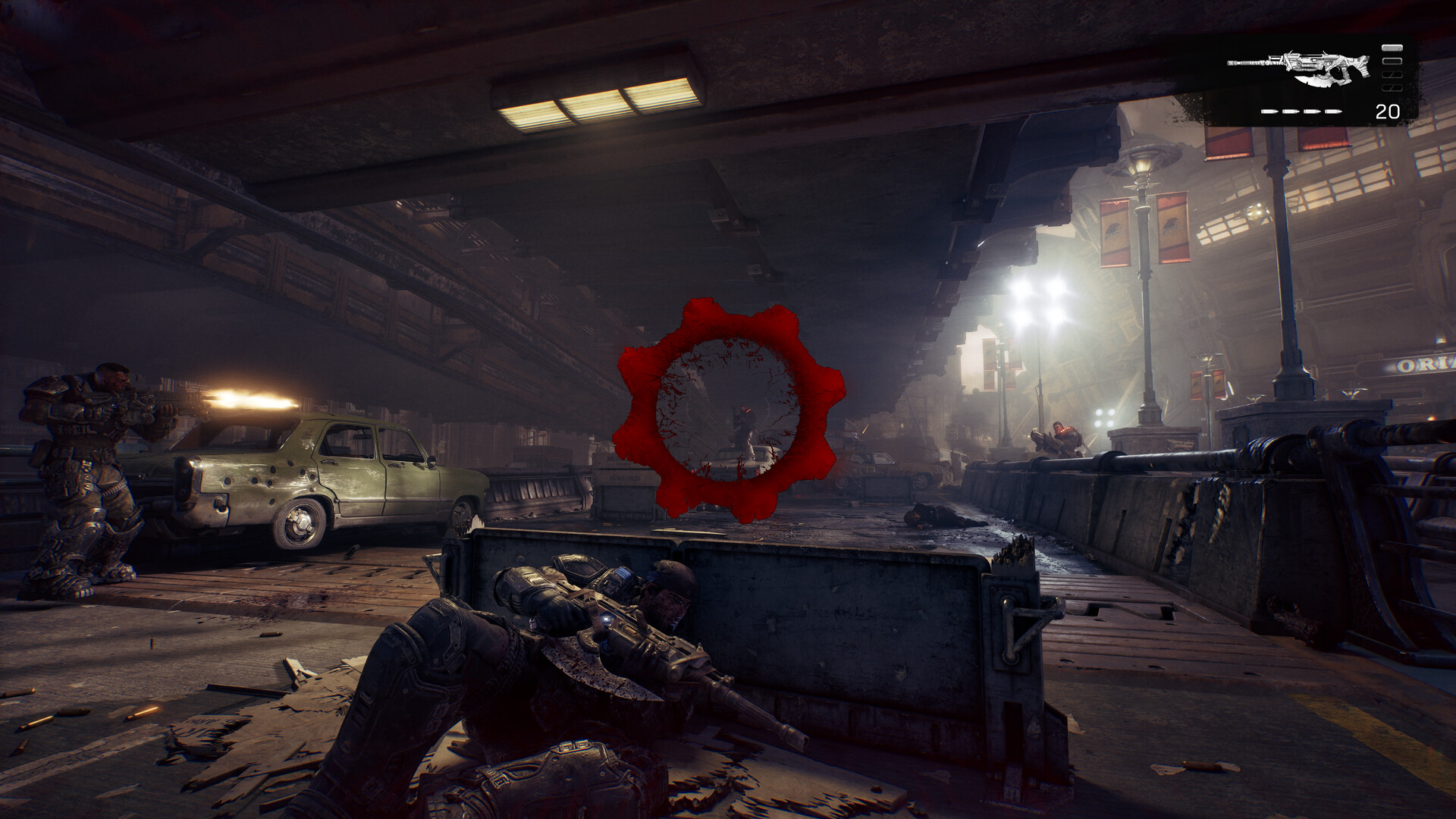

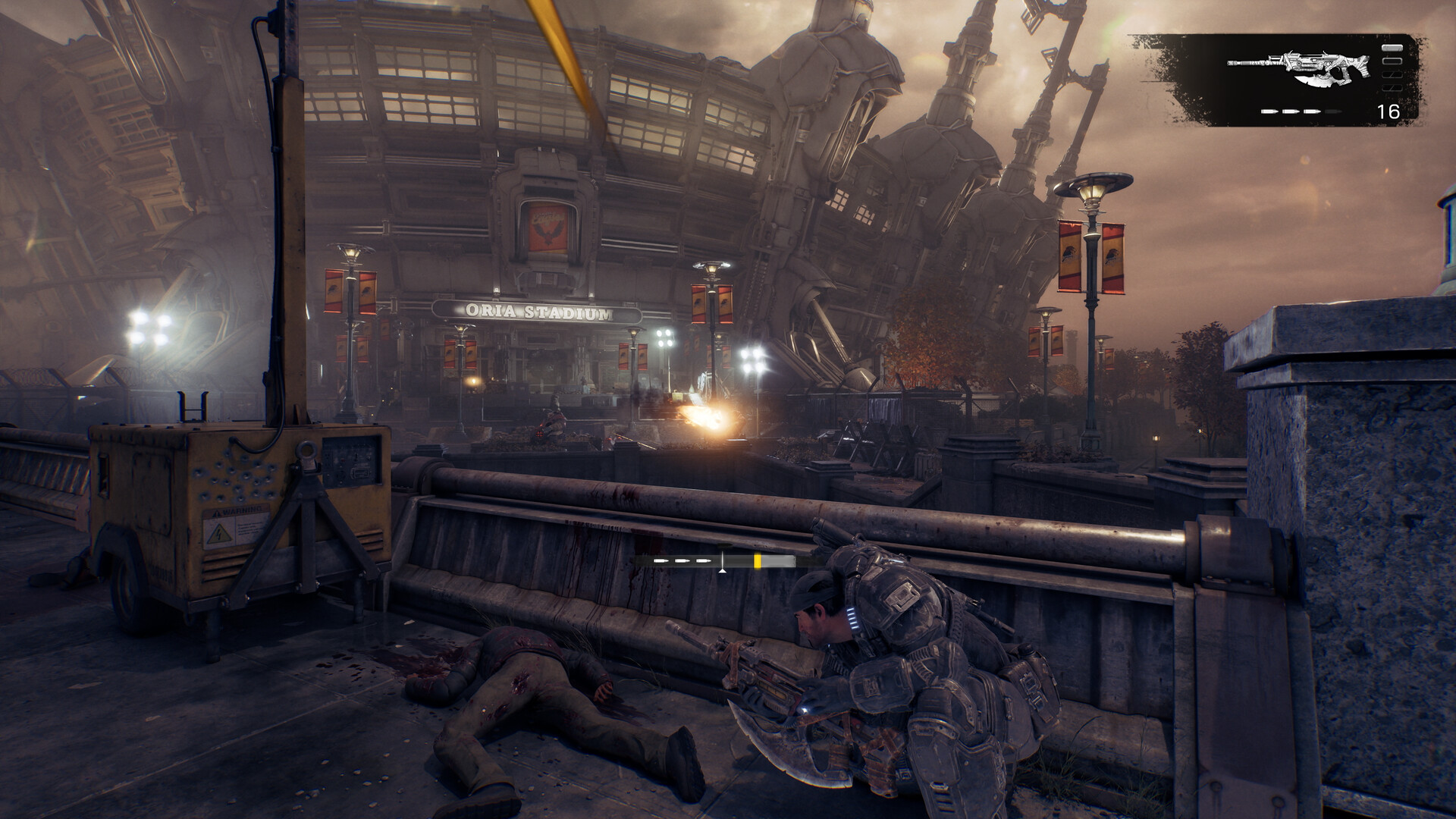


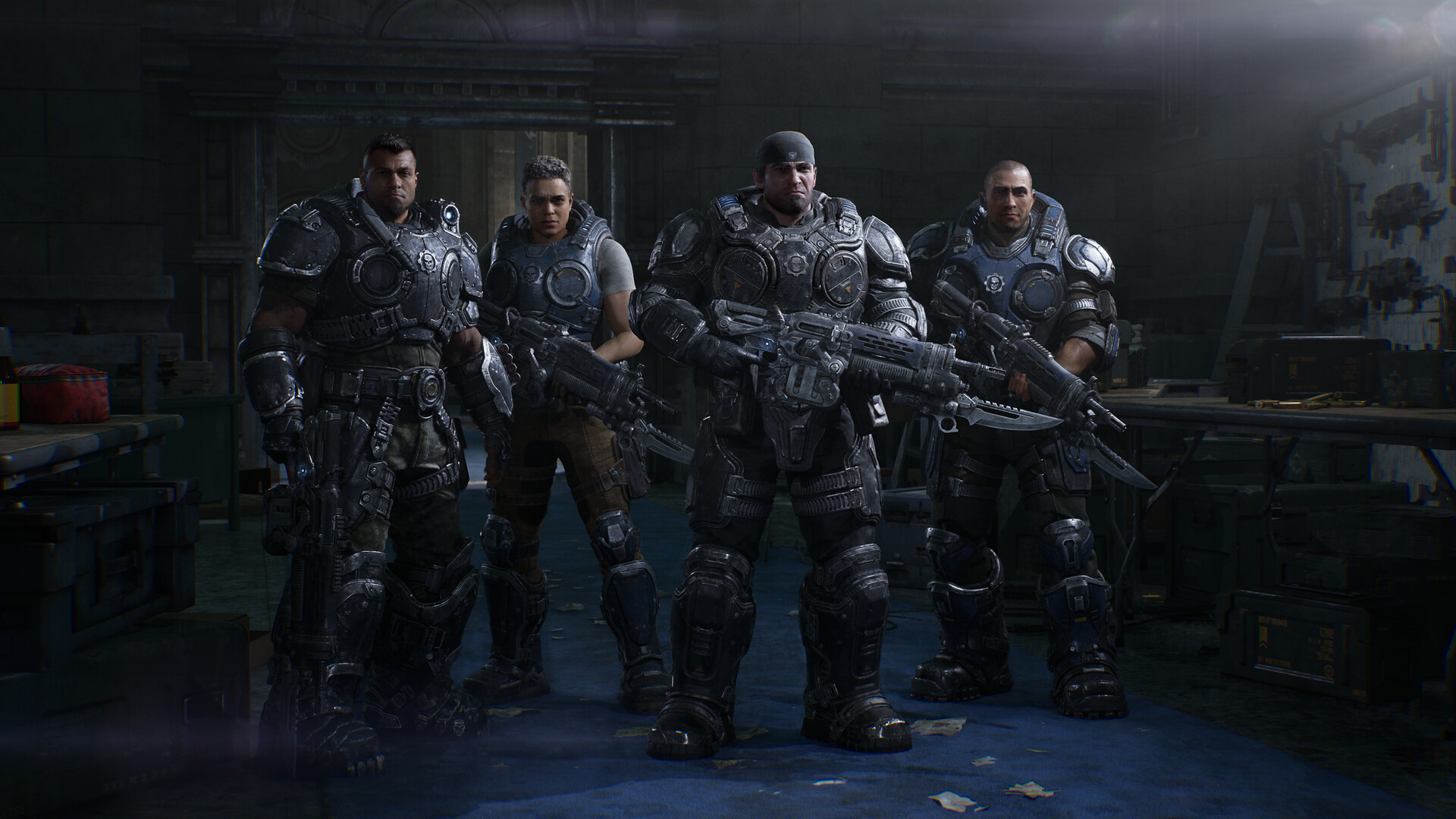

System requirements
Minimum
• Requires a 64-bit processor and operating system • OS: Windows 10 64-bit 22H 19045.7291 • Processor: AMD Ryzen 5 2600X / Intel i7‑6850K / i5‑10400 • Memory: 12 GB RAM • Graphics: Hardware Ray Tracing capable GPU is required. NVIDIA GeForce RTX 5050 / NVIDIA GeForce RTX 2060 / AMD Radeon RX 6600 / Radeon RX 9060 • DirectX: Version 12 • Network: Broadband Internet connection • Storage: 115 GB available space • Sound Card: Windows compatible audio device • Additional Notes: Storage: SSD required (solid-state drive)
Recommended
• Requires a 64-bit processor and operating system • OS: Windows 11 64bit (25H2) or newer • Processor: AMD Ryzen 5 5600 / Intel i5-11600K • Memory: 16 GB RAM • Graphics: NVIDIA GeForce RTX 5060 / NVIDIA GeForce RTX 3060ti / AMD Radeon RX 6700 XT / Radeon RX 9060 XT • DirectX: Version 12 • Network: Broadband Internet connection • Storage: 115 GB available space • Sound Card: Windows compatible audio device • Additional Notes: Storage: SSD required (solid-state drive)
Languages: English*, French*, Italian*, German*, Spanish - Spain*, Arabic, Czech, Dutch, Hungarian, Japanese*, Korean*, Norwegian, Polish, Portuguese - Brazil*, Portuguese - Portugal, Russian, Simplified Chinese*, Spanish - Latin America*, Swedish, Traditional Chinese*, Turkish, Finnish
How to activate
Steam
- Start Steam on your computer and sign in to the account you will play on.
- In the Games menu, choose Activate a Product on Steam. You can also start from Add a Game at the bottom left.
- Go through the introductory screens, review Steam’s terms and paste the complete key without surrounding spaces.
- Finish activation, then find the game in your Library and select Install.
More from the series
РФ ✓Gears of War: E-Day Premium Edition (Xbox Series X|S)Xboxfrom $99.308,540 ₽3 offers РФ ✓Gears Tactics (Xbox Series X|S)Xboxfrom $15.251,320 ₽2 offers
 РФ ✓Gears 5 (Xbox One)Xboxfrom $23.812,050 ₽2 offersGears Tactics (Xbox One)Xboxfrom $33.712,900 ₽2 offersGears 5 (Game of the Year Edition) (Xbox Series X|S)Xboxfrom $72.436,230 ₽РФ ✓Gears 5Steamfrom $56.294,840 ₽РФ ✓Gears 5 Ultimate Edition (Xbox One)Xboxfrom $46.894,030 ₽РФ ✓Gears of War: E-Day (Xbox Series X|S)Xboxfrom $71.206,120 ₽
Game details from Steam.