
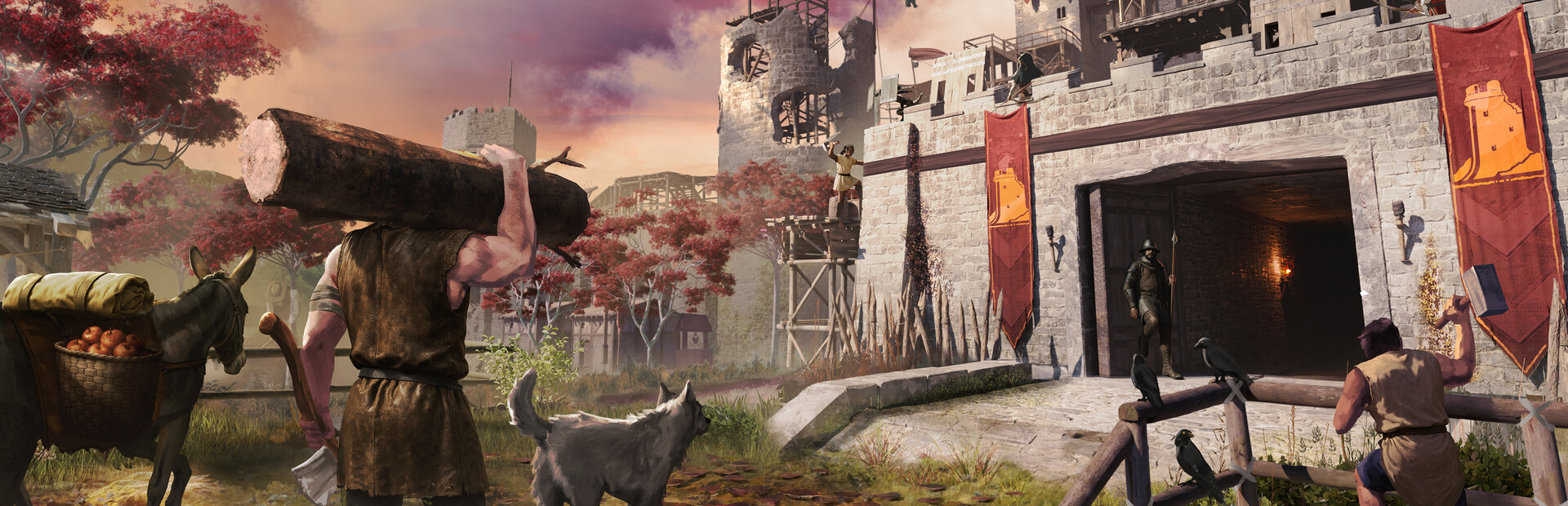

Going Medieval
- Genres
- Indie · RPG · Simulation · Strategy
- Release
- Mar 17, 2026
- Developer
- Foxy Voxel
- Metacritic
Lowest price across all offers
from $12.221,050 ₽
Offers
The price depends on the platform and the activation region.
- CISCIS region$12.221,050 ₽1
- WorldwideWorks in Russia$12.341,060 ₽1
- EuropeNot for Russia$16.881,440 ₽1
About the game
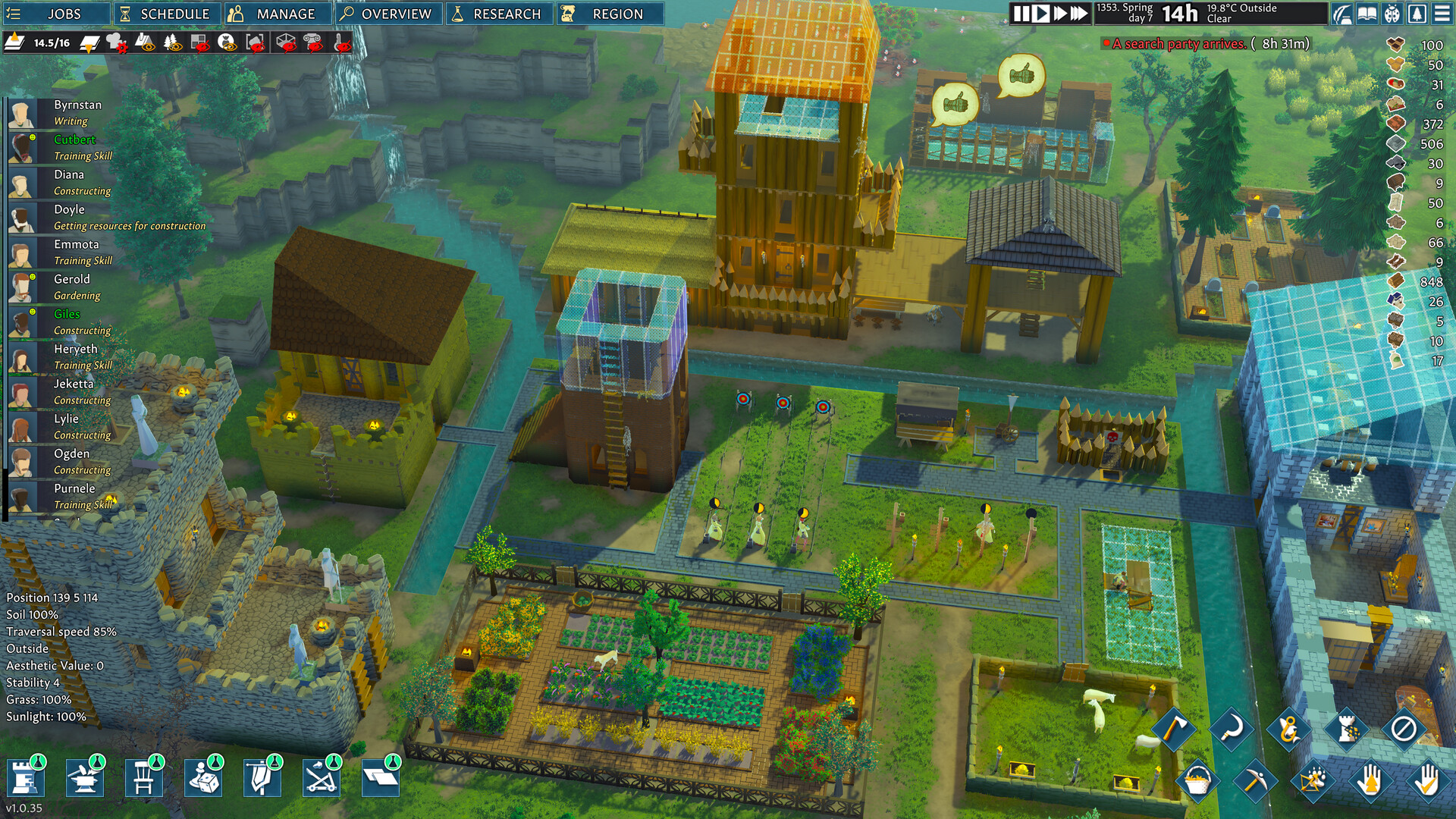
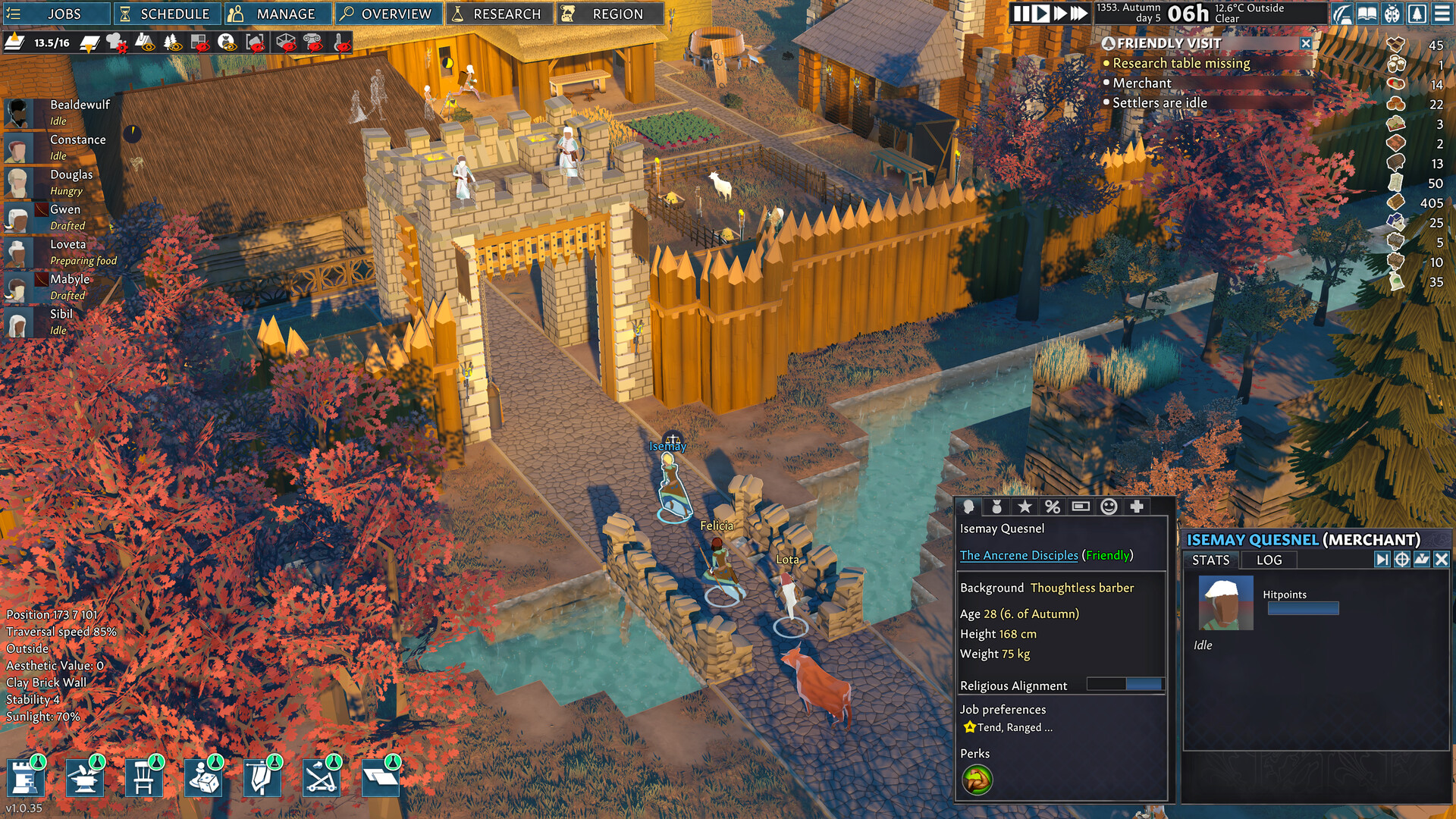
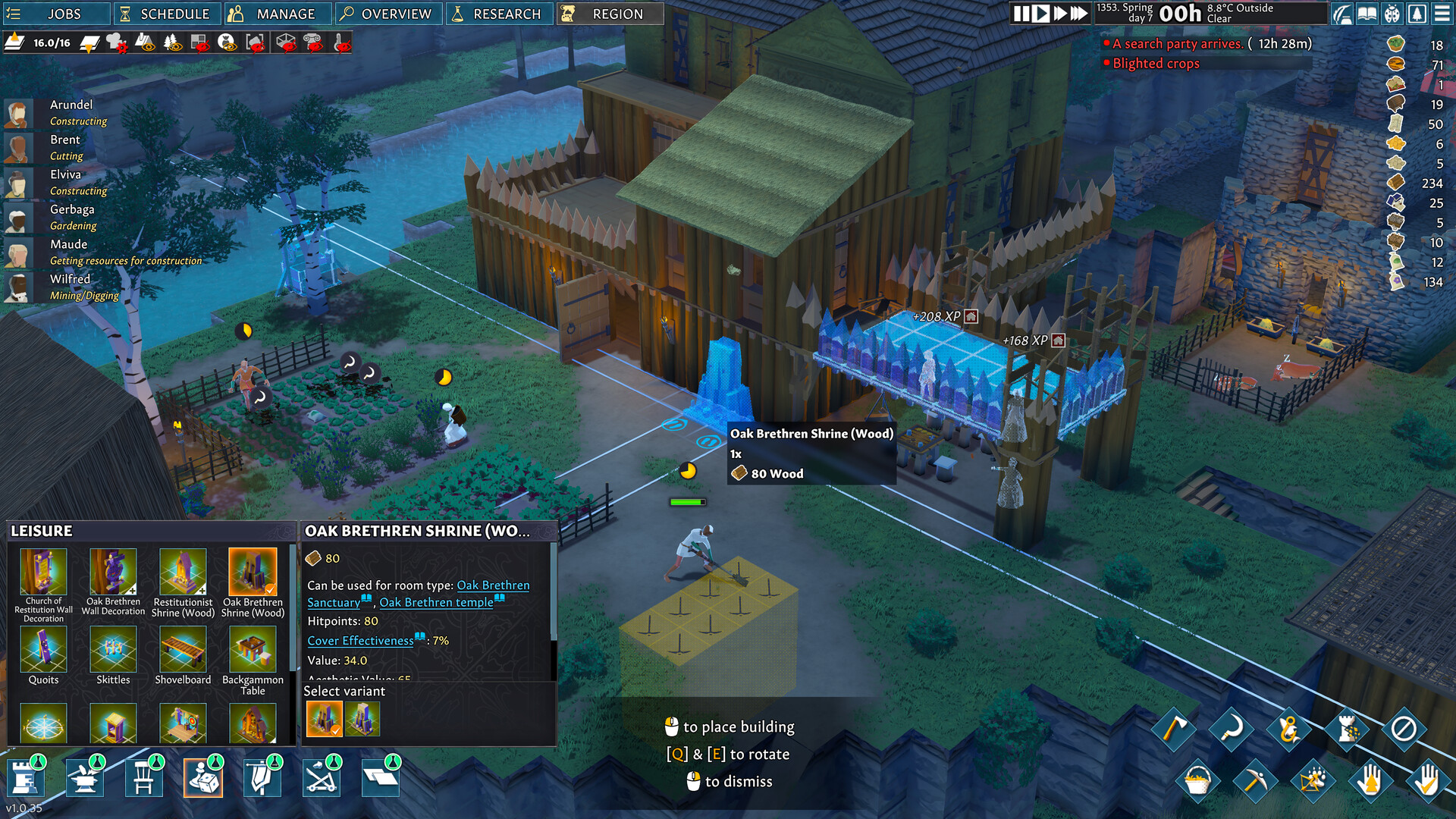
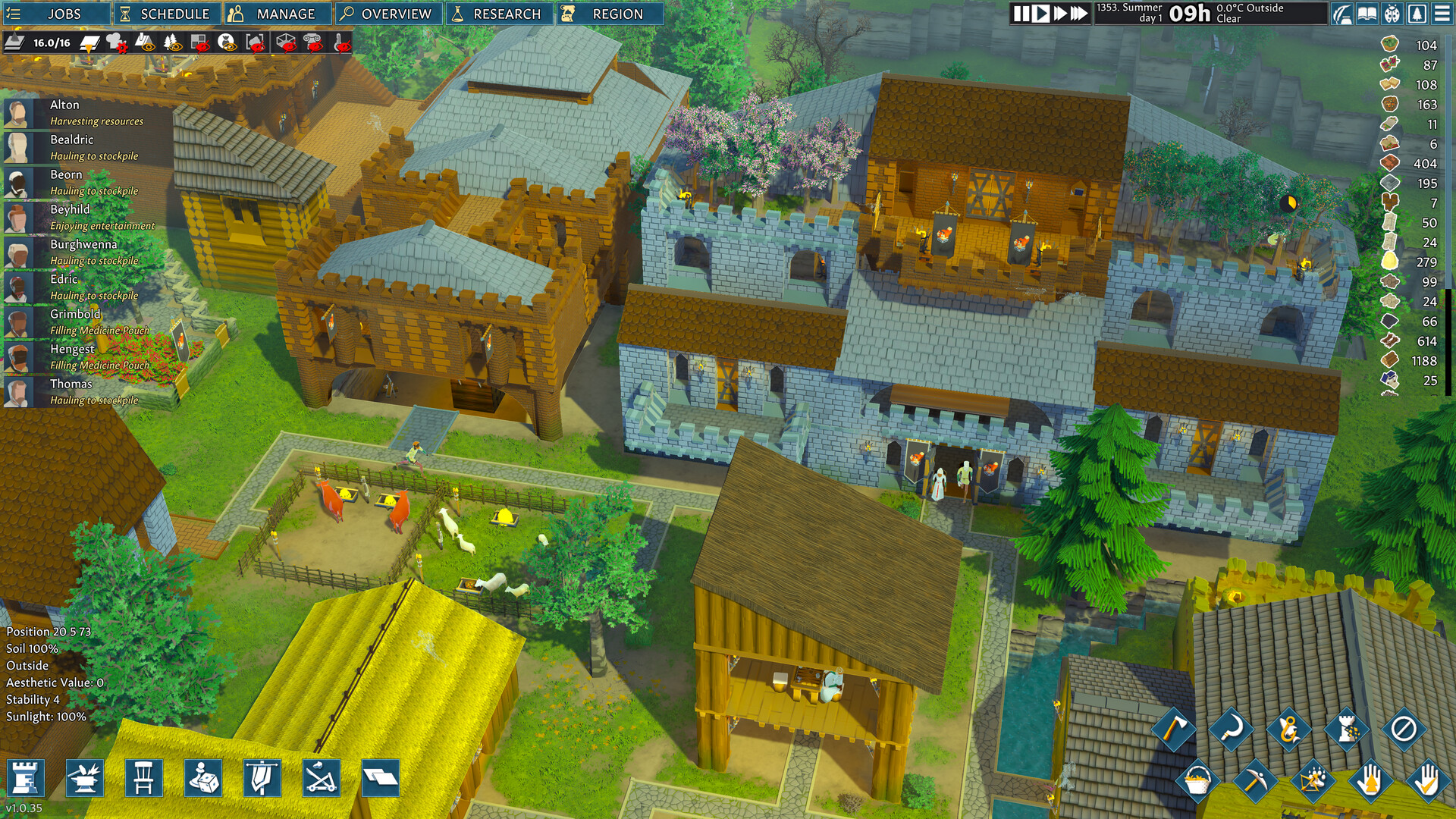
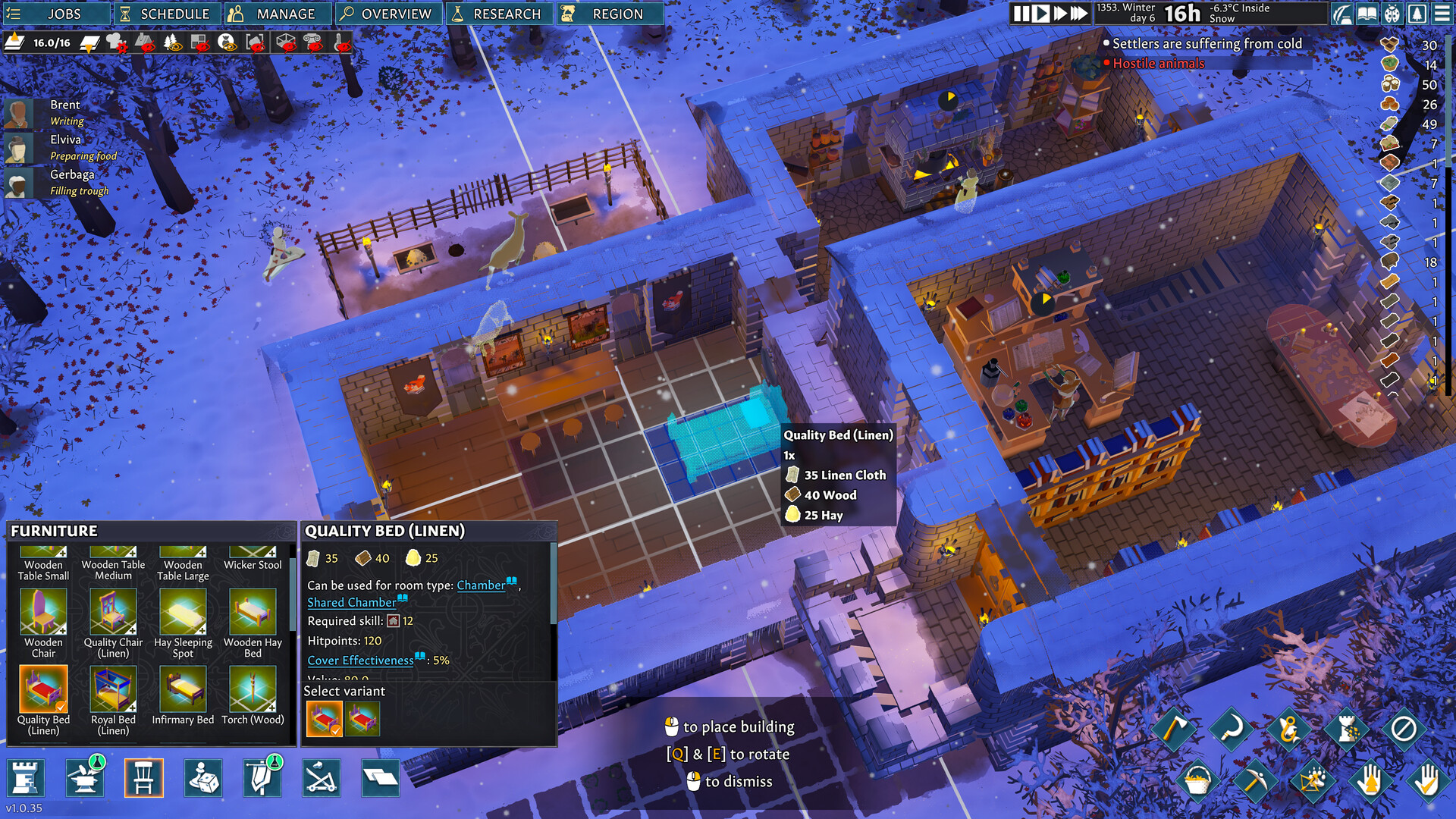
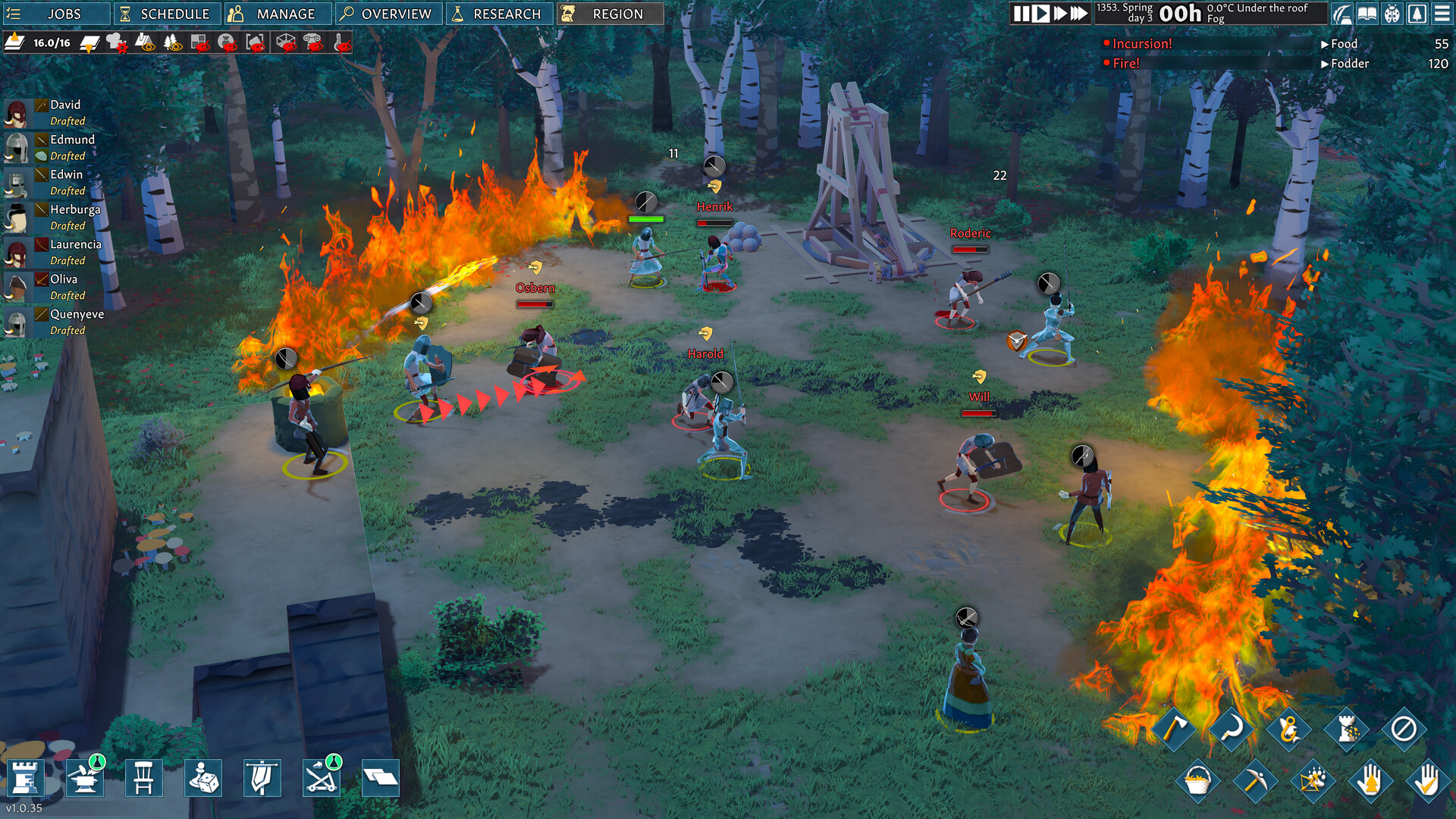
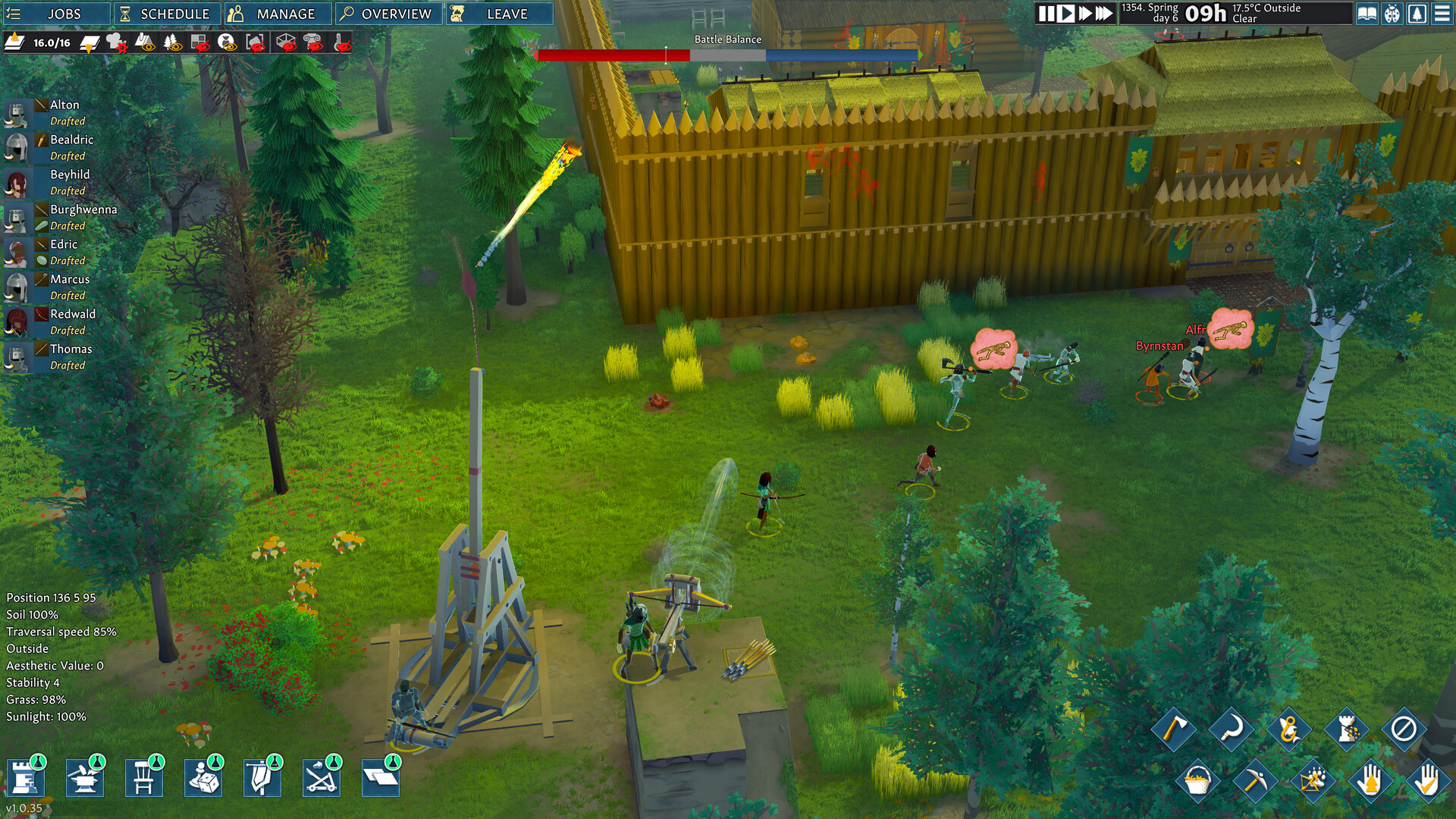
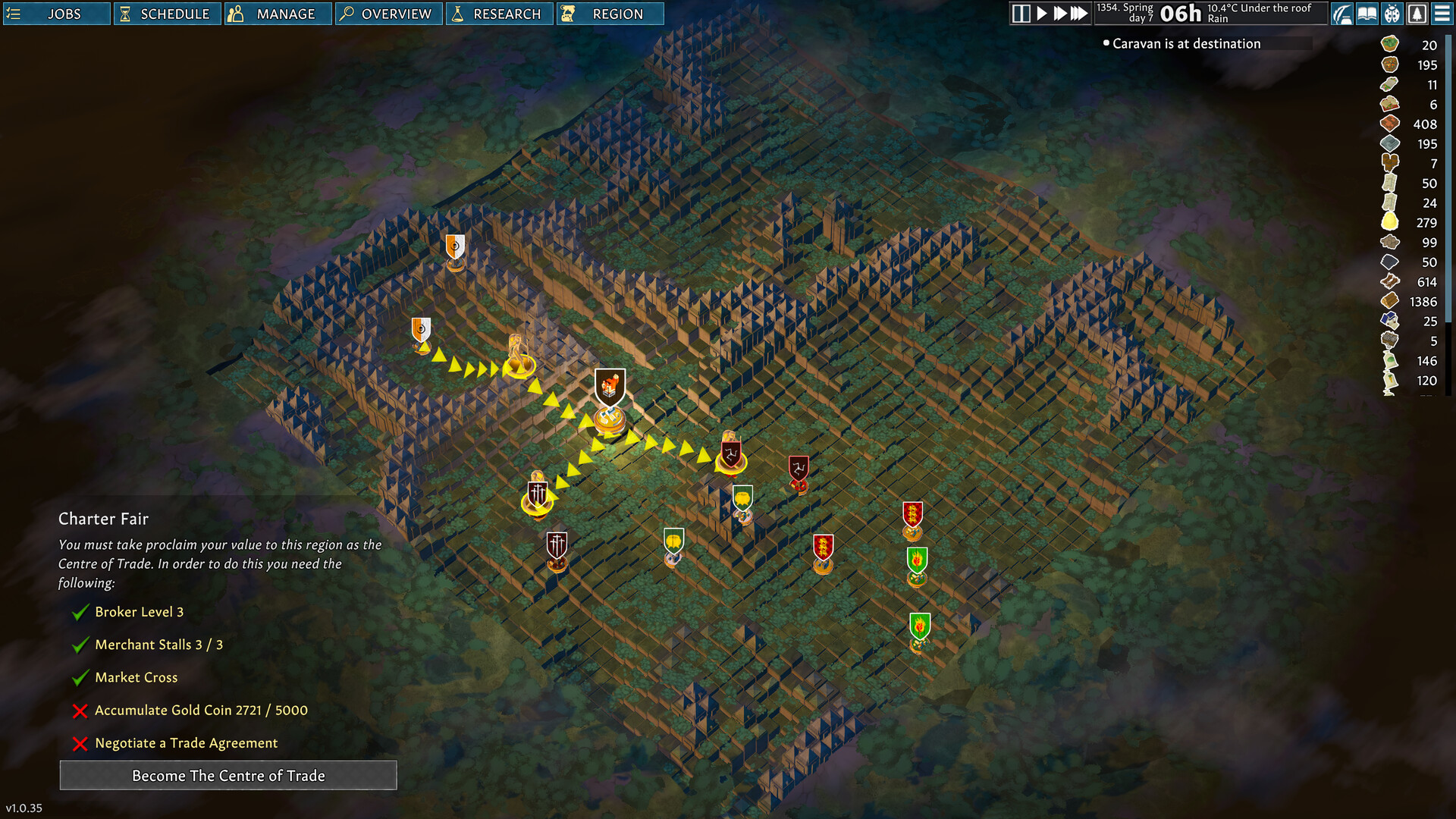
Build and manage your own castle settlement in a land reclaimed by wilderness. With detailed management, survival strategy, and a moddable sandbox world, Going Medieval challenges you to build the mightiest colony this side of the apocalypse.
Screenshots
System requirements
Minimum
• Requires a 64-bit processor and operating system • OS: Windows 10 (64-bit) • Processor: Intel Core i5-9400F or AMD Ryzen 5 2600 • Memory: 8 GB RAM • Graphics: NVIDIA GeForce GTX 1050 Ti (4 GB) or AMD Radeon RX 580 (4 GB) • DirectX: Version 11 • Storage: 2 GB available space • Sound Card: Windows Compatible Audio Device
Recommended
• Requires a 64-bit processor and operating system • OS: Windows 10 / Windows 11 (64-bit) • Processor: Intel Core i5-10600K / i7-10700 or AMD Ryzen 5 3600 XT • Memory: 16 GB RAM • Graphics: NVIDIA GeForce GTX 1660 Super / RTX 2060 or AMD Radeon RX 6600 XT • DirectX: Version 11 • Storage: 2 GB available space • Sound Card: Windows Compatible Audio Device
Languages: English, Simplified Chinese, French, German, Japanese, Portuguese - Brazil, Russian, Spanish - Spain, Korean, Polish, Turkish
How to activate
Steam
- Start Steam on your computer and sign in to the account you will play on.
- In the Games menu, choose Activate a Product on Steam. You can also start from Add a Game at the bottom left.
- Go through the introductory screens, review Steam’s terms and paste the complete key without surrounding spaces.
- Finish activation, then find the game in your Library and select Install.
Game details from Steam.