


Hardspace: Shipbreaker
- Genres
- Simulation
- Release
- May 24, 2022
- Developer
- Blackbird Interactive
- Metacritic
Lowest price across all offers
from $2.40210 ₽
Offers
The price depends on the platform and the activation region.
- WorldwideWorks in Russia$2.40210 ₽1
- EuropeNot for Russia$3.86340 ₽1
- CISCIS region$6.40550 ₽1
About the game
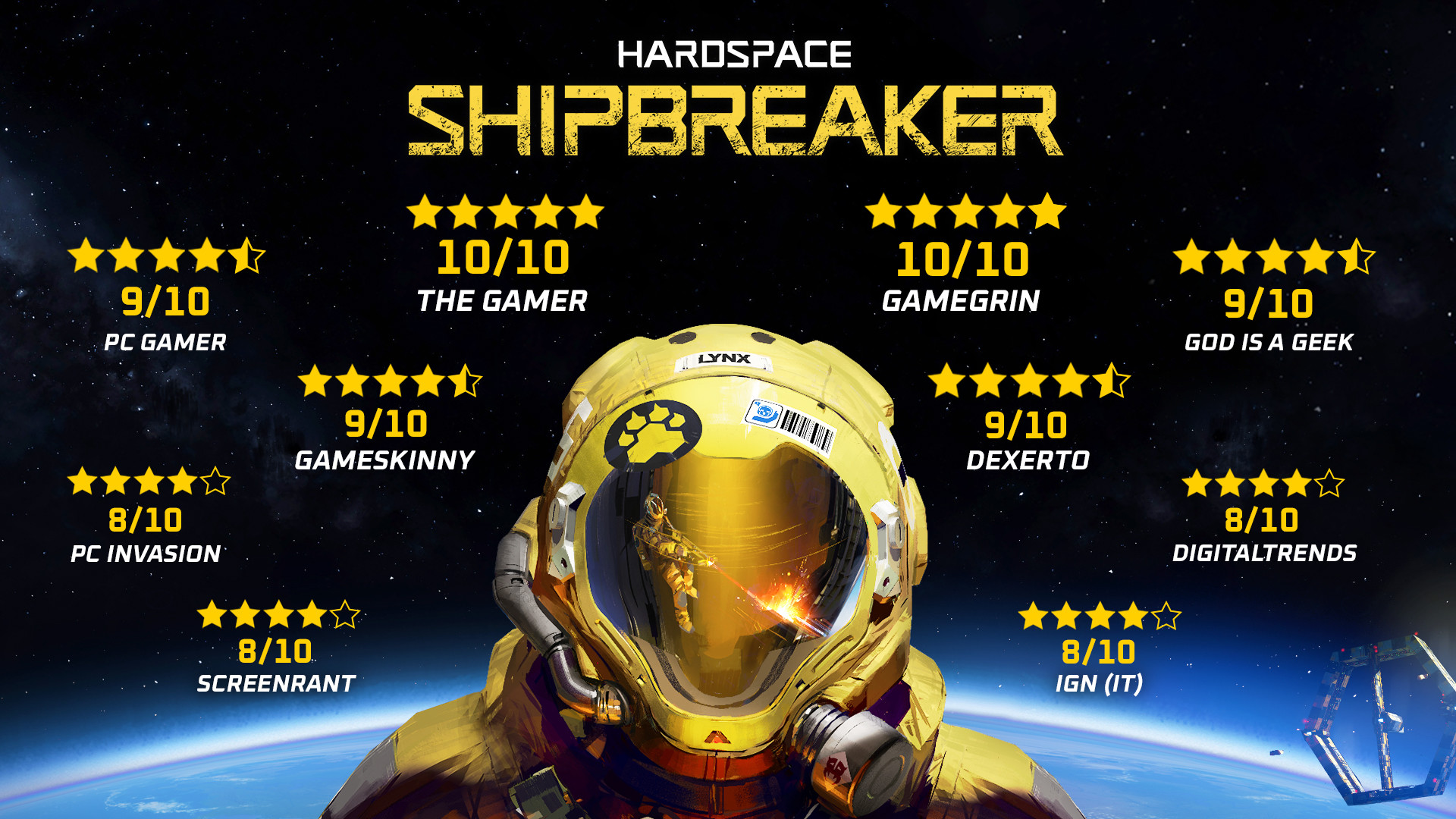
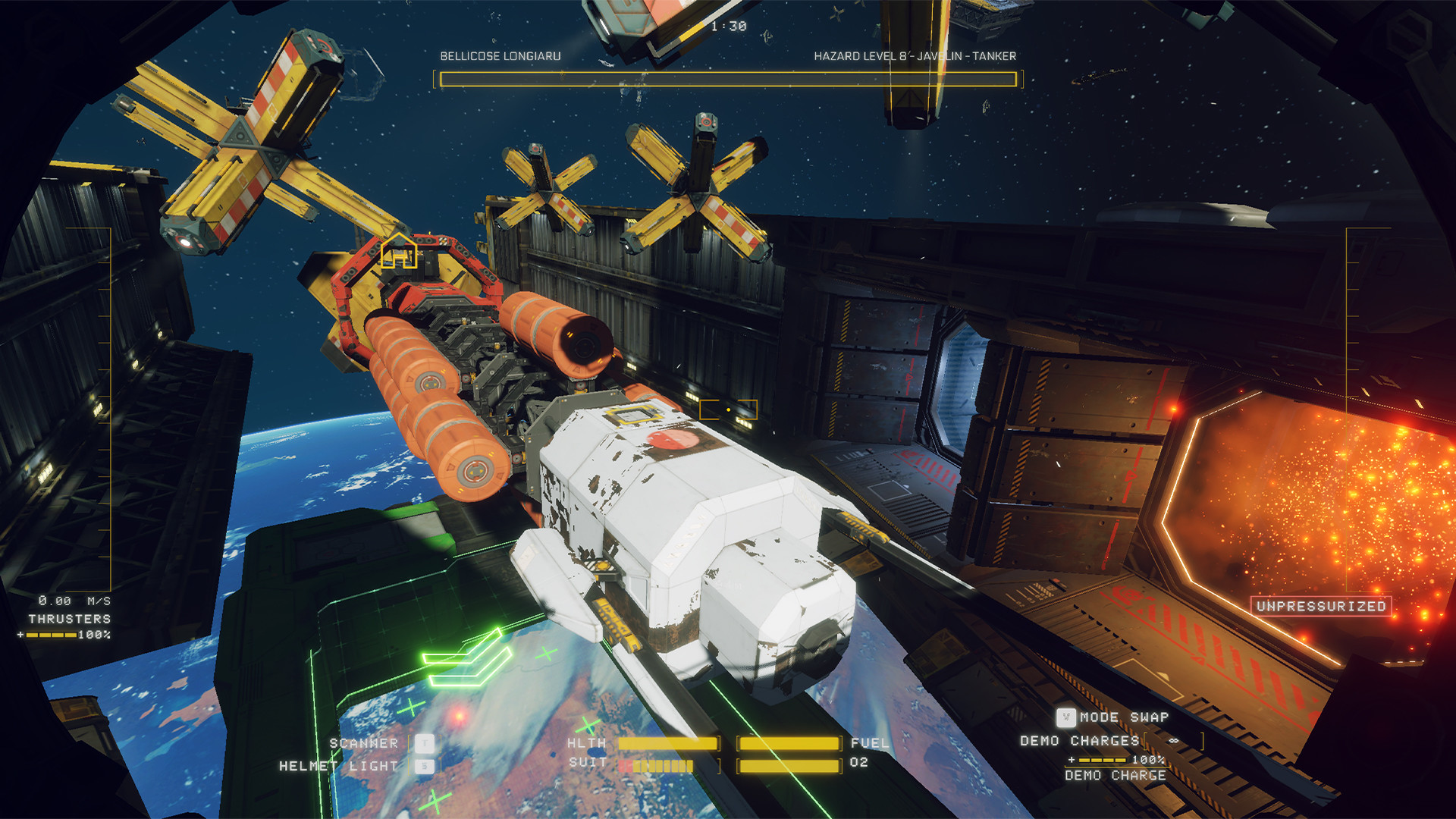
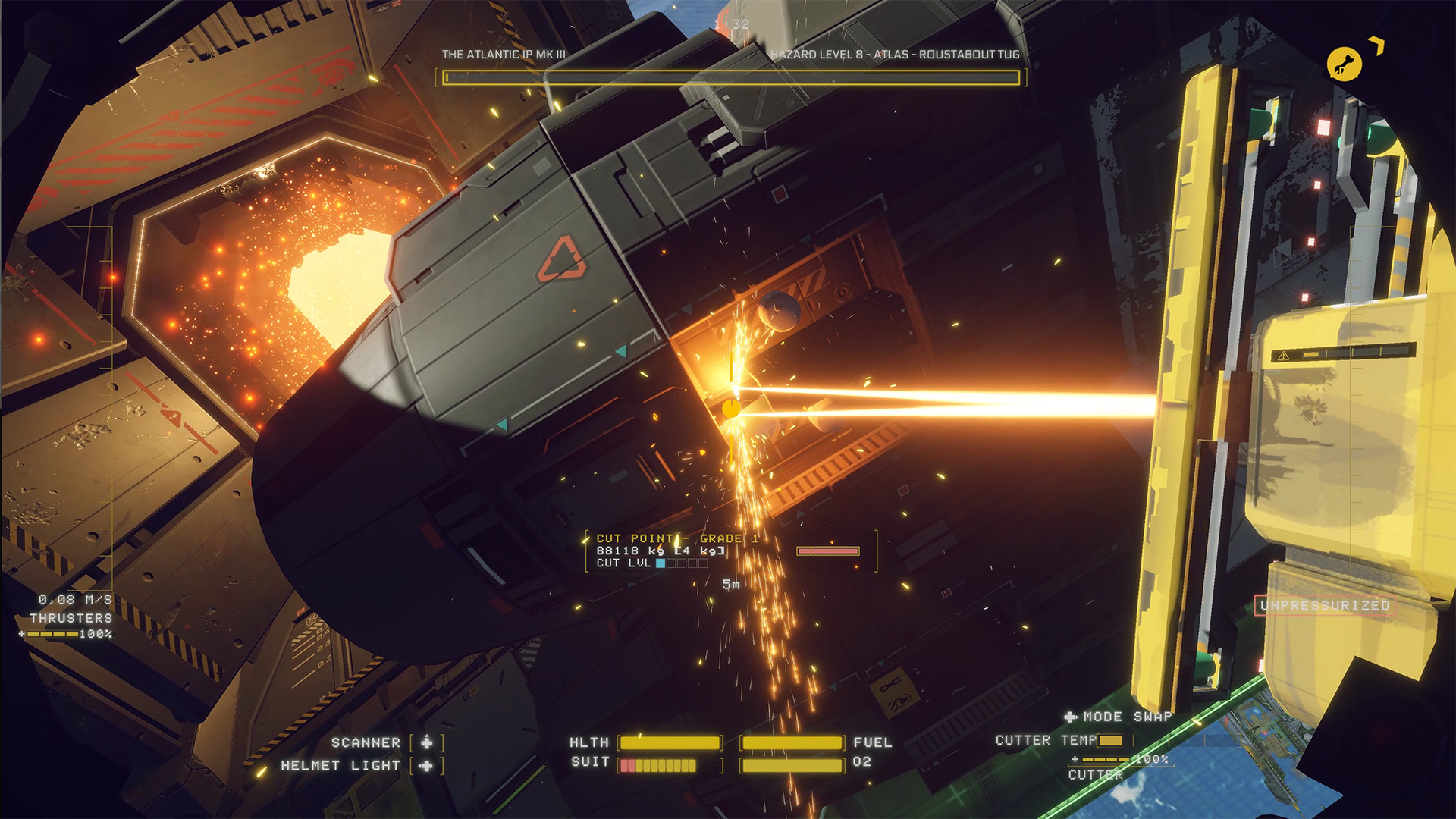
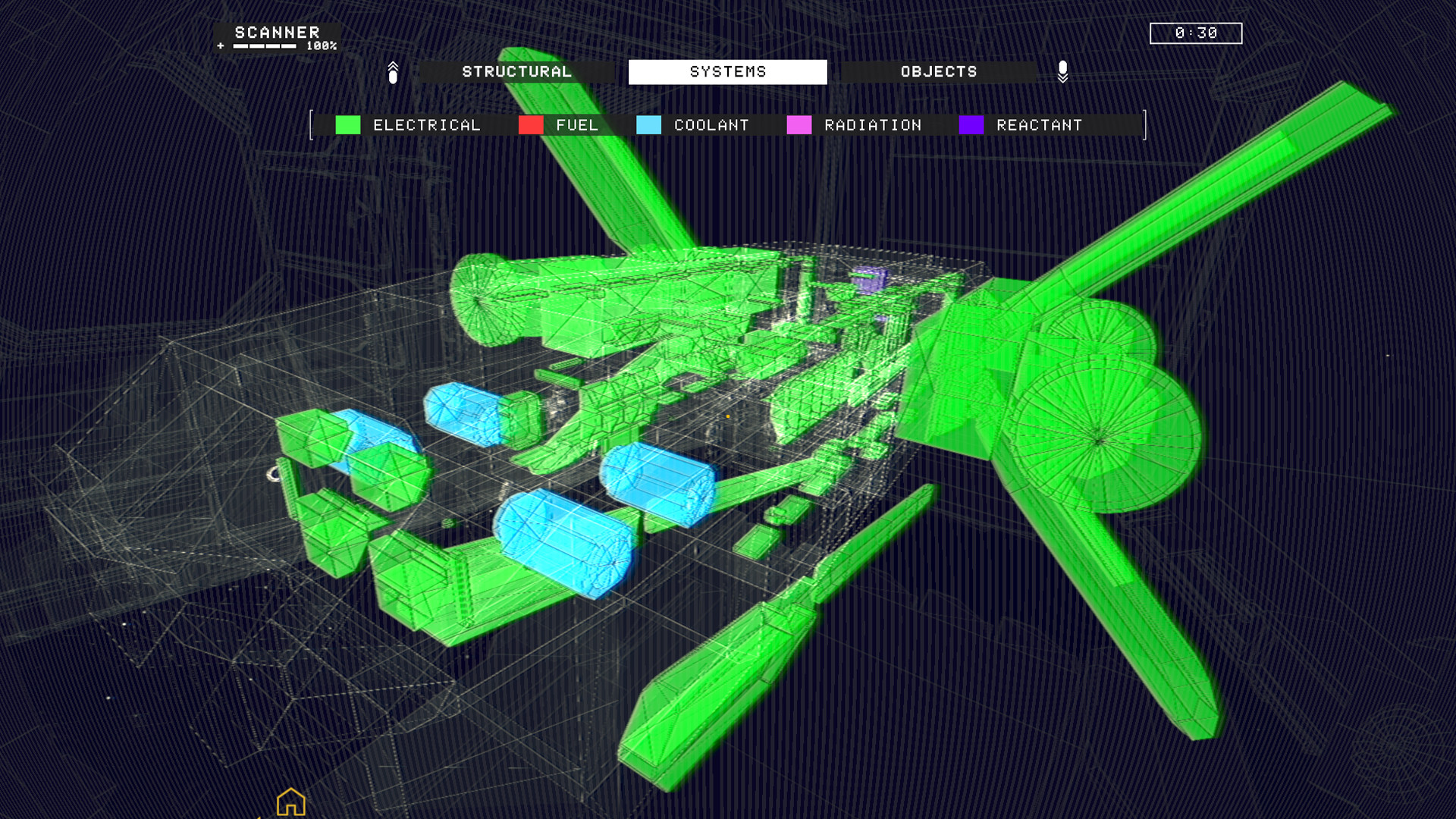
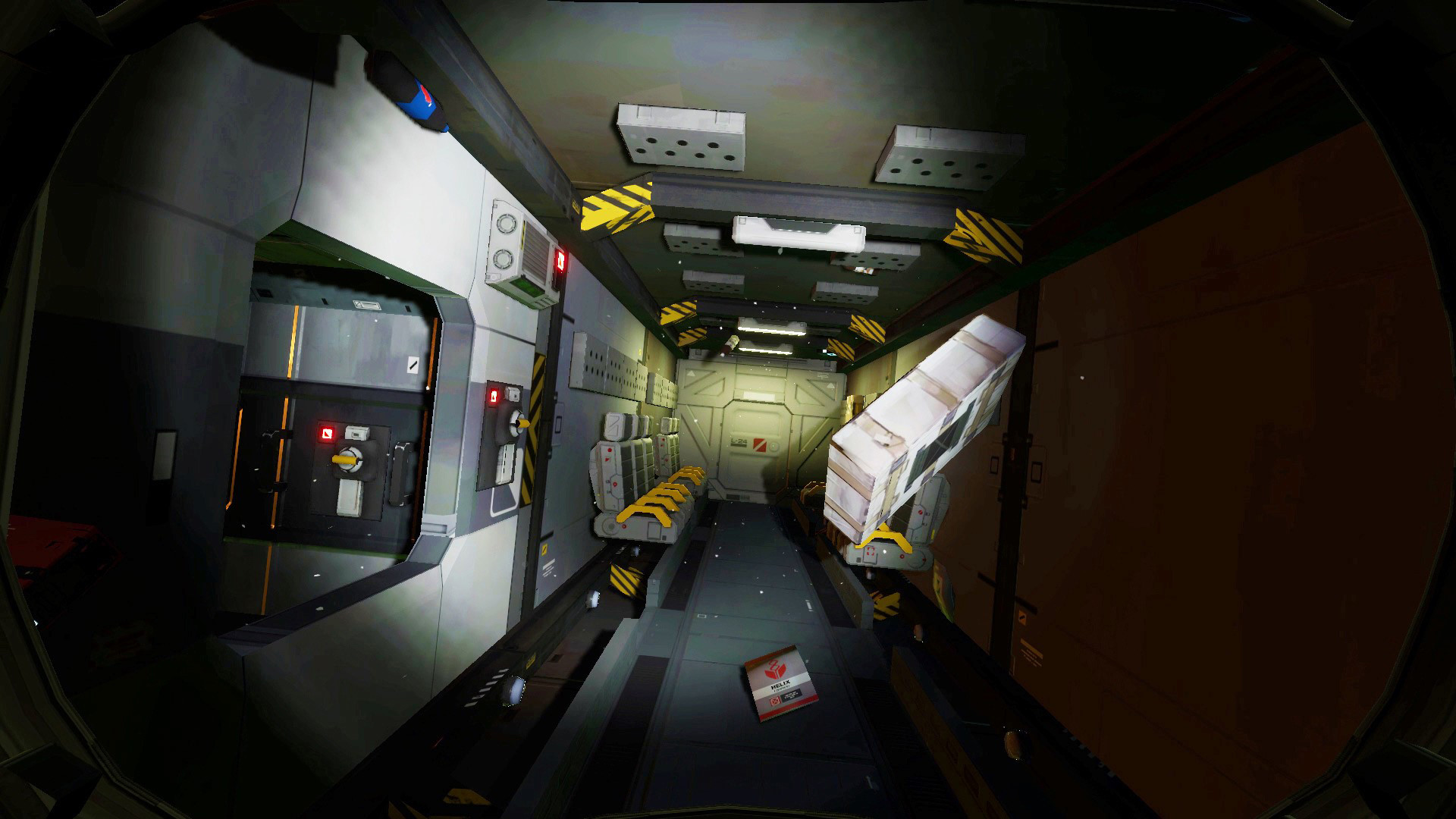
Equipped with cutting-edge salvaging tech, carve & slice spaceships to recover valuable materials. Upgrade your gear to take on more lucrative contracts and pay your billion credits debt to LYNX Corp!
Screenshots


System requirements
Minimum
• Requires a 64-bit processor and operating system • OS: Windows 10 (64-bit) • Processor: Intel i5-6600K / AMD Ryzen 3 1300X • Memory: 8 GB RAM • Graphics: 4 GB VRAM, GeForce GTX 770 / Radeon R9 380 • DirectX: Version 11 • Storage: 4 GB available space • Additional Notes: 30 FPS in 1920x1080.
Recommended
• Requires a 64-bit processor and operating system • OS: Windows 10 (64-bit) • Processor: Intel i7-8700 / AMD Ryzen 5 2600 • Memory: 16 GB RAM • Graphics: 6 GB VRAM, GeForce GTX 980 Ti / Radeon RX Vega 56 • DirectX: Version 11 • Storage: 4 GB available space • Additional Notes: 60 FPS in 1920x1080.
Languages: English*, French, German, Simplified Chinese, Russian, Italian, Spanish - Spain, Portuguese - Brazil, Traditional Chinese
How to activate
Steam
- Start Steam on your computer and sign in to the account you will play on.
- In the Games menu, choose Activate a Product on Steam. You can also start from Add a Game at the bottom left.
- Go through the introductory screens, review Steam’s terms and paste the complete key without surrounding spaces.
- Finish activation, then find the game in your Library and select Install.
Game details from Steam.