


It Takes Two
- Genres
- Action · Adventure
- Release
- Mar 25, 2021
- Developer
- Hazelight Studios
- Metacritic
Lowest price across all offers
from $25.382,170 ₽
Offers
The price depends on the platform and the activation region.
- WorldwideWorks in Russia$25.382,170 ₽1
- EuropeNot for Russia$36.103,080 ₽1
About the game
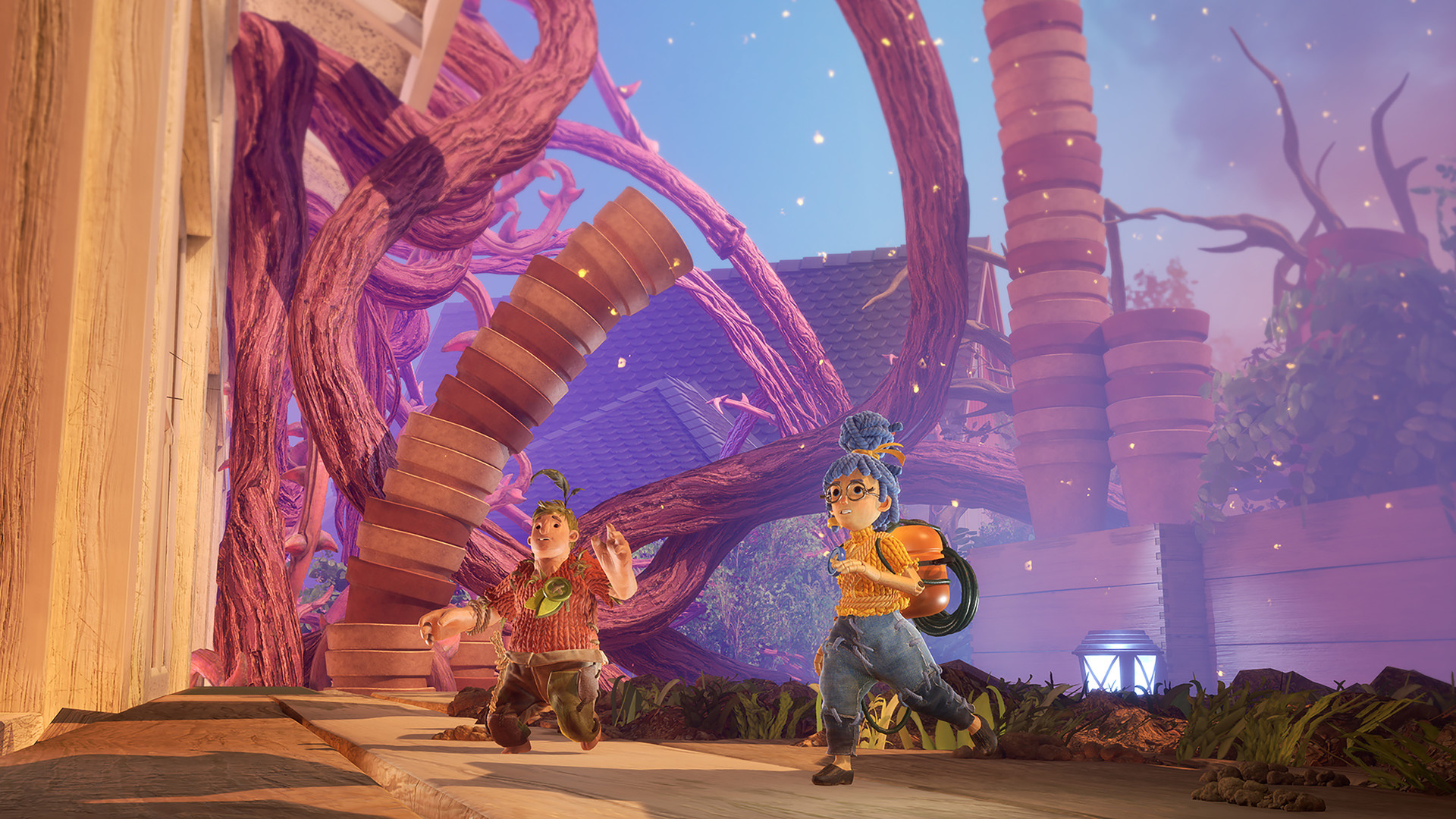
Embark on the craziest journey of your life in It Takes Two. Invite a friend to join for free with Friend’s Pass and work together across a huge variety of gleefully disruptive gameplay challenges. Winner of GAME OF THE YEAR at the Game Awards 2021.
Screenshots
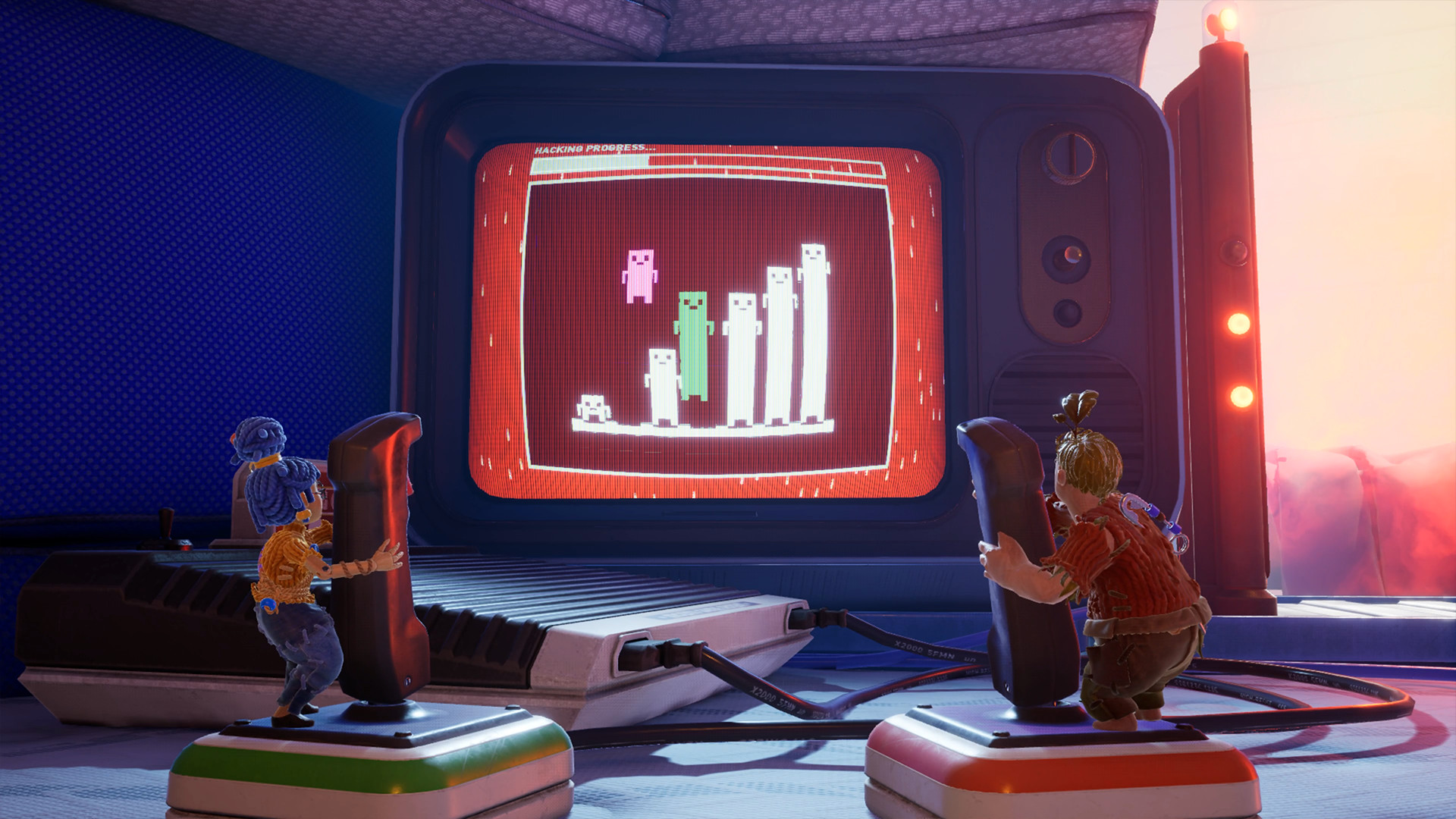
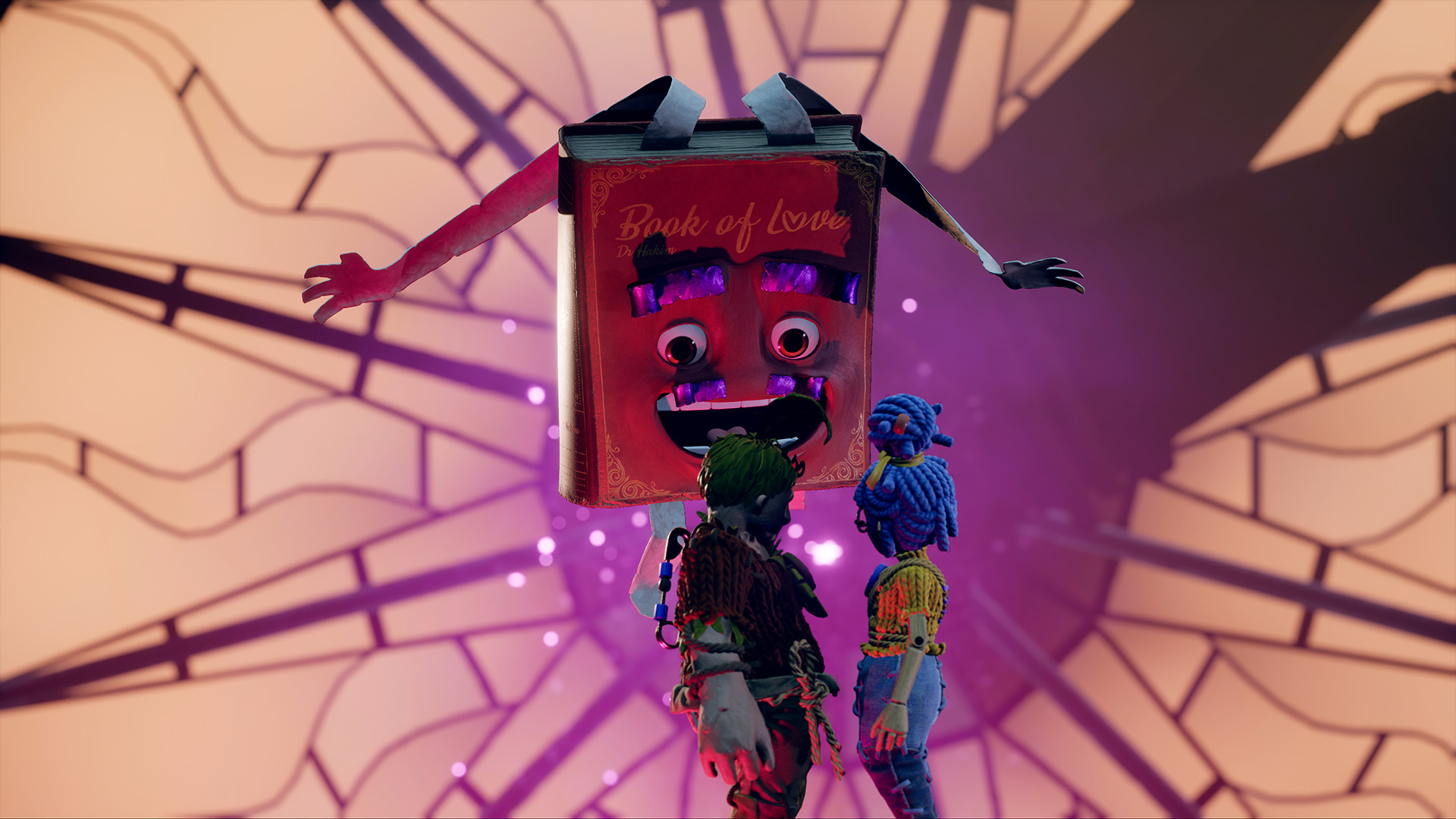
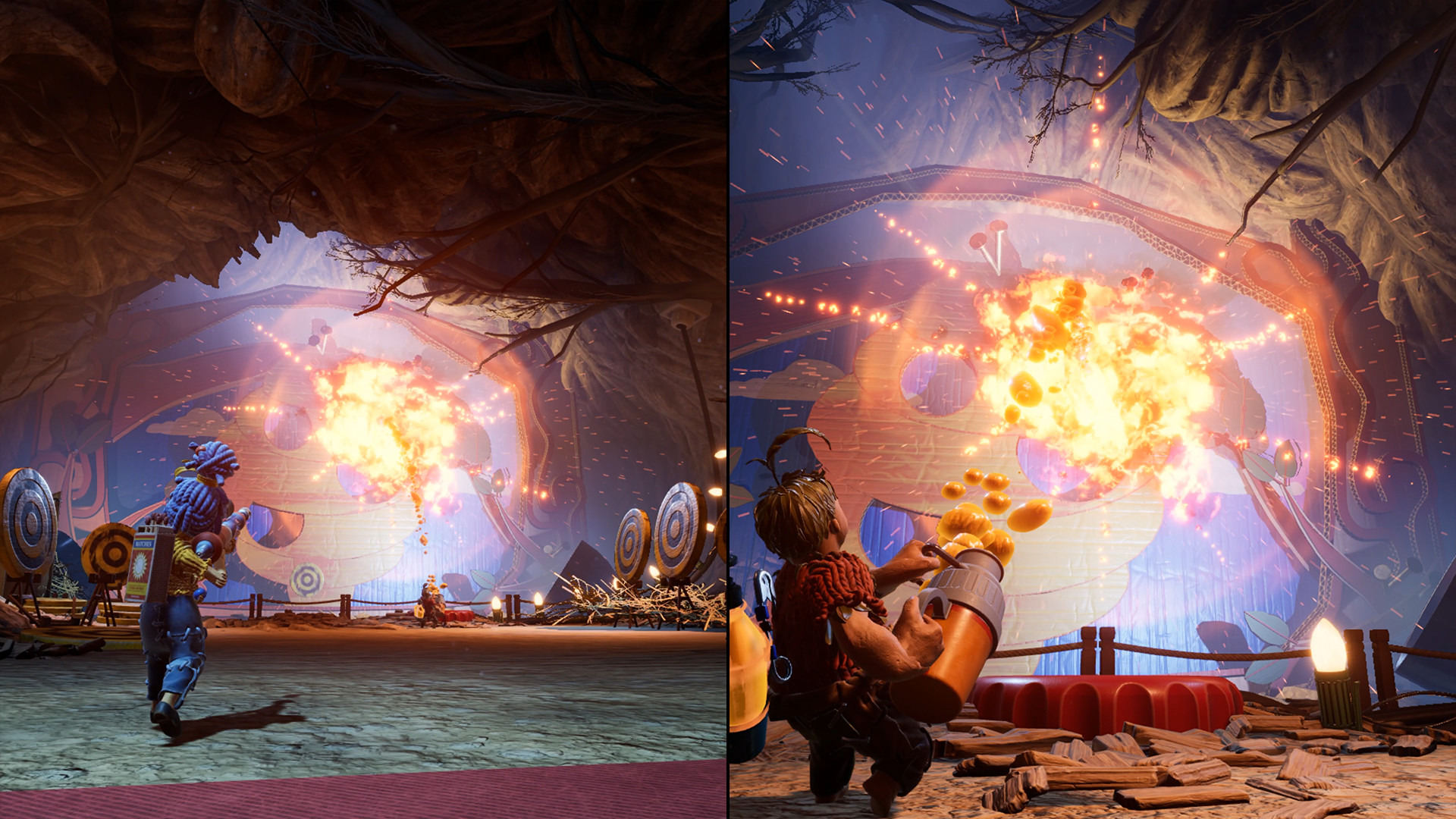

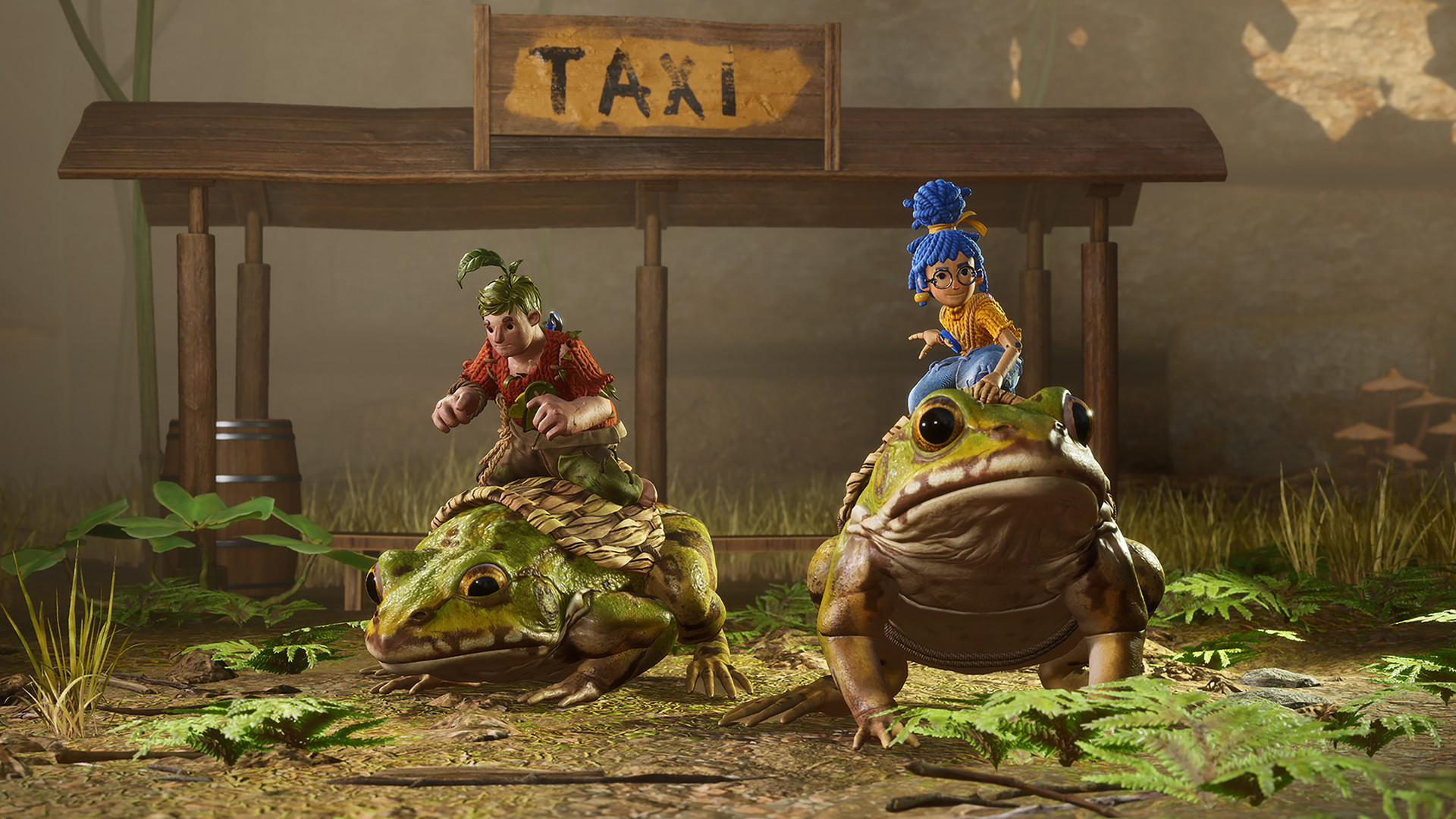


System requirements
Minimum
• Requires a 64-bit processor and operating system • OS *: Windows 8.1 64-bit or Windows 10 64-bit • Processor: Intel Core i3-2100T or AMD FX 6100 • Memory: 8 GB RAM • Graphics: Nvidia GeForce GTX 660 or AMD R7 260x • DirectX: Version 11 • Network: Broadband Internet connection • Storage: 50 GB available space
Recommended
• Requires a 64-bit processor and operating system • OS *: Windows 8.1 64-bit or Windows 10 64-bit • Processor: Intel Core i5 3570K or AMD Ryzen 3 1300x • Memory: 16 GB RAM • Graphics: Nvidia GeForce GTX 980 or AMD R9 290X • DirectX: Version 11 • Network: Broadband Internet connection • Storage: 50 GB available space
Languages: English*, French*, Italian, German*, Spanish - Spain*, Japanese*, Korean, Polish, Portuguese - Brazil, Russian, Simplified Chinese, Traditional Chinese
How to activate
Steam
- Start Steam on your computer and sign in to the account you will play on.
- In the Games menu, choose Activate a Product on Steam. You can also start from Add a Game at the bottom left.
- Go through the introductory screens, review Steam’s terms and paste the complete key without surrounding spaces.
- Finish activation, then find the game in your Library and select Install.
Nintendo
- Connect your console to the internet and launch Nintendo eShop from HOME.
- Choose the user linked to the intended Nintendo Account. Check the account country and code region.
- Choose Enter Code / Redeem Code in the left menu and enter the 16-character download code.
- Confirm redemption. Games begin downloading and appear on HOME. eShop cards and Nintendo Switch Online codes use this route too.
EA App
- Open the EA app and sign in to the account that should own the game.
- Go to My Library and use Redeem Code.
- Submit your key, continue and check the identified product before confirming.
- Complete redemption and download the game from your Library. Look for add-ons under their base game.
Game details from Steam.