
LEGO® Jurassic World
- Genres
- Action · Adventure
- Release
- Jun 11, 2015
- Developer
- TT Games Ltd
- Metacritic
Lowest price across all offers
from $1.68150 ₽
Offers
The price depends on the platform and the activation region.
- WorldwideWorks in RussiaLEGO Jurassic World$1.68150 ₽1
- EuropeNot for RussiaLEGO Jurassic World$1.78160 ₽1
- CISCIS regionLEGO Jurassic World$2.91250 ₽1
About the game
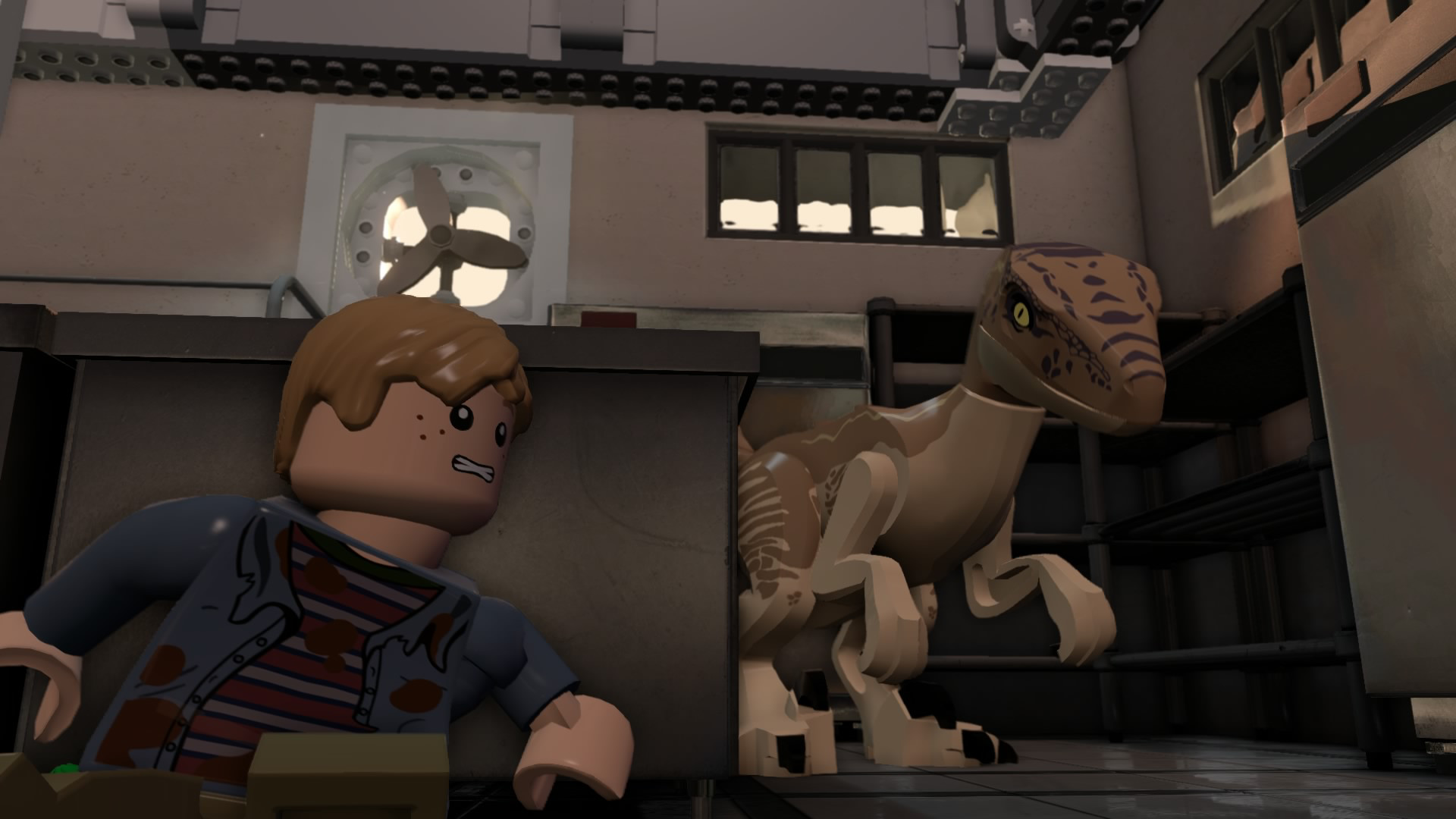
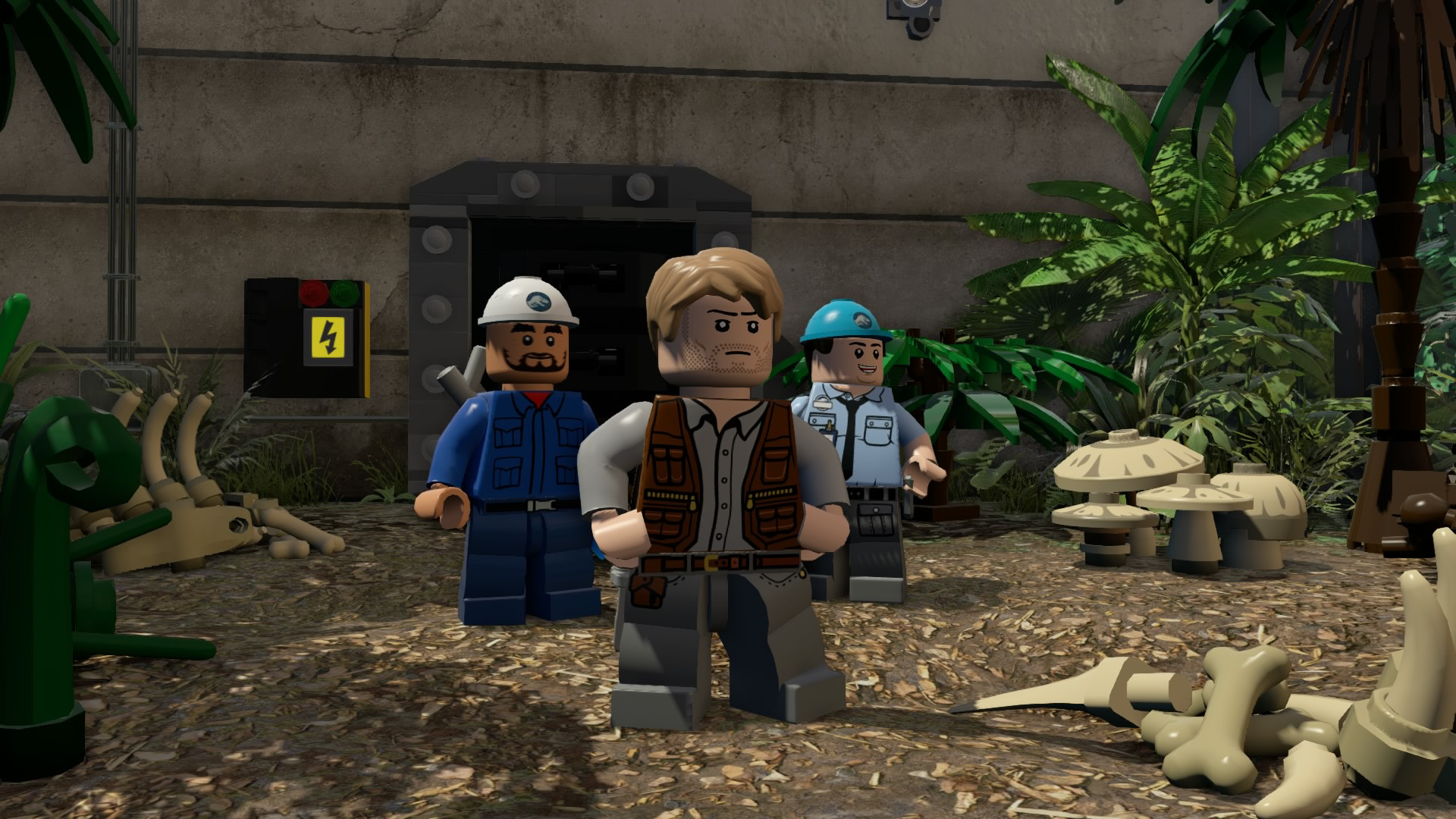
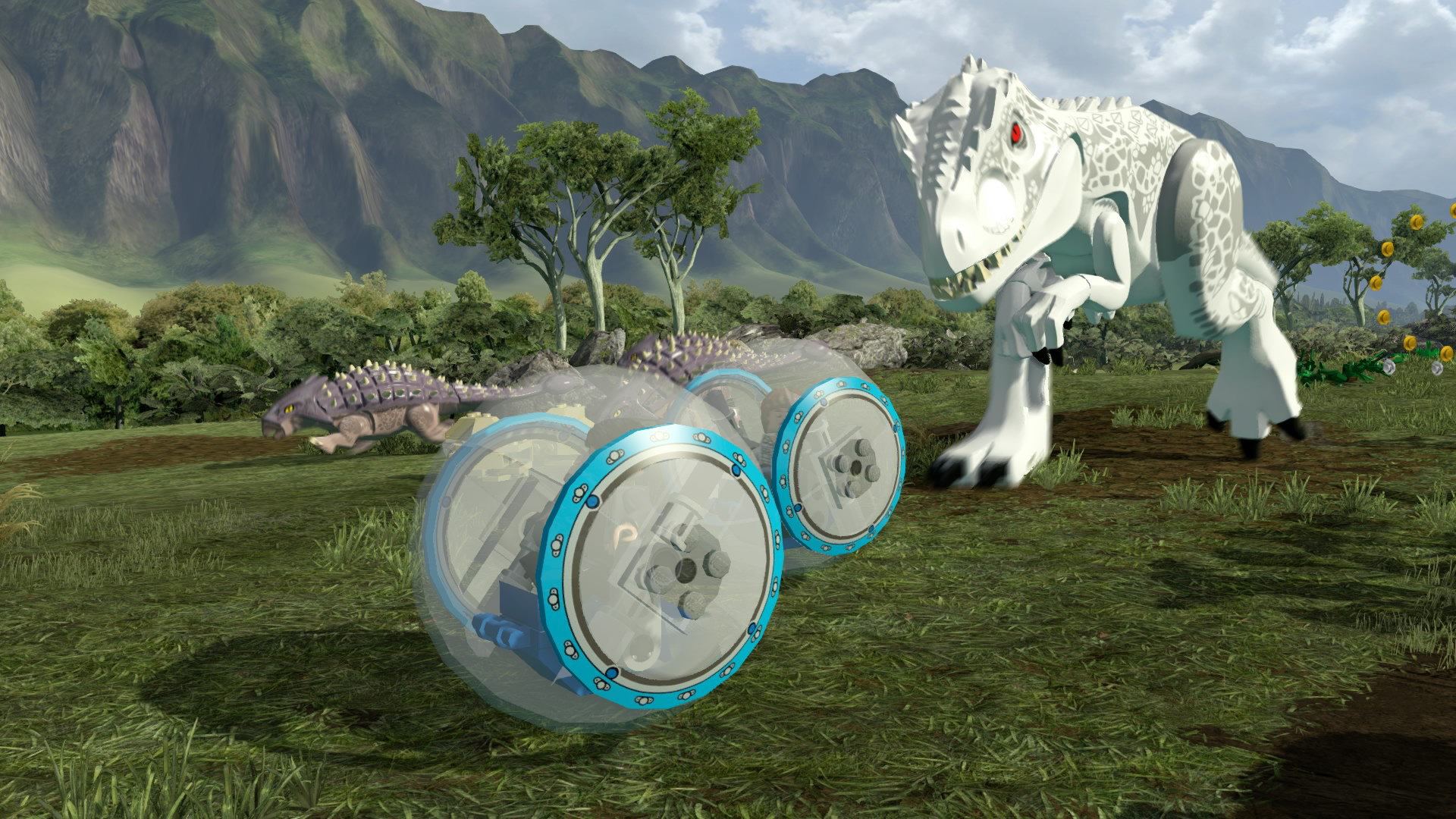
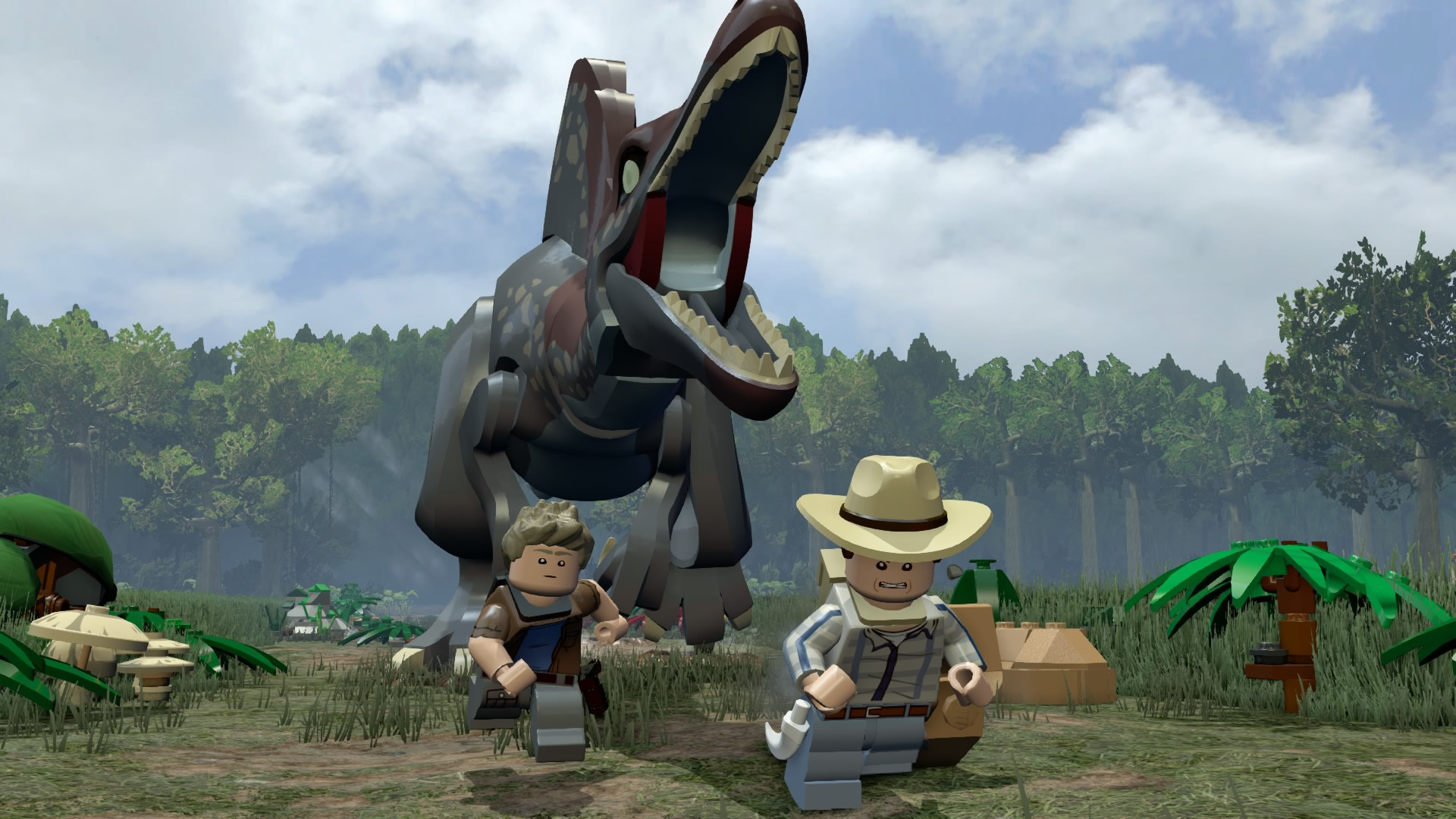
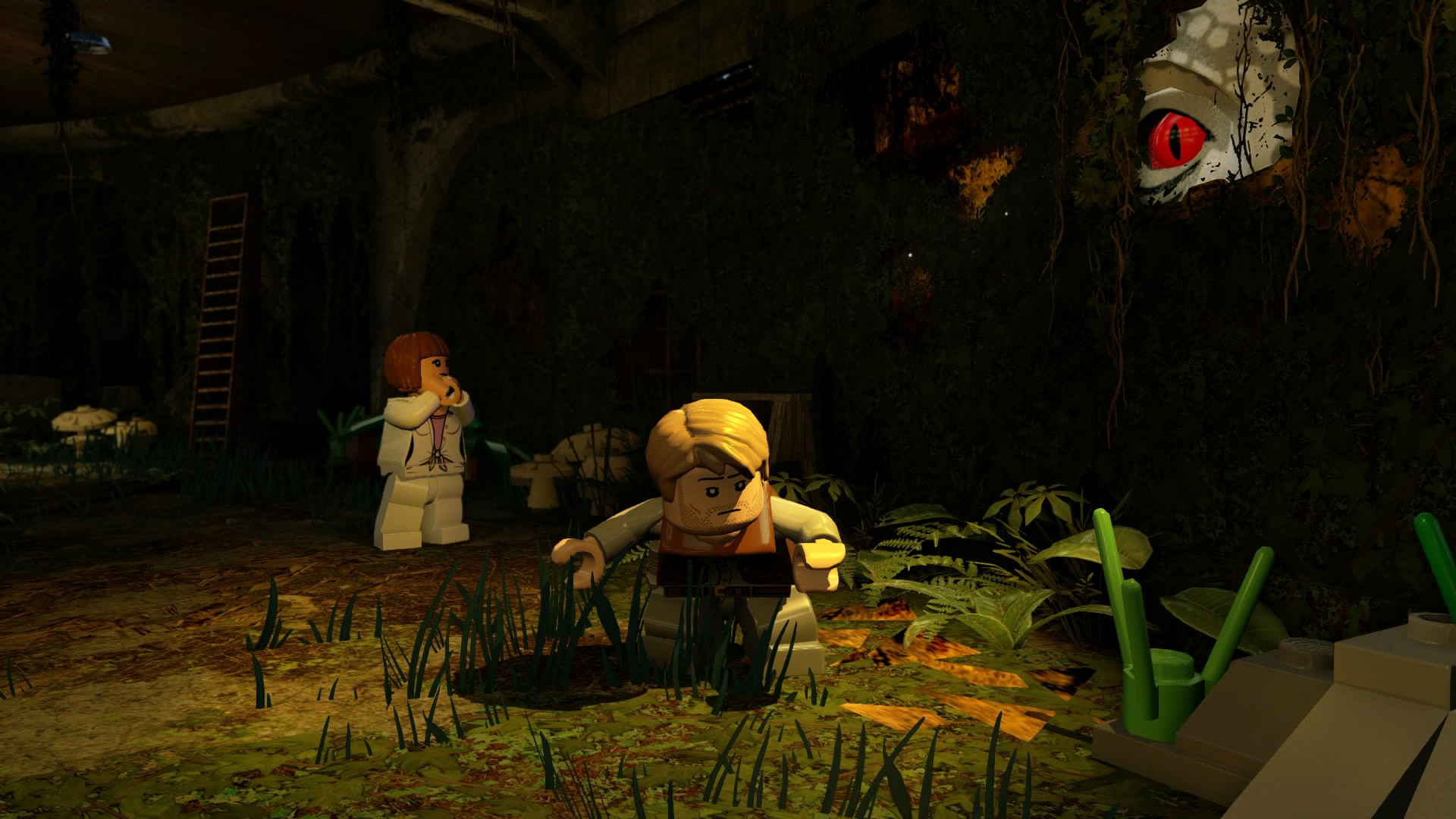
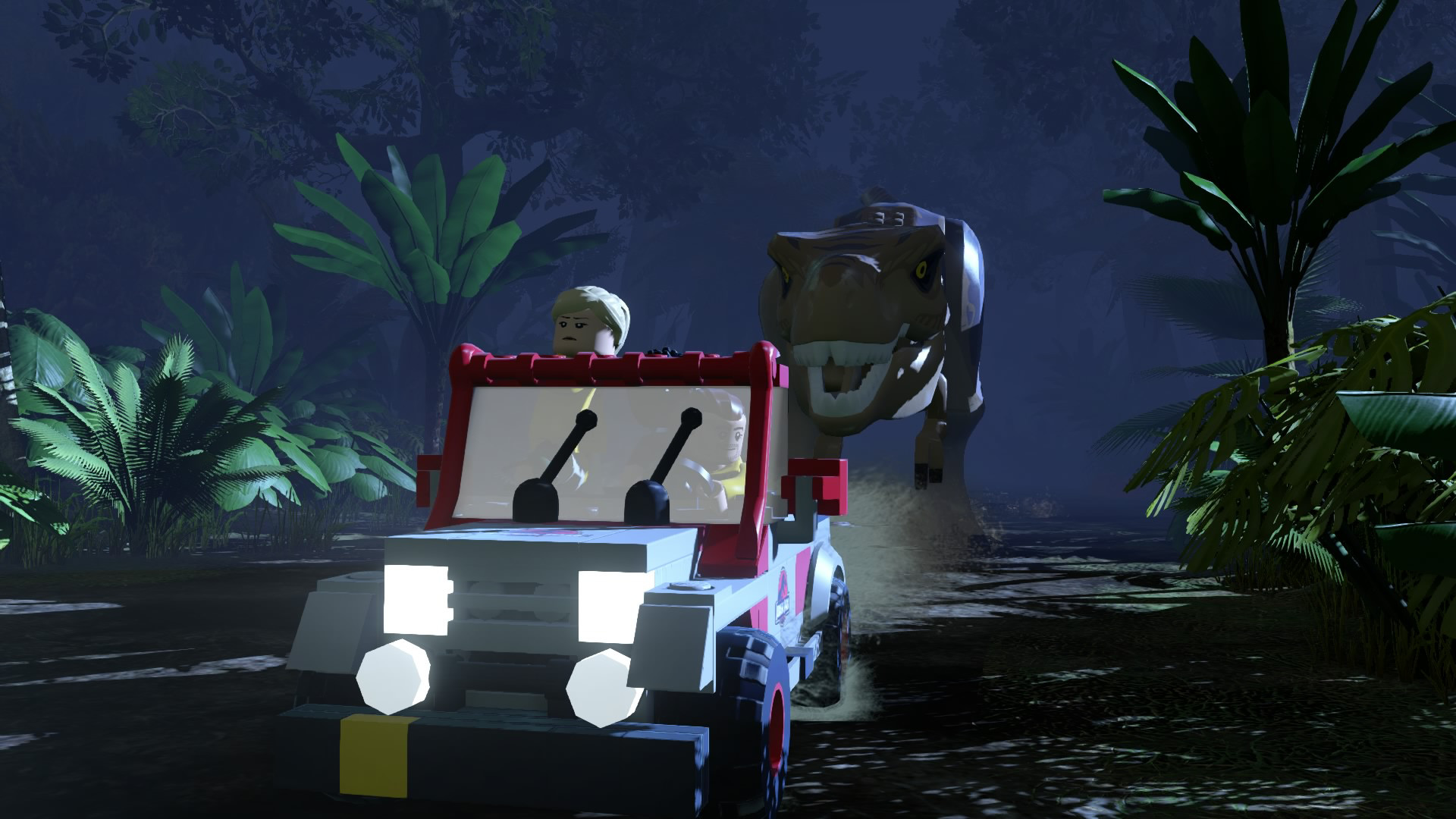
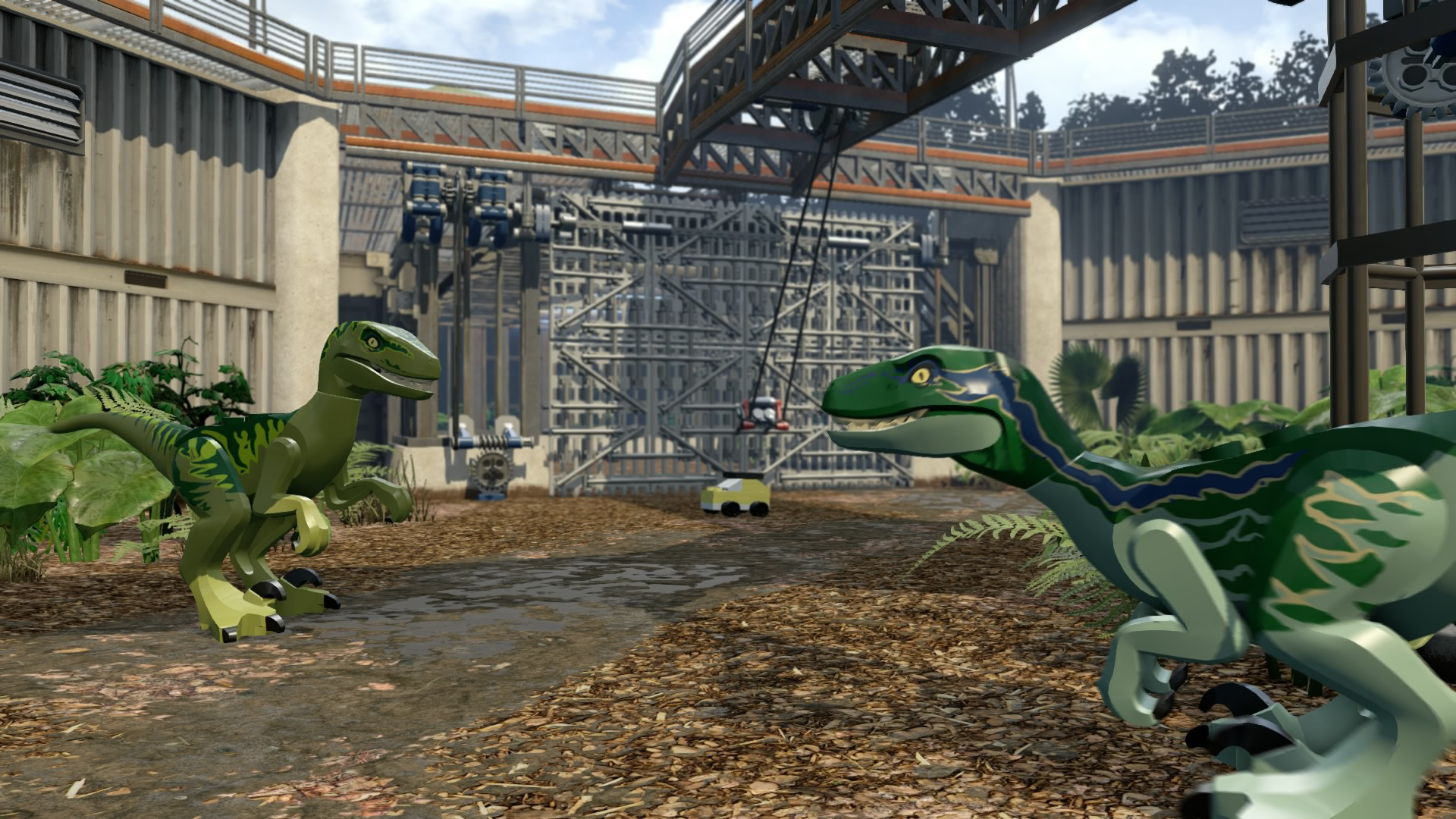
Following the epic storylines of Jurassic Park, The Lost World: Jurassic Park and Jurassic Park III, as well as the highly anticipated Jurassic World, LEGO Jurassic World™ is the first videogame where players will be able to relive and experience all four Jurassic films.
Screenshots

System requirements
Minimum
• OS *: Windows®XP SP3, Windows Vista/7/8 with latest service packs and updates installed • Processor: Intel Core 2 Duo or equivalent AMD dual core CPU • Memory: 2 GB RAM • Graphics: NVIDIA GeForce 7600GS or ATI Radeon 1950, 256 Mb RAM • DirectX: Version 10 • Network: Broadband Internet connection • Storage: 10 GB available space • Additional Notes: Windows XP and DirectX® 9.0b and below not supported
Recommended
• OS *: Windows XP/Vista/7/8 • Processor: Intel i5, 4 x 2.6 GHz or AMD equivalent • Memory: 4 GB RAM • Graphics: NVIDIA GeForce GTX 480 or ATI Radeon HD 5850 or better, 1Gb RAM • DirectX: Version 11 • Network: Broadband Internet connection • Storage: 10 GB available space • Additional Notes: Windows XP and DirectX® 9.0b and below not supported
Languages: English*, French*, Italian*, German*, Spanish - Spain*, Danish, Dutch, Polish, Portuguese - Brazil*, Russian
How to activate
Steam
- Start Steam on your computer and sign in to the account you will play on.
- In the Games menu, choose Activate a Product on Steam. You can also start from Add a Game at the bottom left.
- Go through the introductory screens, review Steam’s terms and paste the complete key without surrounding spaces.
- Finish activation, then find the game in your Library and select Install.
Nintendo
- Connect your console to the internet and launch Nintendo eShop from HOME.
- Choose the user linked to the intended Nintendo Account. Check the account country and code region.
- Choose Enter Code / Redeem Code in the left menu and enter the 16-character download code.
- Confirm redemption. Games begin downloading and appear on HOME. eShop cards and Nintendo Switch Online codes use this route too.
More from the series
Game details from Steam.