


Little Nightmares II (Xbox Series X|S)
- Genres
- Adventure
- Release
- Feb 10, 2021
- Developer
- Tarsier Studios
- Metacritic
Lowest price across all offers
from $7.99690 ₽
Offers
The price depends on the platform and the activation region.
- ArgentinaNot for Russia$7.99690 ₽1
- United StatesNot for Russia$14.971,280 ₽1
About the game
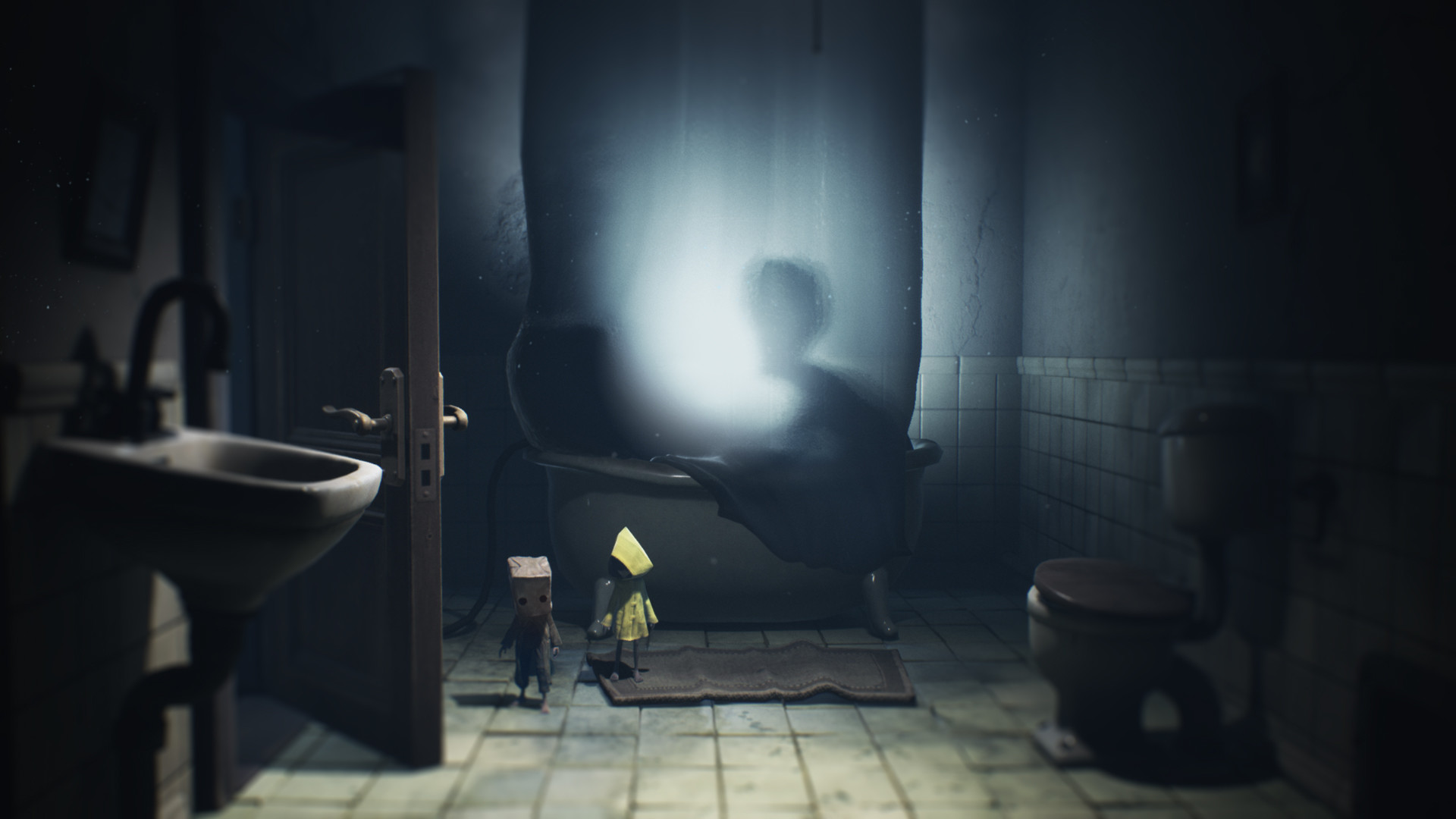
Little Nightmares II is the second game in a series that has thrilled and captivated millions of players worldwide since 2017. Now it’s your turn to try to survive this critically acclaimed entry in the most charming horror series ever made.
Screenshots




System requirements
Minimum
• Requires a 64-bit processor and operating system • OS: Windows 10 • Processor: Intel Core i5-2300 | AMD FX-4350 • Memory: 4 GB RAM • Graphics: Nvidia GeForce GTX 570, 1 GB | AMD Radeon HD 7850, 2 GB • DirectX: Version 11 • Additional Notes: Estimated performance: 1080p/60fps with graphics settings at "Low". Framerate might drop in graphics-intensive scenes. - 64-bit processor and operating system are required.
Recommended
• Requires a 64-bit processor and operating system • OS: Windows 10 • Processor: Intel Core i7-3770 | AMD FX-8350 • Memory: 4 GB RAM • Graphics: Nvidia GeForce GTX 760, 2 GB | AMD Radeon HD 7870, 2 GB • DirectX: Version 11 • Additional Notes: Estimated performance: 1080p/60fps with graphics settings at "High". Framerate might drop in graphics-intensive scenes. - 64-bit processor and operating system are required. - Windows 10 (Version 1809 or later) and a 4GB VRAM GPU (graphics board or video card) are required for DirectX 12 API.
Languages: English*, French, Italian, German, Spanish - Spain, Arabic, Japanese, Korean, Polish, Portuguese - Brazil, Russian, Simplified Chinese, Spanish - Latin America, Traditional Chinese
How to activate
Xbox
- Open Microsoft’s redemption page using the button below.
- Sign in with the Microsoft account used on your Xbox. Check the email and profile before continuing.
- Paste the 25-character code and select Next. Check the displayed product or amount.
- Complete the confirmation prompts. Look for games in that account’s library and subscriptions under its services and subscriptions.
More from the series
 РФ ✓Little Nightmares (Complete Edition)SteamXboxfrom $5.55480 ₽5 offersРФ ✓Little Nightmares IISteamNintendofrom $8.61740 ₽5 offersРФ ✓Little NightmaresSteamfrom $4.14360 ₽4 offersРФ ✓Little Nightmares II (Deluxe Edition)Steamfrom $6.82590 ₽4 offers
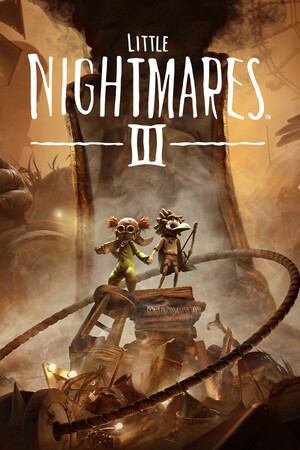 РФ ✓Little Nightmares IIISteamfrom $19.631,680 ₽4 offersРФ ✓Little Nightmares III (Deluxe Edition)Steamfrom $40.223,430 ₽4 offersLittle Nightmares (Xbox One)Xboxfrom $6.19530 ₽2 offersLittle Nightmares (Complete Edition) (Xbox One)Xboxfrom $13.661,170 ₽
Game details from Steam.