
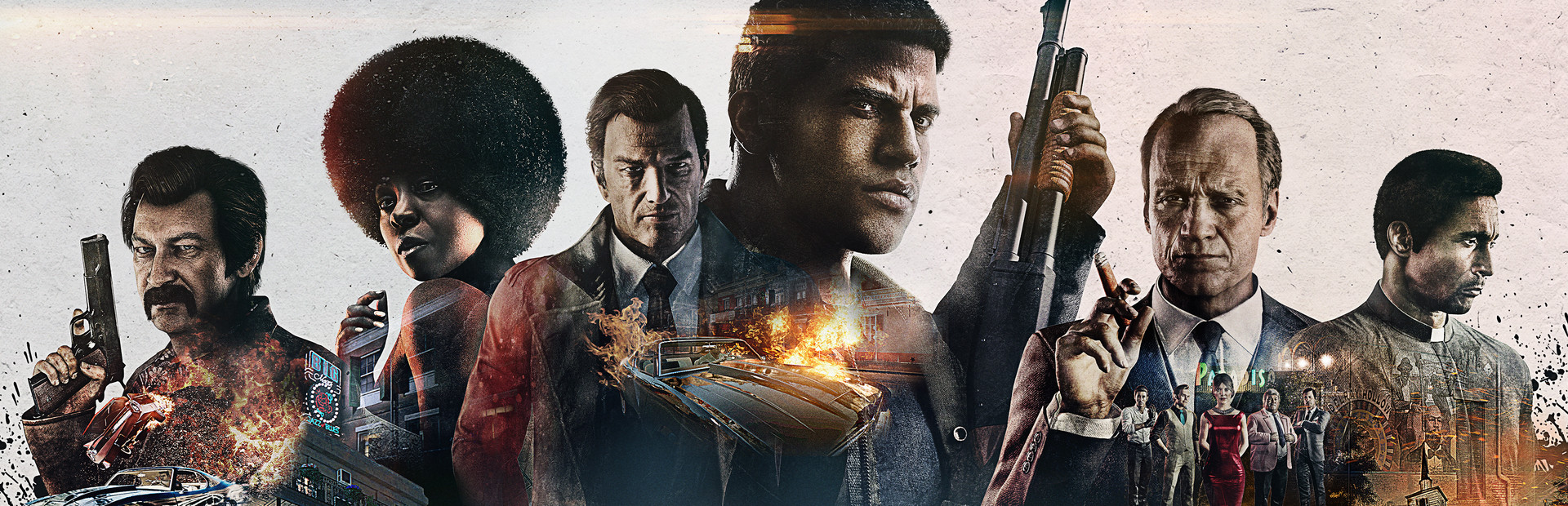

Mafia III: Definitive Edition
- Genres
- Action · Adventure
- Release
- May 19, 2020
- Developer
- Hangar 13, Aspyr (Mac)
Lowest price across all offers
from $4.91420 ₽
Offers
The price depends on the platform and the activation region.
- WorldwideWorks in Russia$18.661,590 ₽1
About the game
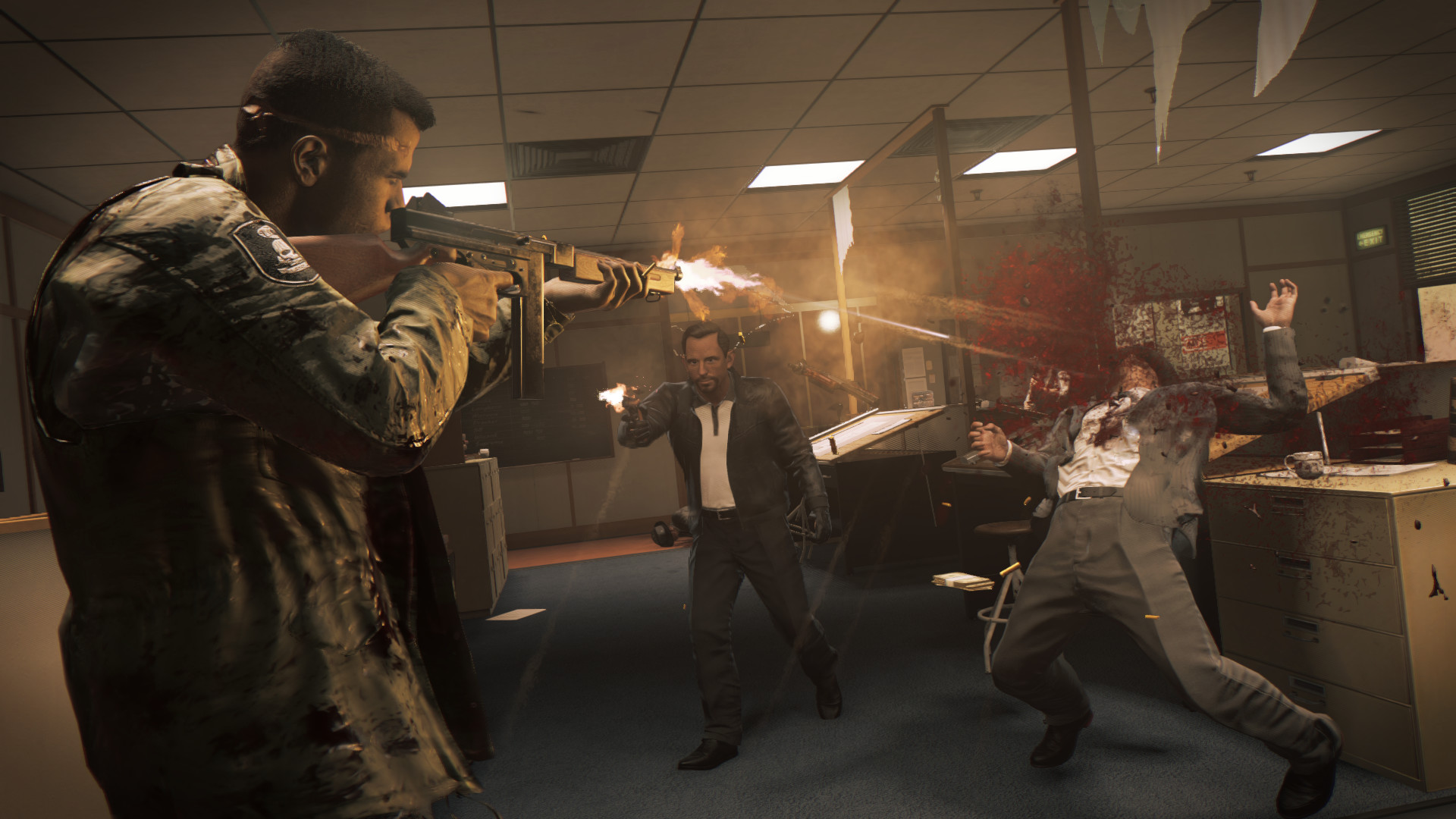
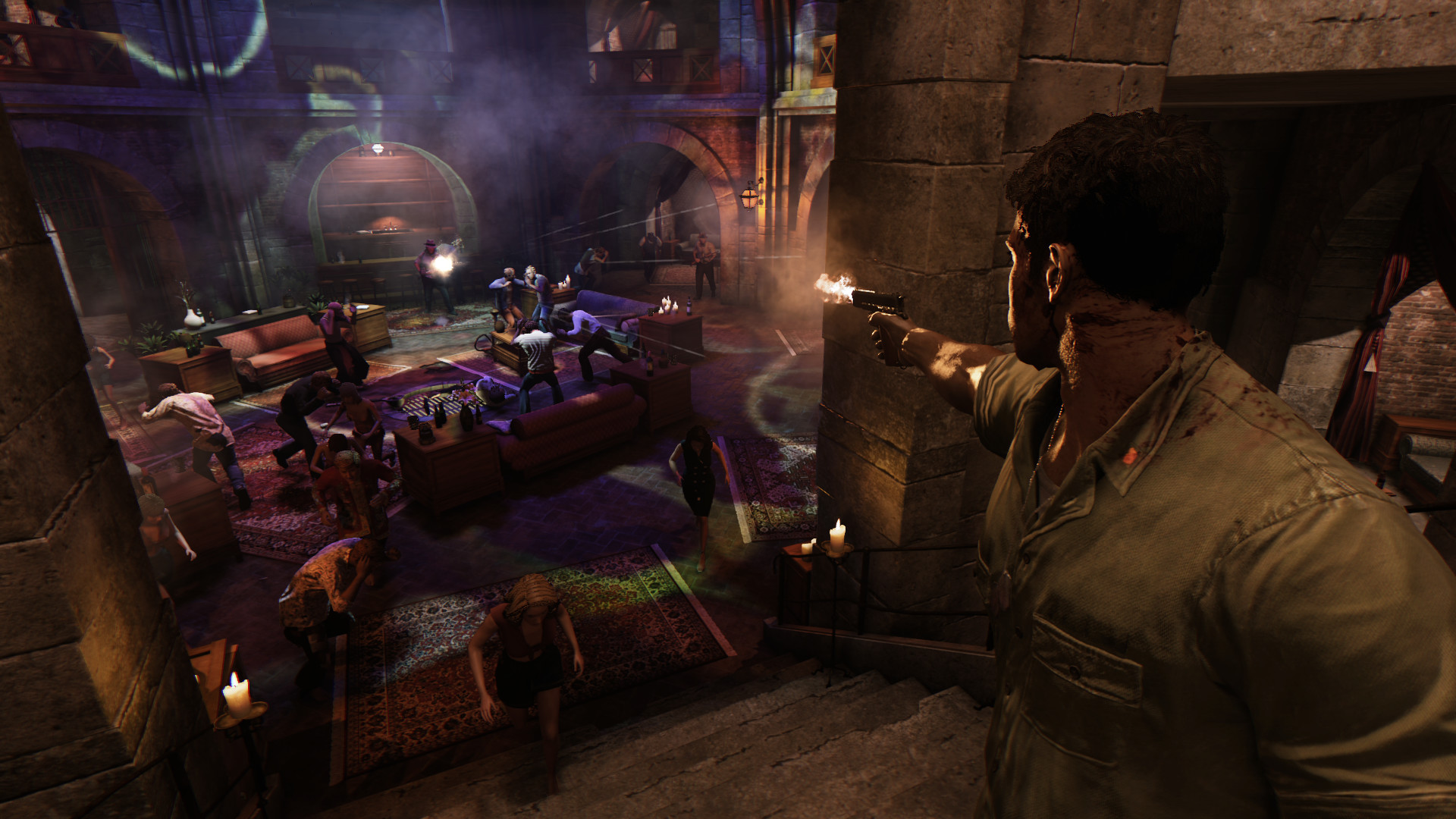
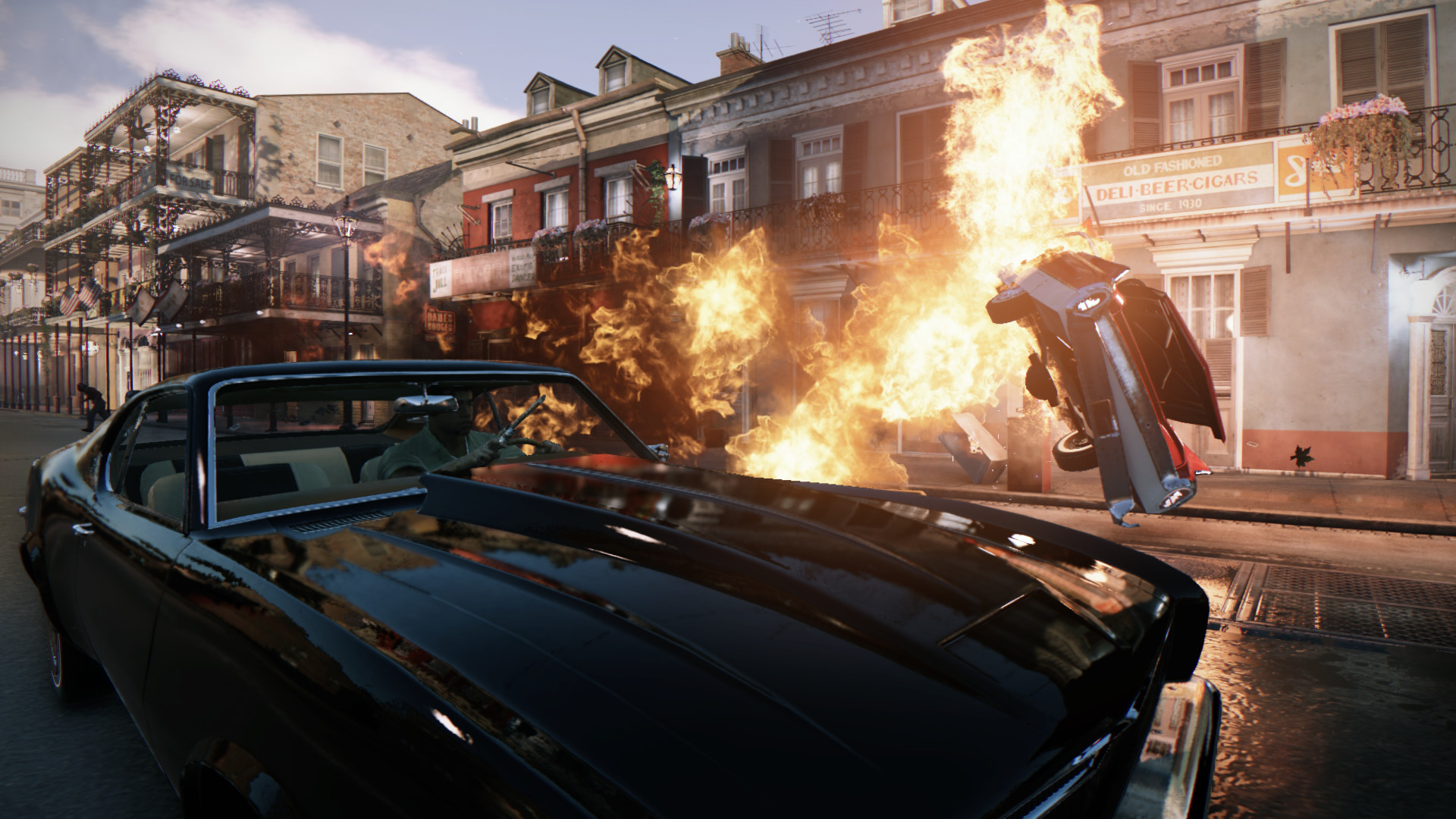
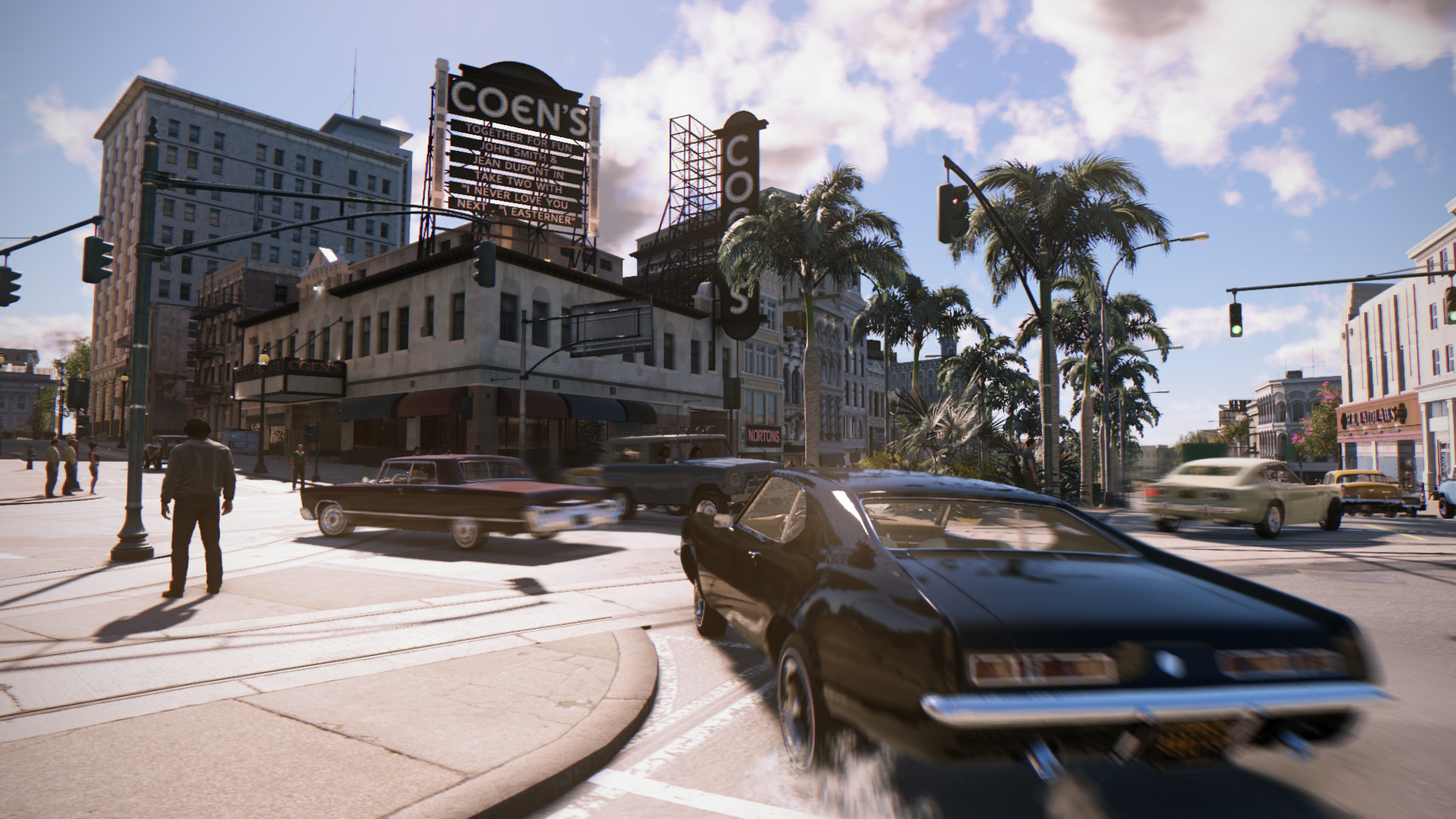
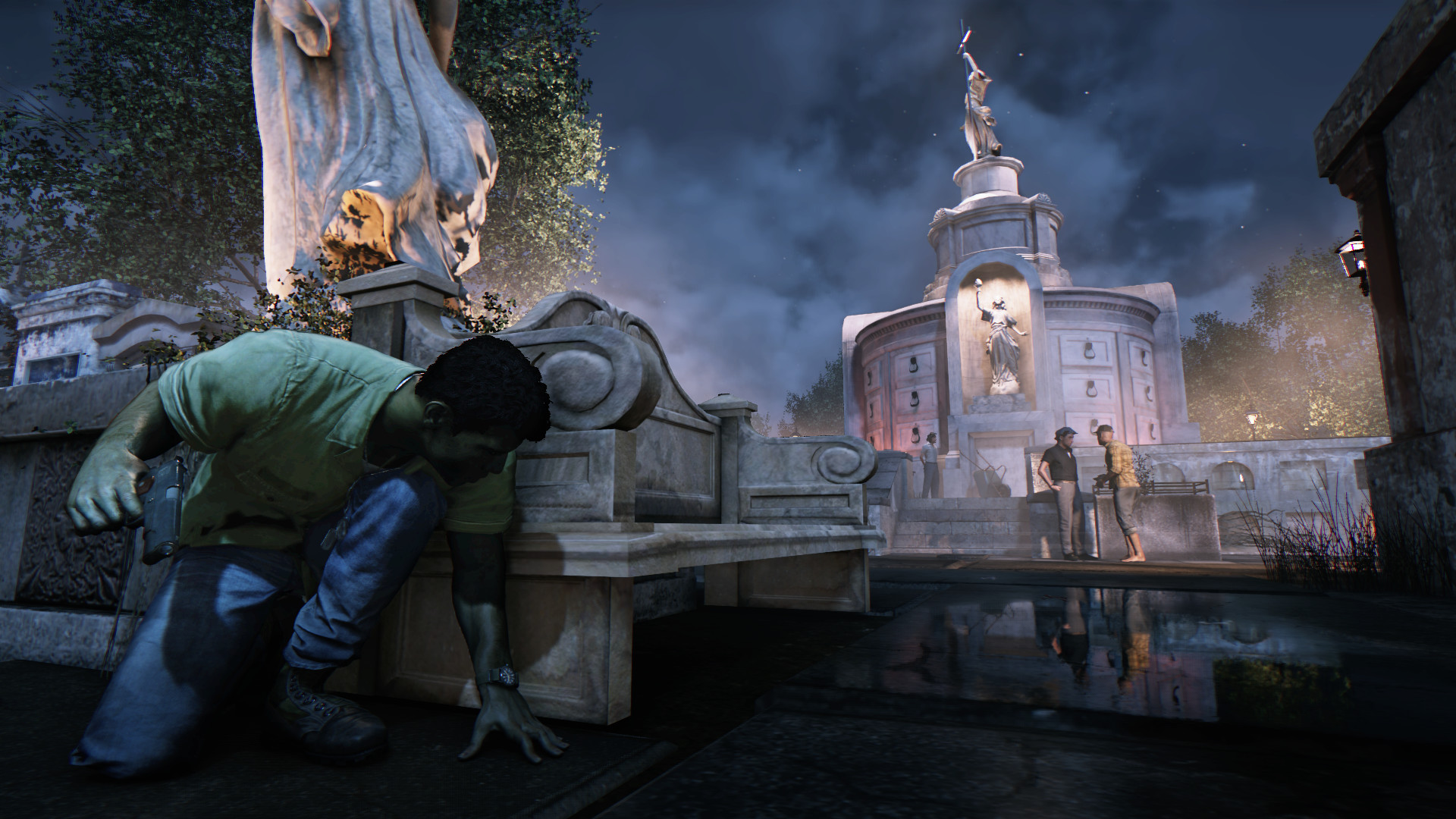
After Lincoln Clay's surrogate family, the black mob, is betrayed and killed by the Italian Mafia, Lincoln builds a new family and blazes a path of revenge through the Mafioso responsible.
Screenshots



System requirements
Minimum
• Requires a 64-bit processor and operating system • OS *: Windows 7 64-bit • Processor: Intel I5-2500K, AMD FX-8120 • Memory: 6 GB RAM • Graphics: 2GB of Video Memory & NVIDIA GeForce GTX 660, AMD Radeon HD7870 • Storage: 50 GB available space • Sound Card: DirectX Compliant Sound card • Additional Notes: Windows 8.1 users may need additional Windows Update files: Please Click here for information
Recommended
• Requires a 64-bit processor and operating system • OS *: Windows 7 64-bit • Processor: Intel I7-3770, AMD FX 8350 4.0 Ghz • Memory: 8 GB RAM • Graphics: 4GB of Video Memory & NVIDIA Geforce GTX 780 or GeForce GTX 1060, AMD Radeon R9 290X • Storage: 50 GB available space • Sound Card: DirectX Compliant Sound card
Languages: English*, French*, Italian*, German*, Spanish - Spain*, Polish, Portuguese - Brazil, Czech, Russian, Japanese, Simplified Chinese, Traditional Chinese, Korean, Spanish - Latin America
How to activate
Steam
- Start Steam on your computer and sign in to the account you will play on.
- In the Games menu, choose Activate a Product on Steam. You can also start from Add a Game at the bottom left.
- Go through the introductory screens, review Steam’s terms and paste the complete key without surrounding spaces.
- Finish activation, then find the game in your Library and select Install.
GOG
- Follow the GOG Redeem link below and sign in.
- Copy the key from your order into the redemption field, without extra spaces.
- Continue, check the displayed game and confirm adding it to your account.
- Download it from your GOG library or GOG GALAXY using the same account.
More from the series
РФ ✓Mafia III Definitive Edition (Xbox One)Xboxfrom $8.44720 ₽7 offers РФ ✓Mafia II: Definitive Edition (Xbox One)Xboxfrom $7.48640 ₽5 offers
 РФ ✓Mafia: Definitive Edition (Xbox One)Xboxfrom $7.37630 ₽5 offers
 РФ ✓Mafia: The Old CountrySteamXboxfrom $23.522,010 ₽5 offersMafia II: Definitive Edition (Xbox Series X|S)Xboxfrom $8.44720 ₽4 offersРФ ✓Mafia II: Definitive EditionSteamfrom $3.91340 ₽4 offersРФ ✓Mafia: The Old Country (Definitive Edition)Steamfrom $38.723,300 ₽4 offersРФ ✓Mafia: The Old Country (Deluxe Edition)SteamXboxfrom $40.423,450 ₽4 offers
Game details from Steam.