


Marvel vs. Capcom Fighting Collection: Arcade Classics (Xbox One)
- Genres
- Action
- Release
- Sep 11, 2024
- Developer
- CAPCOM Co., Ltd.
- Metacritic
Lowest price across all offers
from $60.675,170 ₽
Offers
The price depends on the platform and the activation region.
- EuropeNot for Russia$60.675,170 ₽1
- WorldwideWorks in Russia$63.915,450 ₽1
- United KingdomNot for Russia$68.115,810 ₽1
About the game
The legendary crossover hits are back! The action-packed lineup consisting of seven unique titles, is full of heavy hitters like X-MEN VS. STREET FIGHTER, and MARVEL vs. CAPCOM 2 New Age of Heroes. The collection also includes the rare beat 'em up game, THE PUNISHER.
Screenshots


System requirements
Minimum
• Requires a 64-bit processor and operating system • OS: Windows10 (64-BIT Required) / Windows11 (64-BIT Required) • Processor: IntelⓇ Core™ i5-3470, AMD FX-6100 • Memory: 4 GB RAM • Graphics: NVIDIA®: GeForce® GTX 470 with 1.2GB Video RAM, AMD: Radeon™ R7 260x with 2GB Video RAM • DirectX: Version 11 • Network: Broadband Internet connection • Storage: 4 GB available space • Sound Card: DirectSound (DirectX® 9.0c or later) • Additional Notes: Xinput compatible controller recommended
Recommended
• Requires a 64-bit processor and operating system • OS: Windows10 (64-BIT Required) / Windows11 (64-BIT Required) • Processor: IntelⓇ Core™ i5-4460, AMD FX-8300 (or better) • Memory: 4 GB RAM • Graphics: NVIDIA®: GeForce® GTX 970 with 4GB Video RAM, AMD: Radeon™ RX480 with 4GB Video RAM • DirectX: Version 11 • Network: Broadband Internet connection • Storage: 4 GB available space • Sound Card: DirectSound (DirectX® 9.0c or later) • Additional Notes: Xinput compatible controller recommended
Languages: English, French, Italian, German, Spanish - Spain, Arabic, Spanish - Latin America, Portuguese - Brazil, Polish, Russian, Simplified Chinese, Traditional Chinese, Japanese, Korean
How to activate
Xbox
- Open Microsoft’s redemption page using the button below.
- Sign in with the Microsoft account used on your Xbox. Check the email and profile before continuing.
- Paste the 25-character code and select Next. Check the displayed product or amount.
- Complete the confirmation prompts. Look for games in that account’s library and subscriptions under its services and subscriptions.
More from the series
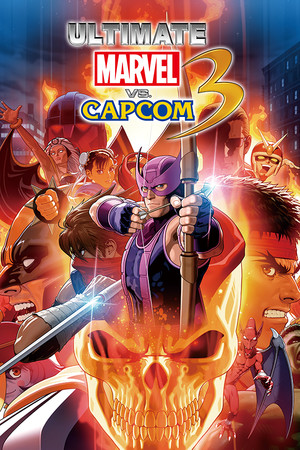 ULTIMATE MARVEL VS. CAPCOM 3 (Xbox One)Xboxfrom $6.17530 ₽2 offersMARVEL vs. CAPCOM Fighting Collection: Arcade ClassicsXboxNintendofrom $18.941,620 ₽2 offers
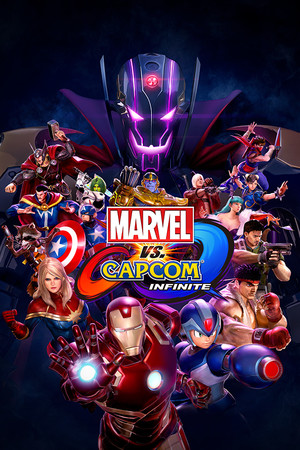 Marvel vs. Capcom: Infinite (Xbox One)Xboxfrom $11.60990 ₽РФ ✓Marvel vs. Capcom: Infinite – Major Carol Danvers Costume (PS4)PlayStationfrom $1.16100 ₽
Game details from Steam.