

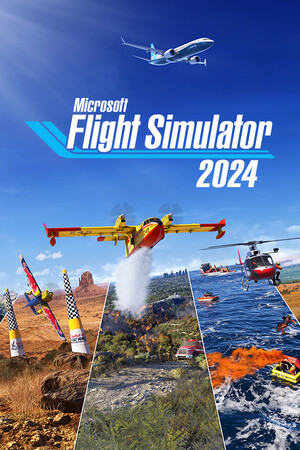
Microsoft Flight Simulator 2024
- Genres
- Simulation
- Release
- Nov 19, 2024
- Developer
- Asobo Studio
Lowest price across all offers
from $58.815,020 ₽
Offers
The price depends on the platform and the activation region.
- WorldwideWorks in Russia$60.975,200 ₽1
About the game
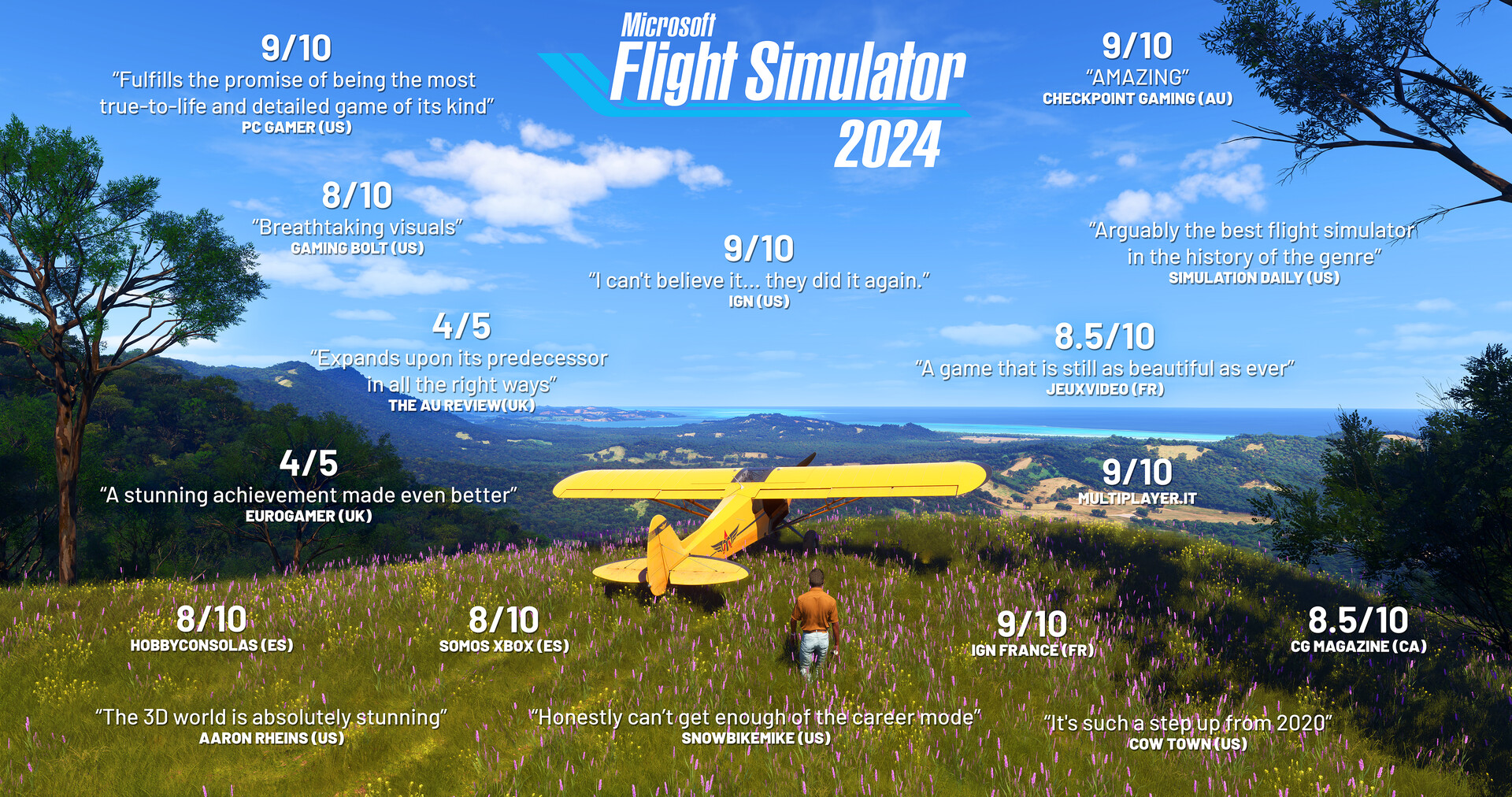
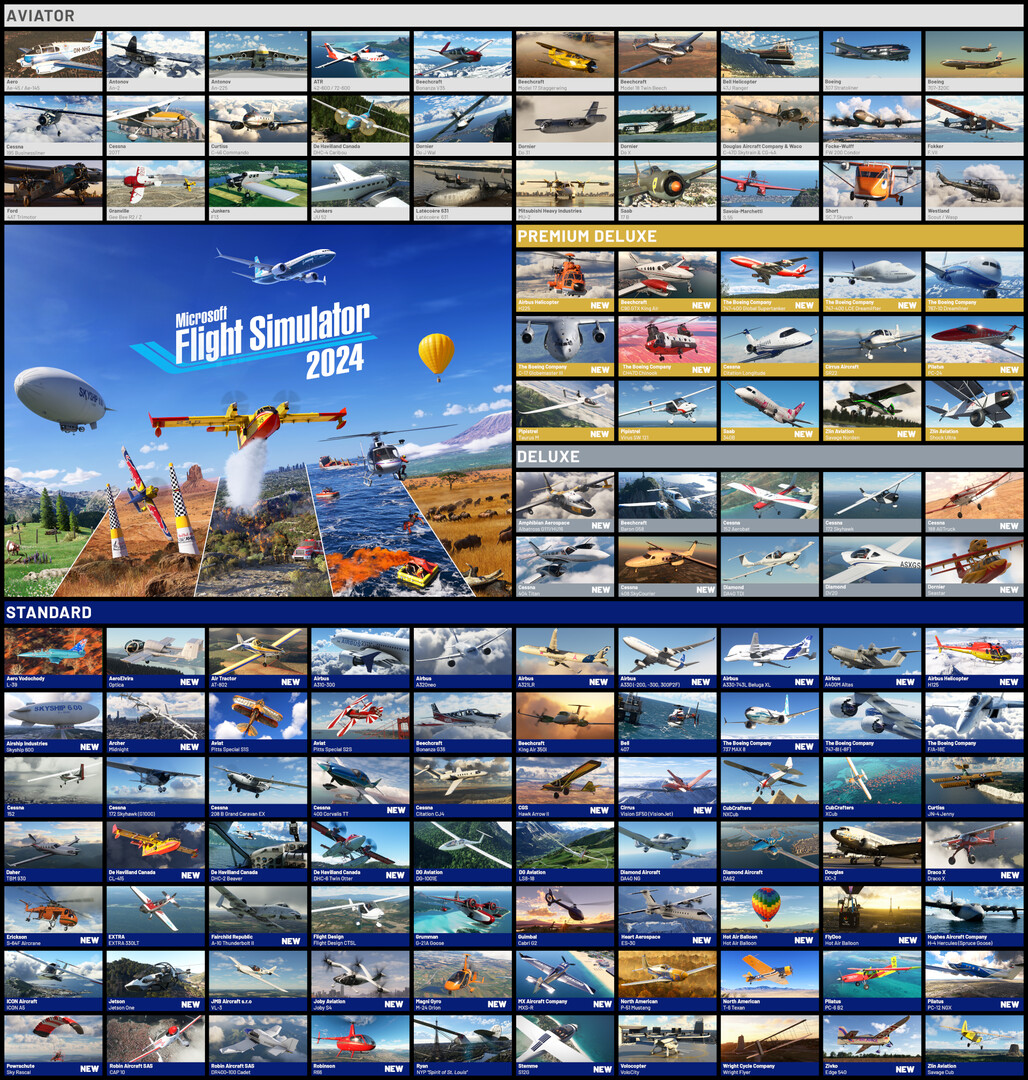
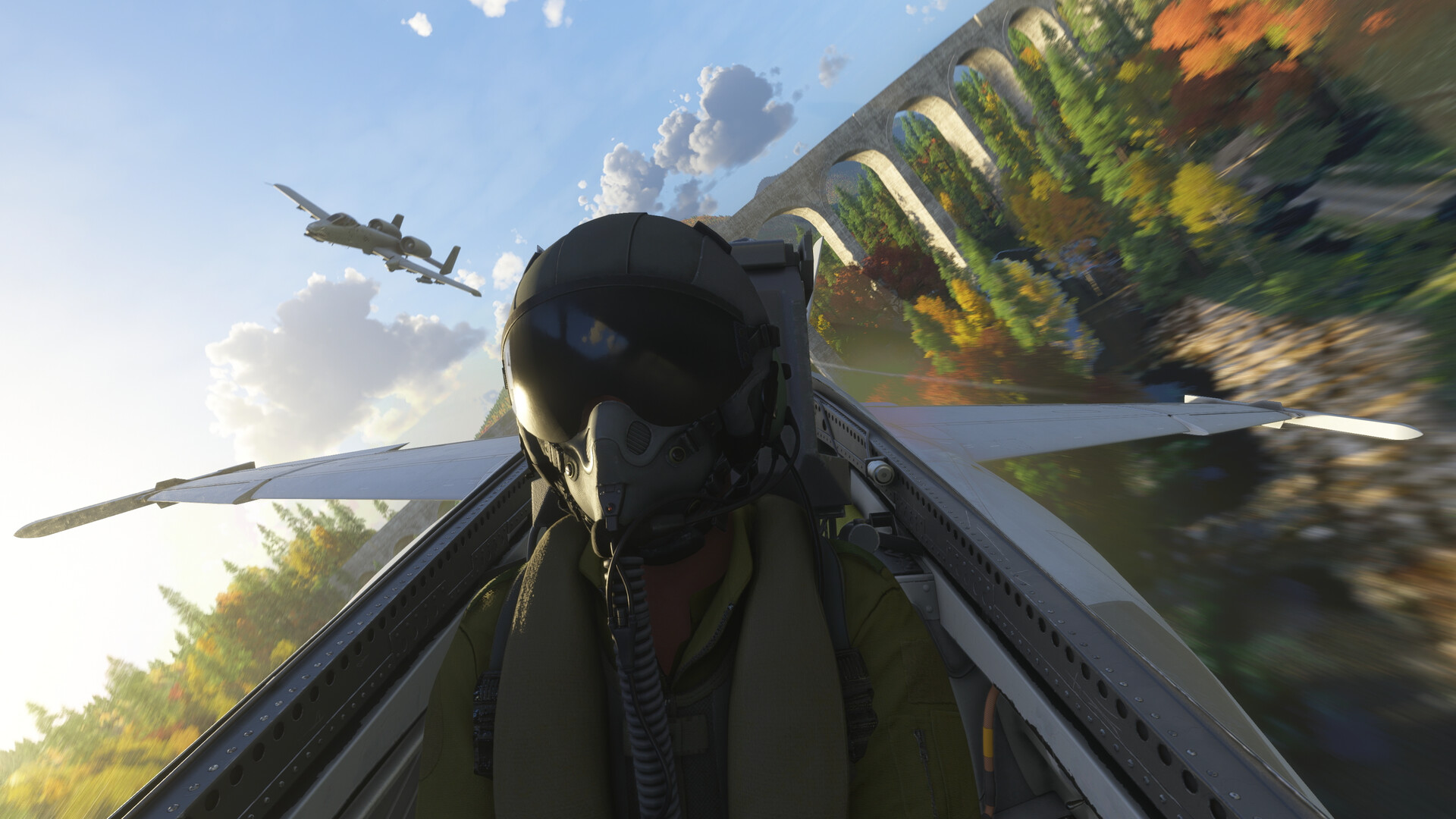
Explore the world with our largest fleet of aircraft and take simulation to new heights while pursuing your aviation career within Microsoft Flight Simulator 2024.
Screenshots





System requirements
Minimum
• Requires a 64-bit processor and operating system • OS: Windows 10 • Processor: AMD Ryzen 5 2600X or Intel Core i7-6800K • Memory: 16 GB RAM • Graphics: Radeon RX 5700 or GeForce GTX 970 • DirectX: Version 12 • Network: Broadband Internet connection • Storage: 50 GB available space • Additional Notes: Network Speed of 10 Mbps Bandwidth
Recommended
• Requires a 64-bit processor and operating system • OS: Windows 10 • Processor: AMD Ryzen 7 2700X or Intel Core i7-10700K • Memory: 32 GB RAM • Graphics: Radeon RX 5700 XT or GeForce RTX 2080 • DirectX: Version 12 • Network: Broadband Internet connection • Storage: 50 GB available space • Additional Notes: Network Speed of 50 Mbps Bandwidth
Languages: English*, French*, Italian*, German*, Spanish - Spain*, Dutch*, Finnish*, Japanese*, Korean*, Norwegian*, Polish*, Portuguese - Brazil*, Portuguese - Portugal*, Russian*, Simplified Chinese*, Spanish - Latin America*, Swedish*, Turkish*
How to activate
Steam
- Start Steam on your computer and sign in to the account you will play on.
- In the Games menu, choose Activate a Product on Steam. You can also start from Add a Game at the bottom left.
- Go through the introductory screens, review Steam’s terms and paste the complete key without surrounding spaces.
- Finish activation, then find the game in your Library and select Install.
Xbox
- Open Microsoft’s redemption page using the button below.
- Sign in with the Microsoft account used on your Xbox. Check the email and profile before continuing.
- Paste the 25-character code and select Next. Check the displayed product or amount.
- Complete the confirmation prompts. Look for games in that account’s library and subscriptions under its services and subscriptions.
More from the series
РФ ✓Microsoft Flight Simulator 2024 (Xbox Series X|S)Xboxfrom $51.074,360 ₽5 offersРФ ✓Microsoft Flight Simulator 2024 (Aviator Edition) (Xbox Series X|S)Xboxfrom $145.3712,390 ₽4 offersРФ ✓Microsoft Flight Simulator 2024 (Premium Deluxe Edition) (Xbox Series X|S)Xboxfrom $93.487,970 ₽3 offersРФ ✓Microsoft Flight Simulator 2024 (Aviator Edition)SteamXboxfrom $168.0814,320 ₽3 offersРФ ✓Microsoft Flight Simulator 2024 (Premium Deluxe Edition)SteamXboxfrom $130.2711,100 ₽2 offersMicrosoft Flight Simulator 2024 (Deluxe Edition) (Xbox Series X|S)Xboxfrom $92.217,860 ₽Game details from Steam.