


Midnight Legends
- Genres
- Action · Adventure · Indie · Racing
- Release
- Jan 6, 2022
- Developer
- Mihanikus Games
Lowest price across all offers
from $4.20370 ₽
Offers
The price depends on the platform and the activation region.
- CISCIS region$4.20370 ₽1
About the game
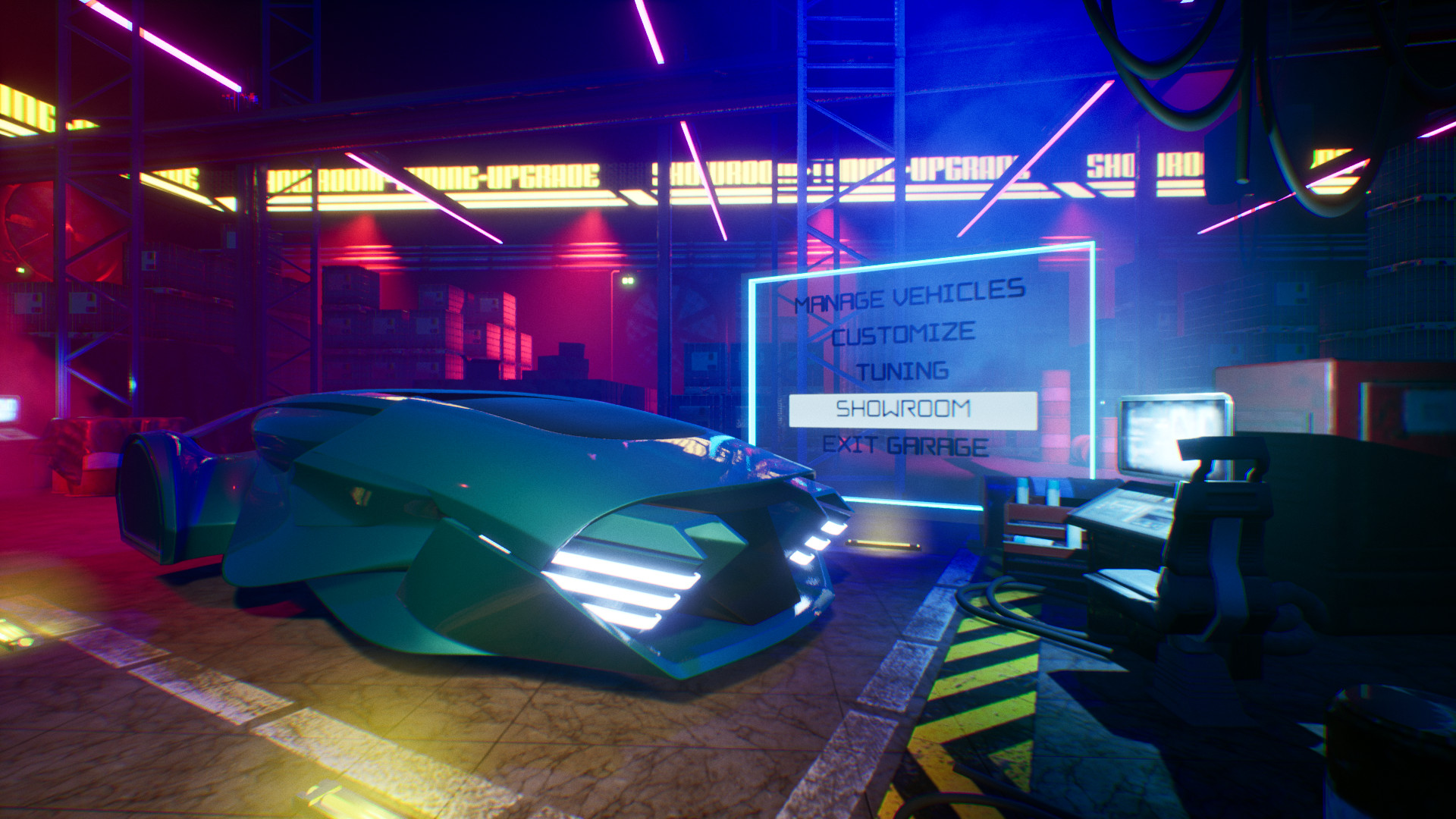
Hop in and participate in frantic combat racing on the mean streets of Midnight City, a place lit by bright neon lights. Earn money and reputation, upgrade your car, win to challenge all “legendary racers” of the city, and make your way to becoming a Midnight Legend.
Screenshots
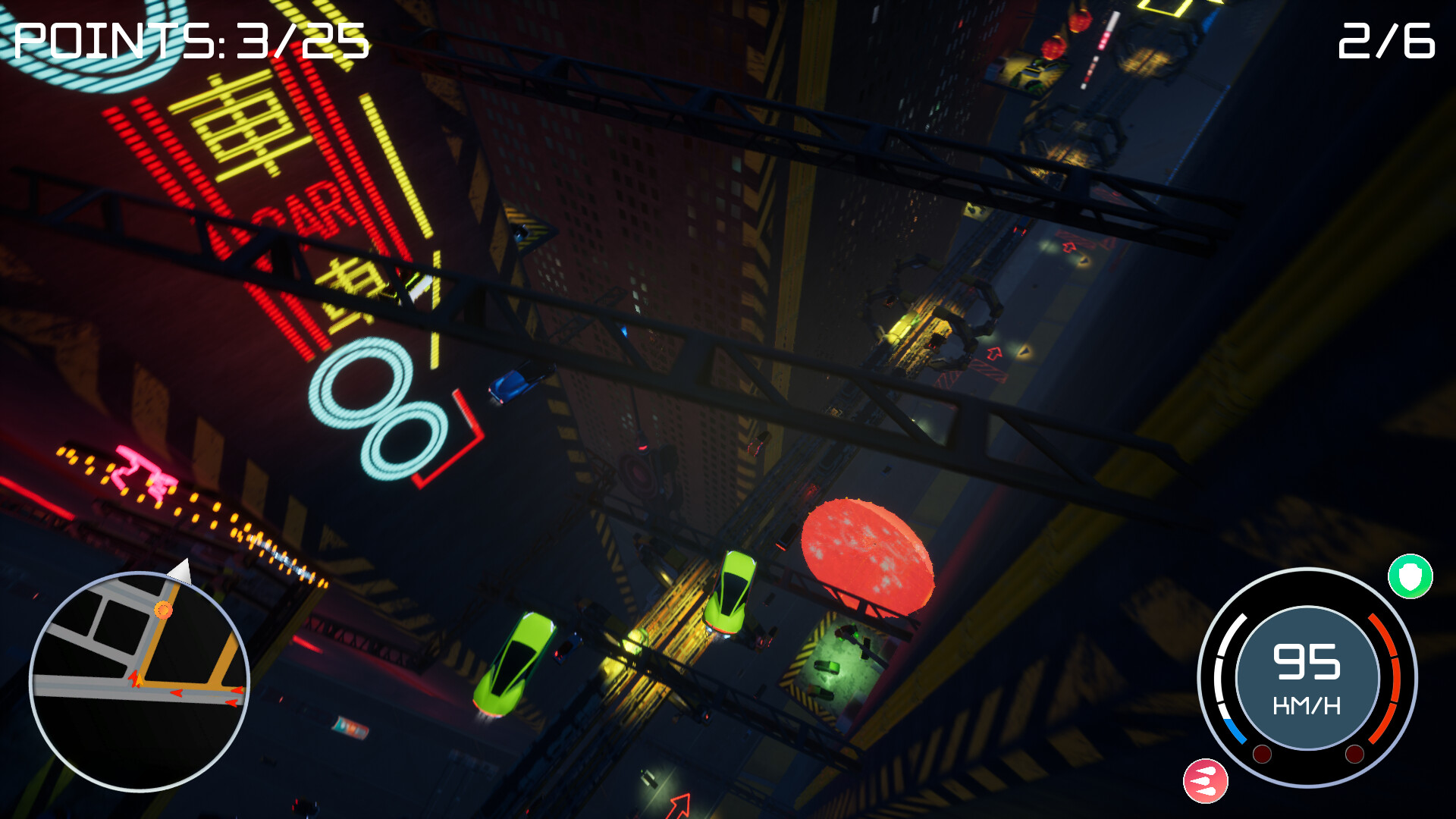
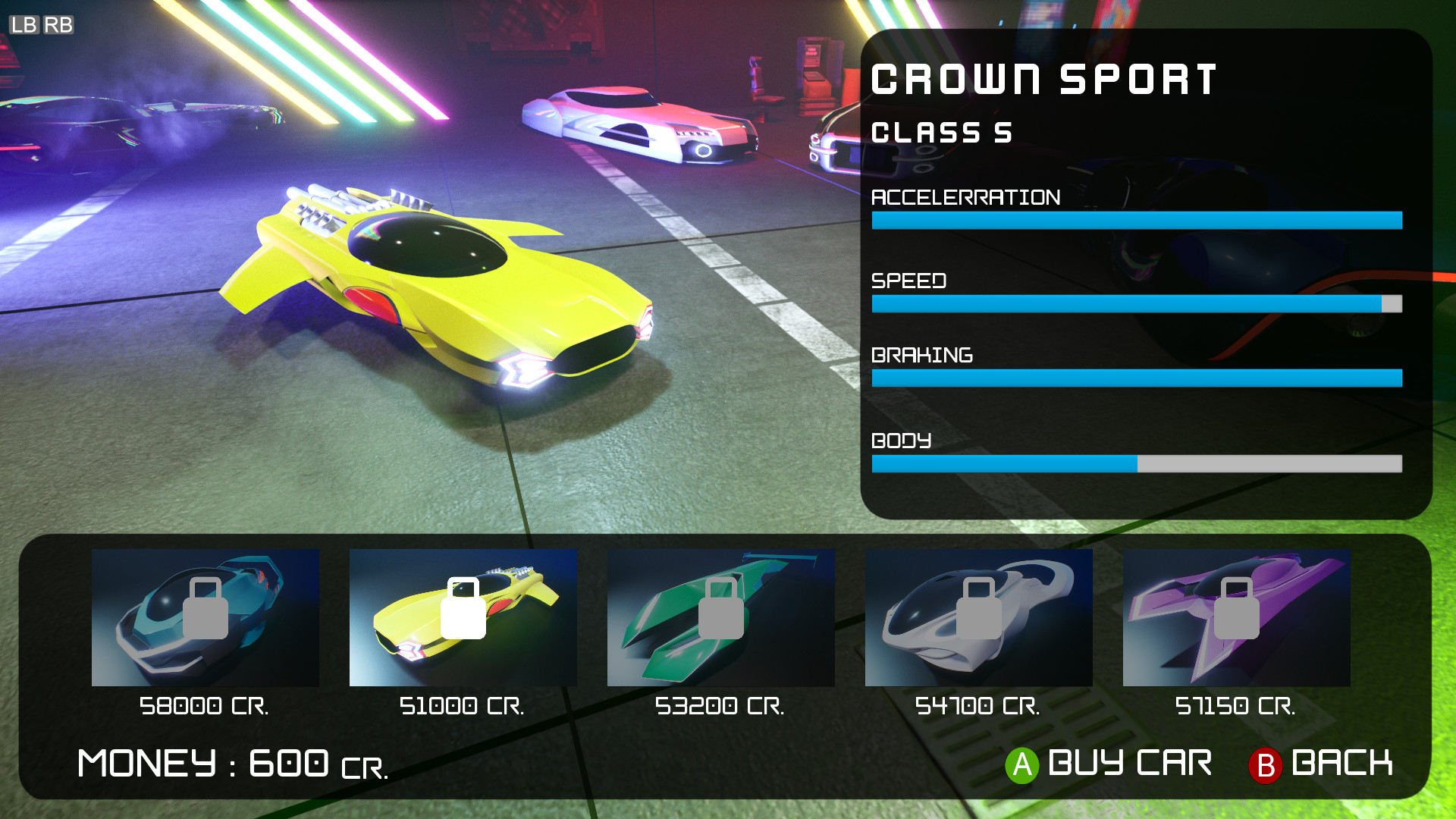
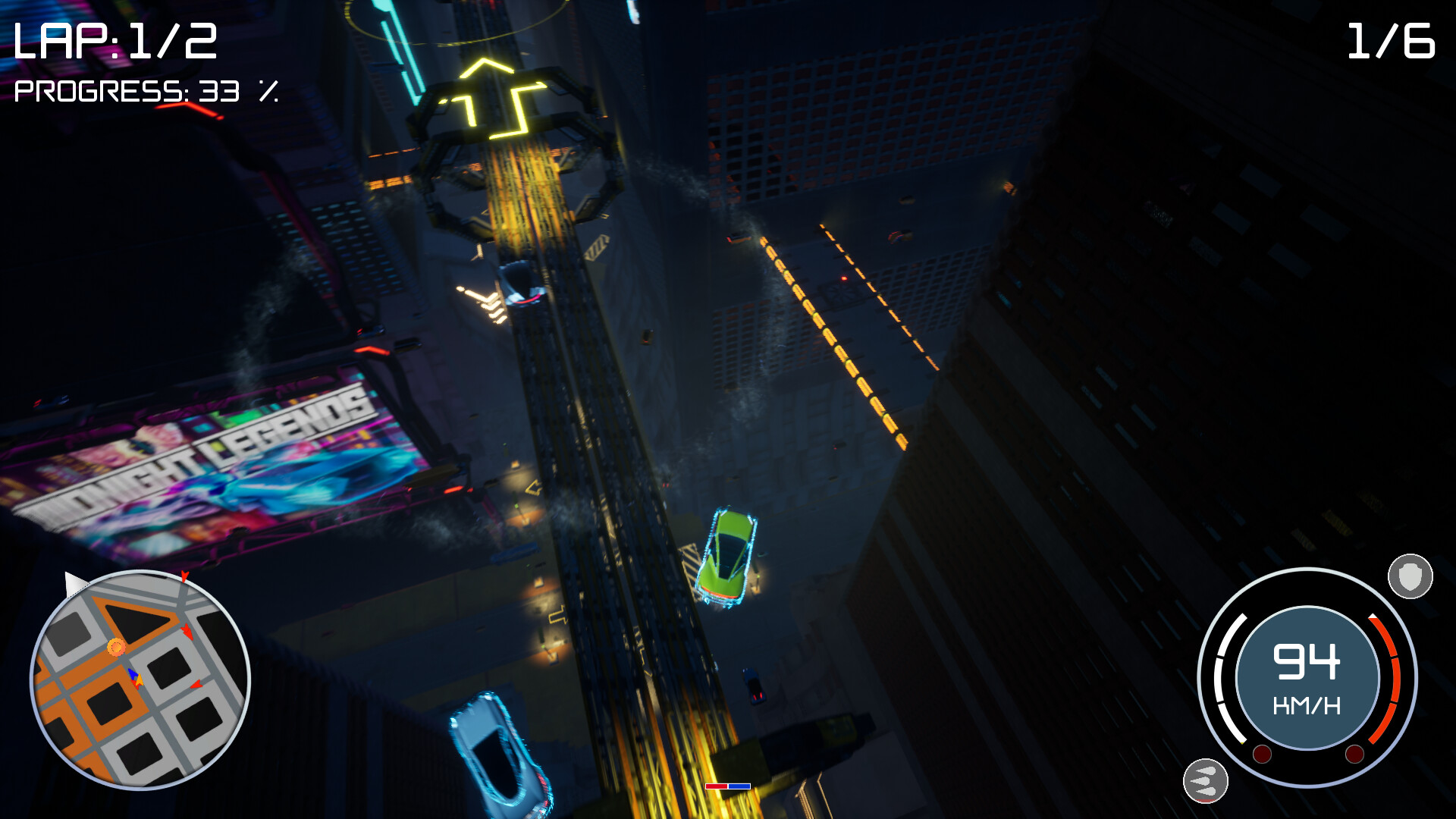
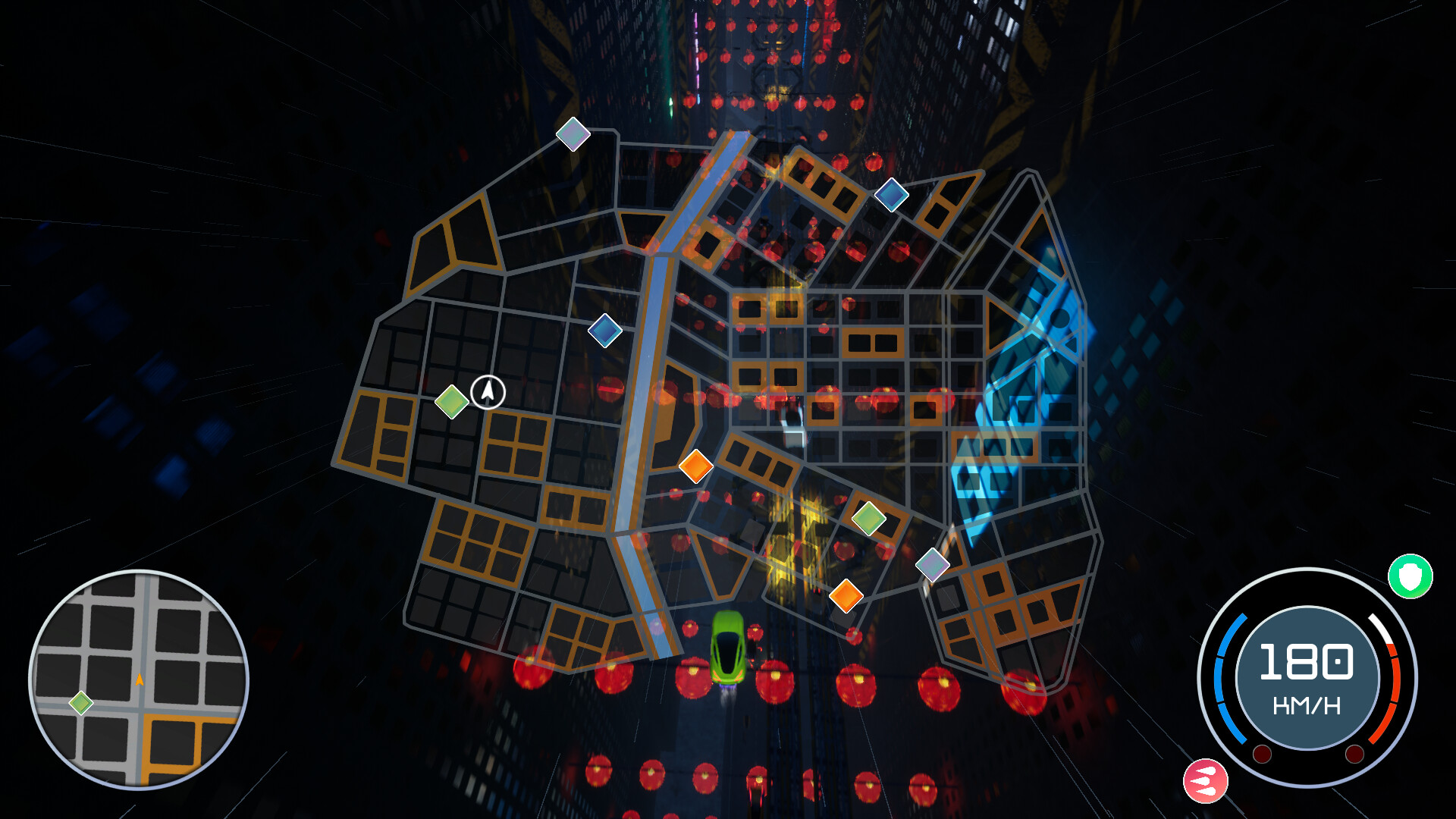
System requirements
Minimum
• OS: Windows 10 (64 bit) • Processor: AMD / Intel CPU (AMD FX-4300 or Intel i3-4130 or newer) • Memory: 8 GB RAM • Graphics: AMD / NVIDIA dedicated graphics card, with at least 2GB of dedicated VRAM (AMD R9 285 and NVIDIA GeForce GTX 760 or newer) • DirectX: Version 11 • Storage: 5 GB available space • Sound Card: Integrated or dedicated DirectX 9 compatible soundcard • Additional Notes: Controller or keyboard + mouse.
Recommended
• OS: Windows 10 (64 bit) • Processor: AMD / Intel CPU (AMD Ryzen 3 1300x or Intel i7-930 or newer) • Memory: 16 GB RAM • Graphics: AMD / NVIDIA dedicated graphics card, with 6GB of dedicated VRAM (AMD RX 580 8GB and NVIDIA GeForce GTX 1060 or newer) • DirectX: Version 11 • Storage: 5 GB available space • Sound Card: Integrated or dedicated DirectX 9 compatible soundcard • Additional Notes: SSD drive, Controller or keyboard + mouse
Languages: English*, Russian*
How to activate
Steam
- Start Steam on your computer and sign in to the account you will play on.
- In the Games menu, choose Activate a Product on Steam. You can also start from Add a Game at the bottom left.
- Go through the introductory screens, review Steam’s terms and paste the complete key without surrounding spaces.
- Finish activation, then find the game in your Library and select Install.
Game details from Steam.