

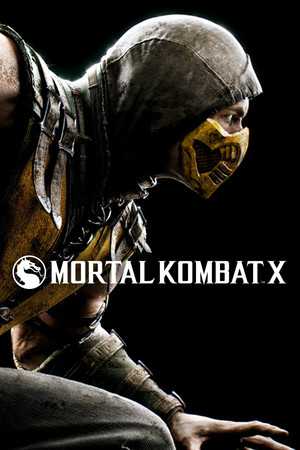
Mortal Kombat X
- Genres
- Action
- Release
- Apr 13, 2015
- Developer
- NetherRealm Studios, QLOC
- Metacritic
Lowest price across all offers
from $2.25200 ₽
Offers
The price depends on the platform and the activation region.
- EuropeNot for Russia$2.25200 ₽1
- WorldwideWorks in Russia$2.85250 ₽1
- AsiaNot for Russia$5.64490 ₽1
- CISCIS region$6.39550 ₽1
- Worldwide, except 1 countryWorks in RussiaMortal Kombat X (WW, except JP)
except 1 country
Japan
$17.531,500 ₽1
About the game
Experience the Next Generation of the #1 Fighting Franchise. Mortal Kombat X combines unparalleled, cinematic presentation with all new gameplay.
Screenshots
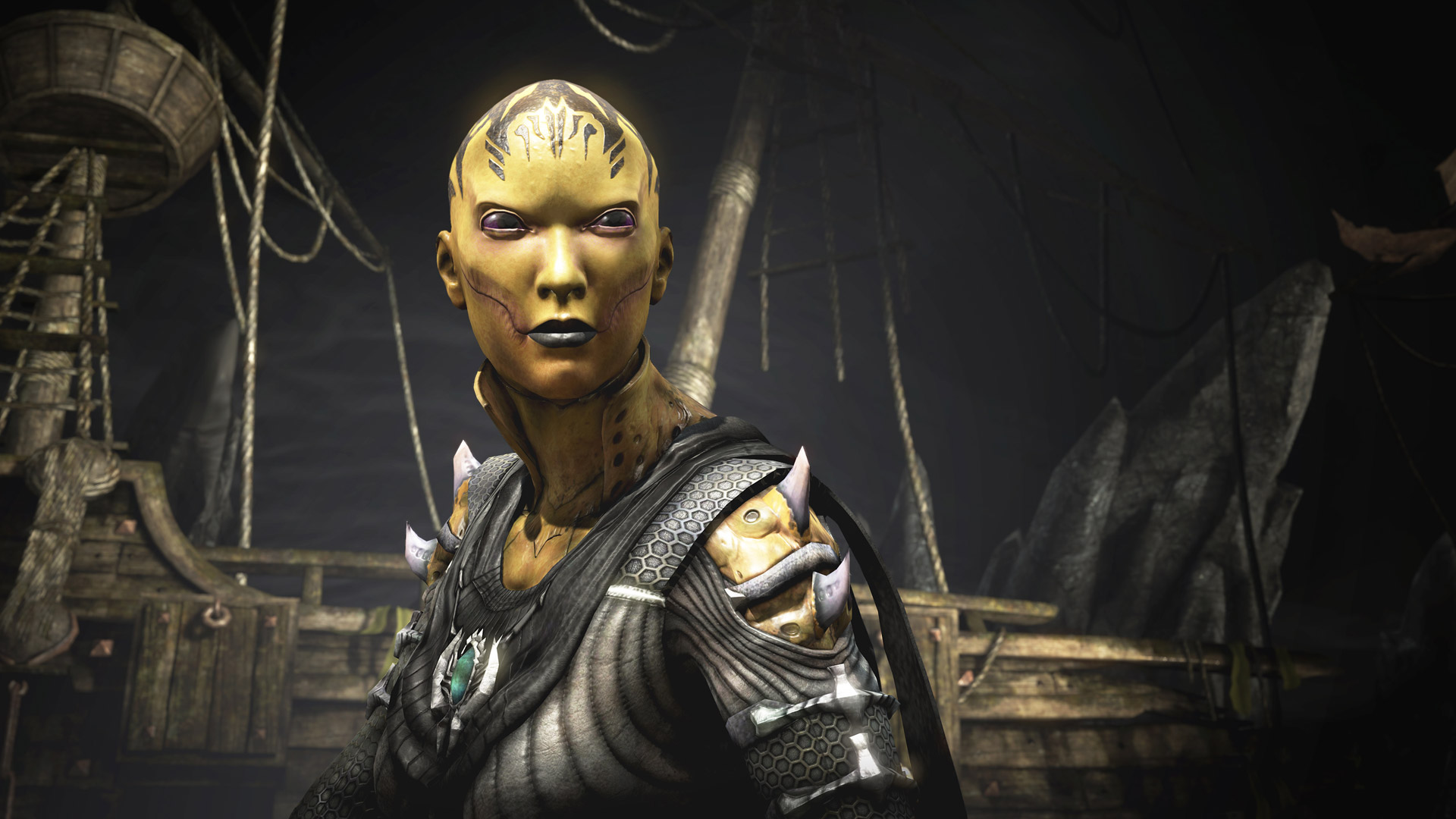
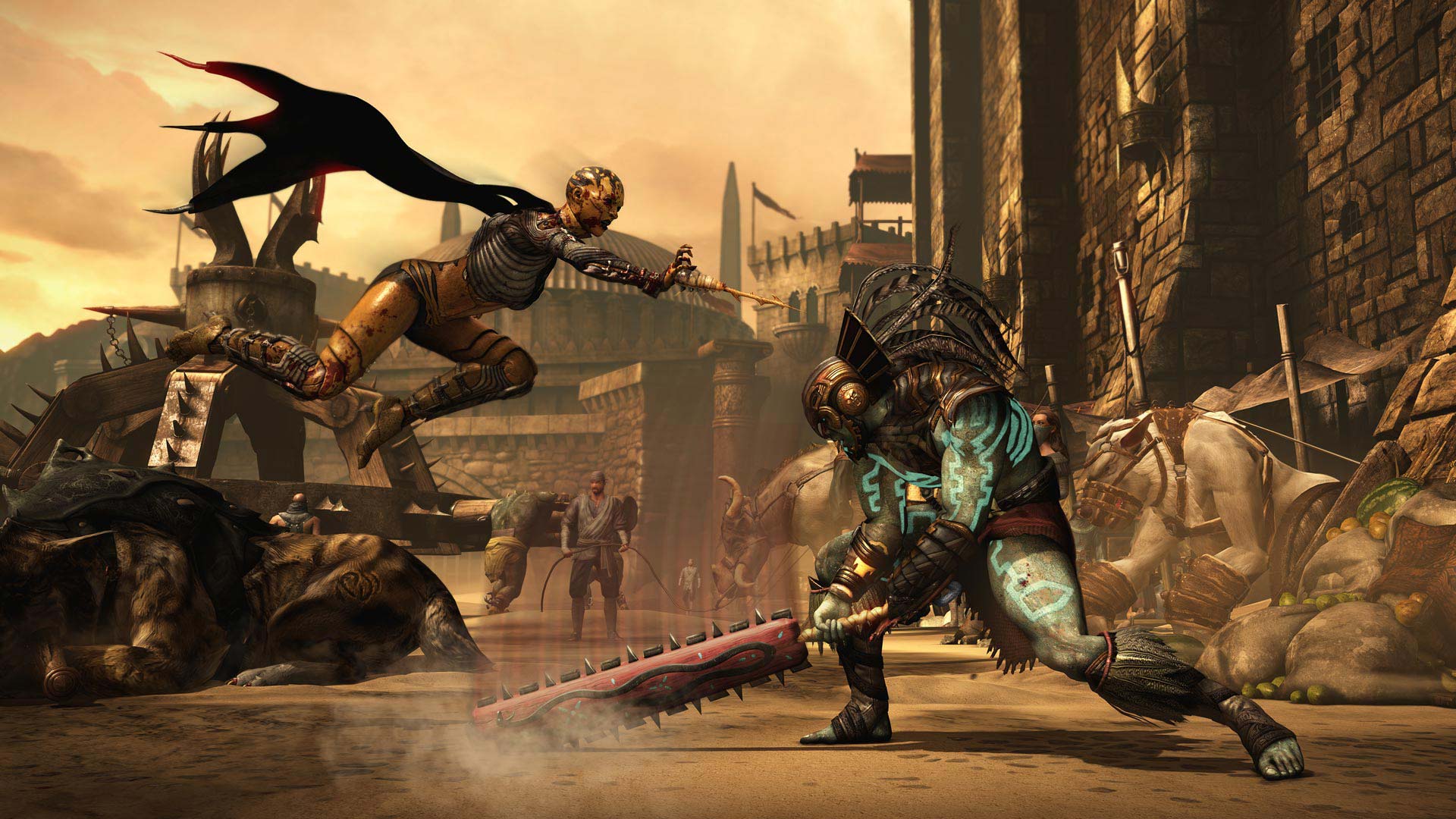
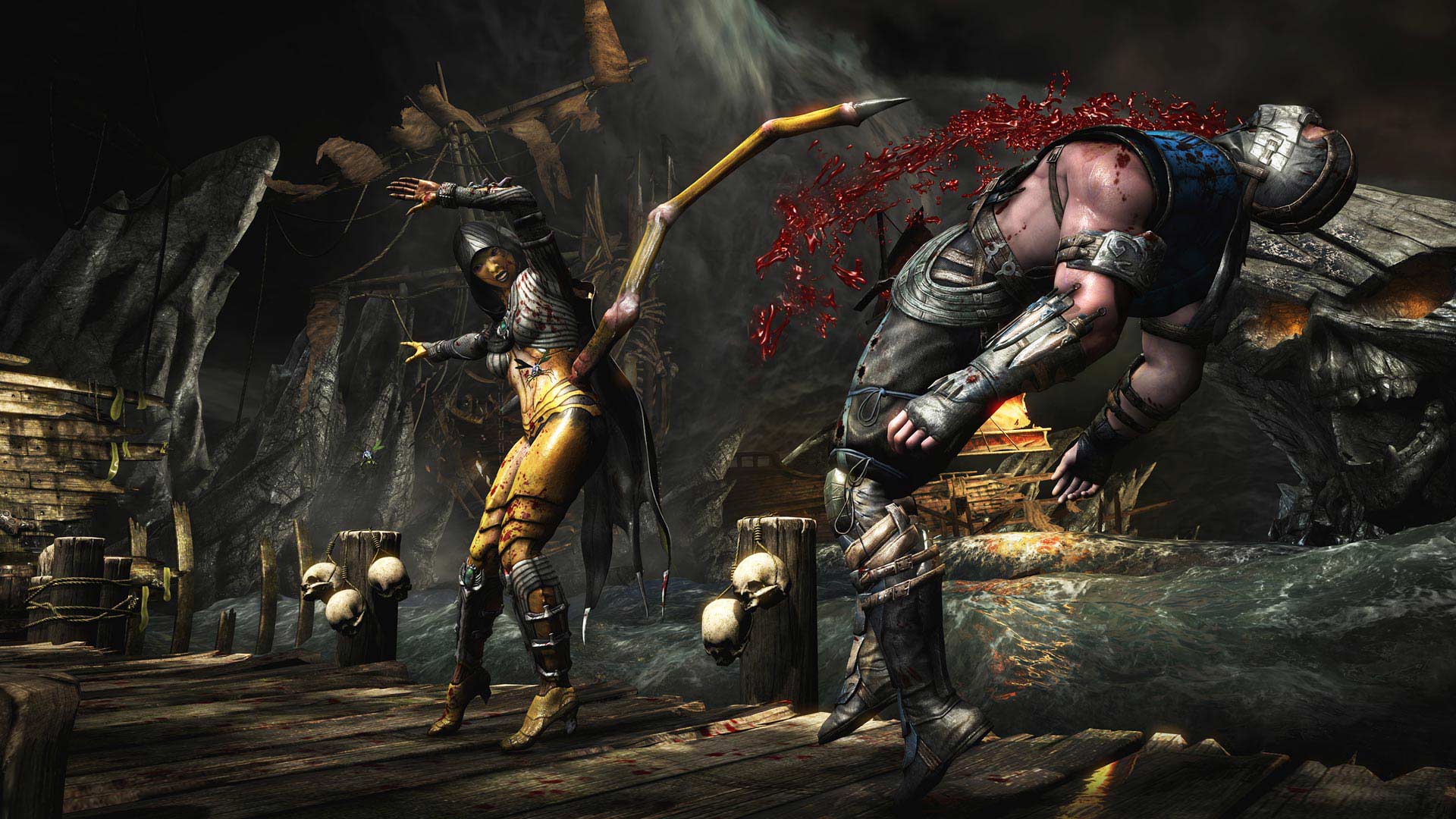
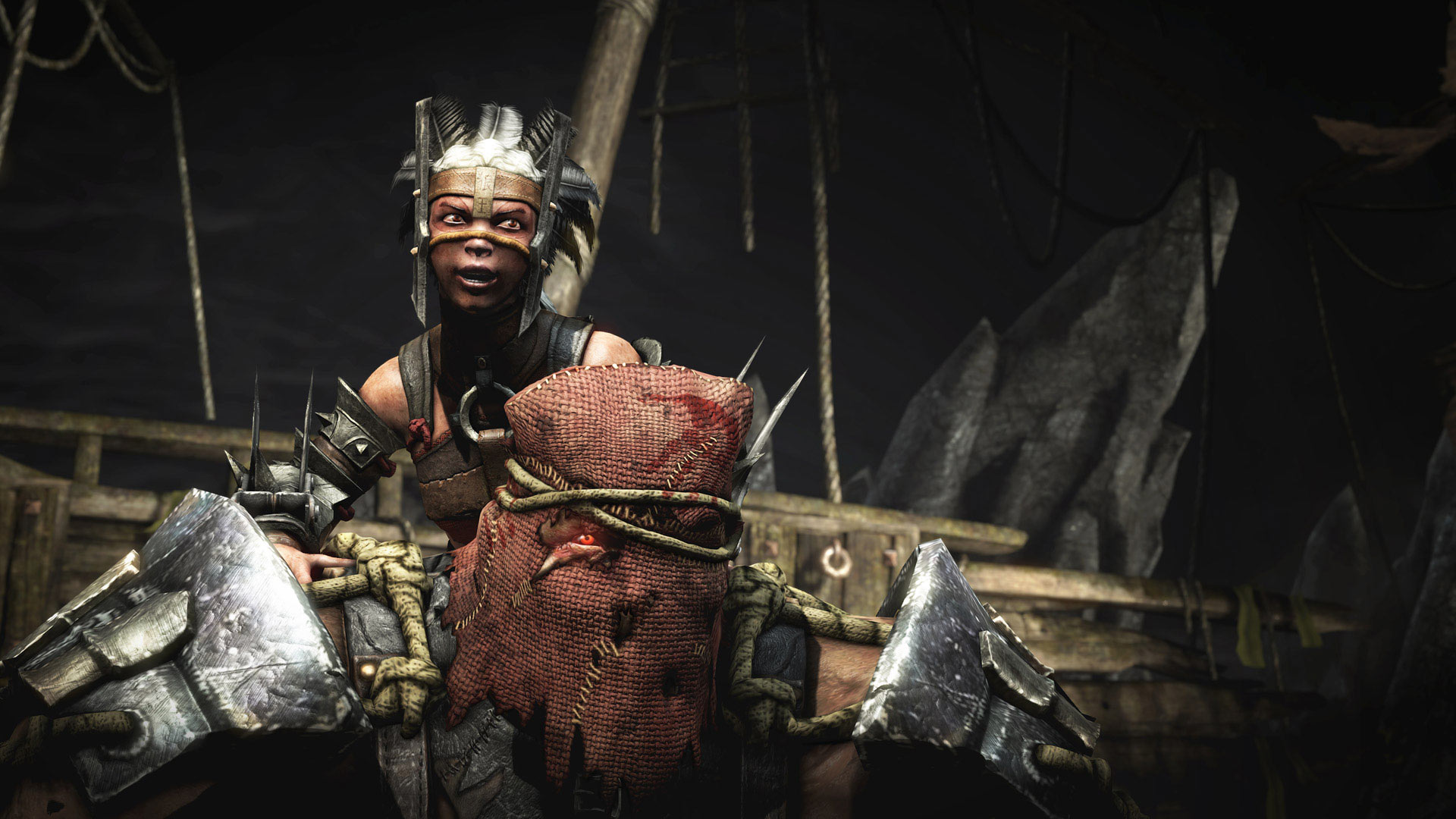
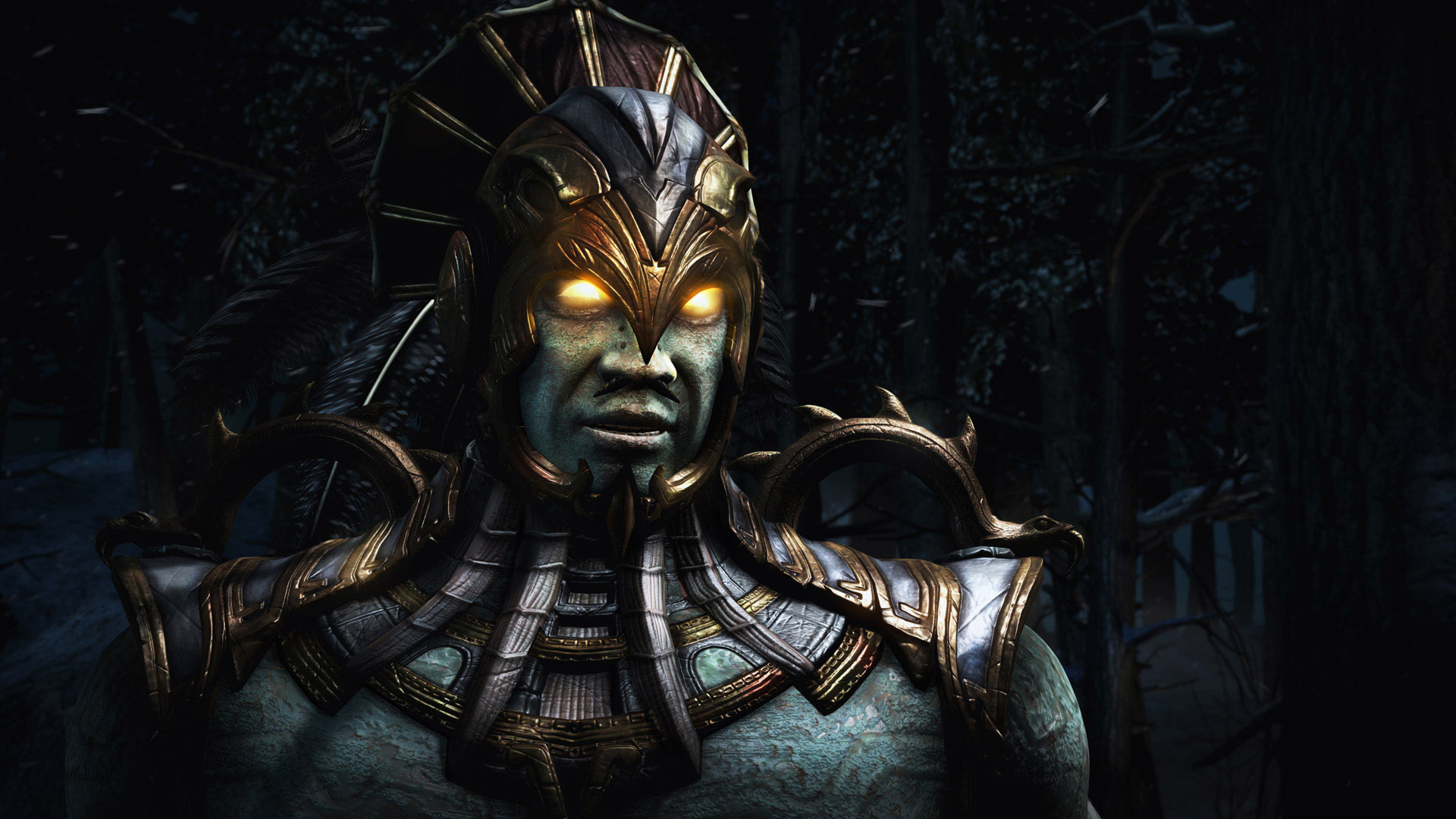


System requirements
Minimum
• OS *: 64-bit: Vista, Win 7, Win 8, Win 10 • Processor: Intel Core i5-750, 2.67 GHz | AMD Phenom II X4 965, 3.4 GHz • Memory: 3 GB RAM • Graphics: NVIDIA GeForce GTX 460 | AMD Radeon HD 5850 • DirectX: Version 11 • Network: Broadband Internet connection • Storage: 36 GB available space
Recommended
• OS *: 64-bit: Win 7, Win 8, Win 10 • Processor: Intel Core i7-3770, 3.4 GHz | AMD FX-8350, 4.0 GHz • Memory: 8 GB RAM • Graphics: NVIDIA GeForce GTX 660 | AMD Radeon HD 7950 • DirectX: Version 11 • Network: Broadband Internet connection • Storage: 44 GB available space
Languages: English*, French*, Italian*, Spanish - Spain*, Polish, Portuguese - Brazil*, Russian, German*
How to activate
Steam
- Start Steam on your computer and sign in to the account you will play on.
- In the Games menu, choose Activate a Product on Steam. You can also start from Add a Game at the bottom left.
- Go through the introductory screens, review Steam’s terms and paste the complete key without surrounding spaces.
- Finish activation, then find the game in your Library and select Install.
Xbox
- Open Microsoft’s redemption page using the button below.
- Sign in with the Microsoft account used on your Xbox. Check the email and profile before continuing.
- Paste the 25-character code and select Next. Check the displayed product or amount.
- Complete the confirmation prompts. Look for games in that account’s library and subscriptions under its services and subscriptions.
More from the series
 РФ ✓Mortal Kombat 11SteamNintendofrom $4.14360 ₽8 offers
 Mortal Kombat 1Steamfrom $9.19790 ₽7 offersРФ ✓Mortal Kombat 11 (Ultimate Edition)SteamXboxfrom $4.53390 ₽6 offersРФ ✓Mortal Kombat 1 (Xbox Series X|S)Xboxfrom $11.15950 ₽4 offersРФ ✓Mortal Kombat 1 (Definitive Edition)Steamfrom $16.061,370 ₽5 offersMortal Kombat 1 (Definitive Edition) (Xbox Series X|S)Xboxfrom $22.261,900 ₽3 offersMortal Kombat 11 (Xbox One)Xboxfrom $6.91590 ₽3 offersMortal Kombat 11 (Ultimate Edition) (Xbox Series X|S)Xboxfrom $7.16610 ₽3 offers
Game details from Steam.