


NBA 2K25
- Genres
- Simulation · Sports
- Release
- Sep 3, 2024
- Developer
- Visual Concepts
Lowest price across all offers
from $6.49560 ₽
Offers
The price depends on the platform and the activation region.
- EuropeNot for Russia$24.502,090 ₽1
About the game
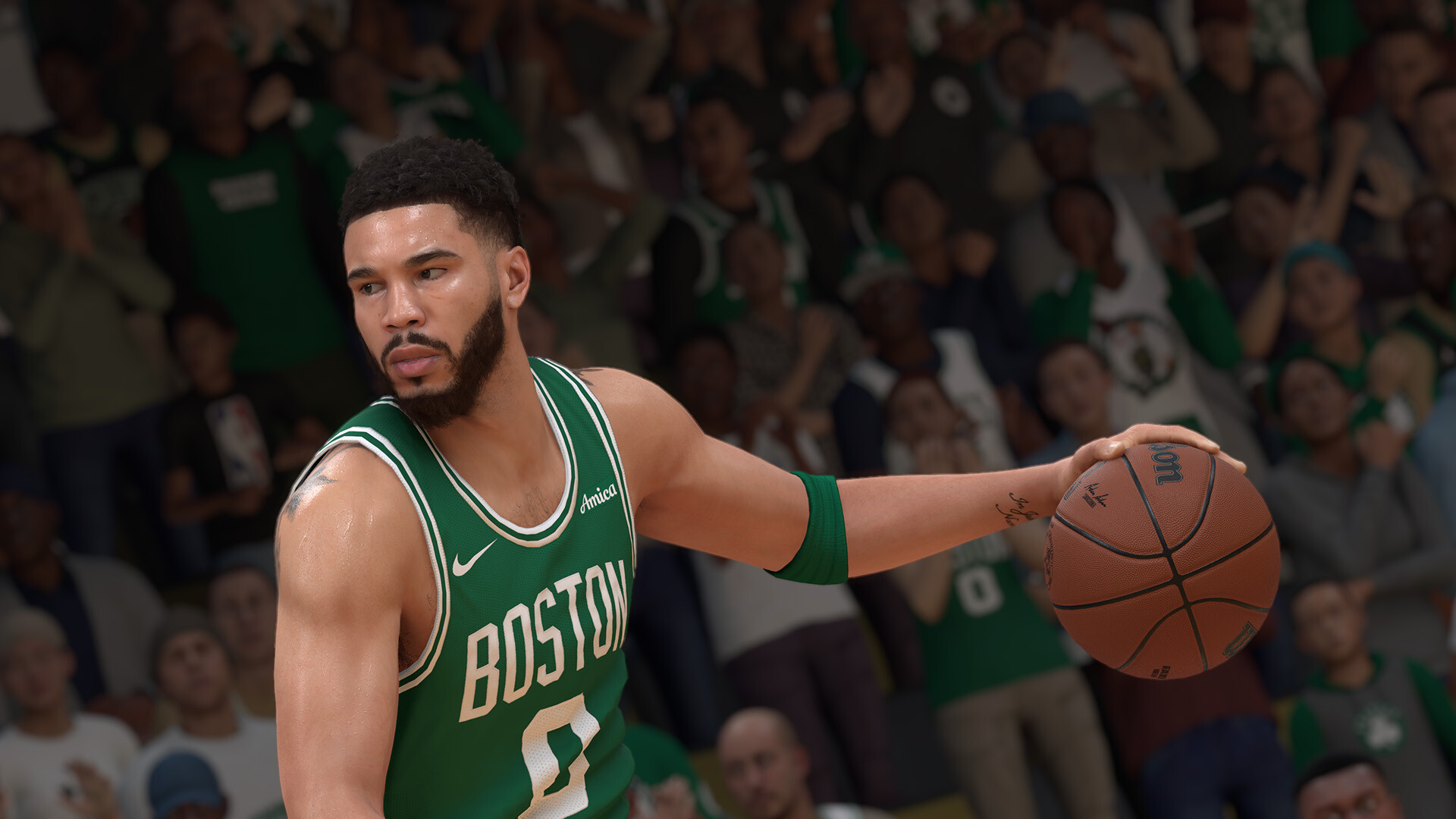
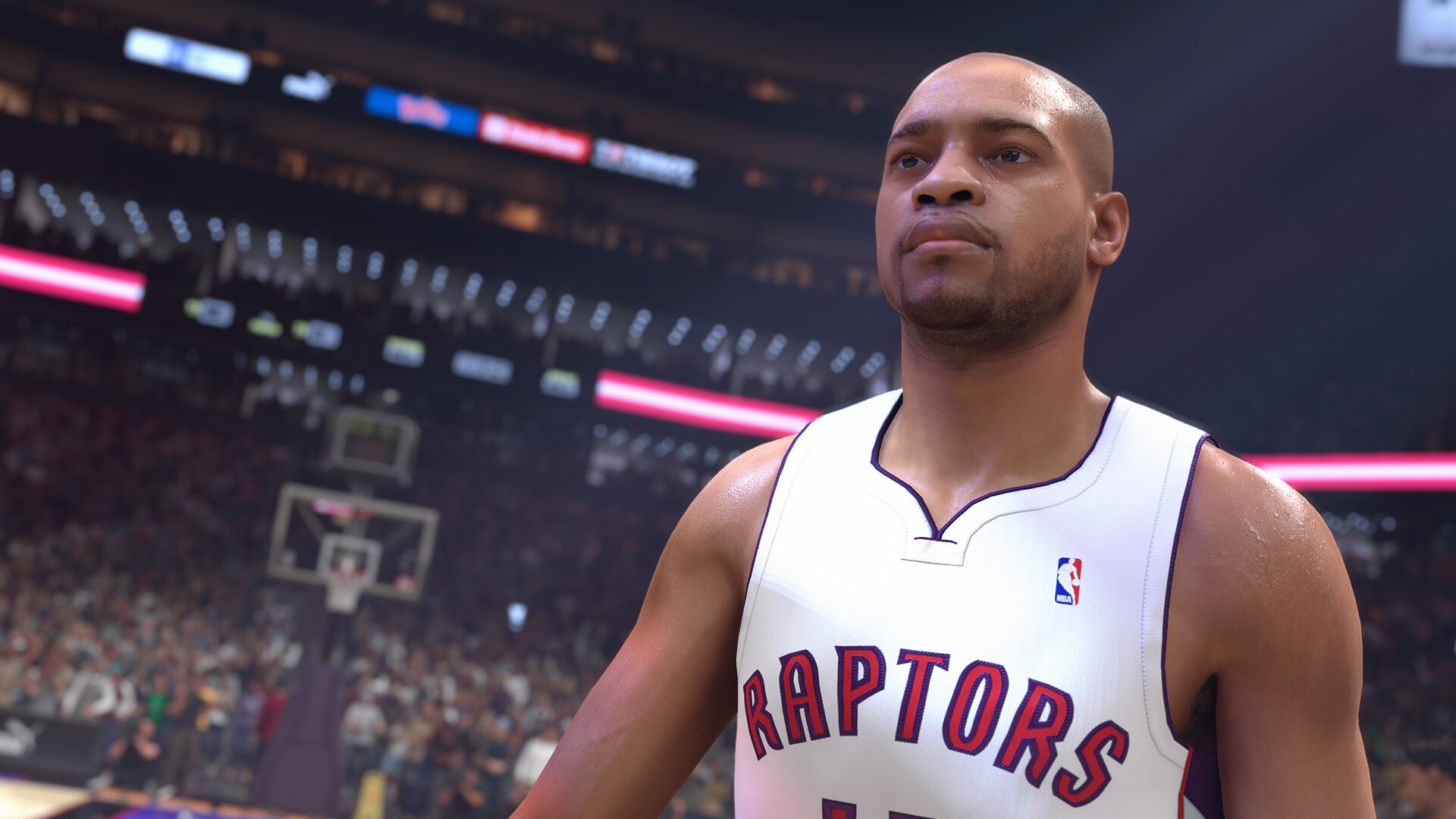
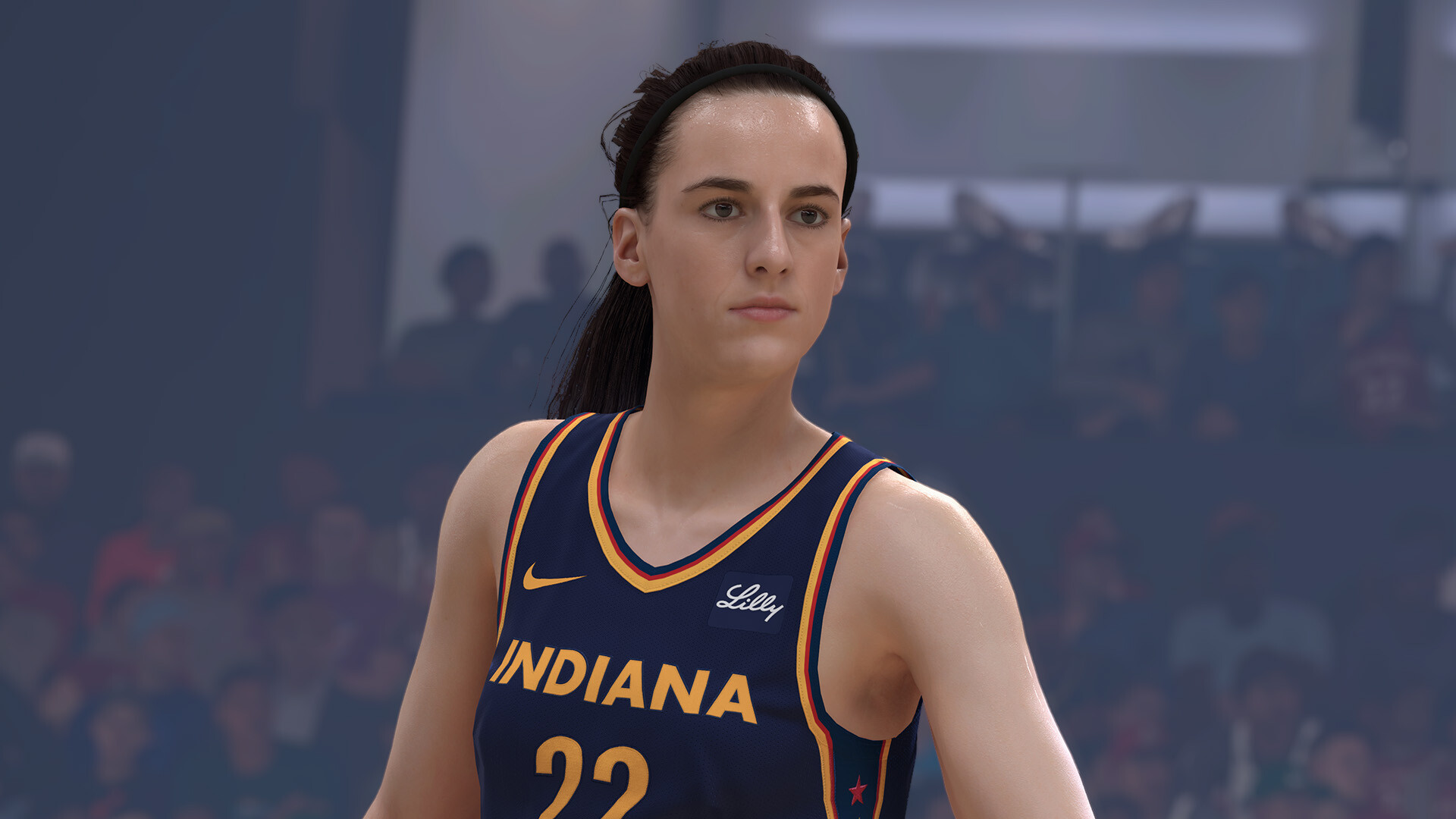
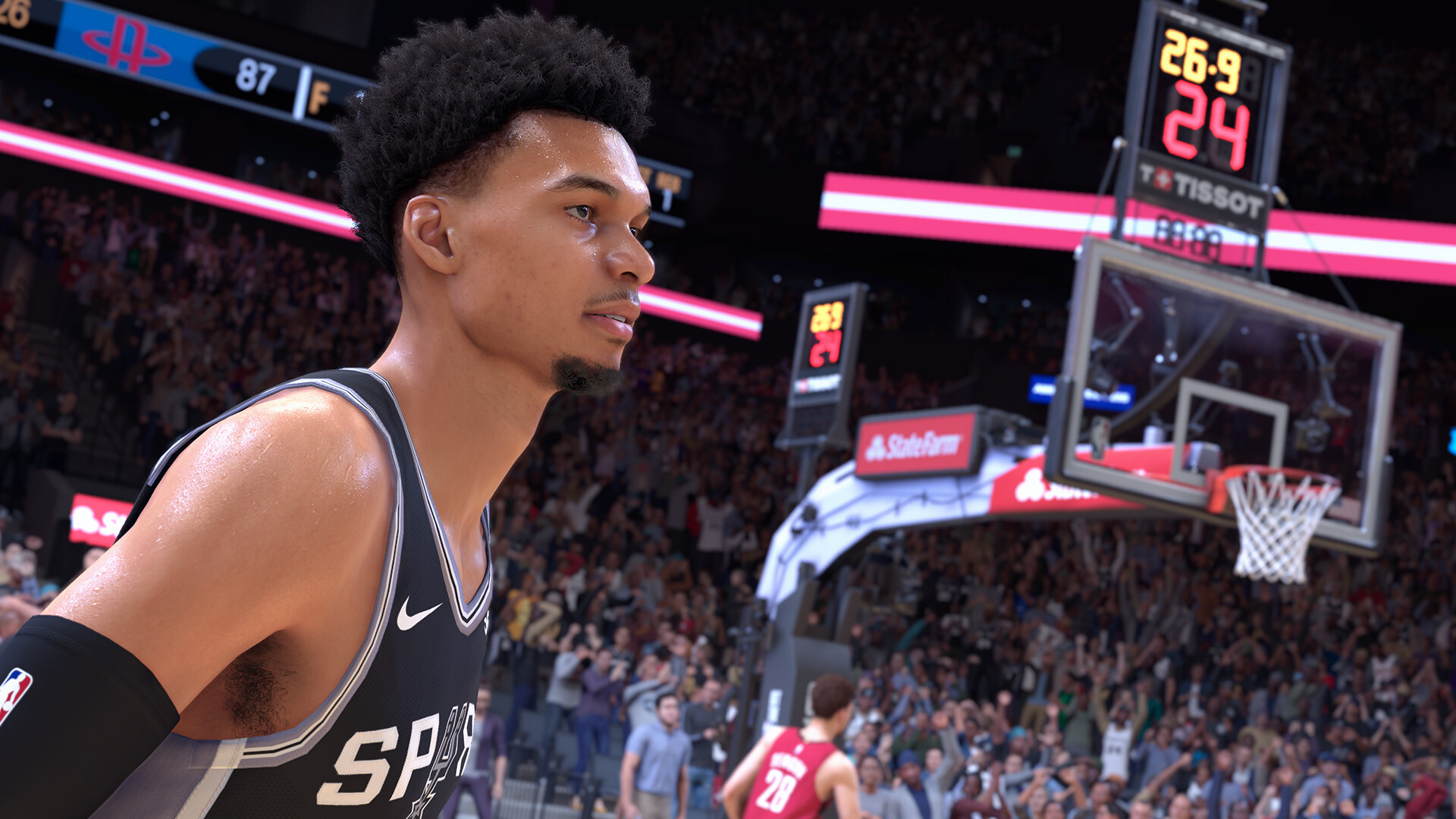
Command every court with authenticity and realism Powered by ProPLAY™, giving you ultimate control over how you play in NBA 2K25. Define your legacy in MyCAREER, MyTEAM, MyNBA, and The W.
Screenshots

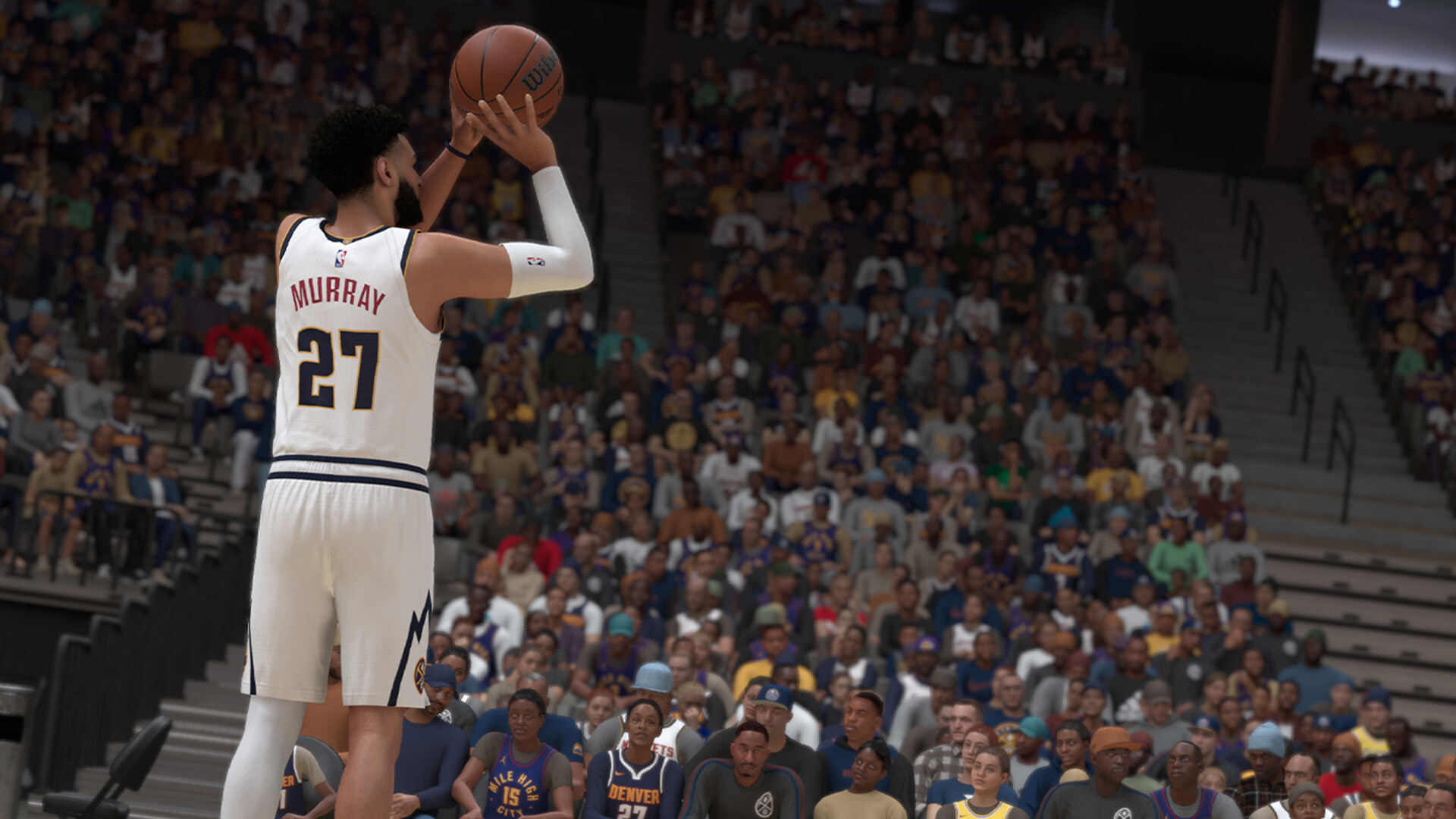
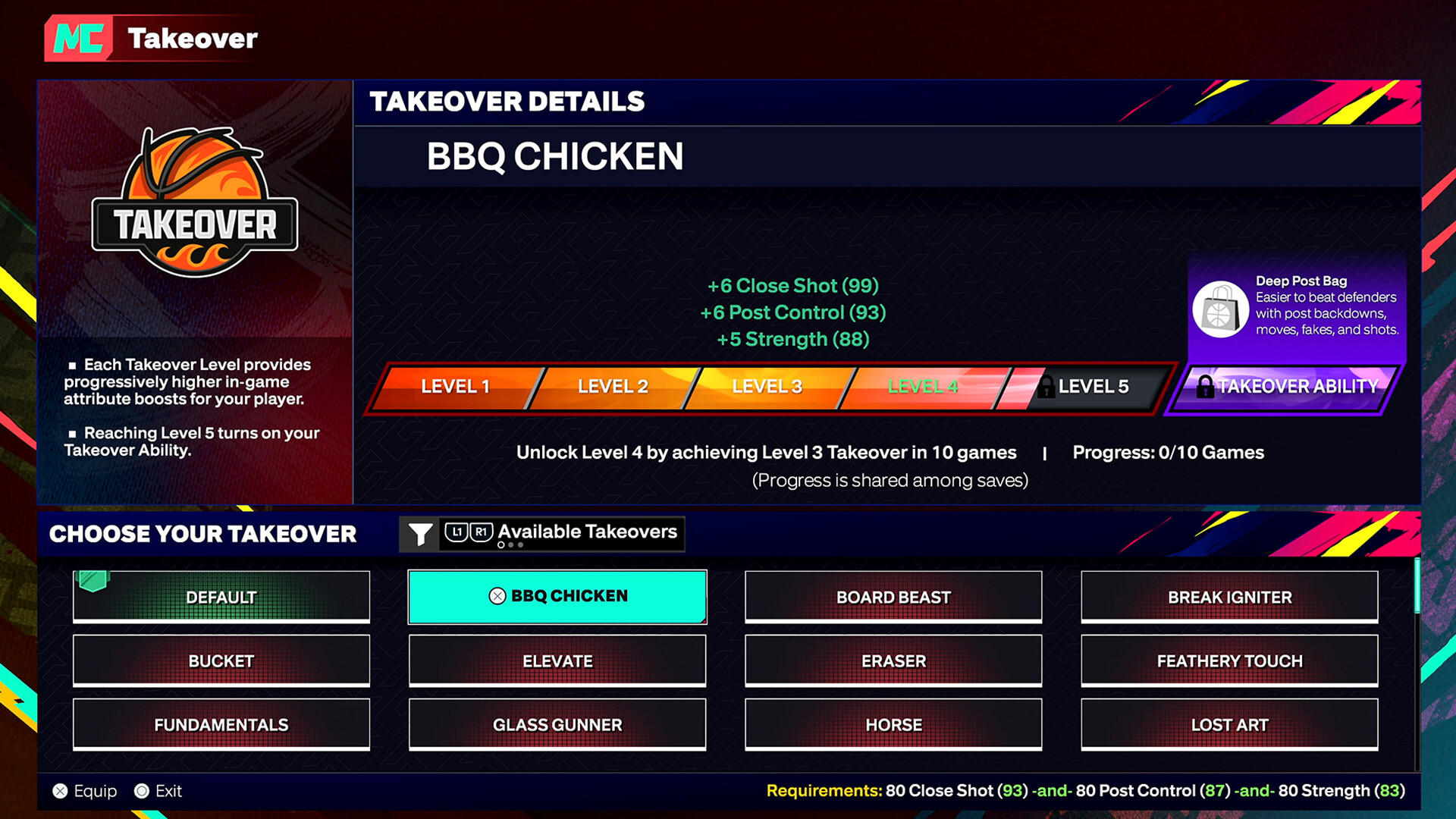

System requirements
Minimum
• Requires a 64-bit processor and operating system • OS: Windows 10 64-Bit (latest update) • Processor: Intel® Core™ i3-9100 or AMD Ryzen™ 3 1200 • Memory: 8 GB RAM • Graphics: NVIDIA® GeForce® GTX 960 4 GB or AMD Radeon™ RX 570 4 GB or Intel® Arc™ A580 • DirectX: Version 12 • Network: Broadband Internet connection • Storage: 150 GB available space • Additional Notes: SSD Required. Dual-analog Gamepad recommended. Initial installation requires one-time internet connection for Steam authentication; software installations required (included with the game) include DirectX and Visual C++ Redistributable 2019. In order to play NBA 2K25 on PC, you need a processor capable of supporting AVX2 and a graphics card capable of supporting DirectX feature level 12.0.
Recommended
• Requires a 64-bit processor and operating system • OS: Windows 10 64-Bit (latest update) • Processor: Intel® Core™ i5-10600 or AMD Ryzen™ 5 3600X • Memory: 16 GB RAM • Graphics: NVIDIA® GeForce® RTX 2070 8 GB or AMD Radeon™ RX 5700 8 GB or Intel® Arc™ A770 • DirectX: Version 12 • Network: Broadband Internet connection • Storage: 150 GB available space • Additional Notes: SSD Required. Dual-analog Gamepad recommended. Initial installation requires one-time internet connection for Steam authentication; software installations required (included with the game) include DirectX and Visual C++ Redistributable 2019. In order to play NBA 2K25 on PC, you need a processor capable of supporting AVX2 and a graphics card capable of supporting DirectX feature level 12.0.
Languages: English*, French, Italian, German, Spanish - Spain, Japanese, Korean, Simplified Chinese, Traditional Chinese
How to activate
Steam
- Start Steam on your computer and sign in to the account you will play on.
- In the Games menu, choose Activate a Product on Steam. You can also start from Add a Game at the bottom left.
- Go through the introductory screens, review Steam’s terms and paste the complete key without surrounding spaces.
- Finish activation, then find the game in your Library and select Install.
Xbox
- Open Microsoft’s redemption page using the button below.
- Sign in with the Microsoft account used on your Xbox. Check the email and profile before continuing.
- Paste the 25-character code and select Next. Check the displayed product or amount.
- Complete the confirmation prompts. Look for games in that account’s library and subscriptions under its services and subscriptions.
More from the series
 РФ ✓NBA 2K27 (Xbox Series X|S)Xboxfrom $66.735,690 ₽8 offersРФ ✓NBA 2K27 (Deluxe Edition) (Xbox Series X|S)Xboxfrom $99.848,510 ₽8 offers
 РФ ✓NBA 2K26 (Xbox Series X|S)Xboxfrom $15.891,360 ₽3 offersРФ ✓NBA 2K26 (Superstar Edition) (Xbox Series X|S)Xboxfrom $34.002,900 ₽3 offersNBA 2K26SteamXbox+1from $10.78920 ₽3 offersNBA 2K26 (Xbox One)Xboxfrom $22.451,920 ₽NBA 2K26 (SLAM Edition) (Xbox Series X|S)Xboxfrom $43.443,710 ₽РФ ✓NBA 2K27SteamXboxfrom $47.564,060 ₽2 offers
Game details from Steam.