

NieR:Automata™
- Genres
- Action · RPG
- Release
- Mar 17, 2017
- Developer
- Square Enix, PlatinumGames Inc.
- Metacritic
Lowest price across all offers
from $23.862,060 ₽
Offers
The price depends on the platform and the activation region.
- EuropeNot for RussiaNieR: Automata$23.862,060 ₽1
- WorldwideWorks in RussiaNieR: Automata$23.862,060 ₽1
About the game
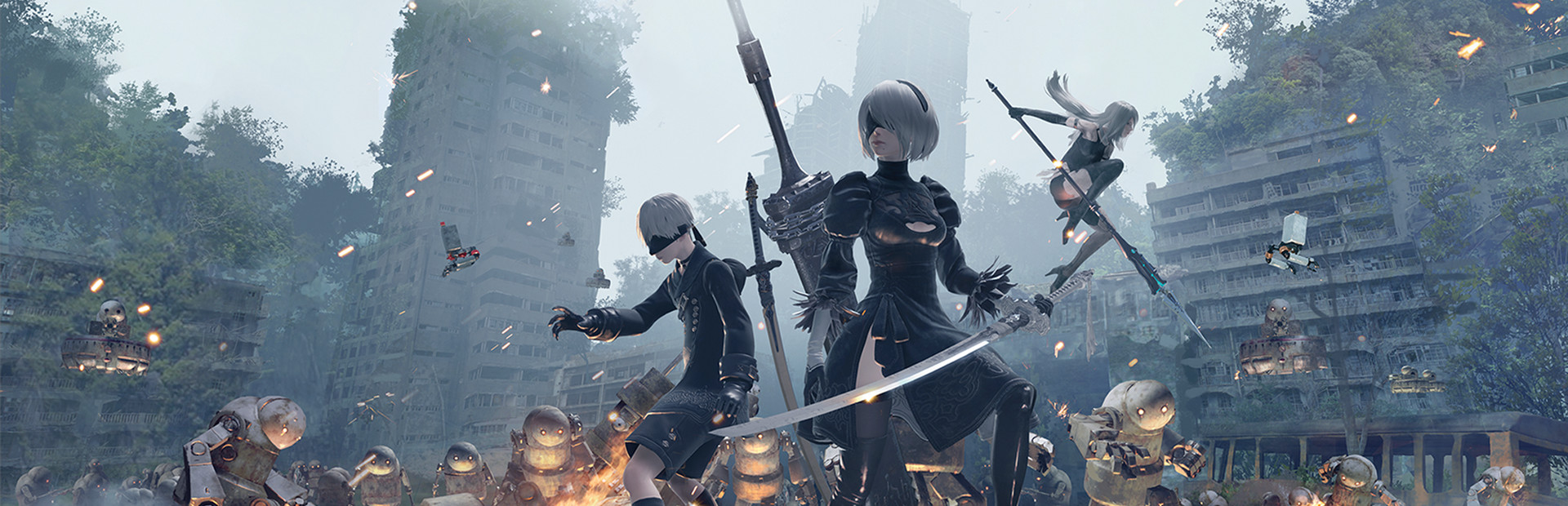
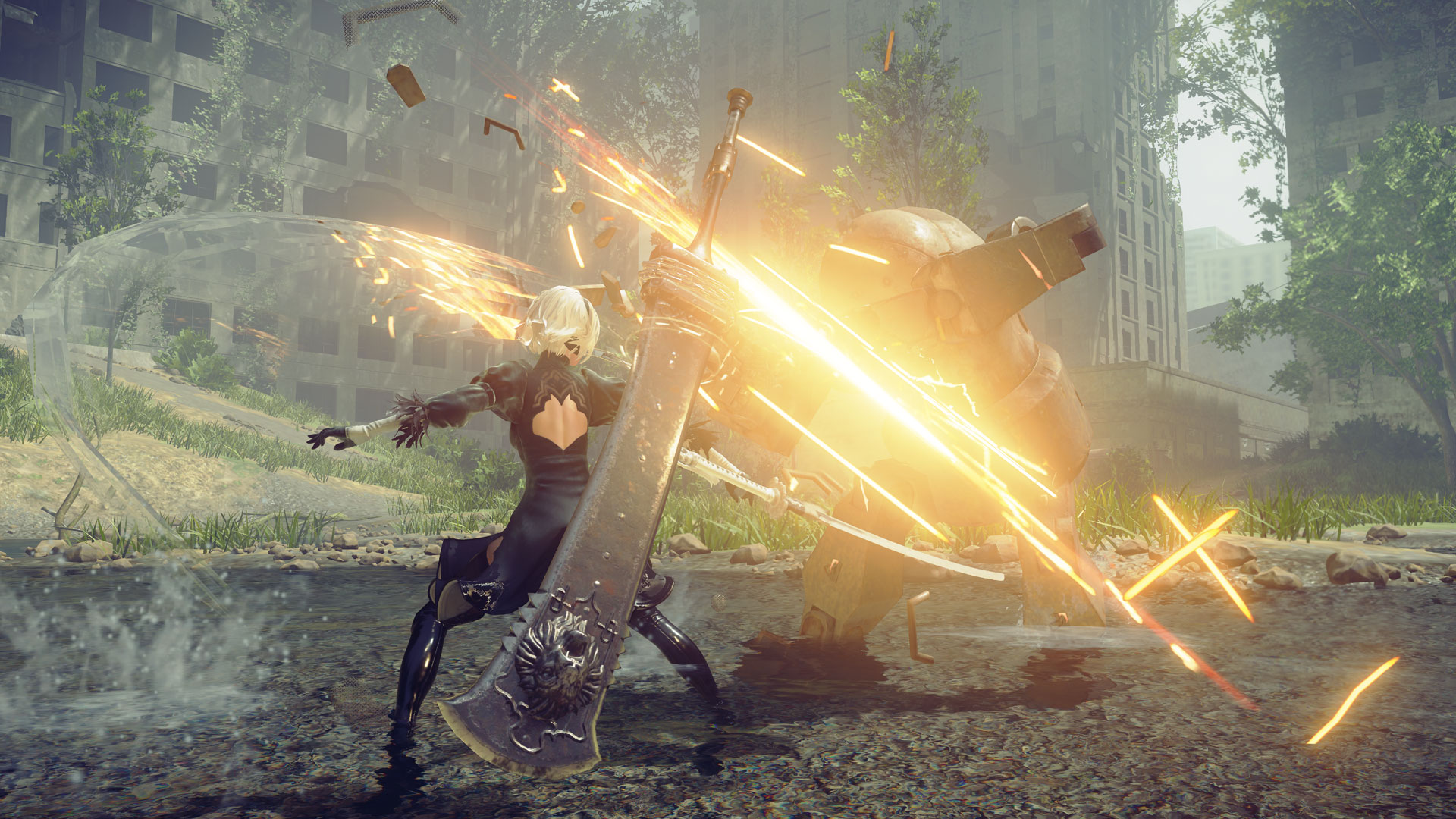
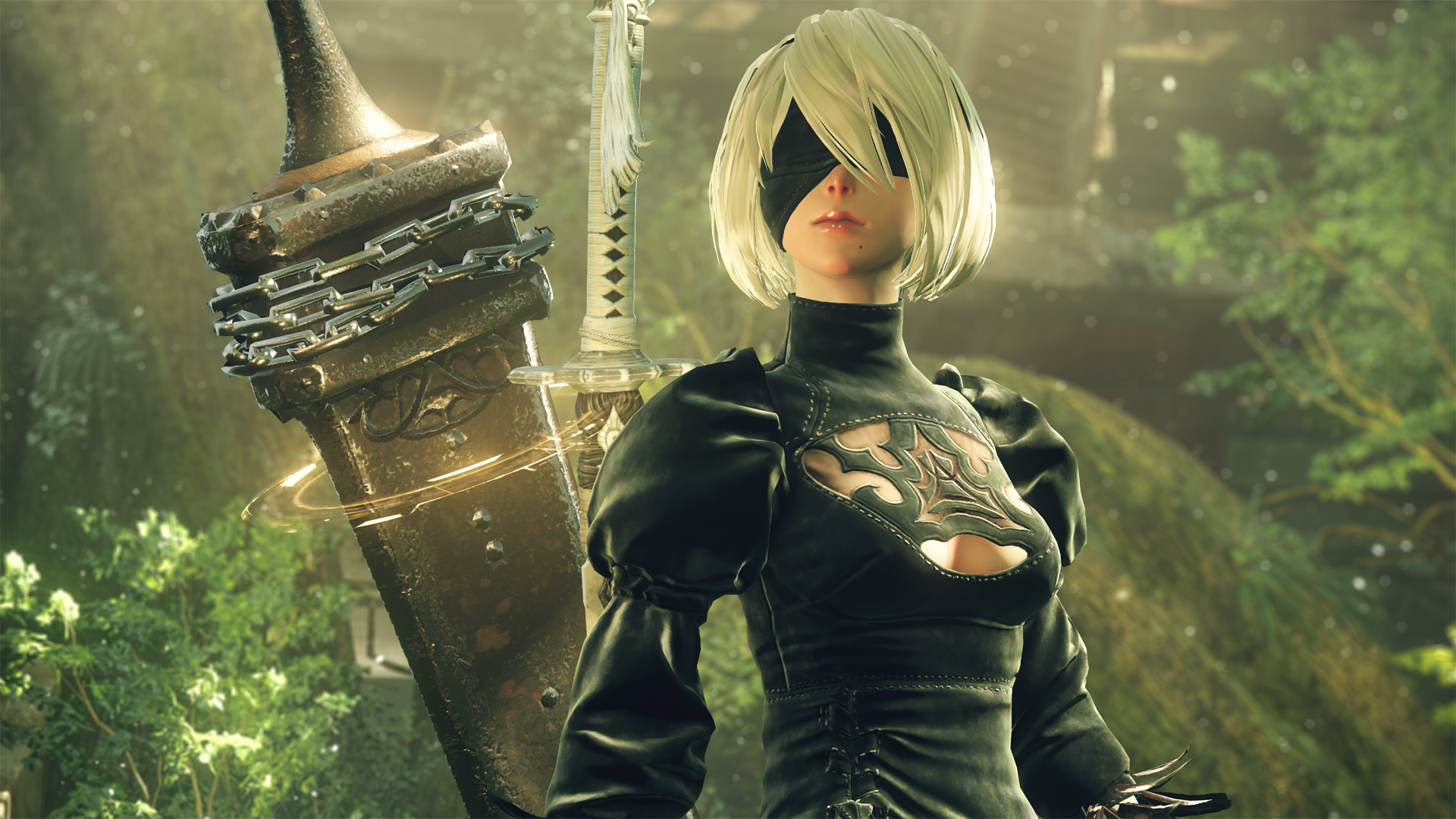
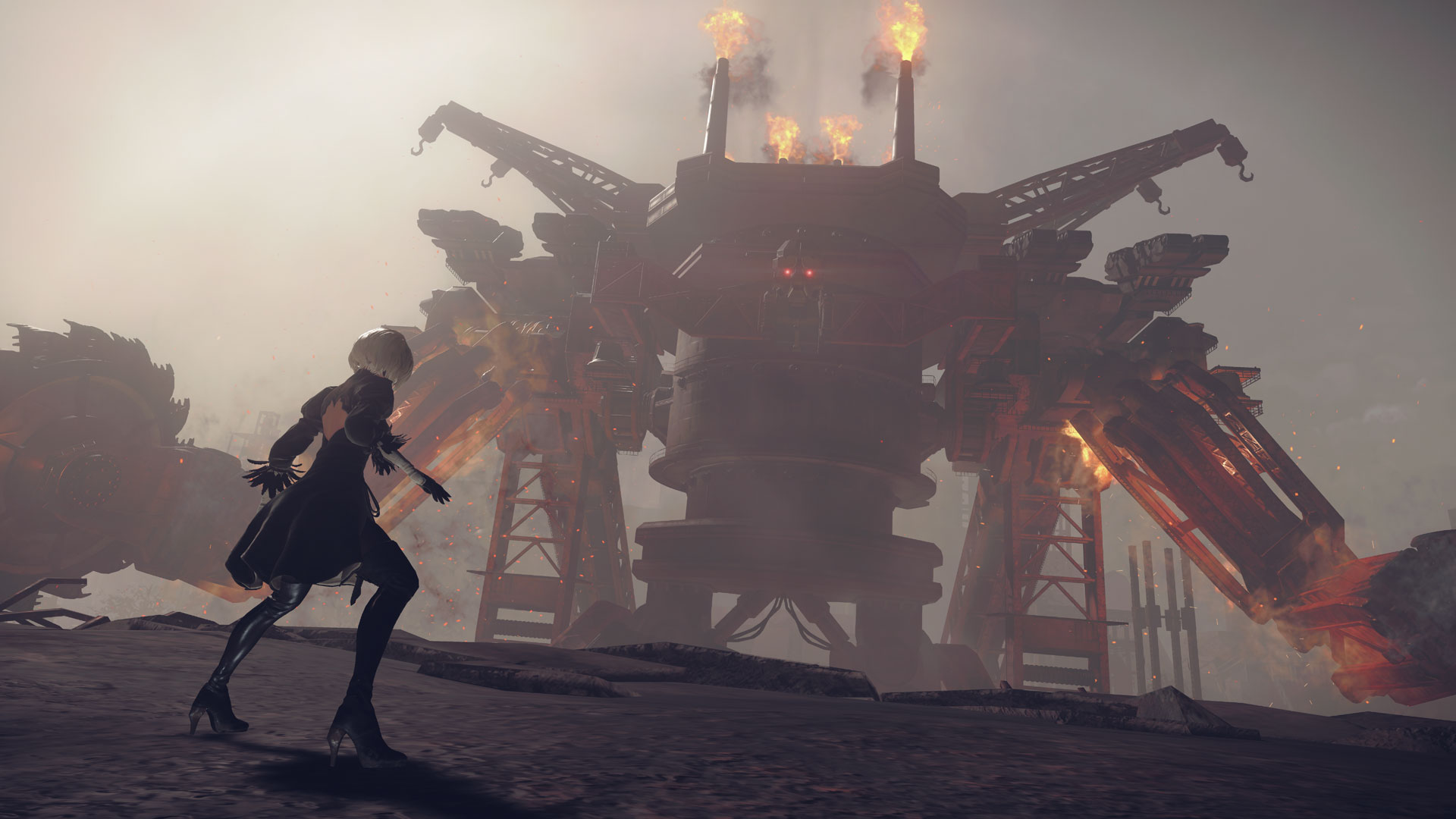
NieR: Automata tells the story of androids 2B, 9S and A2 and their battle to reclaim the machine-driven dystopia overrun by powerful machines.
Screenshots
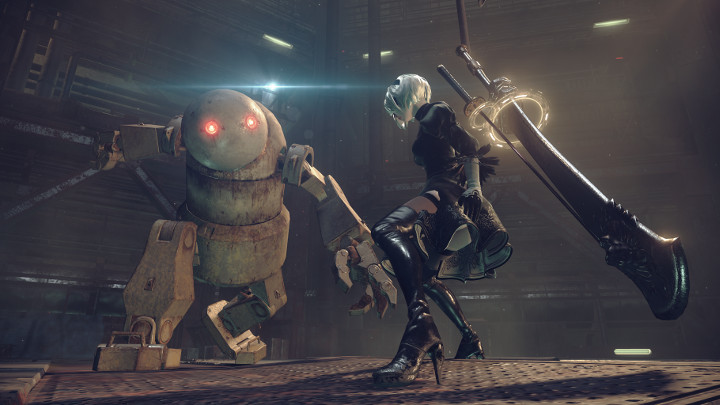


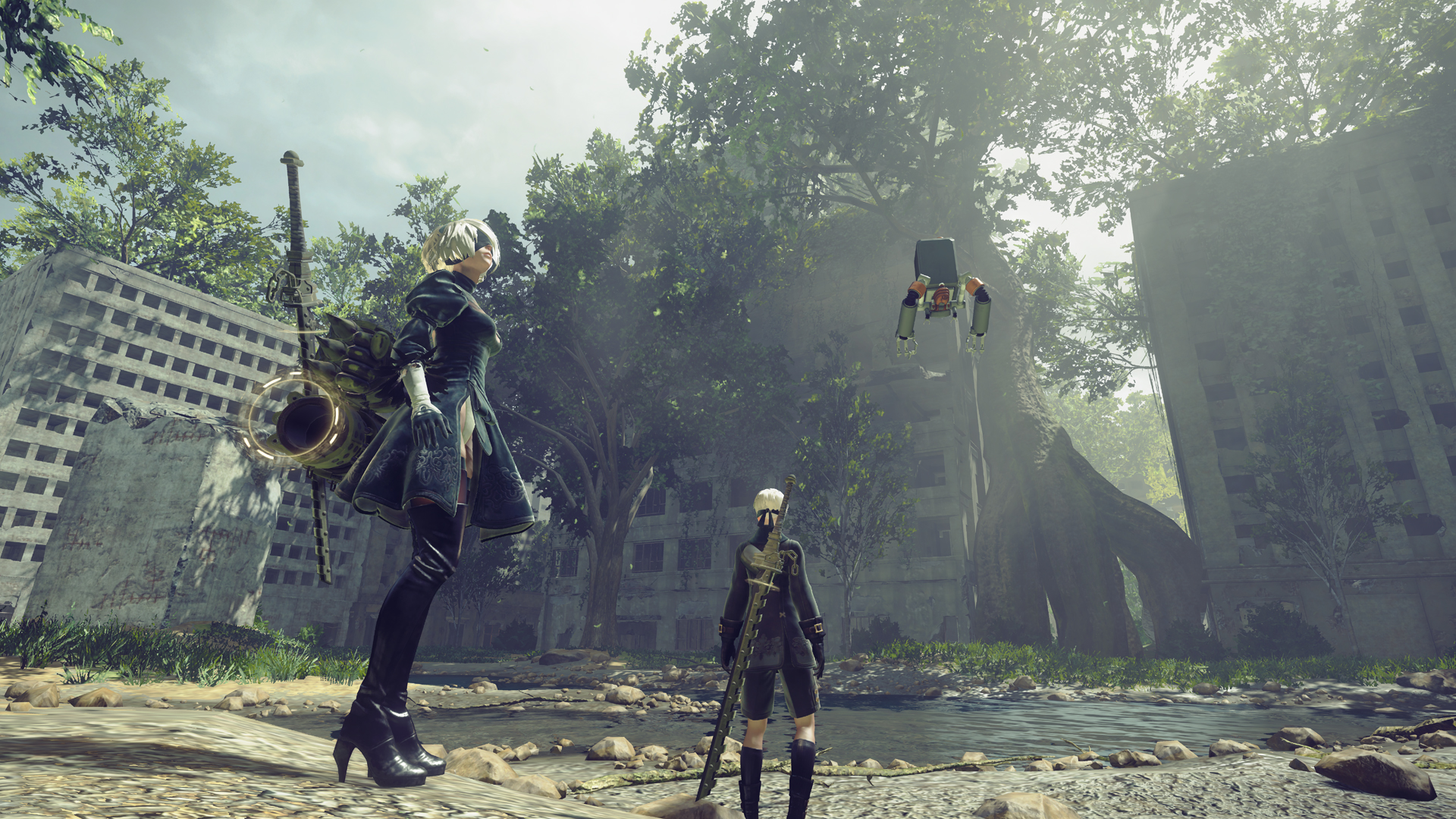
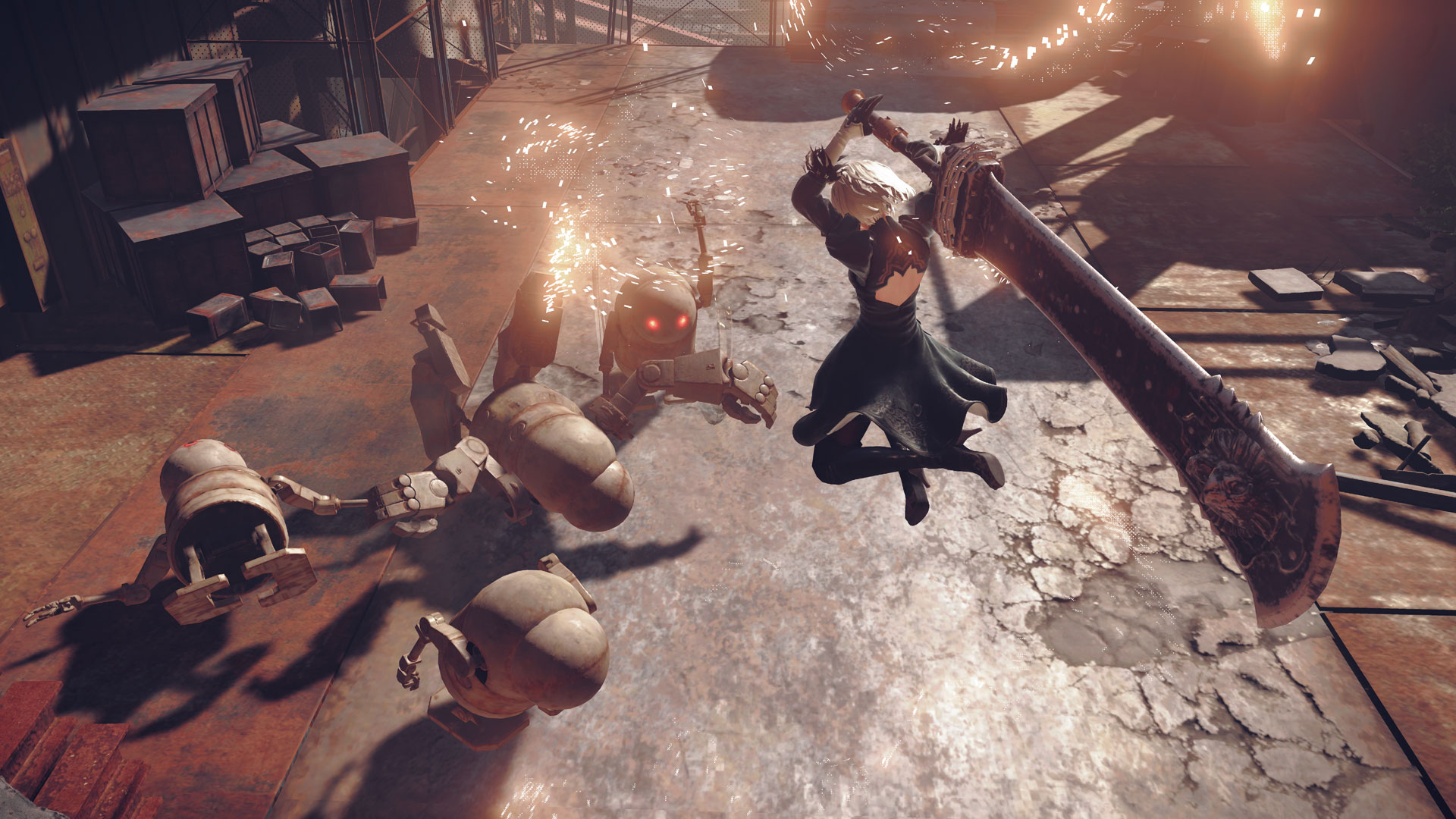
System requirements
Minimum
• OS *: Windows 7 /8.1 /10 64bit • Processor: Intel Core i3 2100 or AMD A8-6500 • Memory: 4 GB RAM • Graphics: NVIDIA GeForce GTX 770 VRAM 2GB or AMD Radeon R9 270X VRAM 2GB • DirectX: Version 11 • Network: Broadband Internet connection • Storage: 50 GB available space • Sound Card: DirectX® 11 supported • Additional Notes: Mouse, keyboard and game pad (XInput only). Screen resolution: 1280x720. This product only supports MS-IME keyboard input. There is a possibility that other IME will not function correctly with it.
Recommended
• OS *: Windows 8.1 /10 64bit • Processor: Intel Core i5 4670 or AMD A10-7850K • Memory: 8 GB RAM • Graphics: NVIDIA GeForce GTX 980 VRAM 4GB or AMD Radeon R9 380X VRAM 4GB • DirectX: Version 11 • Network: Broadband Internet connection • Storage: 50 GB available space • Sound Card: DirectX® 11 supported • Additional Notes: Mouse, keyboard and game pad (XInput only). Screen resolution: 1920x1080. Depending on the monitor and PC graphics card environment and setup used, this title can expand its display resolution to 4K. However, please be aware that 4K resolutions are not officially supported. This product only supports MS-IME keyboard input. There is a possibility that other IME will not function correctly with it.
Languages: English*, French, Italian, German, Spanish - Spain, Japanese*
How to activate
Steam
- Start Steam on your computer and sign in to the account you will play on.
- In the Games menu, choose Activate a Product on Steam. You can also start from Add a Game at the bottom left.
- Go through the introductory screens, review Steam’s terms and paste the complete key without surrounding spaces.
- Finish activation, then find the game in your Library and select Install.
More from the series
Game details from Steam.