
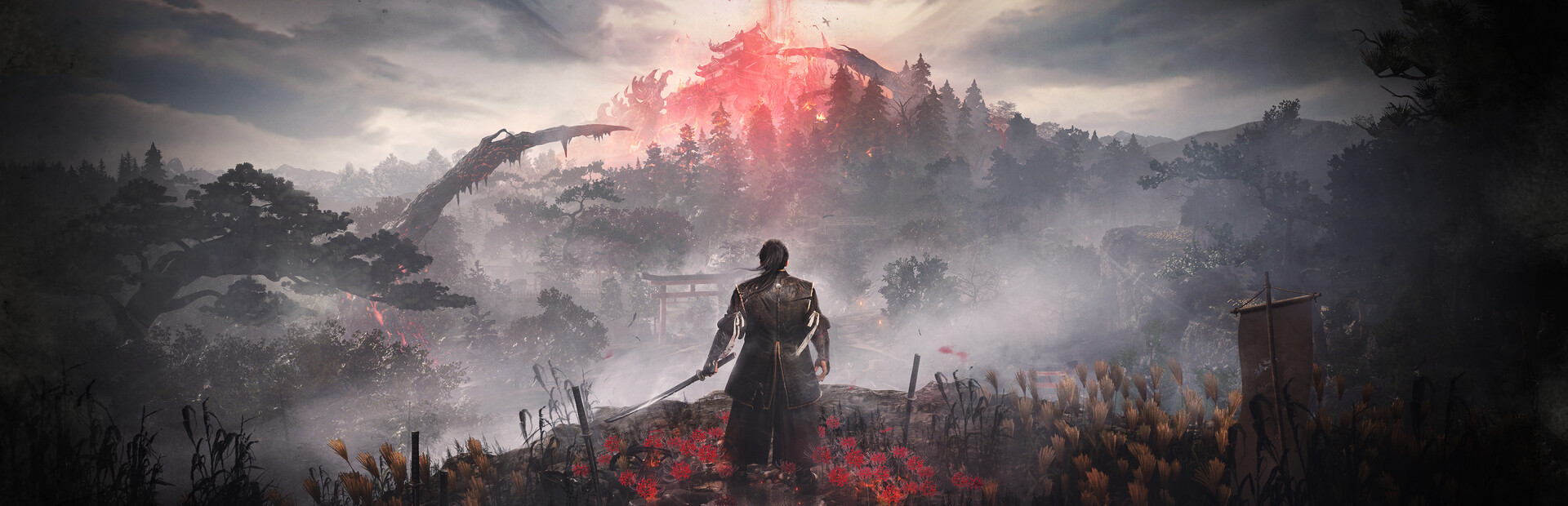
Nioh 3
- Genres
- Action · RPG
- Release
- Feb 5, 2026
- Developer
- KOEI TECMO GAMES CO., LTD.
- Metacritic
Lowest price across all offers
from $39.483,370 ₽
Offers
The price depends on the platform and the activation region.
- —Not for Russia$39.483,370 ₽1
- WorldwideWorks in Russia$49.754,240 ₽1
- North AmericaNot for Russia$50.314,290 ₽1
About the game
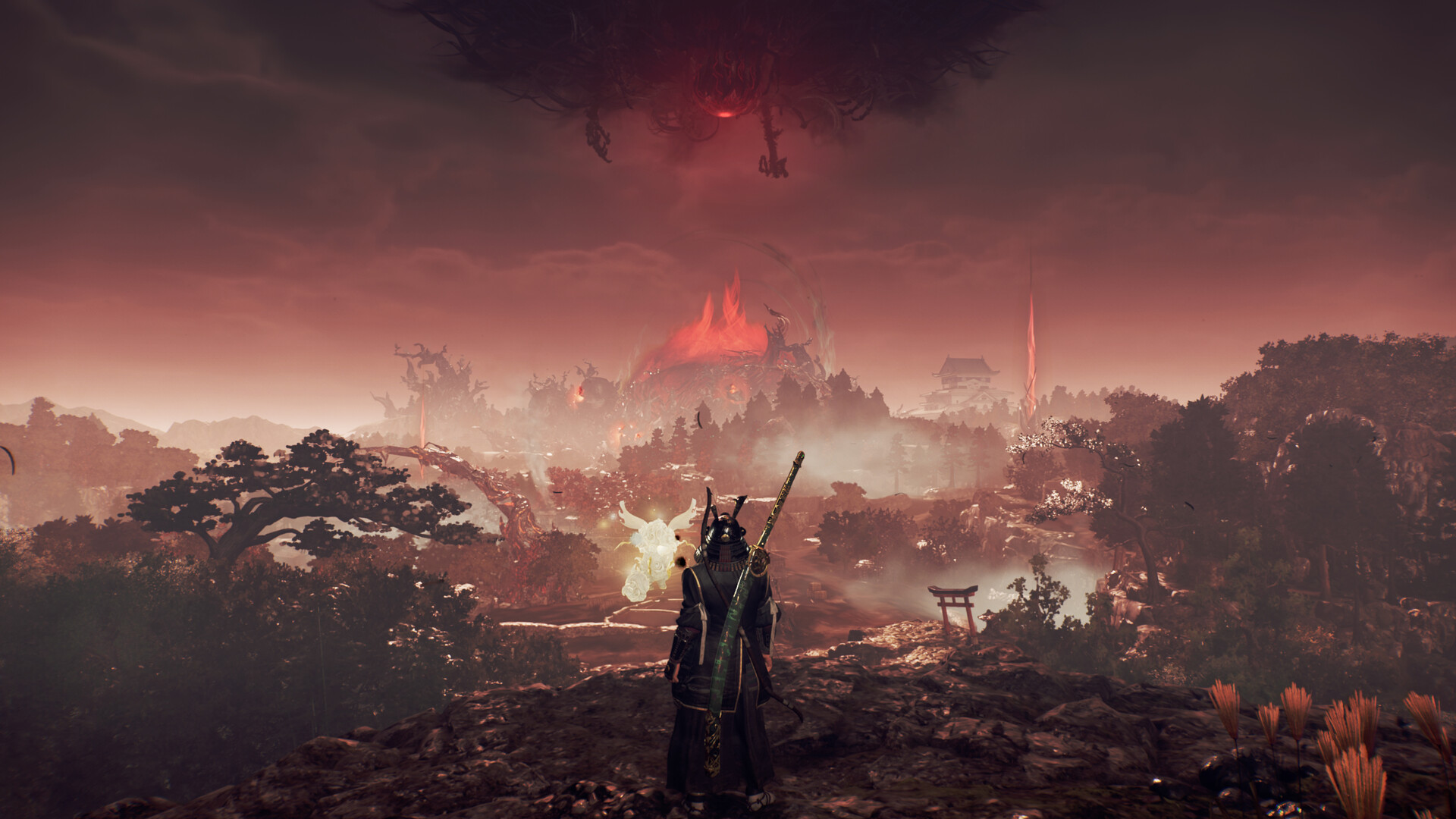
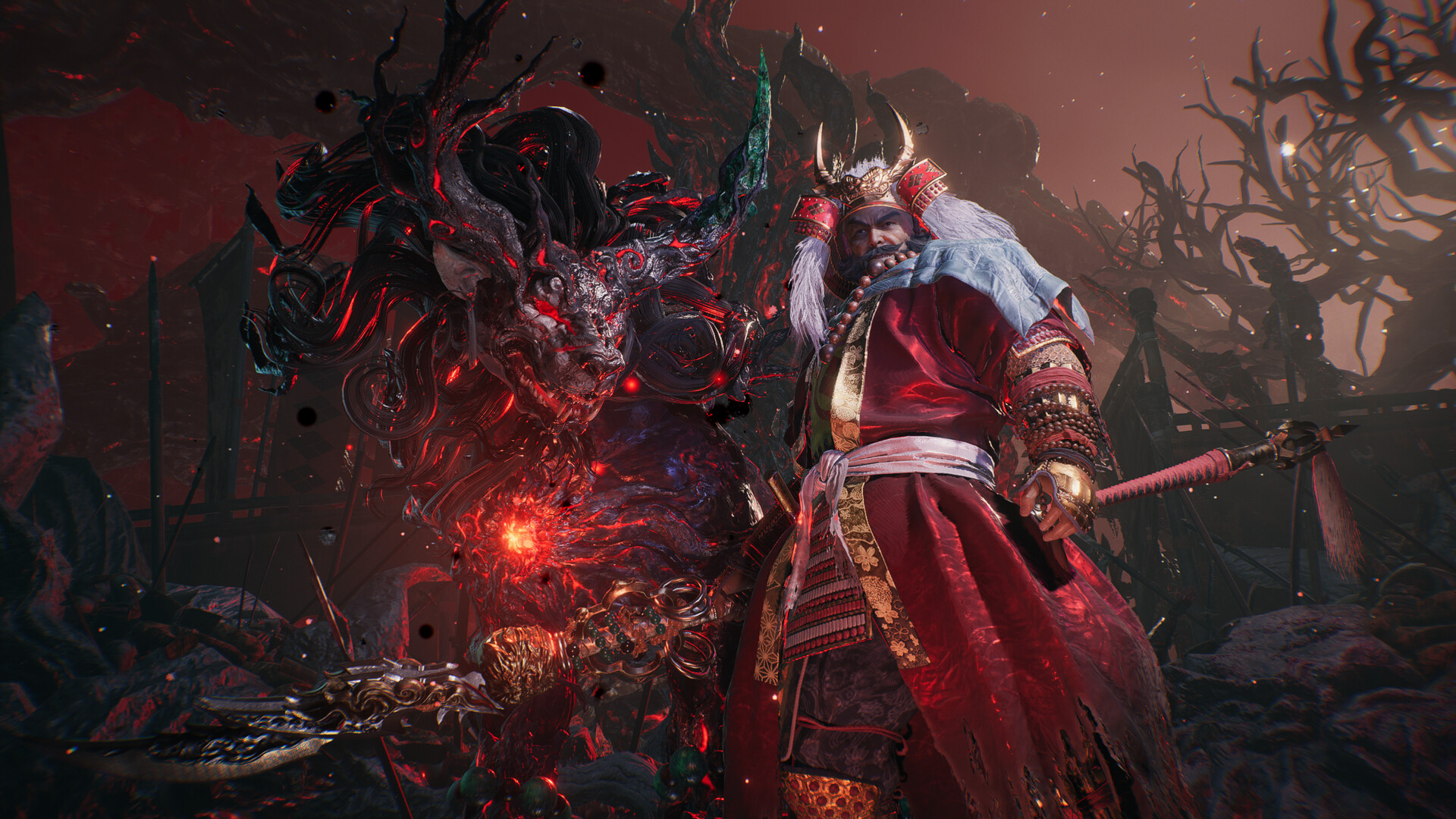
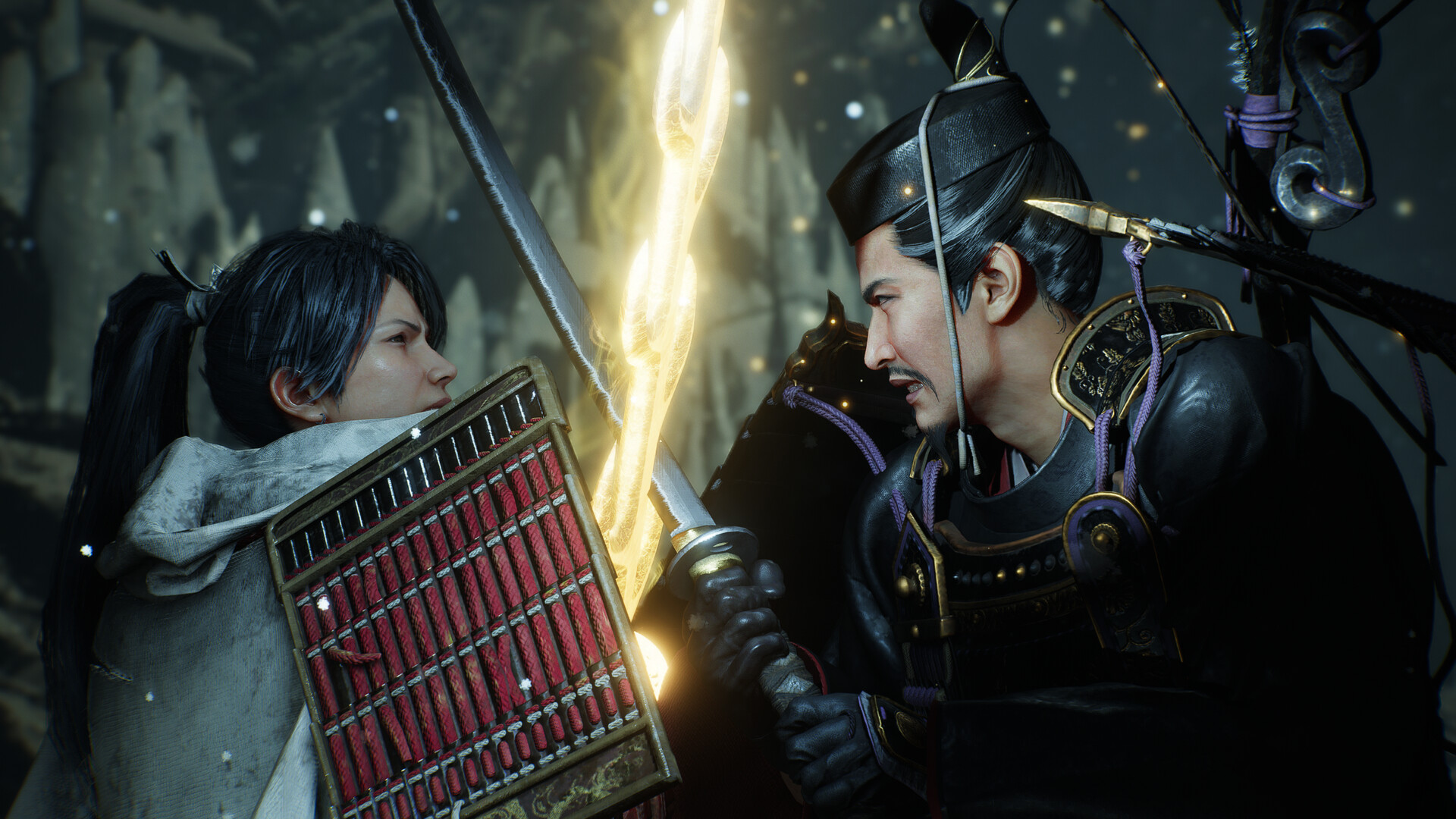
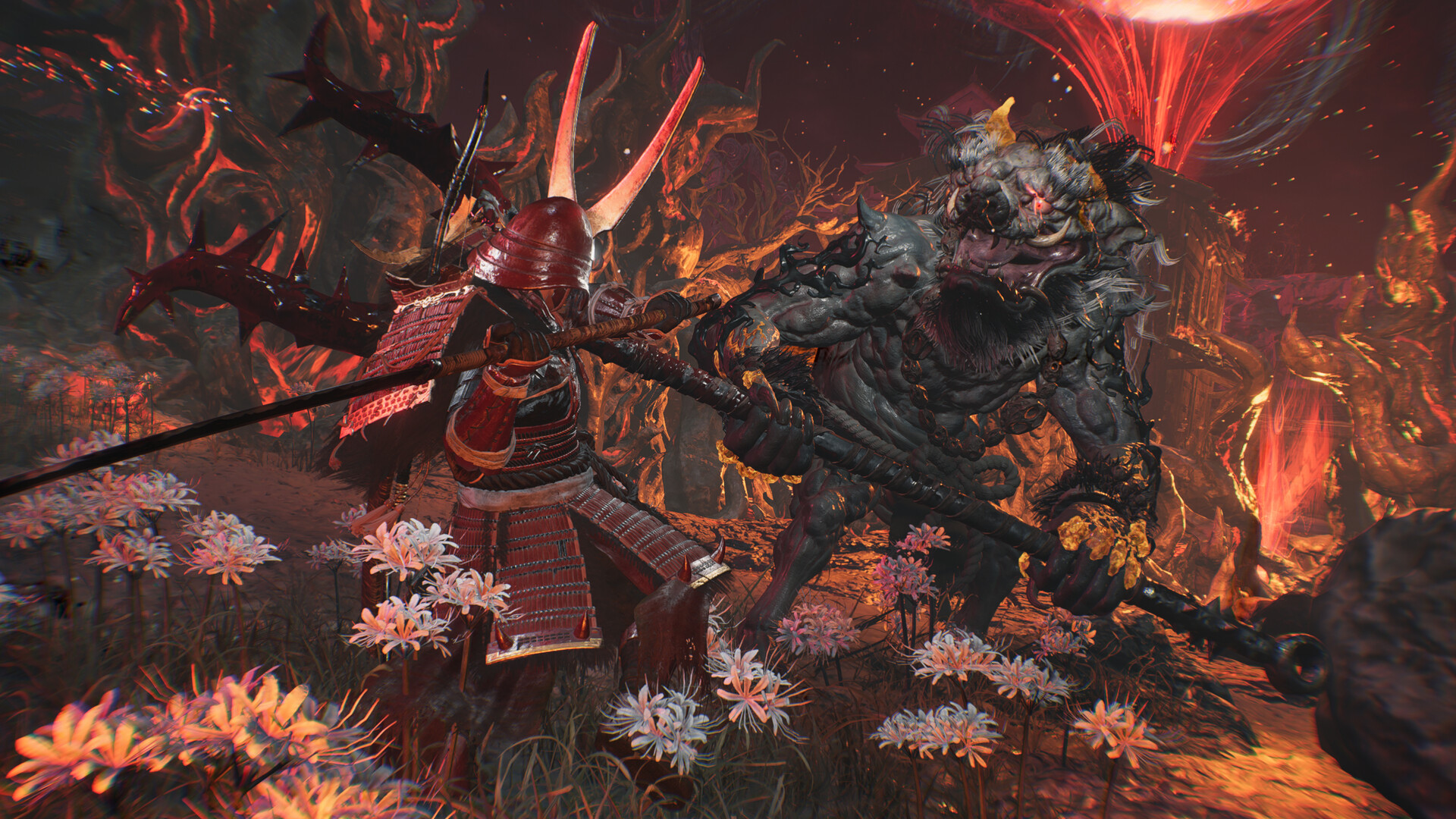
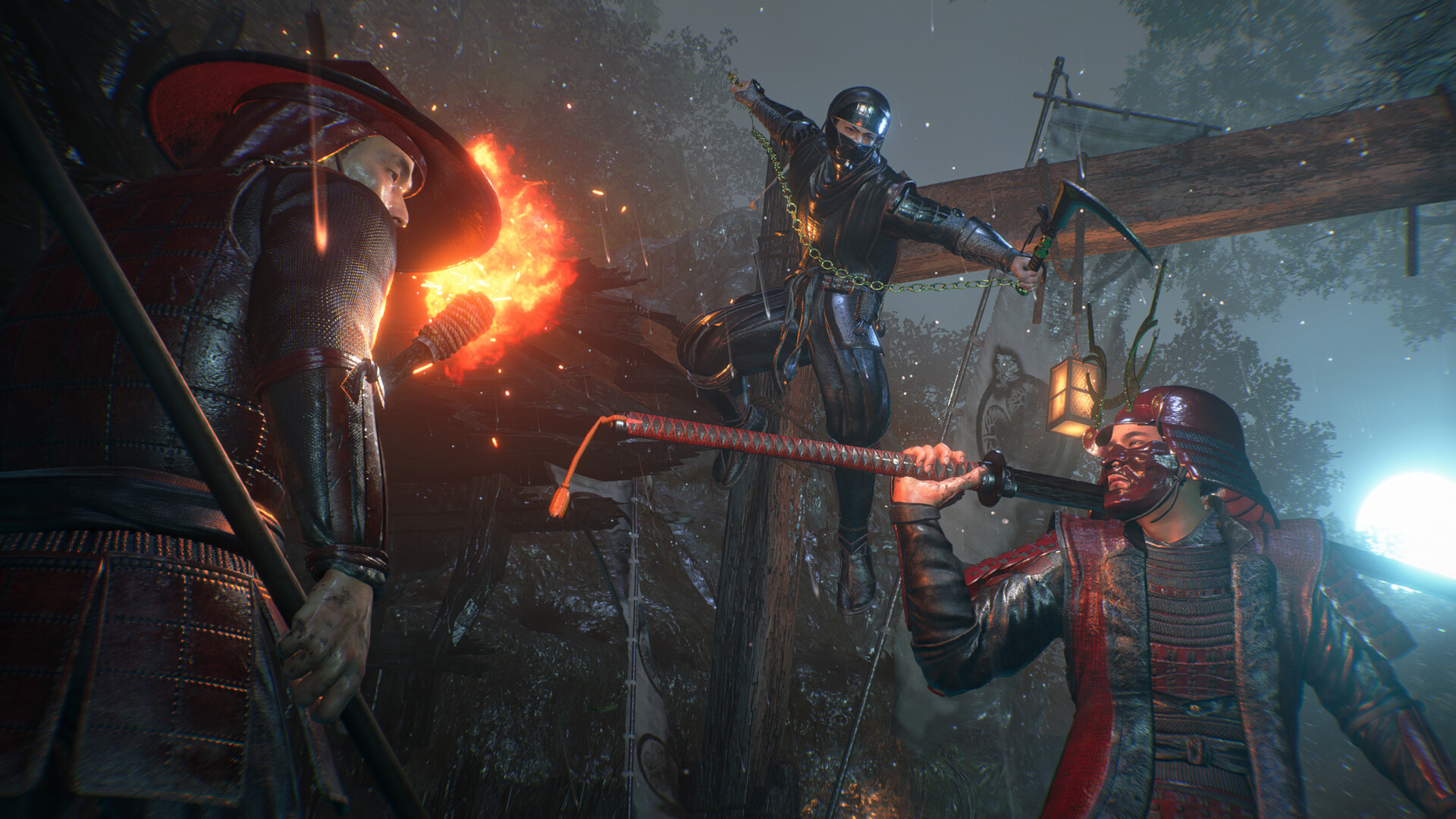
In the third game in the dark samurai action RPG series Nioh, you will need to use both Samurai and Ninja combat styles in your battles against formidable yokai as you explore a thrilling open field.
Screenshots


System requirements
Minimum
• Requires a 64-bit processor and operating system • OS: Windows® 11 • Processor: Intel Core i5-10400, AMD Ryzen 5 2600 6 cores / 12 threads or higher • Memory: 16 GB RAM • Graphics: NVIDIA GeForce GTX 1060 VRAM 6GB, AMD Radeon RX 5600 XT (Rev. 2.0) VRAM 6GB • DirectX: Version 12 • Network: Broadband Internet connection • Storage: 125 GB available space • Sound Card: 48000Hz 16bit Stereo • Additional Notes: Multi-channel memory configuration recommended. SSD is required. Gameplay performance may be affected if the SSD’s performance is insufficient. Playable at 1080p / 30fps using the ‘Lightest’ graphics preset (with upscaling). Frame generation is supported. Note: Complies with Windows® 11 system requirements.
Recommended
• Requires a 64-bit processor and operating system • OS: Windows® 11 • Processor: Intel Core i5-10600K, AMD Ryzen 5 5600X 6 cores / 12 threads or higher • Memory: 16 GB RAM • Graphics: NVIDIA GeForce RTX 3060 Ti VRAM 8GB, AMD Radeon RX 6700 XT VRAM 12GB • DirectX: Version 12 • Network: Broadband Internet connection • Storage: 125 GB available space • Sound Card: 48000Hz 16bit Stereo • Additional Notes: Multi-channel memory configuration recommended. SSD is required; NVMe SSD recommended. Playable at 1080p / 60fps using the ‘Standard’ graphics preset (with upscaling). Frame generation is supported. Note: Complies with Windows® 11 system requirements.
Languages: English*, French, Italian, German, Spanish - Spain, Portuguese - Brazil, Russian, Simplified Chinese, Traditional Chinese, Japanese*, Korean, Arabic
How to activate
Steam
- Start Steam on your computer and sign in to the account you will play on.
- In the Games menu, choose Activate a Product on Steam. You can also start from Add a Game at the bottom left.
- Go through the introductory screens, review Steam’s terms and paste the complete key without surrounding spaces.
- Finish activation, then find the game in your Library and select Install.
More from the series

Game details from Steam.