
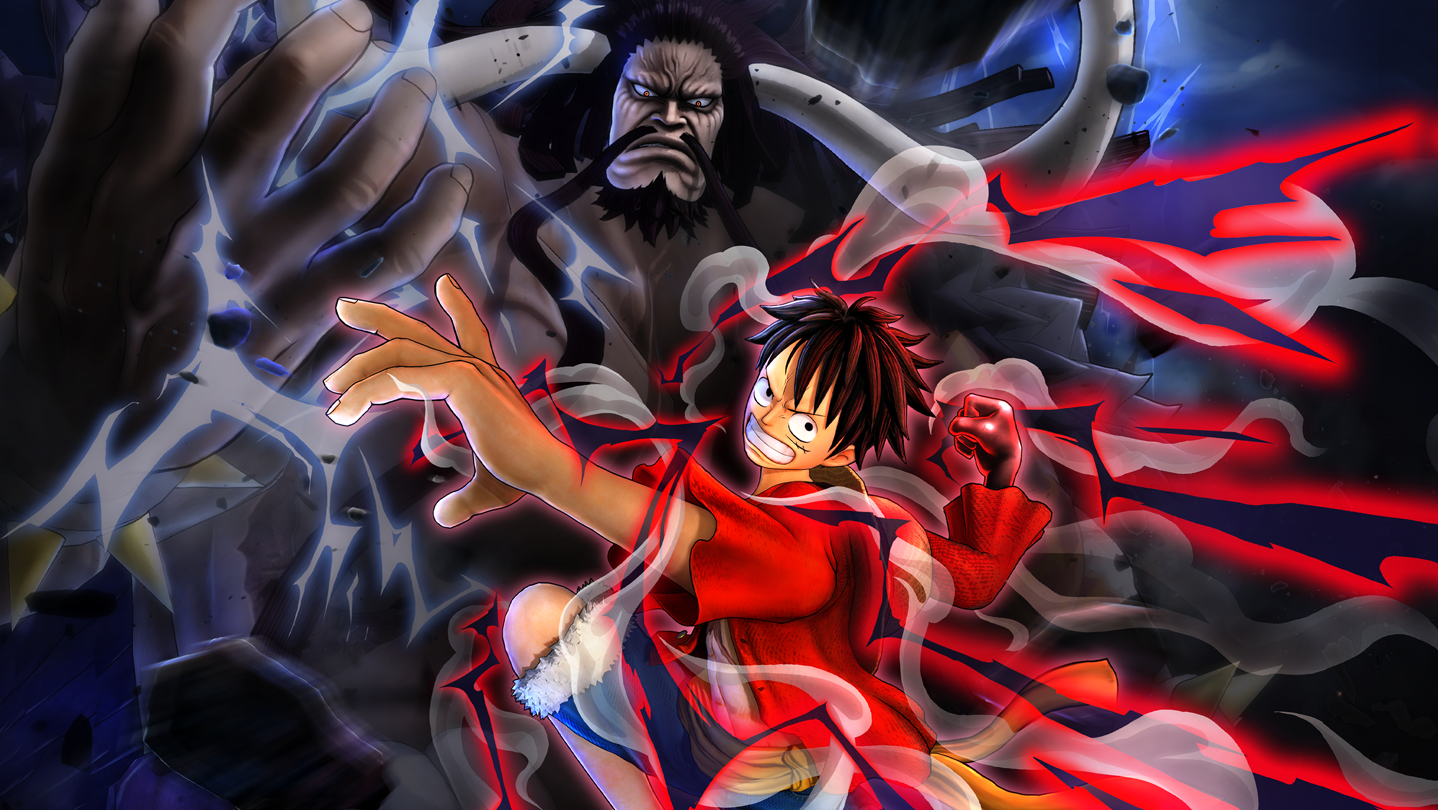
ONE PIECE: PIRATE WARRIORS 4 Character Pass
- Genres
- Action
- Release
- Mar 26, 2020
- Developer
- Koei Tecmo
Lowest price across all offers
from $10.72900 ₽
Offers
The price depends on the platform and the activation region.
- WorldwideWorks in RussiaONE PIECE: PIRATE WARRIORS 4 - Character Pass$10.72900 ₽1
- CISCIS regionONE PIECE: PIRATE WARRIORS 4 - Character Pass$11.14940 ₽1
- EuropeNot for RussiaONE PIECE: PIRATE WARRIORS 4 - Character Pass$11.43960 ₽1
- —Not for RussiaONE PIECE: PIRATE WARRIORS 4 - Character Pass$13.471,130 ₽1
- United StatesNot for RussiaONE PIECE: PIRATE WARRIORS 4 - Character Pass$25.882,170 ₽1
About the game
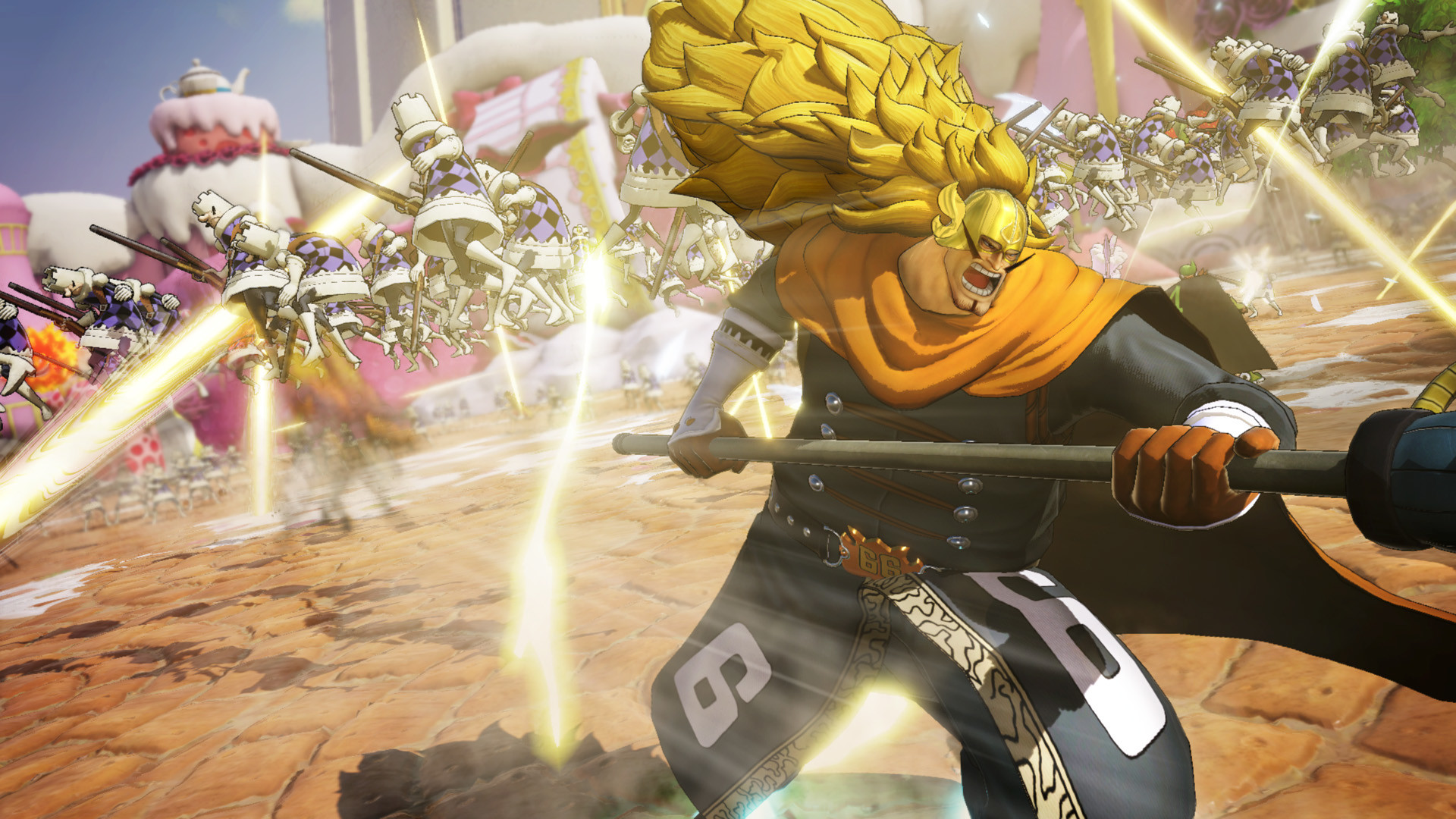
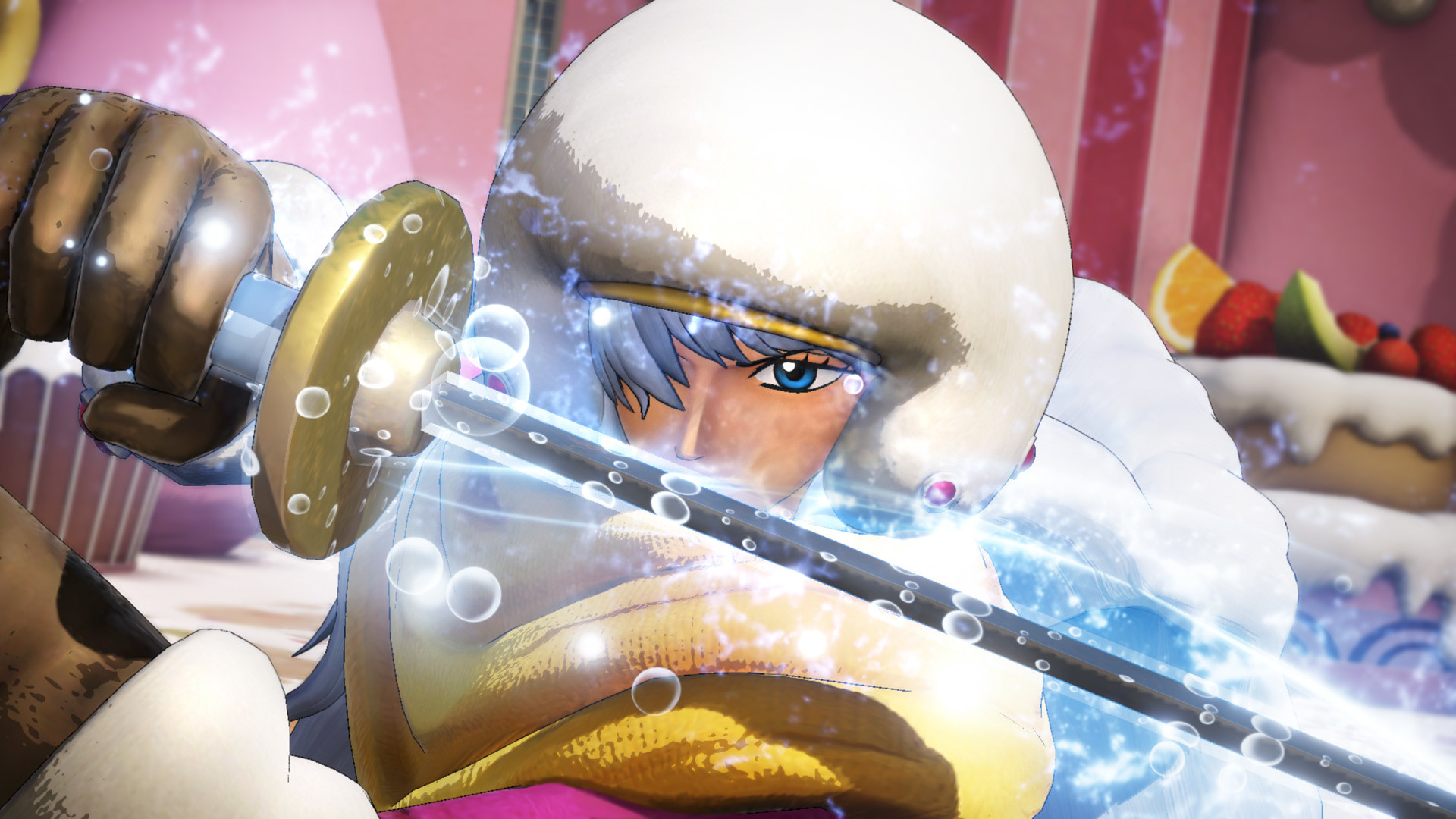
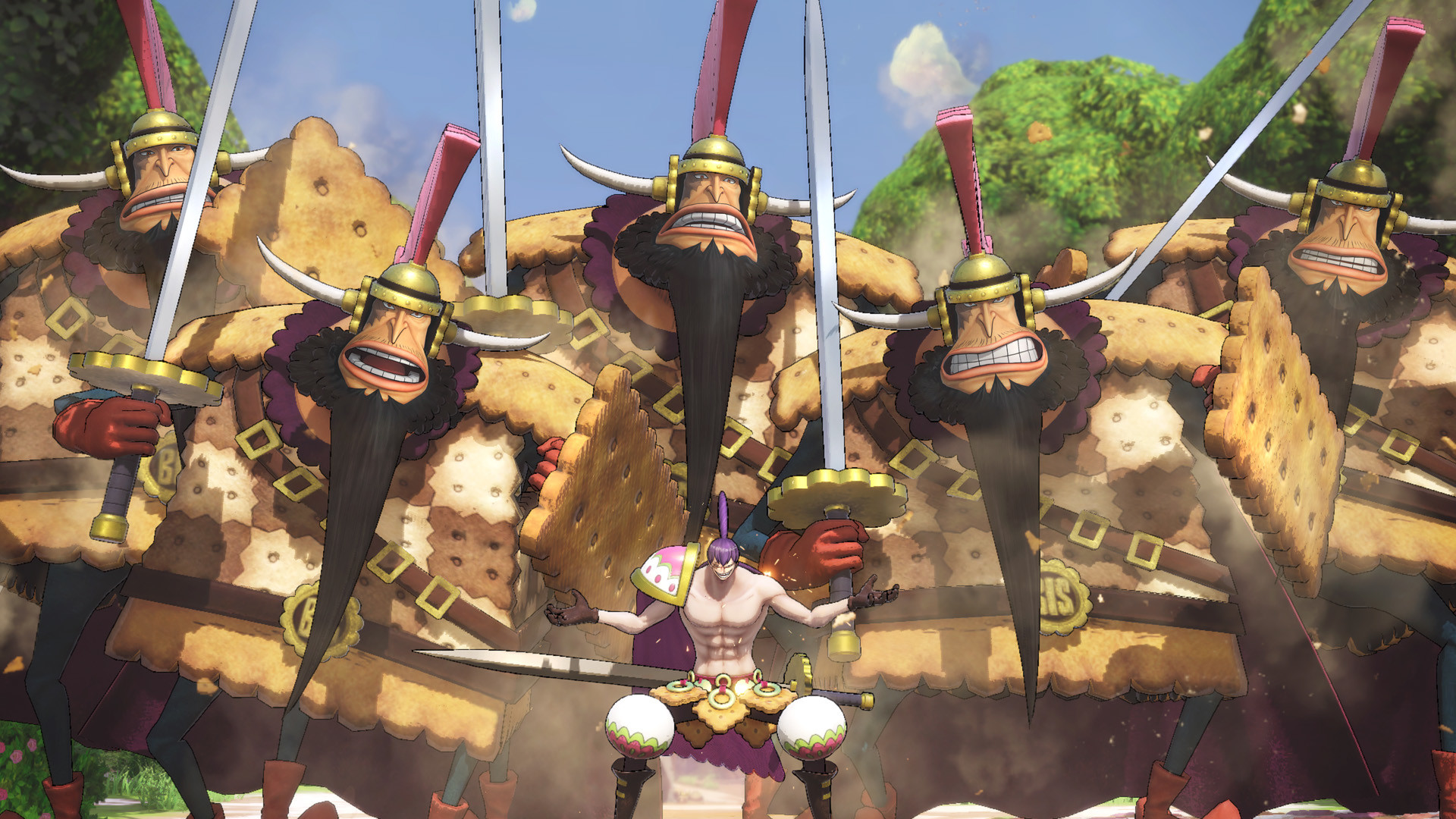
Get all three Playable Character DLC Packs which includes 9 characters and the Charlotte Katakuri Early Unlock as a bonus.
Screenshots

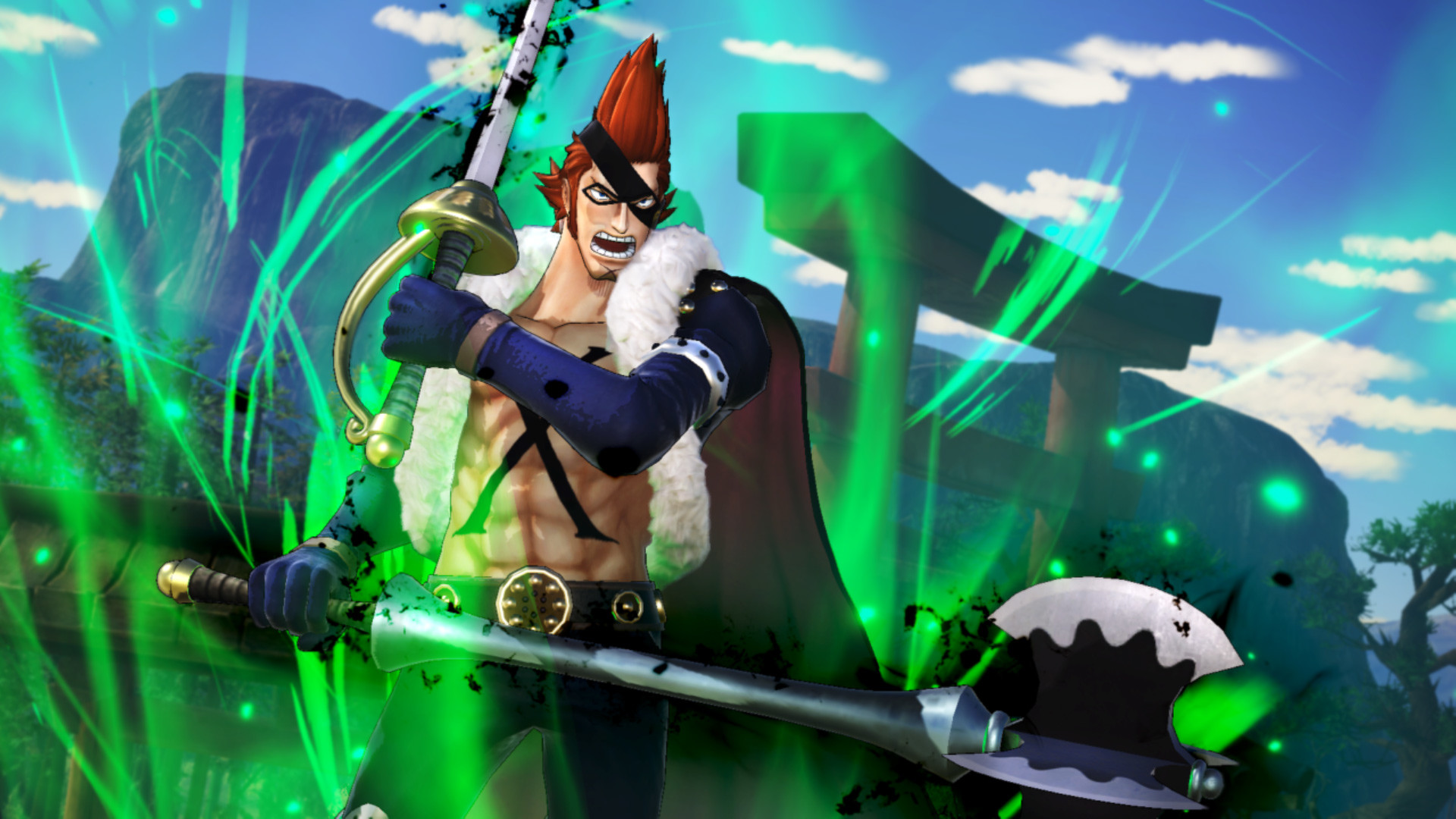
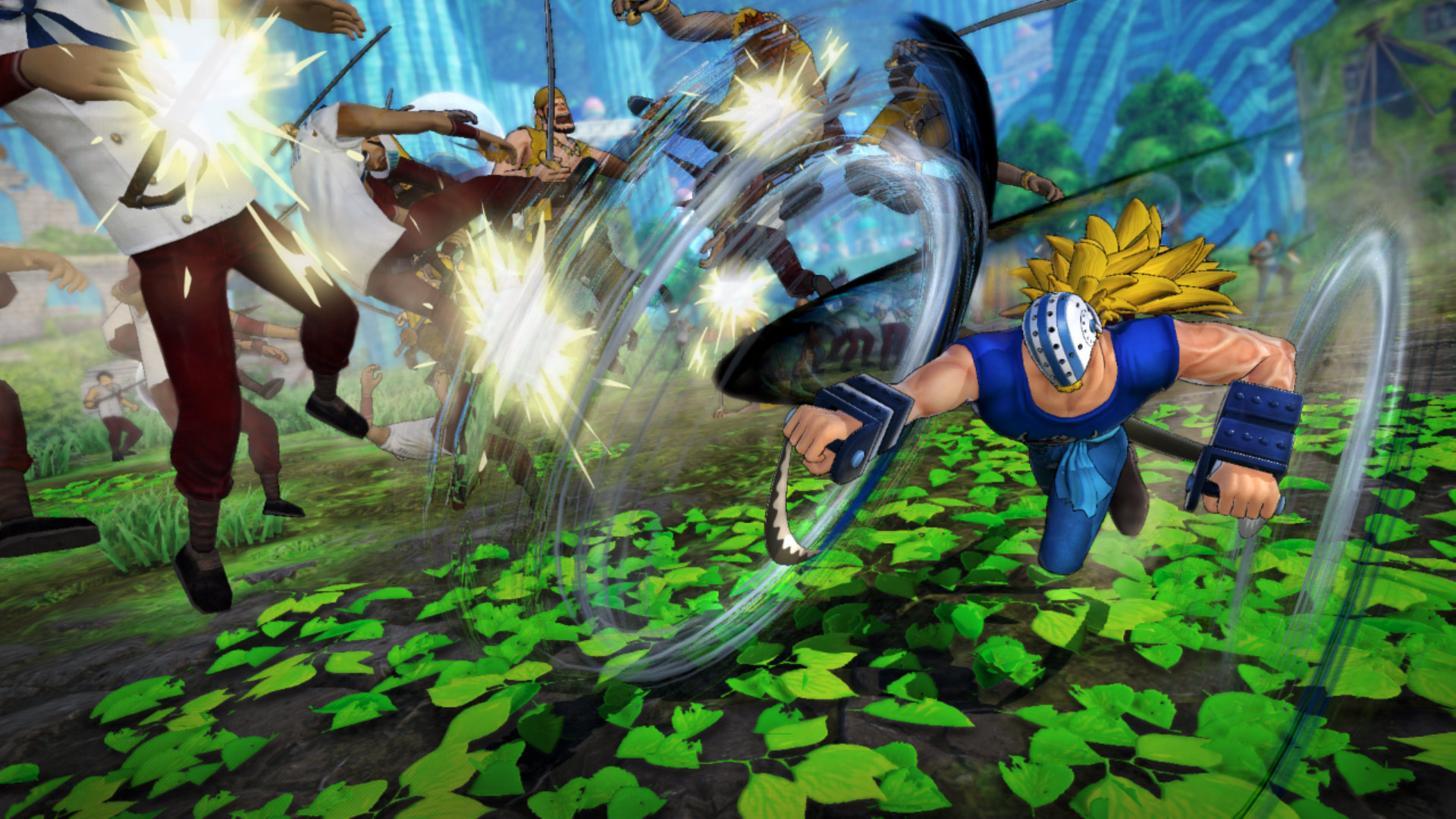
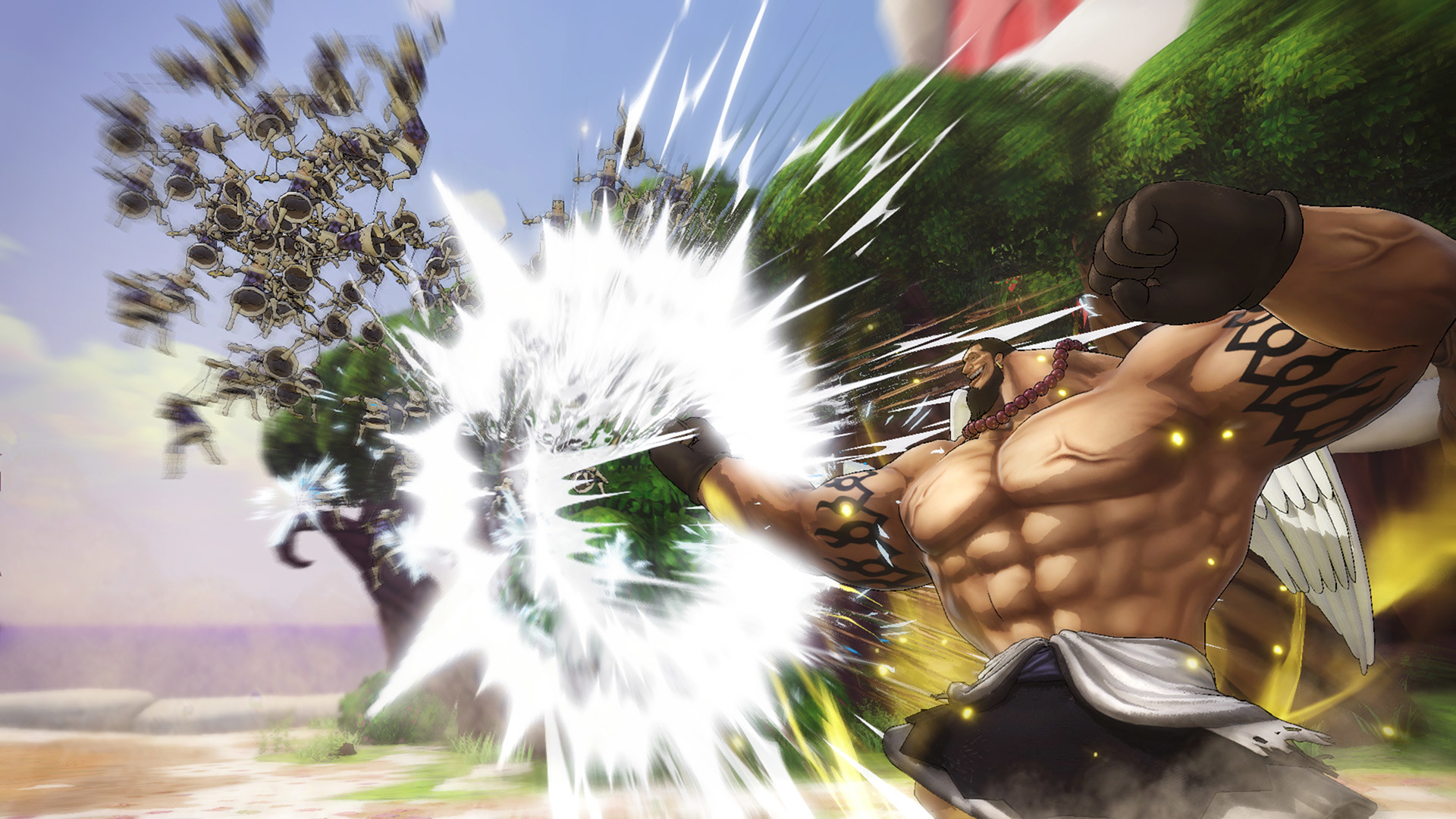
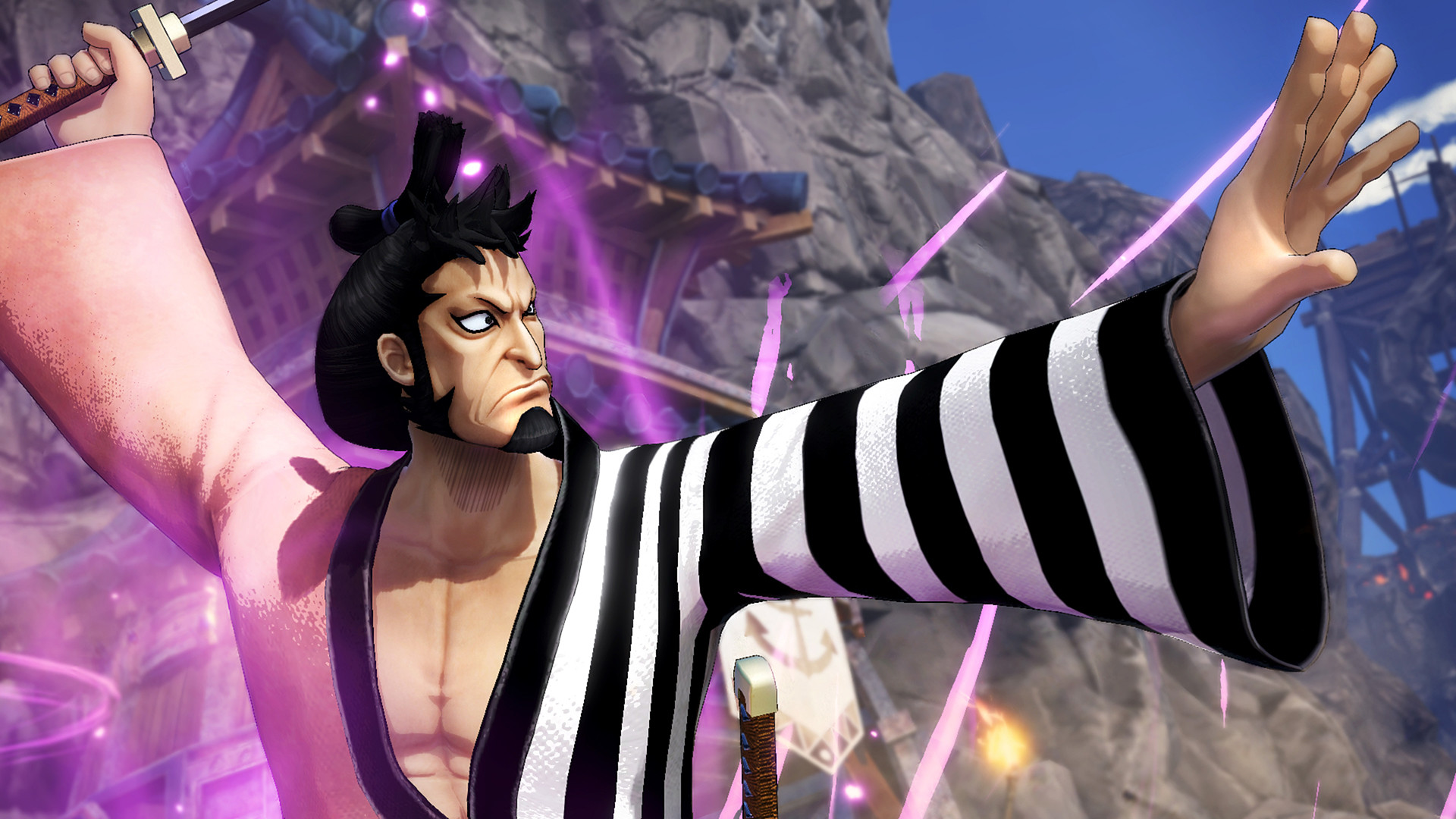
System requirements
Minimum
• Requires a 64-bit processor and operating system • OS: Windows 10, 64bits • Processor: Intel Core i5 3450 / AMD Ryzen 3 1300X • Memory: 8 GB RAM • Graphics: NVIDIA GeForce GTX 660 (2GB) / AMD Radeon HD 7870 (2GB) • DirectX: Version 11 • Network: Broadband Internet connection • Storage: 25 GB available space • Additional Notes: Graphics settings: All 'Low' or 'OFF'; Expected Framerate: 30 FPS @ 1280x720
Recommended
• Requires a 64-bit processor and operating system • OS: Windows 10, 64bits • Processor: Intel Core i7 3770 / AMD Ryzen 5 1400 • Memory: 8 GB RAM • Graphics: NVIDIA GeForce GTX 1060 (3GB) / AMD Radeon RX 580 (4GB) • DirectX: Version 11 • Network: Broadband Internet connection • Storage: 25 GB available space • Additional Notes: Graphics settings: All 'High' or 'ON'; 'Character display number' only set to 'Medium'; Expected Framerate: 60 FPS @ 1920x1080
Languages: English, French, Italian, German, Spanish - Spain, Korean, Polish, Portuguese - Brazil, Russian, Simplified Chinese, Thai, Traditional Chinese
How to activate
Steam
- Start Steam on your computer and sign in to the account you will play on.
- In the Games menu, choose Activate a Product on Steam. You can also start from Add a Game at the bottom left.
- Go through the introductory screens, review Steam’s terms and paste the complete key without surrounding spaces.
- Finish activation, then find the game in your Library and select Install.
More from the series
 РФ ✓One Piece Burning BloodSteamXboxfrom $5.36450 ₽7 offers
 РФ ✓ONE PIECE: PIRATE WARRIORS 4 (Xbox One)Xboxfrom $15.711,320 ₽5 offersРФ ✓ONE PIECE: PIRATE WARRIORS 4SteamNintendofrom $8.75740 ₽6 offersРФ ✓One Piece Burning Blood - Gold EditionSteamXboxfrom $9.15770 ₽6 offers
 РФ ✓ONE PIECE World SeekerSteamfrom $6.63560 ₽5 offersРФ ✓One Piece: World Seeker (Deluxe Edition)Steamfrom $10.11850 ₽5 offersРФ ✓ONE PIECE: PIRATE WARRIORS 4 (Ultimate Edition)Steamfrom $22.341,870 ₽5 offers
 РФ ✓ONE PIECE ODYSSEYSteamfrom $8.61720 ₽4 offers
Game details from Steam.